-
-
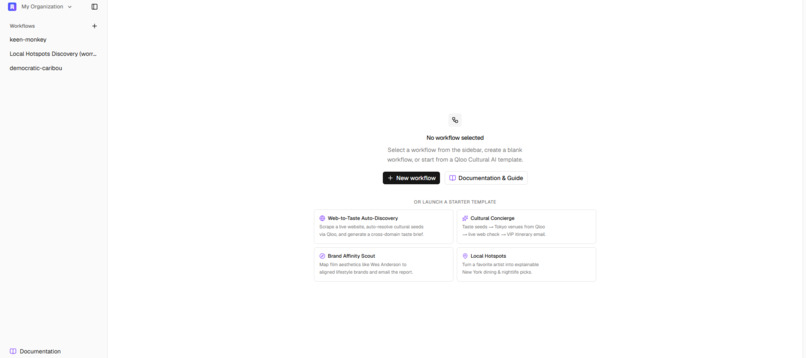
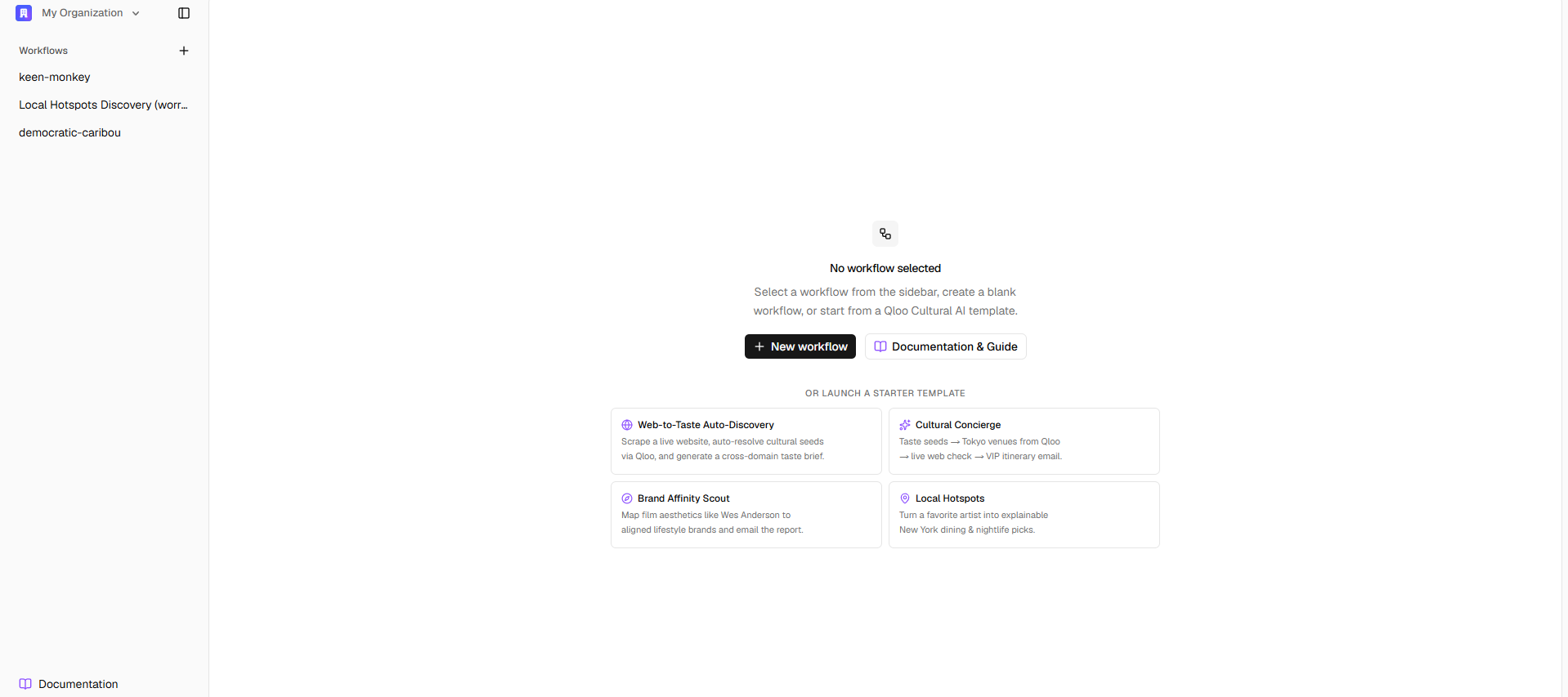
Workflow Launch & Template Hub
-
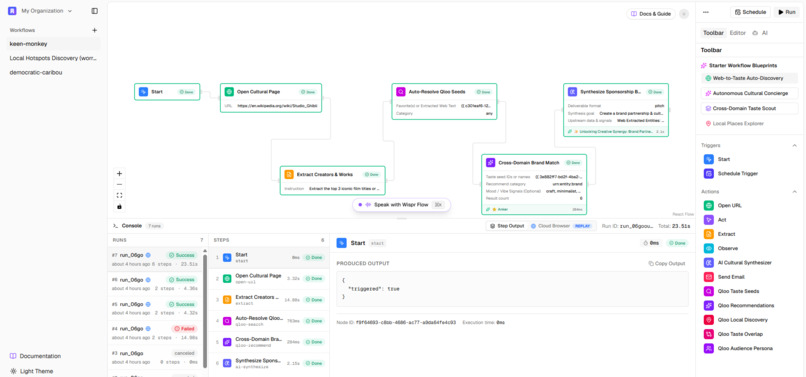
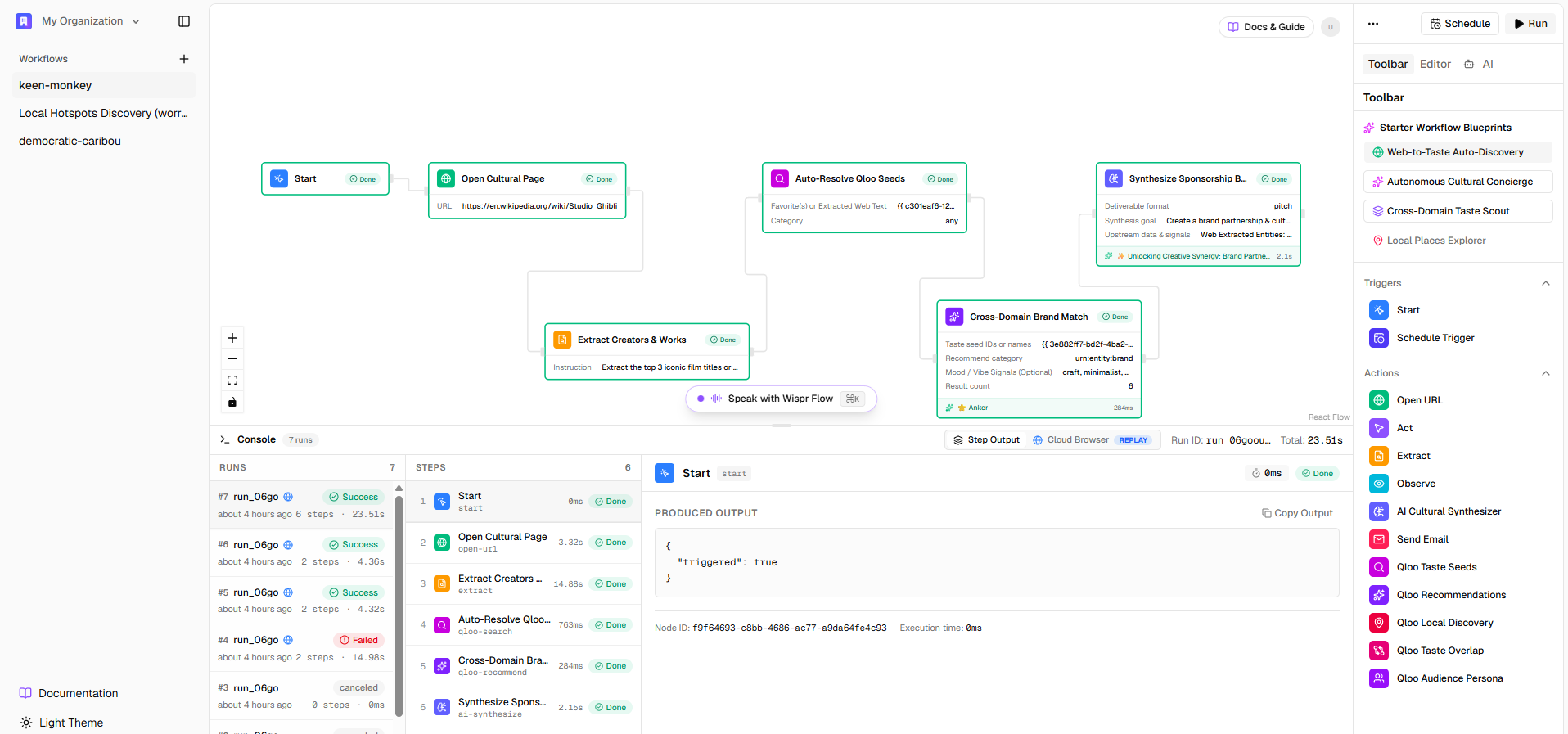
Interactive Node Canvas & Execution Console
-
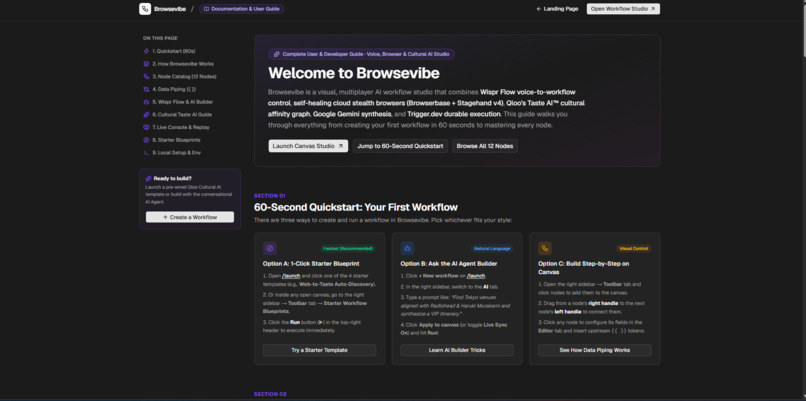
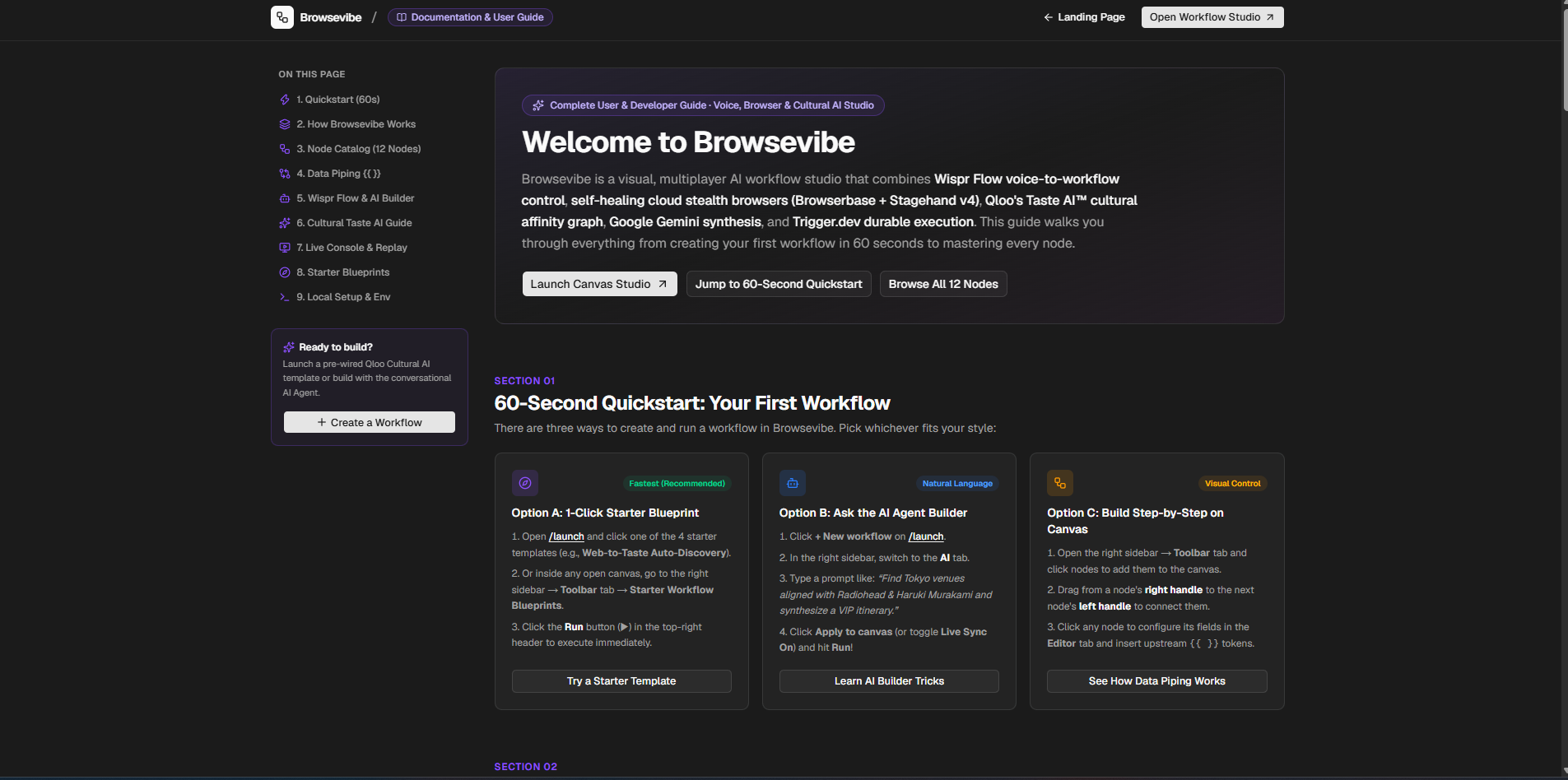
Documentation & Guide View
-
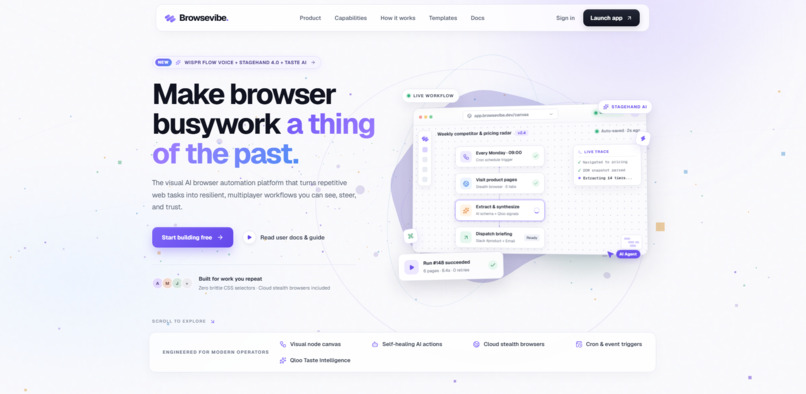
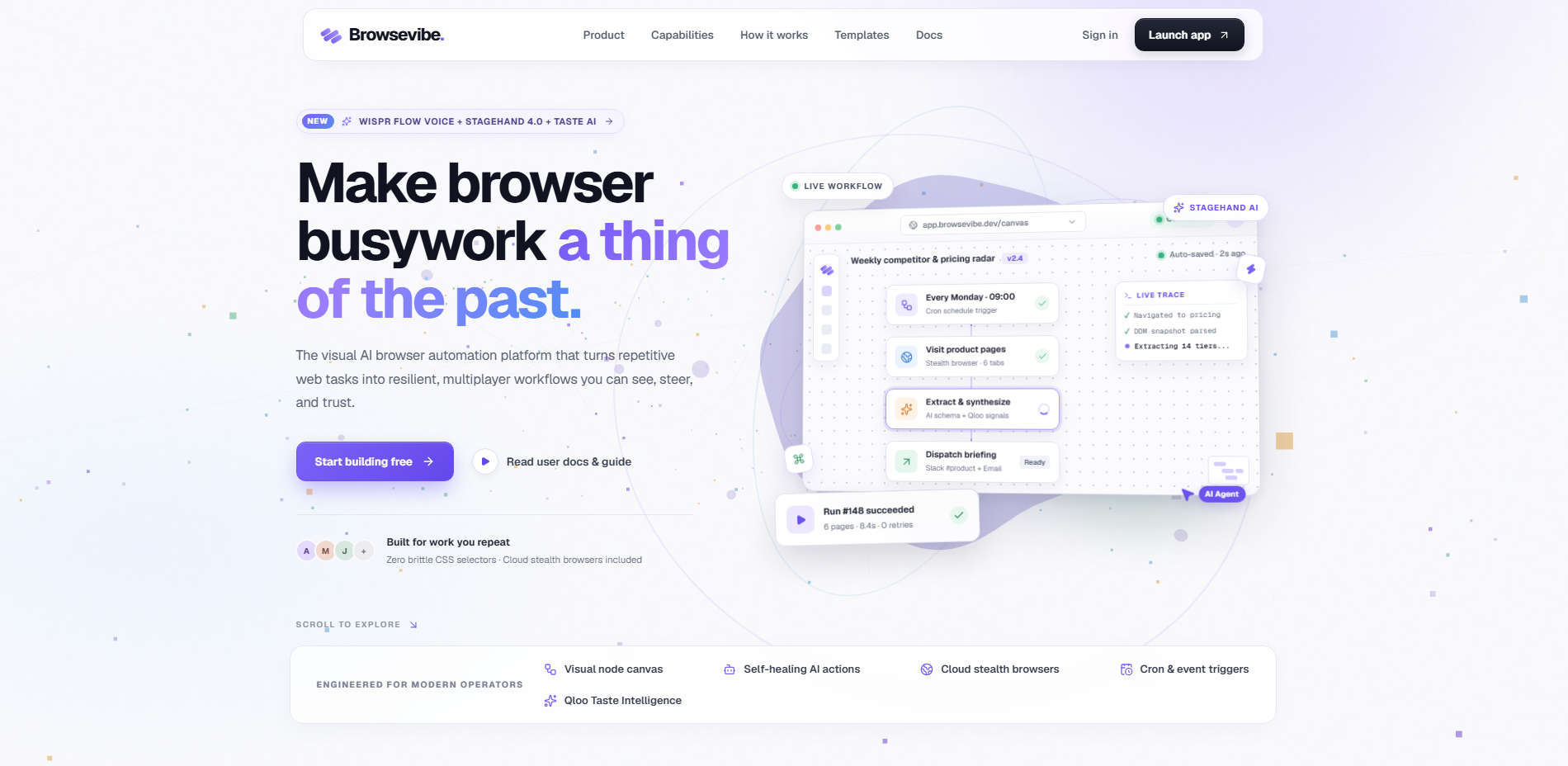
Landing Page
Inspiration
The web is incredibly vast, but automating it has traditionally required deep coding knowledge. We wanted to build a platform that breaks down these barriers—a visual, node-based browser automation tool that anyone can use. Beyond simple automation, we wanted to inject cultural intelligence into the process. By integrating Qloo's Cultural AI, we envisioned a "taste-aware" agent that doesn't just click buttons, but understands user preferences, vibes, and cultural context to perform highly personalized web tasks.
What it does
BrowseVibe is a visual browser automation platform. It features an interactive, drag-and-drop canvas where users can connect different workflow nodes to create autonomous web agents. Instead of writing code, users can visually map out sequences involving browser actions, data extraction, and conditional logic.
Crucially, it features a dedicated Qloo node that fetches cultural and taste data. This allows the workflow to make dynamic decisions—like automatically browsing and purchasing concert tickets for artists similar to a user's favorite band, or scraping culturally relevant products based on specific demographic tastes.
How we built it
The project was built as a full-stack web application focusing on real-time collaboration and robust background execution:
- Frontend & Canvas: Built with Next.js (App Router) and React Flow for the visual node-based editor. We used Liveblocks to enable real-time, multiplayer collaboration on the canvas, allowing teams to build workflows together.
- UI/UX: Styled using Tailwind CSS and shadcn/ui components for a clean, accessible interface.
- Automation Engine: Powered by Trigger.dev for reliable background task execution and Playwright for headless browser automation.
- Database & Backend: We utilized Neon serverless Postgres managed via Drizzle ORM.
- Integrations: Integrated the Qloo API for cultural AI intelligence, Resend for email notifications upon workflow completion, and neatlogs for tracing.
Challenges we ran into
Building a reliable visual node editor is inherently complex, especially when syncing state in real-time across multiple users using Liveblocks. Ensuring that the visual connections on the canvas accurately translated into sequential, executable code for the backend automation engine took several iterations. Additionally, managing Playwright instances within Trigger.dev background tasks required careful orchestration to handle timeouts, dynamic web elements, and varying execution environments without crashing the workflow.
Accomplishments that we're proud of
We successfully bridged the gap between a visual, user-friendly interface and a highly technical headless browser automation engine. We are particularly proud of the Qloo integration, which transforms BrowseVibe from a standard automation tool into an intelligent, taste-aware agent capable of making nuanced decisions. Seeing the canvas execute a complex web workflow entirely in the background while syncing in real-time was a massive win.
What we learned
We gained deep insights into orchestrating serverless background jobs using Trigger.dev and managing complex distributed state with React Flow and Liveblocks. We also learned how to effectively prompt and parse data from Qloo's Cultural AI, mapping abstract concepts like "taste" and "vibe" into actionable browser automation logic.
What's next for BrowseVibe
We plan to expand the node registry with more pre-built actions and templates for common workflows. We also want to deepen the Qloo integration to support more cultural categories (like dining, travel, and reading) and eventually introduce an AI copilot that can automatically generate entire node workflows from a simple text prompt.
Built With
- drizzle-orm
- liveblocks
- neon
- next.js
- playwright
- postgresql
- qloo-api
- react
- resend
- shadcn/ui
- tailwind-css
- trigger.dev
- typescript

Log in or sign up for Devpost to join the conversation.