Inspiration
We realized that so many valuable data sources and workflows live behind websites with no API — flight search pages, product listings, government portals, dashboards, and more. People repeat the same browser actions every day, yet current automation tools either require coding, fragile scripts, or only work with APIs.
We wanted something simple: Tell an AI what to do, schedule it, and let it run automatically. That’s how Browser Cron was born.
What it does
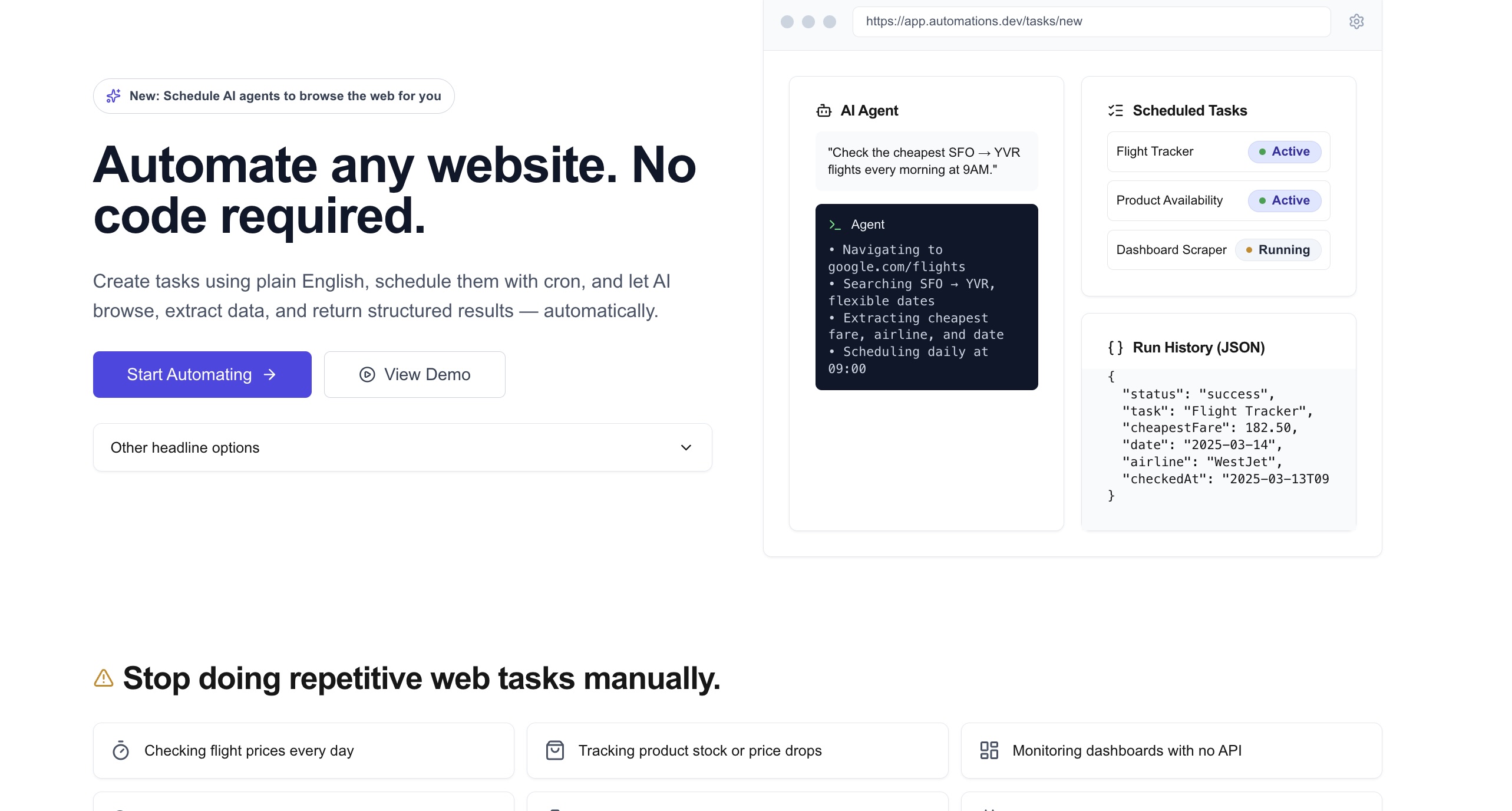
Browser Cron turns natural-language instructions into automated browser tasks that run on a schedule.
Users can:
Create tasks using plain English, assign a cron schedule. Let our AI agent browse the web, extract structured results, and save everything with logs
It’s like having a 24/7 AI assistant that checks prices, monitors listings, scrapes info, and tracks changes — all without writing a single line of code.
How we built it
Next.js for the frontend and API routes
Supabase + Prisma for the database and task/run history
Browser Use Cloud to execute tasks in a real AI-powered browser
Zod schemas for reliable structured output
GitHub Actions to trigger scheduled tasks every 10 minutes
Tailwind CSS for a clean and fast UI
Bearer-token cron endpoint for secure automation
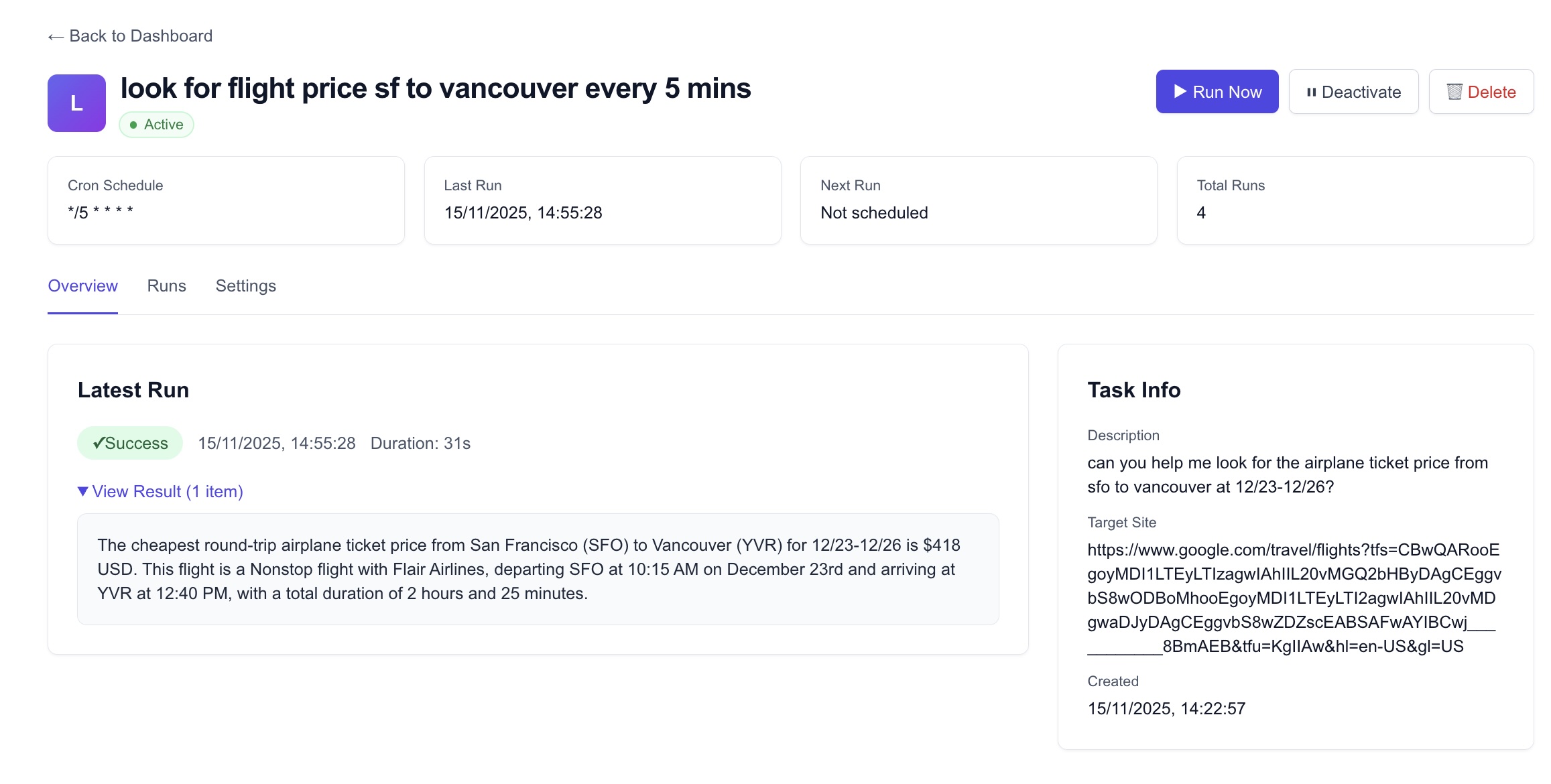
The system polls Browser Use Cloud, saves run details, parses JSON output, and displays everything in a task dashboard.
Challenges we ran into
- Prisma Client Generation in Production - The nextRunAt field existed in the
schema but wasn't available in the Prisma client during Vercel deployment. Fixed
by adding a postinstall script to run prisma generate automatically.
- JSON Output Parsing - The Browser Use API returned results as stringified JSON ("{\"result\": [\"text\"]}") rather than parsed objects. Had to implement conditional parsing logic to handle both string and object formats and extract only the relevant data.
- Cron Scheduling Architecture - Designed a dual approach using Vercel Cron for production and GitHub Actions as backup, requiring proper authentication handling (user-agent detection for Vercel, Bearer tokens for external schedulers).
- Database Query Optimization - Initially checked all active tasks with isDueNow() function, which doesn't scale. Refactored to use indexed nextRunAt field for efficient querying of due tasks.
- User Experience for Cron Expressions - Raw cron syntax is not user-friendly. Built a visual schedule picker with radio buttons and live preview of next 5 executions, auto-generating the cron expression behind the scenes.
- Foreign Key Constraints - Hit database errors when using userId: "demo-user" before the user existed. Created a seed script to ensure demo data is properly initialized.
Accomplishments that we're proud of
- Built a full end-to-end AI browser automation platform
From task creation to scheduled execution to run history, everything works seamlessly. Users can create natural-language browser tasks, view results, and rely on automated execution — all without touching code.
- Designed a visual, human-friendly cron scheduler
Instead of asking users to memorize cron syntax, we built a clean UI for selecting time intervals (Every X minutes, Daily, Monthly, Yearly, Custom). The live preview showing the next 5 run times is a major UX win and removes the biggest barrier people have with cron.
- Implemented reliable automated execution via Vercel Cron + GitHub Actions
We built a dual-scheduler system that checks for due tasks every 5 minutes, authenticates via CRON_SECRET, updates nextRunAt timestamps, and ensures tasks run consistently even if one scheduler fails.
- Integrated Browser Use Cloud into a production workflow
We successfully orchestrated real browser automation through Browser Use Cloud, parsed structured JSON output, handled logs, and stored everything in the database.
- Built a polished dashboard and landing page
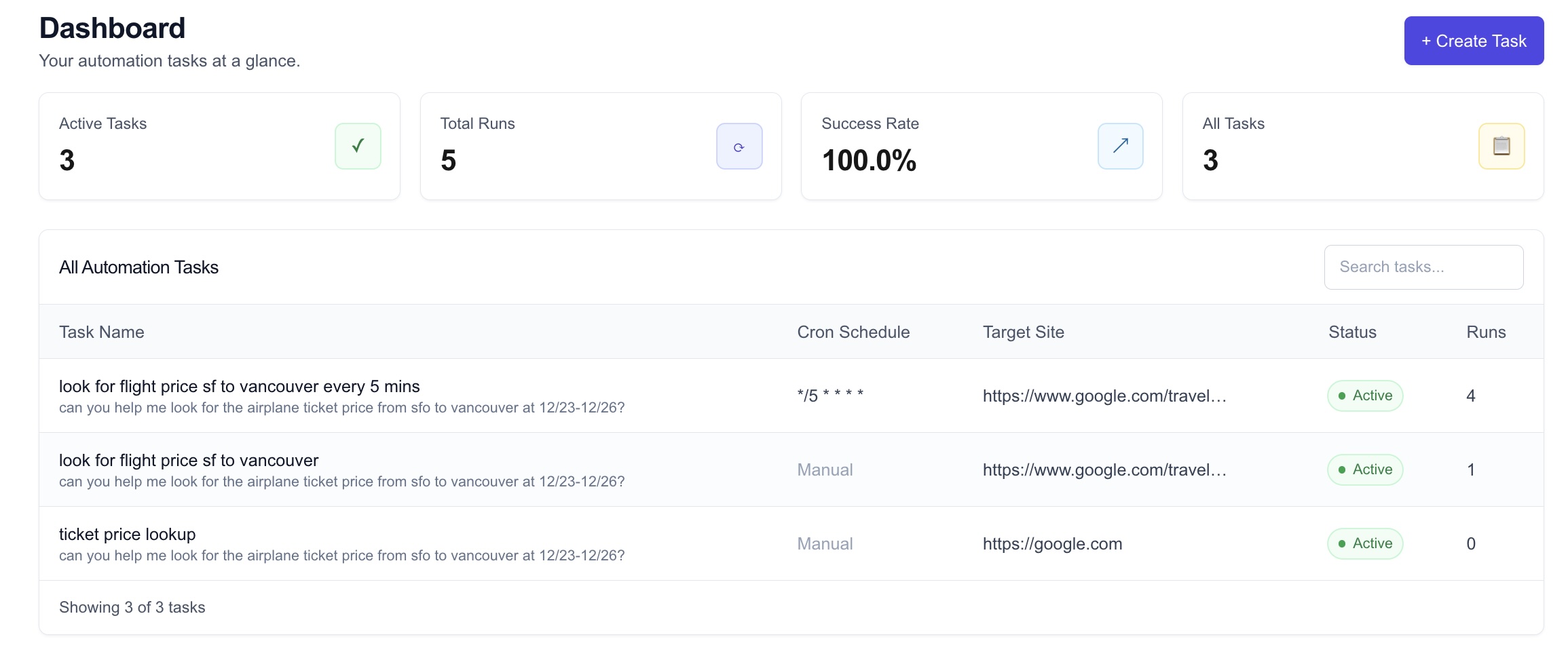
The dashboard shows execution history, logs, status badges, and parsed results — while the landing page clearly explains the problem, solution, features, and use cases. It's a cohesive product.
What we learned
- How to orchestrate AI agents inside a real browser environment
We learned how Browser Use Cloud works behind the scenes — from task creation and polling, to result parsing, to handling timeouts and execution retries. AI browser automation behaves very differently from traditional scraping or RPA.
- Cron scheduling is trickier than it looks
We gained deeper understanding of cron edge cases, timezones, next-run calculations, and how to generate valid expressions programmatically. Building a visual cron picker taught us how to translate UI selections into standardized cron strings.
What's next for Browser Cron
Authentication + user accounts
Notifications (SMS, email, Slack) when results change
Webhooks + API for integrations
Template library of common automations
Multi-step workflows (“search → filter → extract → notify”)
Browser Use Cloud session persistence, cookies, and logins
Team support and shared automations
Built With
- browseruse
- nextjs
- prisma
- supabase
- tailwind

Log in or sign up for Devpost to join the conversation.