-
-
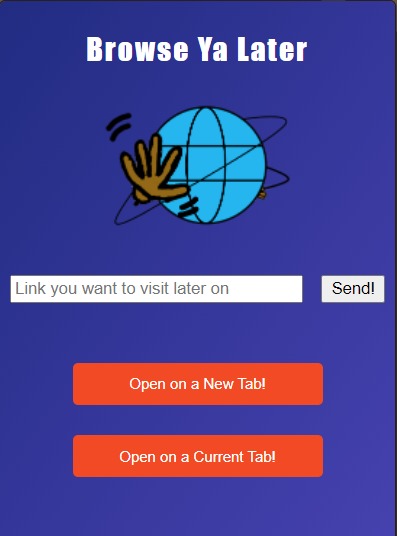
Extension Screen
Inspiration
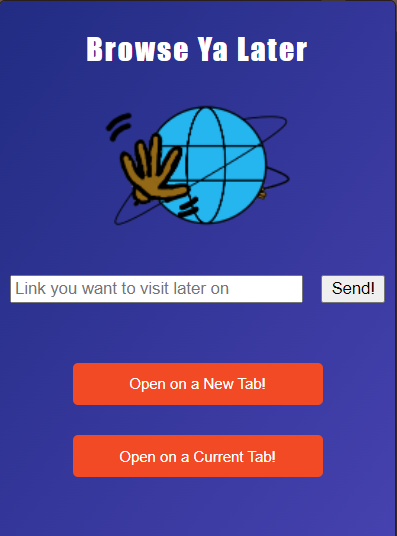
We had a very busy week in a school from exams and assignments. When we were sharing a story, we noticed that we get distracted really easy by websites that pops up. For example, as a hacker, it is a familiar experience that go YouTube to watch a video that explains about algorithm. Because YouTube has a really clever recommendation algorithm, we always got distracted from the videos that YouTube suggest us to watch next. If this happens once or twice, it won't be an issue but if this happens constantly, it will waste a large amount of time when you have to stay in focus. Browse Ya Later was created to resolve that issue.
What it does
When there is a unrelated website that you want to really check while you are working on other things, what do you do? Click the link with wheelbutton and keep ignoring the tabs while working on your task? Just pretend you didn't see anything and agonize few minutes until you get back to focus mode? That is the situation where Browse Ya Later can help you. Open the extension and tuck the link into a queue. Later on when you are done with your task or enjoying a free time, you can reopen the extension and start to browse the websites that you saved.
How we built it
We used HTML+CSS+JS to create it. Popup menu is created by HTML and CSS and JS to manage systems.
Challenges we ran into
We were all first time to working on a chrome extension and compare to other projects, there are very limited amount of tutorials. So, in every step, we had to make sure everything is working or not. 3 of us had difference in experience of programming, so it was hard to divide the tasks in a way that everyone can keep working on.
Accomplishments that we're proud of
Even though there are some minor issues, we are proud that we have made an extension that people can actually use it.
What we learned
How chrome extension is made
What's next for Browse Ya Later
Since most of the parts are completed, we have submitted to Chrome Web Store. If there is no issues found in screening process, it will be posted on Chrome Web Store and anyone can install it into their chrome.

Log in or sign up for Devpost to join the conversation.