-
-
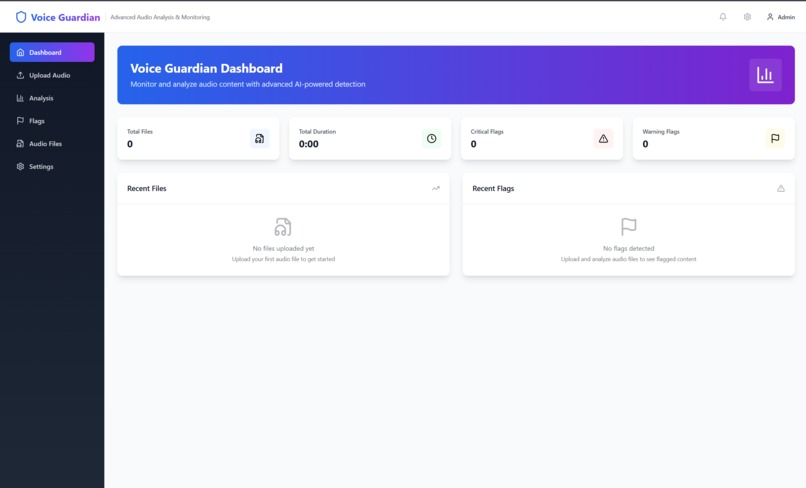
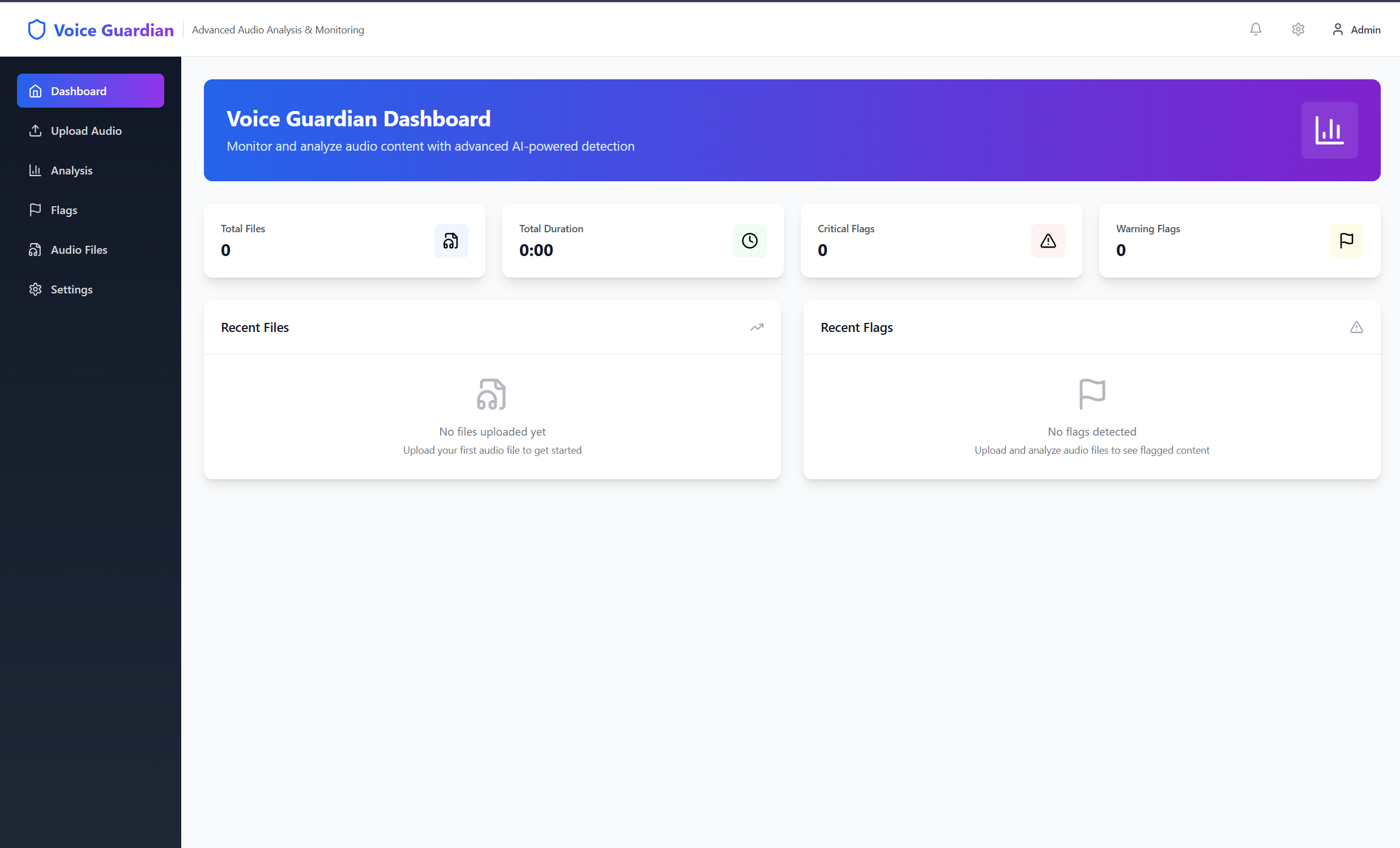
dashboard of Voice Guardian
I listen to a lot of livestreams and podcasts and kept noticing how hard it is to spot toxic or hateful remarks before they reach the audience. I’d sketched the idea of an “audio content filter” months ago but never had a clear path to a prototype. The Bolt.new hackathon finally gave me both the deadline and the tooling to turn the sketch into something real.
What Voice Guardian Does Lets anyone drop an audio file—or record right in the browser—and seconds later see a full transcript with every problematic word highlighted. Runs entirely on the user’s device, so no uploads, accounts, or API keys. If advanced AI models can’t load, it silently switches to browser-native speech-to-text and a keyword filter, so the pipeline never breaks. Shows live stats and a flag timeline so creators can scrub, review, and fix trouble spots fast.
How We Built It Bolt.new scaffolded a Vite + React + Tailwind project in minutes. Integrated WaveSurfer.js for the interactive waveform and playback. Added Whisper-tiny via @xenova/transformers for in-browser STT, with a Web Speech API fallback. Wired a Hugging Face toxicity model for moderation, backed up by a 40-word keyword list when the model can’t load. Used Zustand for state and localStorage for settings persistence. Finished with responsive tweaks, a collapsible sidebar, and clear error banners so the demo runs on any screen.
Challenges Model loading in the sandbox. Bolt’s dev container blocked large model downloads, so transcription and moderation failed until we built the dual-fallback system. Keeping the UI responsive while Whisper loaded—lazy imports and skeleton loaders saved the day. Timeboxing: fitting a real audio pipeline—and the polish judges expect—into a single weekend sprint.
Accomplishments We’re Proud Of A zero-server, zero-cost audio moderation tool that never leaves users stuck. Clean, mobile-first UI that anyone can try in under a minute. Robust error handling and user messaging that makes the tech feel trustworthy, not brittle.
What We Learned Small, thoughtful fallbacks beat perfect-but-fragile AI every time. Bolt.new is great for front-end velocity, but heavy models still need special care. Clear UX copy—“AI transcription active” vs. “Browser transcription active”—prevents confusion and builds user trust.
What’s Next True real-time WebRTC moderation so streamers can auto-mute trolls on the fly. Non-speech sound alerts with YAMNet (barks, screams, door slams). Webhooks and Slack pings so human mods can jump in when the filter trips. A plug-and-play SDK for OBS and classroom platforms.
Voice Guardian’s hackathon build proves the core concept; the roadmap turns it into a full-scale safety layer for live audio everywhere.
Built With
- bolt.new
- css
- html
- javascript
- localstorage
- mediarecorder-api
- netlify
- react-18
- tailwind-css
- vite
- wavesurfer.js-(waveform)
- web-audio-api
- web-speech-api-(fallback-stt)
- xenova/transformers
- ypescript
- zustand-(state)


Log in or sign up for Devpost to join the conversation.