Inspiration
Some things are "not a phone task." Booking a trip, comparing ten hotels, filling out a form across three sites: you put the phone down and go find a laptop. Then you open 15 tabs and your laptop fans spin up.
The iPhone Duo is the first phone big enough for that kind of work, and it already ships the best browser engine there is, WebKit. What it doesn't have is a browser built for the fold. So we built one, and gave it agents that do the tedious clicking for you.
Brold = Browser + Fold.
What it does
Brold is a Safari-style browser that changes shape with the phone, and it has AI agents that browse for you.
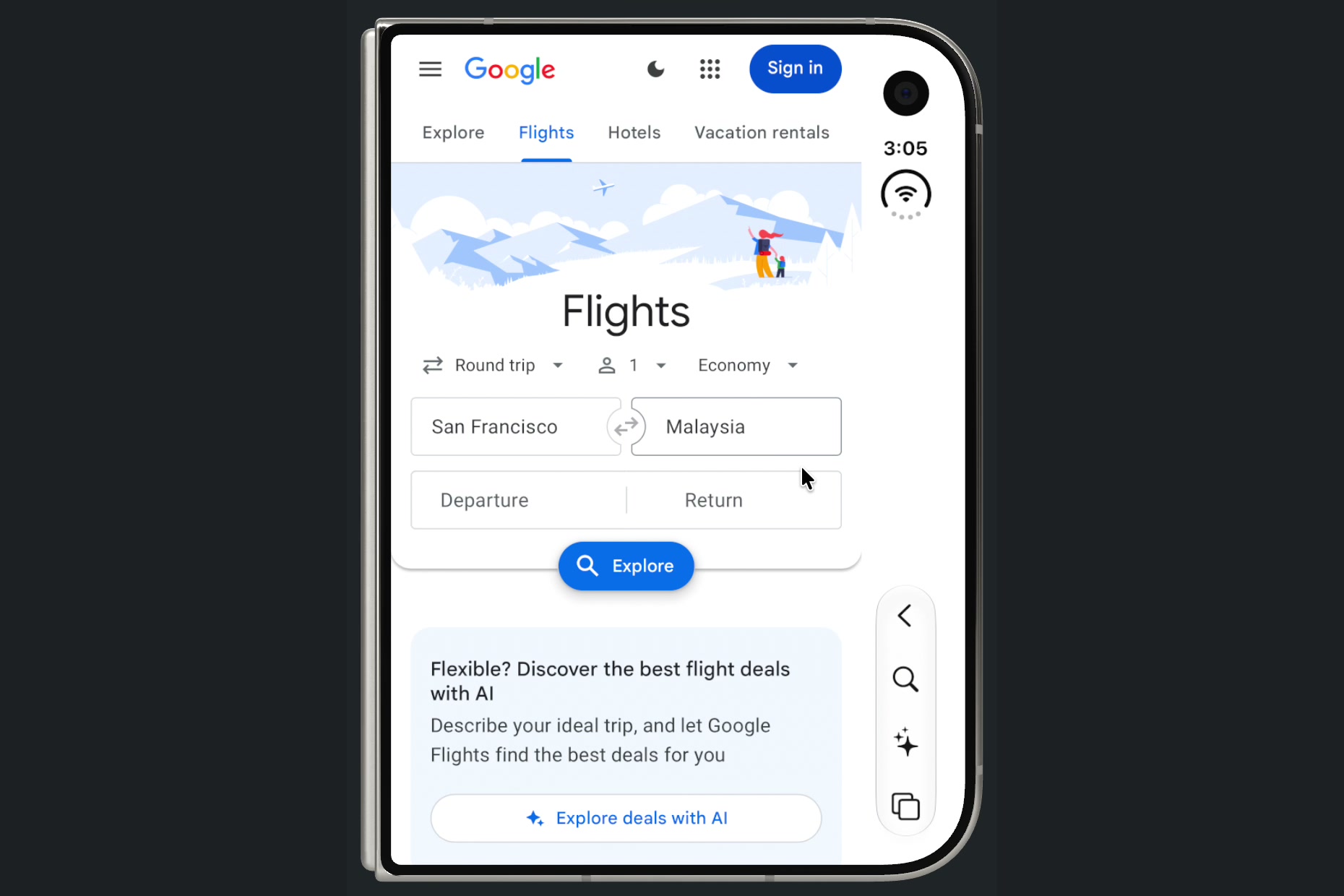
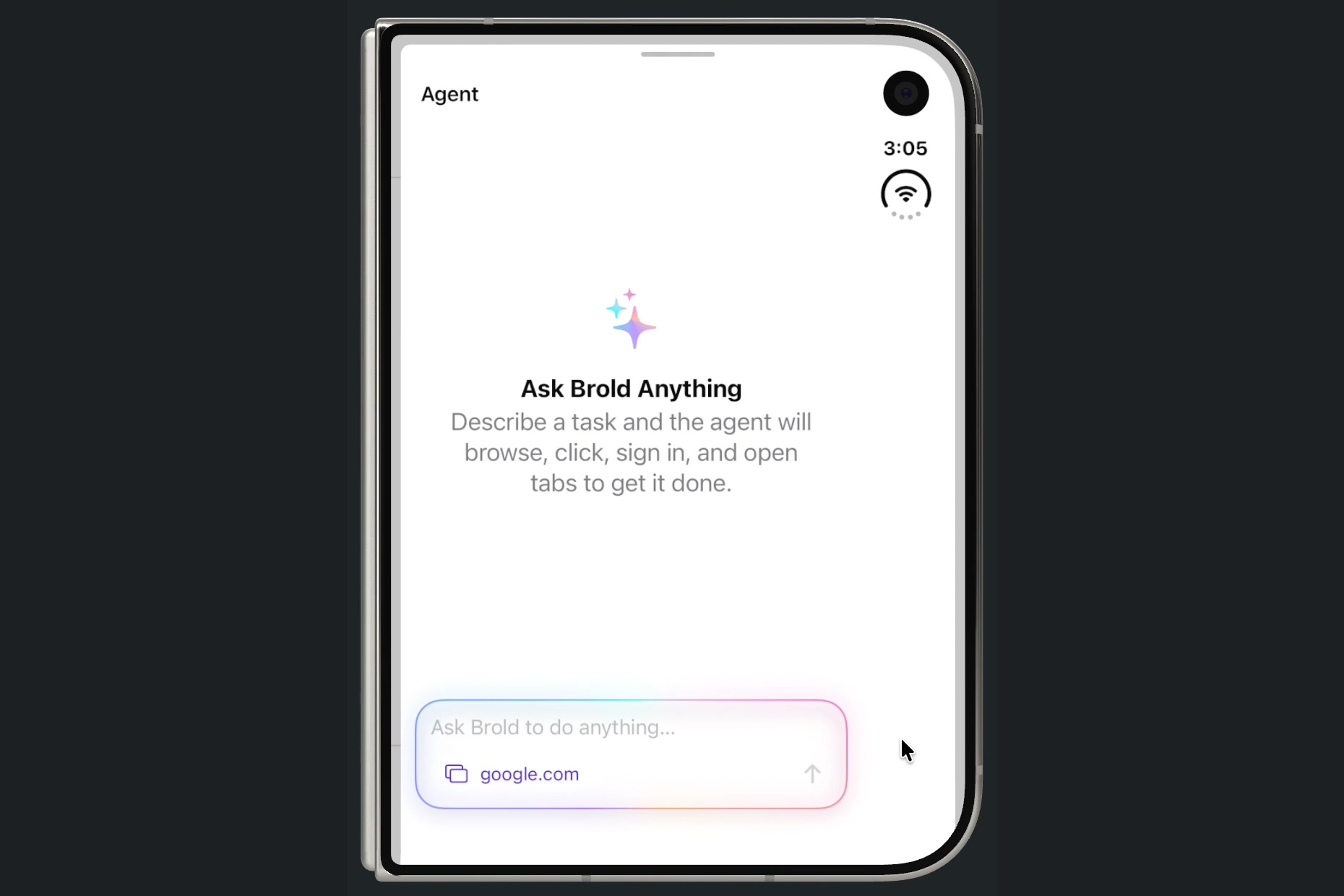
Closed, it's a normal phone browser. Floating glass address bar, favorites start page, tab grid. On iPhone Duo the system toolbar moves to the vertical edge, right under your thumb. Tap the sparkle and "Ask Brold Anything."
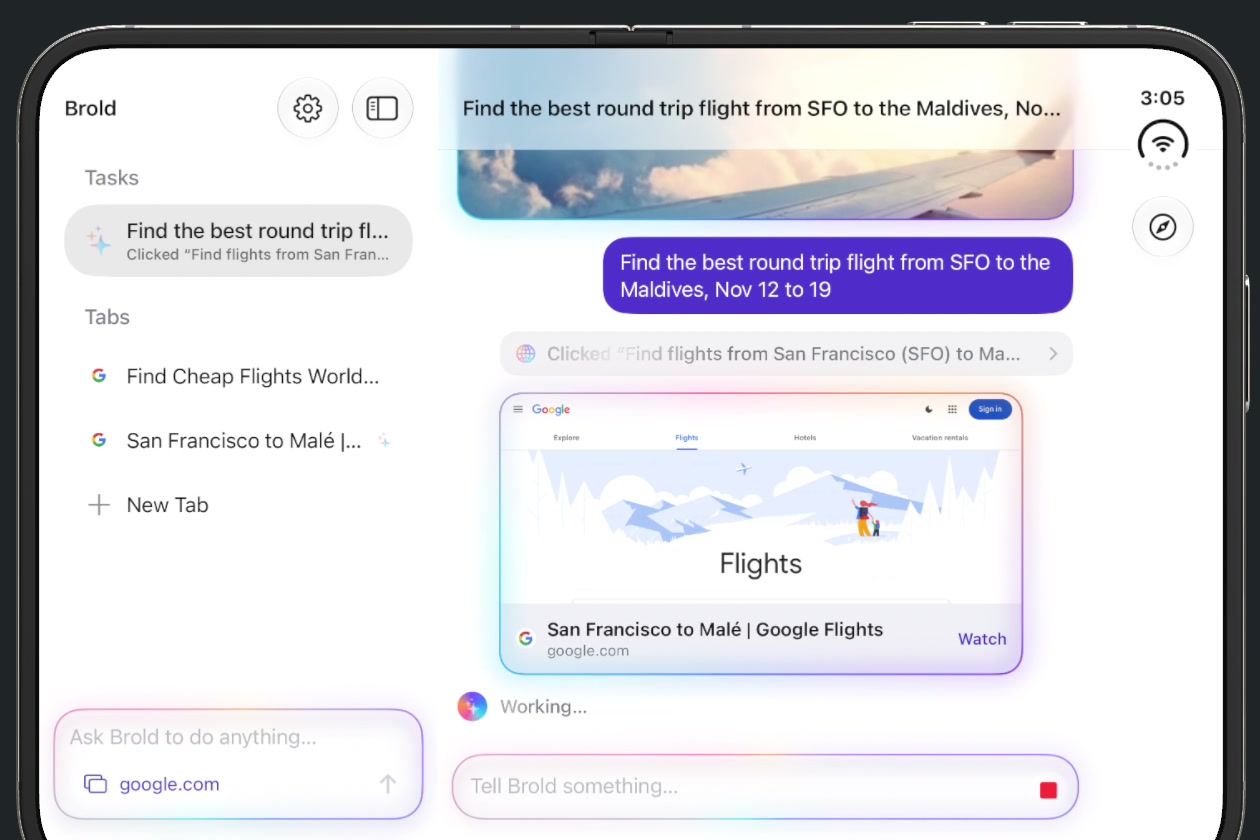
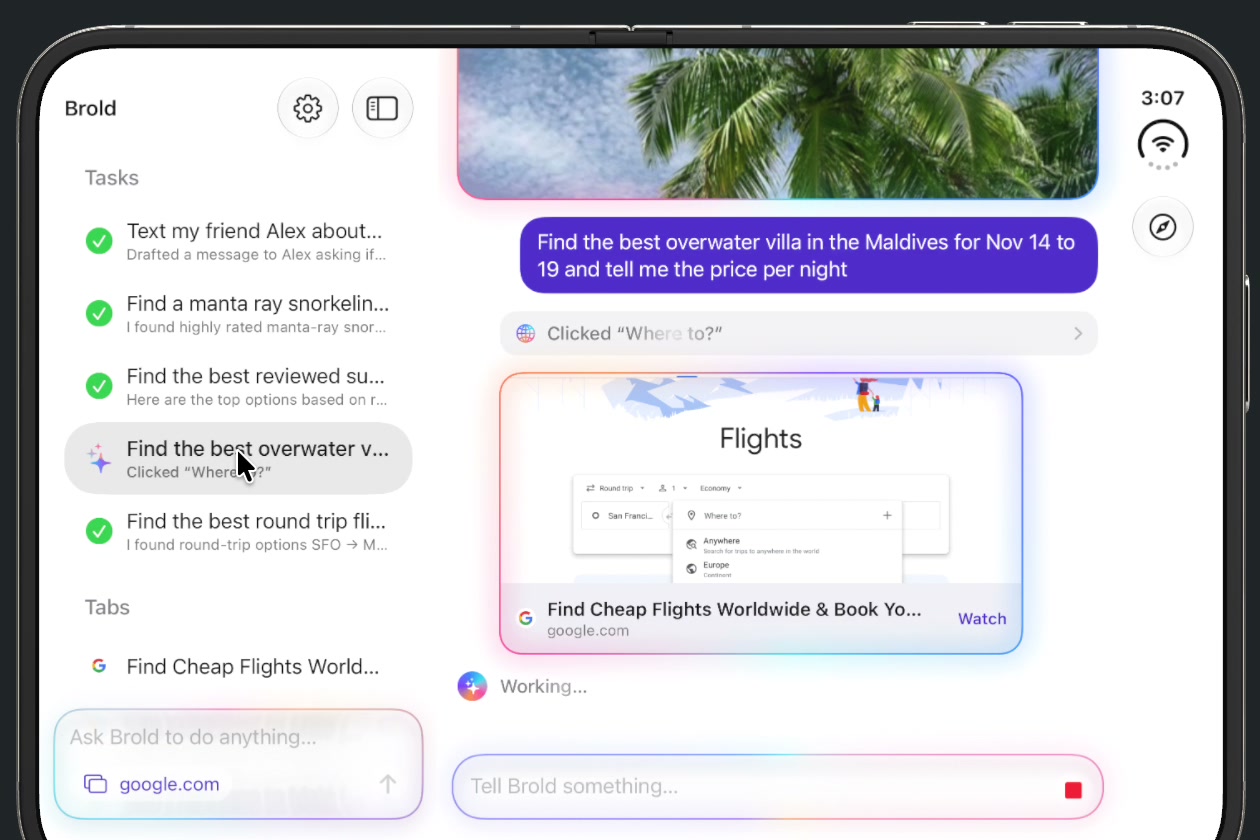
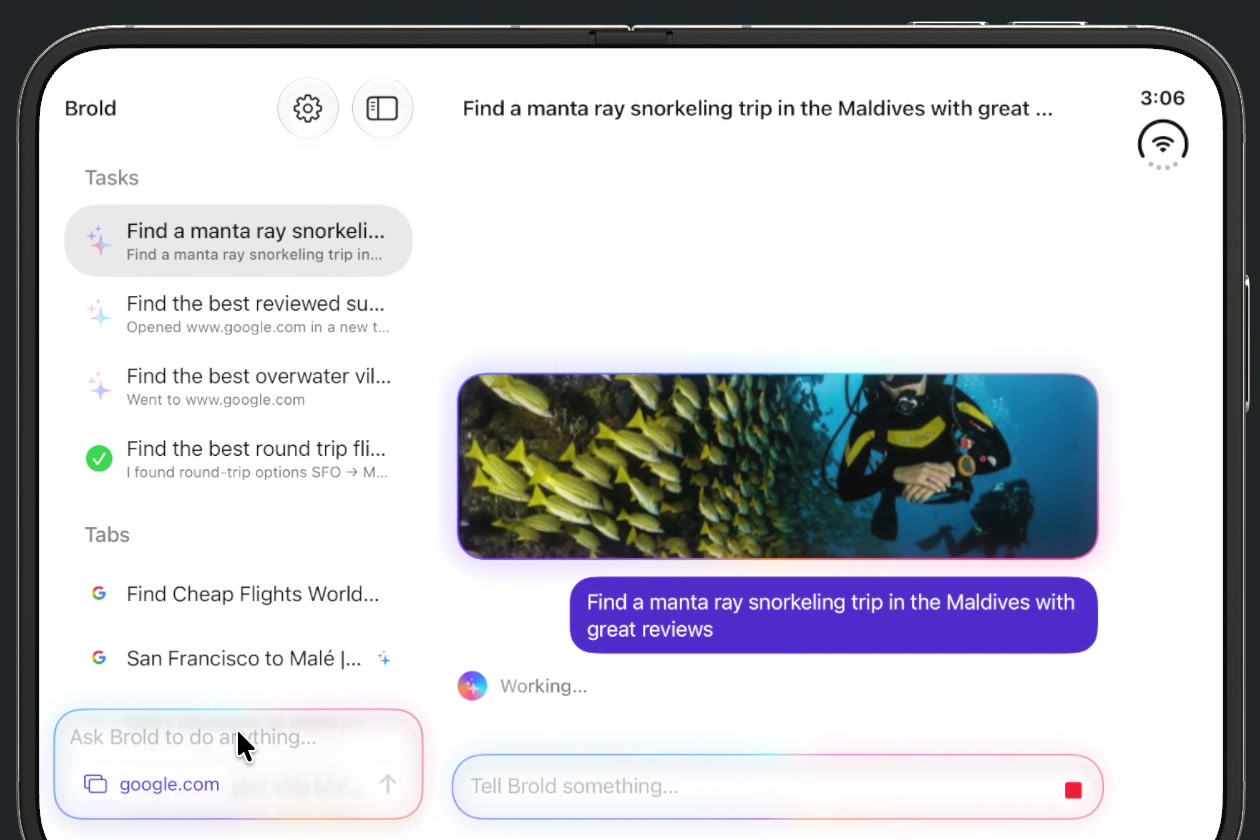
Open it flat or like a book, and it becomes a workspace. Tasks and vertical tabs sit in a sidebar, like a code editor. The page or the agent's chat fills the other half. You can send off a task ("find the best round trip from SFO to the Maldives, Nov 12-19"), start another one right away, and watch them all run side by side.
Set it down like a laptop, and the fold splits the job in two. The web page goes on the top half and the agent dock drops to the bottom half, right along the crease. It's a tiny laptop, but the keyboard is an agent.
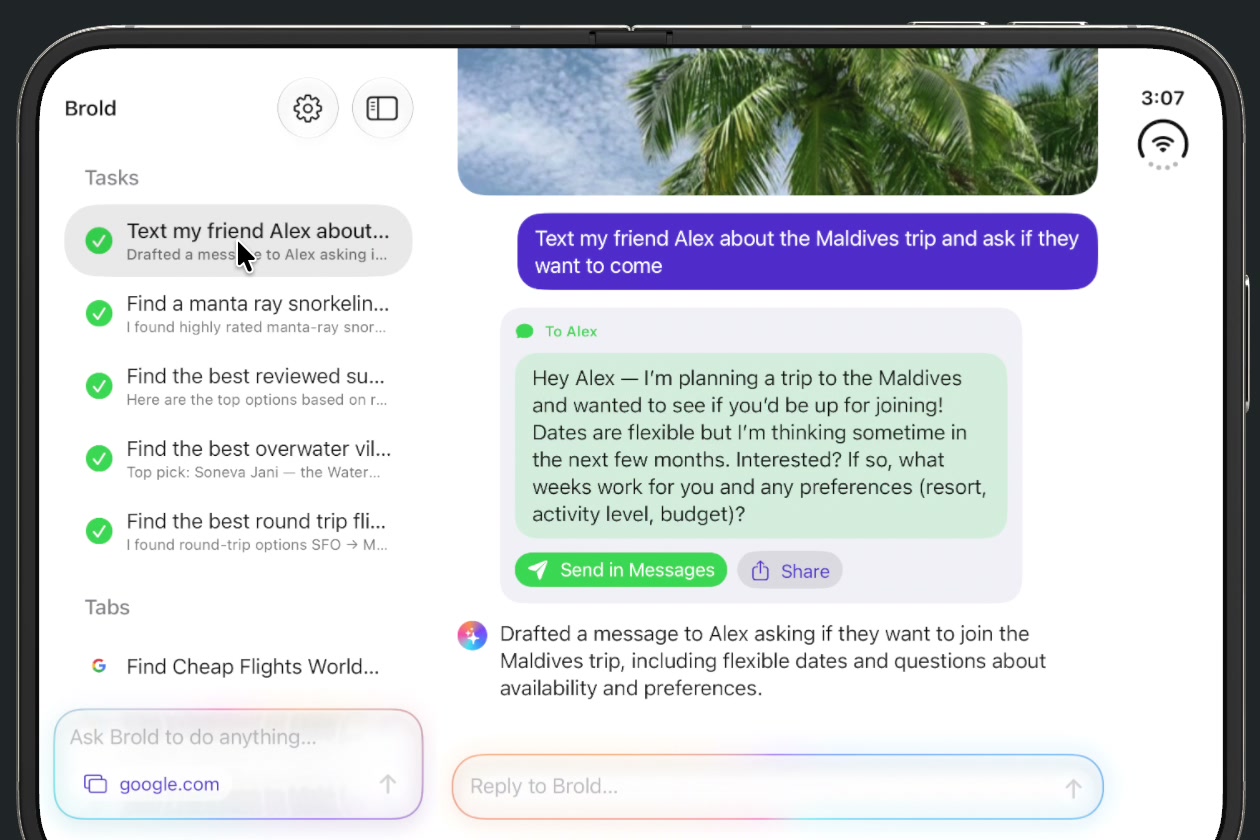
Agents that actually do things. Each task gets its own tab and a real WebKit page. The agent can open tabs, click, type, scroll, pick dropdown options, press keys, look at a screenshot of the page, and sign in with your saved passwords. It shows every click in the chat with a highlight on the page, asks you when it needs a decision, and can draft a text for you to review and send.
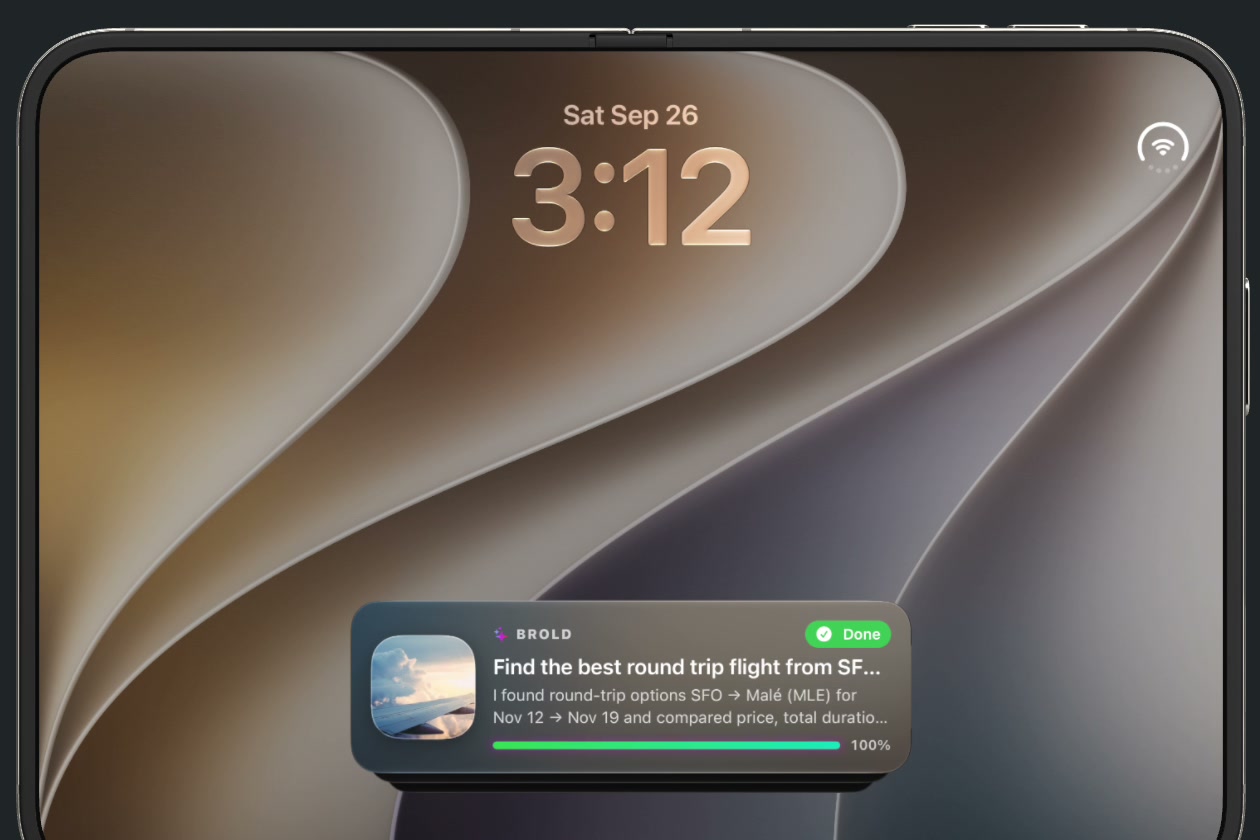
Keep working when you close the phone. Running tasks show up as a Live Activity on the Lock Screen and Dynamic Island, with a photo, a progress bar and plain-text status. Background processing keeps the agent going after you leave the app.
Your passwords come with you. Import a CSV from the Passwords app, Safari, Chrome, 1Password or Bitwarden at onboarding. Credentials stay encrypted in the Keychain, the agent fills them in without ever reading them, and you can turn off agent sign-in in Settings.
How we built it
Brold is about 4,300 lines of Swift and SwiftUI, built in Bitrig on the iOS 27.1 SDK and tested in the iPhone Duo simulator.
Reading the fold. Brold switches layouts from the size class (compact = closed phone, regular = open). Then a small FoldPosture helper reads the active fold from reservedRegions(kind: .division): a tall crease means "book," a wide crease means "laptop."
guard let fold = proxy.reservedRegions(kind: .division).first(where: \.isActive) else { return .flat }
return fold.frame.width > fold.frame.height ? .tabletop : .book
Laptop pose. When the posture is .tabletop, Brold uses the new ArrangementView to put the web page in one half and the AgentDock in the other, split along the real crease. Flat and book poses use a NavigationSplitView with the task and tab sidebar.
Duo-native toolbars. Browser controls are system toolbar items, so on iPhone Duo they move to the vertical edge automatically instead of sitting in a custom bar that fights the hardware.
The agent loop. Each task runs its own AgentRunner that talks to an OpenAI model (default gpt-5-mini, low reasoning effort for fast step-by-step browsing) through tool calling. It has 18 browser tools: open_tab, navigate, read_page, look_at_page (a screenshot for vision), click, type_text, select_option, press_key, scroll, fill_login, switch_tab, start_task, ask_user, draft_message and more. Tools run against the task's own WebKit page, and every tool call gets a result before the next model turn.
Staying alive. Live Activities are driven by ActivityKit plus a widget extension. BGContinuedProcessingTask keeps one shared background job running for all active agents, with a per-task background-time fallback.
Privacy. The OpenAI key and the password vault are stored in the Keychain. Nothing goes to a Brold server, because there isn't one.
Challenges we ran into
- WebKit and a phone that changes shape. Folding and unfolding rebuilt the web view mid-page and crashed it. We had to keep each tab's web page alive across layout changes.
- Agents are slow by default. Full reasoning on every click felt like watching paint dry. Light reasoning, whole-word element matching, and batching tool results made steps feel snappy.
- Showing what the AI did. A blind agent is scary. We added click highlights on the page, a "Clicked ..." line in the chat, and a glow around any tab an agent is driving.
- Recording the demo. We tried to have an AI agent record the demo for us, but it couldn't operate a folding phone. So we built a recording mode where the real agent browses real sites with a visible cursor.
- Xcode took 2.5 hours to download. Bitrig had a working app before Xcode was installed.
Accomplishments that we're proud of
- A browser that uses all three Duo shapes (closed, book/flat, laptop) as three different ways to work, not one stretched layout.
- Several agents browsing real sites at the same time, each in its own tab, while you keep using the browser.
- Lock Screen Live Activities, so you can close the phone and still see your agents finishing the job.
- Going from idea to a full Safari-style browser with agents, a password vault and Live Activities in one hackathon.
What we learned
- The fold works best as a mode switch, not a gimmick: closed for quick looks, open for real work, laptop for "type and watch."
- Using system components (toolbars,
NavigationSplitView,ArrangementView, reserved regions) is what makes an app feel native on new hardware for free. - WebKit is fast enough to run several agent tabs on a phone without breaking a sweat.
What's next for Brold
- On-device models with Apple Foundation Models, so simple tasks never leave the phone.
- Hand-off between folds: start a task on the outer display and see it already laid out when you open the phone.
- Shared tasks: send a finished trip plan to a friend as a live link.
- Safari passwords and passkeys through the system credential APIs instead of CSV import.
- Ship it on the App Store the day the iPhone Duo does.

Log in or sign up for Devpost to join the conversation.