
Inspiration
In these uncertain times that we live in, we need to be ready for anything. We never know when a storm is going to affect our home or cut the power in your city or region, when social unrest is going to disrupt the supply chain or when any other unexpected situation might happen. Life can surprise us with all kinds of challenges and it is advisable to be ready for what can happen.
Trainings are already available for those who want to be better at handling emergencies at a large scale. Simulations in XR have flourished to give emergency and health workers the knowledge and skills they need to solve those situations. However, little training is available to the common people when it comes to things that can occur at home, in our daily lives.
What it does
Simulations are a great way to learn and remember how to act in emergency situations. This is why it is currently being used by professionals for training their employees.
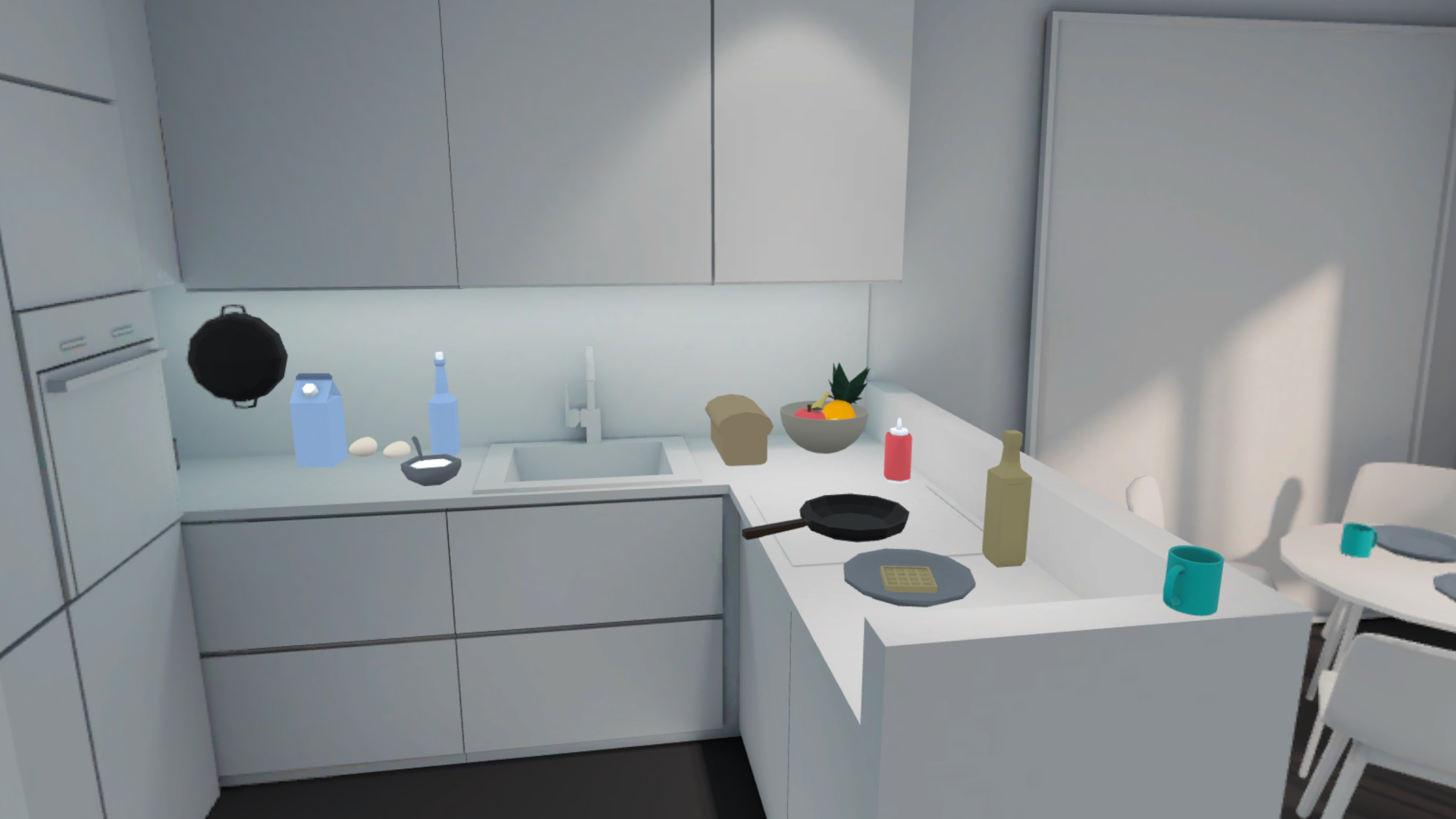
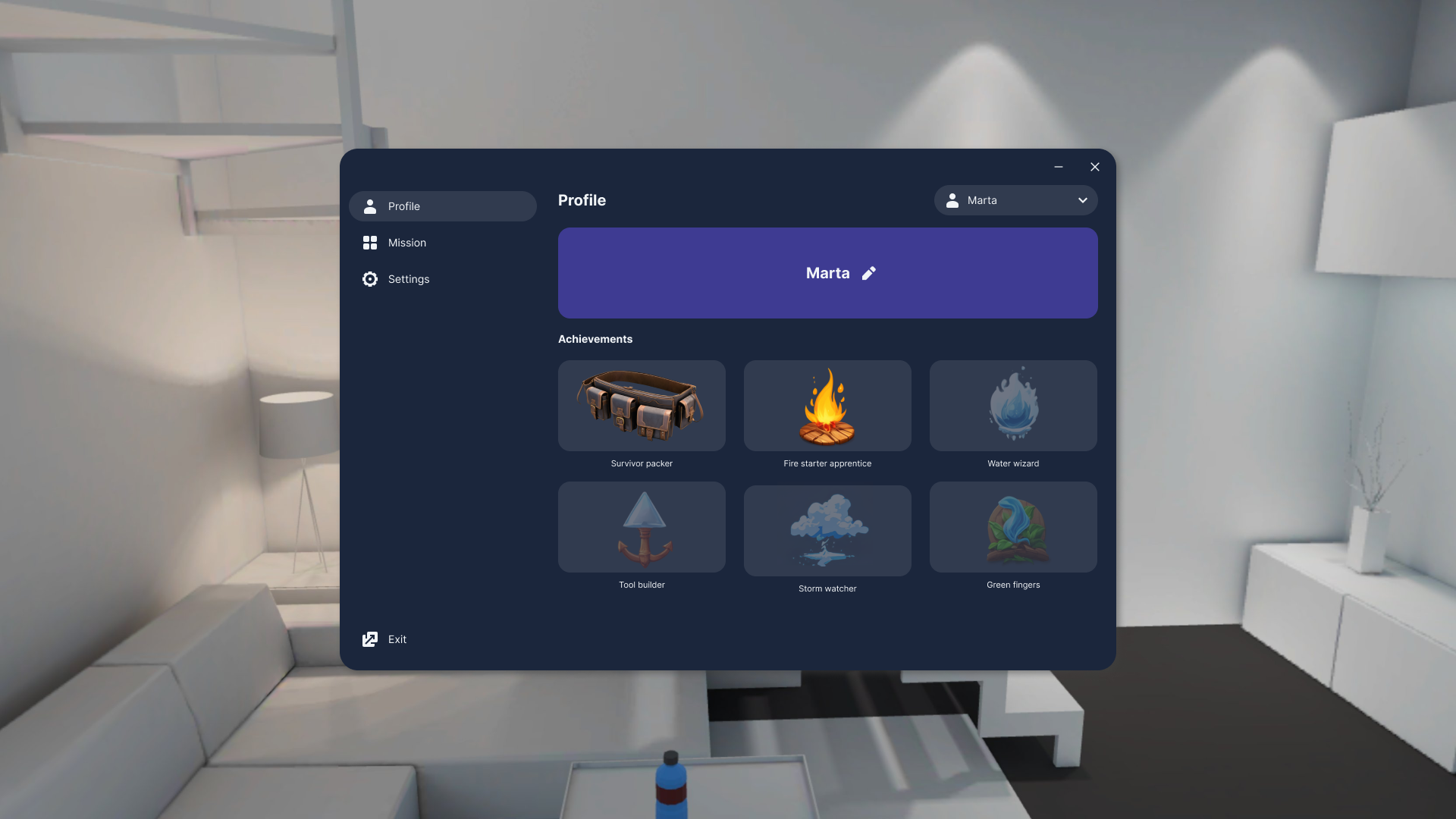
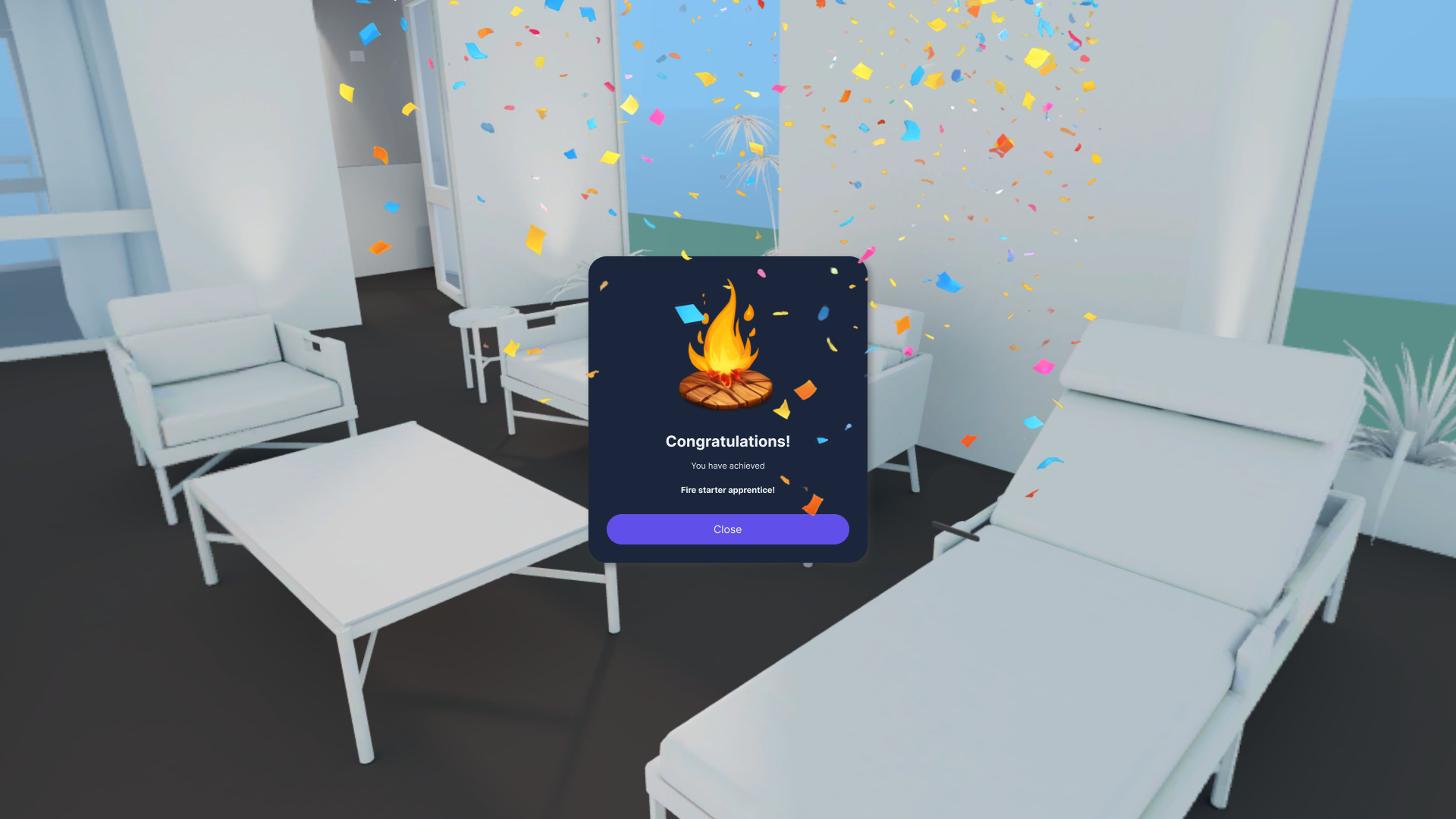
A VR simulation tool is proposed here, where every user can go through a number of experiences that will make them live through an emergency situation. It will teach them what to do and how; therefore, maximizing the learnings and applying knowledge in a real-case scenario. The experiences will be increasing in difficulty as the basics are understood: starting by saving yourself and progressing to saving other family members, having more complex scenarios or time constraints. You can collect badges of your achievements and ask others to join and learn. The experience will always be a surprise, to align with how life usually presents itself.
Experiences inside this app will help you learn to:
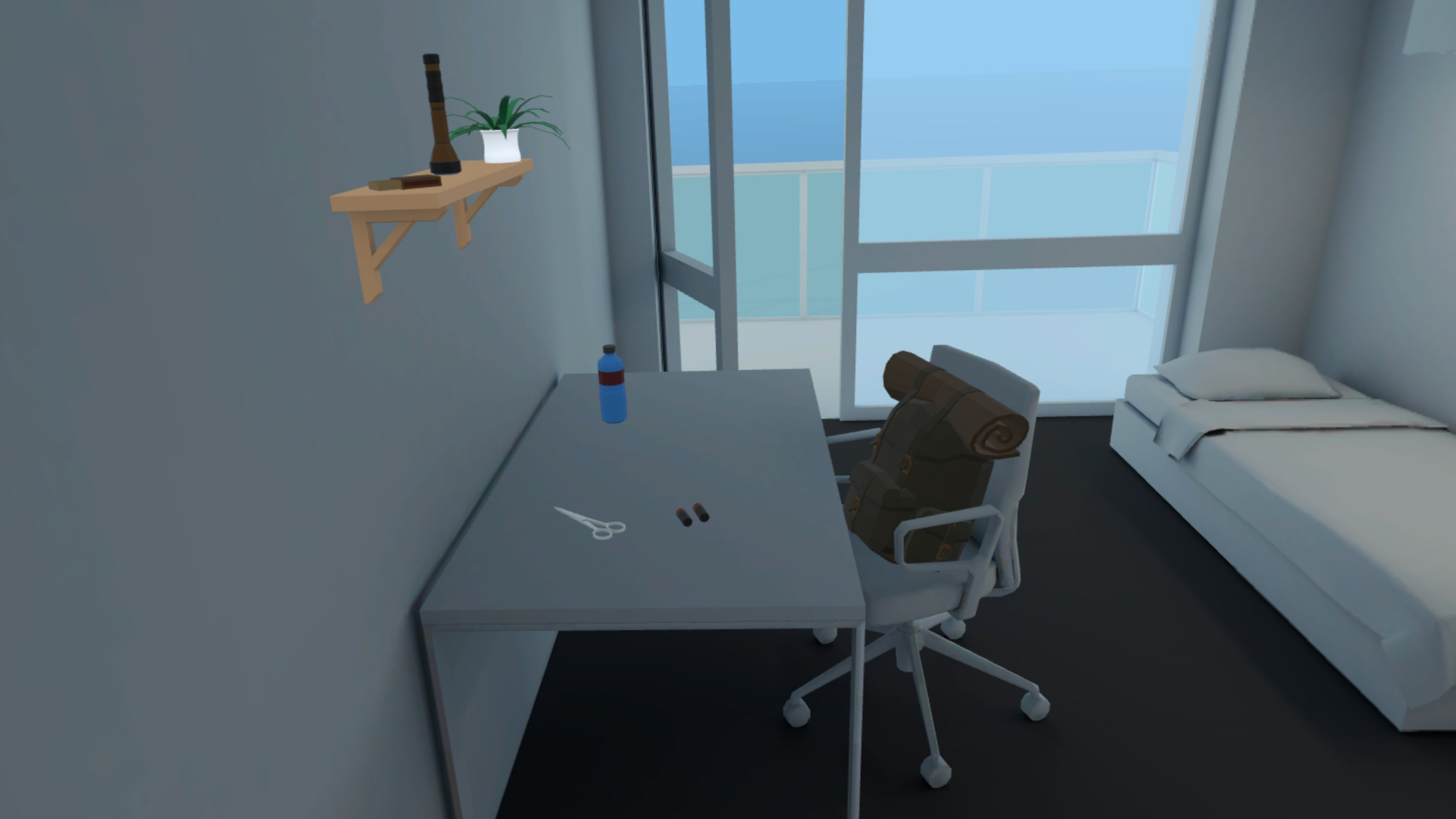
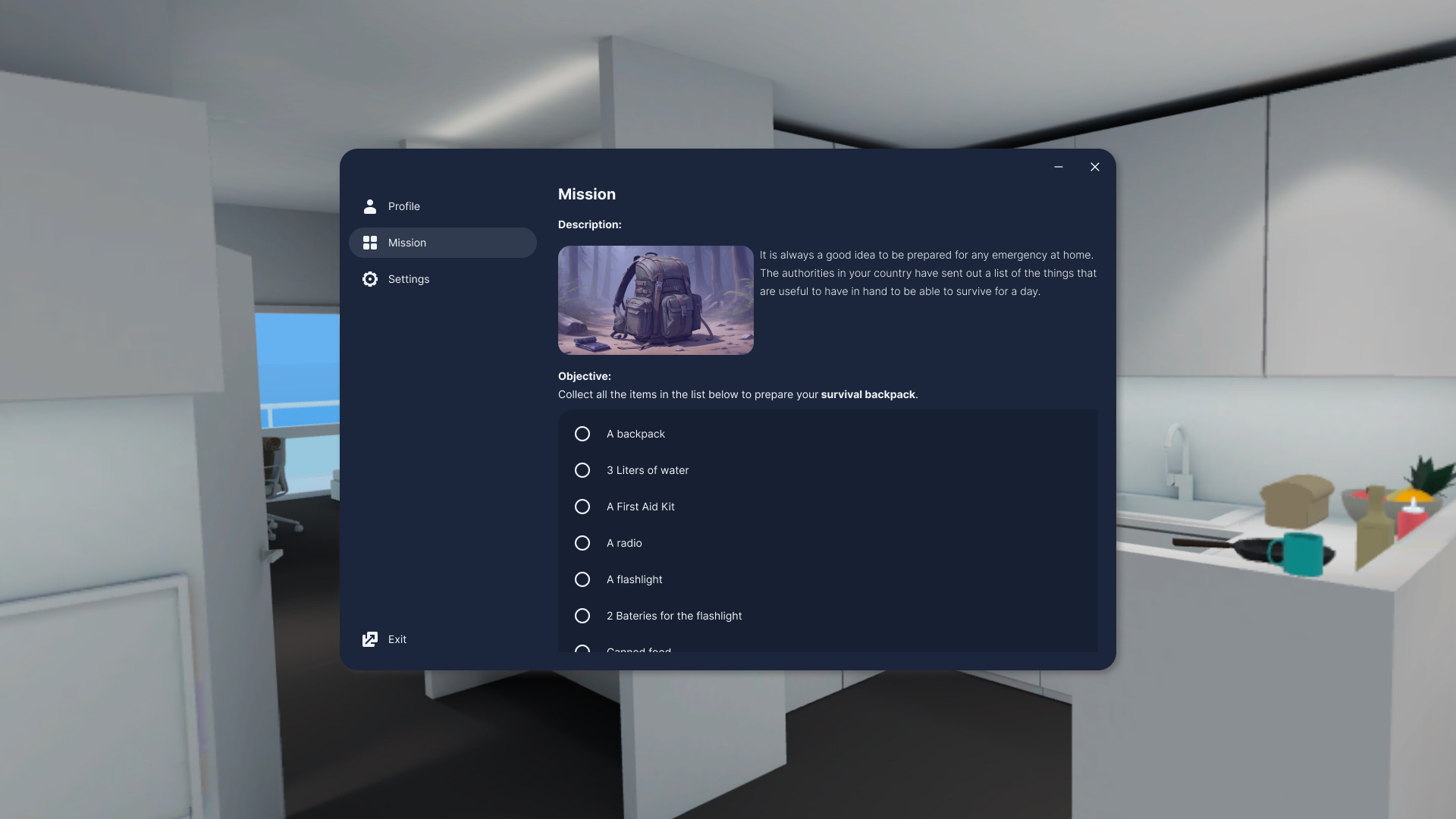
- Put together a backpack with essentials for emergencies
- Store food and water in enough quantity to survive on your own for 3 days
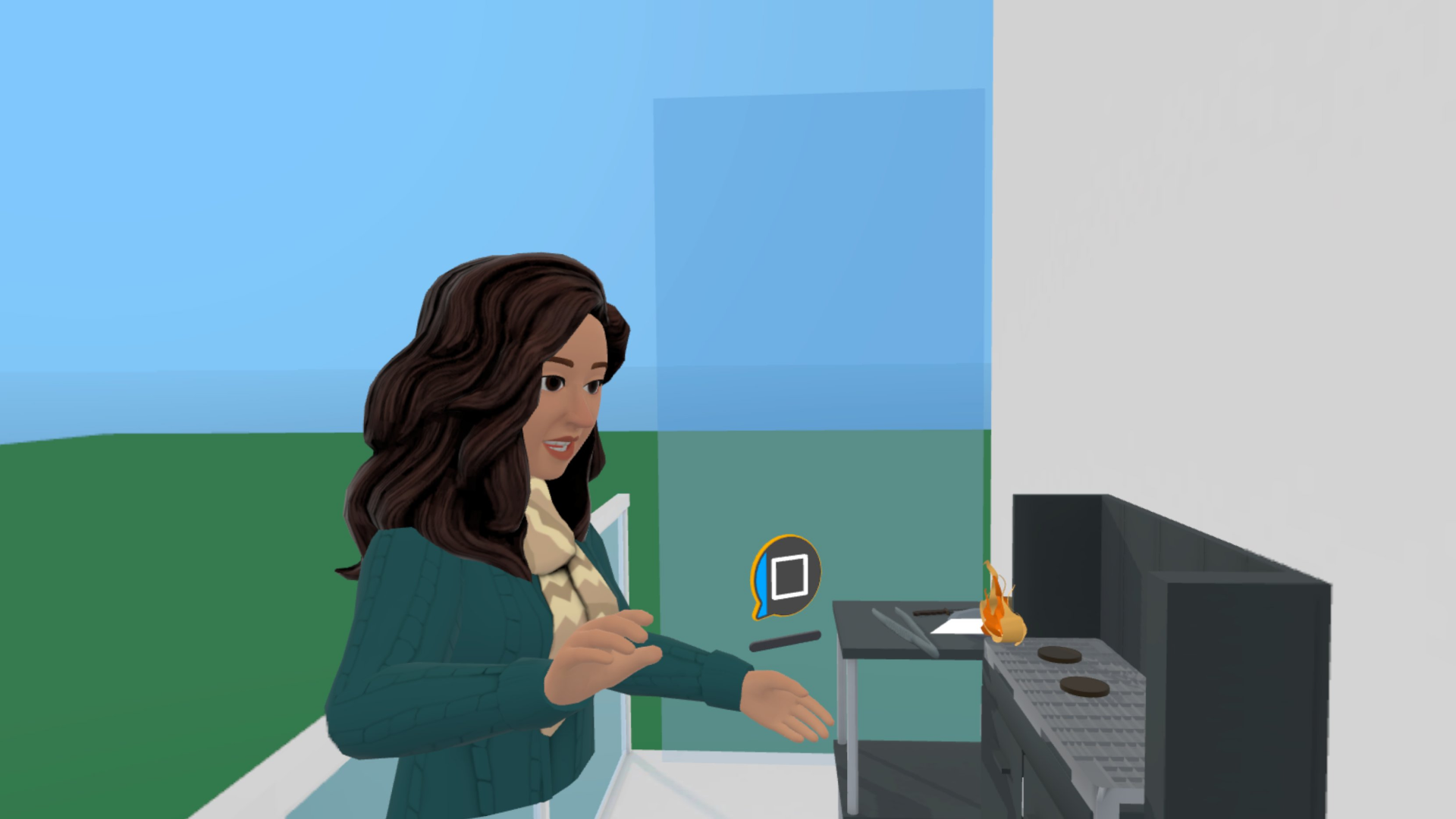
- Put out a fire in the kitchen / barbecue / elsewhere
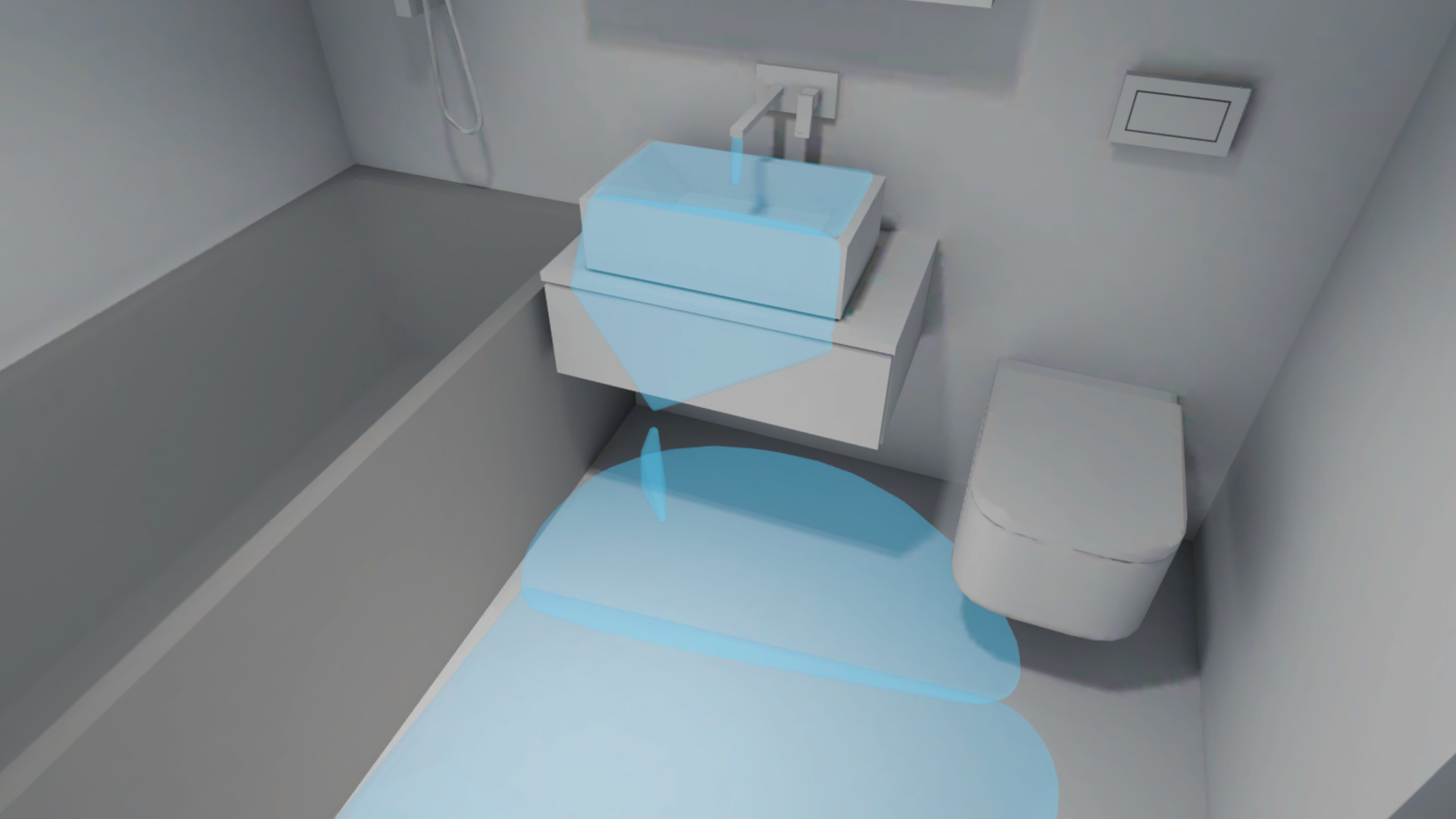
- Stop water damage
- Show how to be safe in an earthquake
- Use different types of fire extinguishers depending on the type of fire
- Evacuate the whole family (children and elderly included) to a shelter
- And more (to be added as the app evolves based on demand)
How we built it
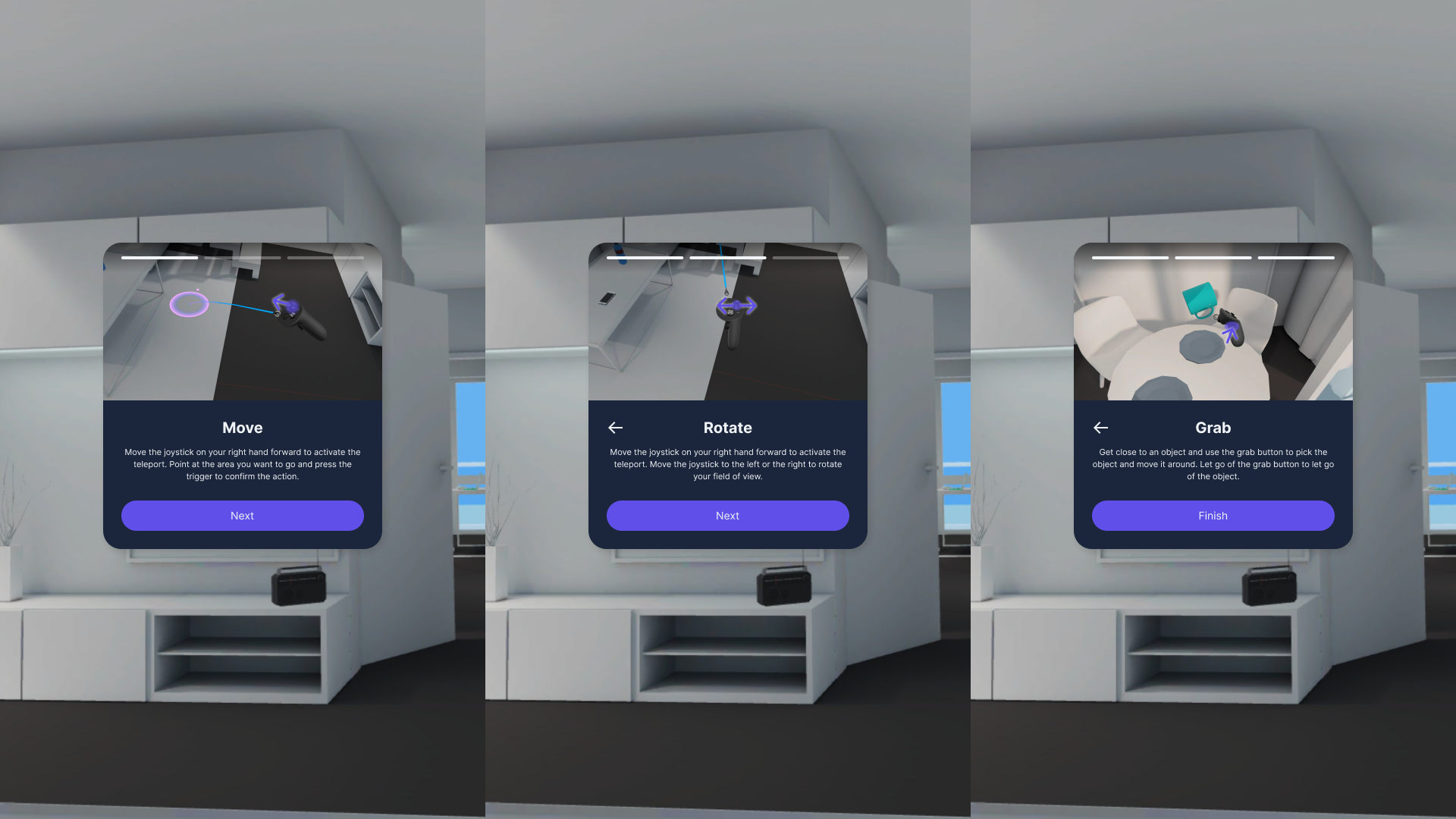
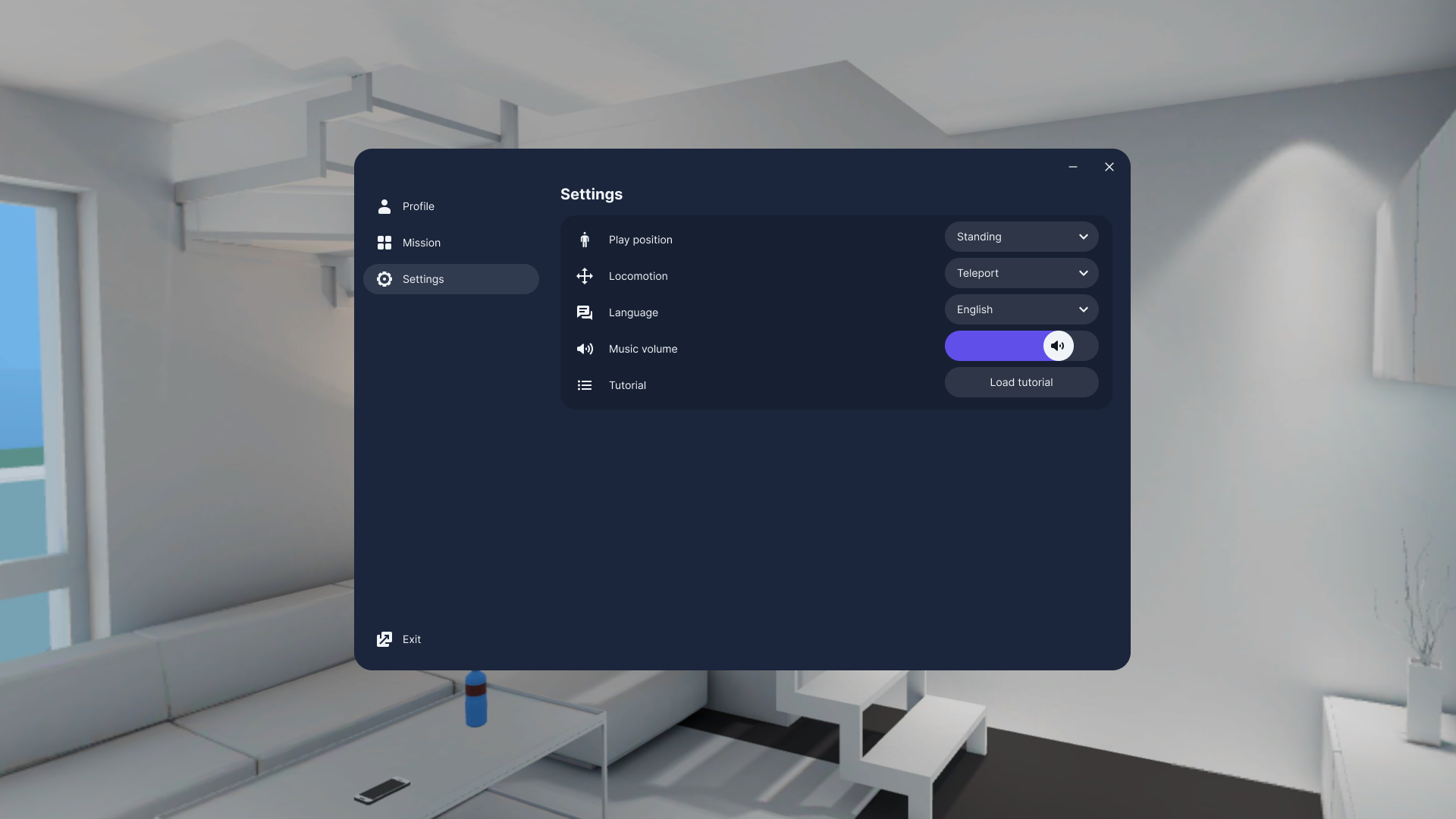
I built the idea in ShapesXR to play out different scenarios and see how this could be represented and interacted with. I used some predefined shapes from ShapesXR, build some others myself using the tools available and imported other assets from PolyPizza. In Figma I explored the information architecture of the application and created the user flow focusing on accessibility. I designed the UI modifying Meta´s Horizon OS UI set to match the experience´s visual design. The promotional video I created using Capcut for video editing (including video footage and audio).
Challenges we ran into
This was my first hackathon and I think I underestimated the amount of work needed to make something work! I didn´t know how tu use ShapesXR before so I spent a lot of time learning the tool so I could do what I wanted. I also didn´t know how to create videos, so it was a steep learning curve in a very short time. However, it was a lot of fun!
Accomplishments that we're proud of
Learning to make prototypes in space and interacting inside them.
What we learned
How to use ShapesXR and create a video.
What's next for Bring it on!
The next steps for Bring it on! would be to test it out with some users, validate the use cases to include in the app and implement the concept. In the future, the number of experiences can increase based on user demands.
Built With
- capcut
- figma
- leonardoai
- polypizza
- shapesxr


Log in or sign up for Devpost to join the conversation.