Inspiration
Learning disabilities affect 1 in 5 children, yet most aren't identified until they've already fallen behind in school. Kids with dyslexia, ADHD, and other learning differences struggle, not because they aren't smart, but because traditional learning methods don't work for them.
I wanted to build something that meets these kids where they are. Something that doesn't feel like a test. Something that uses voice instead of typing (because many kids with dyslexia hate writing). Something with picture hints and word banks so they're never stuck without help. And most importantly, something that makes them feel like super readers —not struggling students.
BrightPath was born from a simple belief: early intervention changes lives, and technology can make that intervention fun, accessible, and stigma-free.
What It Does
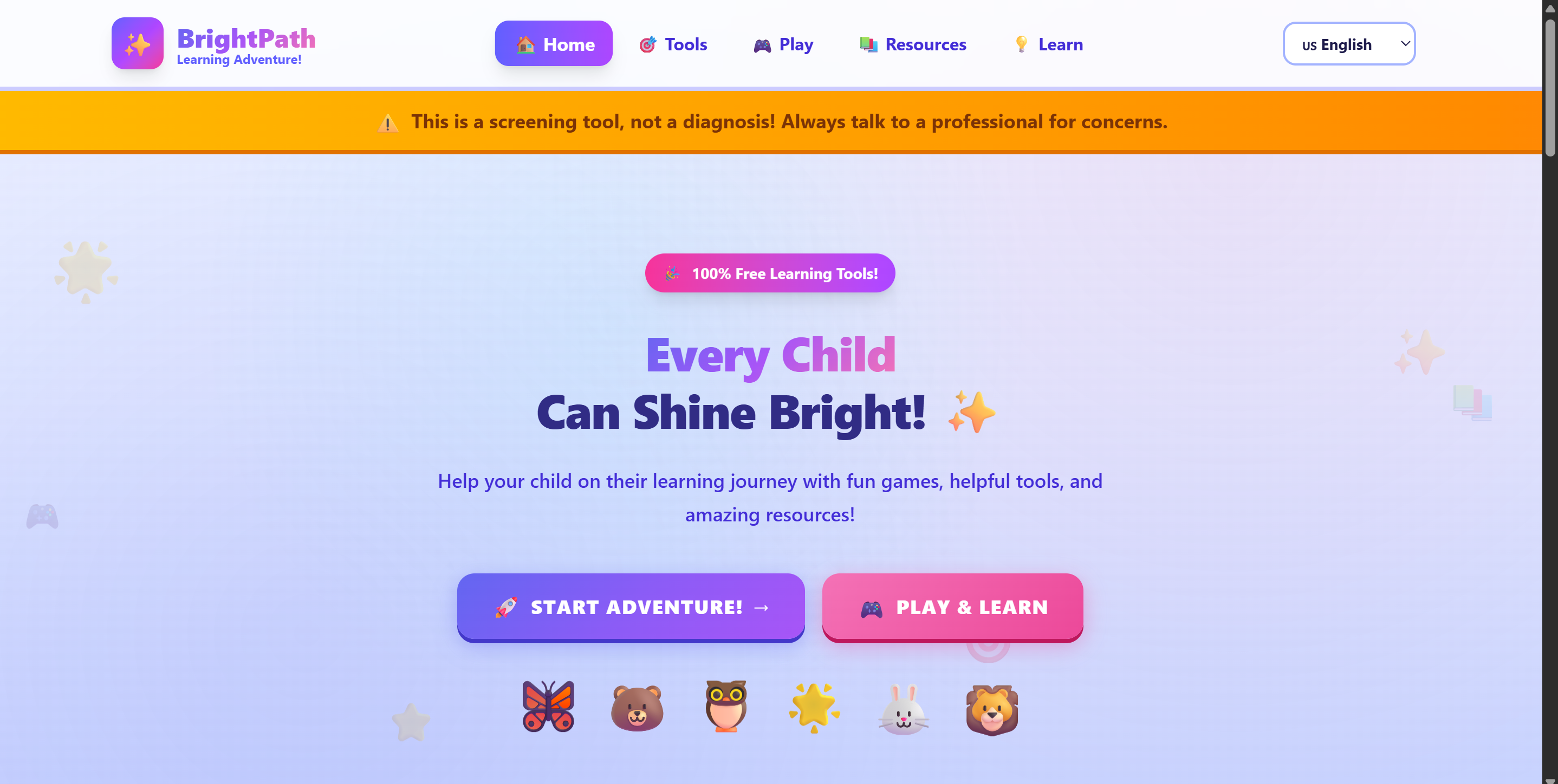
BrightPath is an early screening and learning support platform for children with learning disabilities.
Key Features:
- Reading Quest Game — Kids pick a friendly character (like Luna the Fairy or Leo the Lion), listen to stories read aloud, and answer questions by speaking
- AI Comprehension Checking — The app actually evaluates if the child understood the story, not just if they said something
- Learning Support Tools — Dyslexia-friendly fonts, picture hints, word banks, and adjustable reading speed
- Star Rewards — Kids earn stars for correct answers, making learning feel like a game
- Behavioral Checklist — Parents can screen for early signs of learning difficulties
- Resource Navigator — Connects families to support services, tools, and community resources
- Multi-Language Support — Available in English, Spanish, French, Swahili, and Hindi
The goal: catch learning disabilities early and make reading practice fun instead of frustrating.
How we built it
I built BrightPath as a single-page web application using:
Frontend:
- React for the user interface and component structure
- Vite as the build tool and development server
- TailwindCSS for styling and responsive design
- JavaScript (ES6+) as the primary programming language
APIs:
- ElevenLabs API for text-to-speech — this powers the 6 character voices that read stories aloud
- OpenAI API (GPT-3.5) for AI-powered comprehension checking — it evaluates if kids actually understood the story
- Web Speech API for voice recognition — kids speak their answers instead of typing
Other Tools:
- LocalStorage to save user settings
- Custom Context API for multi-language support (English, Spanish, French, Swahili, Hindi)
The app runs entirely in the browser. Users select a story, listen to a character read it aloud, then answer questions by speaking. The AI evaluates their responses and awards stars for correct answers.
What I Learned
- How to build a full-stack application from scratch using React, Vite, and TailwindCSS
- How to integrate multiple external APIs — I used ElevenLabs for text-to-speech (giving each character a unique voice!), OpenAI for intelligent comprehension checking, and the Web Speech API for voice recognition
- How to design for accessibility — implementing dyslexia-friendly fonts, adjustable reading speeds, visual helpers, and multi-language support
- State management in React — managing complex conversation flows, audio playback, and user responses
- The importance of user-centered design — constantly asking "would a 6-year-old understand this?"
Challenges I Faced
- Audio timing issues: The story would start asking questions before it finished reading! I had to refactor the entire speech system to use Promises and properly wait for audio to complete.
- Response validation: My first version accepted any response as correct. I had to build an AI evaluation system that actually checks comprehension without being too harsh on kids.
- Voice recognition quirks: The Web Speech API behaves differently across browsers, and kids don't always speak clearly. Building a forgiving but accurate system was tricky.
- Making it simple enough for a 5-year-old but robust enough to actually help
- Balancing "fun game" energy with legitimate educational value
- Ensuring accessibility features didn't clutter the interface
What's Next
- More stories across different reading levels
- Parent dashboard with progress tracking
- Integration with school systems
- Mobile app version
- More languages and regional resources
Built With
- css
- elevenlabs
- javascript
- openai
- react
- tailwind
- vite

Log in or sign up for Devpost to join the conversation.