-
-
-
-
-
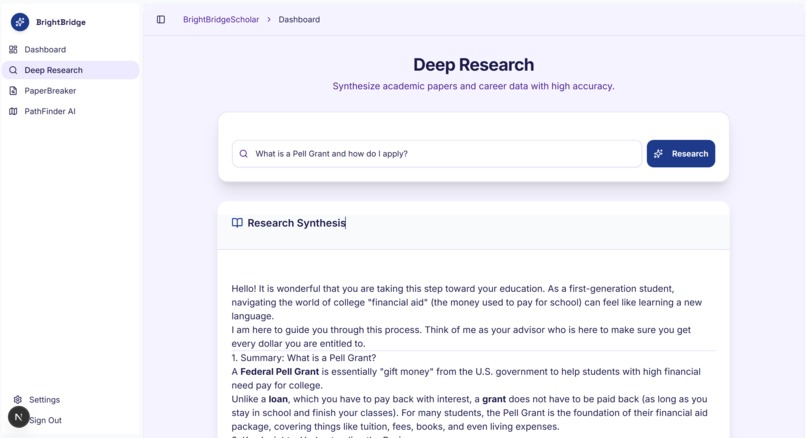
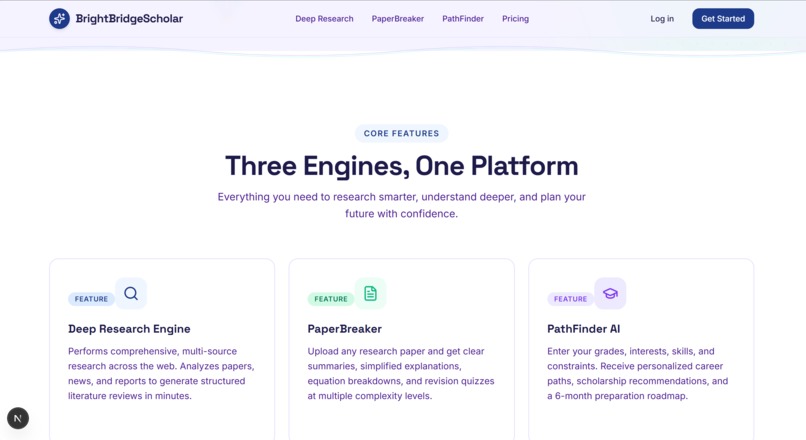
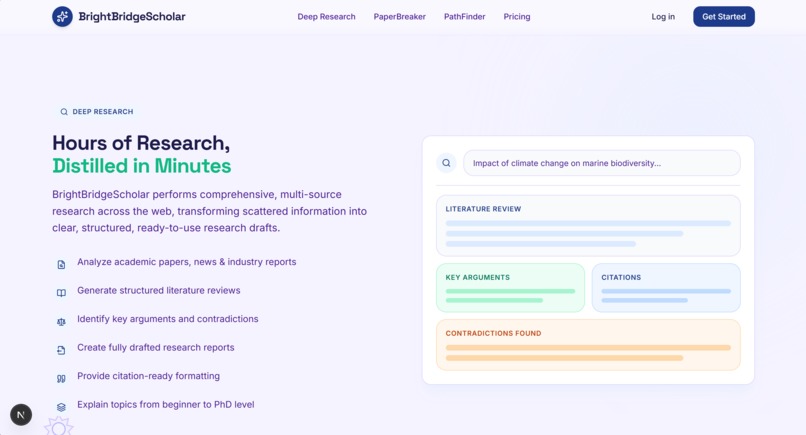
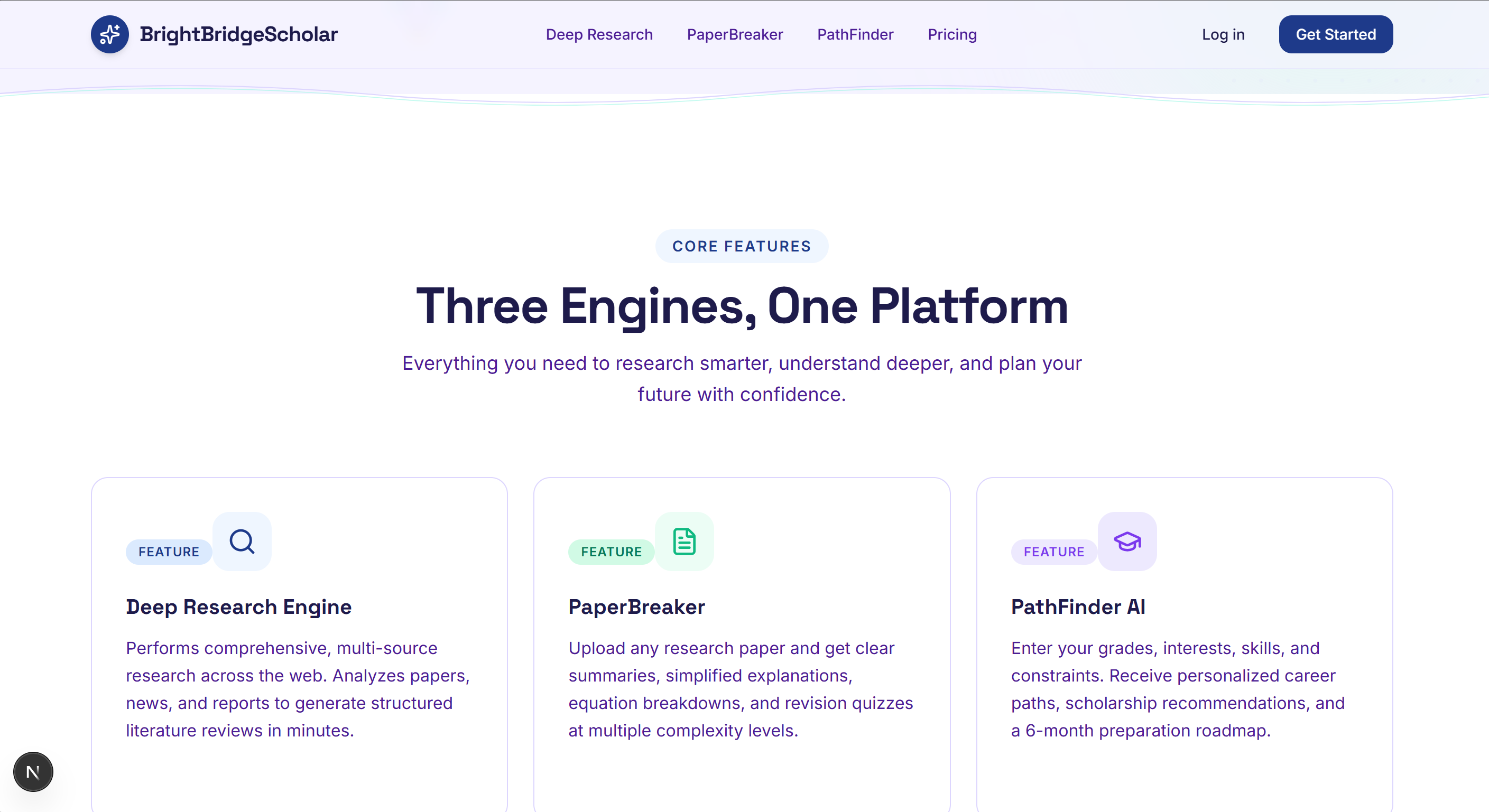
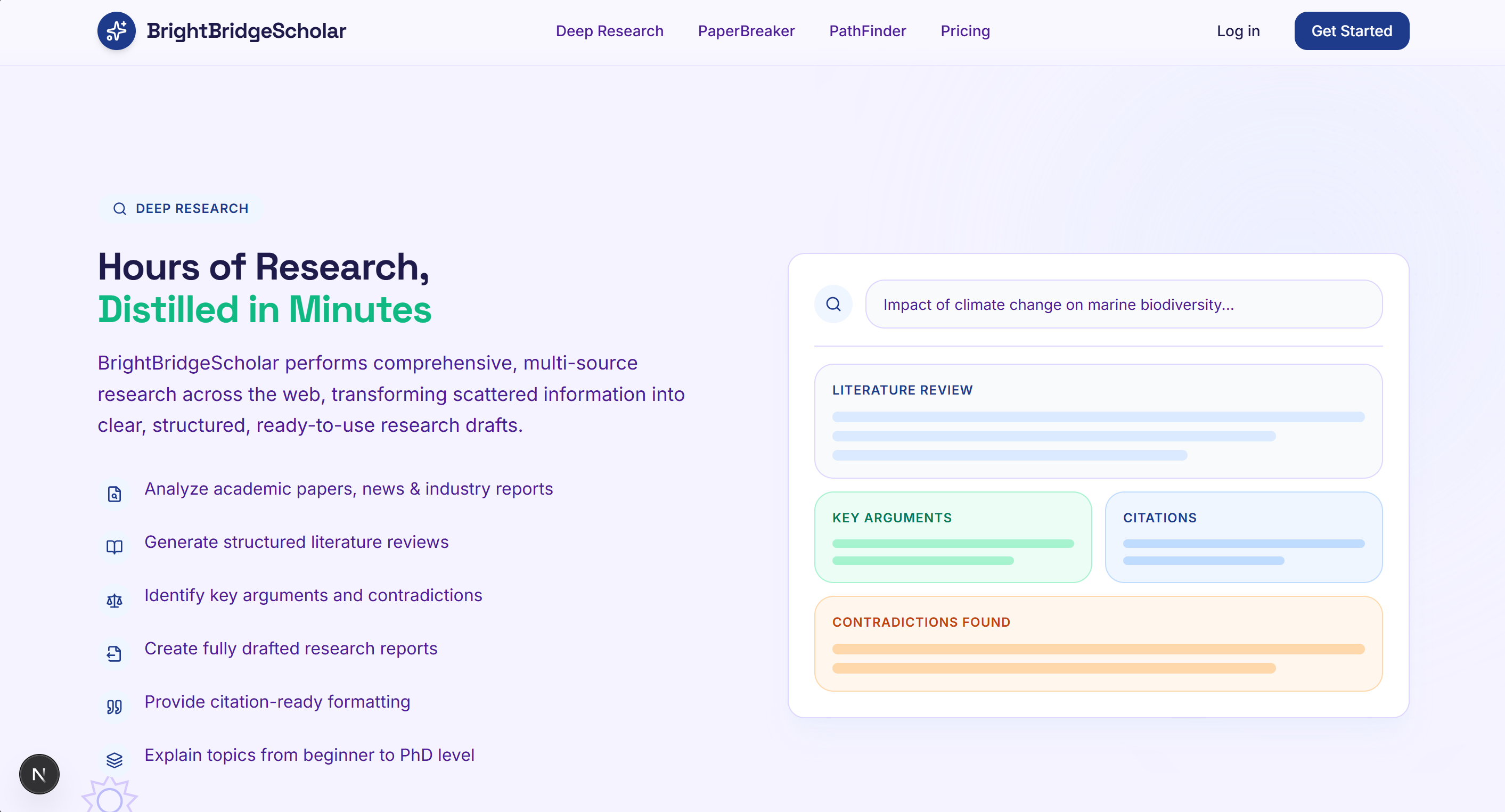
AI-powered multi-source research that generates structured literature reviews, key arguments, and citation-ready reports in minutes.
-
-
-
-
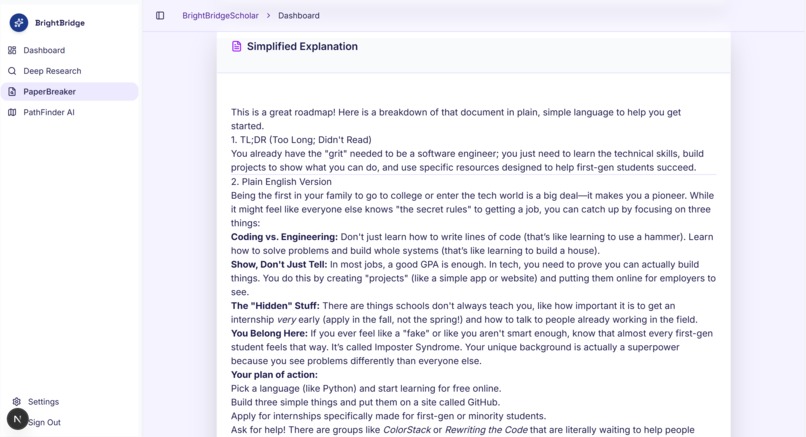
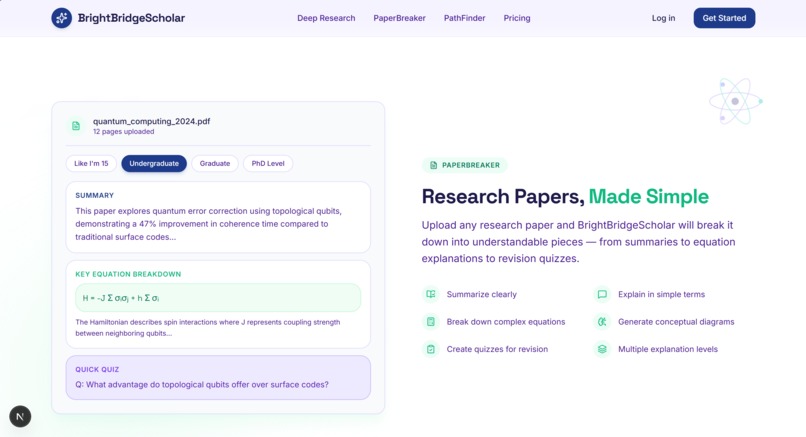
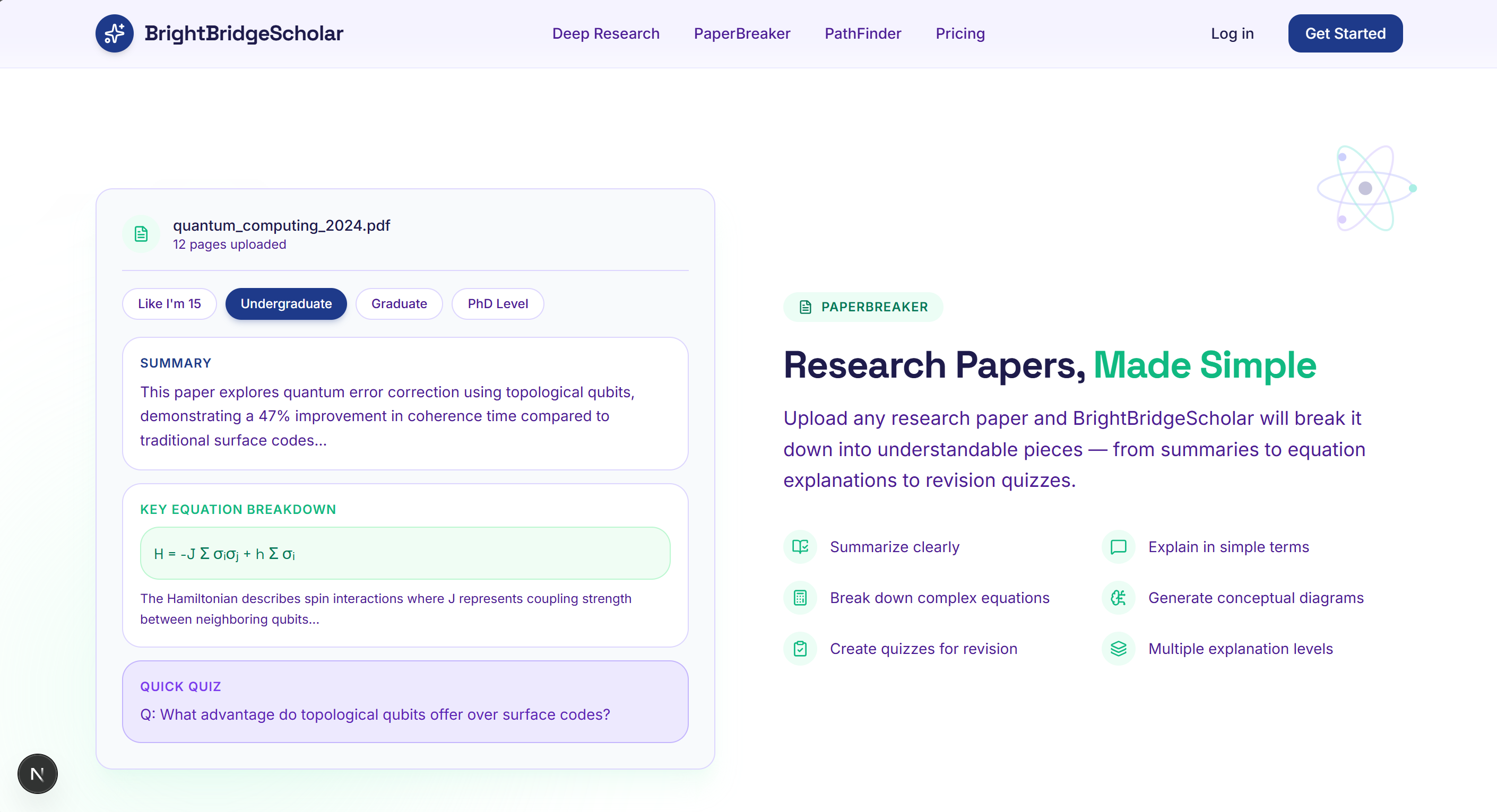
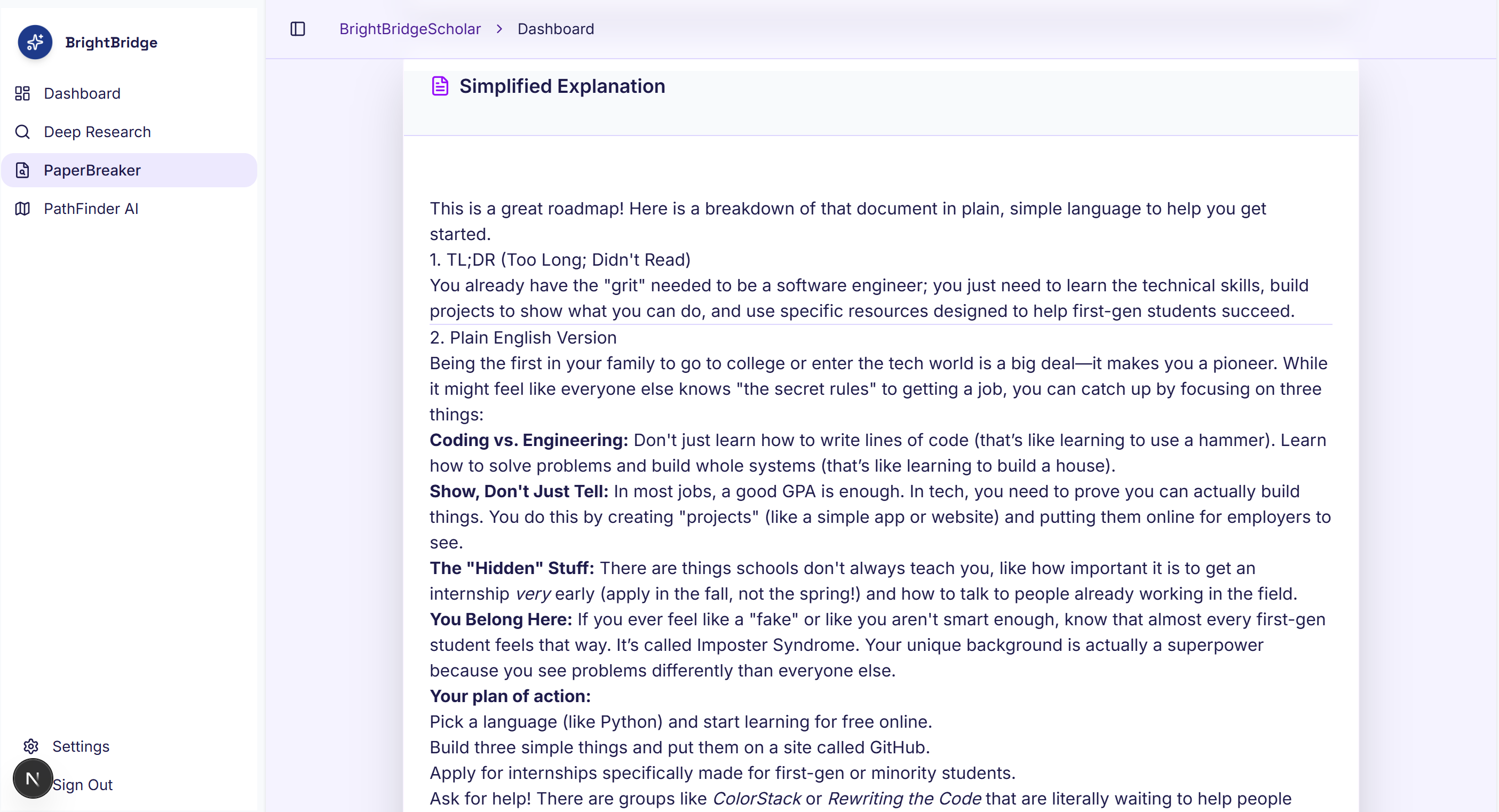
Upload any research paper and get clear summaries, equation breakdowns, and explanations from beginner to PhD level.
-
-
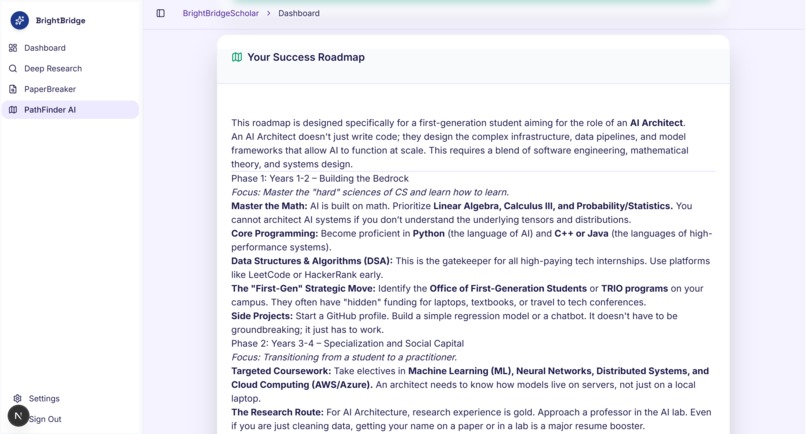
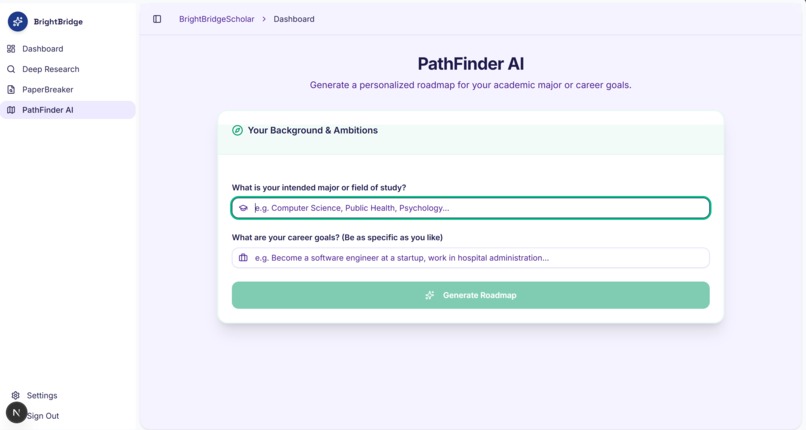
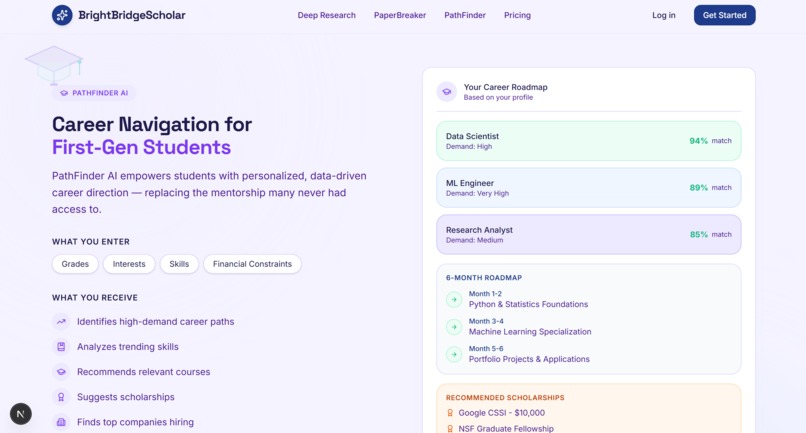
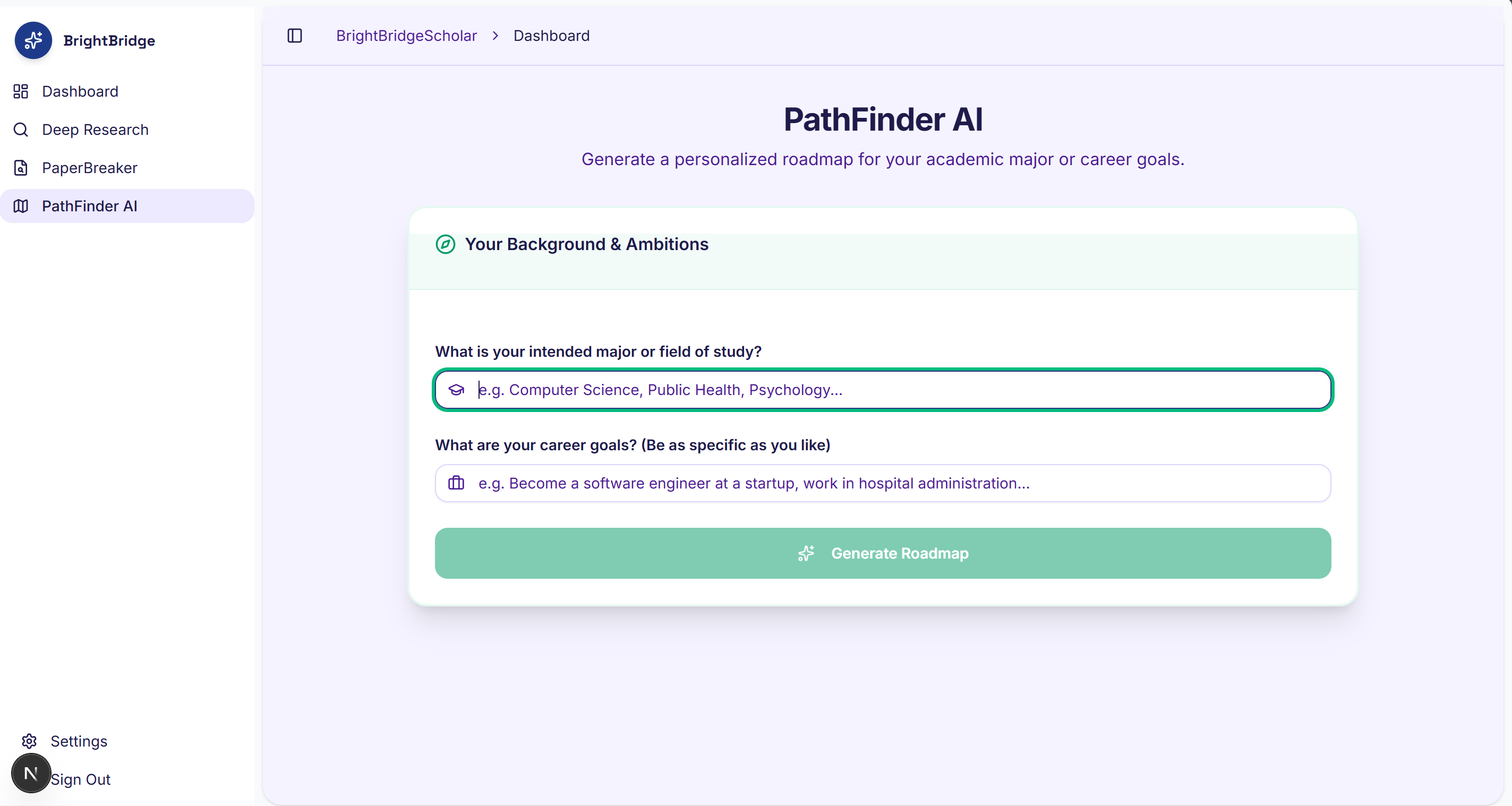
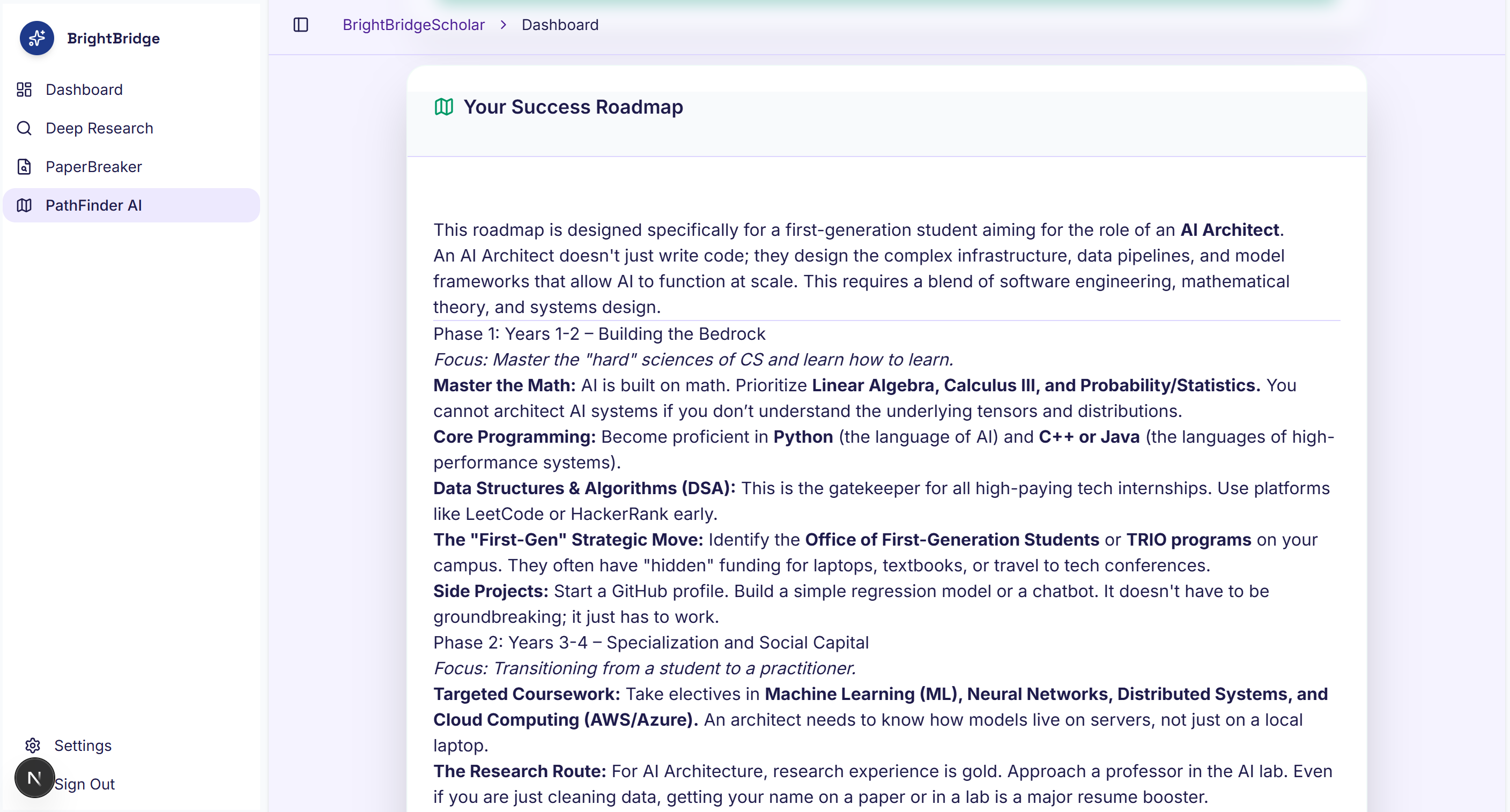
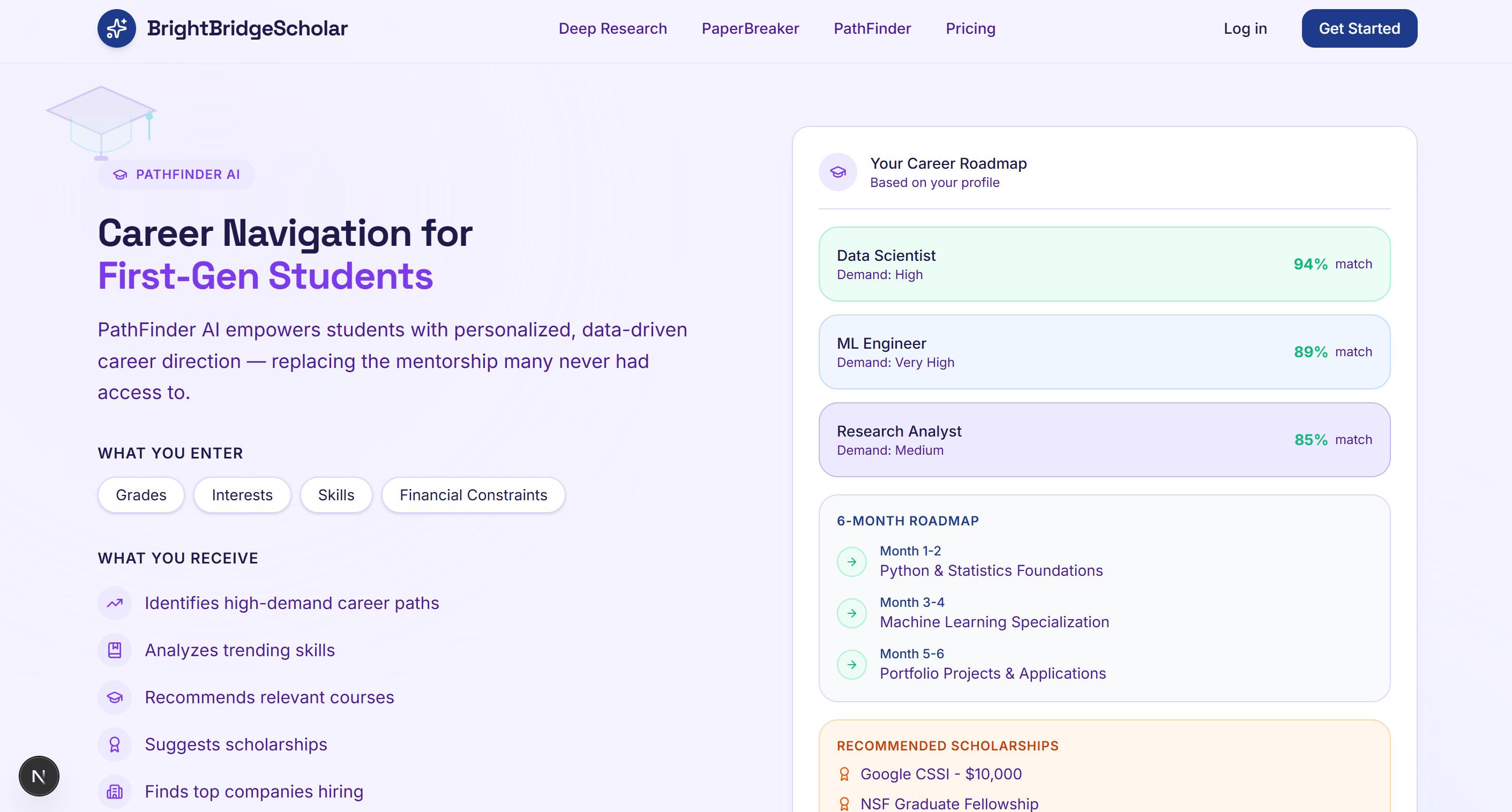
Personalized AI career guidance that maps skills, interests, and goals into clear pathways, scholarships, and 6-month roadmaps.
-
Bright Bridge Scholar - Hackathon Submission
Inspiration
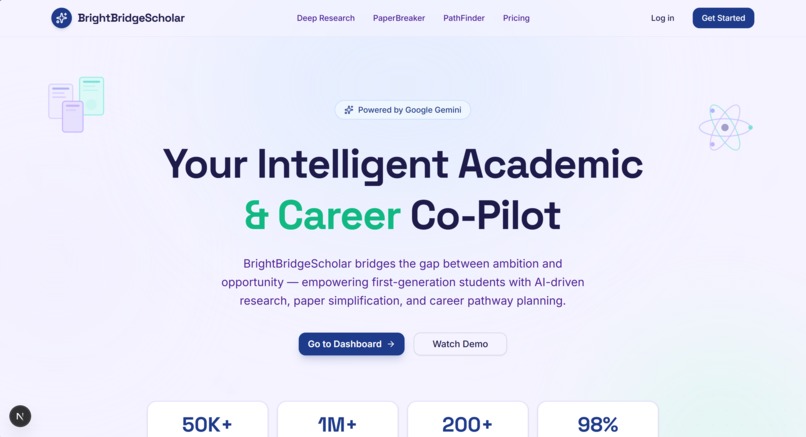
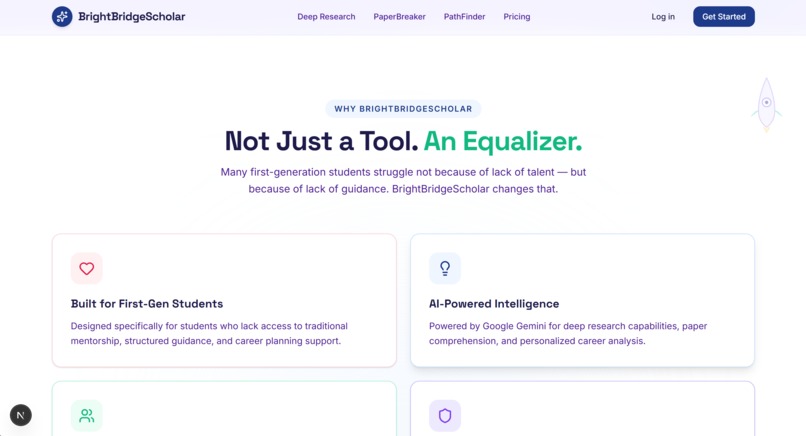
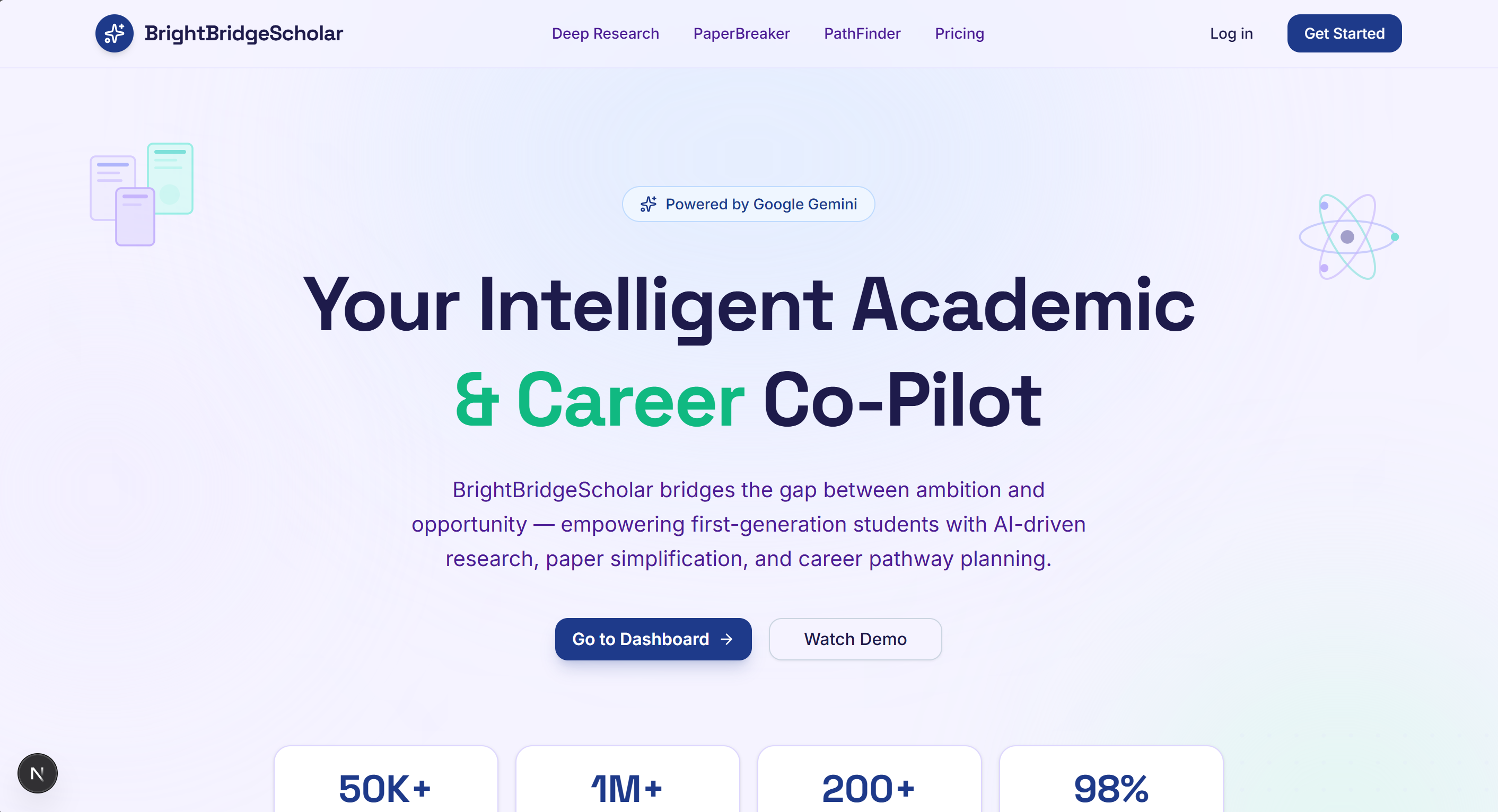
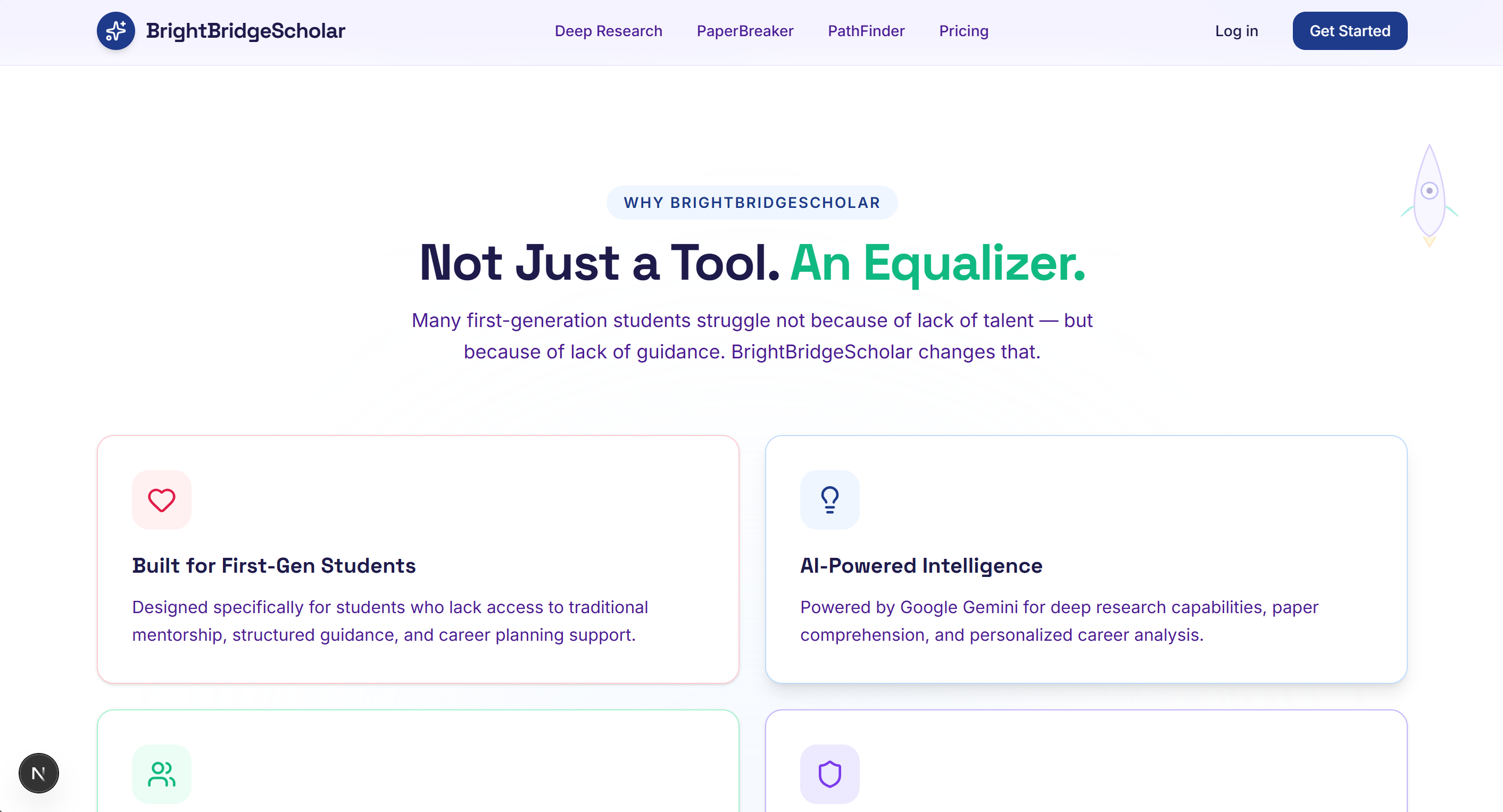
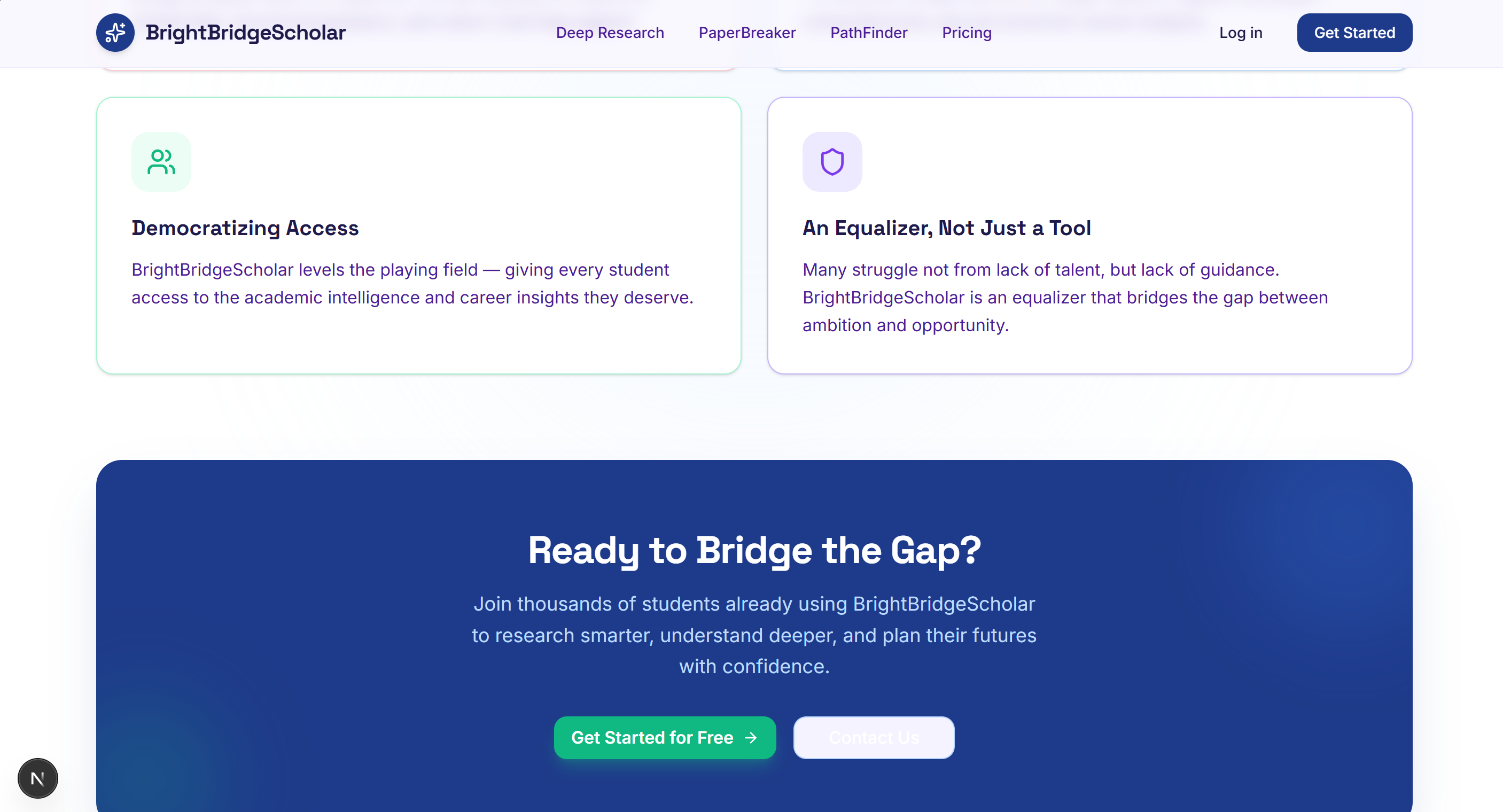
Navigating academic papers and planning a career path can be overwhelming for students. The gap between complex academic jargon and accessible knowledge often discourages learning, while the lack of clear, personalised career guidance leaves many students feeling lost. We were inspired to build Bright Bridge Scholar to be that "bridge", a comprehensive, AI-powered toolkit designed to empower students to achieve academic and career excellence by making research digestible and career planning actionable.
What it does
Bright Bridge Scholar is a unified platform featuring three core AI-powered tools:
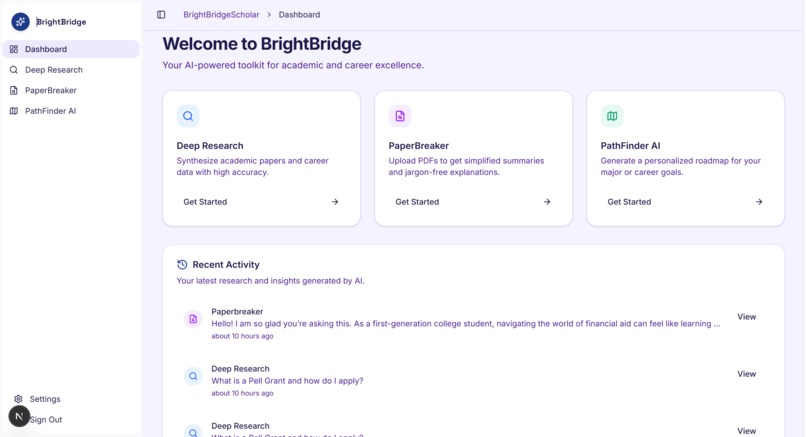
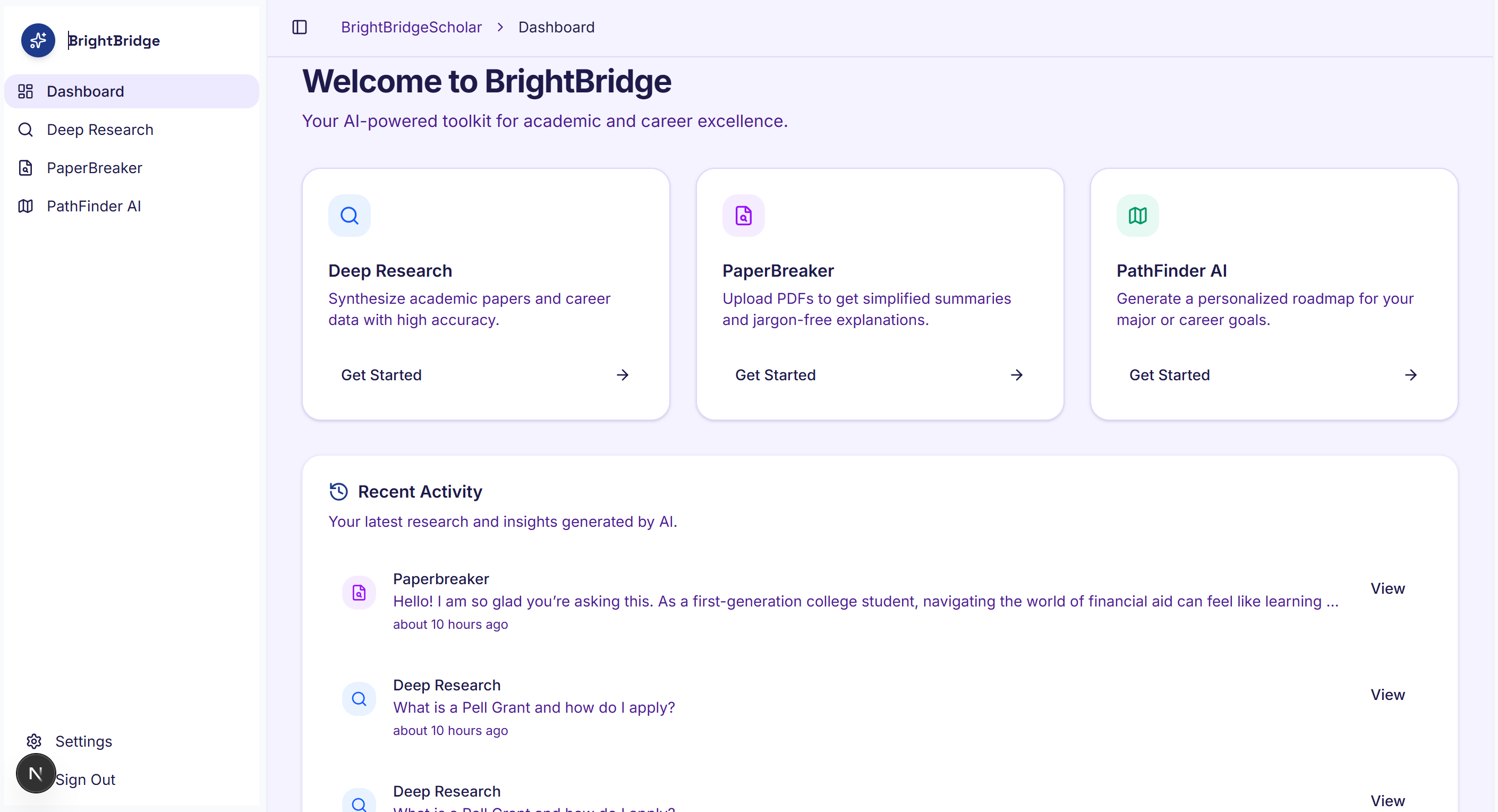
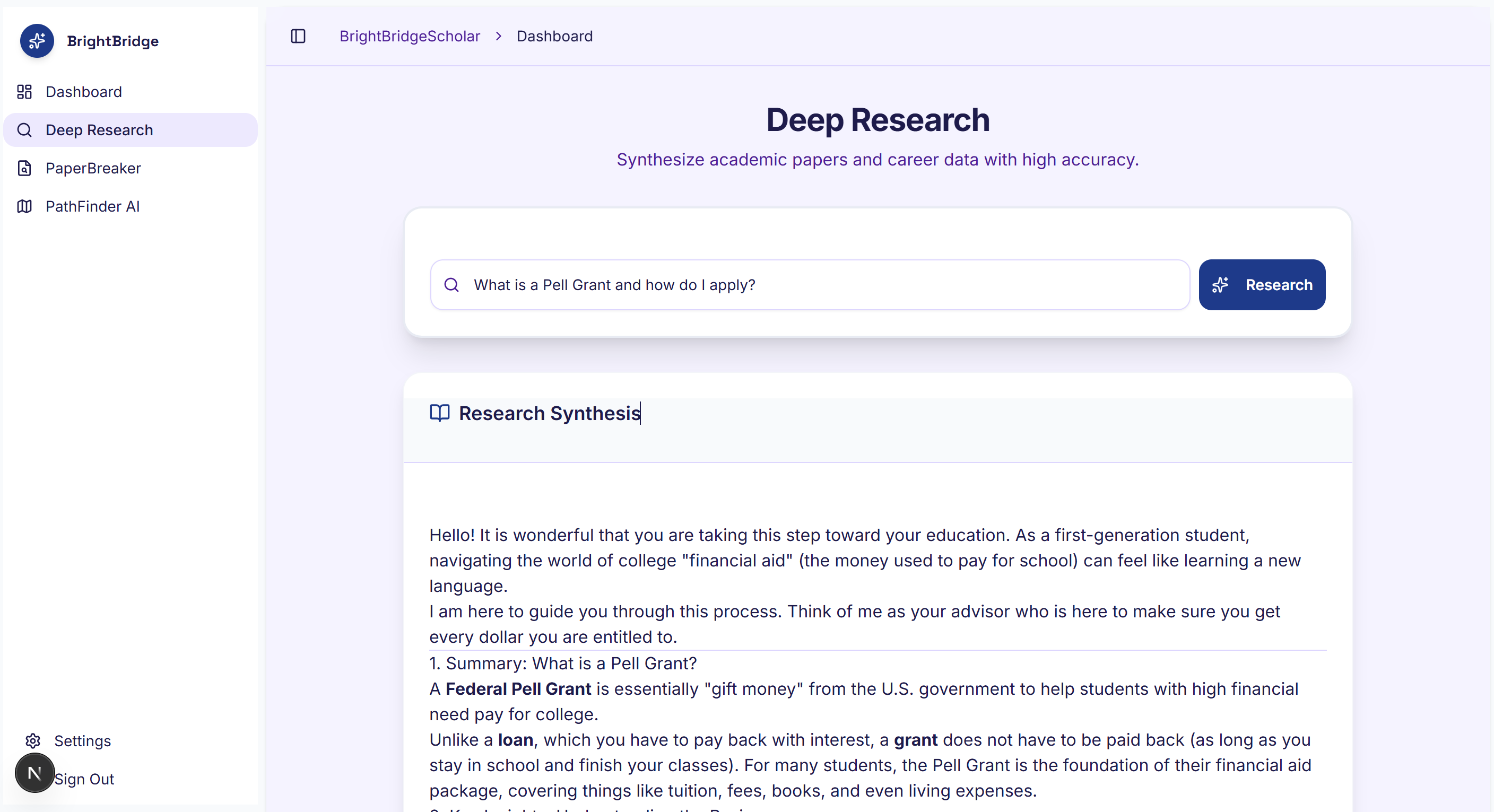
Deep Research: An advanced synthesis engine that scours academic papers and career data, providing users with high-accuracy insights and well-cited information on any topic they query. PaperBreaker: A document analysis tool where users can upload complex PDFs (like research papers). It breaks down dense academic text, providing simplified summaries and jargon-free explanations to make the content accessible to everyone. PathFinder AI: A personalized career and academic roadmap generator. Users input their major, interests, or career goals, and the AI constructs a step-by-step guide on how to get there, including necessary skills, milestones, and resources. Additionally, the platform includes a user dashboard that tracks recent activity and research history, allowing students to seamlessly pick up where they left off.
How we built it
We built Bright Bridge Scholar using a modern, scalable web stack:
Frontend: We used Next.js with the App Router for a fast, responsive, and SEO-friendly user interface. Styling & UI: We leveraged Tailwind CSS and shadcn/ui to create a clean, professional, and accessible design system. AI Integration: The core intelligence of our platform is powered by the Google Gemini API, which handles the complex natural language processing, document summarisation, and roadmap generation. Backend & Database: We utilised Supabase for secure user authentication and database management, storing user profiles and their research history so they can always access their previous sessions. Deployment: The application is deployed on Vercel for optimal performance and continuous integration. Challenges we ran into Handling Complex Documents: Parsing and accurately summarising dense academic PDFs without losing critical context or introducing hallucinations was a significant challenge. We had to carefully tune our Gemini prompts to ensure high-fidelity outputs. State Management & History: Ensuring that the user's research history was securely saved and correctly fetched from Supabase across different AI tools required careful structuring of our database schema and API routes. API Integration & Environment Configuration: We spent considerable time debugging API key issues and ensuring our environment variables were correctly set up for both local development and our production Vercel deployment. Accomplishments that we're proud of Successfully integrating multiple distinct AI features (Deep Research, Document Upload/Analysis, and Roadmap Generation) into a single, cohesive user experience. Creating a beautiful, intuitive UI that feels professional and easy to navigate for students. Implementing a robust backend with Supabase that reliably tracks user activity and saves their valuable research data.
What we learned
We gained deep hands-on experience with the Next.js App Router and server actions. We learned how to effectively prompt an engineer for different AI use cases using the Gemini API, from structured JSON output for roadmaps to conversational summaries for PDFs. We improved our understanding of integrating third-party authentication and databases like Supabase into a modern React application.
What's next for Bright Bridge Scholar
Collaboration Features: Allowing users to share their PathFinder roadmaps or PaperBreaker summaries with study groups or mentors. More File Formats: Expanding PaperBreaker to support more than just PDFs (e.g., Word documents, PowerPoint slides, and video transcripts). Gamification & Tracking: Adding progress tracking to the PathFinder roadmaps so users can check off milestones as they complete them. Mobile App: Developing a dedicated mobile application or PWA so students can access their research on the go.
Built With
- css
- html
- javascript
- json
- next.js
- react
- supabase
- tailwind-css
- typescript
- vercel


Log in or sign up for Devpost to join the conversation.