-
-
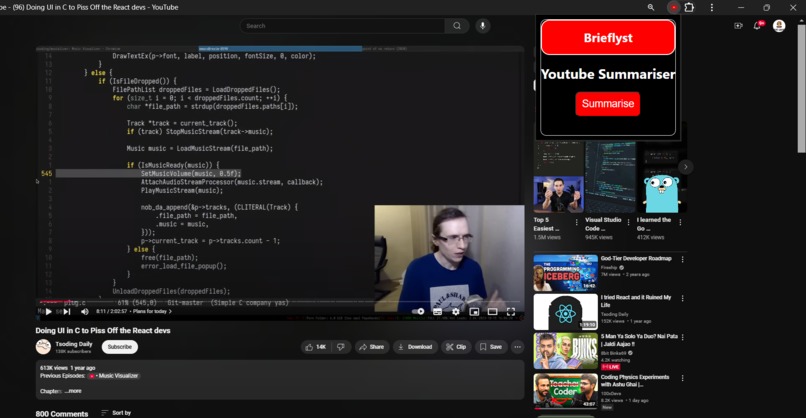
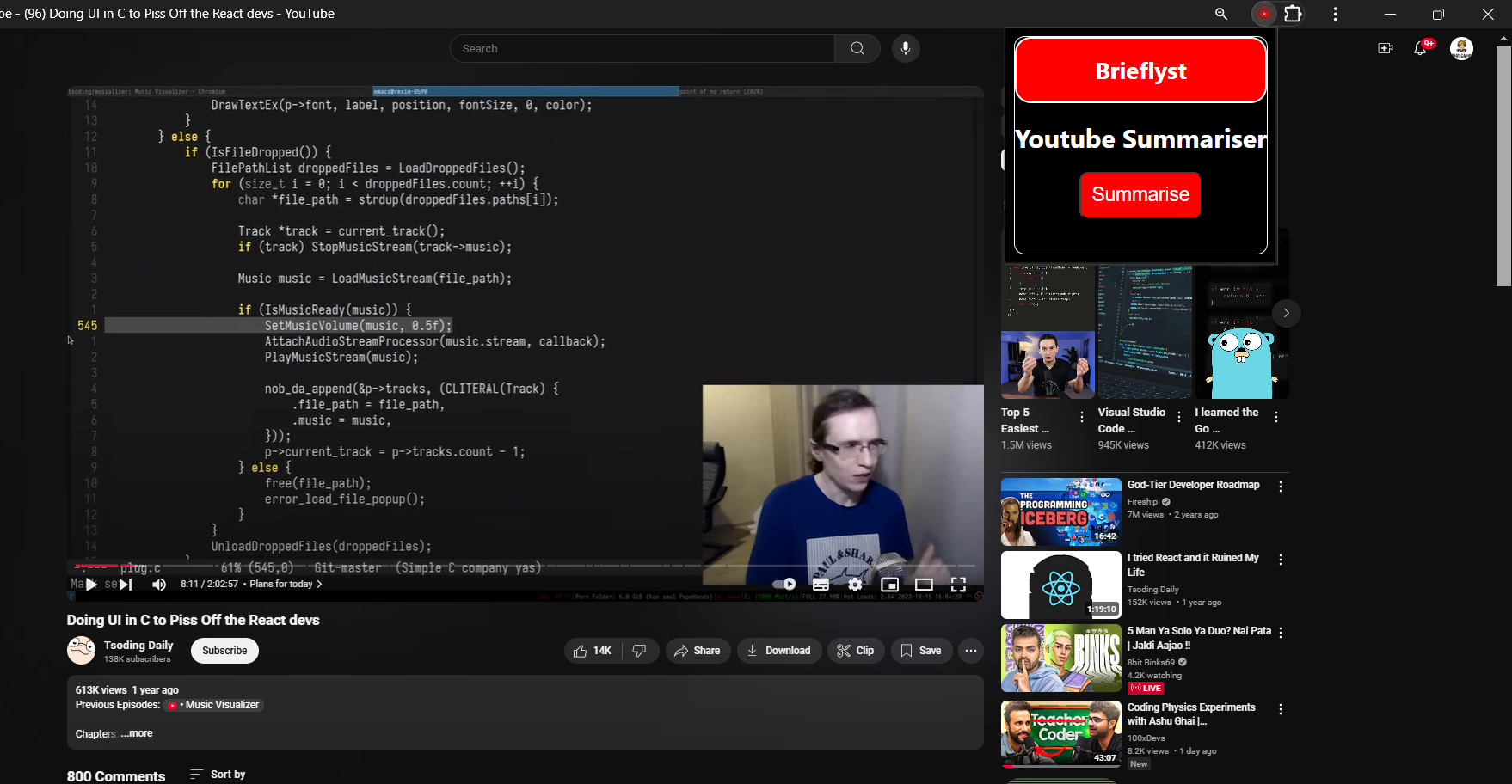
This is our Extension interface when we have not clicked summarize button
-
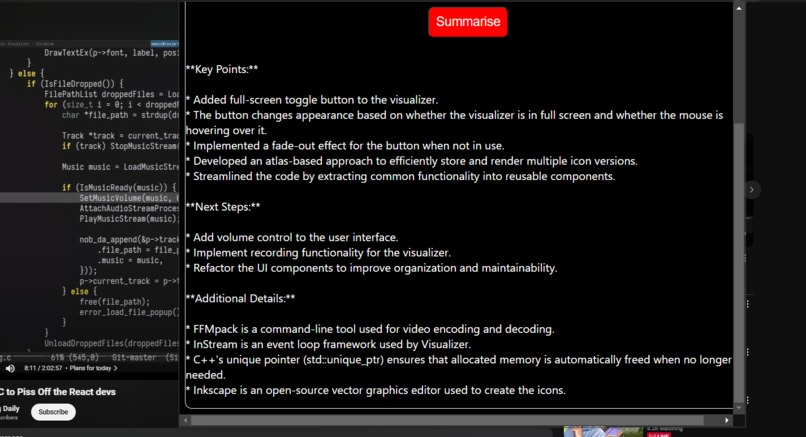
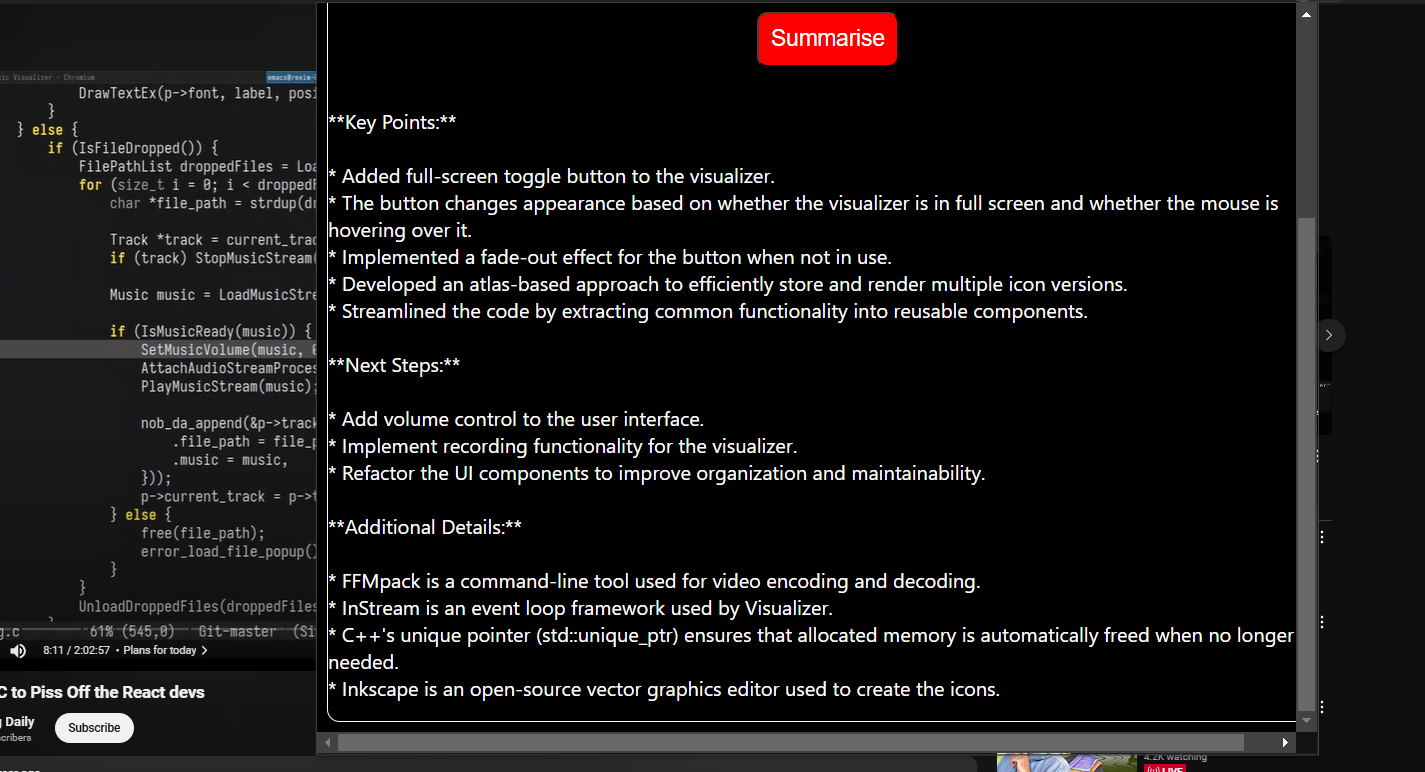
This is the summary which is generated by clicking the summarize button without any input url
Inspiration
The inspiration for this project came from the challenge of efficiently extracting and understanding the key points of lengthy YouTube videos. Whether it's a tutorial, a lecture, or a talk, watching a long video to grasp the main ideas can be time-consuming. This tool aims to save time by providing users with quick, clear, and concise summaries.
What it does
This project is a Chrome extension designed to automatically extract and summarize the transcript of the YouTube video currently being viewed. By leveraging the YouTube Transcript API and Google Gemini API, it provides concise and meaningful summaries directly in the browser, eliminating the need for manual input of URLs.
How we built it
Extension Architecture: -Designed a manifest file compliant with Chrome’s specifications. -Used content scripts to extract the current YouTube video URL from the active tab.
Transcript Extraction: -Leveraged the youtube-transcript-api to fetch video transcripts based on the video ID. -Handled scenarios where transcripts are unavailable or disabled.
Summary Generation: -Integrated Google Gemini API to summarize transcripts into clear and concise bullet points. -Optimized prompts to ensure summaries are professional and to the point.
User Interface: -Built a simple popup that displays the summary directly in the extension UI. -Designed the interface to update automatically when a YouTube video is detected.
Backend: -Implemented a Flask server to manage API calls and handle summarization logic. -Secured sensitive information using environment variables.
Challenges we ran into
- Dynamic URL Detection: Ensuring the extension correctly detects the YouTube video ID from the page’s URL.
2.Transcript Availability: Managing cases where transcripts are disabled or not generated for videos.
Accomplishments that we're proud of
Automated URL Detection: Successfully implemented a feature that automatically retrieves the YouTube video URL from the active tab, making the extension seamless and user-friendly.
Efficient Transcript Summarization: Integrated Google Gemini API to produce clear, concise, and professional summaries that save users time and effort.
Robust Error Handling: Developed error-handling mechanisms to gracefully manage scenarios such as unavailable transcripts, invalid URLs, or network issues, ensuring a smooth user experience.
Chrome Extension Functionality: Built a fully functional Chrome extension from scratch, including creating the manifest file, content scripts, and background processes.
What we learned
-Chrome Extension Development: Learned to interact with web pages dynamically, utilize background scripts, and handle permissions efficiently.
-Automated Data Retrieval: Implemented logic to detect and use the current YouTube video URL without user intervention.
-API Integration: Utilized the YouTube Transcript API for fetching video transcripts and Google's Gemini API for creating structured summaries.
-Real-World Problem Solving: Addressed challenges like unavailable transcripts, error handling, and cross-origin request issues.
What's next for Brieflyst
Multilingual Support: Add support for transcripts in multiple languages that uses language detection and translate summaries if necessary.
Support for Live Streams: It will Continuously update summaries in realtime as the livestream goes on.
Save and Share: Let users save the summaries to their local storage or export them as PDFs or text files.
Voice Summaries:
Add a text-to-speech feature to convert summaries into audio for users who prefer listening.
Built With
- css
- flask
- google-gemini-api
- html5
- javascript
- python
- youtube-transcript-api


Log in or sign up for Devpost to join the conversation.