-
-
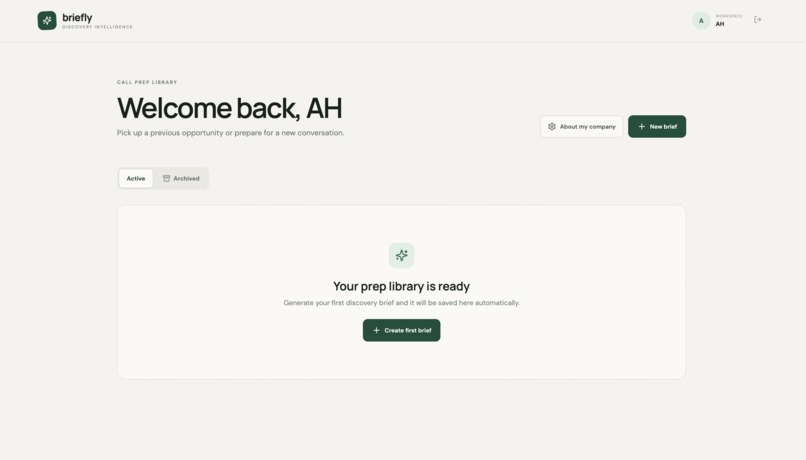
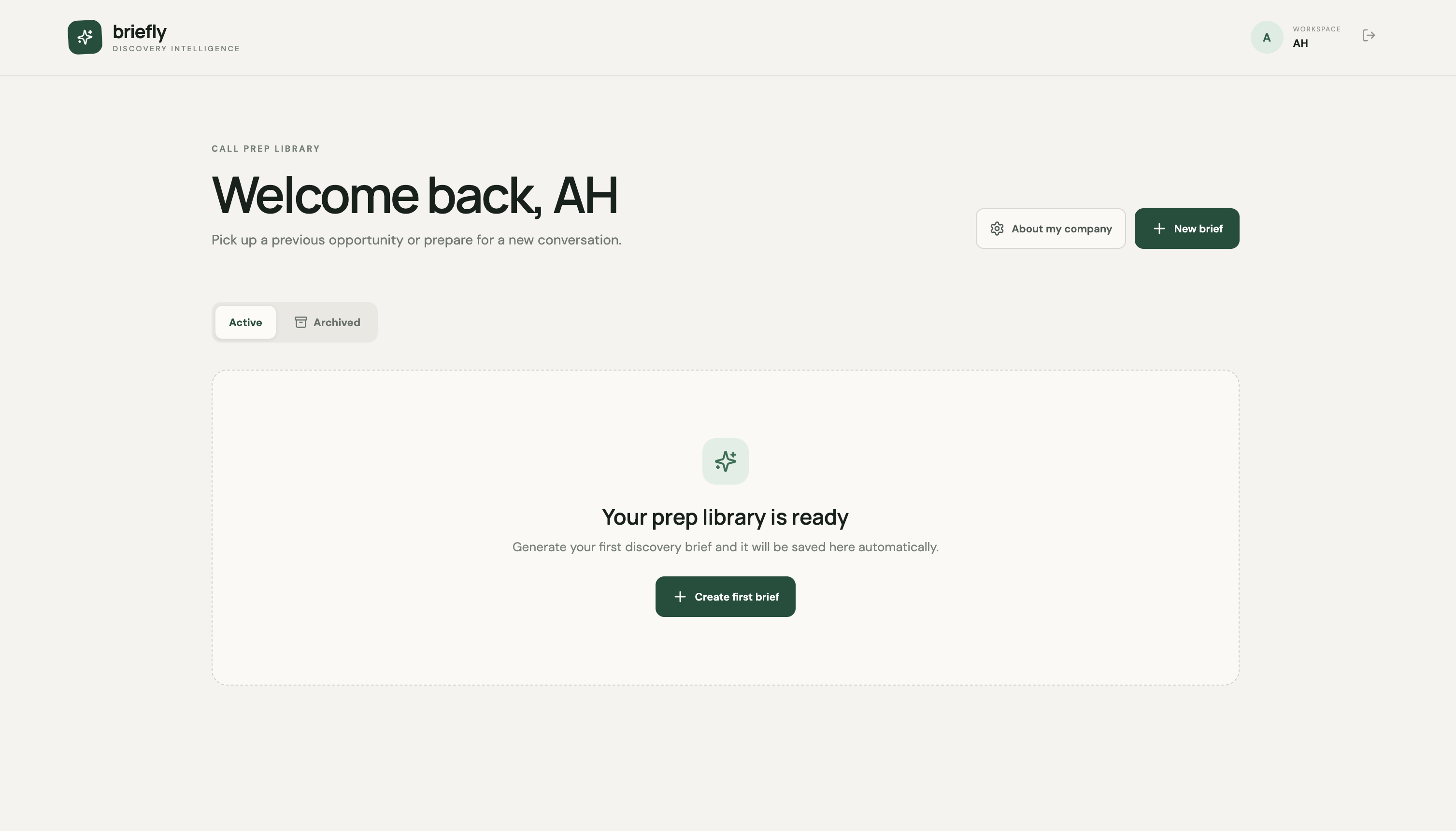
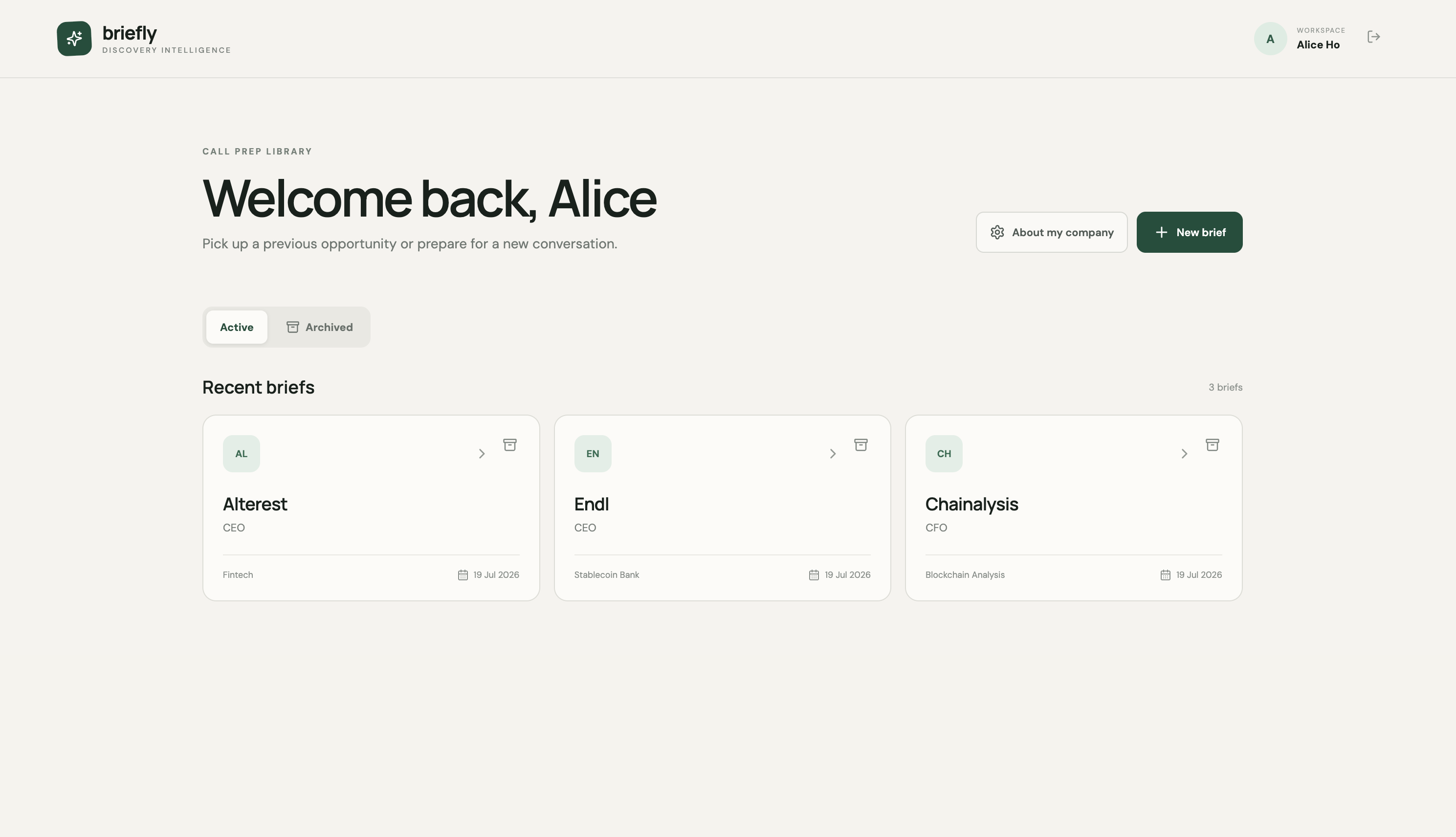
Your saved briefs live here — Active and Archived tabs, plus one-click access to start a new brief or edit your profile.
-
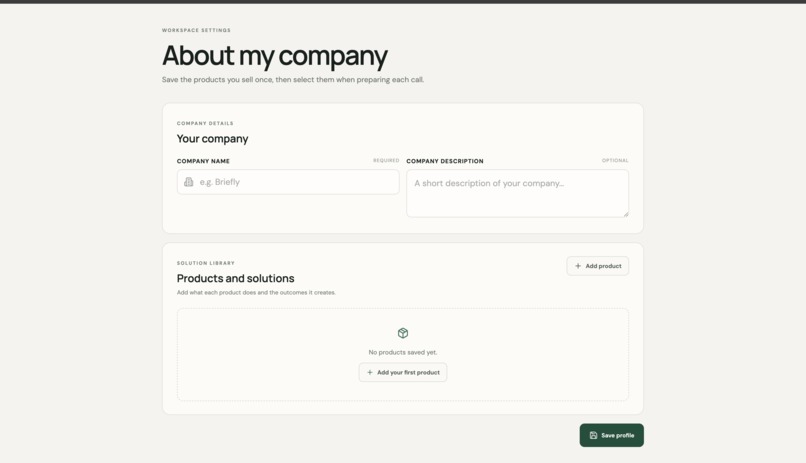
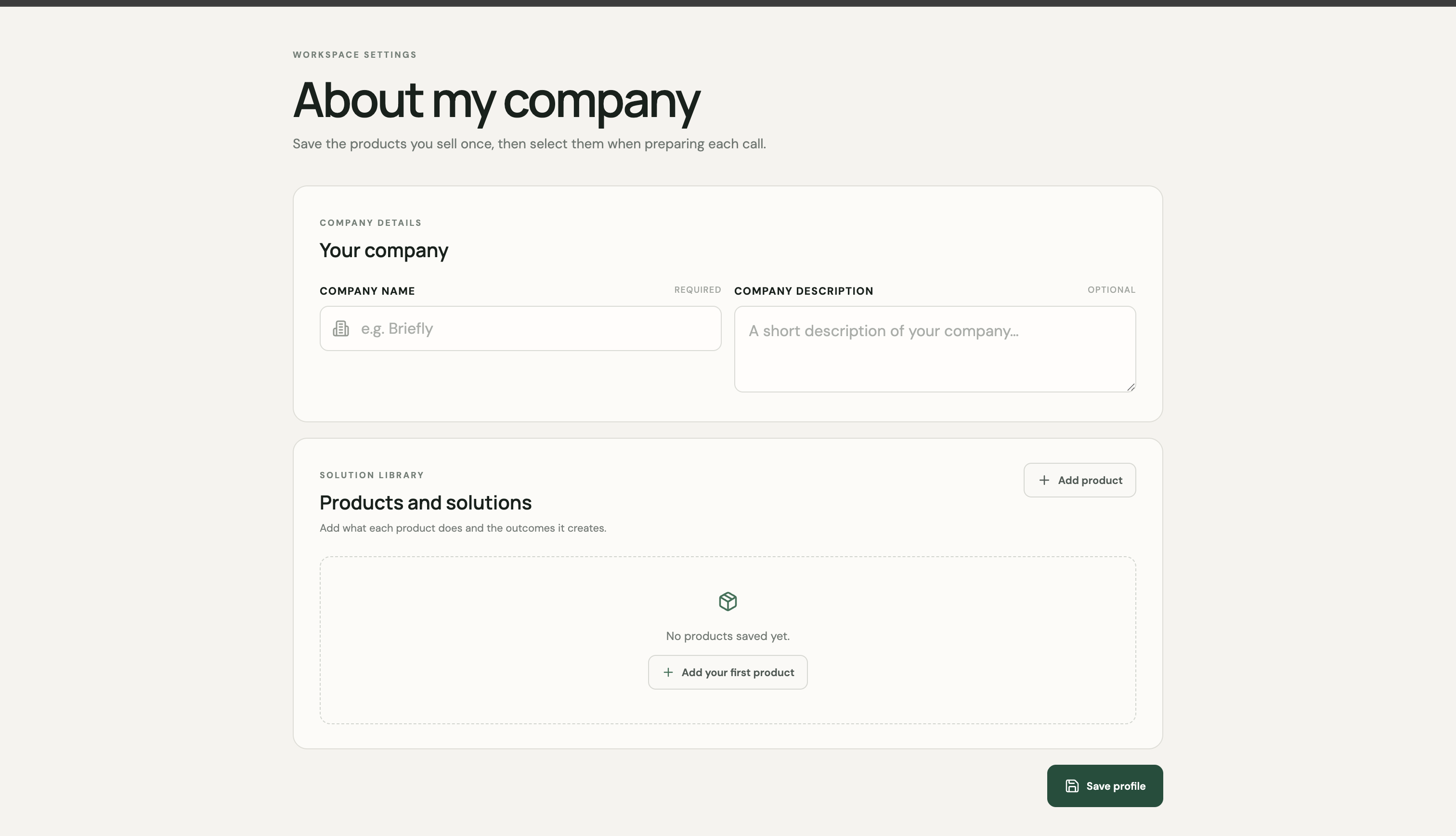
One-time setup: save your company and product details once, then reuse them across every discovery brief you generate.
-
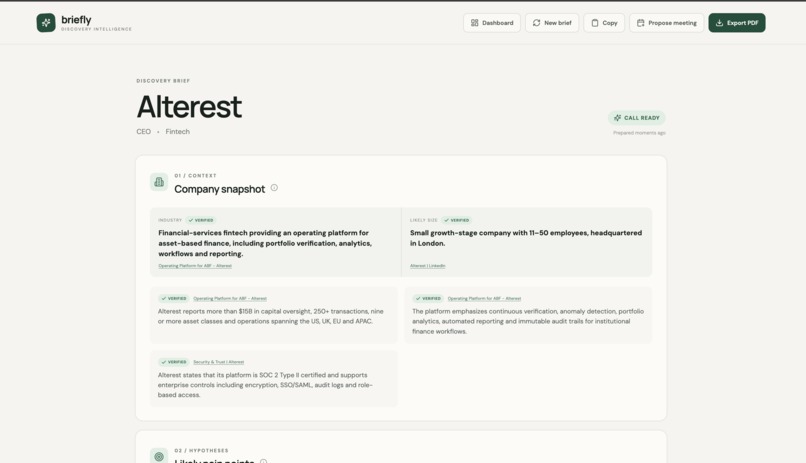
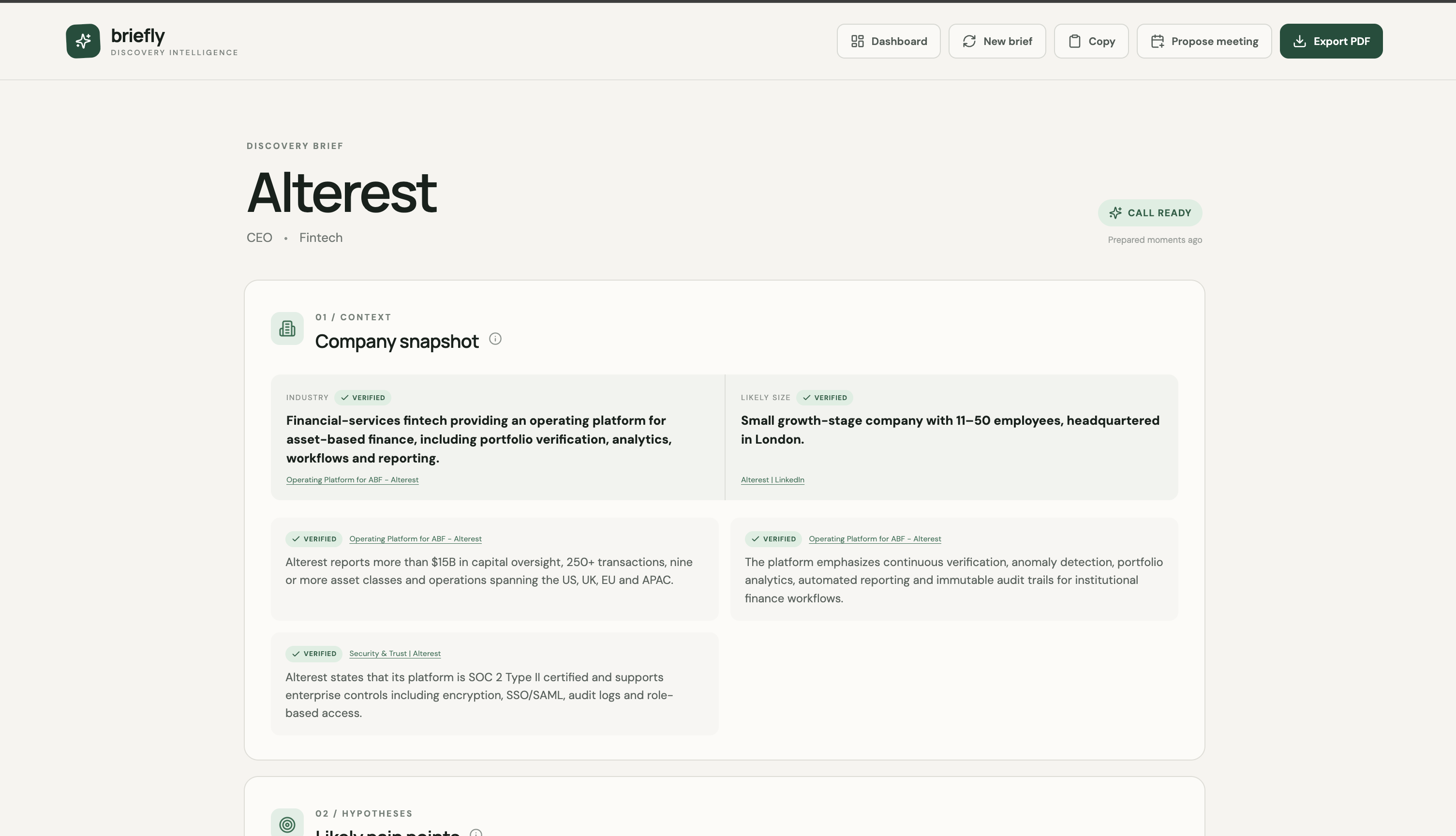
Call-ready brief with a source-linked "Verified" company snapshot from live web search, plus copy, meeting, and PDF export actions.
-
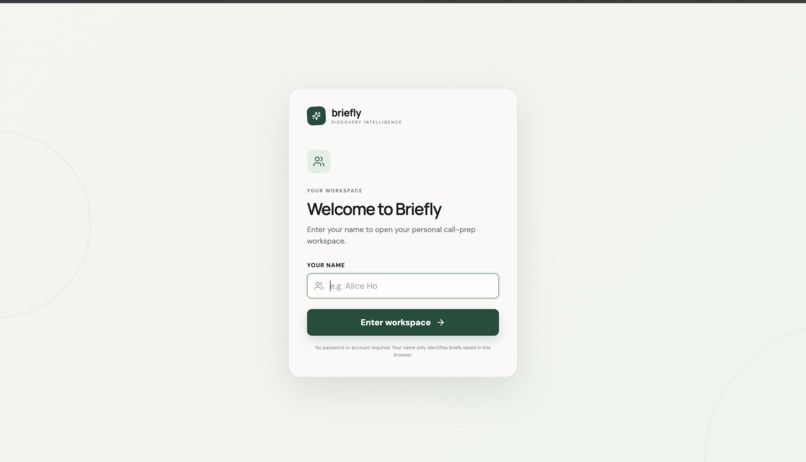
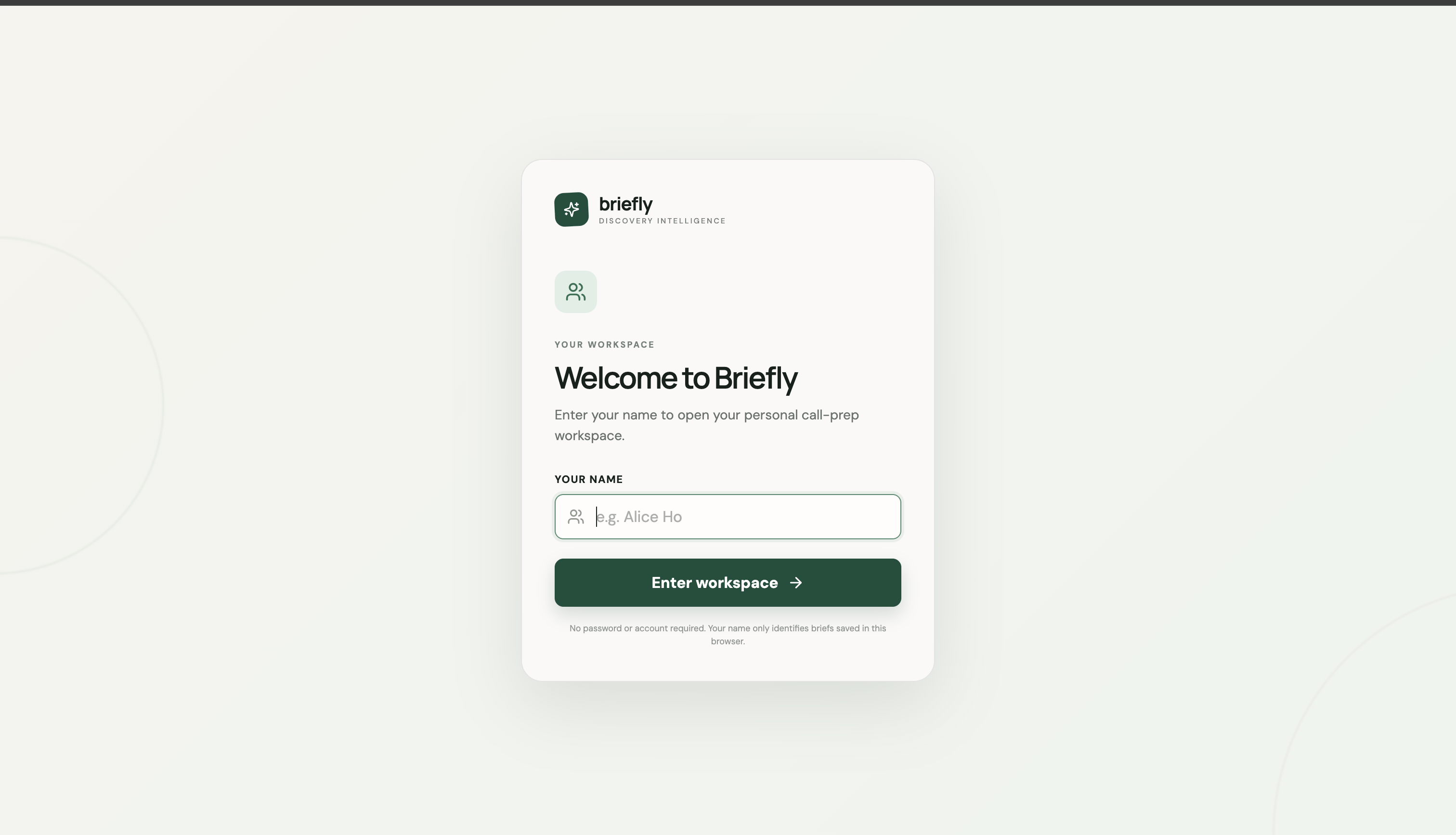
A lightweight, password-free entry — just a name to open your personal call-prep workspace, no account needed.
-
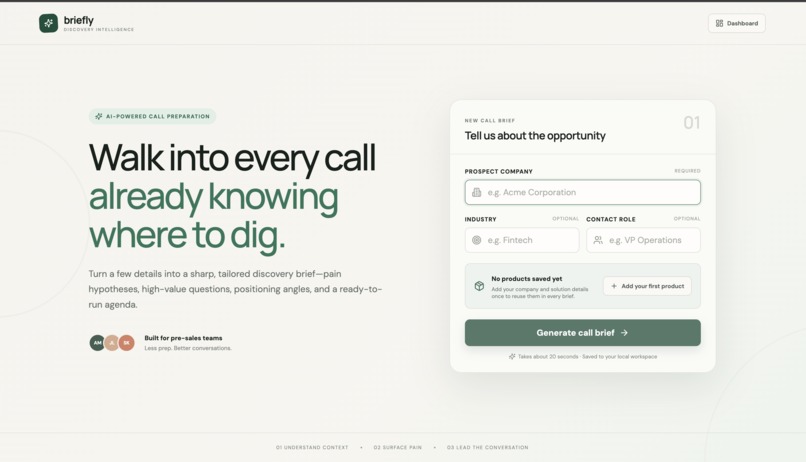
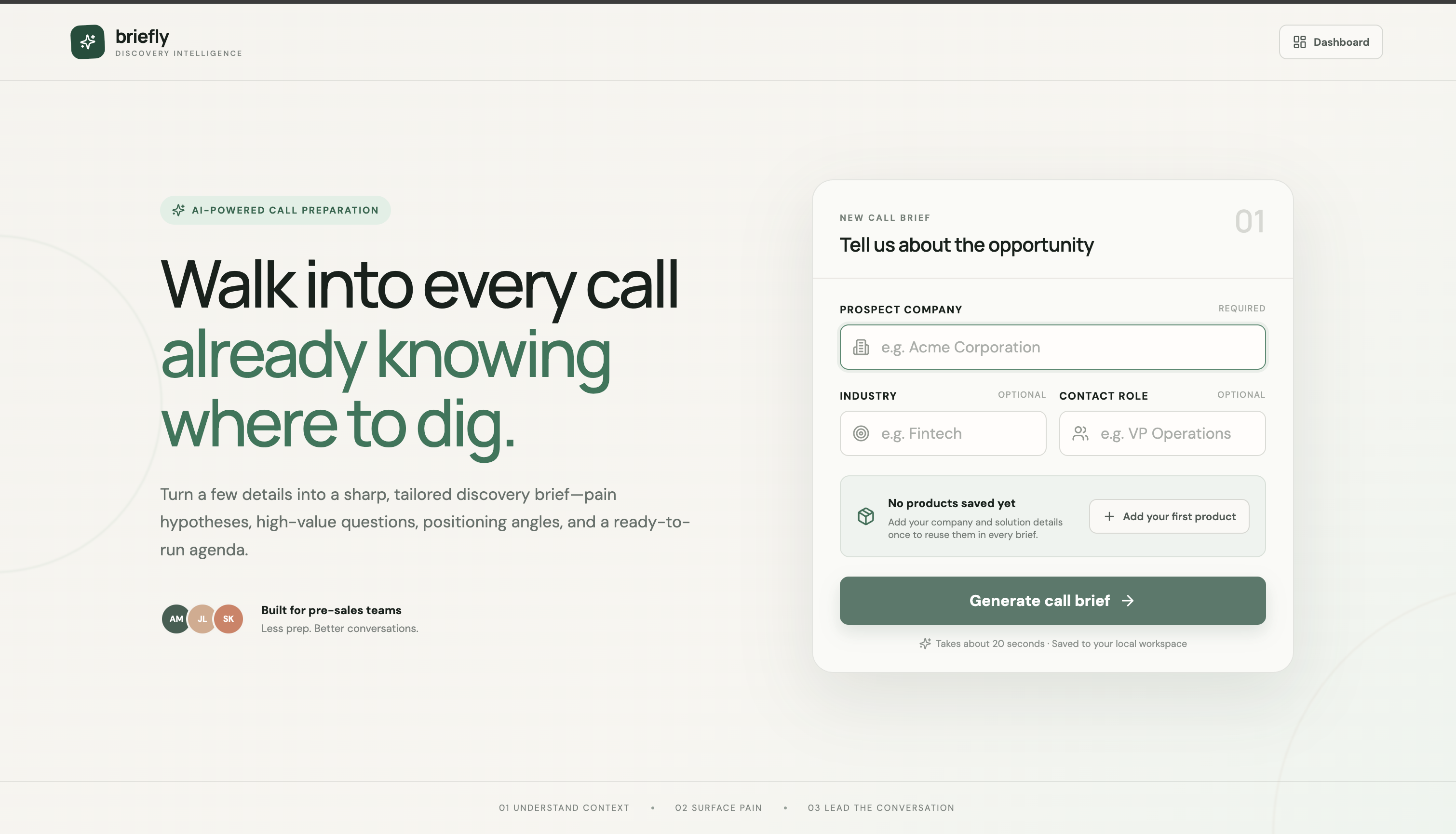
Enter a prospect's company, industry, and role to start a brief — Briefly prompts you to set up your product library first.
-
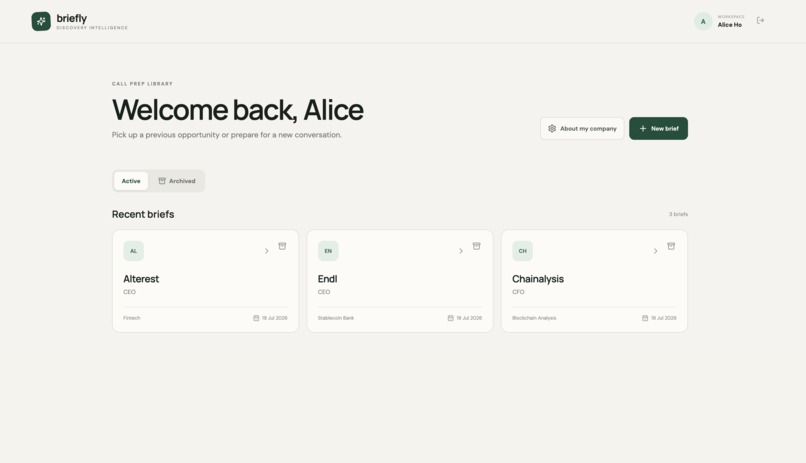
Your populated call prep library — saved briefs for Alterest, Endl, and Chainalysis, ready to revisit, archive, or reopen anytime.
Inspiration
As someone learning pre-sales consultancy, I kept running into the same bottleneck: prepping for a discovery call takes real time. You need to research the company, guess at their likely pain points, come up with questions that don't sound generic, and figure out how to naturally bring up your own product without it sounding like a pitch — all before the call even starts. I wanted to see if Codex and GPT-5.6 could compress that prep work from an hour down to seconds, without losing the quality that makes a discovery call actually useful.
What it does
Briefly takes a prospect's company name, industry, and contact role — plus a product selected from your own saved company profile — and generates a structured, call-ready brief in about 20 seconds:
- Company snapshot — real, live-researched facts about the prospect where available, clearly tagged "Verified" (with source links) vs. "Hypothesis" when the model is inferring rather than confirming. This distinction matters: a rep should know what's confirmed fact versus an educated guess before they walk into a call.
- Likely pain points — hypotheses tailored to the industry and contact role
- How to introduce your product — a soft, natural way to bring up the selected product mid-conversation, tied to the specific pain points already surfaced, with a reminder to listen first and pitch second
- Discovery questions — seven tailored, non-generic questions
- Positioning talking points — how to frame the product against the prospect's likely priorities
- A suggested, timed call agenda
Beyond generation, Briefly is a lightweight workspace:
- A company profile section lets a user save their company info and a list of products once, then pick from a dropdown when generating a brief instead of retyping a product description every time
- A dashboard saves every generated brief, with archive/unarchive for deals that have gone cold — non-destructive by default, with a separate permanent-delete option in the archived view
- Briefs can be exported as a polished PDF to share or attach to a CRM
- A "Suggest meeting times" feature proposes call slots with downloadable .ics calendar files and a drafted follow-up email, so a rep can go from "here's my prep" to "here's a meeting on the books" without leaving the tool
How I built it
I used Codex inside the ChatGPT app, connected directly to a GitHub repository, and worked in a tight iterative loop: describe a feature in plain language, let Codex scaffold it, test it in-browser, then come back with the next increment. The stack is a React + Vite frontend and an Express backend, calling OpenAI's Responses API with GPT-5.6, with SQLite for lightweight persistence.
Key build steps, roughly in order:
- Scaffolded the core input form and call-brief generation flow, with the OpenAI API call happening server-side so the key never reaches the browser
- Enforced strict JSON Schema output on the model response after discovering early versions occasionally leaked raw model text — including its own JSON self-correction reasoning — directly into a question field. Added server-side validation plus a single automatic retry on parse failure.
- Added a live web-search step so the Company Snapshot section pulls real, sourced facts when available, falling back gracefully to clearly labeled hypotheses when it can't find anything
- Built the dashboard with SQLite persistence, scoped by a lightweight name-based workspace identifier (deliberately not full OAuth — kept simple given the timeline)
- Fixed a real bug this surfaced: briefs appeared to "disappear" between sessions because the workspace identifier wasn't being normalized or persisted consistently — fixed by trimming/normalizing the identifier and clarifying what "logging out" should and shouldn't clear
- Added archive/unarchive as the primary organization action, with permanent delete only reachable from the archived view, so the main demo flow stays non-destructive
- Replaced free-text product entry with a company-profile system: users save their products once, then select one from a dropdown per brief — removing repetitive typing and letting the generation prompt use a consistent, richer product description every time
- Added the "How to introduce your product" section, generated only after pain points are established, so the framing stays consultative rather than pitch-first
- Replaced markdown export with PDF export, preserving the Verified/Hypothesis labels and section structure so the exported document is as usable as the on-screen brief
- Added meeting-time suggestions with .ics export and a draft follow-up email — no calendar OAuth, kept fully self-contained
- Passed several rounds of layout polish — fixing inconsistent card widths and heights across sections with variable-length content, and adding inline (ⓘ) tooltips explaining how to use each section live on a call
Challenges I ran into
The biggest one was output reliability. Early on, the brief generation would occasionally leak the model's own JSON-repair reasoning straight into a question field — visible, broken text instead of a clean question. I fixed this with strict JSON Schema enforcement on the API call, independent server-side validation, and a single automatic retry when a response fails parsing or fails a sanity check like returning fewer than seven discovery questions.
The second was a subtler bug: briefs seemed to vanish after logging out and back in. The data wasn't actually lost — the lightweight, name-based workspace identifier used to scope private data was being handled inconsistently between sessions, so the dashboard was looking for the wrong key. It was a good reminder that even "simple" auth substitutes need careful, deliberate state handling.
The third was scope discipline. It was tempting to keep adding features — full OAuth-based calendar booking with live availability checking, a CRM-style deal pipeline with stages like Discovery → Negotiation → Closed — but with a fixed deadline, I made a deliberate call to ship the lightweight versions (static time-slot suggestions with .ics export; archive/unarchive instead of full pipeline stages) and scope the fuller versions as roadmap items instead of half-building them under time pressure.
What I learned
Using Codex conversationally — describe a feature, test the result, iterate — was a much faster development loop than I expected, especially for someone newer to full-stack development. It also taught me a lot about pre-sales workflows themselves: figuring out exactly what belongs in a good discovery brief, and how a rep should introduce their product without it feeling like a pitch, was as valuable a learning exercise as the coding itself.
What's next
- Real calendar integration — OAuth-based Google/Outlook connection, live availability checking, and direct invite sending, replacing the current static time-slot suggestions
- CRM integration — auto-populating prospect data from a connected CRM and pushing generated briefs back as logged activity
- Deal-stage tracking — moving briefs through a lightweight pipeline (Discovery → Qualification → Proposal → Negotiation → Client Onboarded) rather than a simple active/archived split
- Team workspaces — shared briefs and company profiles across a sales team, rather than a single local, name-based workspace
Built With
- ajv
- css
- css-grid
- express5
- gpt-5.6
- icalendar/.ics
- javascript
- jsonschema
- jspdf
- lucidereact
- node.js
- npm
- openai-api
- openaiwebsearch
- react19
- responsesapi
- sqlite
- vite

Log in or sign up for Devpost to join the conversation.