-
-
Bridge Translate Promo 01
-
Bridge Translate Promo 02
-
Bridge Translate Promo 03
-
Bridge Translate Promo 04
-
Bridge Translate Promo 05
Inspiration
Early in my career, I often struggled to find the right words when communicating in English, which isn't my native language. As a Brazilian Portuguese speaker, I frequently needed to switch between tabs or open external apps to translate text, which constantly disrupted my focus and workflow. I created Bridge Translate to solve this problem: a tool that provides instant translations without pulling you away from what you're doing.
What it does
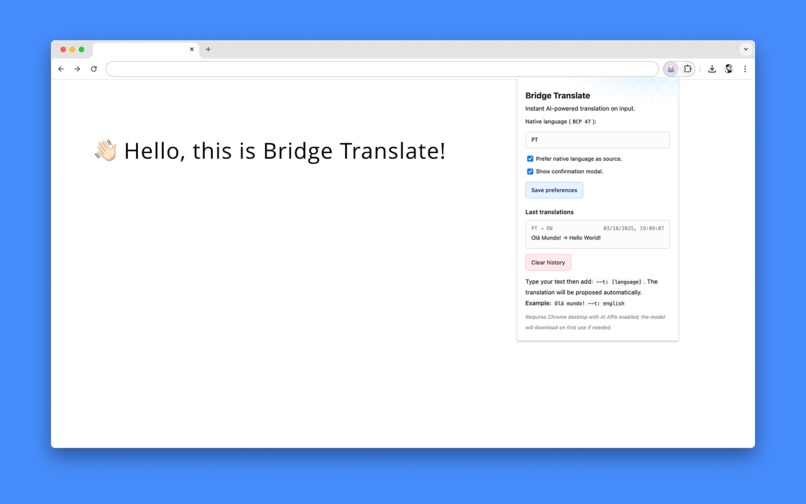
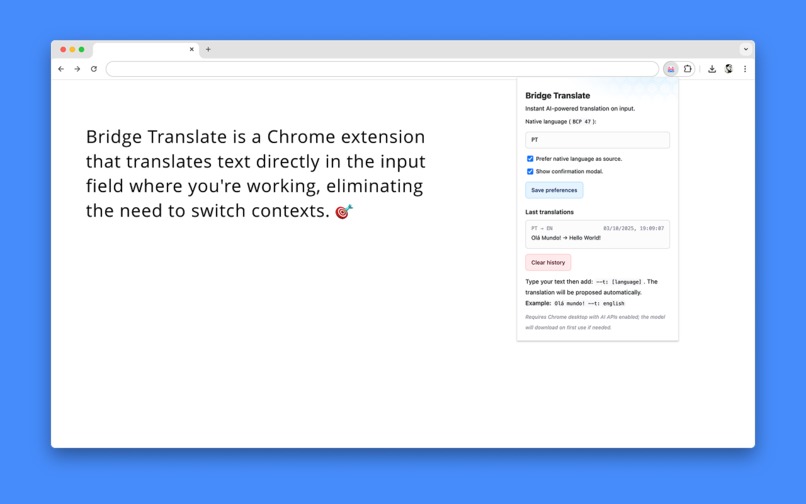
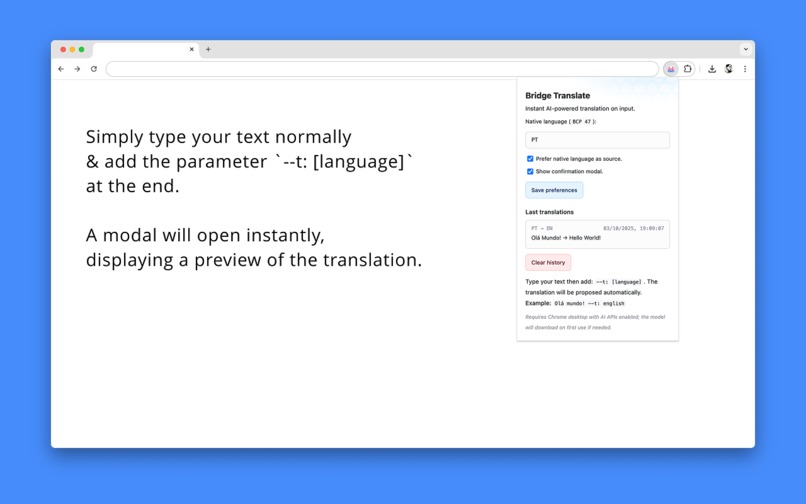
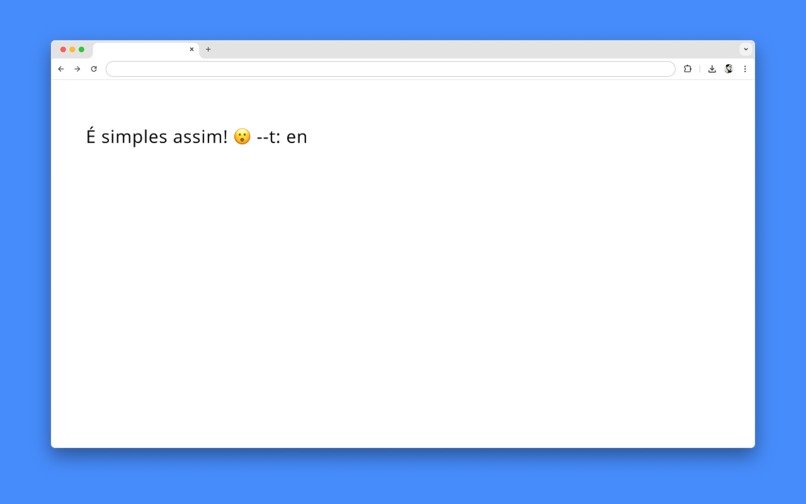
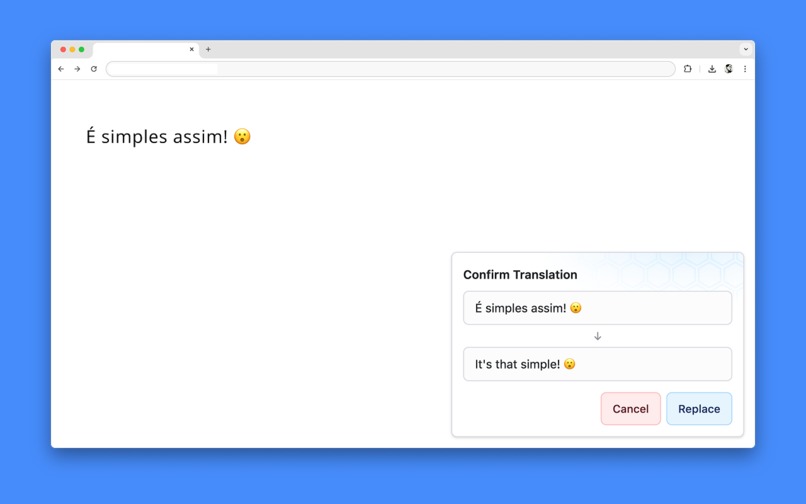
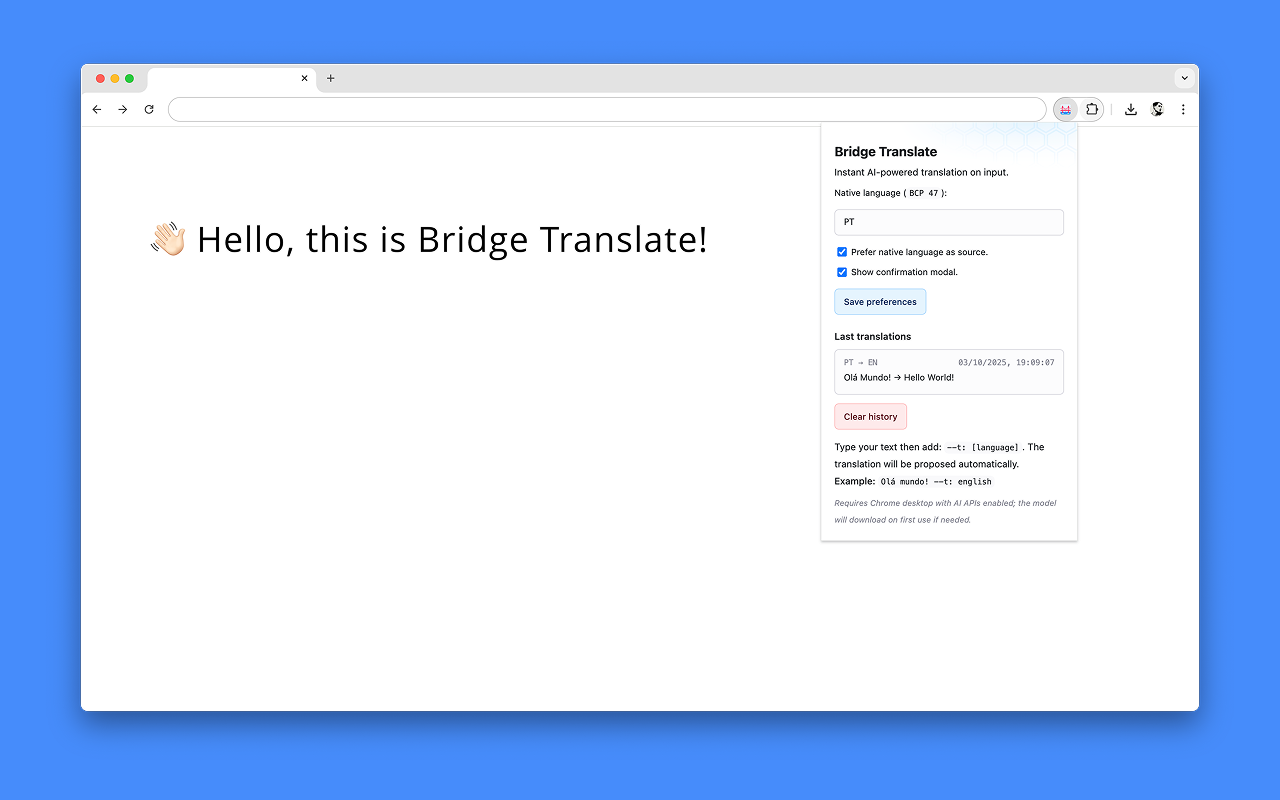
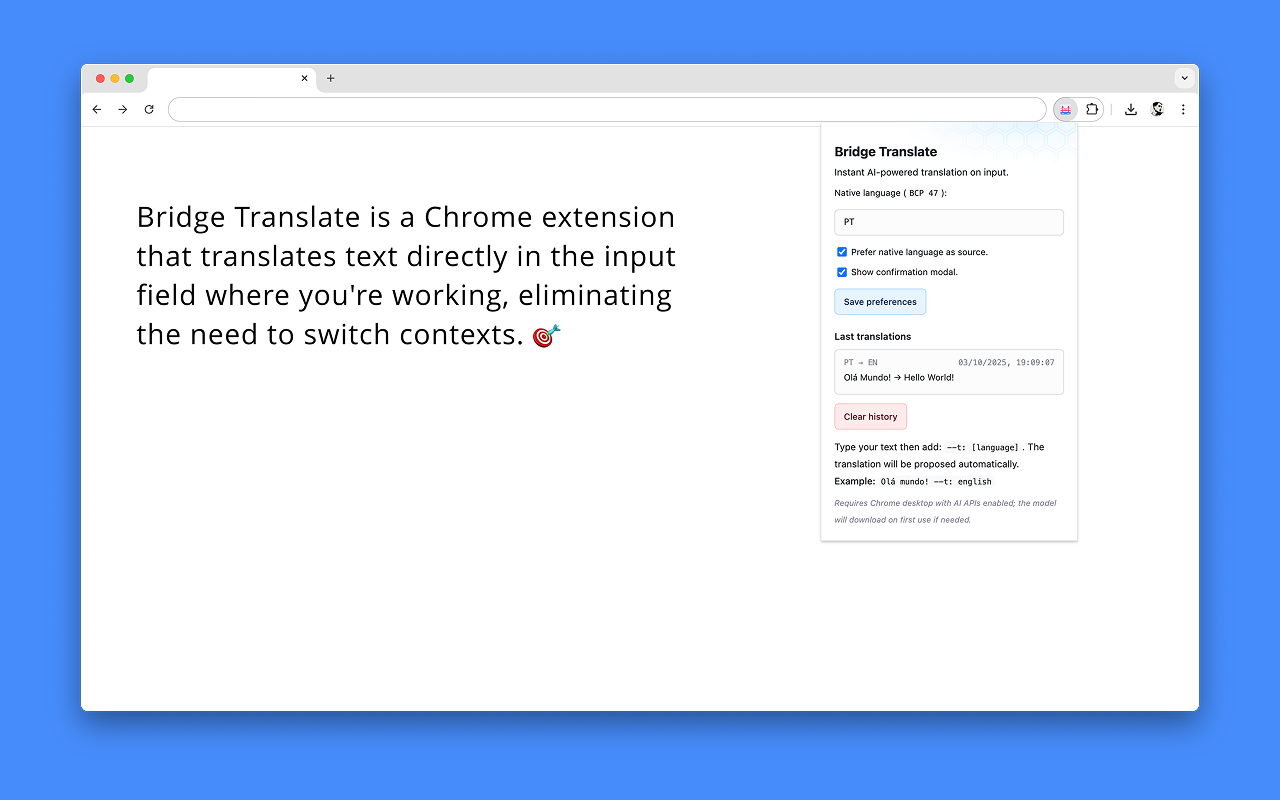
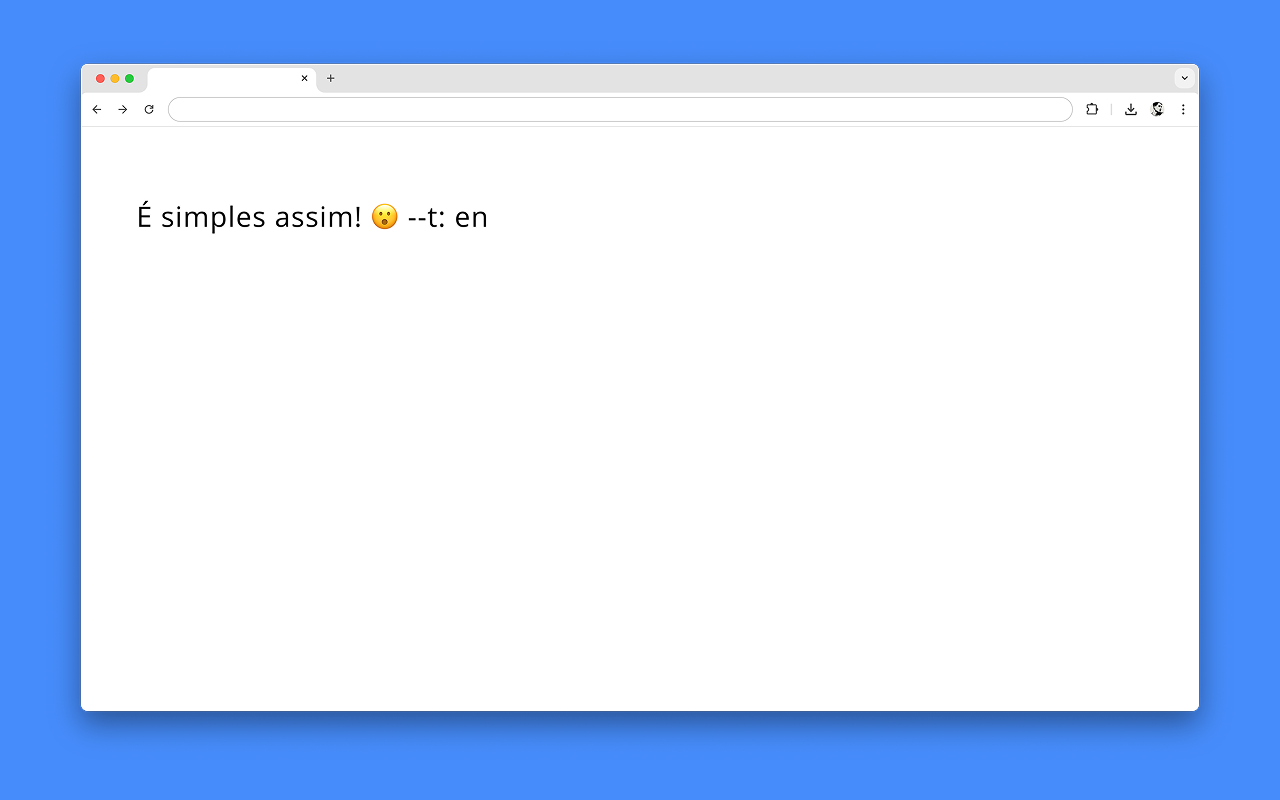
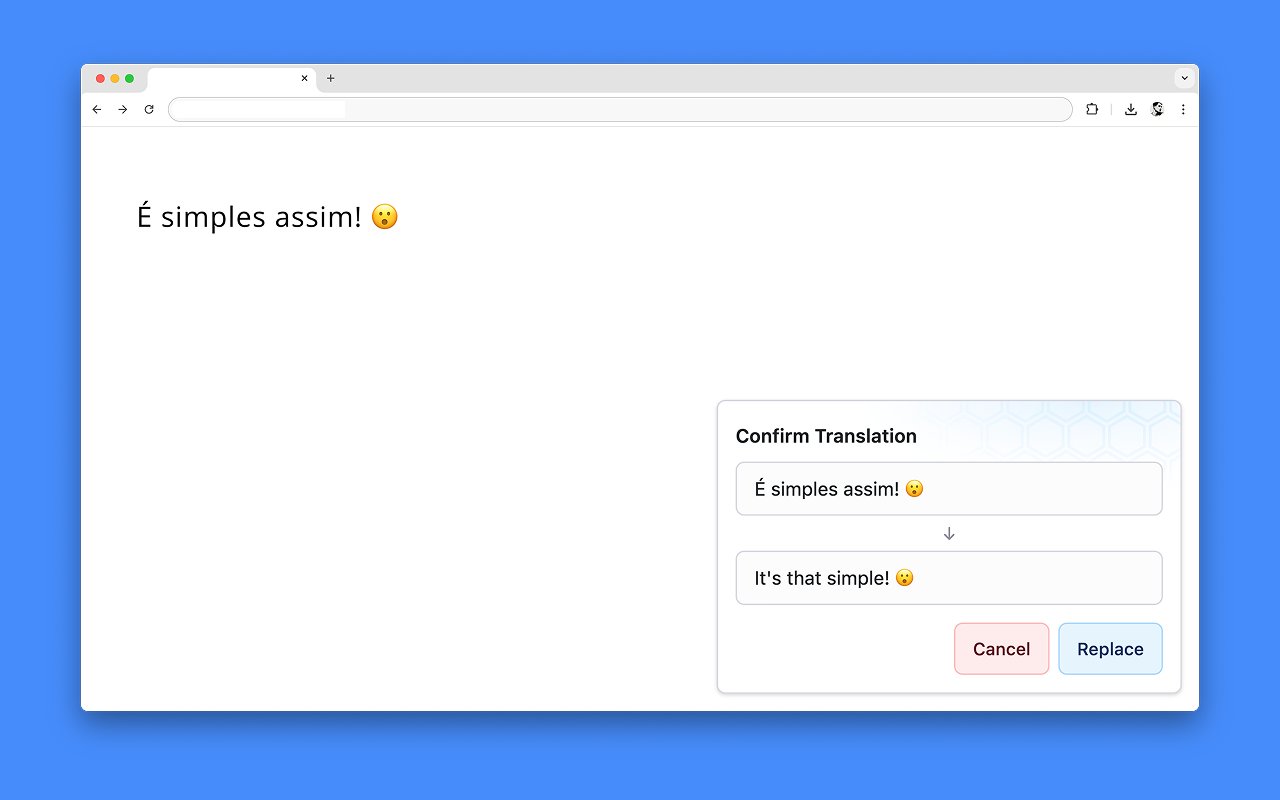
Bridge Translate is a Chrome extension that offers instant AI-powered translations directly on the current page, in any input field.
How I built it
I built with vanilla JavaScript, Chrome extension APIs, and Gemini Nano Translator (Chrome Built-in). Content scripts inject translation functionality into pages, while a pop-up provides quick access to settings.
Challenges I ran into
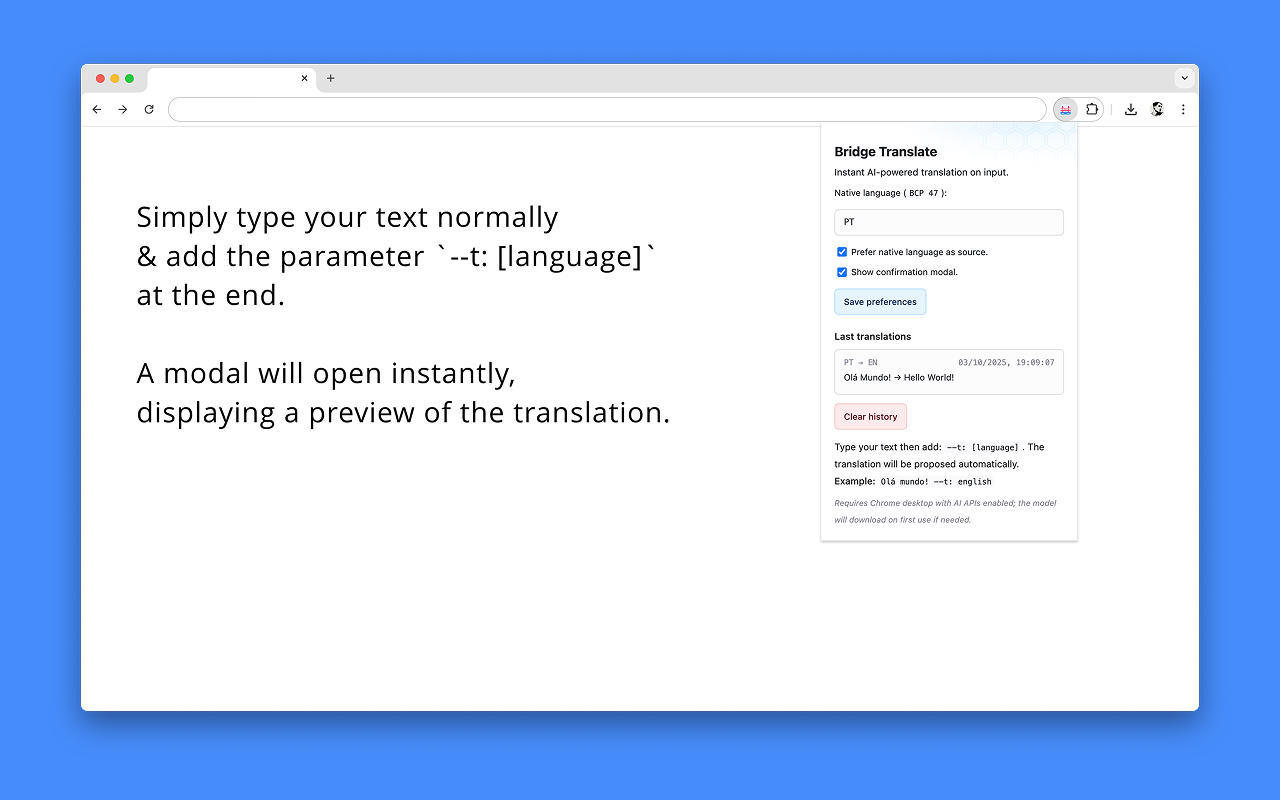
Finding a simple pattern for calling the extension translation proved to be tricky. After the functional part was working, I spent considerable time refining the UI/UX to make it more user-friendly.
Accomplishments that I'm proud of
I created a tool that solves a problem I experience daily. The extension works seamlessly on Gmail, Slack, and other apps without interrupting your workflow.
What I learned
The only other extension I had created was a theme. With this one, I learned a great deal about the various possibilities extensions offer and how to integrate them into existing services.
What's next for BridgeTranslate
I want to show it to friends and colleagues, publish the extension, and gather feedback to iterate and improve the user experience.


Log in or sign up for Devpost to join the conversation.