Inspiration
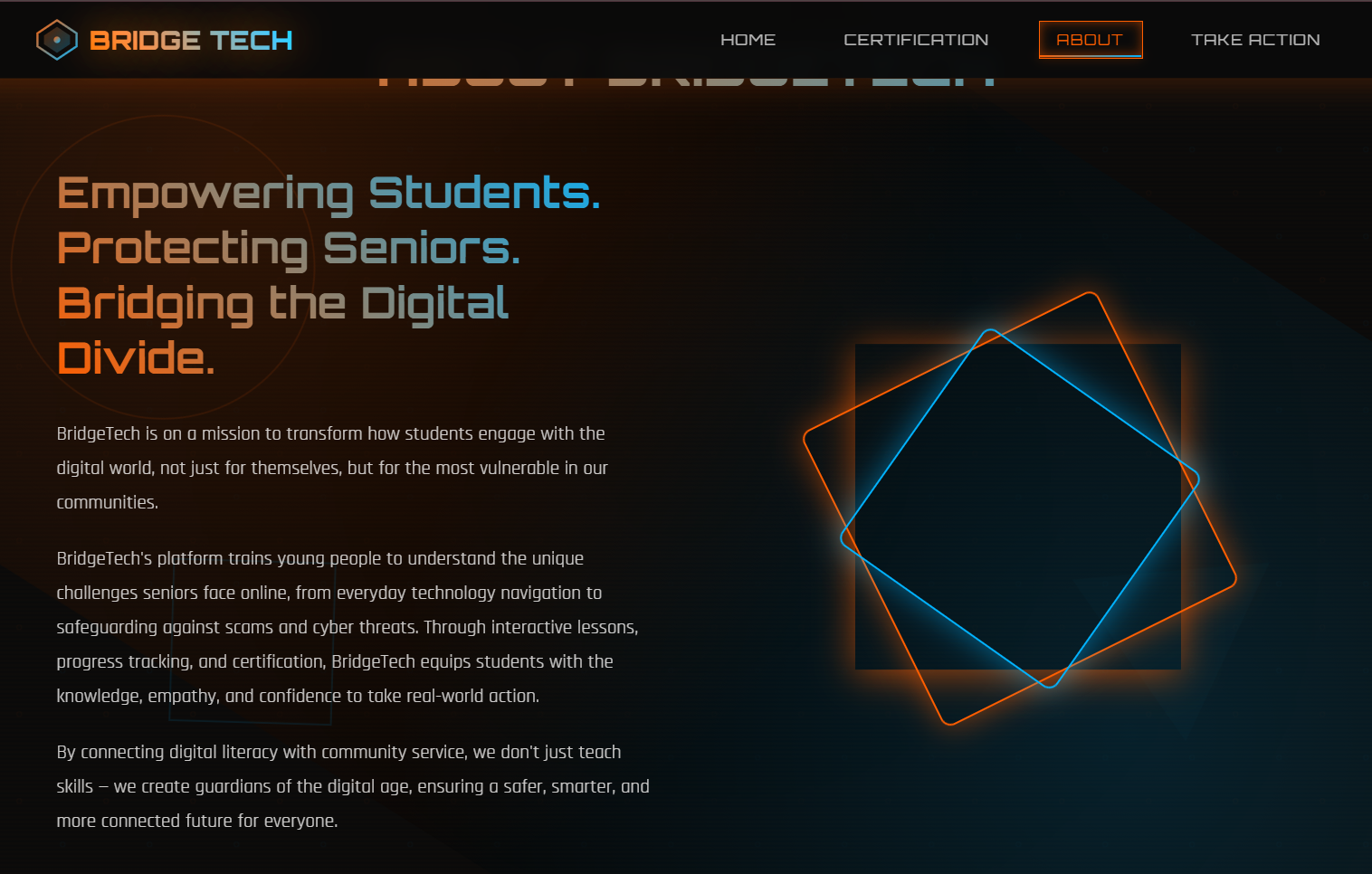
BridgeTech started from something I noticed in my own community. Seniors are surrounded by technology, but a lot of the systems meant to help them end up confusing or even endangering them. I kept hearing stories about scams, phishing attempts, and online risks that targeted older adults, and it bothered me that so many people were being left behind as the online world kept moving forward. I wanted to create something that actually helped close that gap. I wanted students to have a way to learn about the challenges seniors face online and then turn that knowledge into real community impact - so that became the inspiration for BridgeTech - a project focused on protecting seniors while empowering students to step up as educators and advocates.
What it does
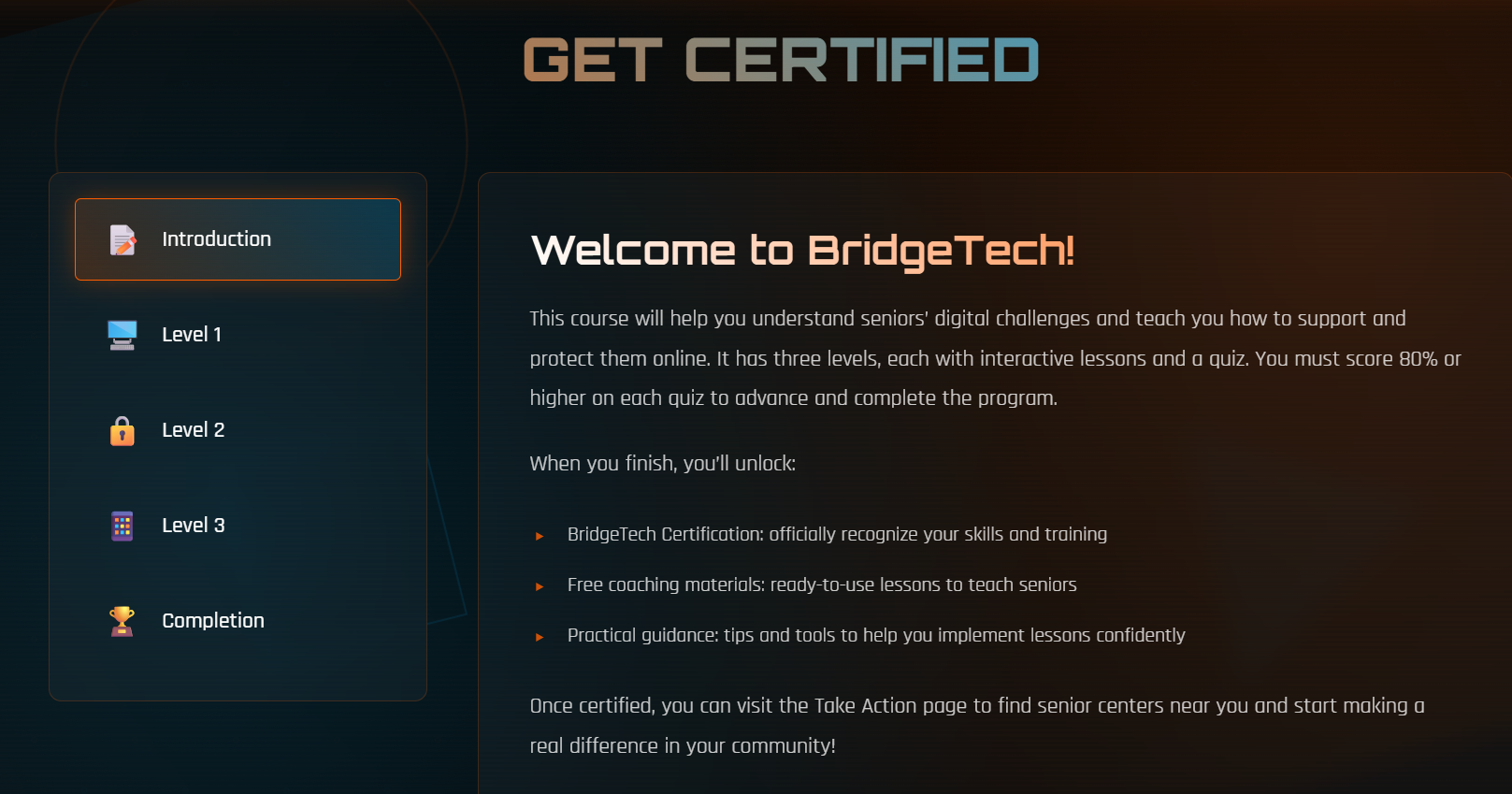
BridgeTech is a web-based platform designed to help students understand digital safety from a senior's perspective. It includes interactive lessons on cybersecurity, scams, smartphone skills, and everyday online risks. Each level has a quiz, and you need to score at least 80% to unlock the next level. After completing all levels, the platform provides a certification, a library of free workshops, and encourages students to use what they learned to support local senior centers or community spaces. The goal is to make learning meaningful by connecting it with real service.
How I built it
I built BridgeTech using HTML, CSS, and JavaScript. The site is structured into three interactive learning levels followed by a certification step. I used JavaScript to create the quiz system, calculate scores, and lock or unlock levels based on whether the user passes with at least 80%. Progress is saved through localStorage, so users can leave and come back without losing their progress. I also added visual touches like floating particles, glitch style headers, and rotating text elements to make the experience more engaging and futuristic while still keeping it clean and accessible.
Challenges I ran into
One challenge was setting up the locked-level progression system and making sure it worked smoothly across sessions, there were a bunch of times that didn't work. I also had to find the right balance between visuals and simplicity so the animations would improve the experience without becoming distracting. Another challenge was writing lessons that were realistic and actually useful. I had to research common online problems seniors face and translate those issues into short, digestible lessons that students could understand.
Accomplishments that I'm proud of
I am proud that I built a complete learning flow with quizzes, feedback, and unlockable levels. I am also proud of how the design turned out since it manages to feel interactive, and engaging. The accomplishment that means the most is that the project encourages real community impact. The whole point was to inspire students to support seniors, and turning that idea into something tangible feels meaningful to me.
What I learned
I learned how to combine technical skills with educational design. I learned how to structure interactive content, plan a user journey, and use features like localStorage to track progress. I also learned how to think from a user’s perspective, especially when designing something meant to raise awareness and inspire action. BridgeTech taught me how to take a real-world issue and turn it into something students can learn from and contribute to.
What's next for BridgeTech
I want to expand BridgeTech with more lessons and more advanced cybersecurity topics. I also want to add better progress tracking and possibly a leaderboard system to motivate students. In the future, I hope to partner with more senior centers and maybe adapt the platform for different age groups and communities. My goal is for BridgeTech to keep growing and reach as many people as possible.

Log in or sign up for Devpost to join the conversation.