-
-
-
-
-
-

-
-
1024 x 1024 App Icon
-
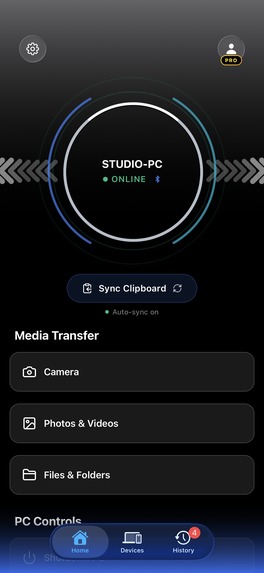
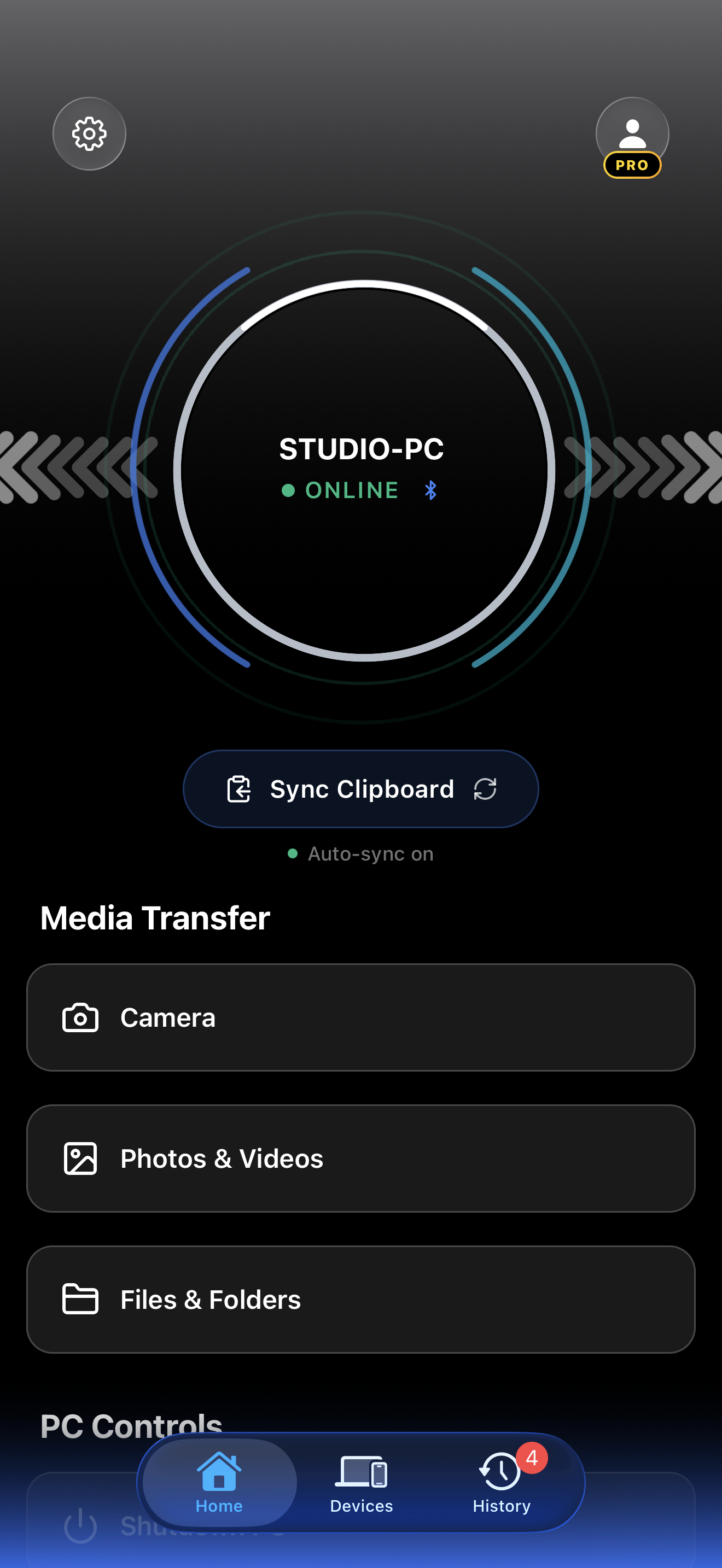
iOS App Home Screen without Device Frame
-
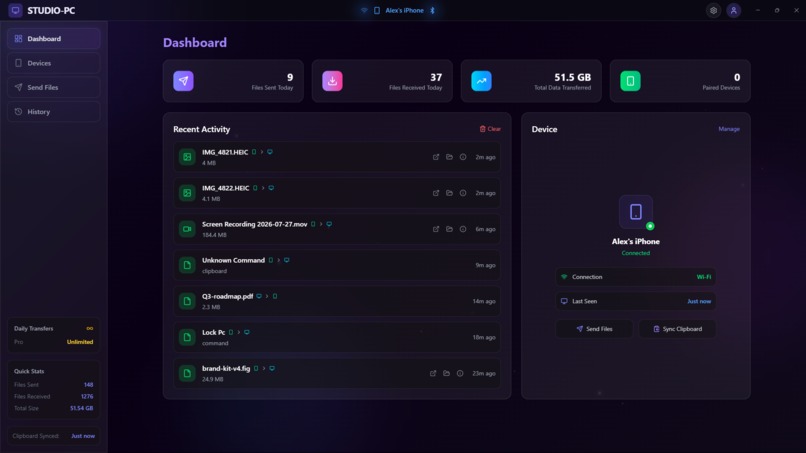
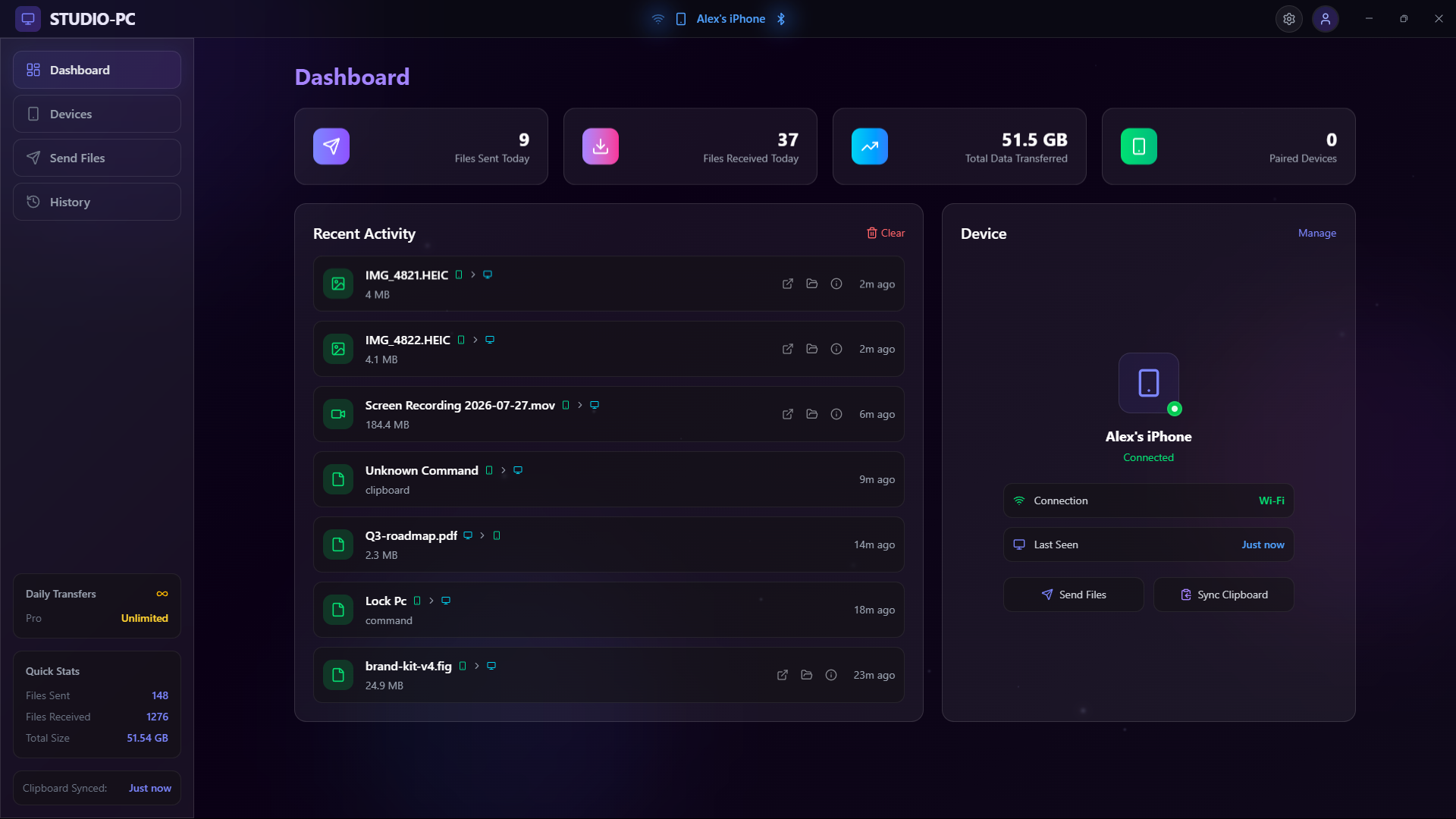
Desktop App Dashboard without Device Frame
-
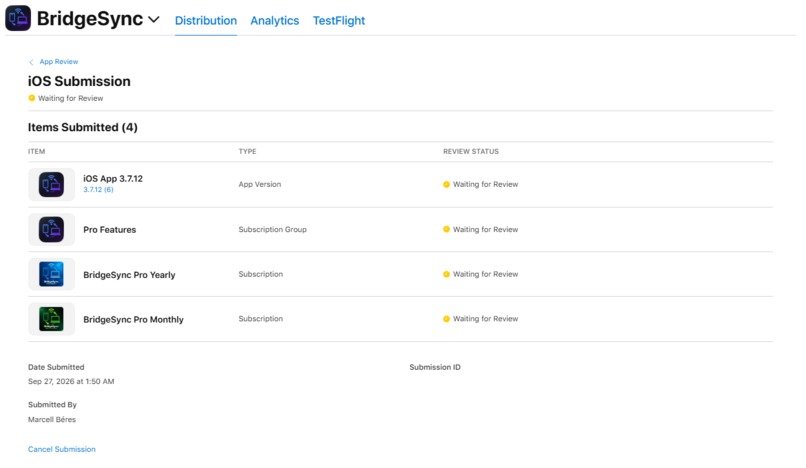
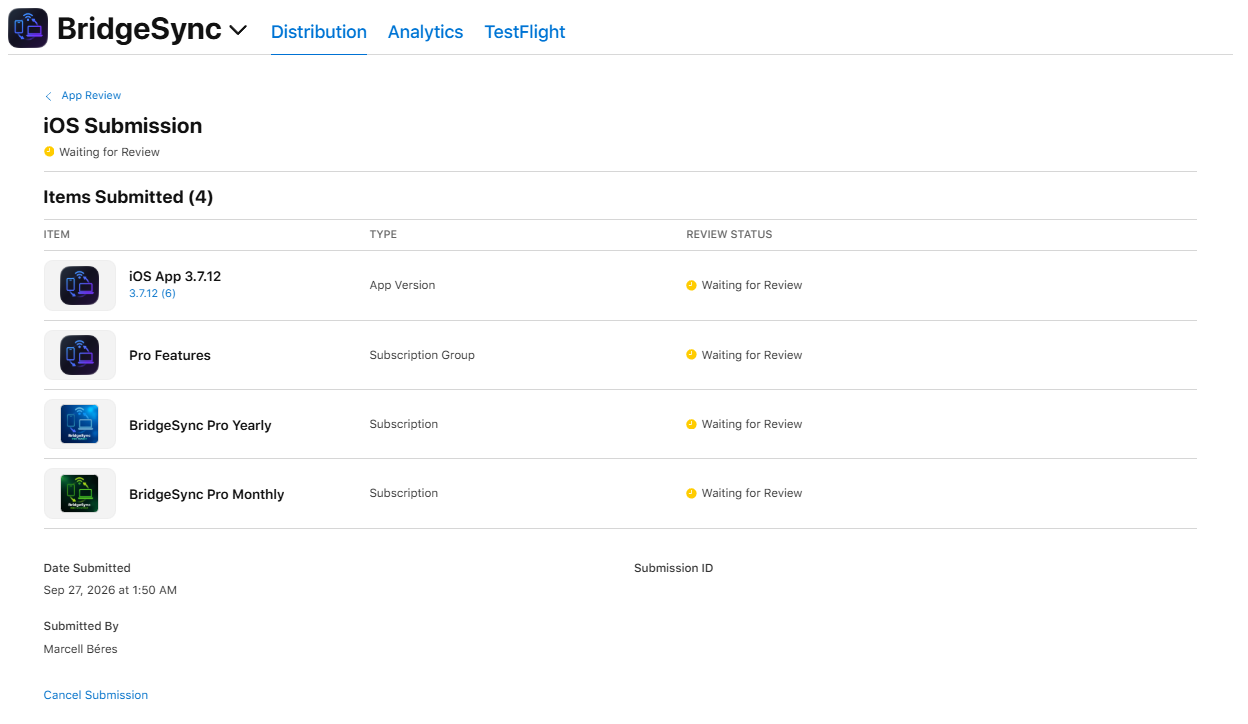
App Store Connect, October 1, 2026: BridgeSync 3.7.12 still Waiting for Review. Submitted September 27, 1:50 AM Budapest time.

Inspiration
Last summer, I entered the Bolt.new hackathon with an idea I genuinely believed I could build. I couldn't.
The idea itself had grown far beyond what I was capable of building at the time. I didn't have the experience, the technical knowledge, or honestly the ability to turn it into the product I had imagined. I failed the hackathon, put the project aside, and moved on.
Then time passed.
After Intel announced that Unison was being shut down, I had another idea. What started as a simple file transfer app slowly grew into something much bigger: a polished companion app designed to bridge the gap between Windows and iOS.
Every feature came from something I personally needed and couldn't get from the nonexistent Apple-Microsoft ecosystem.
Every day, iPhone owners using Windows still do the same silly dance. Email a file to yourself. Upload it somewhere. Wait. Download it again. Dig out a cable. Copy a link manually. Check your phone for a notification while you're already sitting at your PC.
Neither Apple nor Microsoft has really solved that gap. Phone Link barely touches the iPhone, and the closest thing we had, Intel Unison, is gone.
So I decided to build the bridge myself.
What began as a file transfer app became BridgeSync: a companion for the devices I already use every day, built around the features I wish Apple and Microsoft had given me in the first place.
What it does
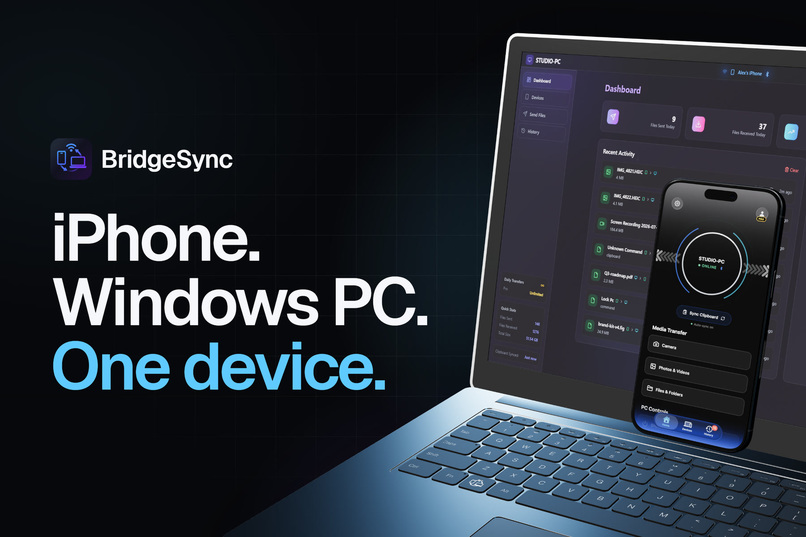
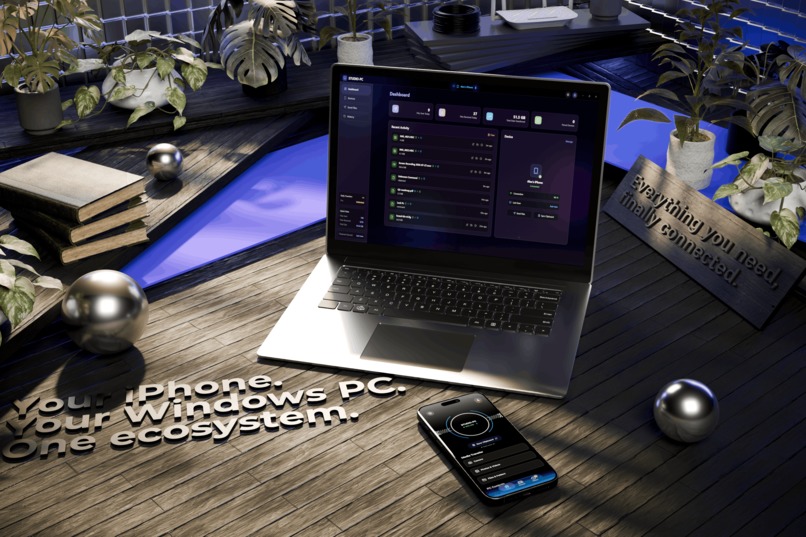
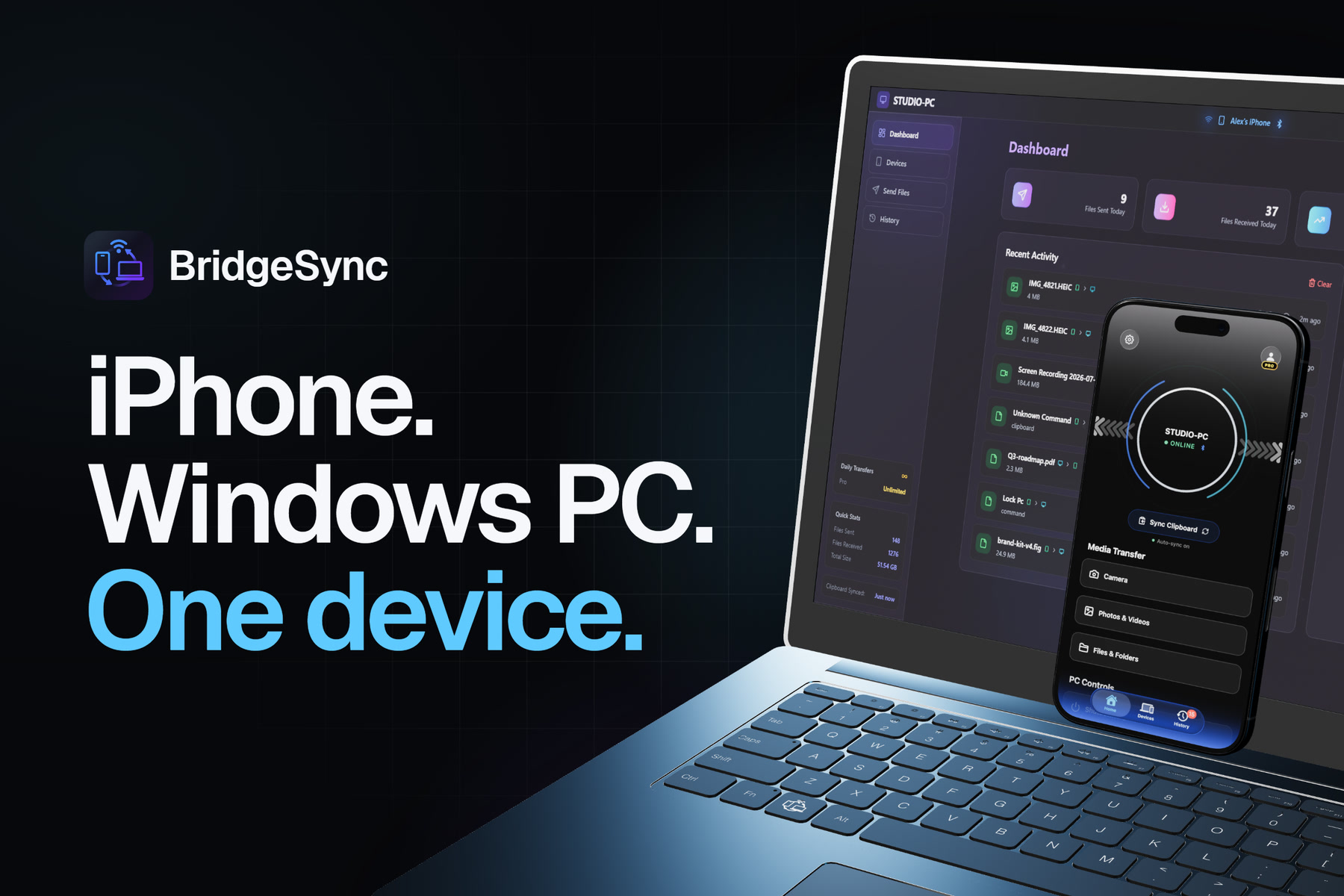
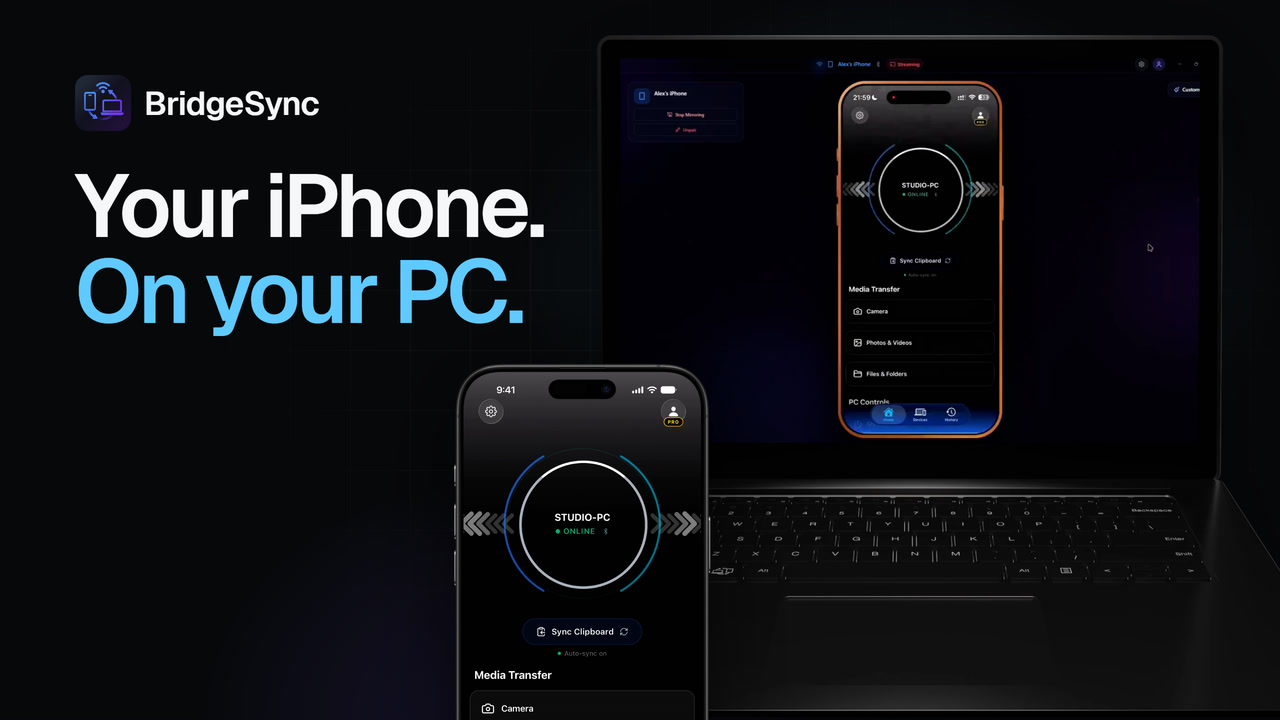
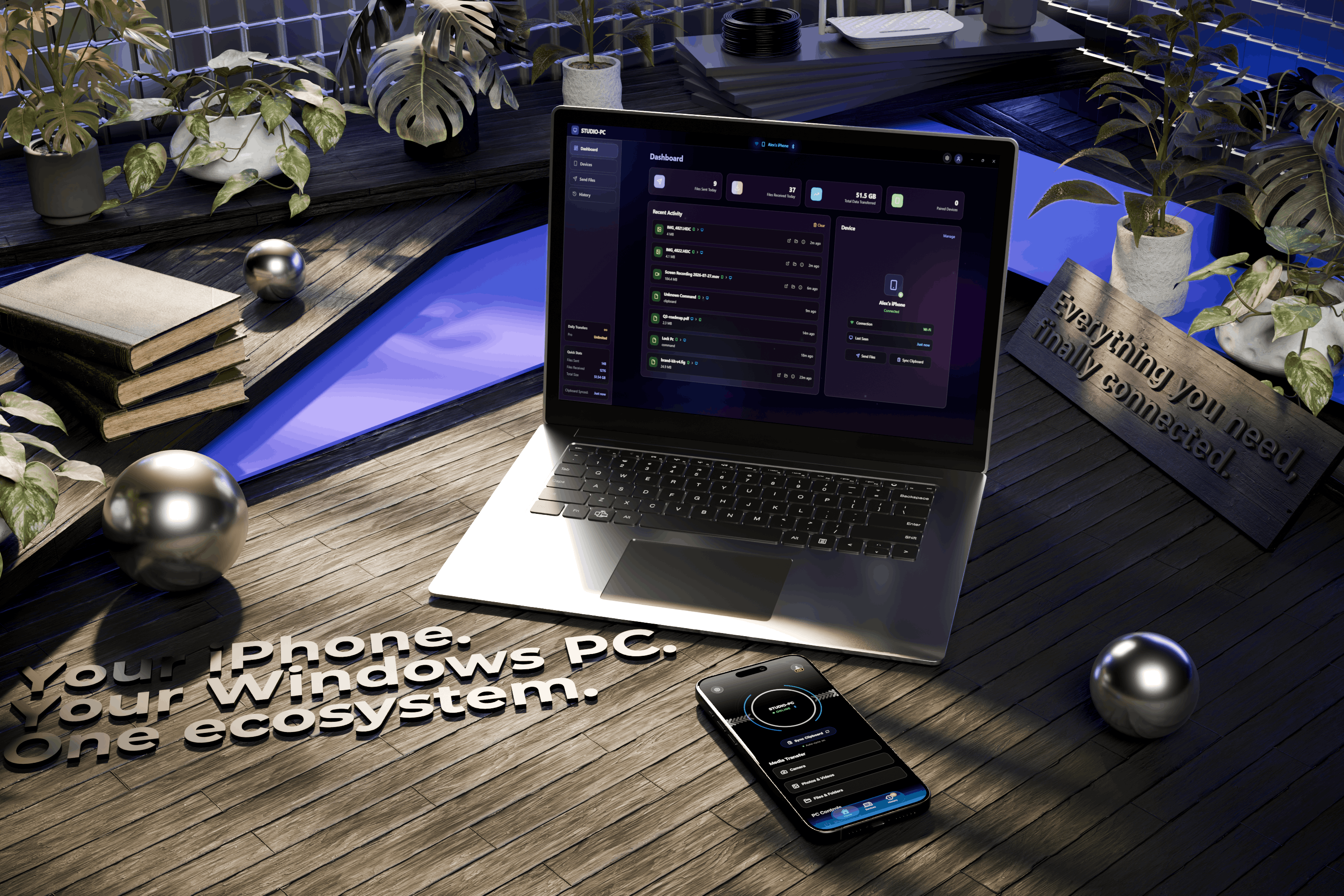
BridgeSync links your iPhone and your Windows PC over your own network, so the two finally work as one.
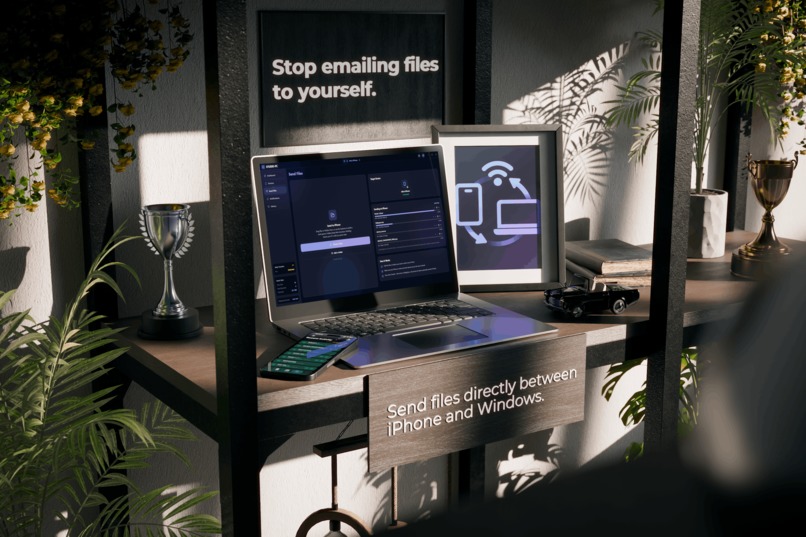
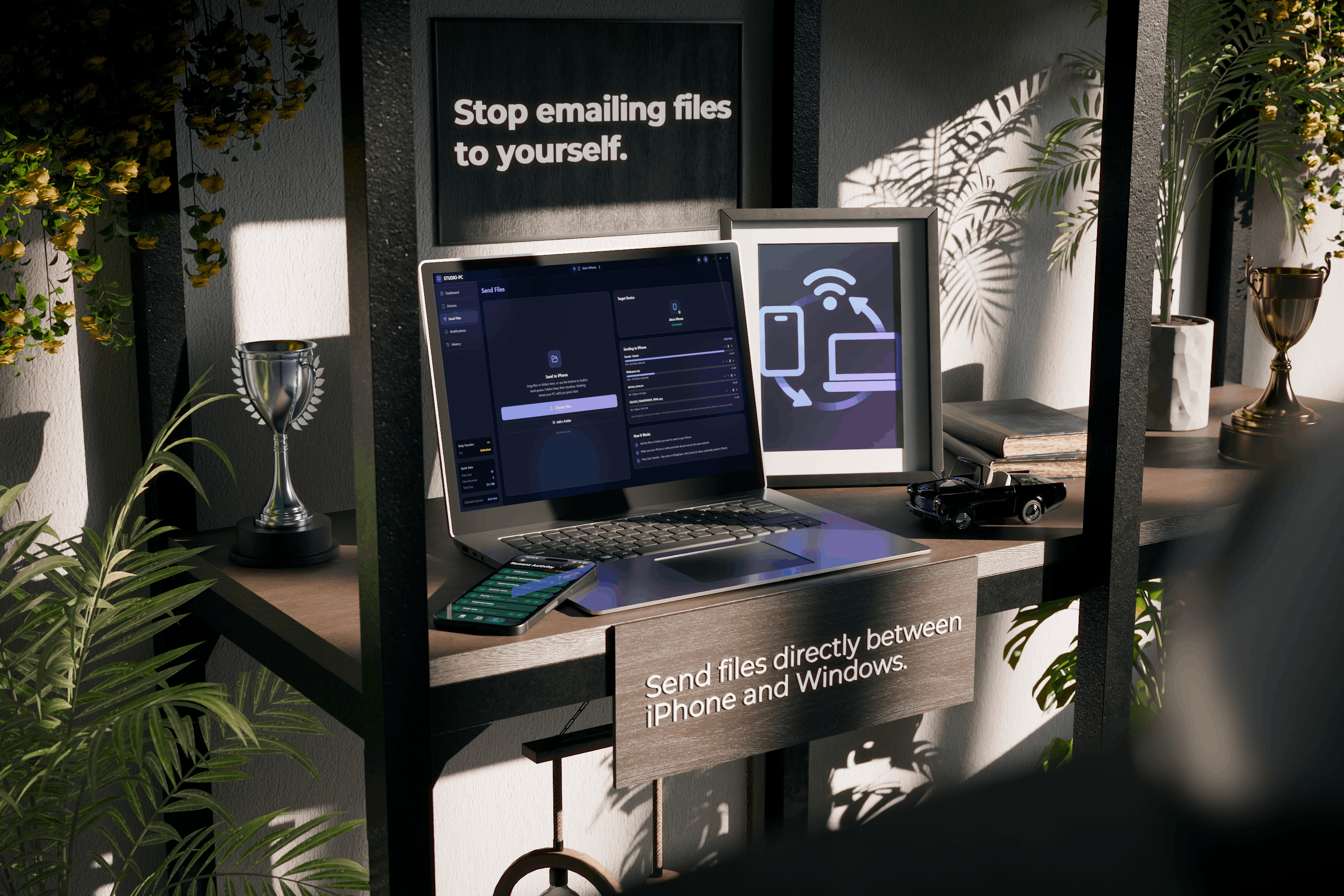
- Move anything, instantly. Send files, whole folders, photos and videos in either direction at full speed and original quality, with live progress.
- One shared clipboard. Copy text, code, a link or an image on one device and paste it on the other, automatically. The app must be kept foregrounded on iOS in order for the shared clipboard feature to work, due to privacy-related restrictions by the OS.
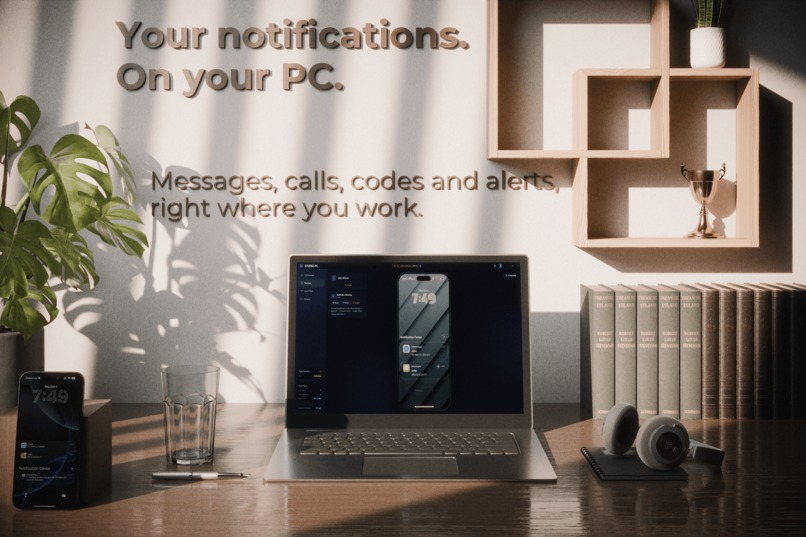
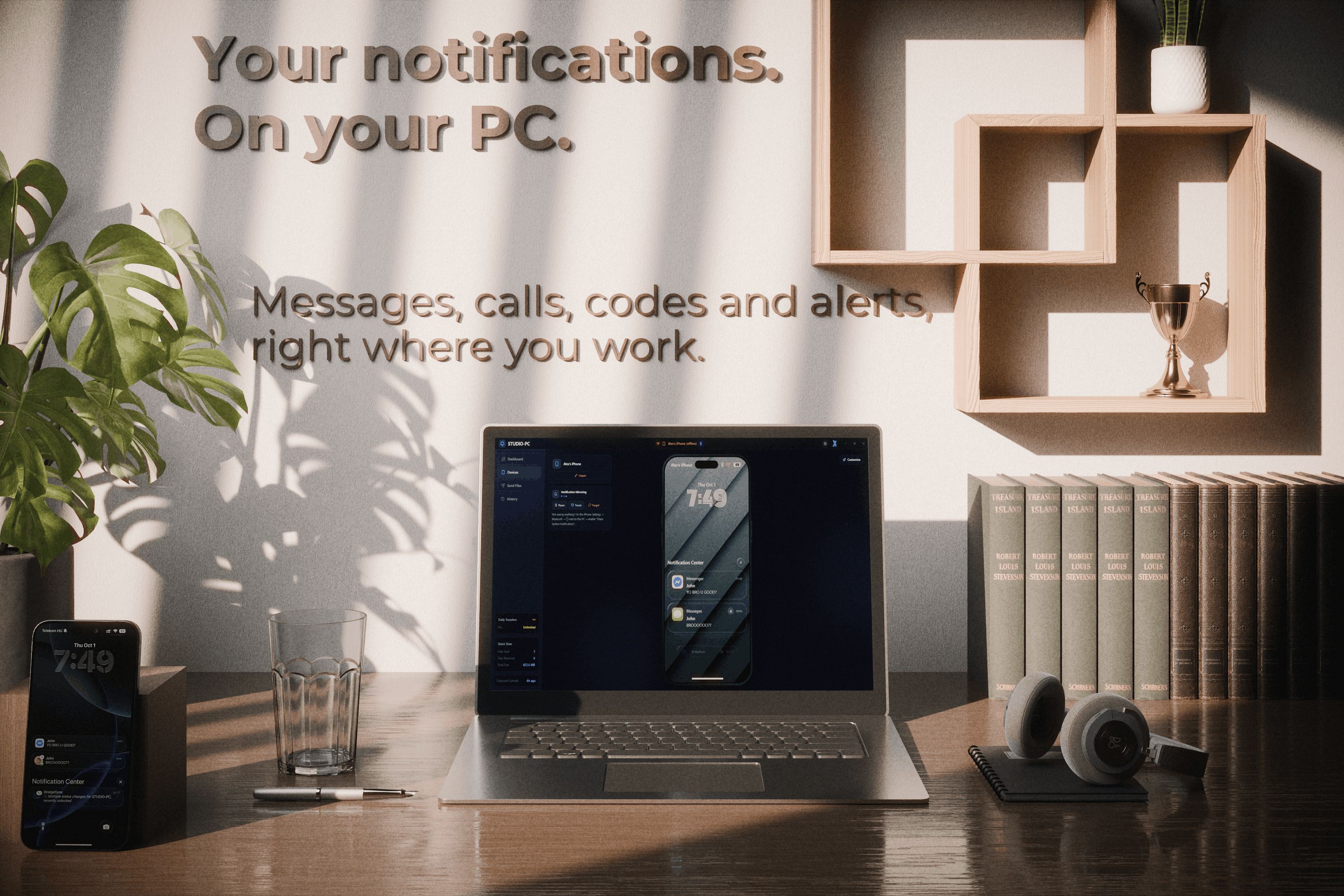
- Your notifications on your PC. iPhone alerts arrive as normal Windows notifications, even with the iOS app closed. Clear one on the PC and it clears on the phone. Two-factor codes even land on your desktop with the rest of your alerts, so you can copy the code from the toast and keep typing.
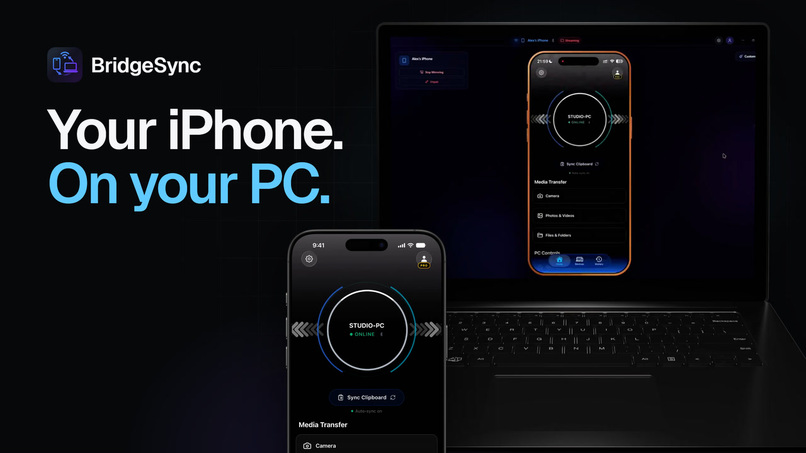
- Your iPhone screen on your monitor, live, with sound.
- Control your PC from your phone: lock, sleep, shut down, volume and playback and so much more can be controlled using your iPhone, just like a remote.
- Everything stays organized. A clean history on both devices shows what you sent, and received files land in a custom folder instead of a downloads pile on iOS.
Your files go straight from one device to the other and never sit on a server. The only thing the cloud keeps is a simple history entry, the file's name and size, so your list stays in sync. The file itself never leaves your two devices, and it travels end-to-end encrypted, so only they can read it.
How I built it
BridgeSync is two apps, one for Windows and one for iPhone, built to talk directly to each other across your network with no middleman in between.
The Windows app has a helper (Windows service) that keeps running quietly in the background so your phone can always reach it, even when your PC is locked. The iPhone app drops down to fast, native code for the heavy lifting, like moving large files and streaming the screen.
RevenueCat powers the Pro subscription, so a single purchase unlocks Pro on every device you sign in on.
Challenges I ran into
Putting iPhone notifications on a PC was supposed to be impossible. iOS does not let an app read another app's notifications. The way through was to have the PC pair with the iPhone the same way a smartwatch does, at the system level, so the alerts come straight from iOS. It keeps working even with the app fully closed, which is the whole point.
The first version was slower than a cable. The early file transfer sent one thing at a time and crawled. It was painstakingly slow and insecure. Rebuilding it to move many pieces at once turned minutes into seconds, and that was the moment this felt worth finishing. It took months to get the feature right, since file transferring is the most essential part of the app.
Accomplishments that I am proud of
Your notifications reach your PC even when the app is fully closed. Screen mirroring is smooth. The UI and UX become more polished with every feedback and update from users. Large transfers move quickly across the network. And every file, clipboard and command travels end-to-end encrypted, so nothing is ever readable by me or anyone else.
One person. No funding. One year of development. No servers holding anyone's files.
What I learned
That the hard problems are never where you expect them. I planned weeks for the design and days for the plumbing, and it went the other way around every single time.
And that a companion app has to be honest about being a companion. A real share of the work went into making sure nobody installs it expecting it to do everything on its own.
What's next for BridgeSync
Translations, background transfers, and the pile of things people keep asking for (or whatever I might need for my work in the future).
BridgeSync is an independent product and is not affiliated with, endorsed by, or sponsored by Apple Inc., Intel Corporation, or Microsoft Corporation. iPhone, App Store, Apple and the Apple logo are trademarks of Apple Inc. Windows and Phone Link are trademarks of the Microsoft group of companies. Intel and Intel Unison are trademarks of Intel Corporation. All other trademarks are the property of their respective owners and are used here for identification only.
Built With
- ancs
- bluetooth
- expo-router
- expo.io
- postgresql
- react-native
- replaykit
- revenuecat
- rust
- supabase
- swift
- tailwind
- tauri
- tcp
- typescript
- vite
- windows-service
- zustand


Log in or sign up for Devpost to join the conversation.