Inspiration
Imagine having an idea in class but struggling to find the words to share it. Even when a sentence is translated, you might still miss what the teacher means by “that choice,” an unfamiliar idiom, or a term everyone else seems to know.
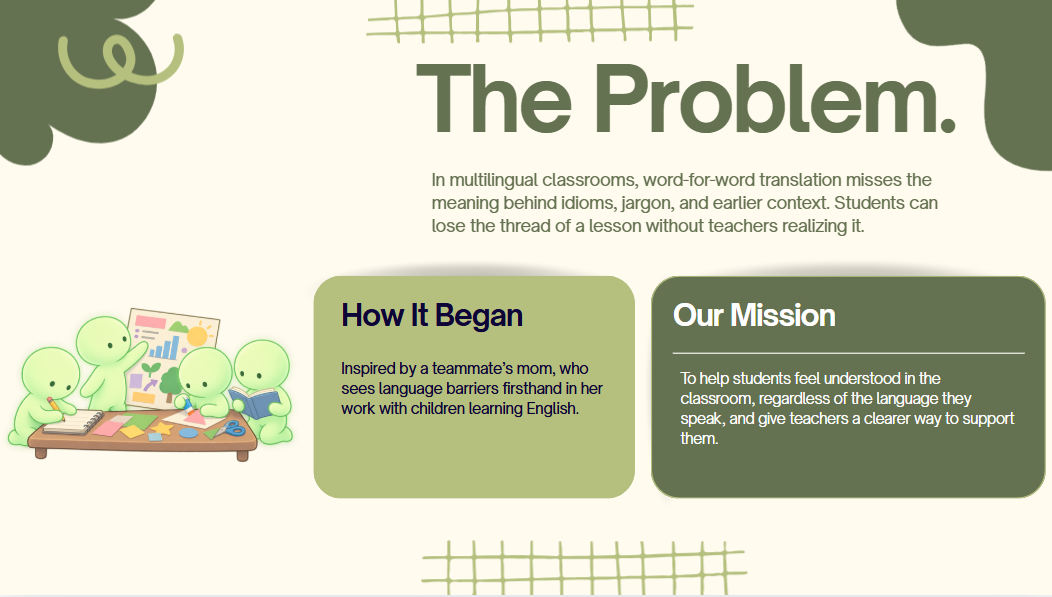
Our teammate Amruta’s mom works with children whose first language isn’t English. Talking with her helped us understand how often language can get in the way of following a lesson and joining in. We wanted to give students a way to ask for help in the moment, while giving teachers a better sense of where students are getting stuck. That’s how BridgeIt began.
What it does
BridgeIt is an AI classroom companion for multilingual students. It shows the teacher’s original English alongside an explanation in the student’s chosen language. Our prototype uses Spanish and a scripted lesson about opportunity cost.
BridgeIt keeps track of recent sentences so it can explain ideas in context. If the teacher says, “That choice has an opportunity cost,” it can connect “that choice” to the earlier example and explain the term in Spanish. It also explains key vocabulary and idioms instead of translating them word for word.
A student can tap “I’m confused” or type a question. BridgeIt saves the part of the lesson they were hearing at that moment, then offers four ways to understand it:
Simple: a plainer explanation
Diagram: a visual sequence, comparison, or before-and-after
Example: a concrete situation
My Language: a fuller explanation in Spanish
BridgeIt identifies whether the question is about vocabulary, a process, a comparison, or an abstract idea, and opens the most relevant tab first. The student can still explore all four.
After the lesson, BridgeIt creates a three-question quiz based on what that student actually asked about. If they get something wrong, they can revisit the earlier explanation before trying again. The Teacher view groups help requests by concept, giving the teacher a clue about what may be worth explaining again. These counts show requests for help, not everything students did or didn’t understand.
How we built it
We built BridgeIt with Next.js, TypeScript, Tailwind CSS, and a server-side OpenAI API route. The scripted lecture has play, pause, next, and restart controls. Each sentence has a stable ID, which helps BridgeIt keep track of recent context and link phrases back to earlier parts of the lesson.
Help requests and their explanations are saved in browser localStorage. That same log powers the personalized quiz and the Teacher view. Student and Teacher views run in the same browser for this prototype; we haven’t built accounts or cross-device synchronization.
We made an original glowing companion with different states for listening, responding, and review. We also worked on mobile layout, keyboard access, and reduced-motion support.
Challenges we ran into
The hardest part was giving the AI enough of the lesson to understand a reference like “that choice” without losing track of which sentence the student was asking about. We solved this by saving a snapshot of recent context when the student requests help.
We also had to make sure the quiz came from the student’s actual questions rather than the lesson in general. And we wanted Spanish to be the main explanation while keeping the English visible, so students could connect new terms to what they heard in class.
Accomplishments that we're proud of
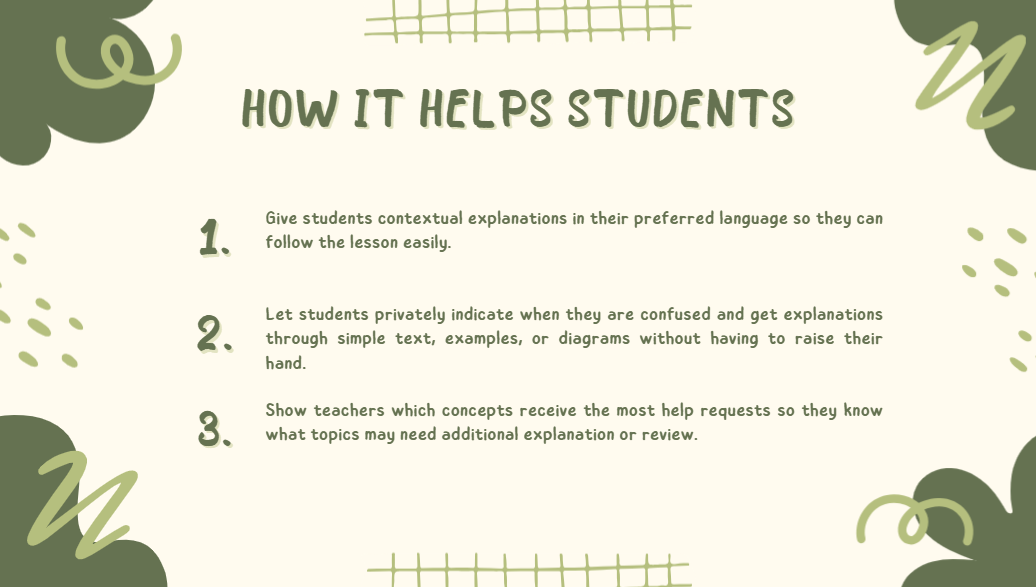
We built a complete path from lesson → question → explanation → review → teacher feedback during the hackathon. The four explanation formats let students approach the same idea in different ways. We’re also proud that the Teacher view uses the same help requests that shaped the student’s quiz.
What we learned
We learned how much difference the earlier part of a conversation can make. Translating “that choice” is easy; understanding which choice the teacher means takes context.
Talking to someone who works with multilingual students also changed how we thought about the project. We began with a language barrier, but the goal became helping a student stay connected to the lesson and feel able to take part.
What's next for BridgeIt
Next, we’d like to support more languages, uploaded lessons and worksheets, live classroom transcription, and voice interaction. We’d also like to develop a shared teacher dashboard and test the explanations with educators and students before using BridgeIt in a real classroom.
Built With
- next.js
- openai
- react
- tailwind
- typescript

Log in or sign up for Devpost to join the conversation.