-
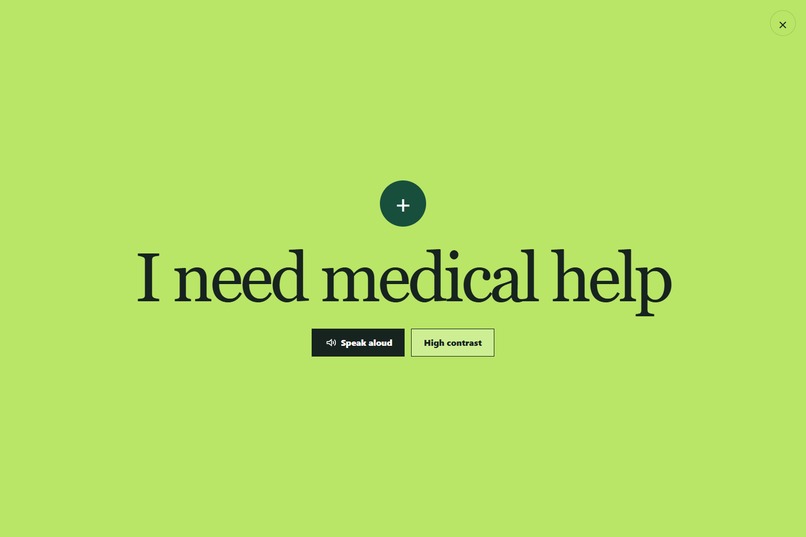
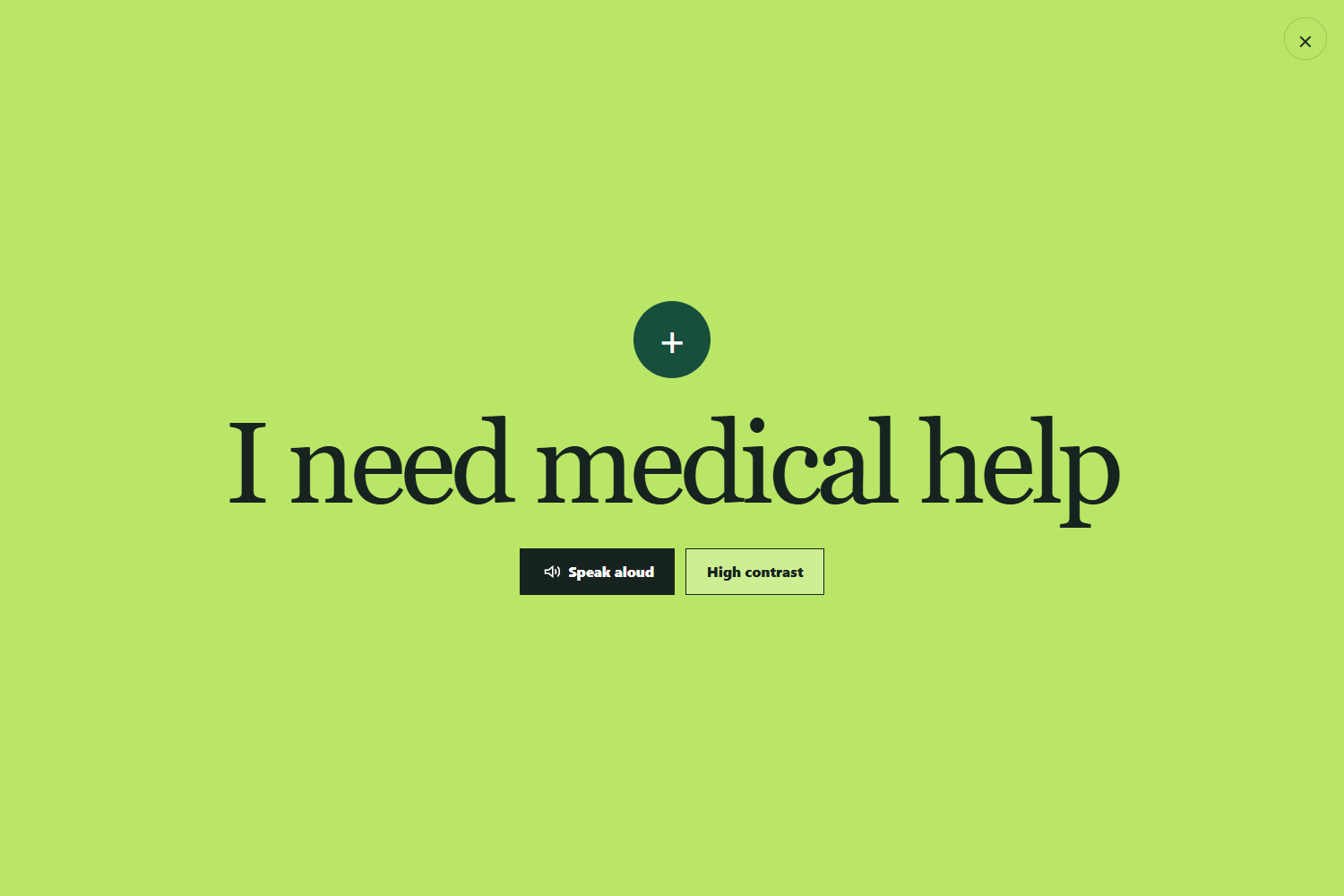
Caption: Messages can be displayed at a distance, spoken aloud, or switched to high contrast.
-
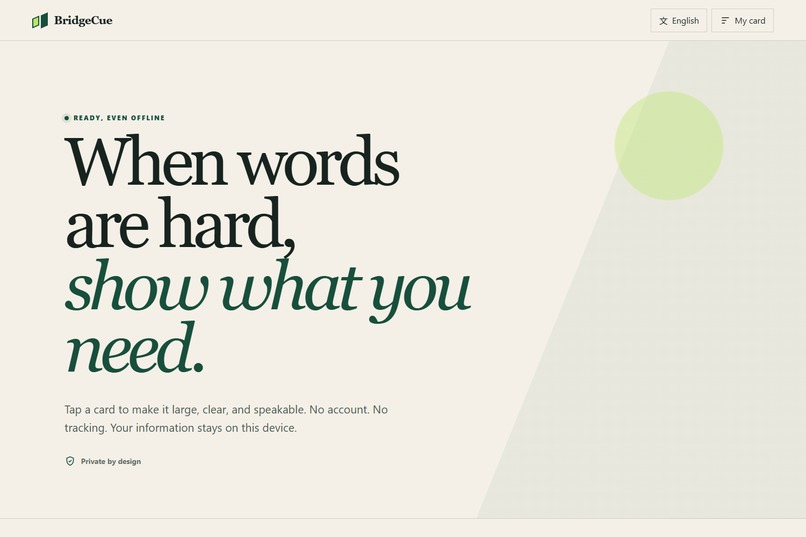
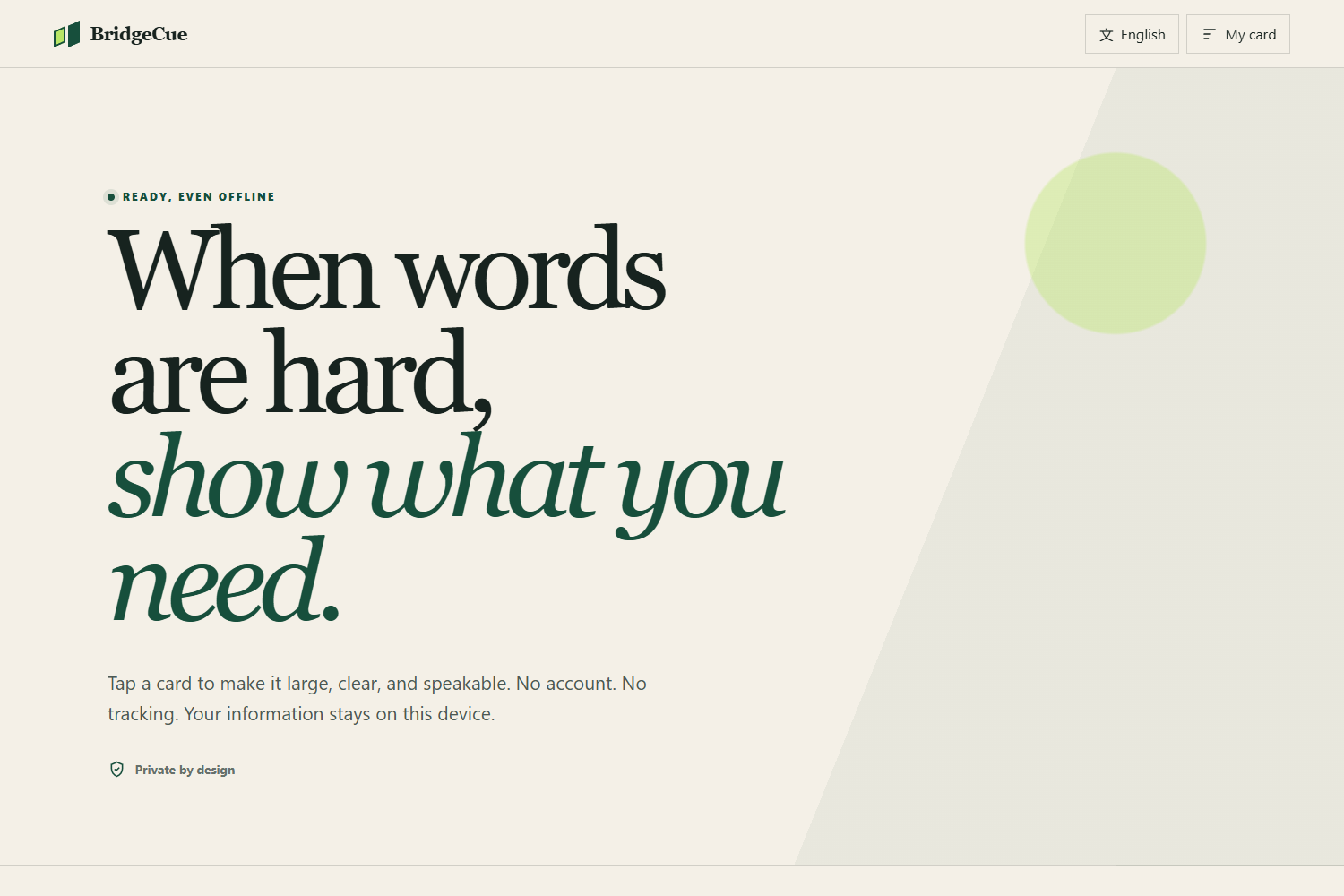
Caption: BridgeCue — an offline-first communication aid for moments when speaking is difficult.
-
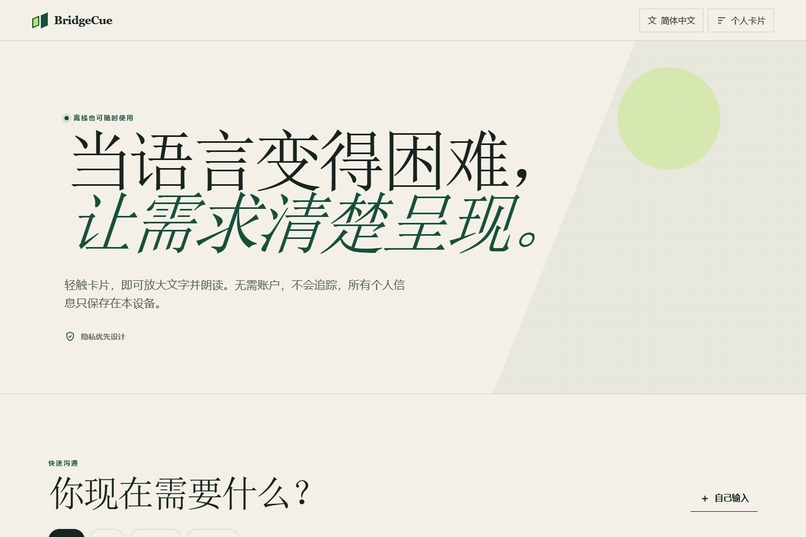
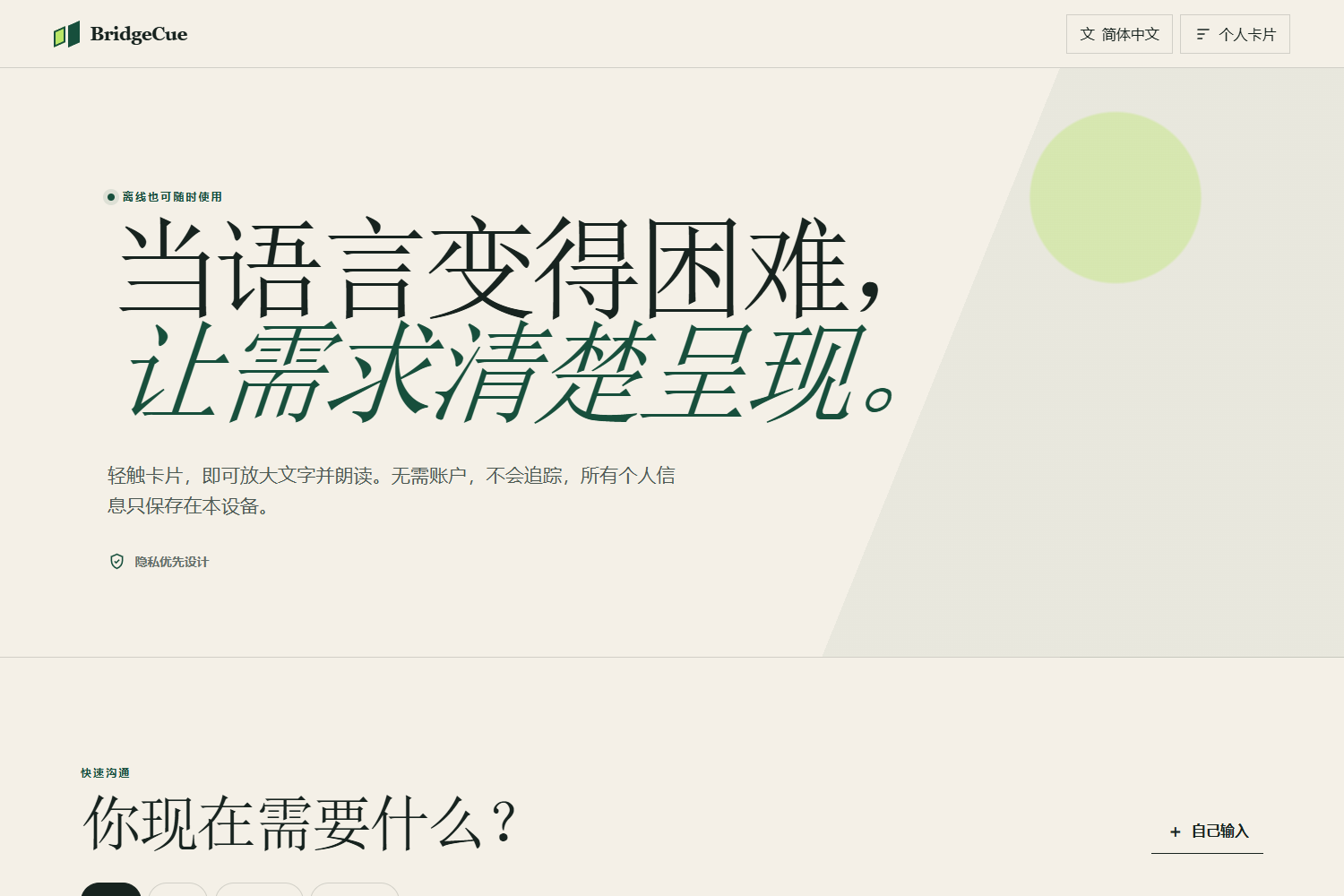
Caption: BridgeCue supports English, Simplified Chinese, and Spanish.
-
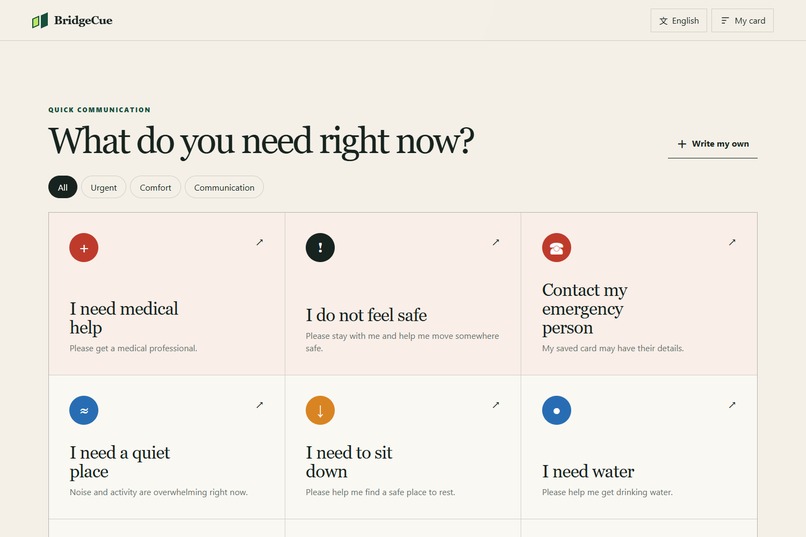
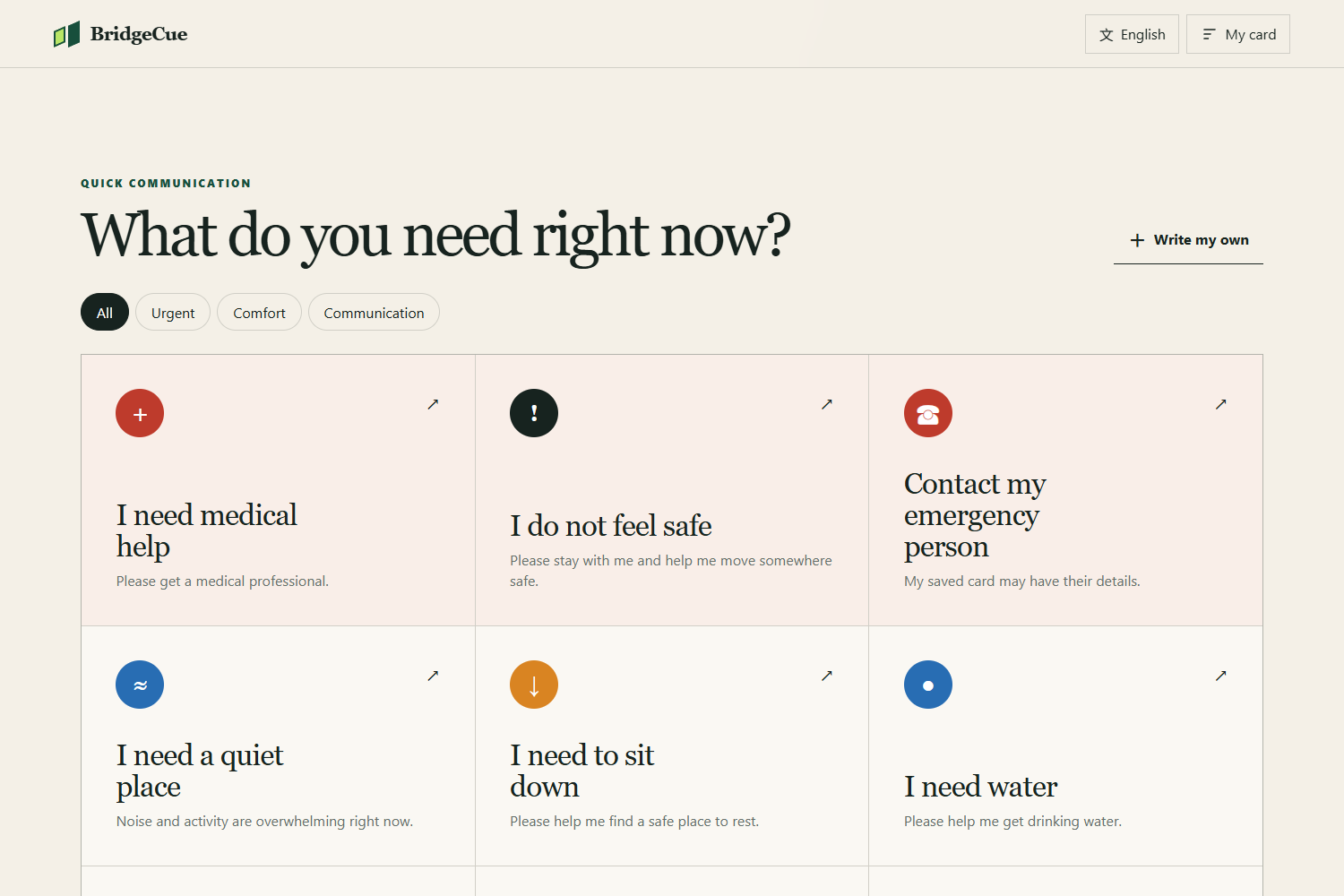
Caption: One-tap cards help users communicate urgent, comfort, and accessibility needs.
Inspiration
Many everyday services assume that everyone can speak clearly, quickly, and in the same language. That assumption can fail during a medical event, panic attack, sensory overload, extreme fatigue, or when people face hearing, speech, or language barriers. BridgeCue was inspired by a simple question: What if expressing an urgent need required only one tap? Communication should not become another obstacle during an already difficult moment. I wanted to create a tool that was immediate, private, accessible, and usable without an internet connection.
What it does
BridgeCue is an offline-first, multilingual communication aid. It provides ready-made cards for essential messages such as: “I need medical help.” “I do not feel safe.” “Please slow down.” “Please write it down.” “I need more time to respond.” Selecting a card opens the message in large, high-visibility text. The device can also read it aloud using its built-in speech engine. BridgeCue includes: English, Simplified Chinese, and Spanish Full-screen message display Text-to-speech High-contrast mode Custom messages An optional personal emergency card Responsive mobile and desktop layouts Offline installation and caching No accounts, tracking, advertisements, or remote database Personal information is stored only in the user’s browser.
How we built it
I built BridgeCue as a lightweight Progressive Web App using: Semantic HTML Modern responsive CSS Vanilla JavaScript Web Speech API Service Workers Web App Manifest Browser localStorage Playwright browser automation I intentionally avoided a backend and external APIs. This reduces privacy risks, removes account and hosting complexity, and allows the core experience to keep working when connectivity is unreliable. I also created automated tests covering desktop and mobile layouts, multilingual content, custom messages, full-screen display, local data persistence, and offline reloading.
Challenges we ran into
The main design challenge was balancing simplicity with flexibility. Too many choices would increase cognitive load, but too few would make the tool less useful. I organized the cards into urgent, comfort, and communication categories while keeping the most important options immediately visible. Multilingual support presented another challenge. Translations needed to remain short, direct, and easy to understand under pressure. Text-to-speech also depends on the voices available on each device, so the app selects an appropriate language while relying on built-in browser capabilities. Offline support required careful caching and testing. I verified that the application could reload and continue displaying its core communication cards after the network was disabled. Finally, accessibility could not be treated as a finishing touch. Keyboard navigation, visible focus states, large typography, strong contrast, responsive layouts, and reduced-motion preferences had to be considered throughout development.
Accomplishments that we're proud of
Built a complete, installable Progressive Web App as a solo participant. Created an interface that remains simple and usable during stressful situations. Added multilingual support for English, Simplified Chinese, and Spanish. Implemented full-screen messages, text-to-speech, custom messages, and high-contrast mode. Made the core experience work offline without accounts, tracking, or a remote database. Kept optional personal information stored only on the user’s device. Designed responsive layouts for both mobile and desktop devices. Added automated browser tests for multilingual content, offline loading, local storage, and key user flows. Published the source code and a working live demonstration through GitHub Pages.
What we learned
I learned that accessibility is often less about adding more technology and more about removing unnecessary barriers. A focused interface, predictable interaction, and clear language can be more valuable than a large collection of advanced features. I also learned how Progressive Web App features can make a small web project behave like a dependable everyday tool without requiring an app-store download or permanent internet access.
What's next for BridgeCue
Future versions could include: More community-reviewed translations Symbol-based communication packs Caregiver-created card collections Printable QR cards for faster access User testing with disability and accessibility communities Additional speech-rate and display controls BridgeCue begins with one focused goal: reduce the distance between needing help and being understood.
Built With
- accessibility
- css3
- github
- html5
- internationalization
- javascript
- localstorage
- playwright
- progressive-web-app
- responsive-design
- service-worker
- web-speech-api


Log in or sign up for Devpost to join the conversation.