-
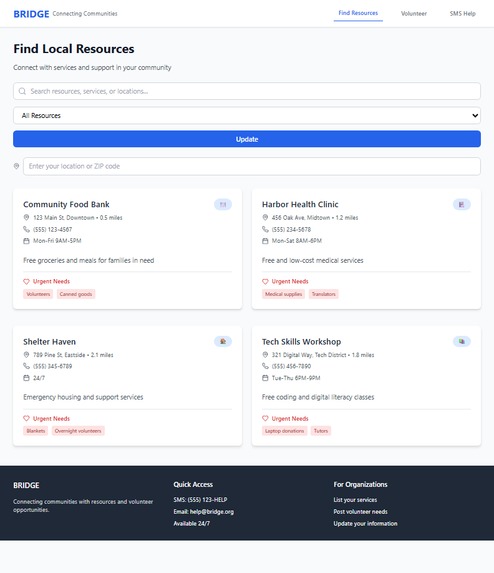
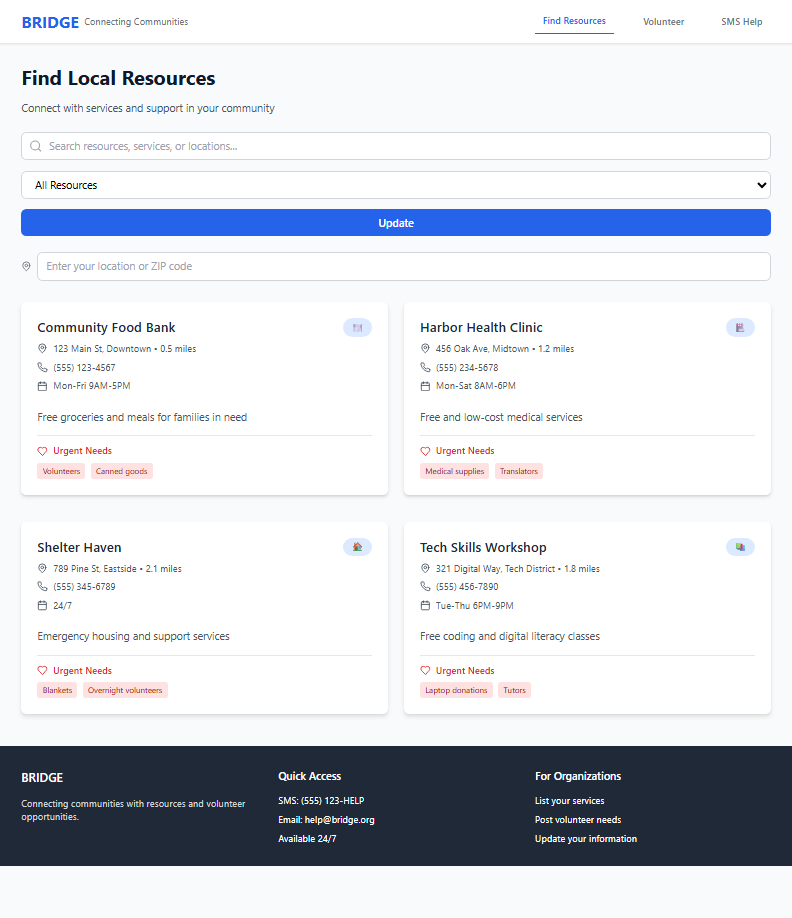
Find Resources
-
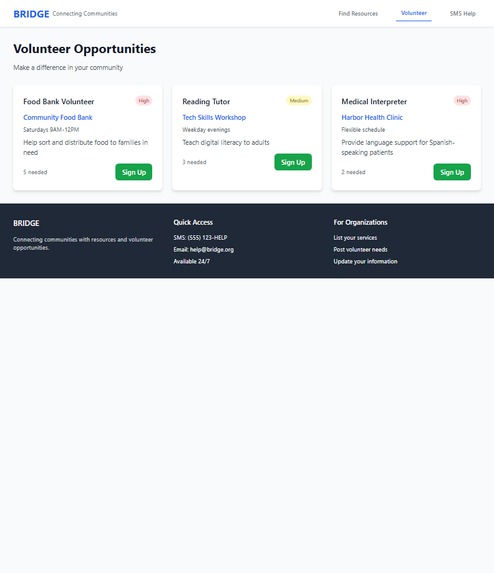
Volunteer
-
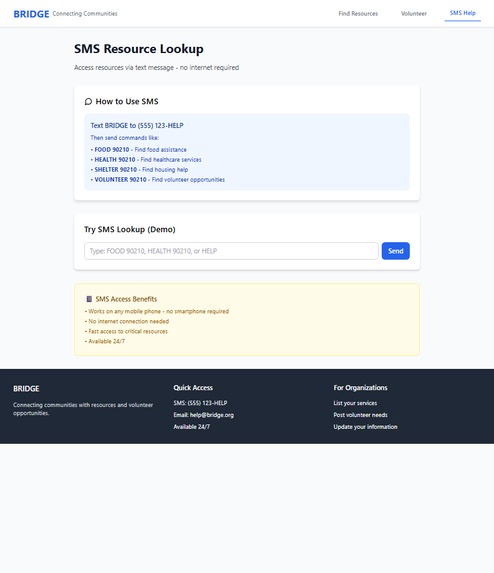
SMS Help
Project Story: BRIDGE MVP
🌟 Inspiration
The inspiration for BRIDGE came from witnessing how difficult it can be for people in need to quickly find local resources—like food, shelter, or healthcare—especially during emergencies or times of crisis. Many community resources exist, but information is scattered, and not everyone has access to the internet or a smartphone. We wanted to create a simple, accessible platform that connects people to help, and also makes it easy for volunteers to get involved.
🛠️ How We Built It
- Frontend:
Built with React for a fast, interactive user experience. - Styling:
Used Tailwind CSS for rapid, responsive design. - Component Architecture:
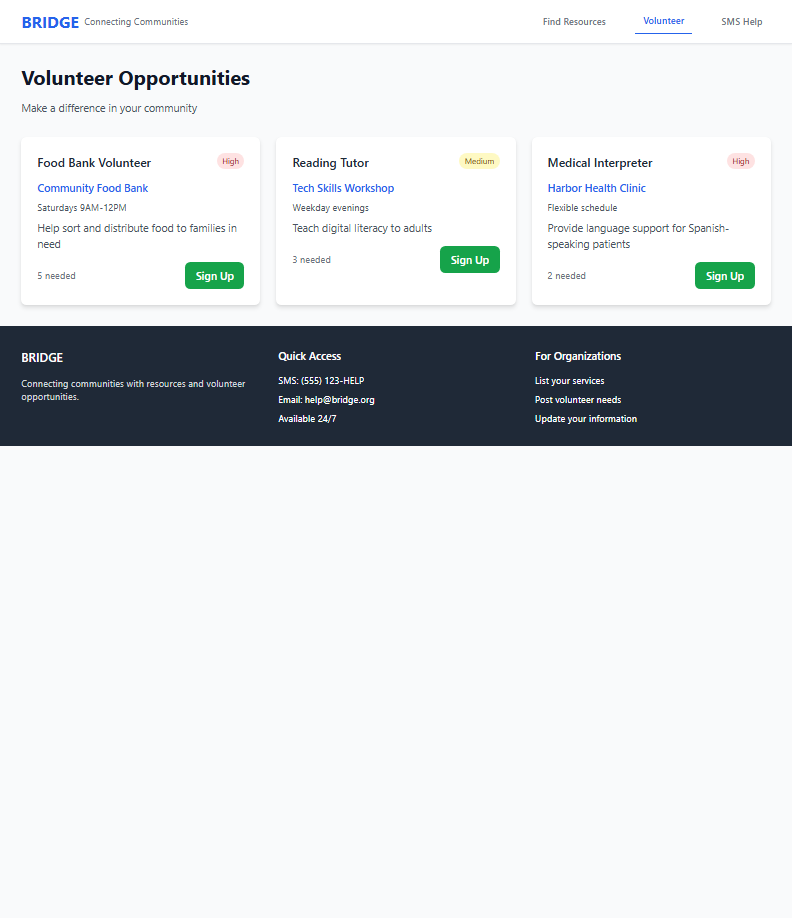
The app is modular, with reusable components for navigation, resource cards, volunteer sign-up, and more. - State Management:
Leveraged React’s local state and hooks for smooth, predictable UI updates. - Mock Data:
All resources and volunteer opportunities are mocked for demo purposes, making the app easy to test and extend. - SMS Simulator:
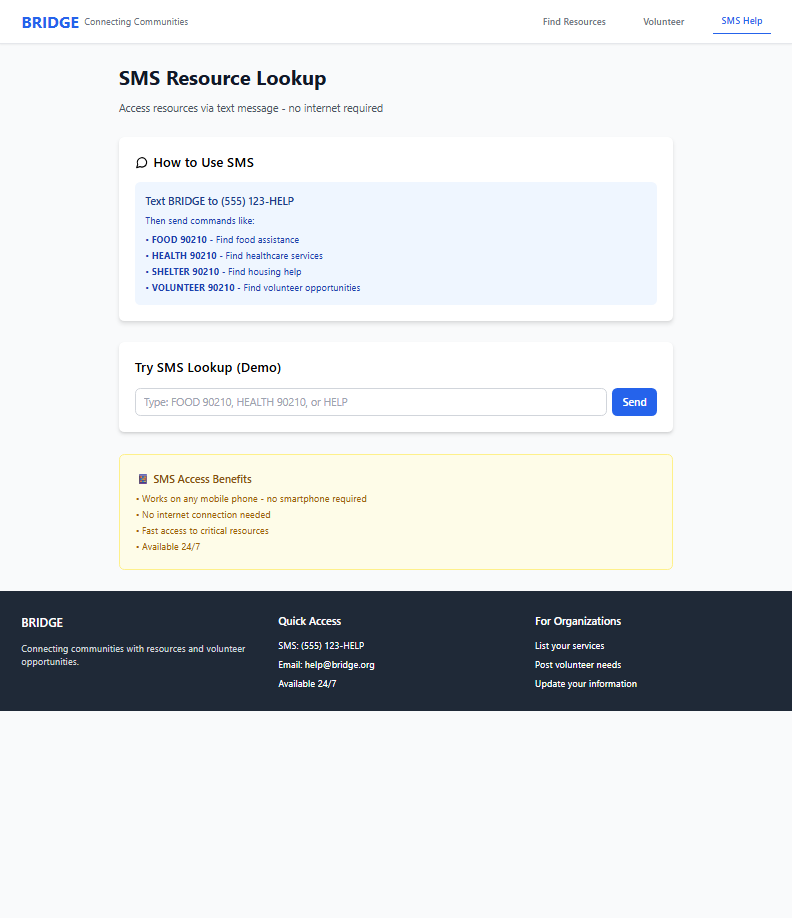
Added a demo SMS interface to show how users could access resources via text, simulating real-world accessibility.
💡 What We Learned
- User Experience Matters:
We learned the importance of keeping the UI simple and intuitive, especially for users who may be in stressful situations. - State Colocation:
Moving input state closer to the components that use it (state colocation) made the app more responsive and fixed focus issues. - Accessibility:
Building for accessibility (keyboard navigation, color contrast, large touch targets) is essential for a community-focused tool. - Component Reusability:
Breaking the UI into small, focused components made the codebase easier to maintain and extend.
🚧 Challenges Faced
- Input Focus Issues:
Early on, we struggled with input fields losing focus due to unnecessary re-renders. We solved this by colocating state and using React.memo. - Responsive Design:
Ensuring the app looked great and worked well on all devices required careful use of Tailwind’s responsive utilities and lots of testing. - Modal Management:
Implementing a modal sign-up form that felt natural and didn’t disrupt the user’s flow took several iterations. - Balancing Simplicity and Features:
We wanted to keep the MVP simple, but also demonstrate real-world features like SMS access and volunteer sign-up.
✨ What’s Next
- Integrate with real data sources and SMS providers (like Twilio)
- Add user authentication and an admin dashboard
- Expand resource types and add real-time updates
- Launch as a PWA for offline access
BRIDGE is a step toward making help more accessible and communities more connected. Thank you for reading our story!


Log in or sign up for Devpost to join the conversation.