-
-
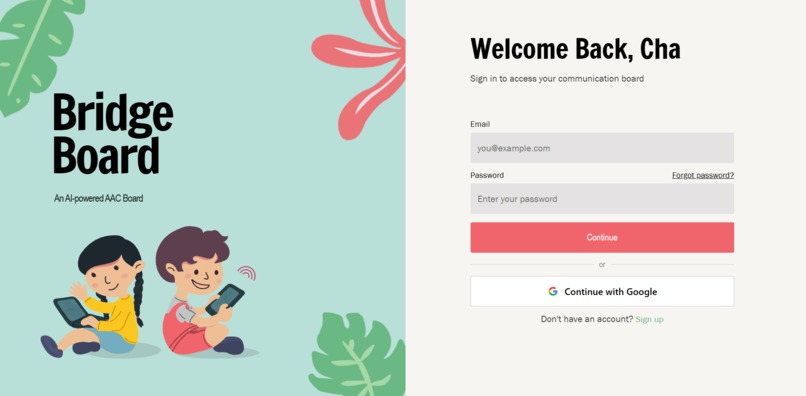
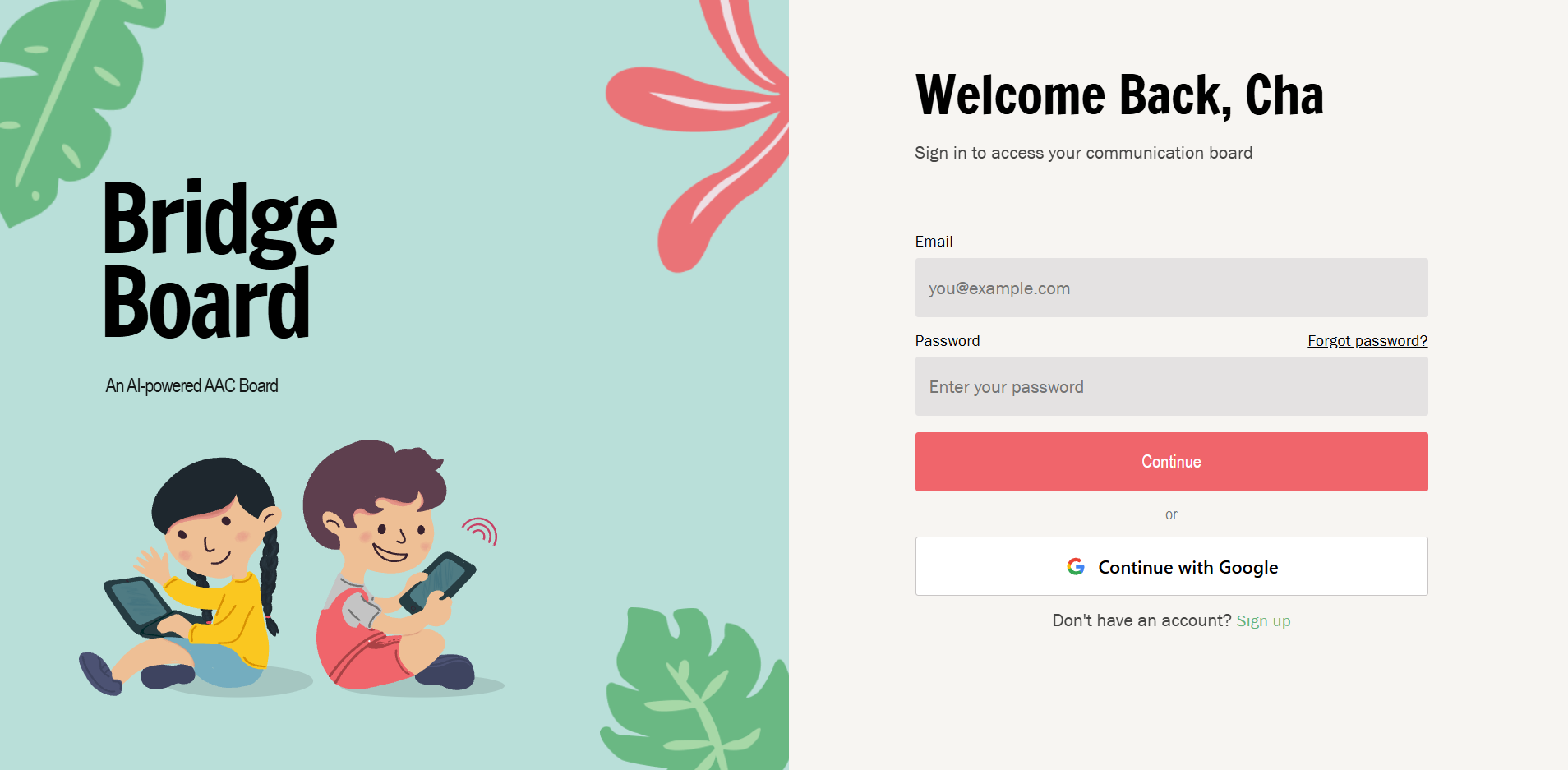
Login
-
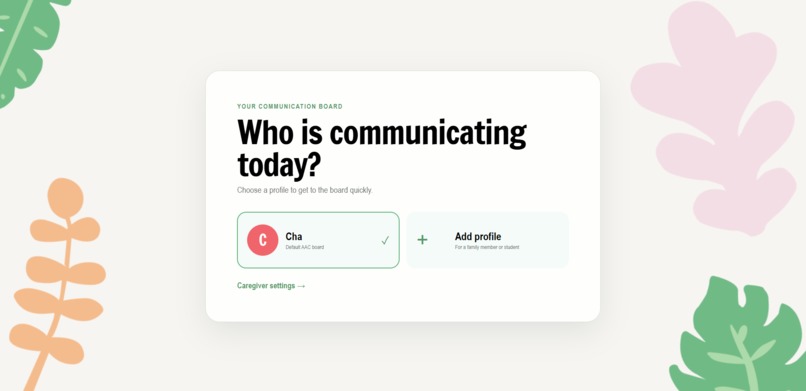
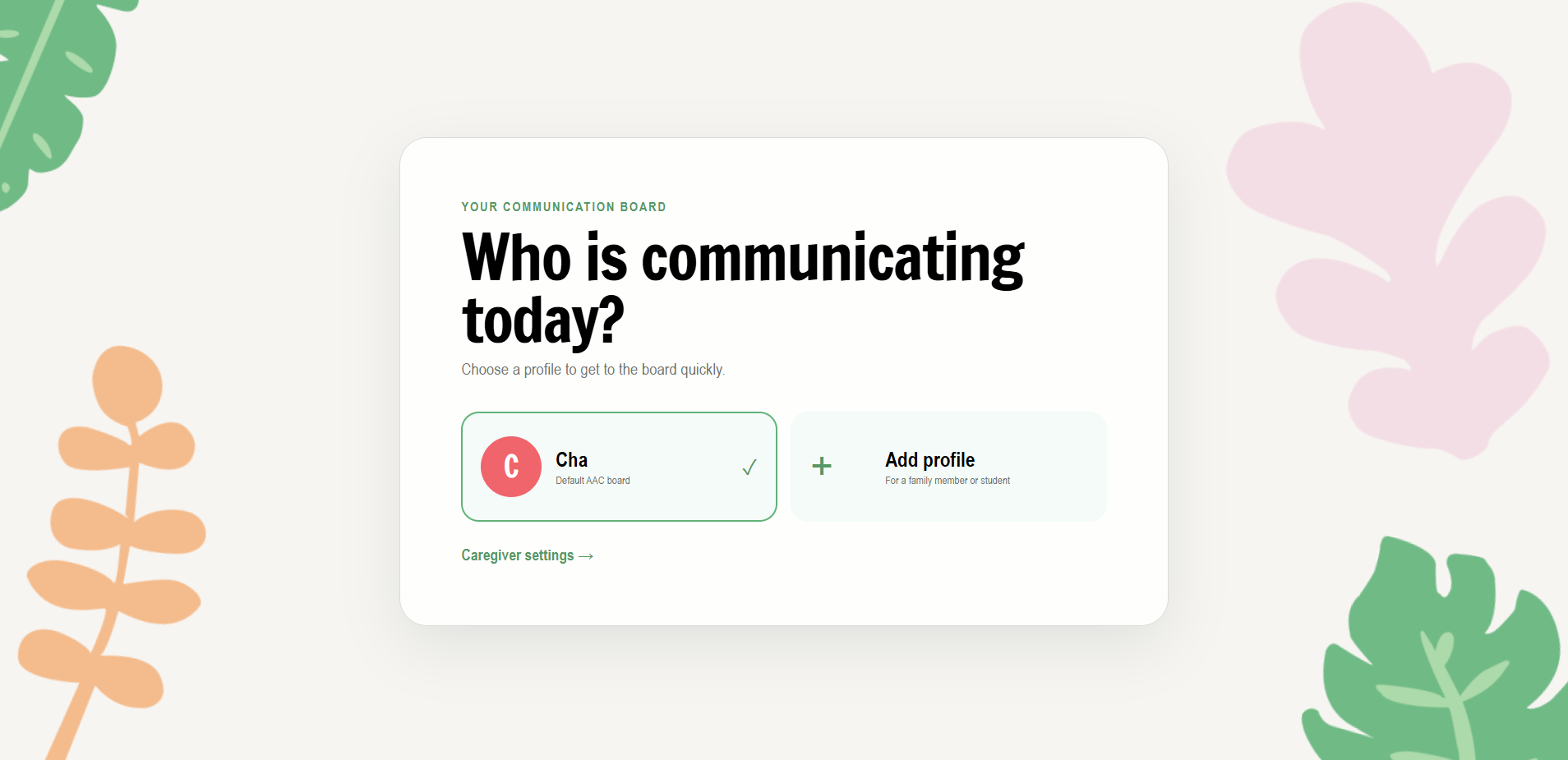
User select
-
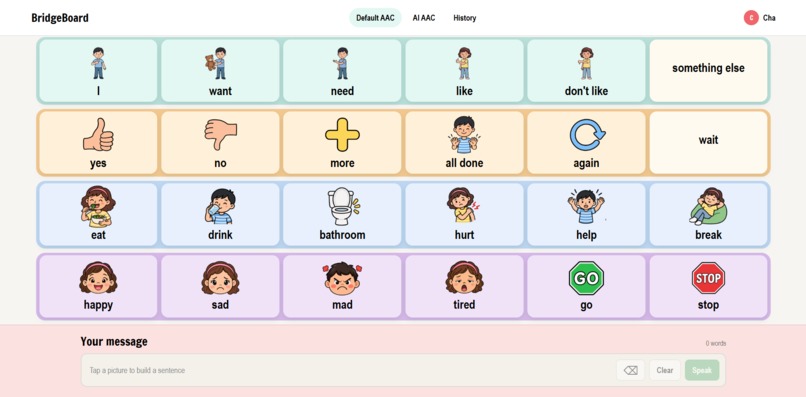
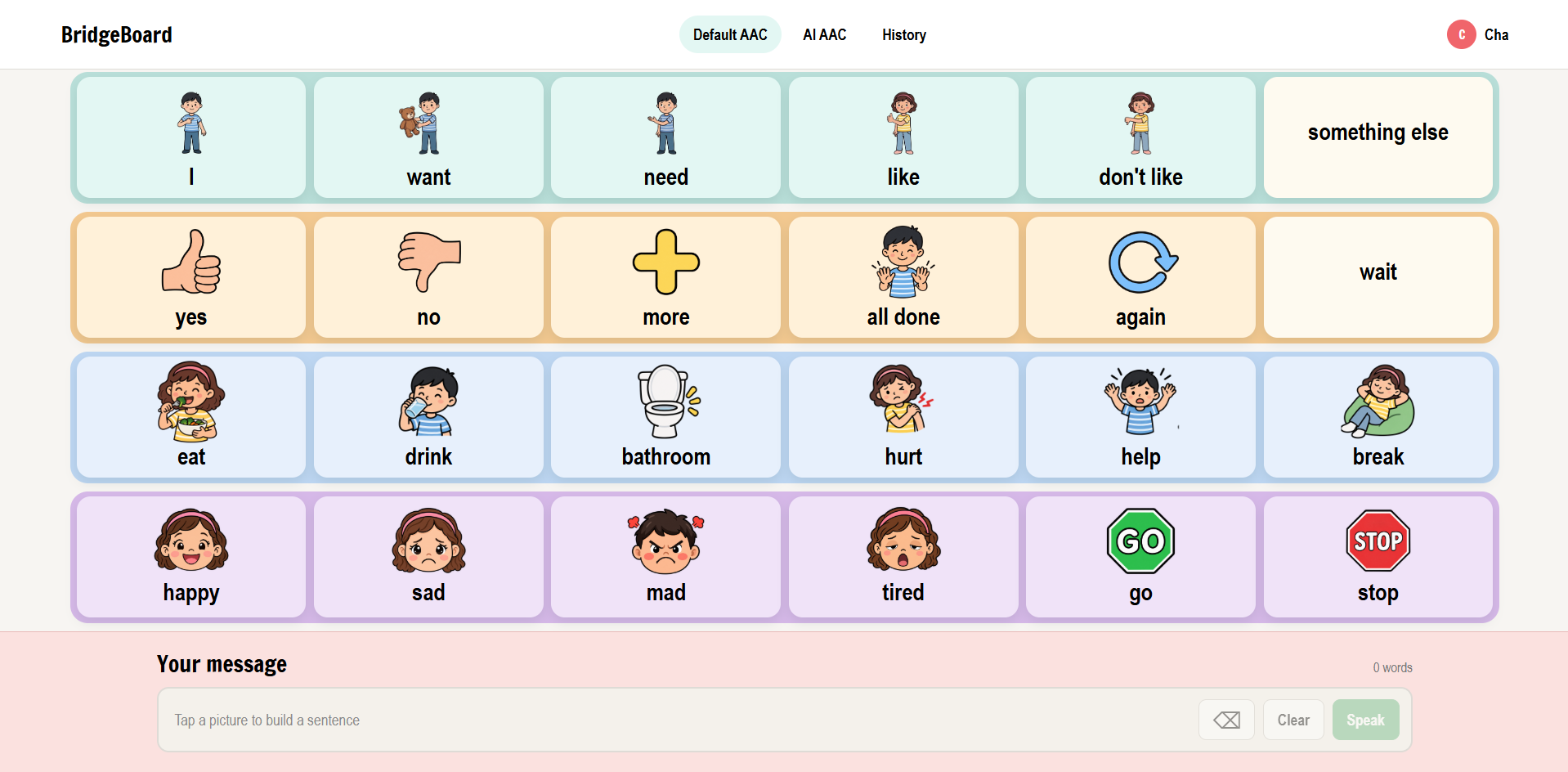
Normal AAC Board
-
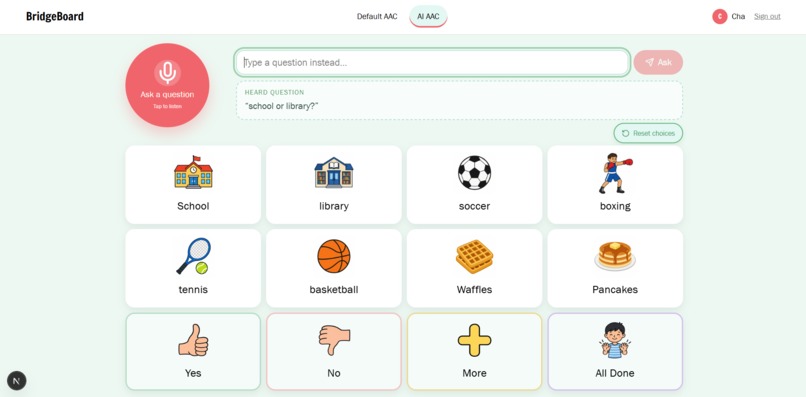
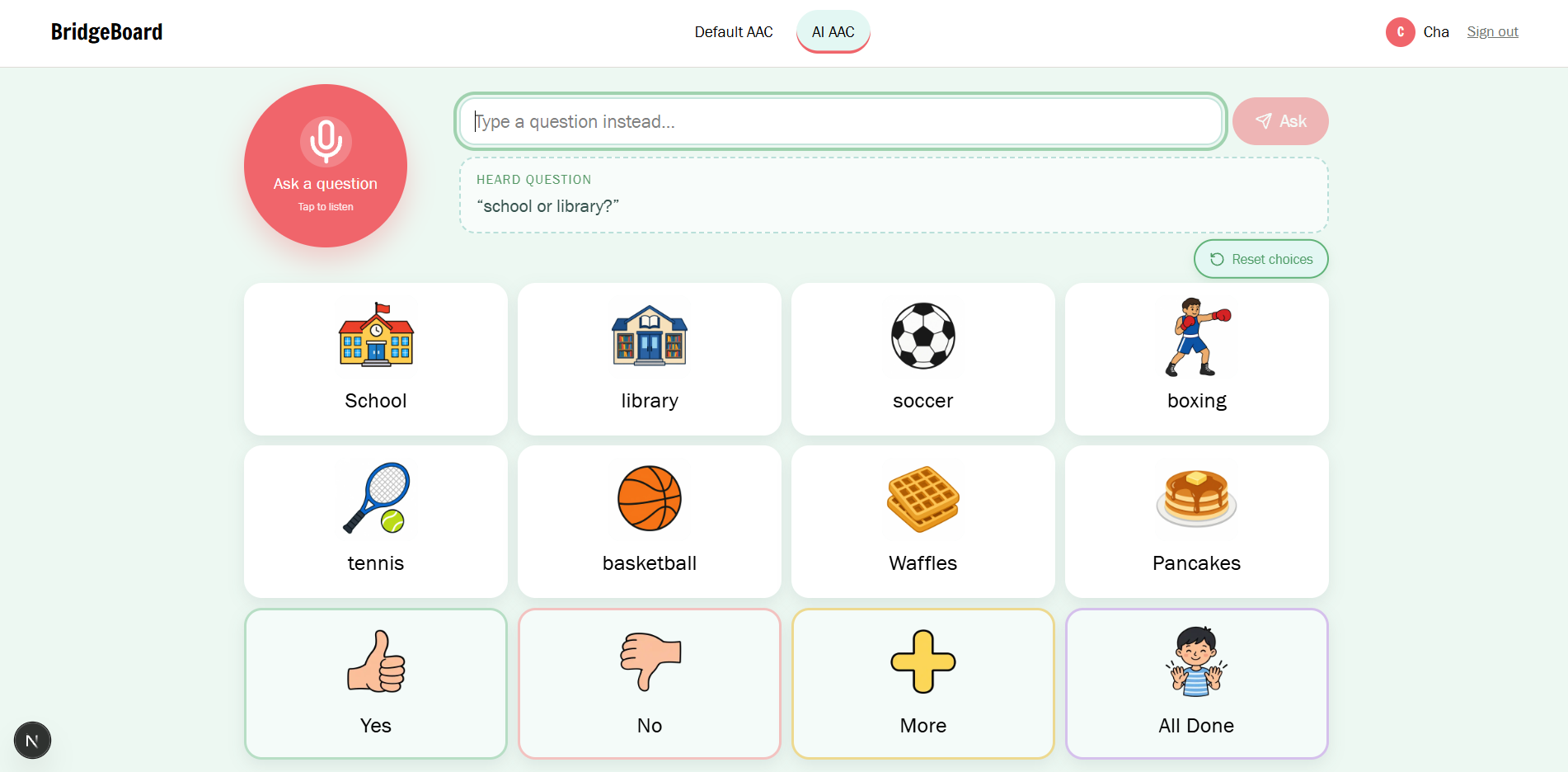
AI AAC Board
Inspiration
An estimated 25 to 30% of autistic children have limited speech skills and could benefit from AAC technology. Traditional AAC boards can sometimes make communication difficult, especially in fast-changing conversations. A child may have to search through several categories just to find the response they want, even when the question being asked is simple.
That inspired us to create BridgeBoard, an AI-powered, context-aware AAC tool that adapts to the conversation happening around the user. Instead of making someone search through a large communication board, BridgeBoard listens to a caregiver’s question and presents relevant visual choices based on the conversation.
What it does
BridgeBoard is an AI-powered, context-aware AAC application designed to make communication easier for non-speaking and minimally speaking users. It listens to surrounding speech, identifies the context of the conversation, and dynamically creates a relevant visual communication board. The app combines speech-to-text, AI-based context recognition, visual AAC options, and text-to-speech to help users communicate faster without having to navigate through large, static boards.
For example, a caregiver might ask, “Do you want waffles or pancakes?” BridgeBoard transcribes the audio, uses AI to understand the context, and creates a simple visual board with relevant choices. The user can tap the response they want, and BridgeBoard speaks it aloud using text-to-speech.
The board can also adapt to different situations. If someone asks, “How are you feeling?”, BridgeBoard can display options for different emotions. Persistent choices like No, Help, Repeat, and Full Board remain available so the user always has access to important communication options and stays in control of what they want to say. BridgeBoard also includes a traditional AAC board that users can access at any time.
How we built it
We built BridgeBoard using Next.js and TypeScript for the application, Supabase for our database and image caching, OpenAI for classification, image generation, and real-time transcription, and ElevenLabs for text-to-speech.
One principle guided our architecture: the AI suggests, but the application decides what is actually shown. The model does not directly generate text that is displayed or spoken to the user. Instead, it returns vocabulary IDs that match a catalog we created ourselves. Every label and spoken phrase is written and controlled by us.
A new board is only created when the classifier reaches our required confidence threshold. Text and symbols appear immediately so the user does not have to wait for image generation. Images are then generated and added to individual tiles as they become available. We also use stable IDs so completed images remain attached to their tiles when the board refreshes. Generated images are cached in Supabase so we can reuse them instead of repeatedly generating the same images.
Challenges we ran into
One of our biggest challenges was bringing all of our work together into one application. Different parts of the frontend, backend, and AI system were developed separately across multiple branches. When it was time to merge everything into main, we ran into several merge conflicts and integration issues. Solving them required a lot of communication, testing, and careful attention to how each part of the project interacted with the others.
We also ran into problems with API credit usage because image generation was being called more often than necessary. At first, we were not properly caching generated images, which meant similar images could be generated multiple times. We fixed this by caching images in Supabase and reusing them whenever possible, reducing both loading time and unnecessary API usage.
Accomplishments that we're proud of
We are proud that we were able to build a fully functioning project that uses AI to address a real accessibility problem. Rather than adding AI just for the sake of using it, we focused on a group that could genuinely benefit from context-aware technology.
We are also proud that BridgeBoard became more than just a prototype of an AI-generated AAC board. We built real-time transcription, context classification, dynamic visual boards, image caching, text-to-speech, and a traditional AAC board into one working application while still keeping the user's choices at the center of the experience.
What we learned
We learned a lot about building AI into an accessibility-focused product in a thoughtful way. One of our biggest takeaways was that AI should support the user, not make decisions for them. We also learned how important it is to design for speed, simplicity, and consistency, especially when building a tool meant to make communication easier.
What's next for Bridge Board
Our next step for BridgeBoard would be turning it into a full mobile application. We believe BridgeBoard would be especially useful on tablets like the iPad, where a larger touchscreen could make the interface easier and more natural for AAC users to interact with throughout the day.
We would also like to introduce caregiver-authored vocabulary, allowing families to add the words, phrases, people, foods, activities, and other choices that actually matter to the individual user instead of relying only on vocabulary that we anticipated.
Long term, our goal is to continue improving BridgeBoard with feedback from AAC users, caregivers, and accessibility professionals and eventually develop it into a complete product that could be released on the App Store.
Built With
- claude
- codex
- elevenlabs
- next.js
- openai
- react
- supabase
- typescript
- vercel
- vite


Log in or sign up for Devpost to join the conversation.