-
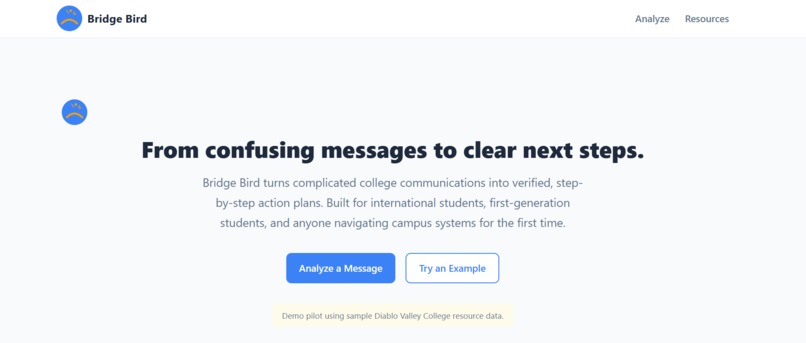
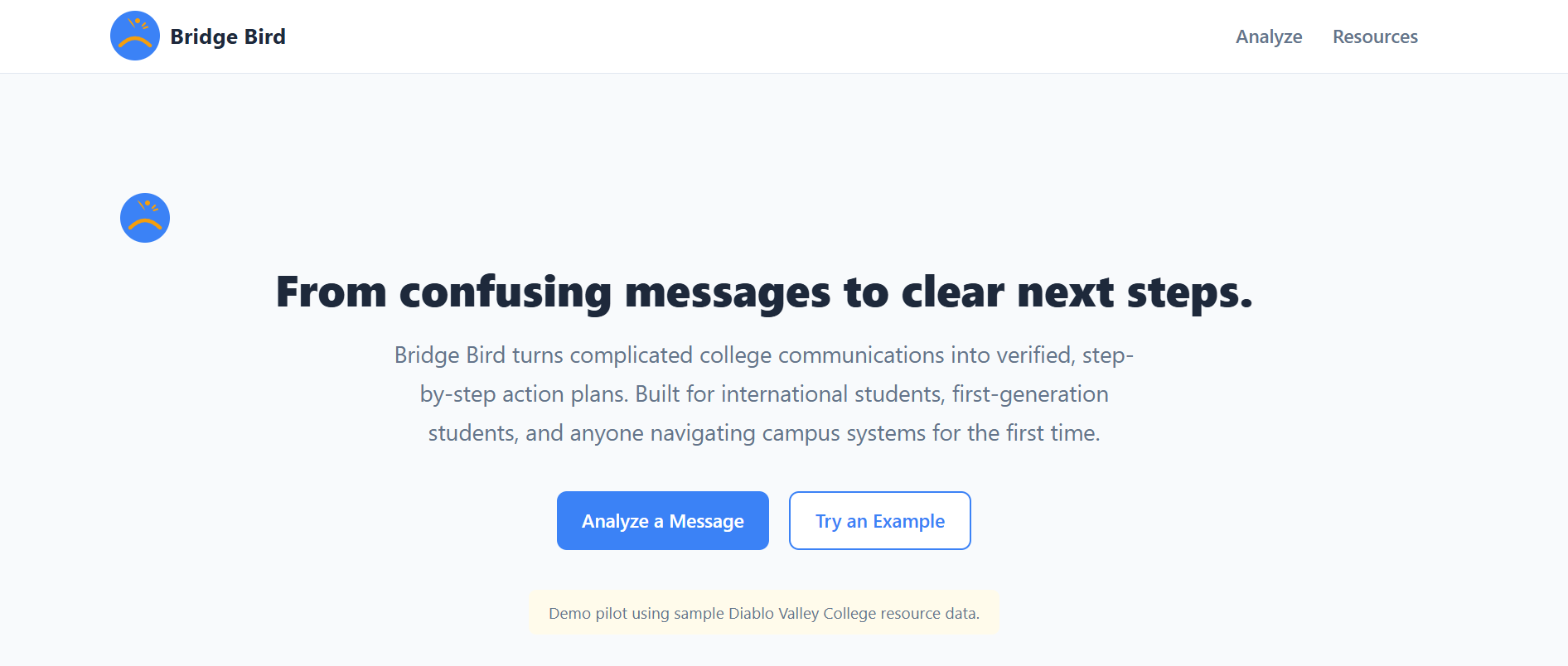
Bridge-Bird----From confusing messages to clear next steps
Inspiration
College systems often assume that students already understand institutional language, deadlines, departments, and procedures. For international students, first-generation students, and English learners, a single school email can create several questions:
- What does this message actually mean?
- Is it urgent?
- What documents do I need?
- Which office should I contact?
- What happens if I do not respond?
We were inspired by our own experiences navigating unfamiliar college systems. We realized that the problem is not simply translation. Students also need help understanding the hidden rules behind messages and turning complicated information into clear actions.
That led us to build Bridge Bird, an AI-powered campus action navigator.
What It Does
Bridge Bird converts confusing college emails and notices into structured, practical guidance.
A student can paste a school message into the application, select a language, and receive:
- A plain-language explanation
- An urgency level
- A detected deadline
- A checklist of required documents
- The most relevant campus department
- A step-by-step action plan
- A verified campus resource
- A ready-to-send email draft
- An
.icscalendar reminder
Instead of presenting users with one long AI-generated response, Bridge Bird organizes the result into three core features:
BirdPath
BirdPath creates a personalized sequence of actions, showing the student exactly what to do first, what to prepare, where to submit it, and how to confirm that the issue has been resolved.
BirdCheck
BirdCheck identifies the campus office most likely to handle the issue. It also explains why another department may not be the correct choice, helping students avoid being redirected between offices.
BirdTrust
BirdTrust separates AI-generated interpretation from verified campus resource information. It displays confidence, verification status, the date the resource was reviewed, and a reminder to confirm important requirements with the official school office.
Our main distinction is simple:
A general-purpose chatbot gives students an answer. Bridge Bird gives them a verified path forward.
How We Built It
We built Bridge Bird as a responsive web application using:
- Next.js
- React
- TypeScript
- Next.js API routes
- Custom CSS
- Browser storage
- Native Clipboard, Date, Blob, and calendar APIs
- An optional large language model integration
- A deterministic local fallback analyzer
- A local campus resource directory
The application sends the student’s message to an analysis API, which returns a structured result containing the issue type, summary, urgency, deadline, documents, recommended department, action steps, and email draft.
To make the demo reliable, we also created a local keyword-based analyzer. This allows Bridge Bird to recognize common topics such as residency documentation, financial aid, F-1 status, registration holds, academic probation, food support, and housing support even when an external AI service is unavailable.
For our pilot, we created sample resource data for Diablo Valley College. The architecture is designed so that additional campuses can be added through structured resource records.
We also used client-side browser features to support immediate action. Students can copy an email, save their analysis during the session, check off required documents, and download a calendar event without needing an account.
Challenges We Faced
Preventing hallucinated campus information
A general-purpose language model may generate convincing but incorrect office hours, phone numbers, policies, or deadlines. This is especially dangerous when students are making decisions about enrollment, financial aid, or immigration status.
To reduce this risk, we separated AI interpretation from verified resource data. Bridge Bird does not treat every generated statement as official information, and it clearly asks students to confirm critical requirements with the appropriate campus office.
Creating useful structure instead of another chatbot
It was easy to build a text box that returned a paragraph. It was much harder to decide what information students actually need in order to act.
We designed a structured response format so that every result could be transformed into urgency indicators, document checklists, department recommendations, deadlines, email drafts, and BirdPath steps.
Matching students to the correct department
College responsibilities often overlap. A message mentioning tuition may relate to Financial Aid, Admissions and Records, residency classification, or the International Student Office.
We created topic-based matching rules and explanations so that Bridge Bird does not only recommend a department, but also explains why it is the best match.
Keeping the hackathon demo reliable
External APIs can fail, return malformed output, or require credentials that are unavailable during judging. We implemented a deterministic fallback so that the primary demonstration still works without an API key.
What We Learned
We learned that applying AI responsibly requires more than connecting a model to a user interface.
The most important part of Bridge Bird was building the system around the model:
- Structured output
- Verified resource data
- Clear uncertainty indicators
- Safe fallback behavior
- Human-confirmation reminders
- Tools that help users take immediate action
We also learned that accessibility is not only about visual design. Information itself must be accessible. A message can be technically available to a student while still being difficult to understand because of language, institutional terminology, or unfamiliar procedures.
Finally, we learned that a focused pilot can be more useful than an overly broad platform. Supporting one campus with clear, reviewed resource information gives us a stronger foundation for future expansion.
Accomplishments We Are Proud Of
We are proud that Bridge Bird is not simply a school-themed chatbot.
It connects several stages of the student support process:
- Understanding the message
- Identifying the risk
- Finding the correct office
- Preparing the required materials
- Contacting the school
- Tracking the deadline
- Confirming that the problem has been resolved
We are also proud that the application can provide a complete demonstration without requiring an account, database, or external AI connection.
What’s Next
Our current version is a pilot using sample Diablo Valley College resource data.
In the future, we plan to add:
- Support for additional colleges and universities
- Live synchronization with official campus websites
- Secure PDF and screenshot analysis
- Integration with school portals
- Personalized deadline reminders
- Multilingual voice guidance
- Human counselor escalation
- Accessibility-focused reading modes
- Student feedback on resource accuracy
- Administrative tools for schools to verify their own information
Our long-term goal is to make institutional knowledge easier to access, especially for students who do not already know how the system works.
Bridge Bird helps turn uncertainty into action—one message, one resource, and one clear next step at a time.
Built With
- blob
- date
- next.js?-?-react?-?-typescript?-?-next.js-api-routes?-?-custom-css?-?-browser-storage?-?-native-clipboard


Log in or sign up for Devpost to join the conversation.