-
-
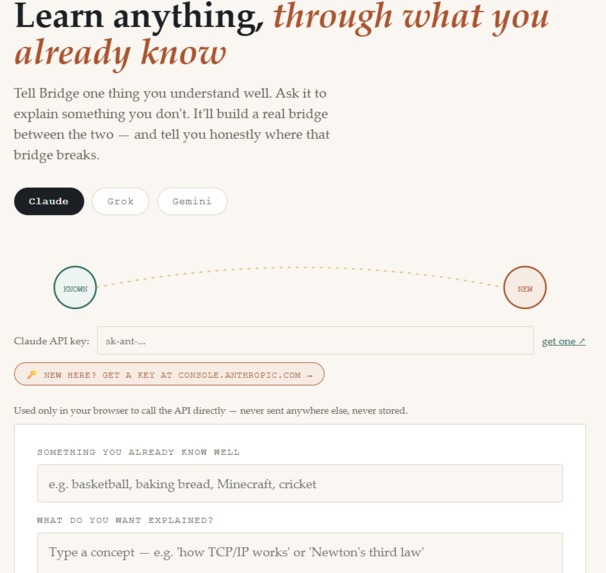
Careful, structured reasoning — nuanced explanations, following exact output formats
-
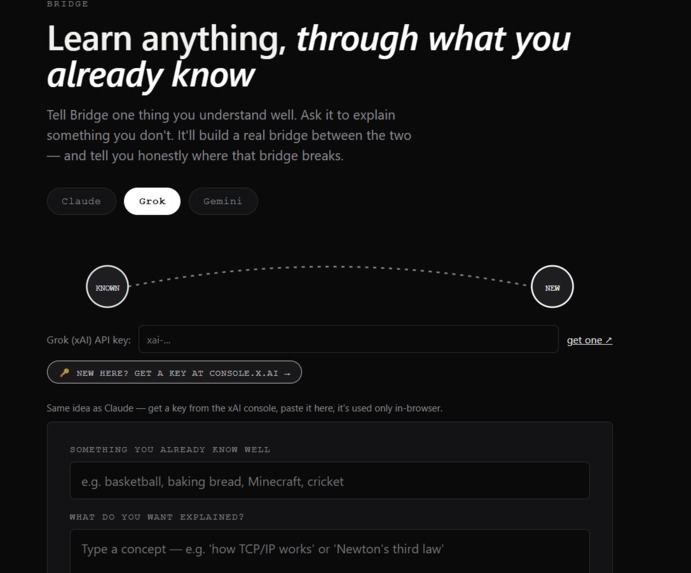
Fast, conversational, a bit more casual/witty tone
-
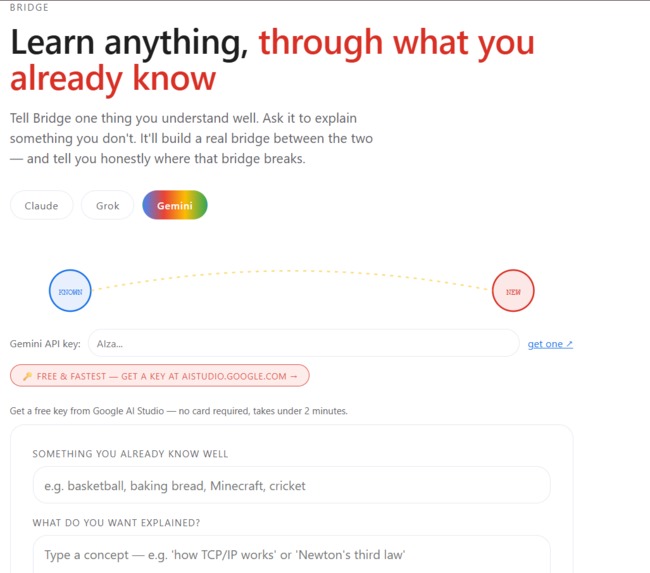
Strong all-rounder, very fast, good at structured/JSON-like output
Inspiration
Generic AI explanations are often technically correct but don't stick — because they aren't anchored in anything the learner already has intuition for. The best human tutors don't just simplify vocabulary, they map new ideas onto things a student already understands. We wanted to automate that specific skill, not just "explain this simply."
What it does
Bridge asks you what you already know — basketball, cooking, video games, gardening, whatever — and then explains any topic you're struggling with by building a detailed analogy from that domain. You can type a concept directly or upload a PDF (lecture notes, an article, a textbook excerpt) and Bridge will extract the core idea and explain it the same way. Every explanation also honestly flags where the analogy breaks down, since no analogy is perfect, and you can generate a quiz question on the spot to check whether you understood the underlying concept rather than just the analogy.
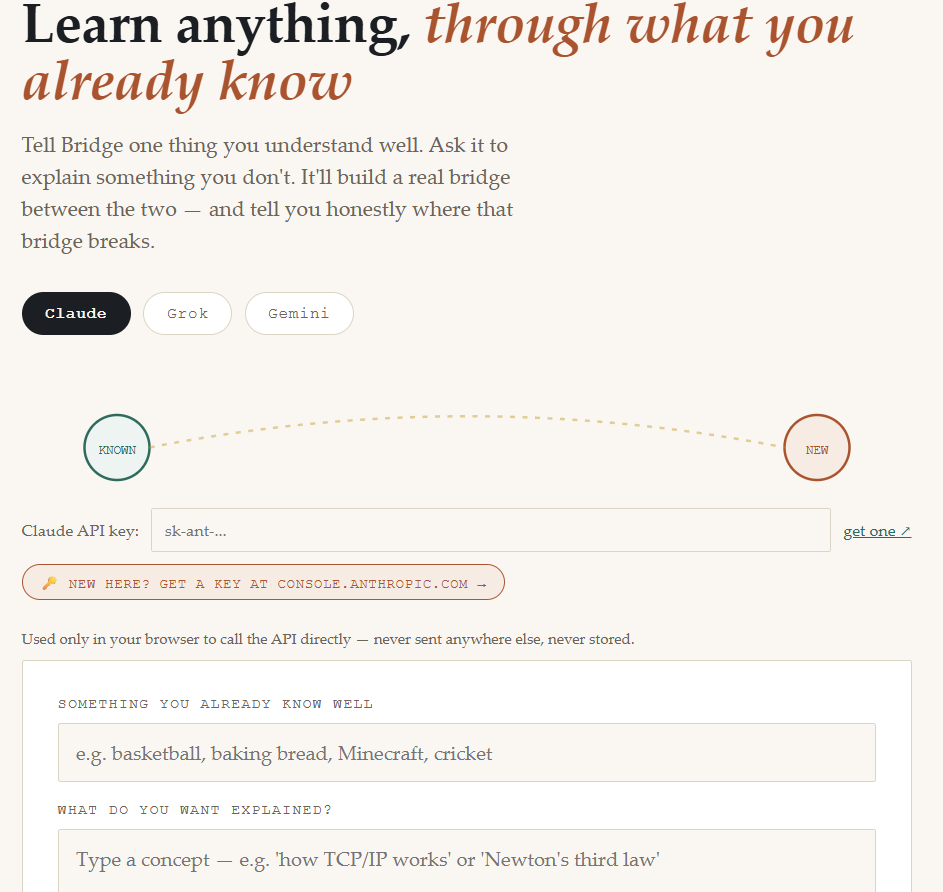
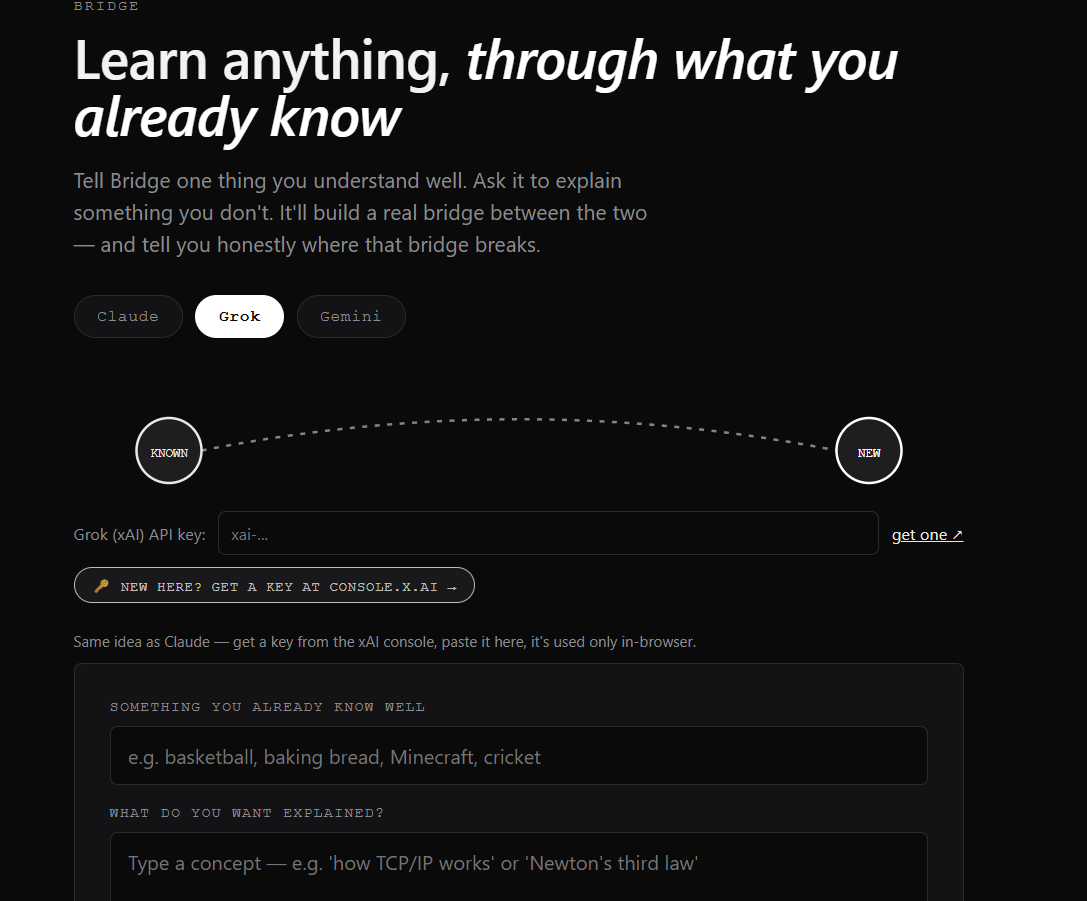
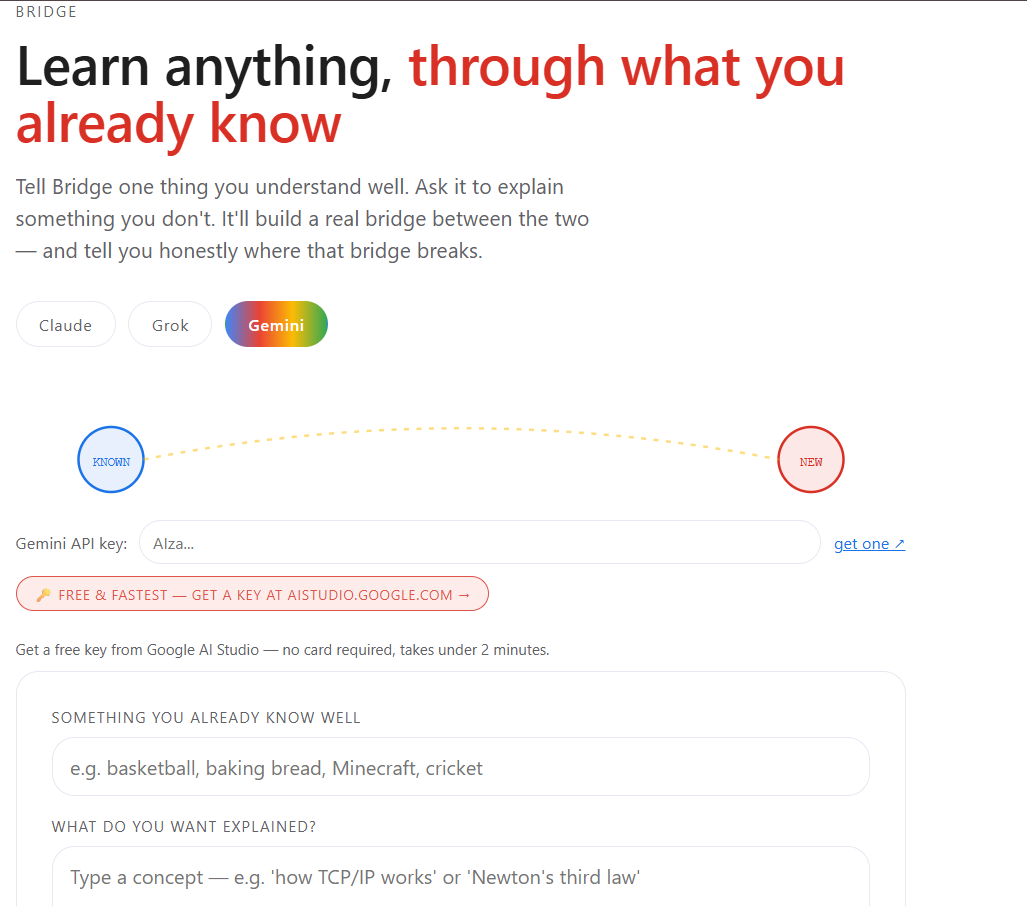
You can also switch between three different AI providers — Claude, Grok, and Gemini — mid-session. Each one gives the explanation its own flavor, and the entire interface smoothly re-themes to match: Claude's cream/serif look, Grok's dark minimal mode, and Gemini's bright multi-color palette — reinforcing that the same underlying idea (a bridge between known and new) can be delivered in genuinely different "voices."
How we built it
- Frontend-only, zero build step: a single self-contained HTML file — vanilla HTML/CSS/JS, no framework, no server. It opens directly in a browser with one double-click.
- Multi-provider AI layer: calls the Claude (Anthropic), Grok (xAI), and Gemini (Google) chat completion APIs directly from the browser, normalizing each provider's response format behind one shared interface.
- PDF parsing: pdf.js running entirely client-side, extracting and truncating text before it's sent to whichever model is selected — no backend needed.
- Theming system: CSS custom properties swapped per provider (color palette, font family, corner radius, button styles) with smooth 0.5s transitions on every switch, including the hand-built SVG "bridge" animation connecting a known-concept node to a new-concept node.
- Careful, provider-agnostic prompt design so all three models consistently return a structured explanation: plain-language summary → detailed analogy → an honest note on where the analogy breaks down.
Challenges we ran into
- Getting the model to commit to one concrete, detailed analogy instead of hedging with three shallow ones.
- Balancing personalization with accuracy — it's easy for an analogy to feel fun but quietly teach the wrong thing, which is why we added the self-critique step and the quiz check.
- Normalizing three different API response shapes (Claude's content blocks, Grok's OpenAI-style choices, Gemini's candidates/parts) behind one consistent parsing layer so the rest of the app doesn't need to know which provider answered.
- Handling messy or scanned PDFs gracefully, since text extraction isn't guaranteed to work on every document.
What we learned
Personalizing the scaffolding of an explanation (what it's built on top of) matters more than personalizing vocabulary or reading level. Small structural constraints in the prompt — like requiring the model to name where its own analogy breaks down — meaningfully improved trustworthiness of the output across all three providers we tested against.
What's next for Bridge
- A lightweight backend so API keys never have to touch the client at all.
- Persistent user profiles so interests and explanation history carry across sessions.
- Side-by-side mode: the same topic explained through two different interests at once.
- Spaced-repetition scheduling for quiz questions over time.
- Support for photos of whiteboards/handwritten notes as input.
Built With
- anthropic-api
- css
- google-ai
- html
- javascript
- pdf.js
- xai-api
