-
-
finished-product
-
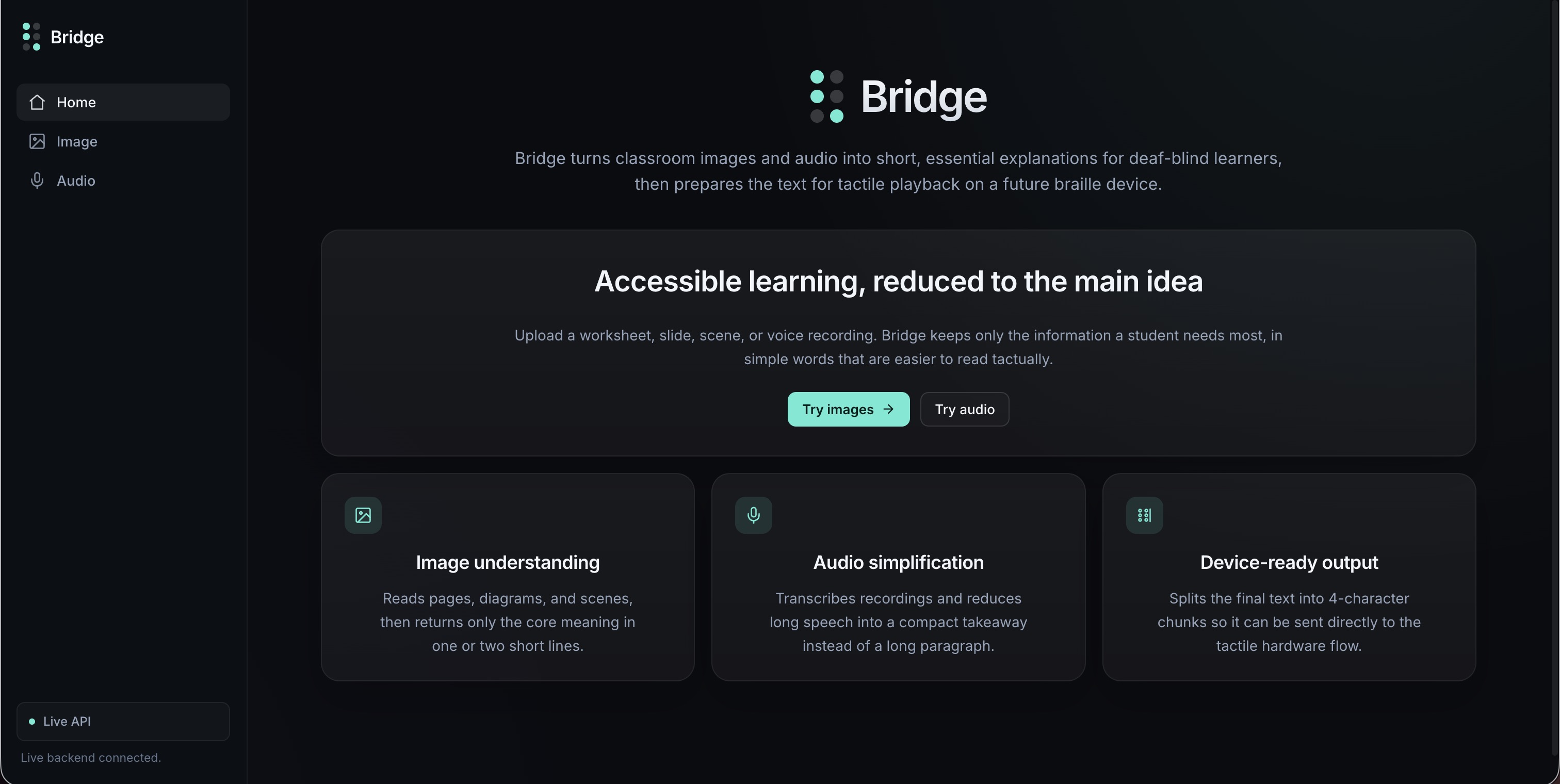
landing-page
-
record-audio
-
submit-image
-
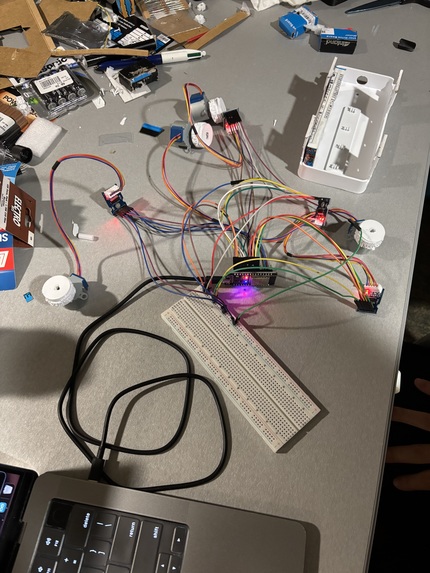
hardware-setup
-
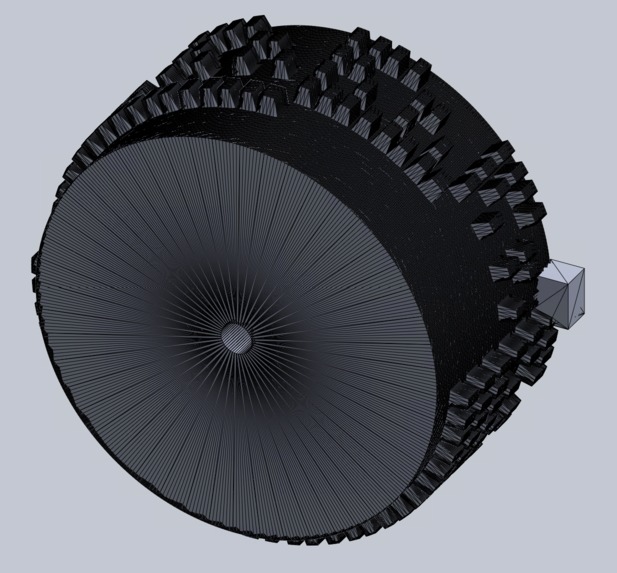
drum-CAD
Inspiration
There are an estimated 160 million deafblind people in the world, and many still lack access to real-time information in educational settings. A deafblind student's access to classroom content depends almost entirely on the availability of a human interpreter, who may not be present, may not keep up, and costs money most schools do not have. Existing braille displays are extremely expensive, costing $3,000–$15,000, and they cannot process a photo of handwritten notes or an audio recording of a teacher explaining a concept. Education promises equal access to knowledge, but for deafblind learners, it remains fundamentally inaccessible. We wanted to build a device that finally changes that.
What it does
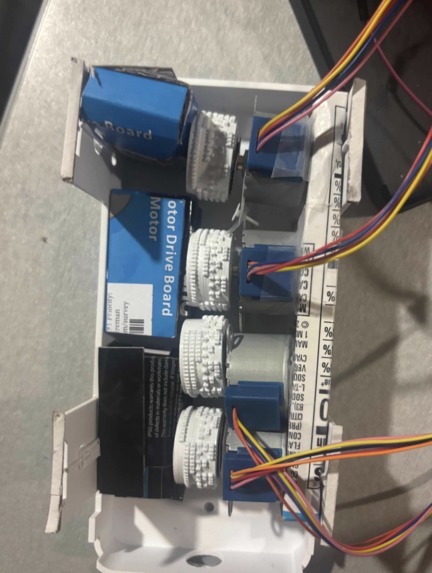
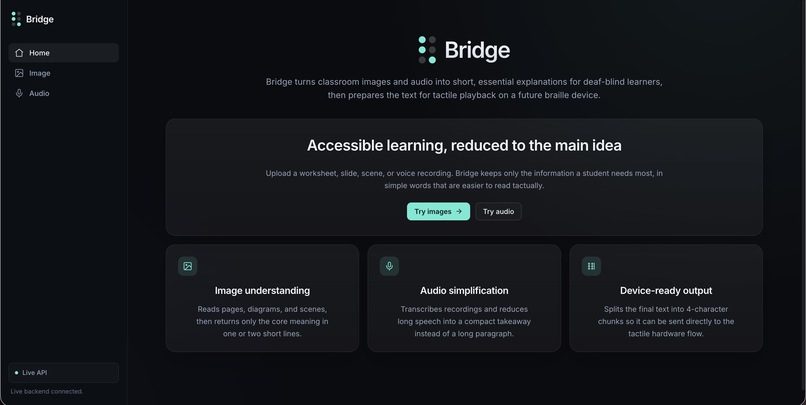
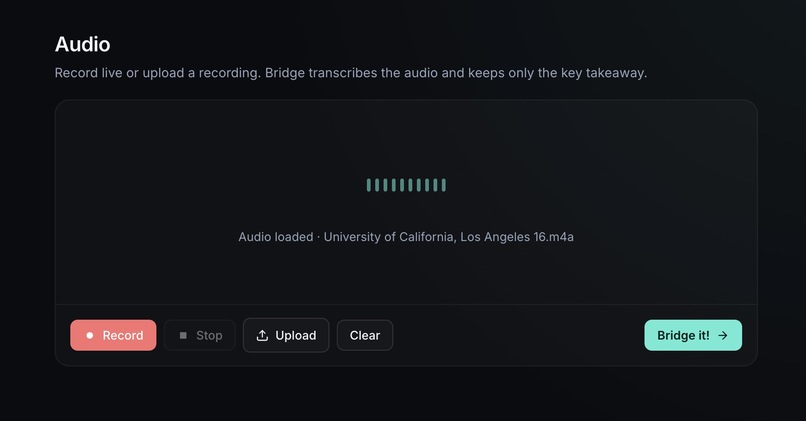
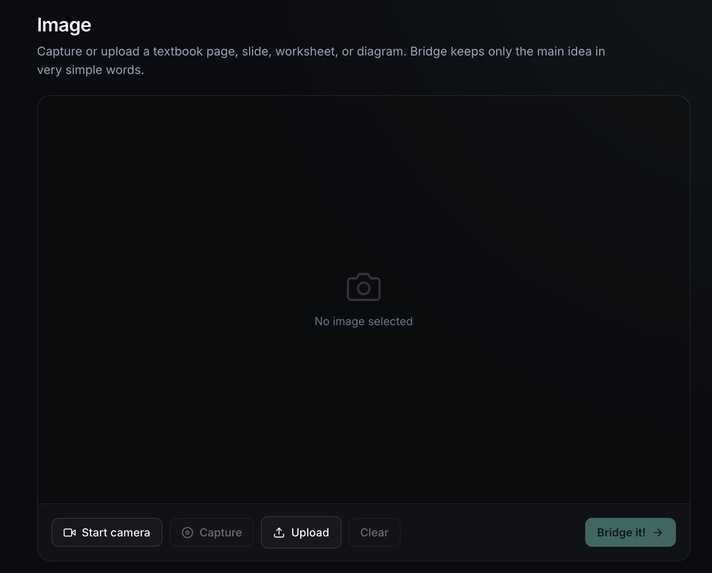
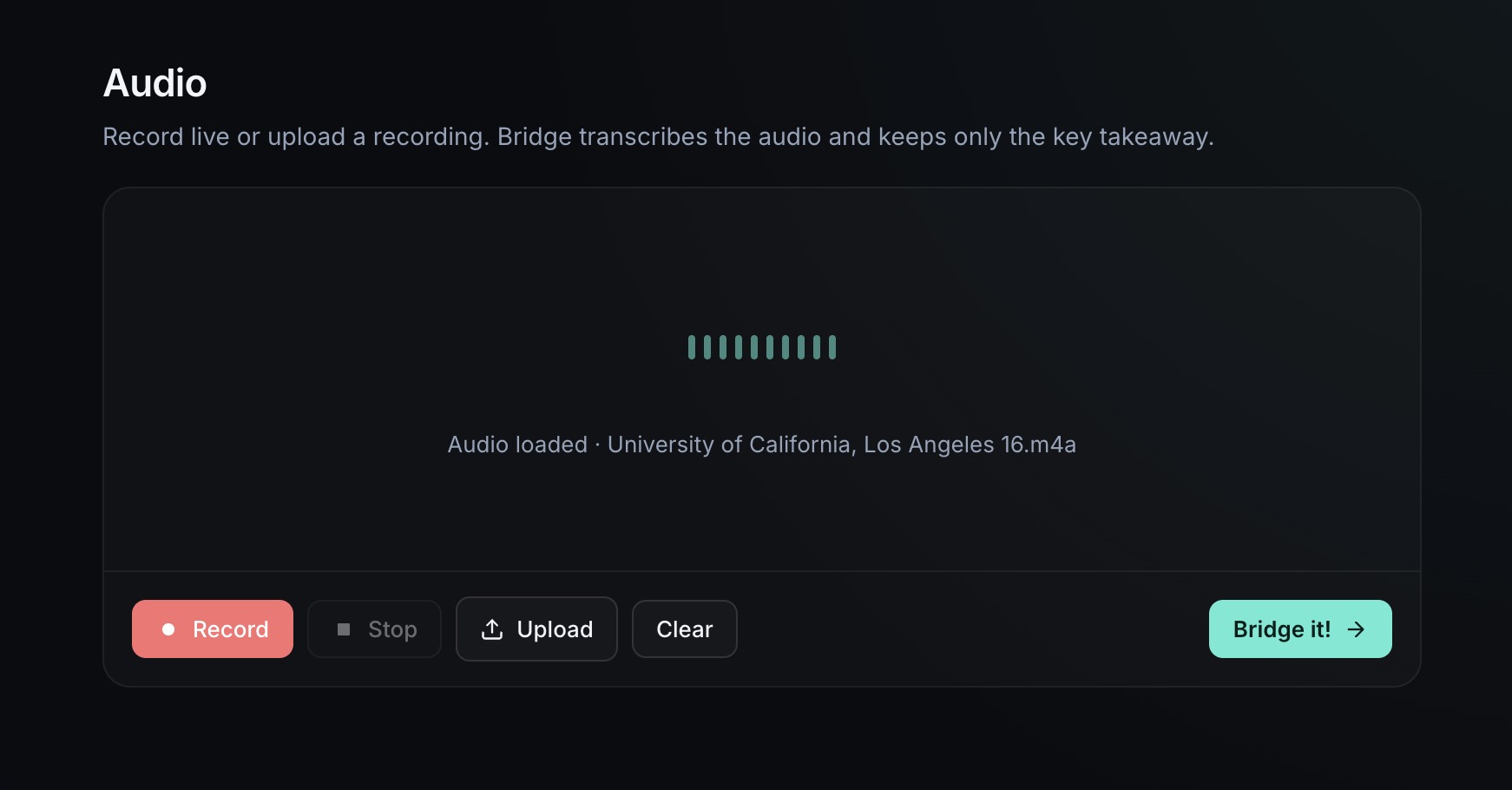
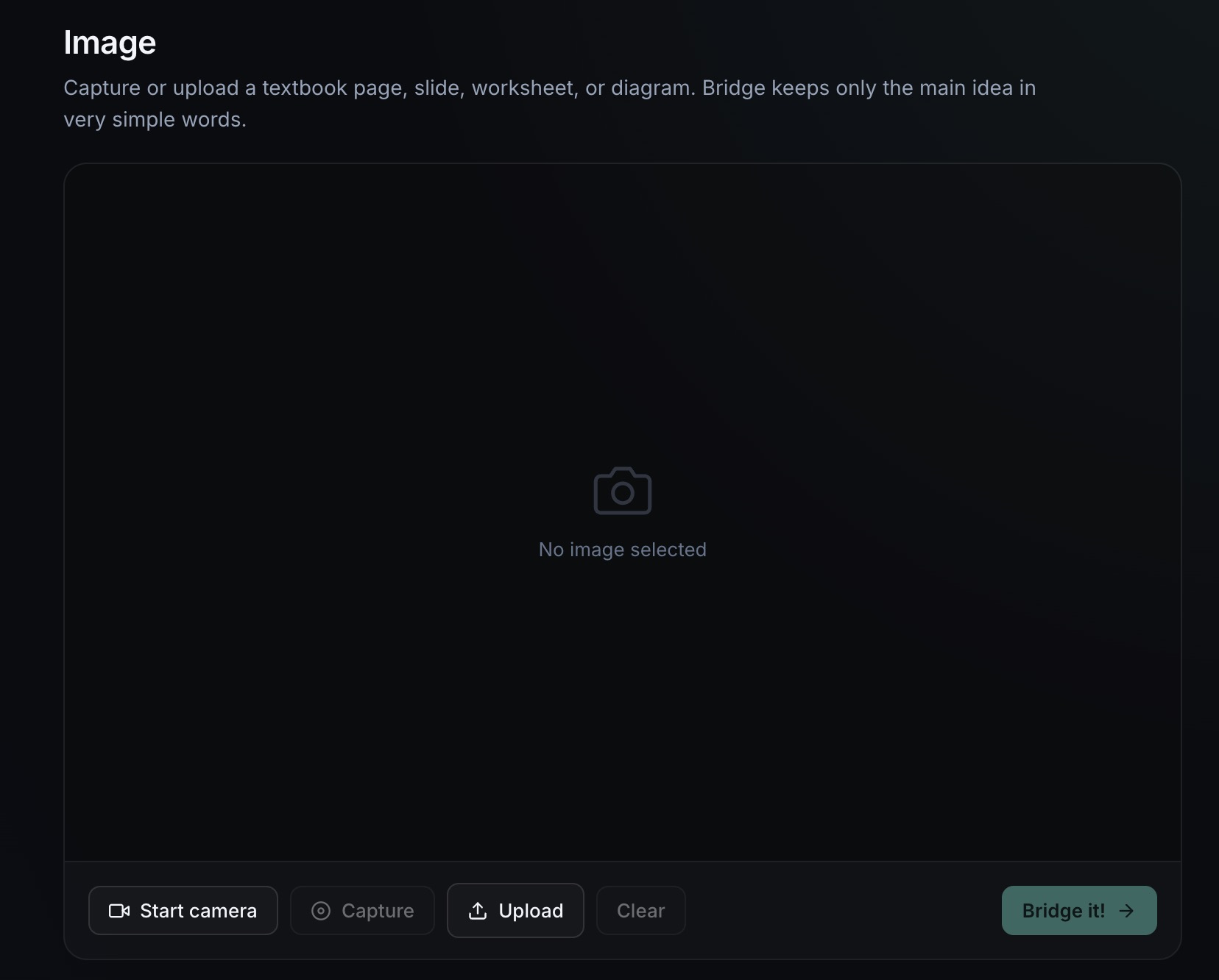
We built an affordable braille machine where images or audio captured through a connected computer is automatically transcribed and transmitted to our custom braille display, which physically raises and lowers pins to spell out the content. A student can now independently access the same information their peers receive the moment it is delivered.
How we built it
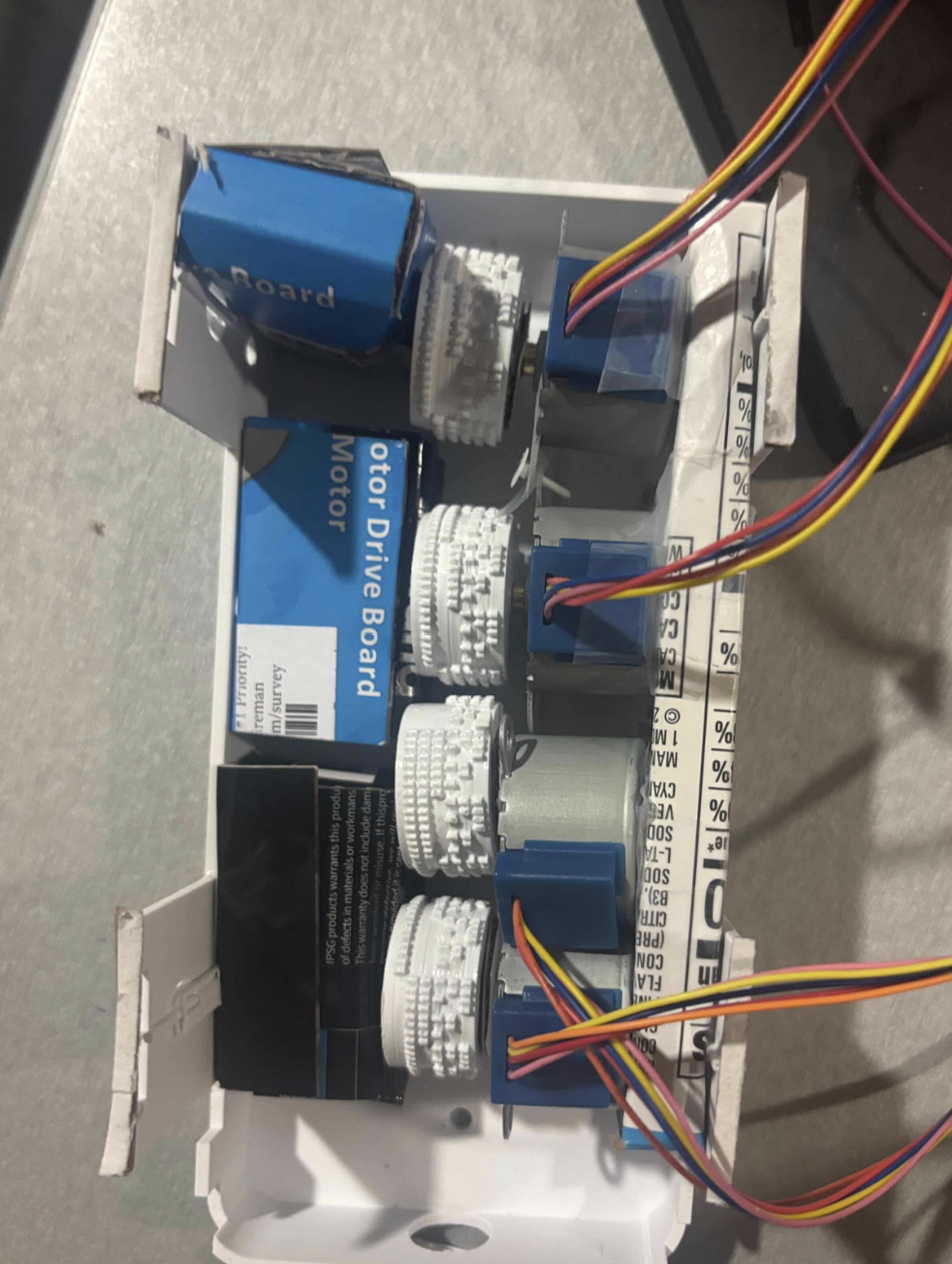
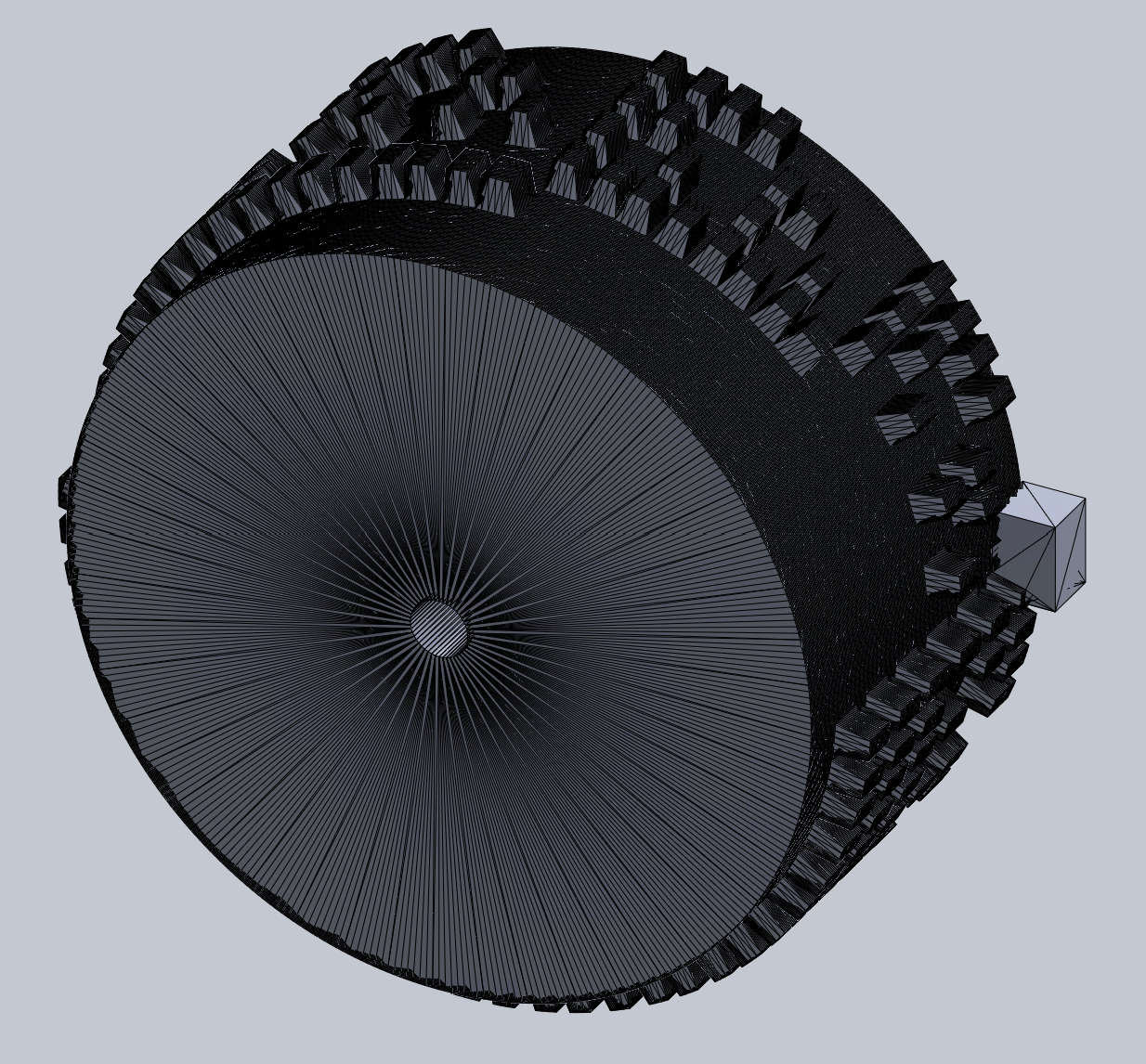
- CAD & 3D Printing: We designed the braille output mechanism in CAD, including a rotating cylinder with bumps that push up specific pins to form braille dots. We also designed and 3D printed the frames, pins, and supporting components.
- Text-to-Braille Processing: The summarized extracted text from either image or audio is converted into braille patterns that determine which pins need to be raised or lowered.
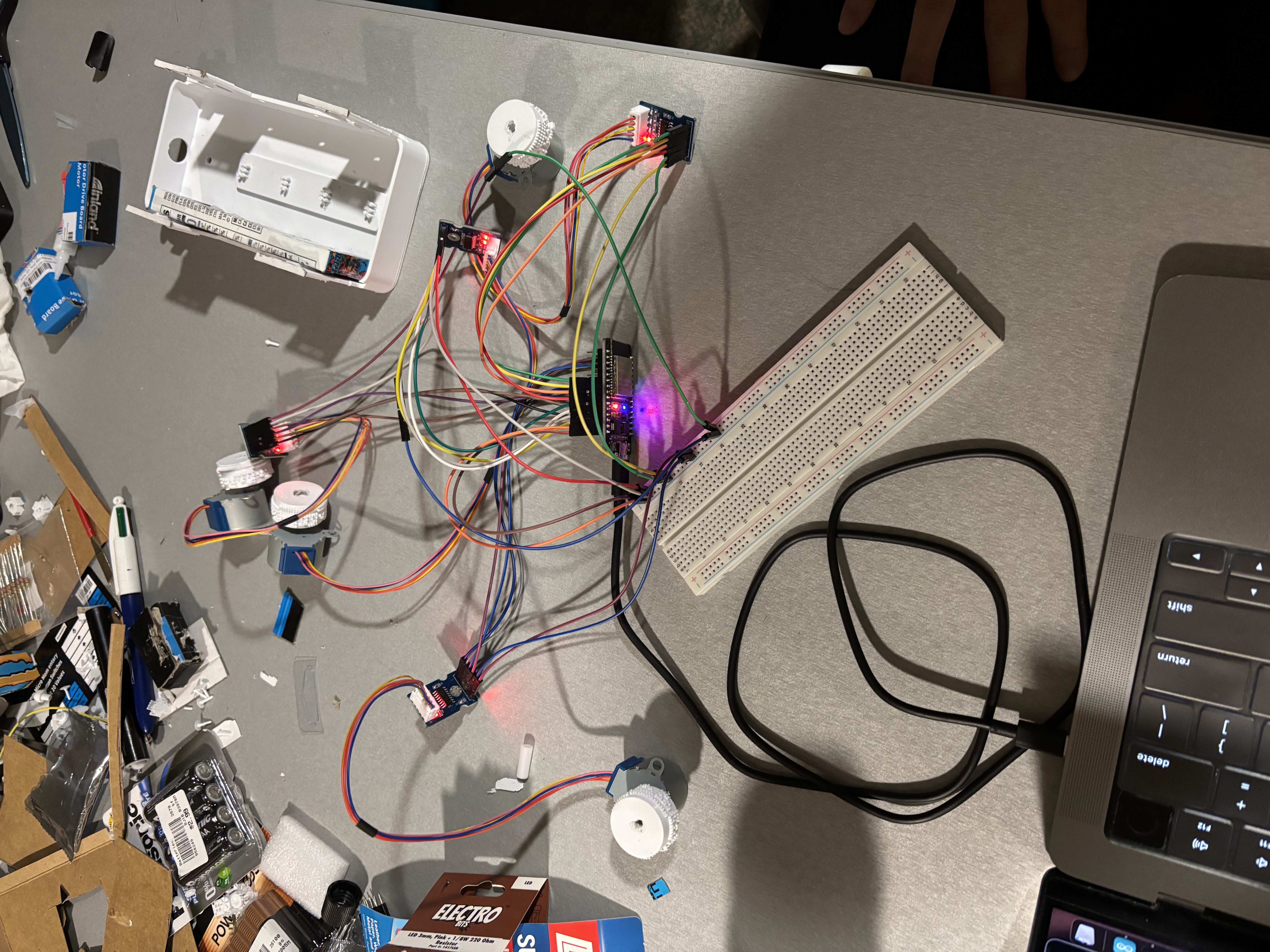
- Motor Control: We connected and tested stepper motors through software, then integrated them with the 3D printed pins so the physical display could represent each braille character.
- Hardware Assembly: We assembled the 3D printed components with the motors, pins, and connected electronics to create the full braille display system.
- Testing: We tested the complete pipeline by sending images and audio through the system and checking whether the extracted text was correctly translated into braille and displayed through the moving pins.
Challenges we ran into
- CAD and 3D printing: We had to collect the right materials under a short amount of time, but many of the parts we needed were not available through UCLA clubs or other resources we checked. On top of that, some of our CAD dimensions did not match the hardware we found perfectly, so several 3D printed components did not fit and required adjustments. Since we did not have enough time to fully redesign and reprint everything, we had to improvise and adapt the physical design around the materials we had.
- Wiring the hardware: Since our team had limited hardware experience, we spent a lot of time learning how to connect the motors, power supply, and breadboard correctly. Small wiring mistakes could stop the motors from moving, so we had to test each connection carefully and troubleshoot step by step.
- Hardware-to-software connection: Despite the hardware functioning, we still had to make sure the software could reliably control the physical braille mechanism. This meant translating braille patterns into motor movements, timing and marking the motor rotation angles correctly, and making sure the raised pins matched the intended output, which demanded a lot of effort during the testing phase.
What we learned
This project taught us how to think about a system from end to end. We had to connect computer vision, text processing, motor control, and a physical braille display into one working device, which helped us understand how each small action affects the final product. We also learned how different debugging becomes when hardware is involved. We had to troubleshoot wiring, motor movement, pin alignment, 3D printed parts, and software control at the same time, which was much harder than software but ended up being equally rewarding. Most importantly, we learned how to adapt with the material we had. Since we could not always get the exact parts we wanted, we had to redesign, improvise, and make practical tradeoffs to keep the device working.
What's next for Bridge
- Integrated camera and audio input: We want to integrate the camera and audio input directly onto the device instead of relying on a connected computer. This would allow Bridge to capture classroom notes and spoken explanations on its own, making the device more practical and independent.
- Standalone power supply: Our next step is to make Bridge fully standalone by adding an onboard power supply. Right now, the device still depends on a connected computer for power, so integrating a battery would make it portable and easier to use in real classroom settings.
- Improved physical design: Future versions would focus on better usability, stronger 3D printed components, and more accurate hardware placement so the pins and motors move more reliably. This would make Bridge more durable and comfortable for daily use.
- On-device processing: Finally, we want to move more of the processing onto the device itself. Instead of relying on a connected computer, future versions could run transcription and image-to-text processing directly on the hardware, allowing for durable and offline use!
Built With
- claude-api
- css
- esp32
- fastapi
- html
- javascript
- python
- stepper-motors
- uvicorn
- whisper

Log in or sign up for Devpost to join the conversation.