
Inspiration
Millions of people with speech disabilities face barriers in everyday communication — from ordering coffee to making a simple phone call. We wanted to build a bridge between voice and understanding — an AI-powered companion that empowers every individual to express themselves freely, no matter how they communicate.
Bridge began with a simple idea: technology should listen, speak, and empathize just like we do.
What it does
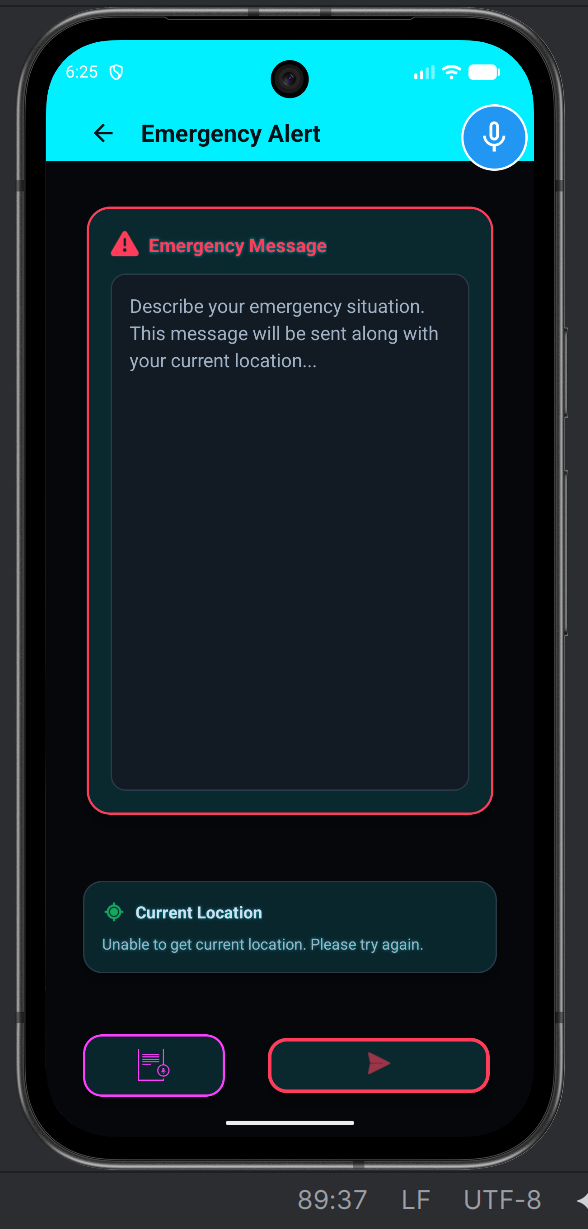
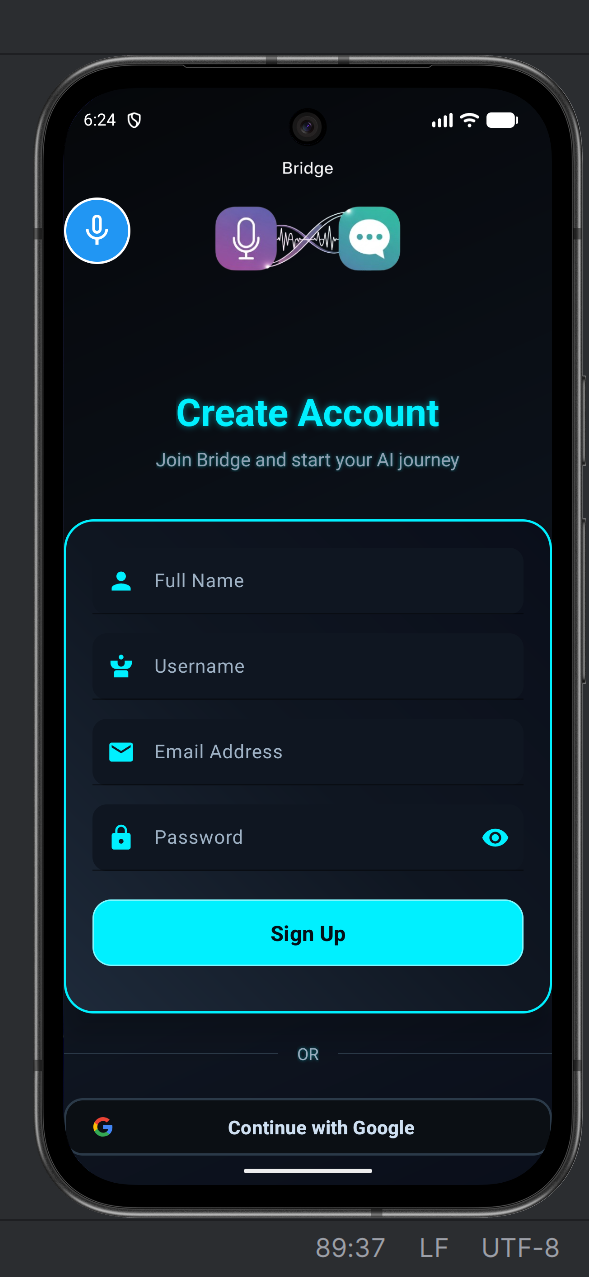
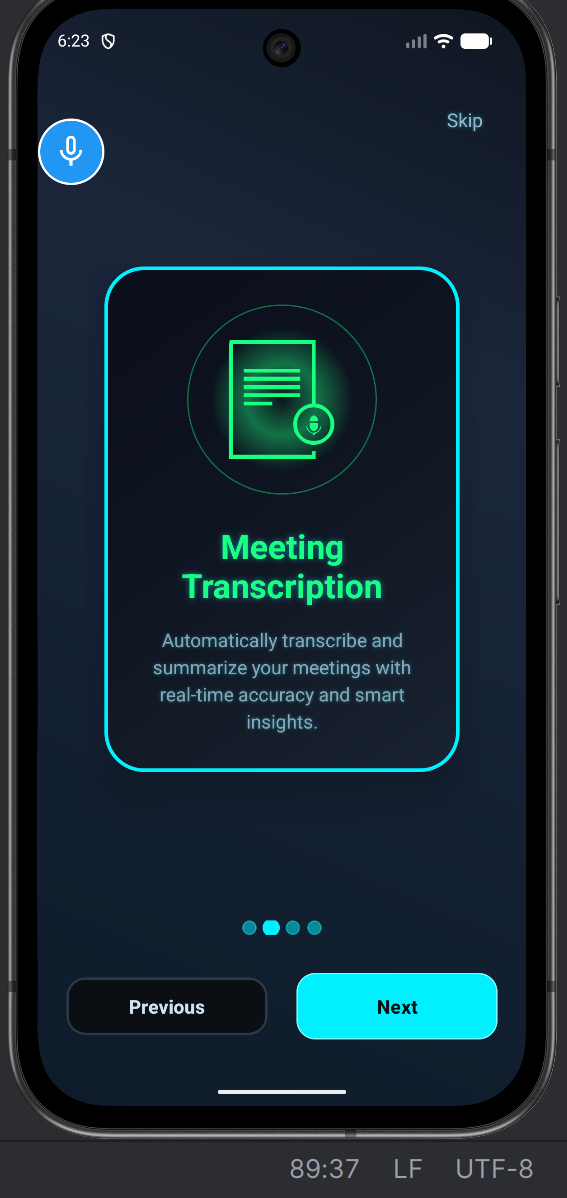
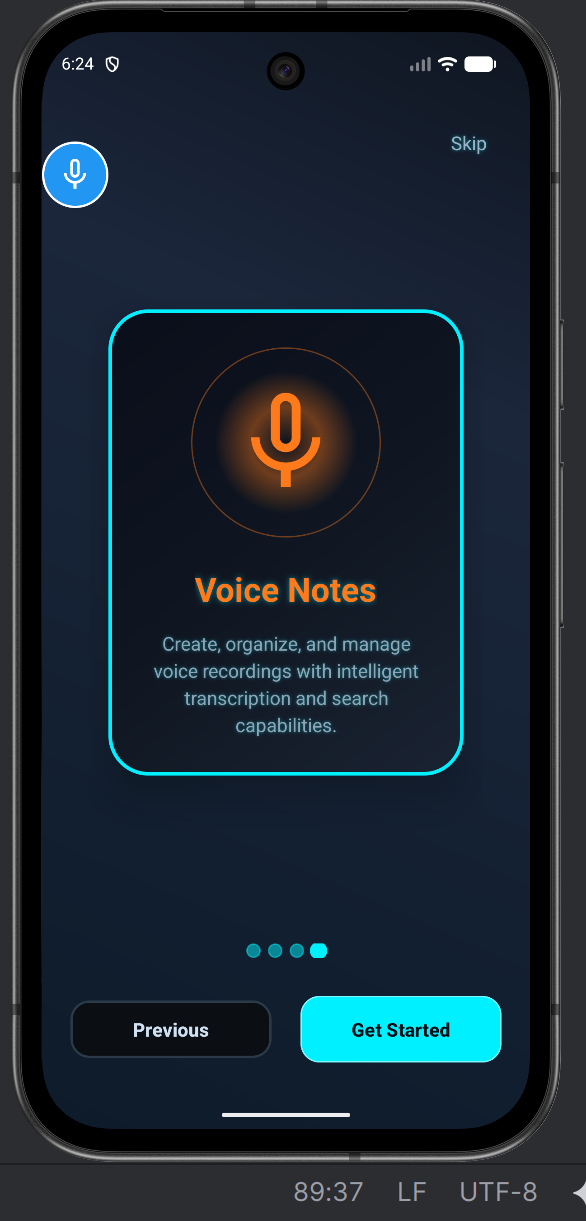
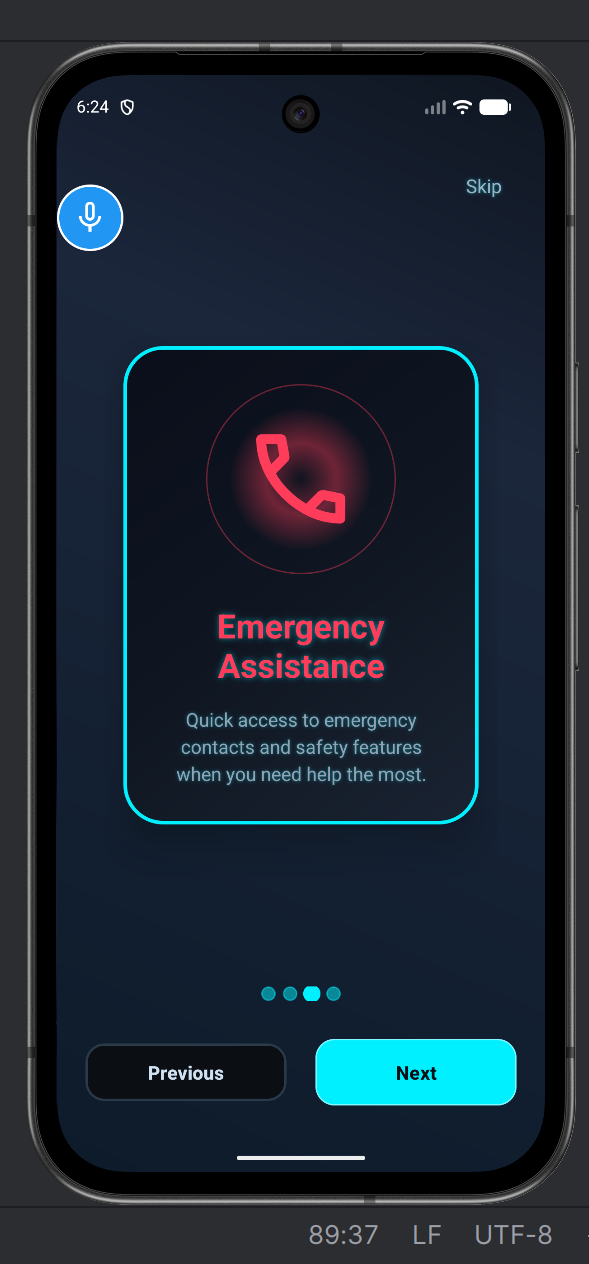
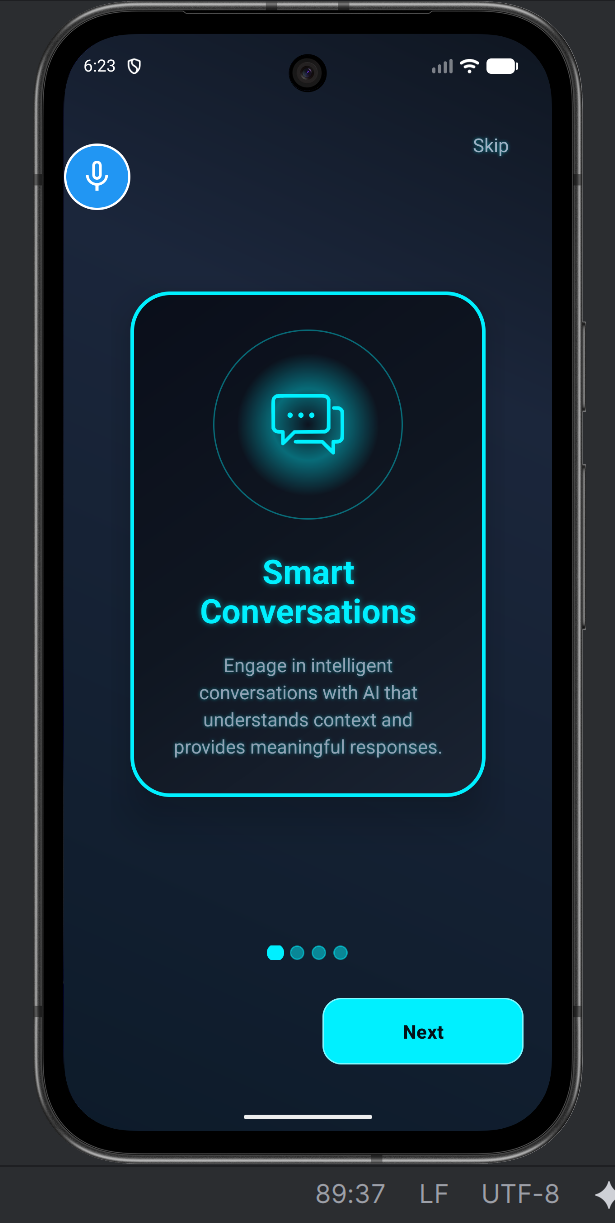
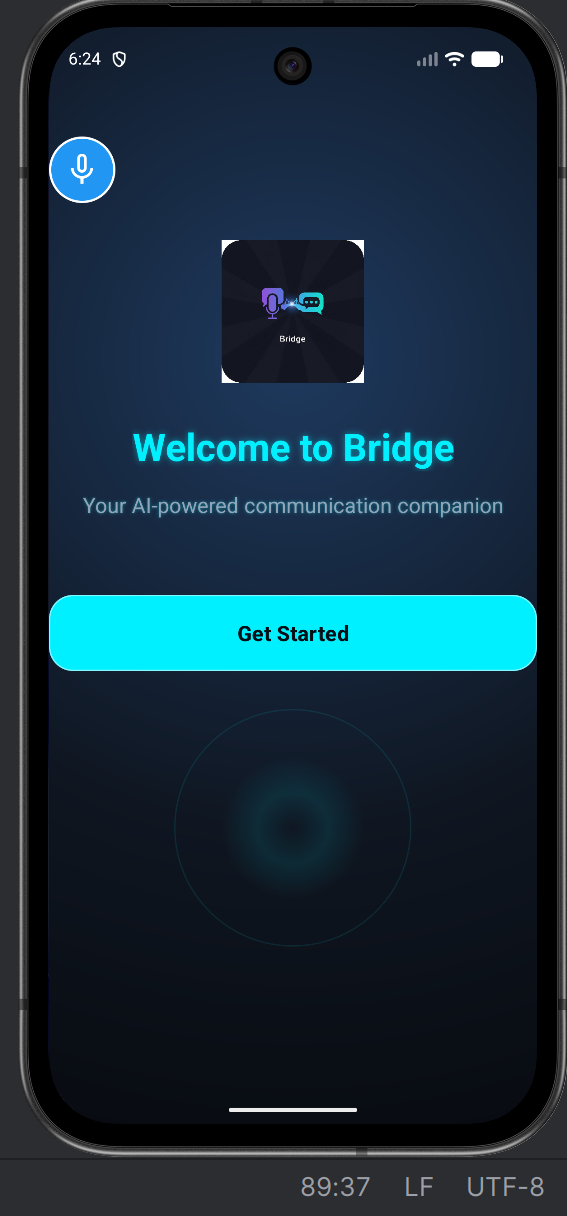
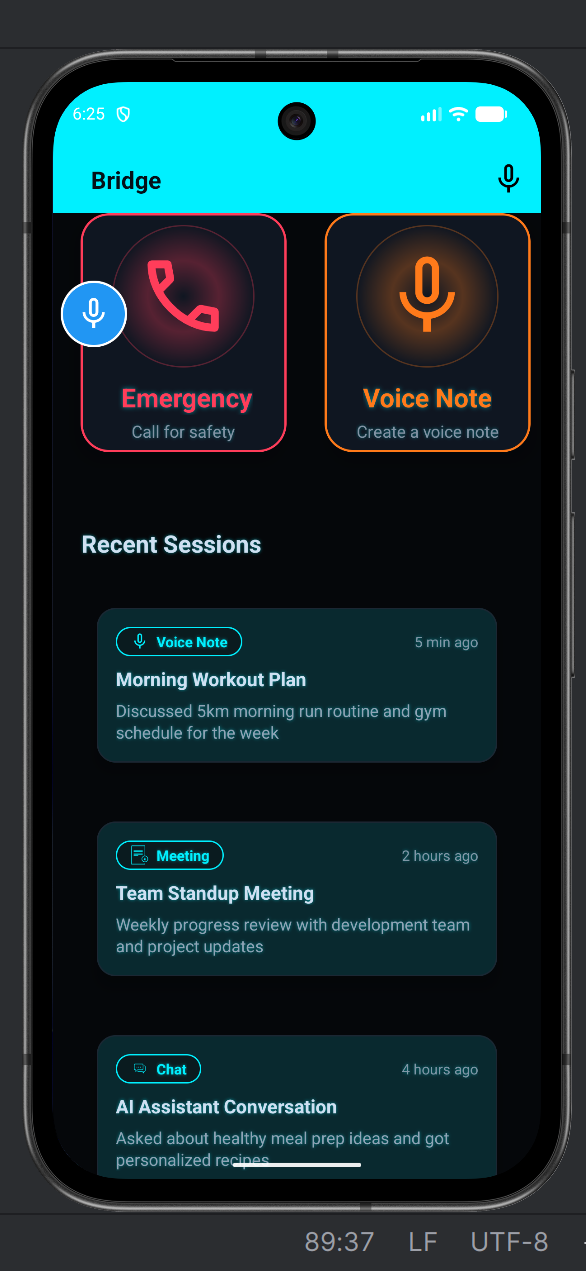
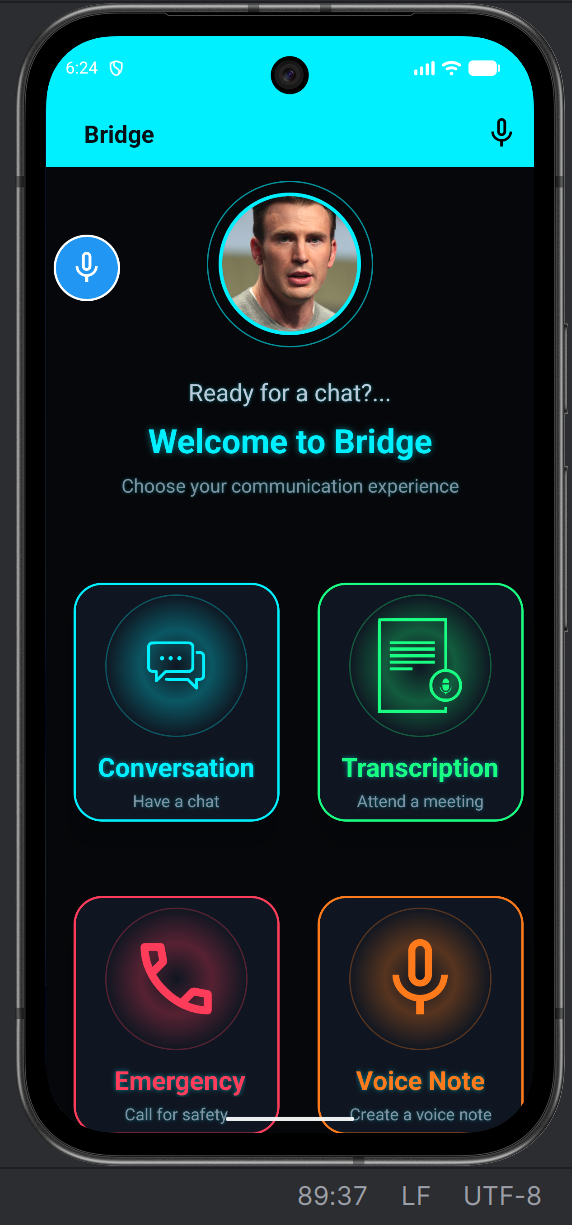
Bridge is an accessibility-first communication app that enables natural two-way interaction between speech-disabled individuals and others — whether face-to-face or over a call.
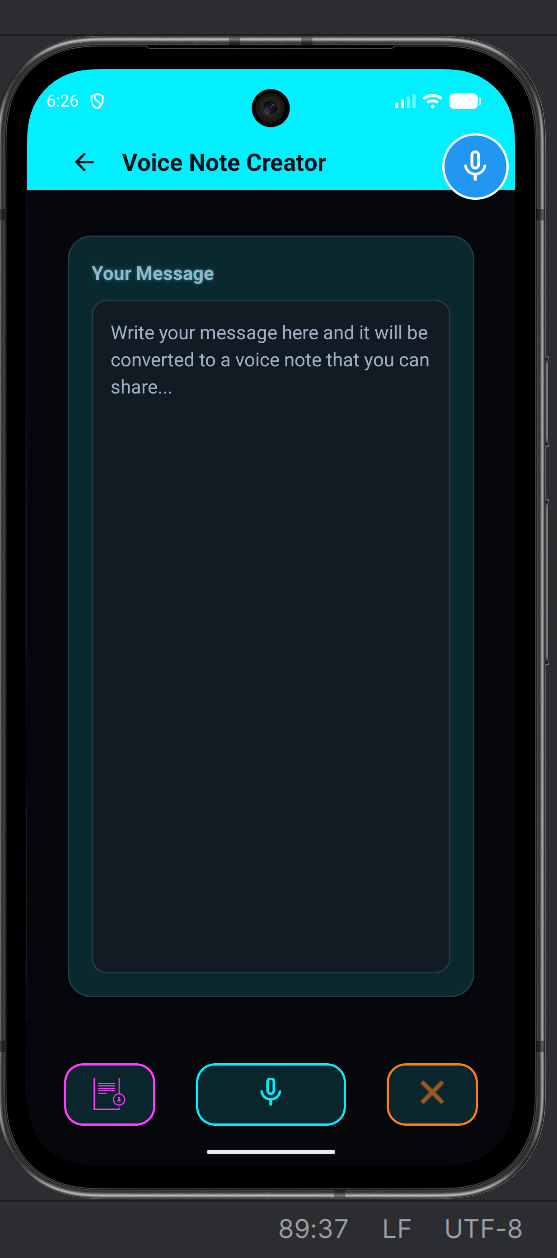
- Text-to-Speech (TTS): Converts typed or pre-set messages into expressive, human-like voices using Android’s TTS engine.
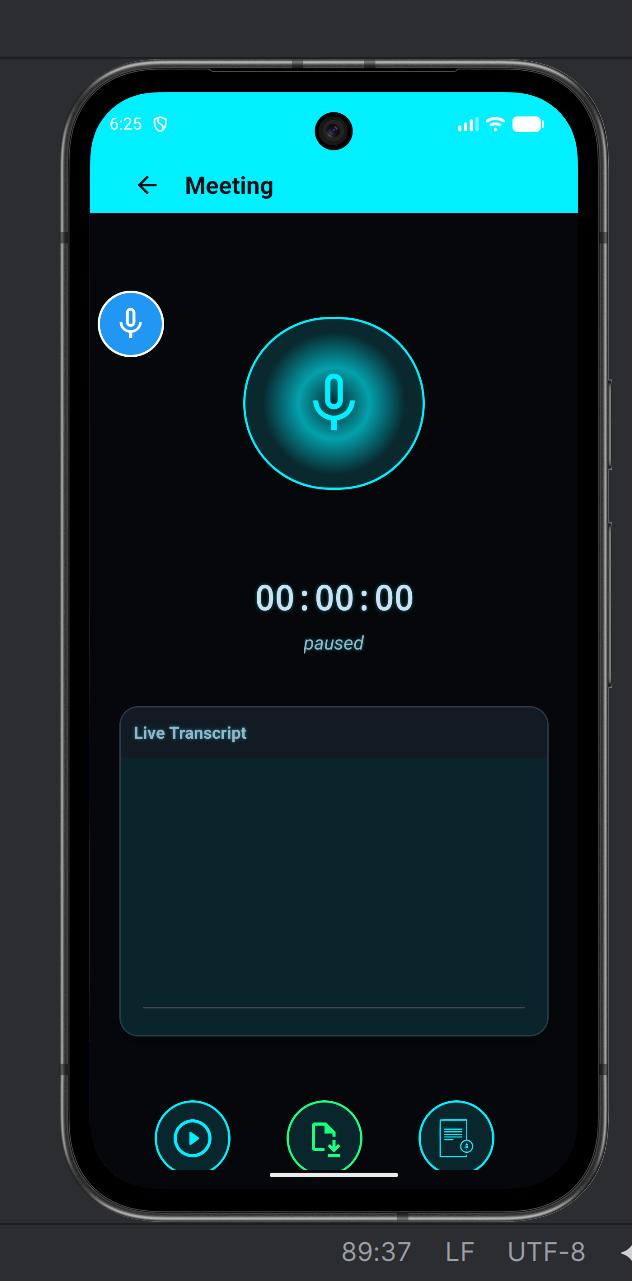
- Speech-to-Text (STT): Transcribes incoming speech in real time using Google’s SpeechRecognizer API.
- Call Mode: Facilitates live phone conversations by seamlessly syncing TTS and STT.
- Floating Assistant Button: Accessible from any app for quick responses and message playback.
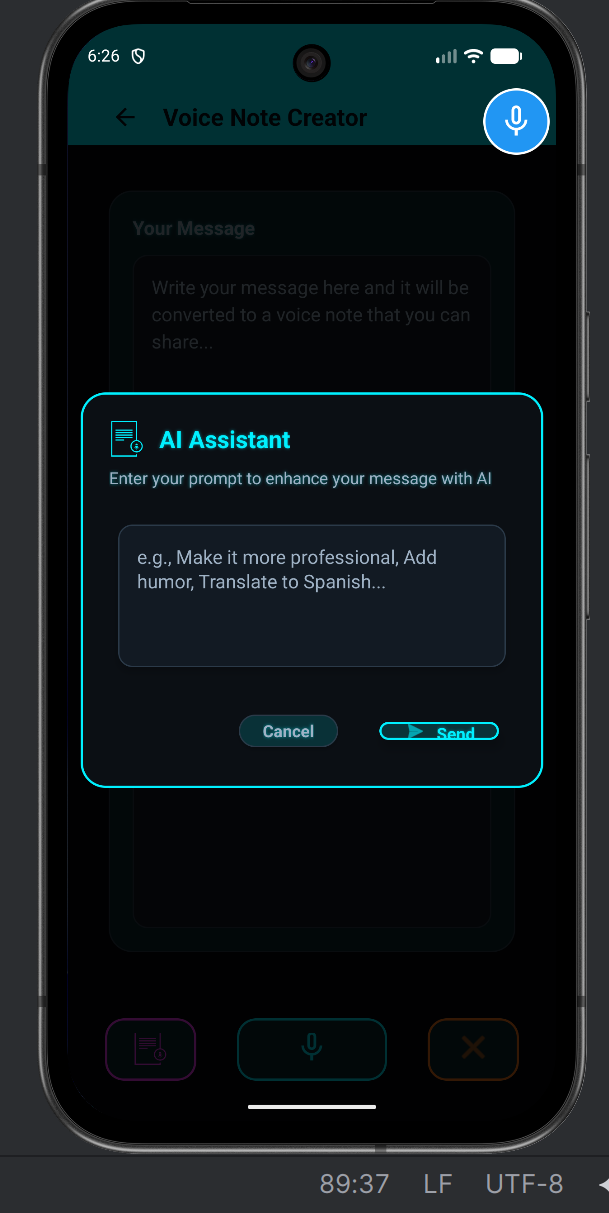
- AI Suggestions: Gemini AI generates smart, context-aware replies and natural phrasing assistance.
Bridge makes communication not only possible — but effortless, inclusive, and dignified.
How we built it
- Frontend (Android): Java + XML using Material Design 3, dark neon UI, and accessibility-first layouts.
- Backend: Spring Boot REST API with MongoDB Atlas for storing conversations and user profiles.
- Speech Pipeline:
- Google SpeechRecognizer API for transcription (STT).
- Android Text-to-Speech Engine for natural voice output.
- Google SpeechRecognizer API for transcription (STT).
- AI Layer: Gemini-powered contextual suggestions and RAG-based personalization.
- Threading: Multi-threaded architecture ensures smooth parallel processing of UI, STT, and TTS.
- Analytics & Auth: Firebase for user authentication and session tracking.
Challenges we ran into
- Achieving low-latency voice recognition on limited hardware.
- Managing simultaneous STT, TTS, and UI rendering across threads.
- Implementing a persistent floating assistant that works across apps and Android versions.
- Ensuring network security (cleartext vs HTTPS) while maintaining performance.
- Designing an interface that’s both minimal and intuitive for accessibility.
Accomplishments we’re proud of
- Built a fully functional communication bridge between typed and spoken language.
- Created a floating accessibility button that stays available across apps.
- Integrated Gemini AI for smart, context-aware replies.
- Delivered a clean, neon-themed Material UI optimized for readability and speed.
- Designed a system architecture that scales — combining Android + Spring Boot + MongoDB seamlessly.
What we learned
- Deep understanding of speech processing pipelines (STT, TTS, async synchronization).
- How to design for accessibility-first UX — balancing simplicity with modern aesthetics.
- Multi-threading and concurrency in Android for real-time operations.
- Using AI to enhance communication, not replace it.
What’s next for Bridge
- Emotion-aware AI voices that adapt tone and pace to emotion or context.
- Multilingual and offline support for global accessibility.
- Bridge Agent: a RAG-powered assistant using Gemini + MongoDB Atlas Vector Search for smarter, personalized replies.
- Collaborate with assistive tech NGOs and release Bridge free for those in need.
- Publish on Google Play Store after performance and accessibility audits.
Built With
- agent
- android-studio
- gemini
- java
- langchain
- python
- rag
- springboot

Log in or sign up for Devpost to join the conversation.