-
-
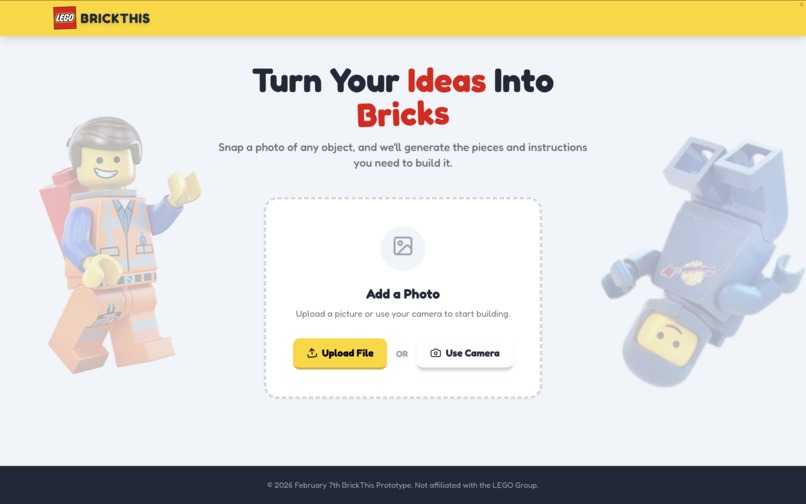
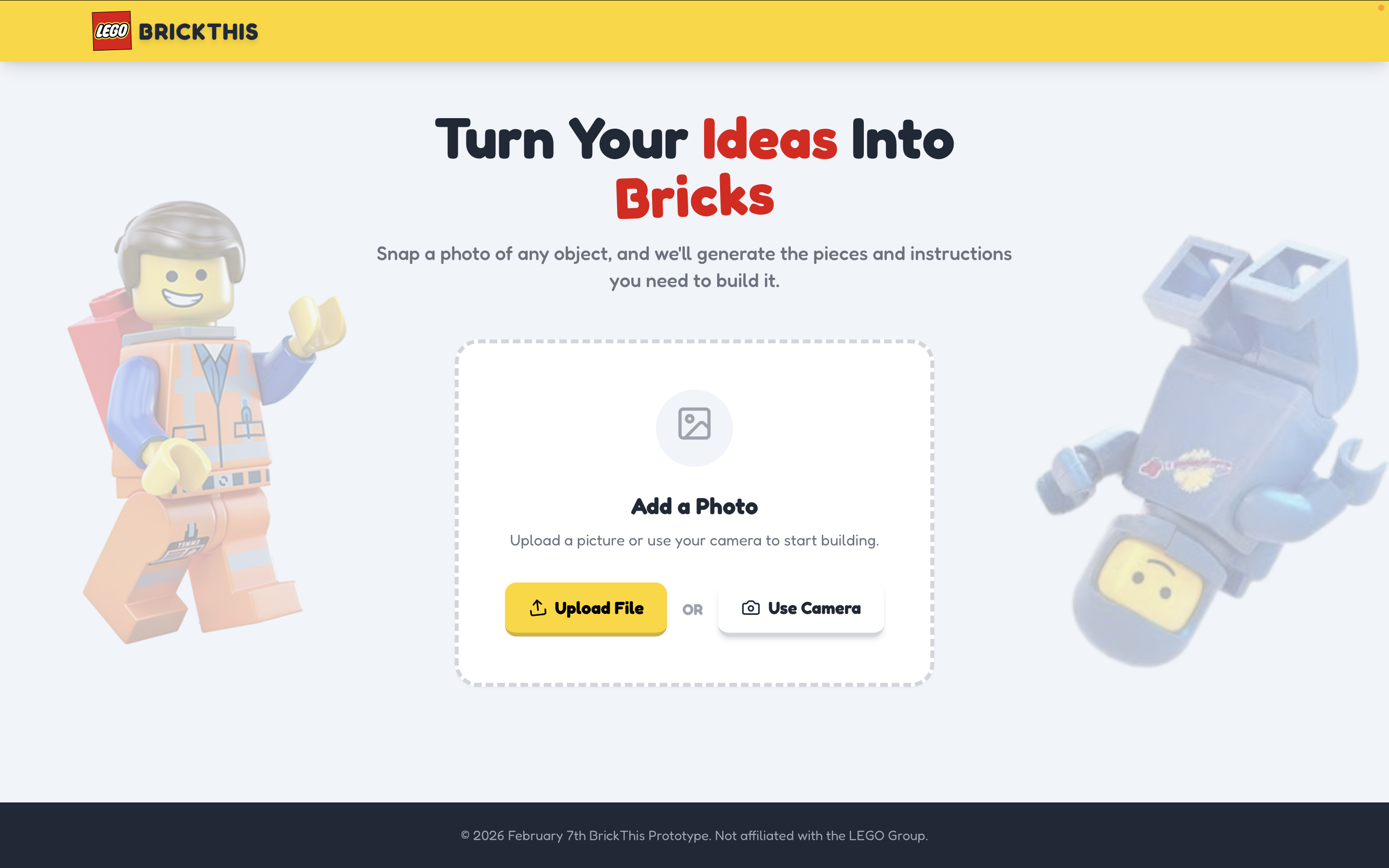
Home Page
-
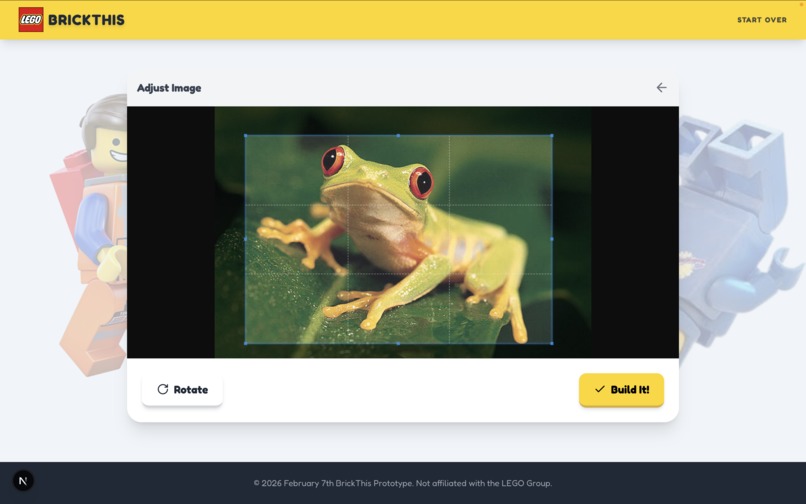
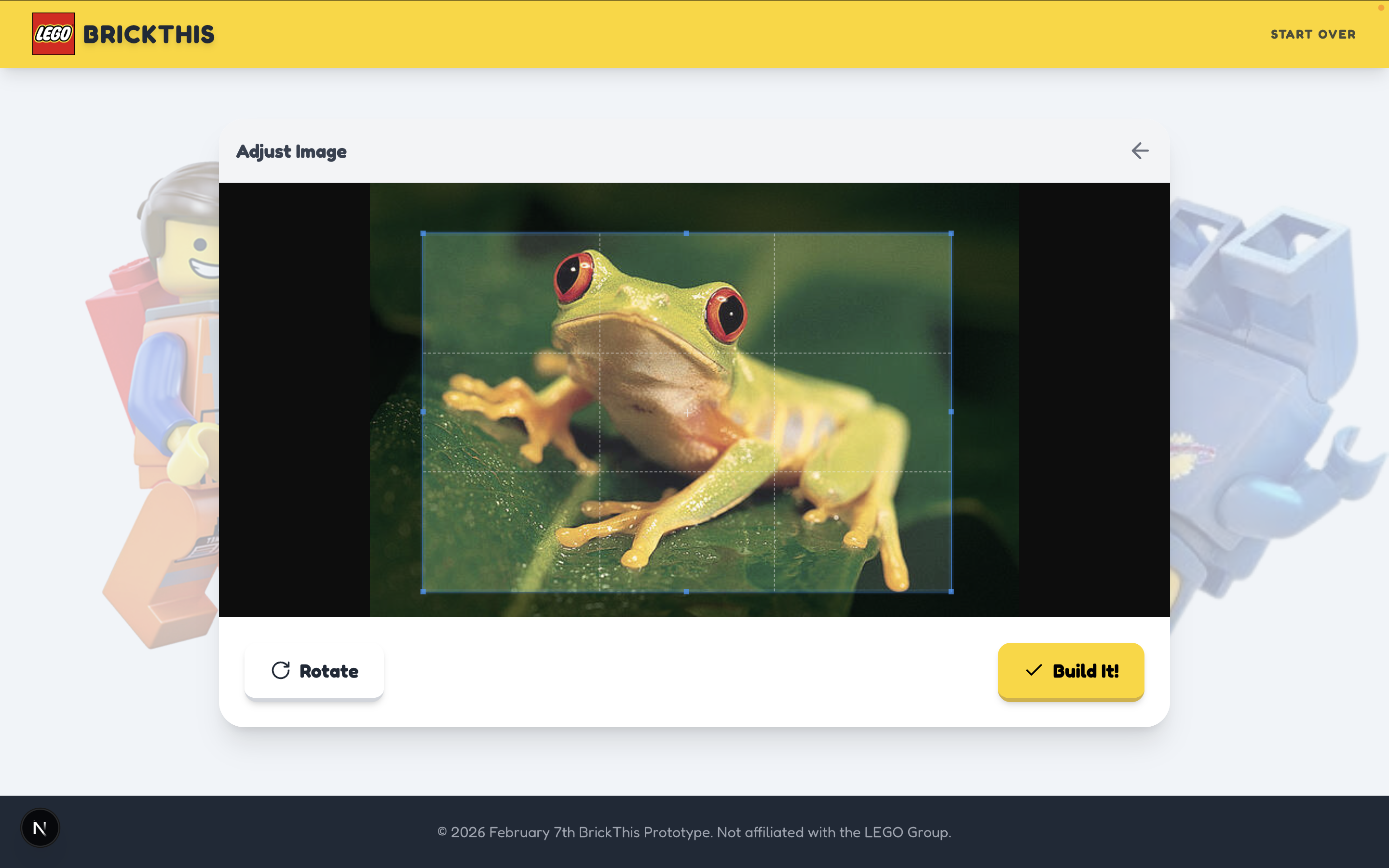
Cropping Feature
-
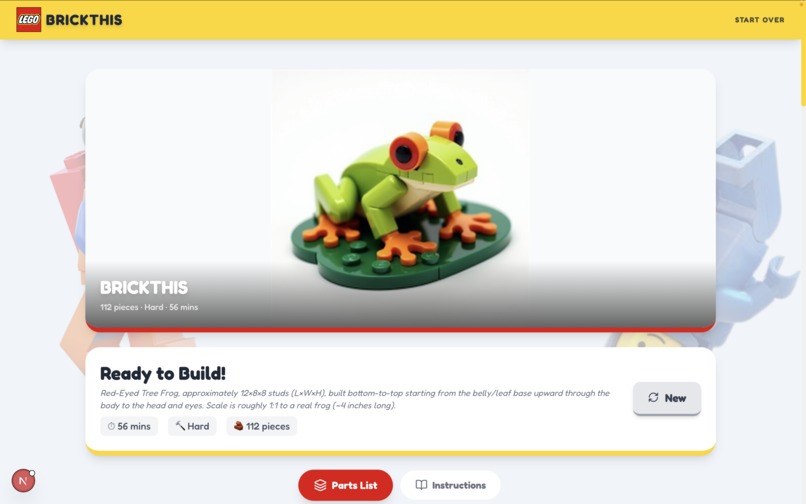
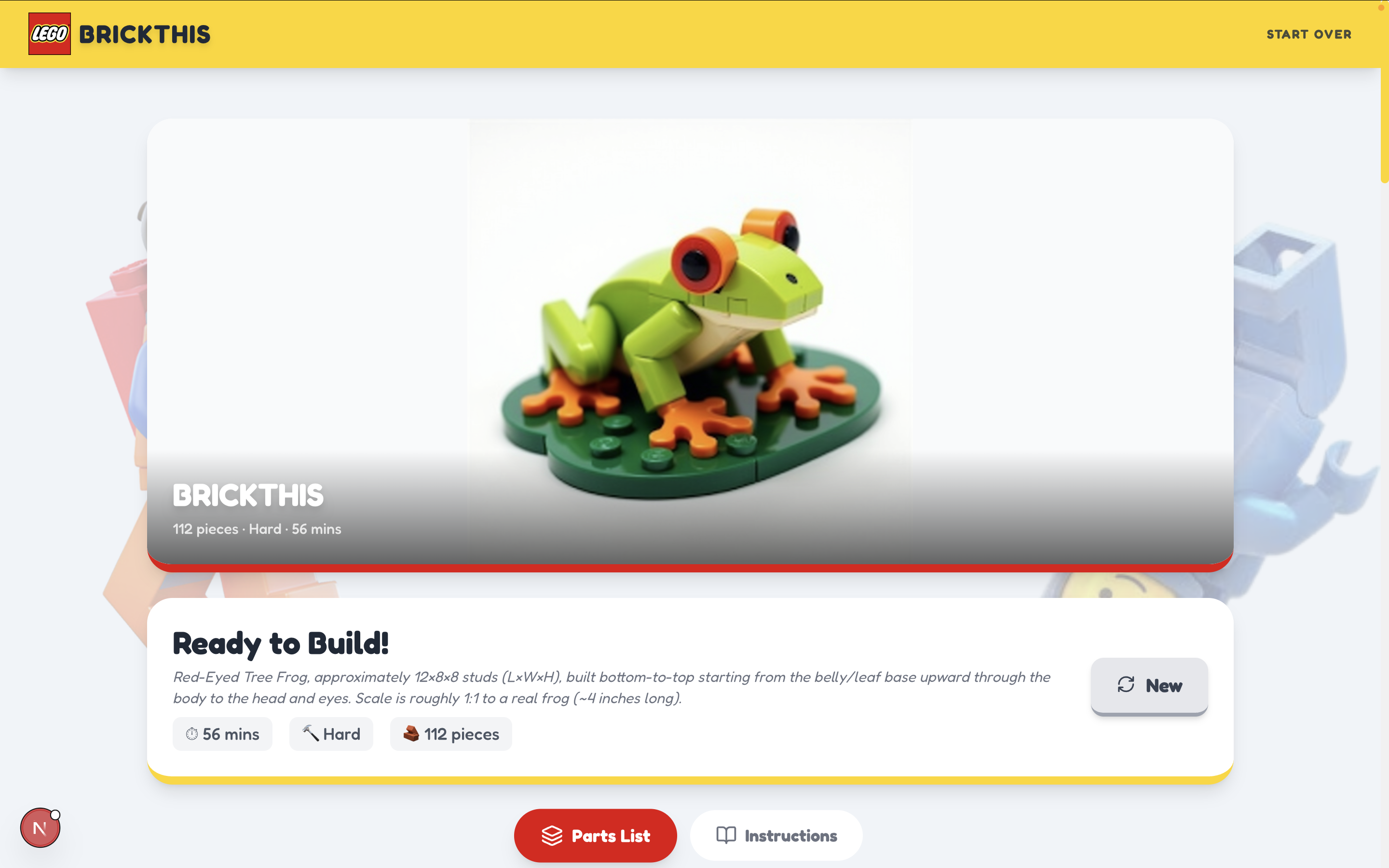
Cover image (Opus)
-
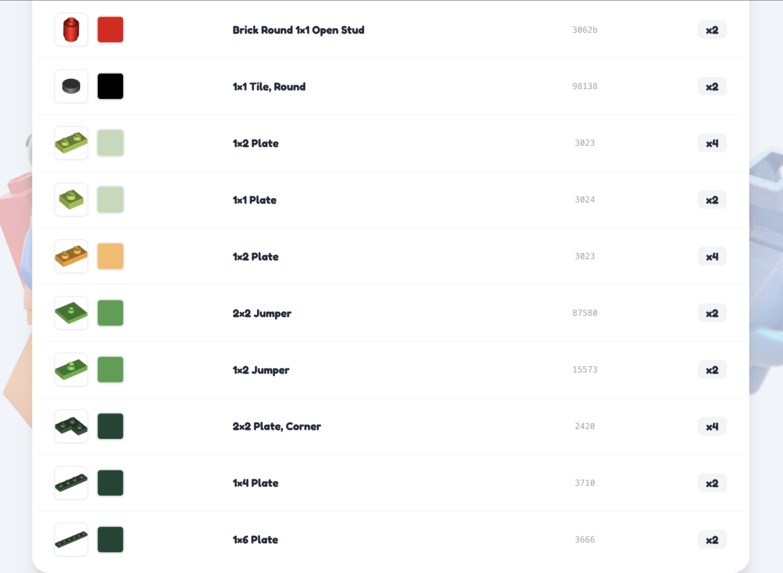
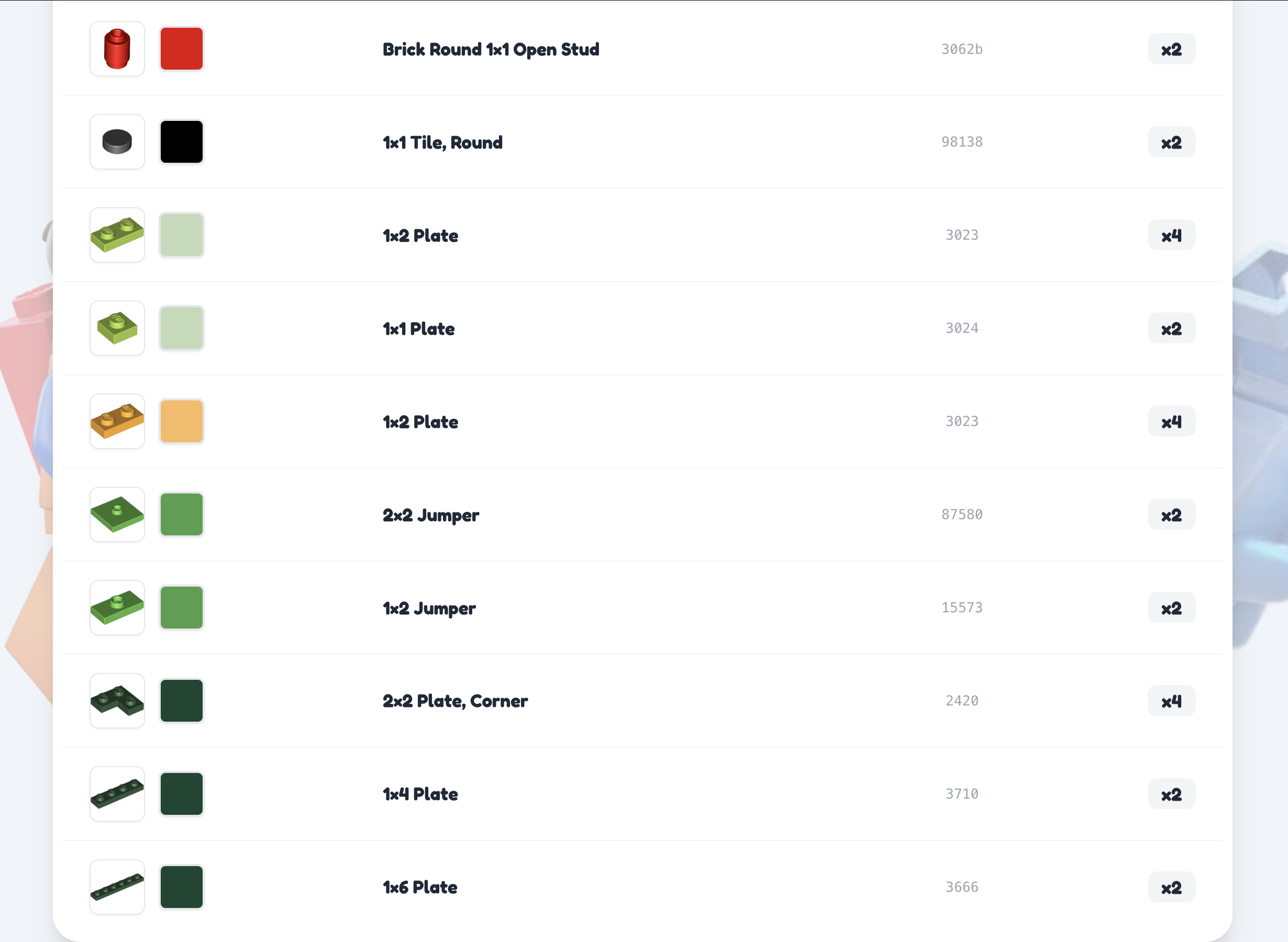
Parts list (Opus)
-
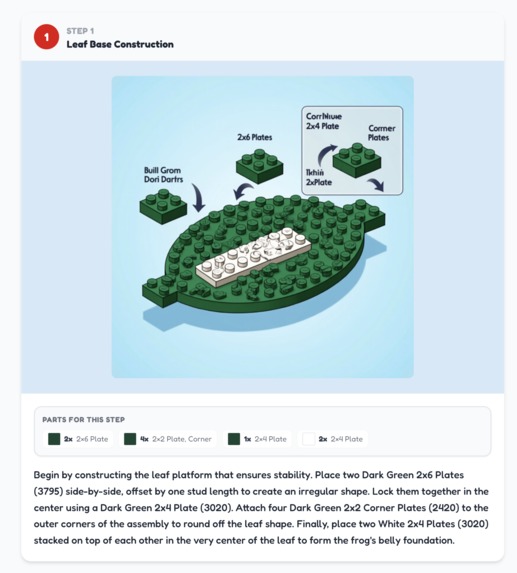
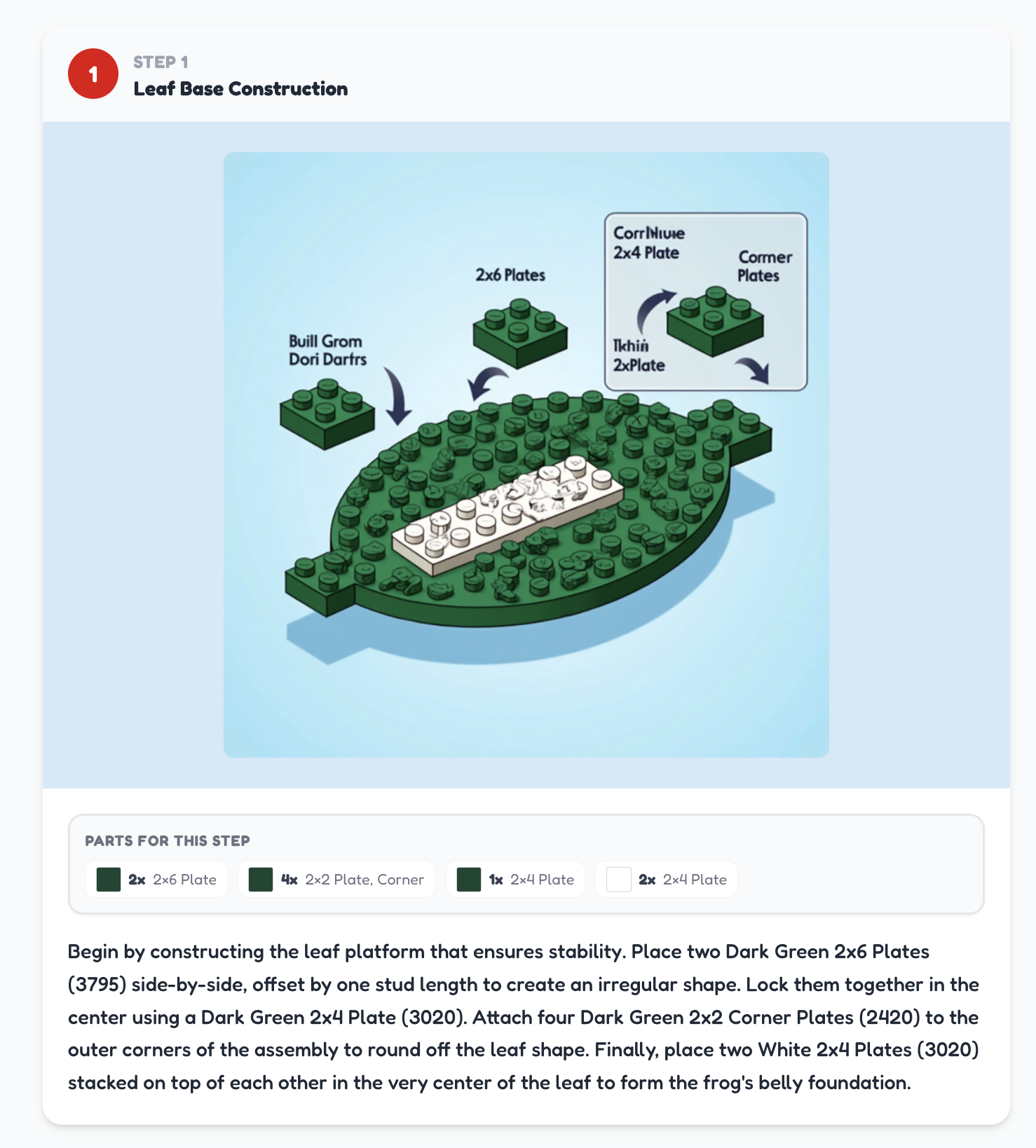
Step 1 (Gemini)
Inspiration
As a kid, I wished I could build anything with LEGO. But I wasn't a master builder, I couldn't figure out how to get the shape I wanted to just from imagination. Stuff fell apart, pieces got stuck, it was a mess. Instruction manuals were so clear and easy to read. So, I thought it would be cool to have a way other kids and lego enthusiasts can visualize whatever design ideas they want.
What it does
Users can upload or take a picture with their webcam of anything. The AI analyzes the image, gives a list of all parts needed (including color, quantity, and id) from a dataset, a cover image of the final product, and an instruction manual they can follow along with themselves.
How I built it
I went with Nextjs and tailwind stack for frontend. For the backend, I knew artificial intelligence was the way to go. Gemini 3 Pro analyzes the image and outputs a description of steps and appearance. It's then sent to flux (via replicate) to create a front cover and diagrams for the steps.
Challenges I ran into
Thinking about how it works under the hood was the hardest part. Google Gemini 3 and flux were able to give something that looked and felt like a LEGO set, but wasn't completely accurate in terms of parts matching 1:1 with the image generation. Opus 4.6 worked fantastically for generating pieces and instructions that made sense, but once it was sent to flux, it didn't match well with the part list just like Gemini 3 Pro. However, it was able to make a cover image more accurate than Gemini.
Accomplishments that we're proud of
I'm really proud of the UI/UX to be honest. I had a lot of fun with it, and it made me smile seeing a wish from my childhood come to life, even if it isn't perfect.
What I learned
Before even touching prototyping or UI, it's best to test out models to see if they're fully capable of producing the results you need. 3/4 into the project, I realized Gemini 3 Pro wasn't the best choice for analyzing and describing images. Even though I planned the project out, I wish I spent more time testing out different tools. Also, at first I was sad I didn't find a team I clicked with, but I found out I really enjoy being a solo dev. I get to be as creative as I'd like!
What's next for BrickThat
I have a good parts list and description from Opus. For the sake of the live demo, I used Gemini 3 Pro. But if I had more time, I'd love to brainstorm a way to convey the Opus parts list and text instructions better visually. Perhaps an AI powered CAD model where the user can see a 3D view of the object? Or an image generator specifically made for technical diagrams? This is what I plan to tinker around with more.
I think this has potential to appeal to a lot of people, and I want to turn that dream into a reality. I just need the tools and time to get there.
Built With
- autoprefixer
- canvas-confetti
- cropperjs
- flux
- flux-dev
- gemini-3-pro
- github
- google-font
- google-gemini-api
- javascript
- jsonrepair
- lucide-react
- nextjs
- node.js
- opus-4
- postcss
- react
- react-cropper
- react-webcam
- rebrickable-api
- replicate-api
- shadcn
- tailwind
- typescript
- vercel


Log in or sign up for Devpost to join the conversation.