-
-
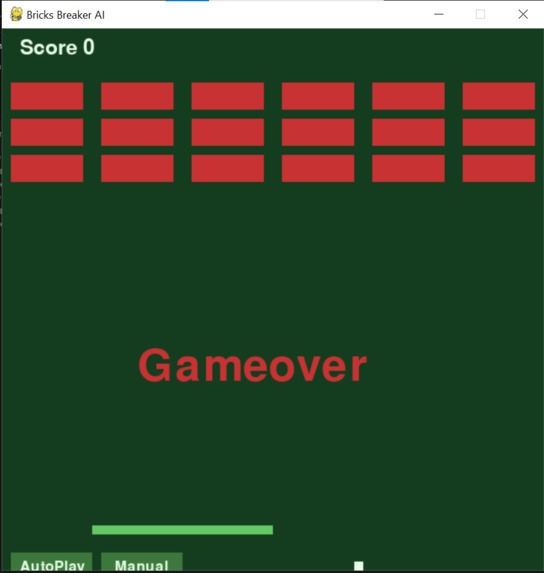
BRICKS BREAER AI
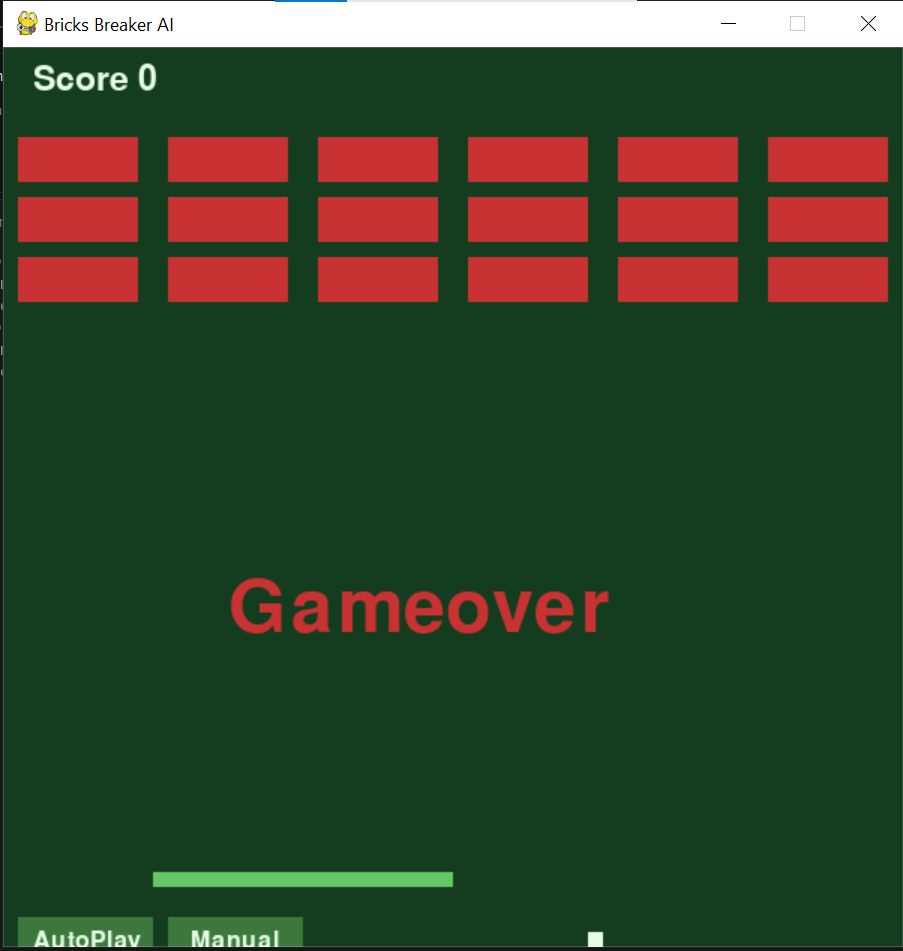
Inspiration: I always wanted to create fun projects and games, and most importantly, integrate AI to make them more interesting. That is why we created this game. Classic Brick Breaker is fun but gets boring quickly because the ball always moves the same way. We wanted to build a version where the paddle can think and play on its own, so we added a predictive AI.
What it does: This is a simple Brick Breaker game where you control a paddle at the bottom and bounce a ball to break 18 bricks at the top. The special part is the AI. You can click Auto Play and the paddle will play the game by itself. The AI predicts where the ball is going to land and moves the paddle there in advance. You can also click Manual anytime to take back control. The ball also gets faster as your score goes up, so the game keeps getting more challenging.
How we built it: We built the whole game in Python using the Pygame library. The game runs in a loop. Every frame it checks for input, moves the ball, checks for collisions, updates the score, and redraws the screen. The AI is simple but clever. It calculates how long the ball will take to reach the paddle, then predicts where the ball will be at that moment. If the ball would bounce off a wall, the AI simulates that too. Then it moves the paddle to the right spot. We also added a dynamic difficulty system where the ball speeds up every 5 points, and an Auto Play and Manual toggle button so the player can switch modes anytime.
Challenges we ran into: We ran into several problems while building this game. The ball passed through the paddle at first, and we fixed it with a proper collision check. The paddle jumped instead of moving smoothly, and we fixed it by checking held keys instead of key presses. The game-over triggered too early, so we moved the line down so the ball actually reaches the paddle first. Our prediction did not account for wall bounces, so we added a loop to simulate them. Indentation errors broke our code many times, and we learned to be careful with spacing.
Accomplishments that we're proud of: We are proud that the AI actually works and rarely misses the ball. The Auto Play and Manual toggle feels smooth and useful. The game runs cleanly without crashes. The whole project was built from scratch by us, in one file, with no templates. Most of all, we are proud that we finished it and submitted it to our first hackathon.
What we learned: We learned a lot from this project. We learned how a game loop works in Pygame, how to detect collisions between rectangles, how to handle smooth keyboard input, how simple math can create smart AI behavior, and how to publish a project on GitHub and present it properly.
What's next for Bricks Breaker: Next, we want to add multiple levels with different brick patterns, power-ups like extra balls and wider paddle, sound effects and background music, a high-score tracker, and a menu screen with difficulty options.

Log in or sign up for Devpost to join the conversation.