Inspiration We wanted to gamify the nostalgia of digging through a big bin of Legos with a friend. Most digital building games are solitary and slow-paced. We asked: "What if building a Lego set felt like a round of Mario Kart?" We were inspired by the chaotic energy of split-screen gaming and the satisfaction of "speed builds" seen on YouTube. We wanted to turn the quiet act of following instructions into a high-speed, competitive race.
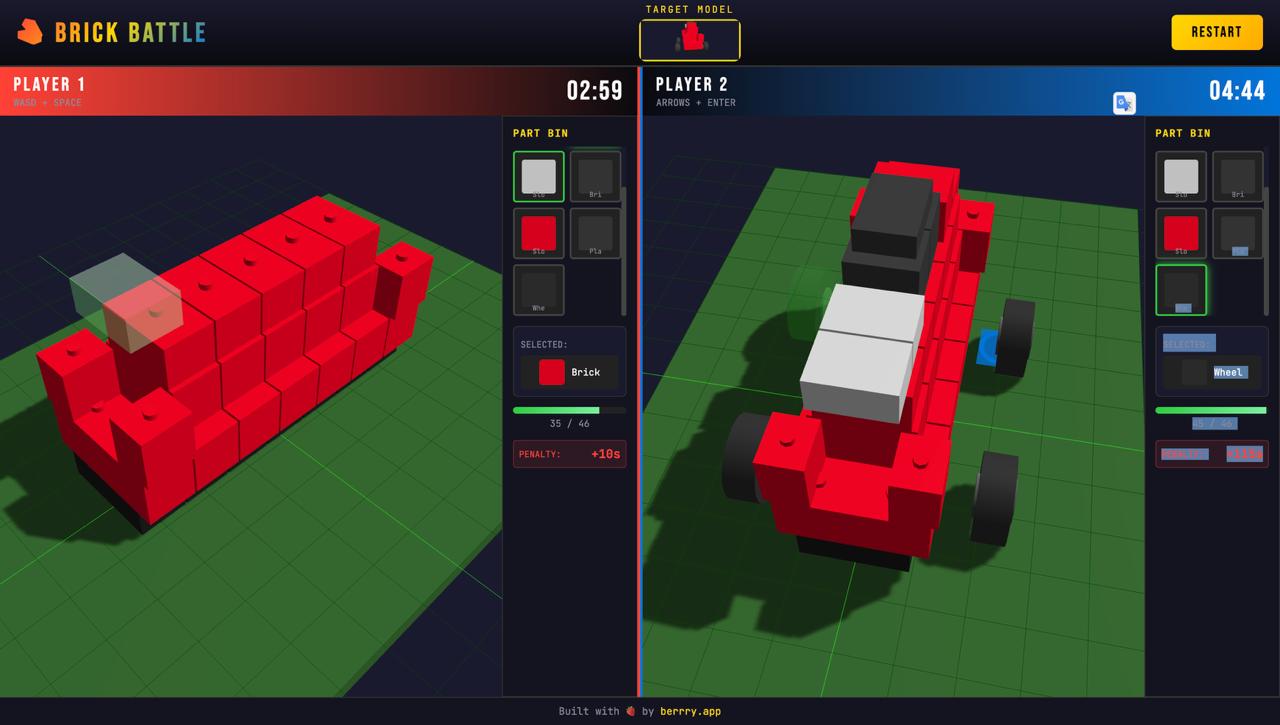
What it does Brick Battle is a 1v1 local split-screen web game where two players race to reconstruct 3D models (like a Porsche 911) against the clock.
The Blueprint: Players don't guess; they follow a holographic "Ghost Guide" that shows exactly where the next piece goes.
The Junk Pile: Players share a chaotic resource pool. They have to dig through a "Digital Parts Bin" to find the specific brick needed for the step.
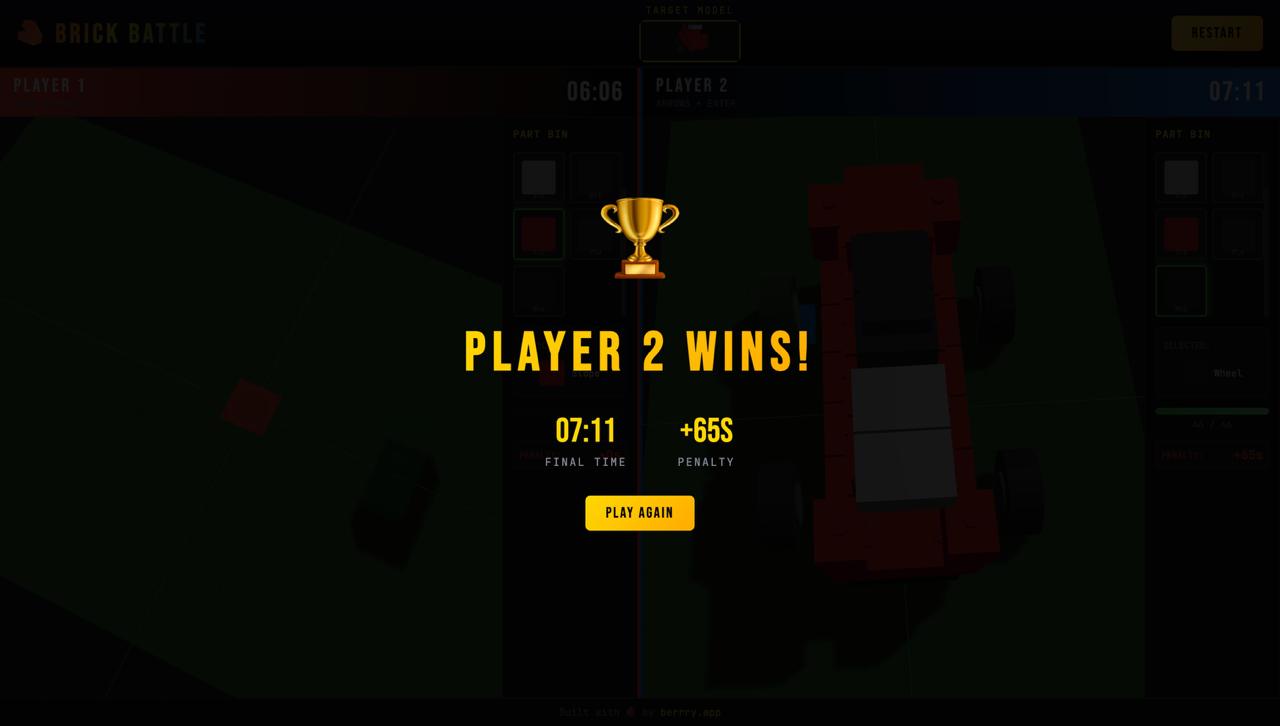
The Race: It tracks accuracy and speed. Misplaced bricks incur time penalties. The first to complete the model wins.
How we built it We used Berrry.app as our primary development accelerator to generate the core React and Three.js framework.
Core Engine: The 3D environment is built on Three.js with OrbitControls, allowing for smooth camera manipulation.
Game Logic: We implemented custom logic for "Snap-to-Grid" placement to give it that tactile voxel feel.
Multiplayer: We utilized a local state management system to handle two simultaneous inputs (WASD for Player 1, Arrow Keys for Player 2) on a single browser window, avoiding complex server latency.
Assets: We utilized LDraw-style rendering logic to create the digital bricks and the "Ghost Brick" shader effects.
Challenges we ran into The "Ghost Brick" Logic: Getting the holographic preview to snap correctly to the grid and validate valid placement (Green vs. Red state) without jitteringraycastingcult. We had to fine-tune the raycasting to ignore the "Ghost" itself so it wouldn't block clicks.
Input Management: Handling two players on one keyboard created "ghosting" issues where some key presses wouldn't register. We had to optimize the event listeners to handle simultaneous inputs smoothly.
Visual Clarity: In a split-screen view, the UI got crowded. We had to iterate on the "Parts Bin" sidebar design several times to make it usable without obscuring the build area.
Accomplishments that we're proud of The "Feel": We successfully recreated the satisfying "snap" of placing a Lego brick. The visual feedback (the green ghost, the click sound) makes the building process feel tactile.
Zero-Lag Multiplayer: By sticking to a local split-screen architecture, we achieved a seamless, lag-free competitive experience that works instantly in any browser.
What we learned UX is King in 3D: We learned that in a 3D building game, the "camera" is the player's most important tool. If they can't see the angle, they can't build. We spent a lot of time refining the OrbitControls.
AI-Assisted Dev: We learned how to effectively prompt-engineer full-stack features using Berrry, treating the AI as a junior developer to handle the boilerplate code while we focused on the game mechanics.
What's next for Brick Battle "Sabotage" Power-ups: We want to add Mario Kart-style items where you can "fog" your opponent's screen or scramble their parts bin for 5 seconds.
Upload Your Own: We plan to integrate an LDraw (.ldr) file parser so users can upload any custom Lego digital file and race to build it.
Online Multiplayer: Moving beyond local split-screen to allow friends to race each other from different computers using WebSockets.

Log in or sign up for Devpost to join the conversation.