-
-
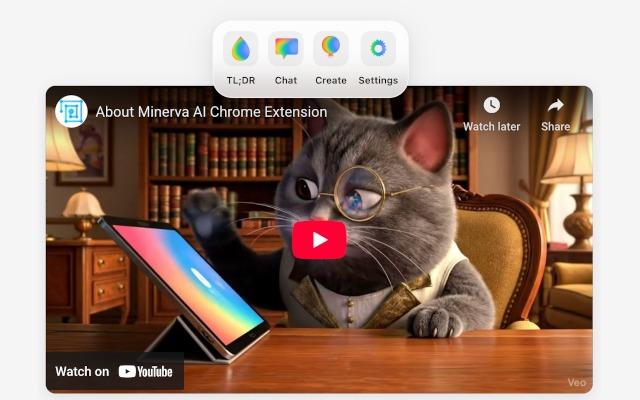
ControlBar
-
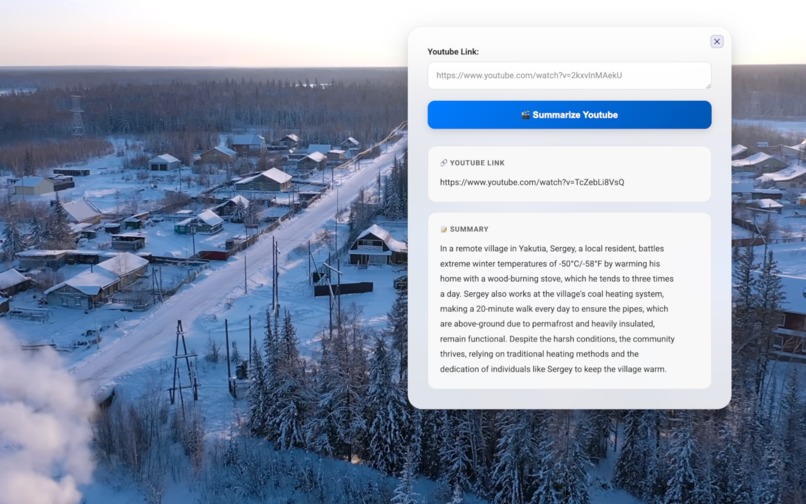
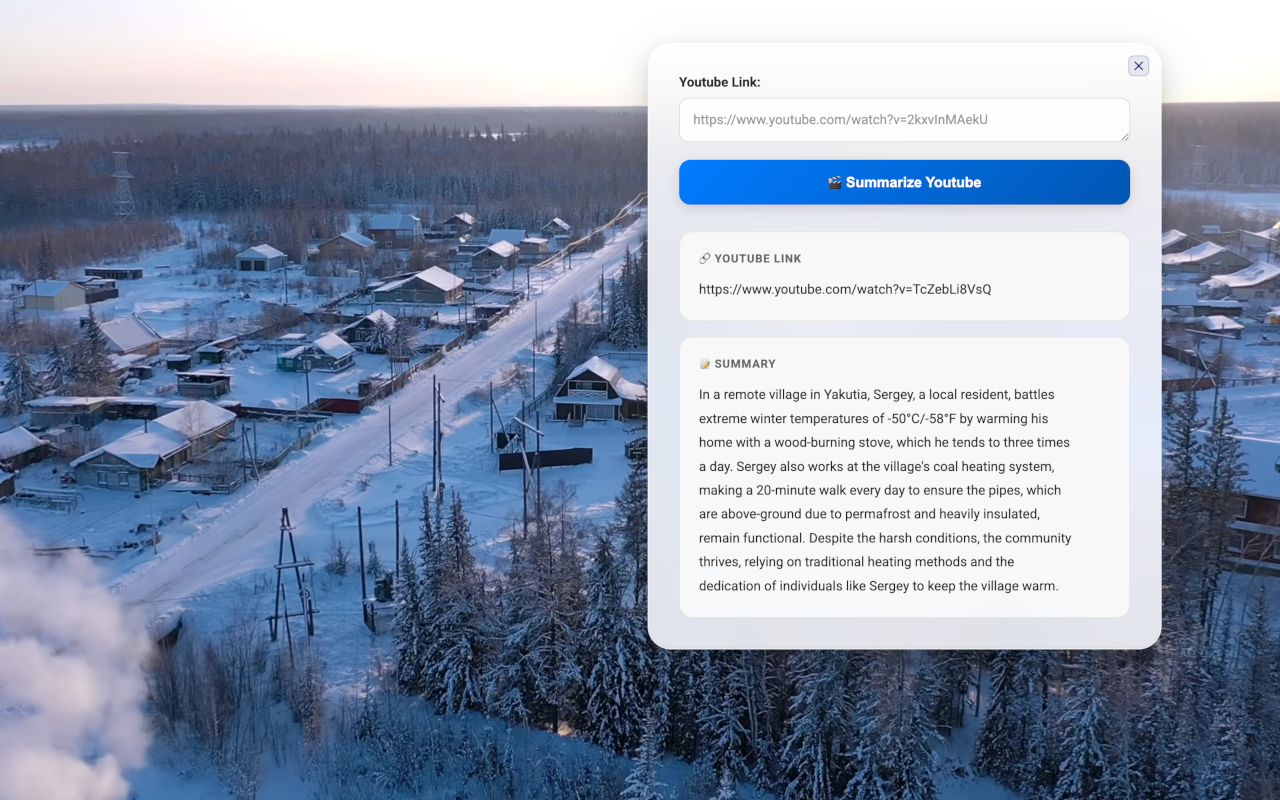
Summarize Youtube Videos
-
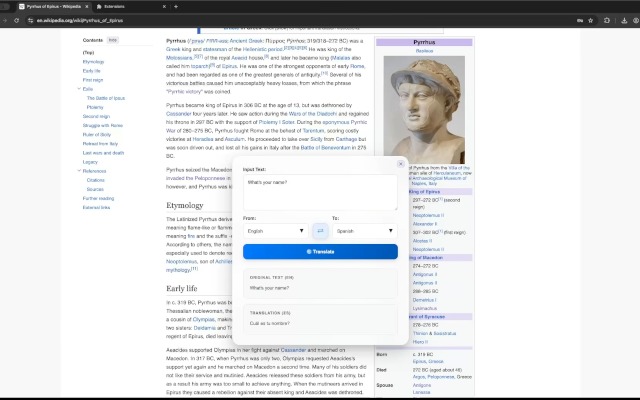
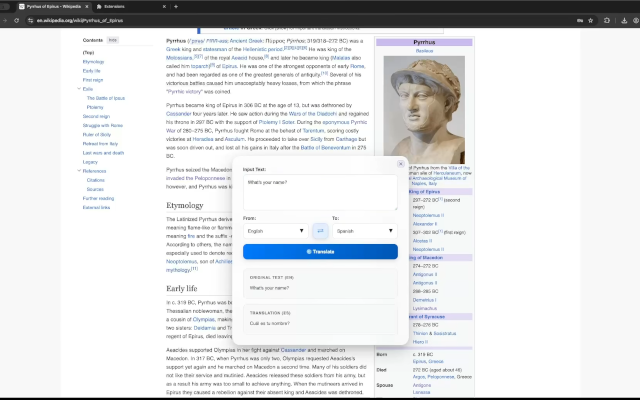
Translate Content
-
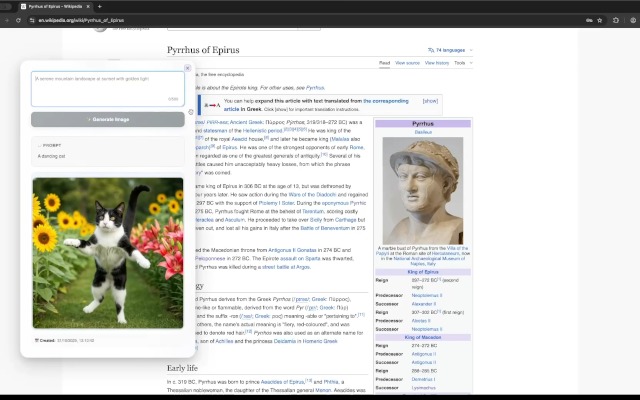
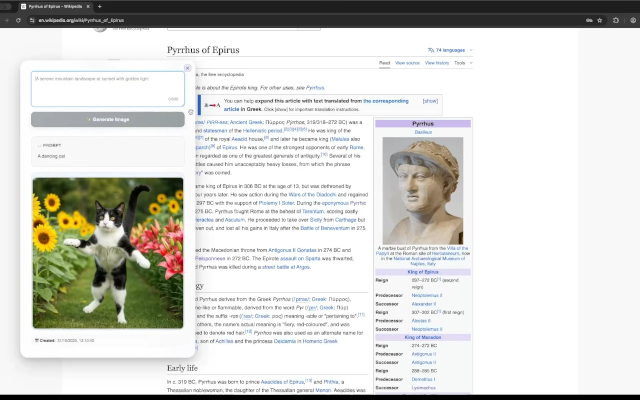
Image Generation
-
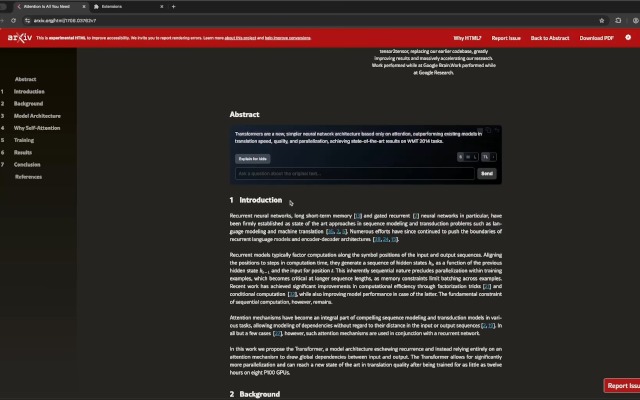
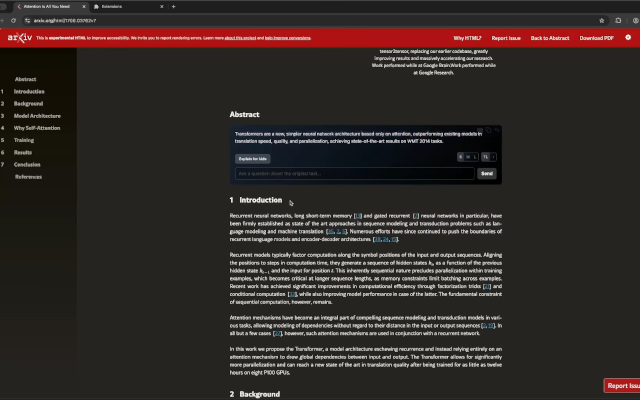
Auto-Summarize
-

Demo
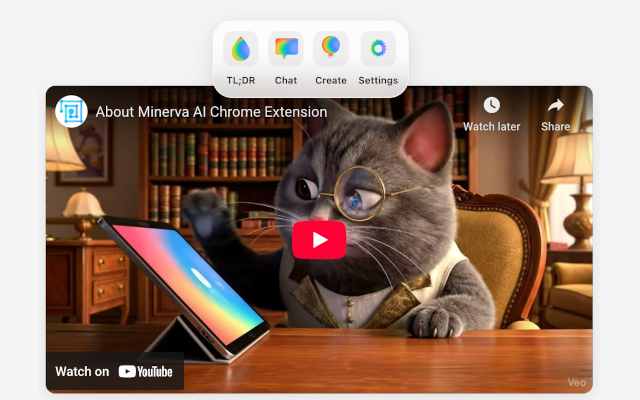

Minerva
Description of the project
Minerva is an AI-powered Chrome extension and open-source project designed to help users to summarize, translate, chat, generate, and listen to written content directly in their browser.
It combines Google GenAI APIs with Chrome’s built-in experimental AI APIs to make online browsing and content creation faster and more accessible.
Core Features
Summarize (TL;DR)
- Text (Summarizer API)
- PDFs or Images (Gemini 2.5 Flash)
- YouTube videos (Gemini 2.5 Flash)
- Selected webpages or webpages areas (Chrome’s Summarizer API)
- Listen — Text-to-speech with 21 voice options
- “Explain for kids” simplification (Rewriter API)
Chat & Q&A
- Ask follow-up questions about any text or webpage (Prompt API)
Create
- Write text, giving tone and context (via Writer API)
- Images (Imagen 4.0 Fast)
- Translations (Translator API)
- Speech (Gemini 2.5 Flash TTS)
What inspired us
As an avid reader of research papers on large language models (LLMs), I often found it challenging to extract the key insights from lengthy and complex papers. To make this process faster and more convenient, I initially built the Chrome extension around a simple “TL;DR” feature — designed to summarize massive papers into clear, digestible overviews. — agavrel
What started as a small idea soon snowballed into an all-in-one extension, expanding beyond summaries to offer a richer, more interactive browsing experience. — pgiammel
How we built the project
- Stack: React + Chrome Built-in AI APIs + Google GenAI Cloud APIs (optional, requires API Key)
- Architecture: atomic-design
- Process: fast iteration between features design and coding
- Challenges: The production of the demo video
APIs Used
Chrome Built-in AI APIs: Summarizer, Language Model, Writer, Rewriter, Translator
Google GenAI Cloud APIs: Gemini 2.5 Flash (summarization, TTS), Imagen 4.0 Fast (image generation) which requires Google API key (optional, subject to potential billing).
We are not responsible for any billing charges resulting from its usage, nor do we derive any financial benefit from it. Please review the applicable pricing details before proceeding.
Requirements
To access all the features of the extension, you will need an up-to-date version of Chrome and the following flags enabled:
- Prompt API for Gemini Nano
- Summarization API for Gemini Nano
- Writer API for Gemini Nano
- Rewriter API for Gemini Nano
- Experimental translation API
You will need to enable at least Summarization API for Gemini Nano for the extension to work.
If compiling the extension from this project with npm run build you need to add the different trial tokens (for Prompt, Writer, Rewriter API etc) in manifest.json:
"trial_tokens": ["....AAAA="]
Onboarding
When no model is downloaded on your Chrome yet, the extension will first have to download it. You will be presented with a progress bar. It seems to gets a bit stuck around the end, but please be patient, it'll take just a few more minutes.

Log in or sign up for Devpost to join the conversation.