Inspiration
I built this chrome extension because most of the internet is not sufficiently accessible for visually impaired users, and we're fully reliant on web developers to make webpages accessible with aria-labels and semantic HTML and good page structures to meet suitable WCAG standards. The problem is that human error/negligence exists, and accessibility is a nice to have as opposed to a priority. As a frontend developer, I know this to be the case, and am guilty of building webpages which aren't up to standard myself!
What it does
BreezeRead is not the typical screen reader you see available, like JAWS, or Apple's built in screen reader, any of the screen readers on the app store, OR anything on the chrome web store. This uses google's prompt API to get a screenshot of the webpage and interpret the webpage in a way a human would. This means getting the core content from the page, ignoring adverts, external links, or unnecessary info. It also describes any accompanying relevant images on the webpage.
How we built it
Three awesome APIs were used to build this! It's the perfect toolset to create a suitable audio output for visually impaired users.
Step 1: Prompt API → Screenshot Gemini Nano → "This is a BBC News article about Manchester City..."
Step 2: Rewriter API → "This is a BBC News article..." → Clean text → "This is a BBC News article..."
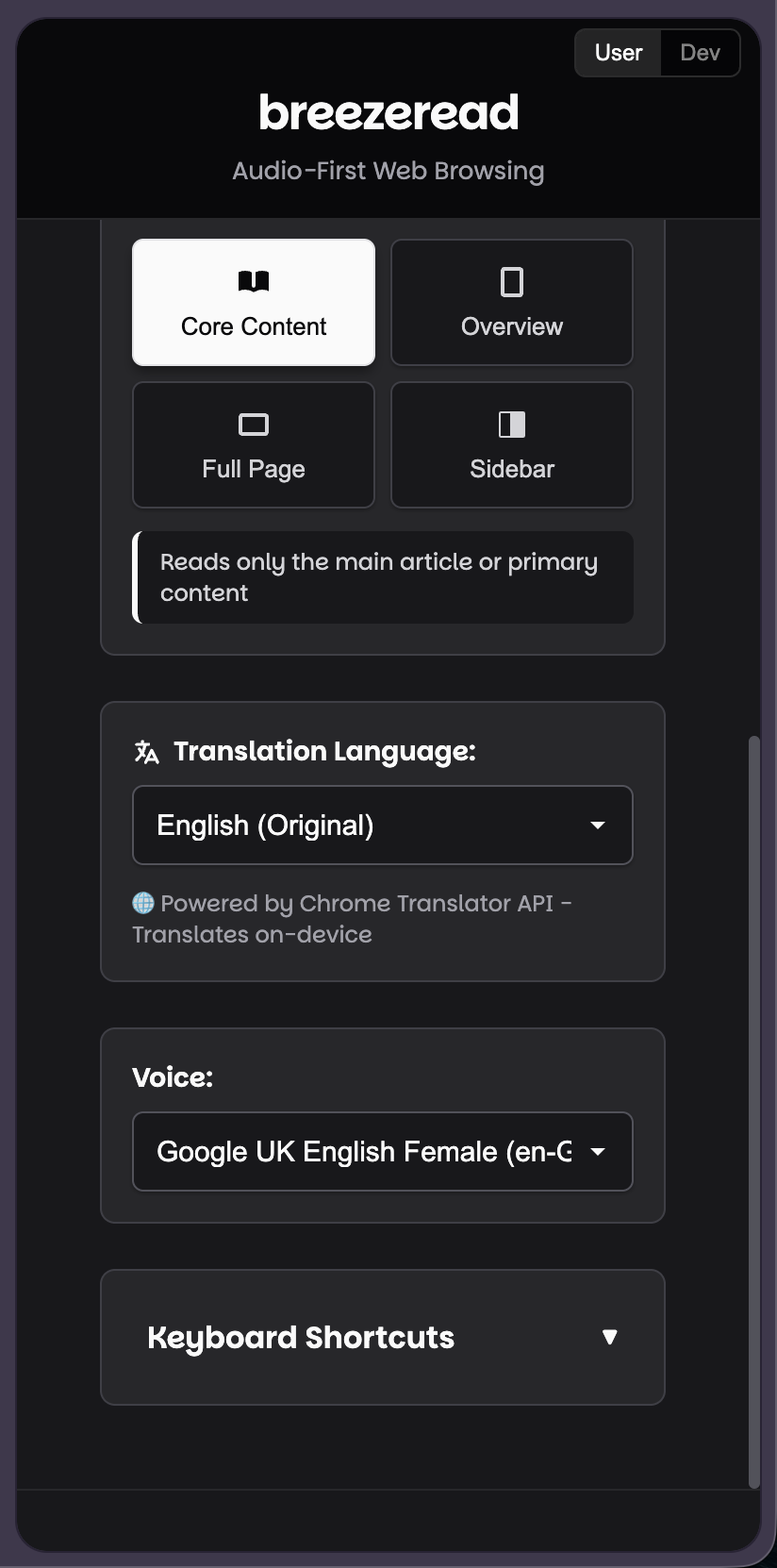
Step 3: Translator API → "This is a BBC News article..." → Spanish → "Este es un artículo de BBC News..."
Step 4: Web Speech API (not part of the Gemini toolset but still very handy for this!) → Spanish text → Spanish voice → 🔊 Audio output
So what we do behind the scenes:
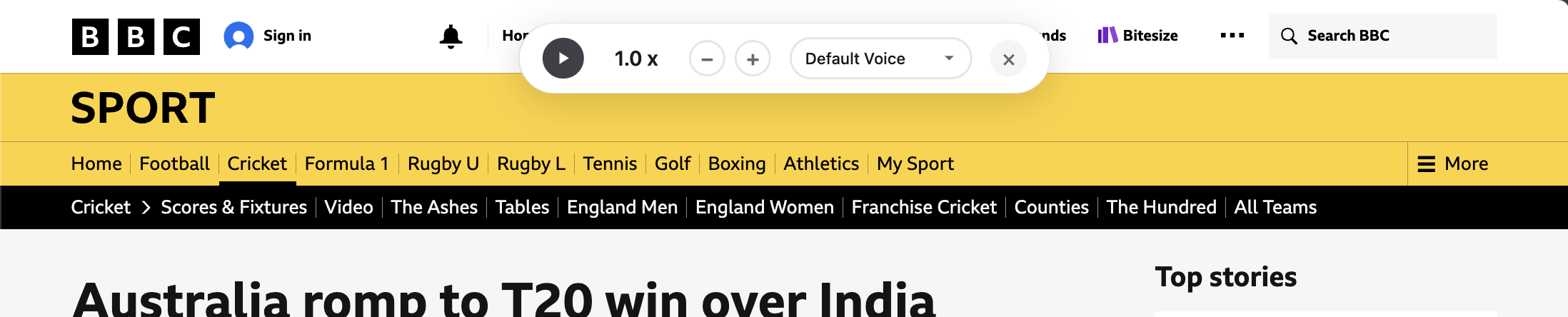
- Takes a PNG screenshot of the webpage and sends that to the Prompt API
- Generates natural language descriptions of page content
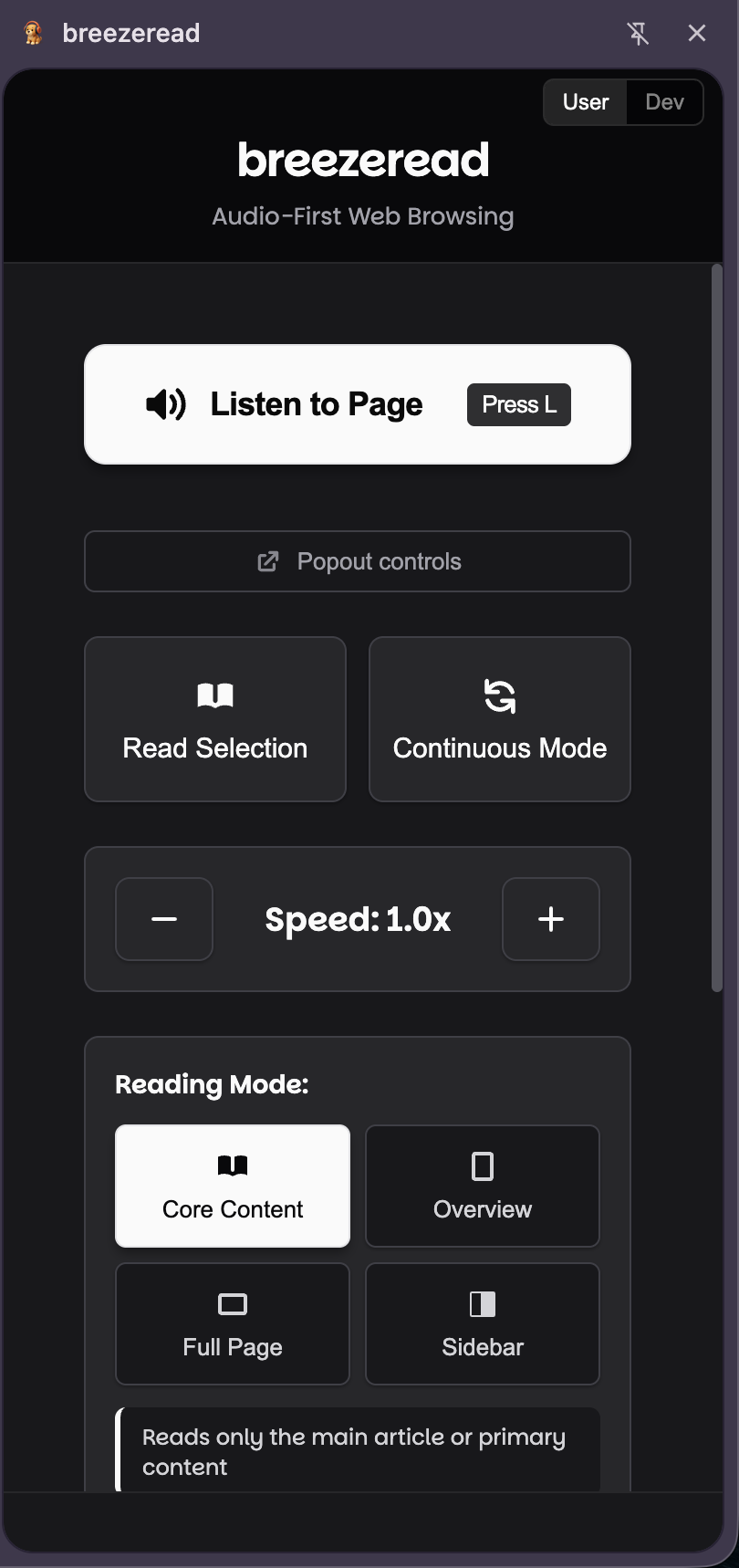
- Powers 4 reading modes: Core, Overview, Full Page, Sidebar
Core is the important content, overview is a summary of the page, full page is really everything, and sidebar is all the extra content you might want to know the content of. This is a great way of giving more power to visually impaired users instead of expecting them to deal with terribly written and inaccessible code.
Note!! As a frontend developer I will say that this shouldn't replace good code - but this definitely helps people who need to navigate any bad code they stumble upon!
What's next for Breeze Read
Chrome Web Store? :D
