-
-
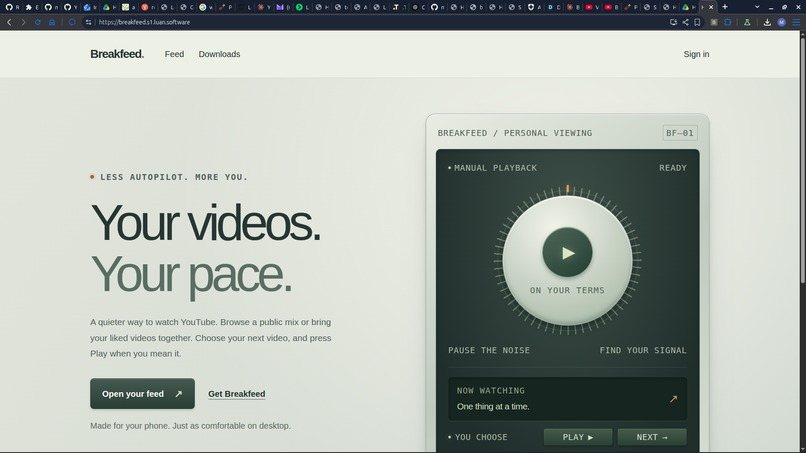
Cover
-
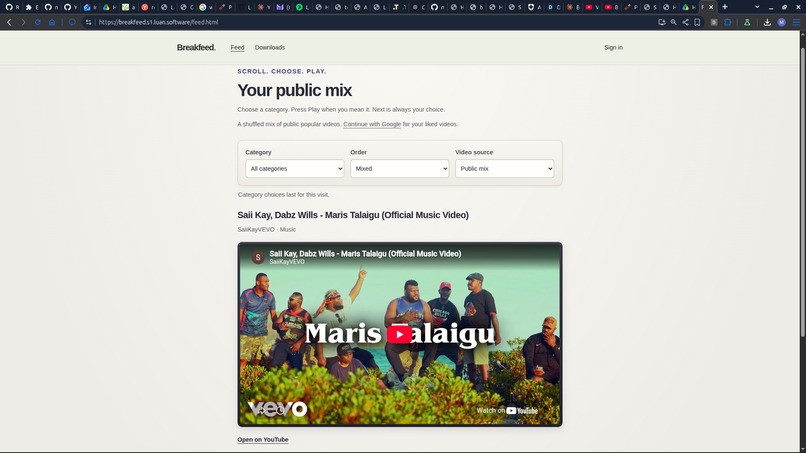
Feed
-
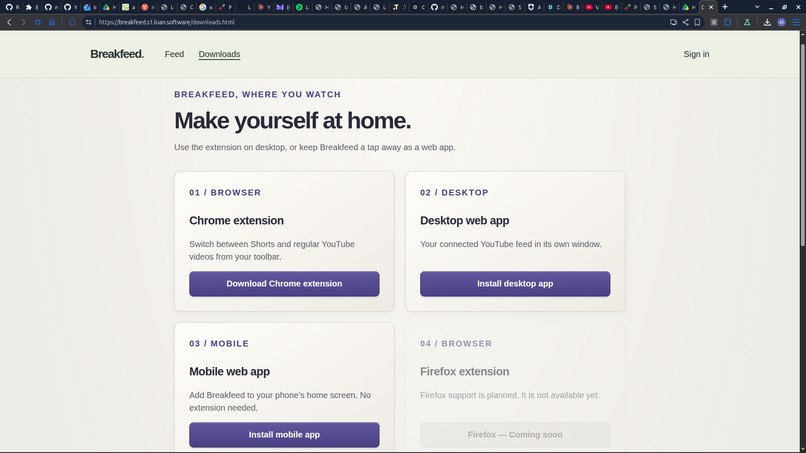
Downloads
-
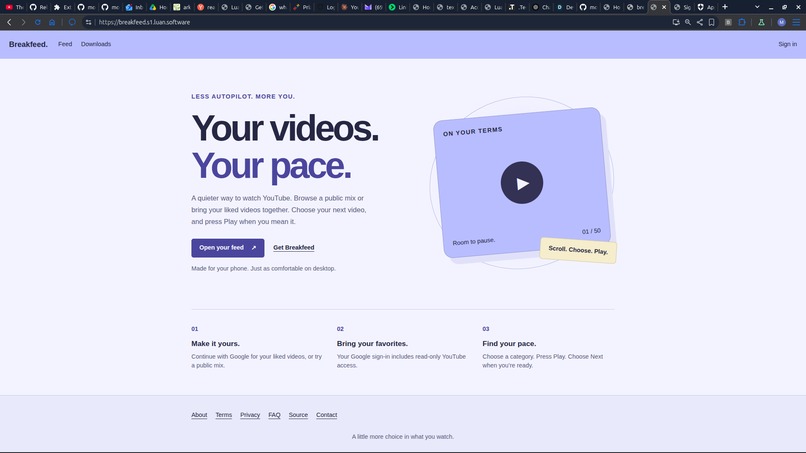
Cover (Beta)
-
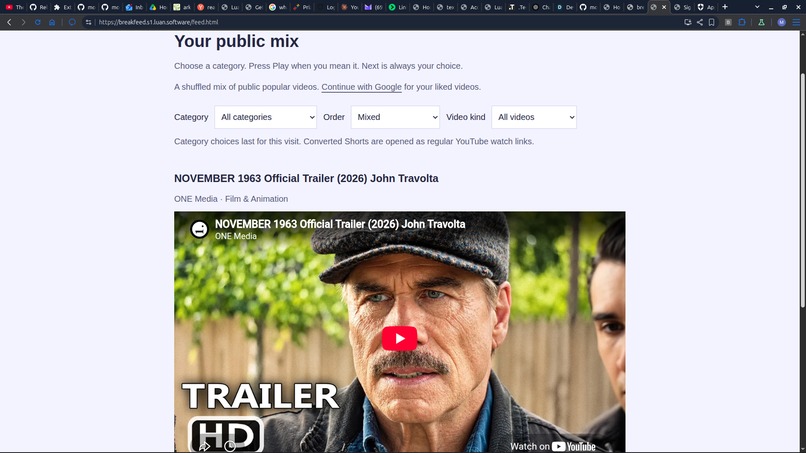
Feed (Beta)
-
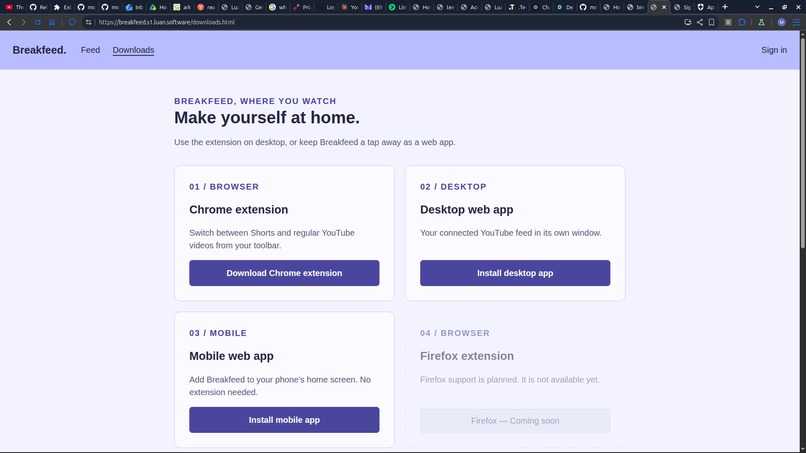
Downloads (Beta)
-
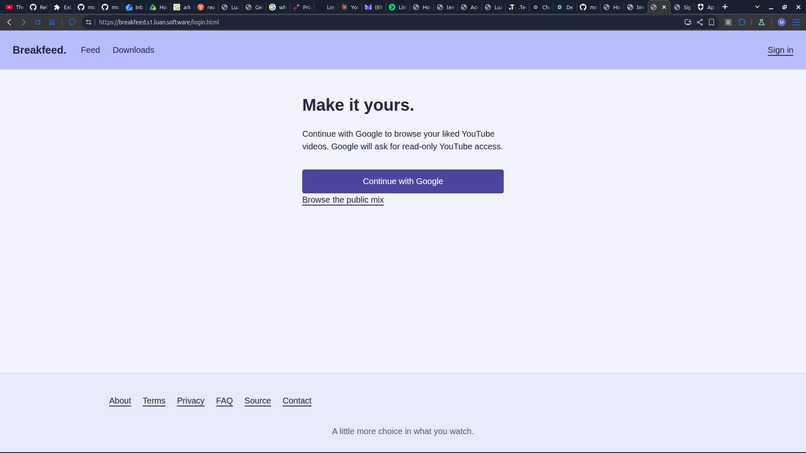
Login (Auth0)
-
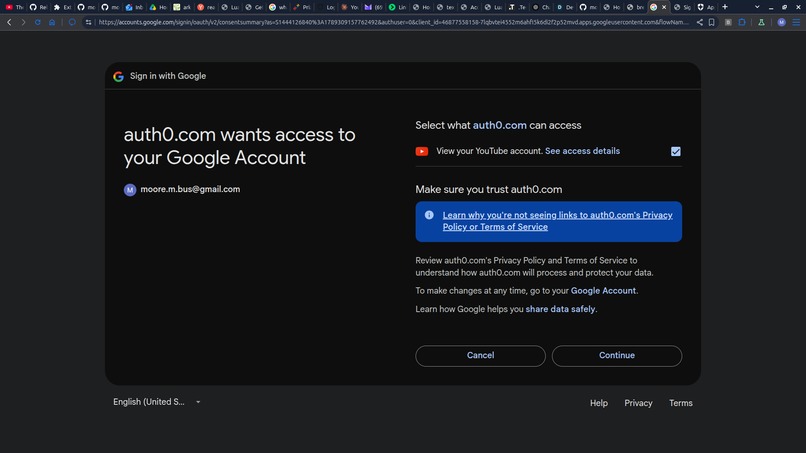
Login 2
-
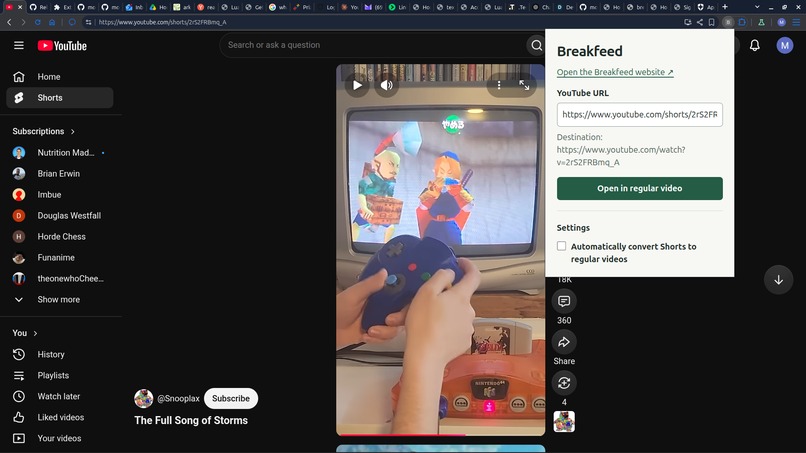
Extension
-
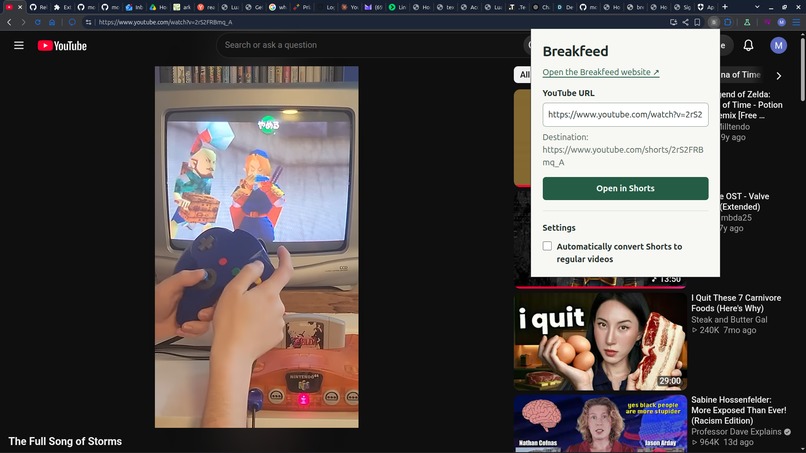
Extension 2
Inspiration
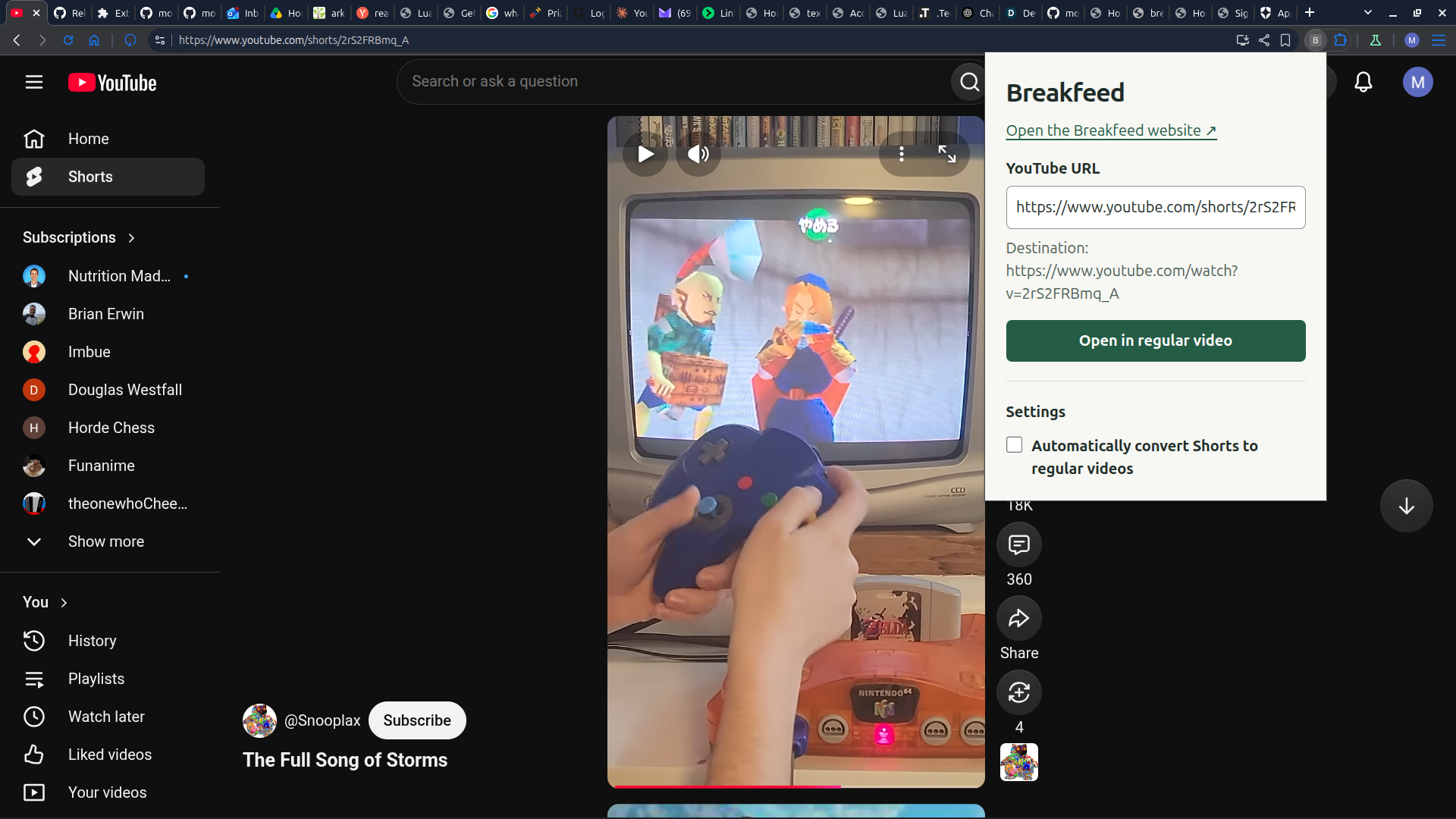
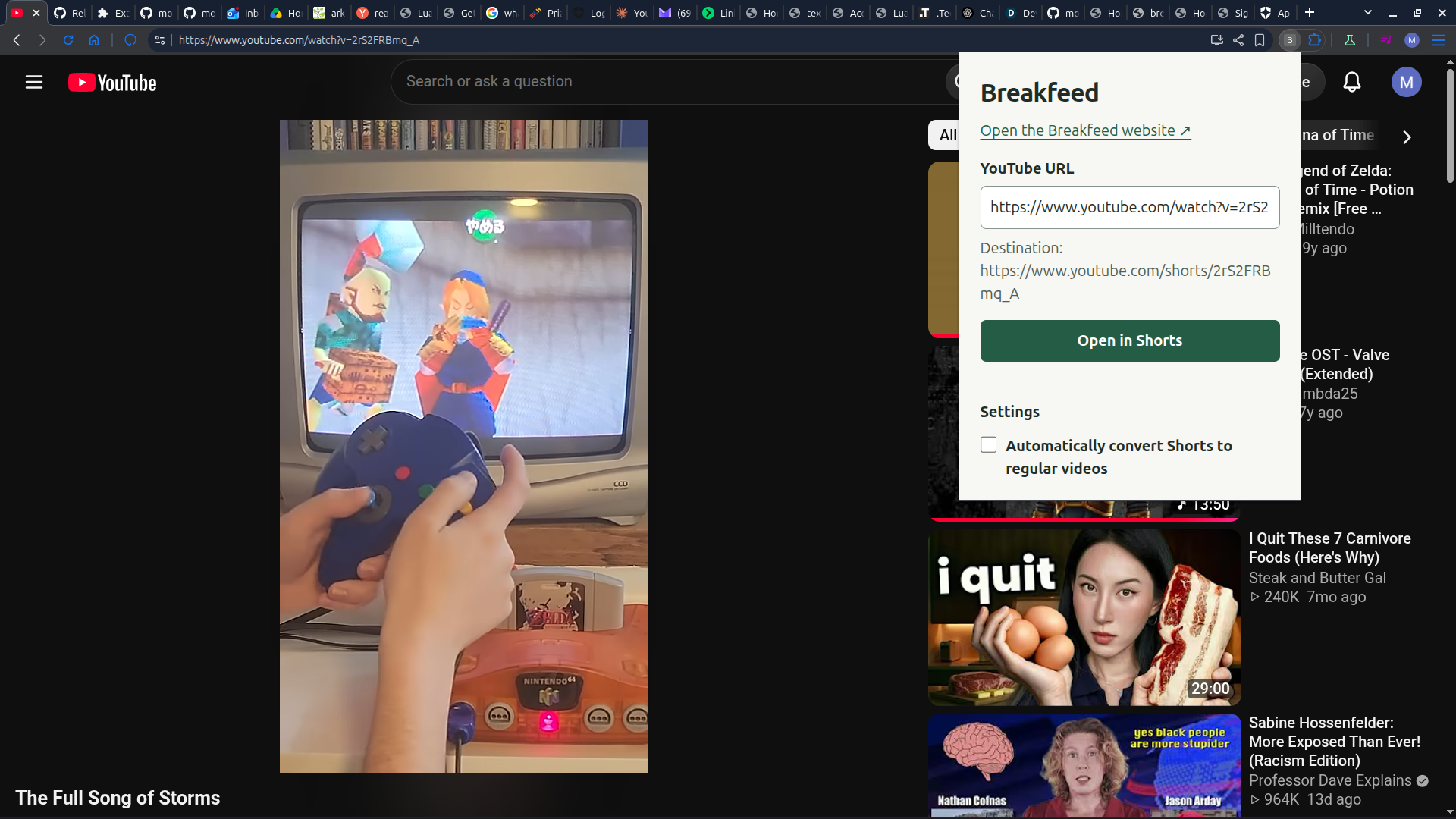
I used to be addicted to YouTube Shorts and Instagram Reels. About a year ago, I sent a Short to one of my programmer friends. His response: "That's not how you share a video — change it to a regular link with 'watch?v='." The next time I watched a Short, I decided to manually edit the URL from a short into a regular playback link. It changed my life. That small act of friction broke my muscle memory around habitual, addictive scrolling. I used to scroll constantly because some Shorts are genuinely good and others are junk, and I was sifting for the good ones — but once I started converting the links manually, I got far more value out of the good Shorts I did watch. Since then, I almost never watch Shorts, and I never doomscroll anymore.
What it does
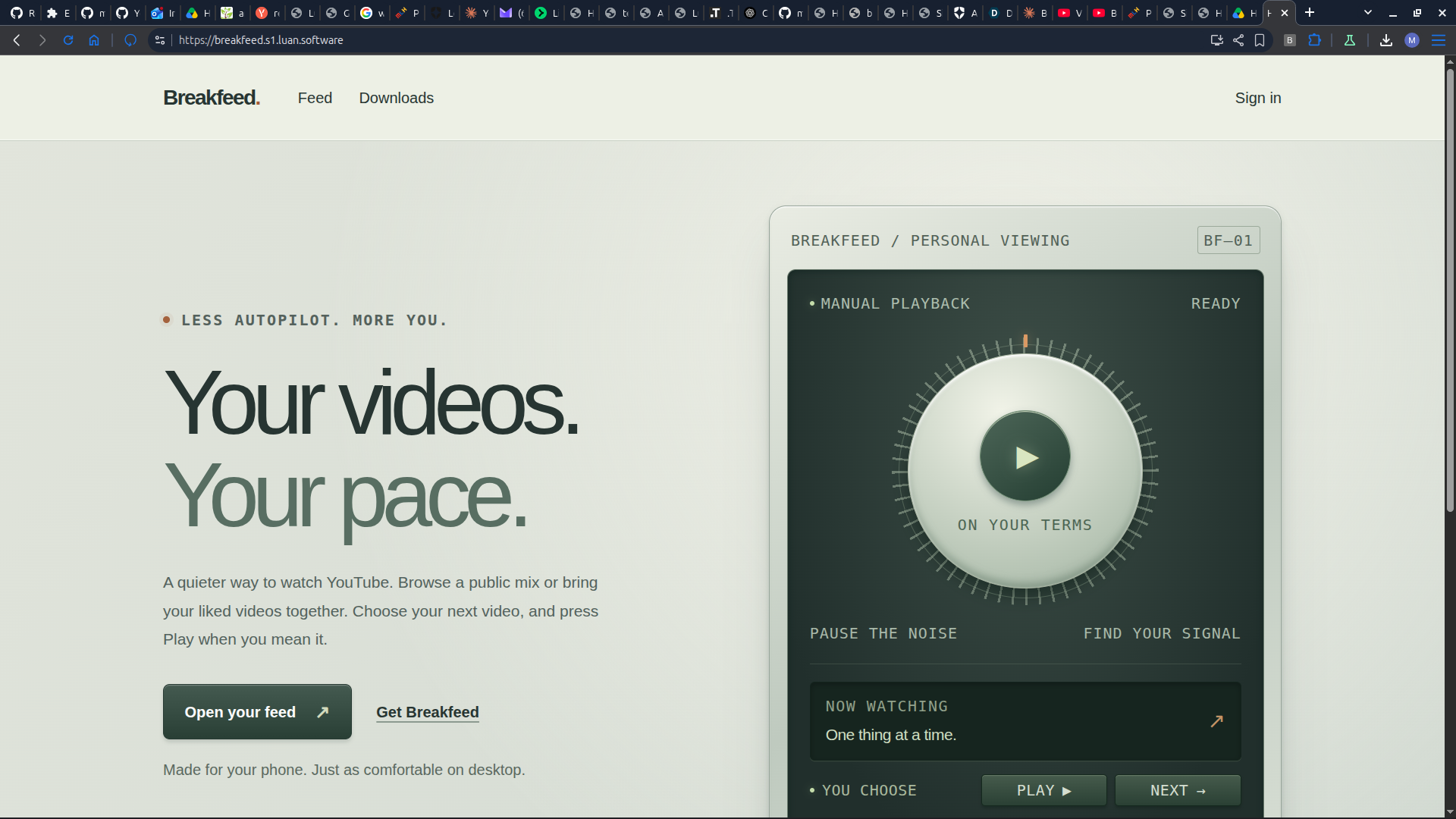
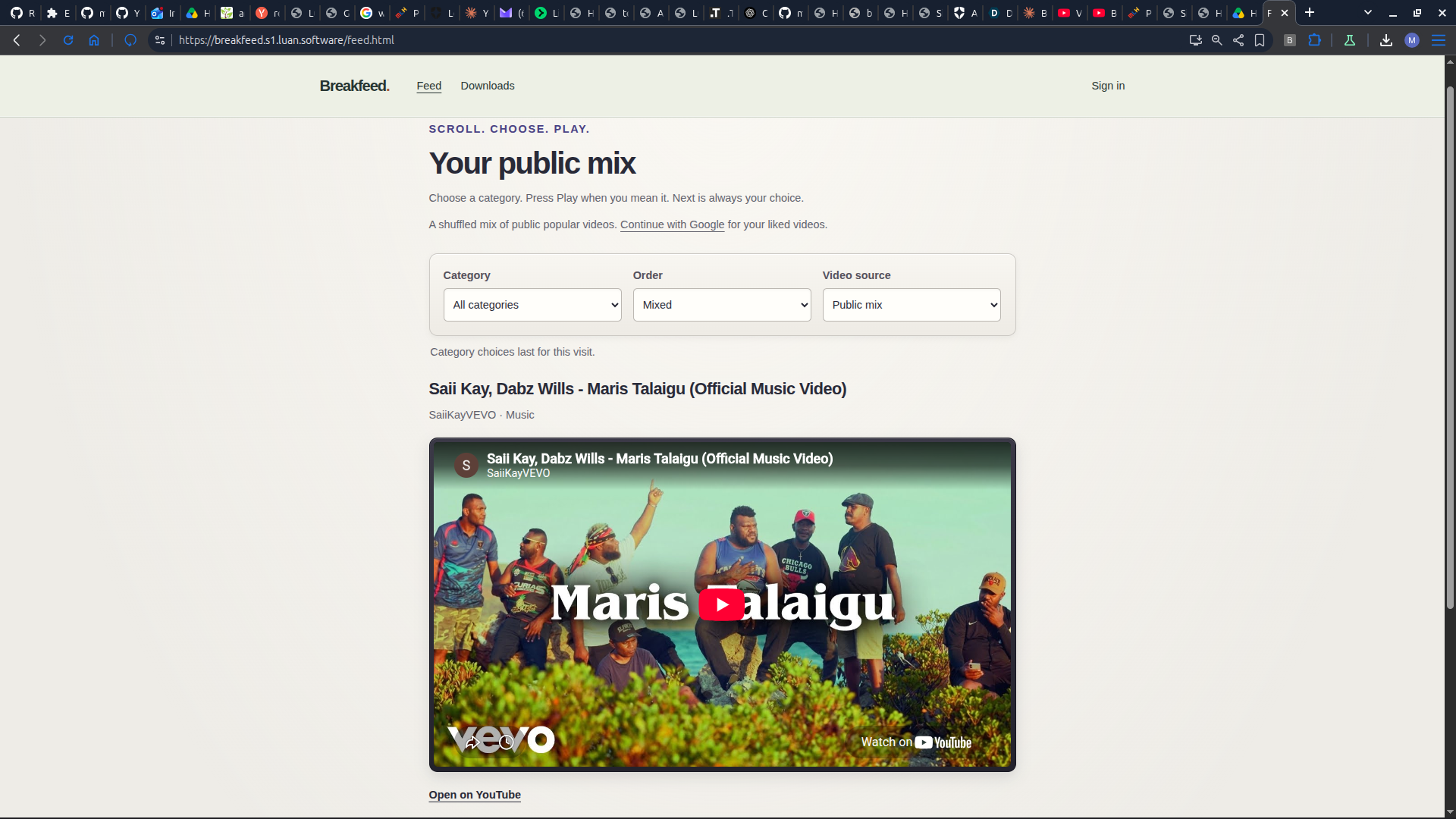
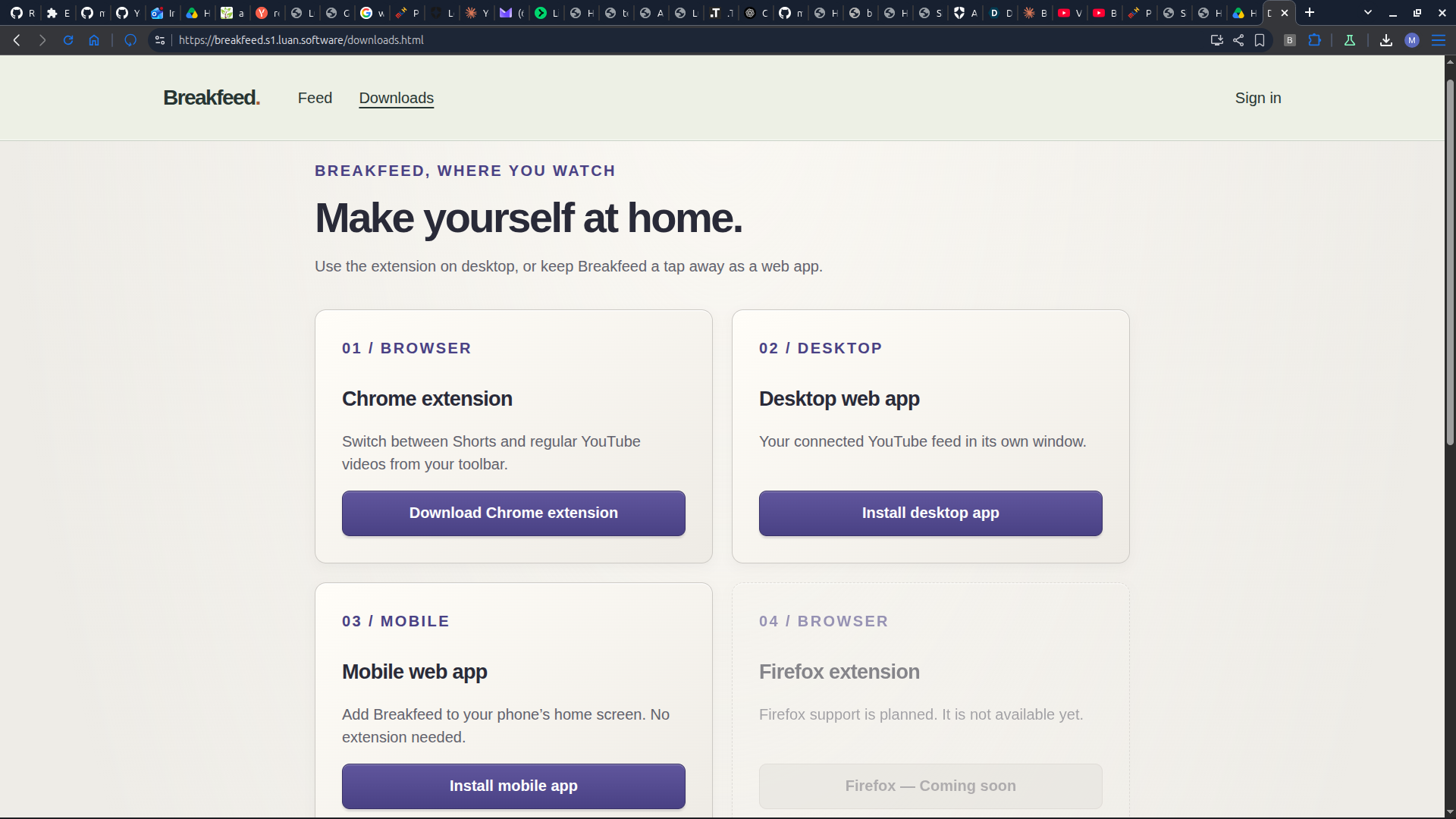
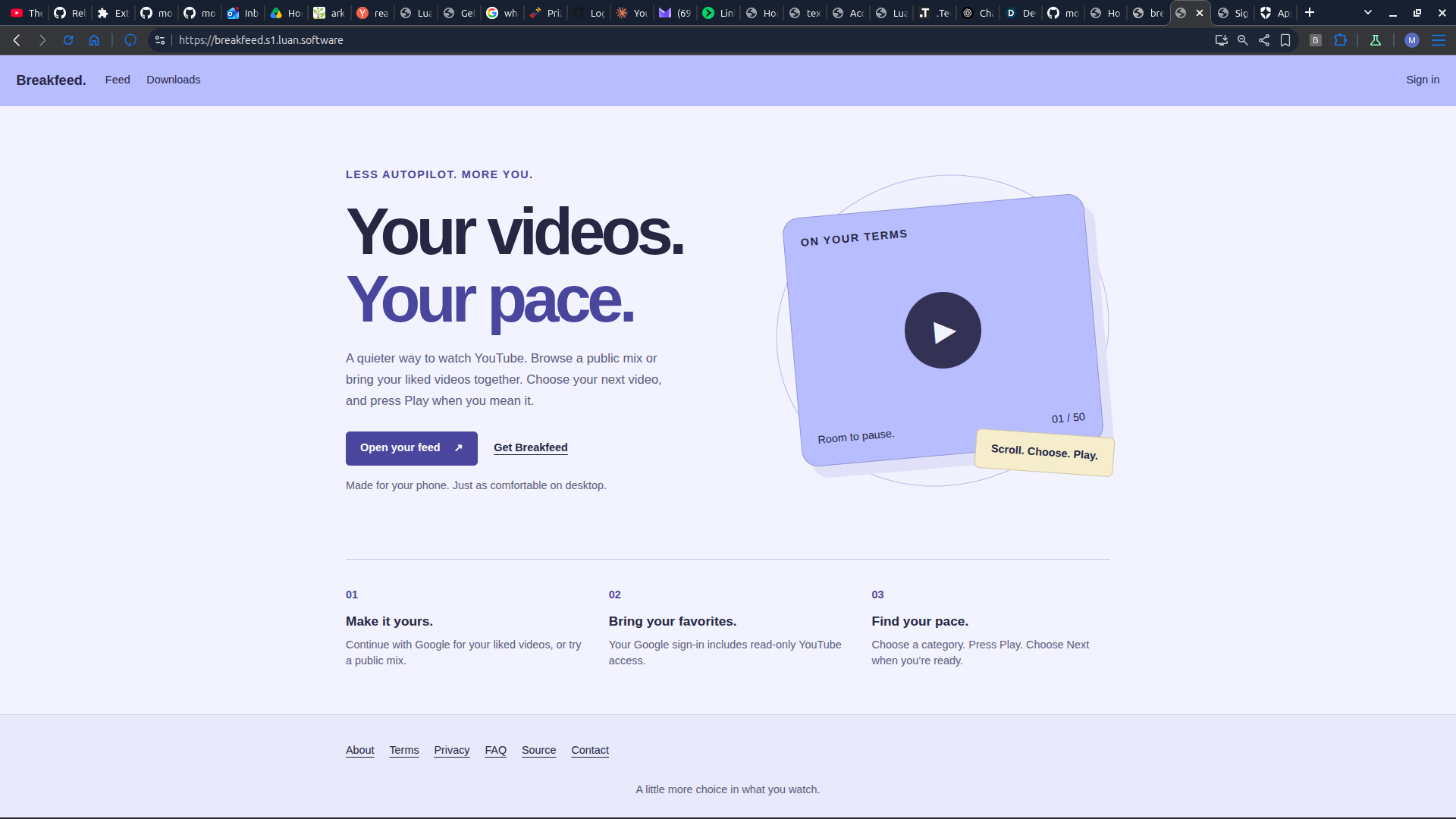
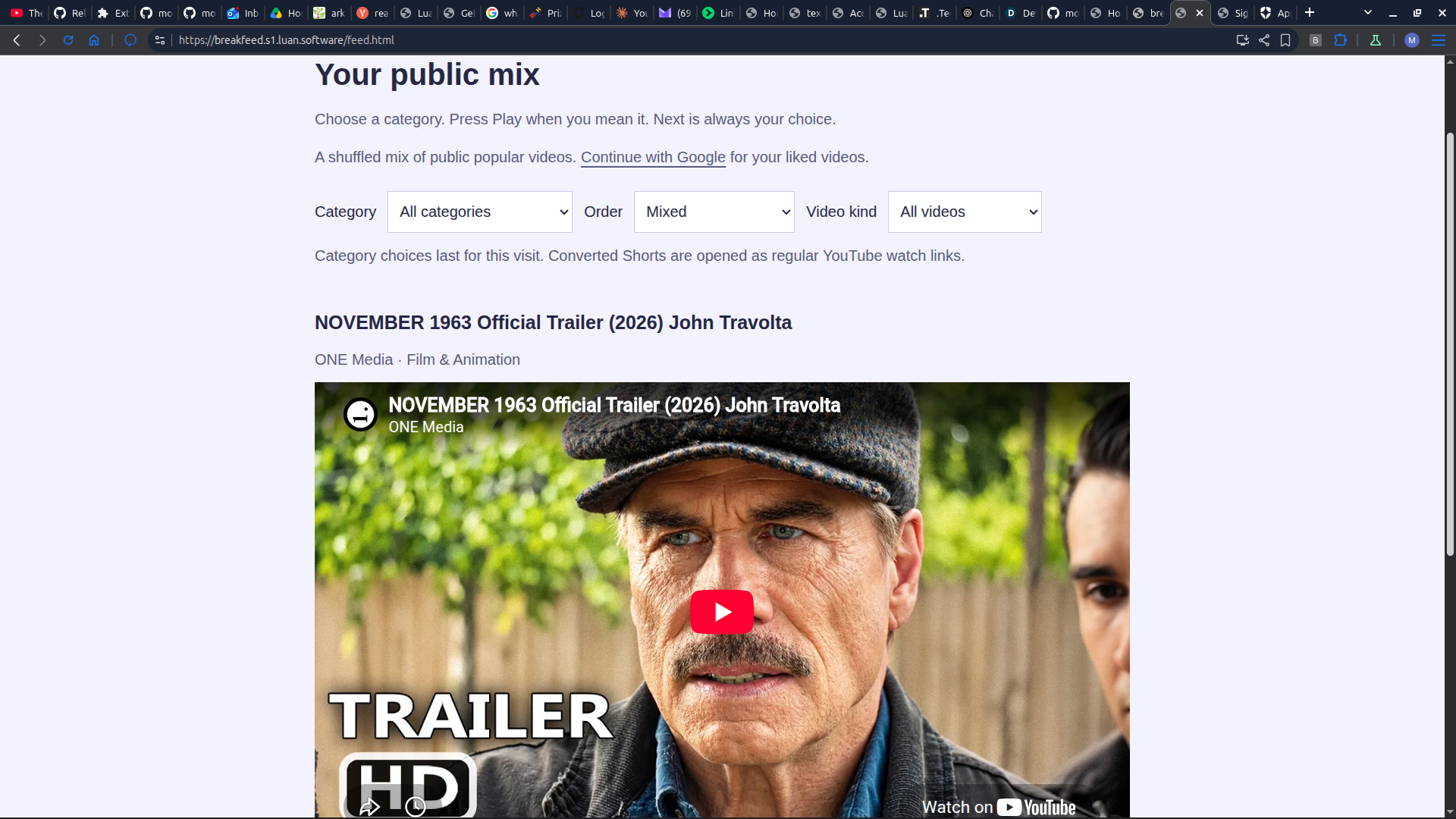
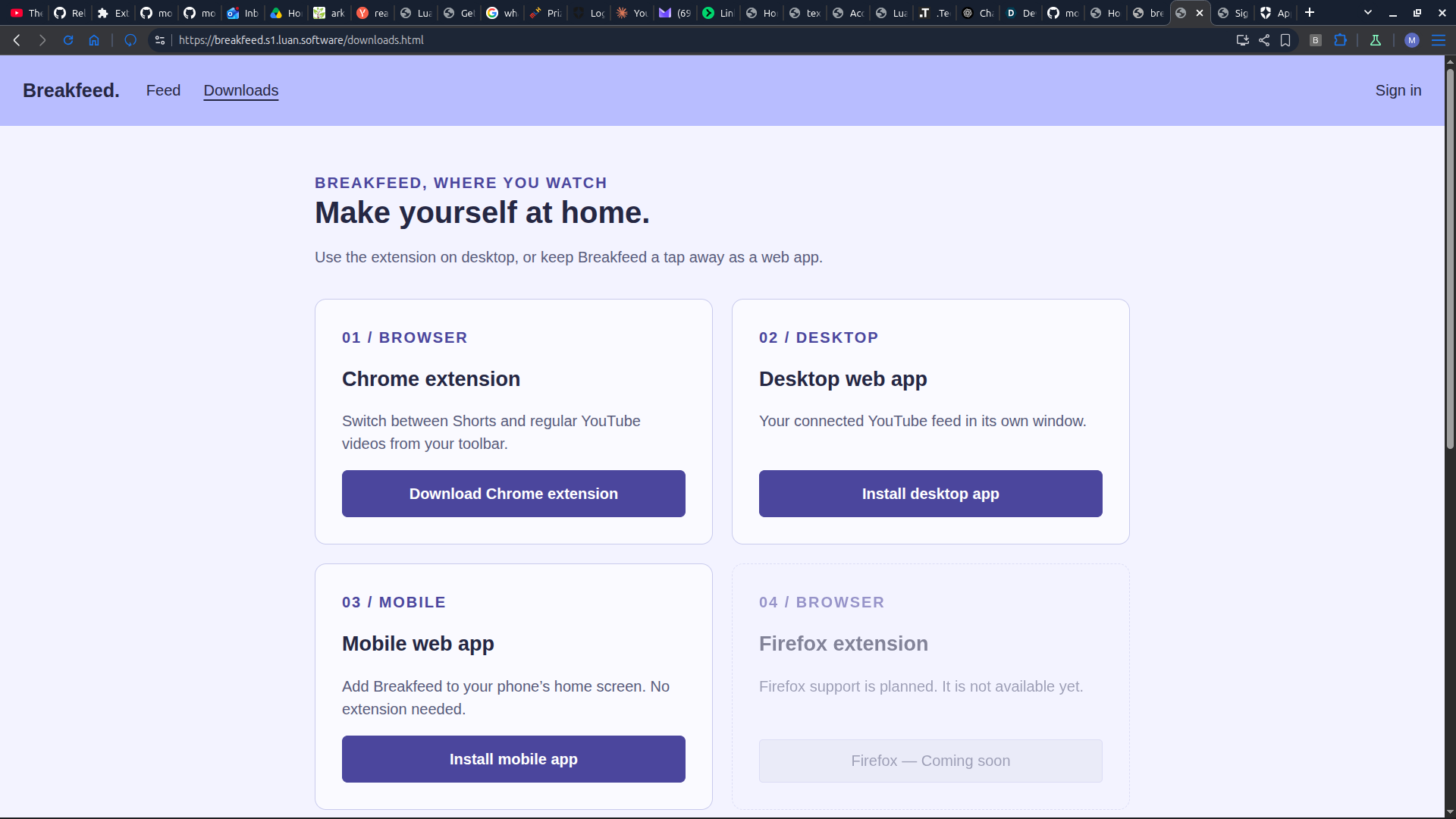
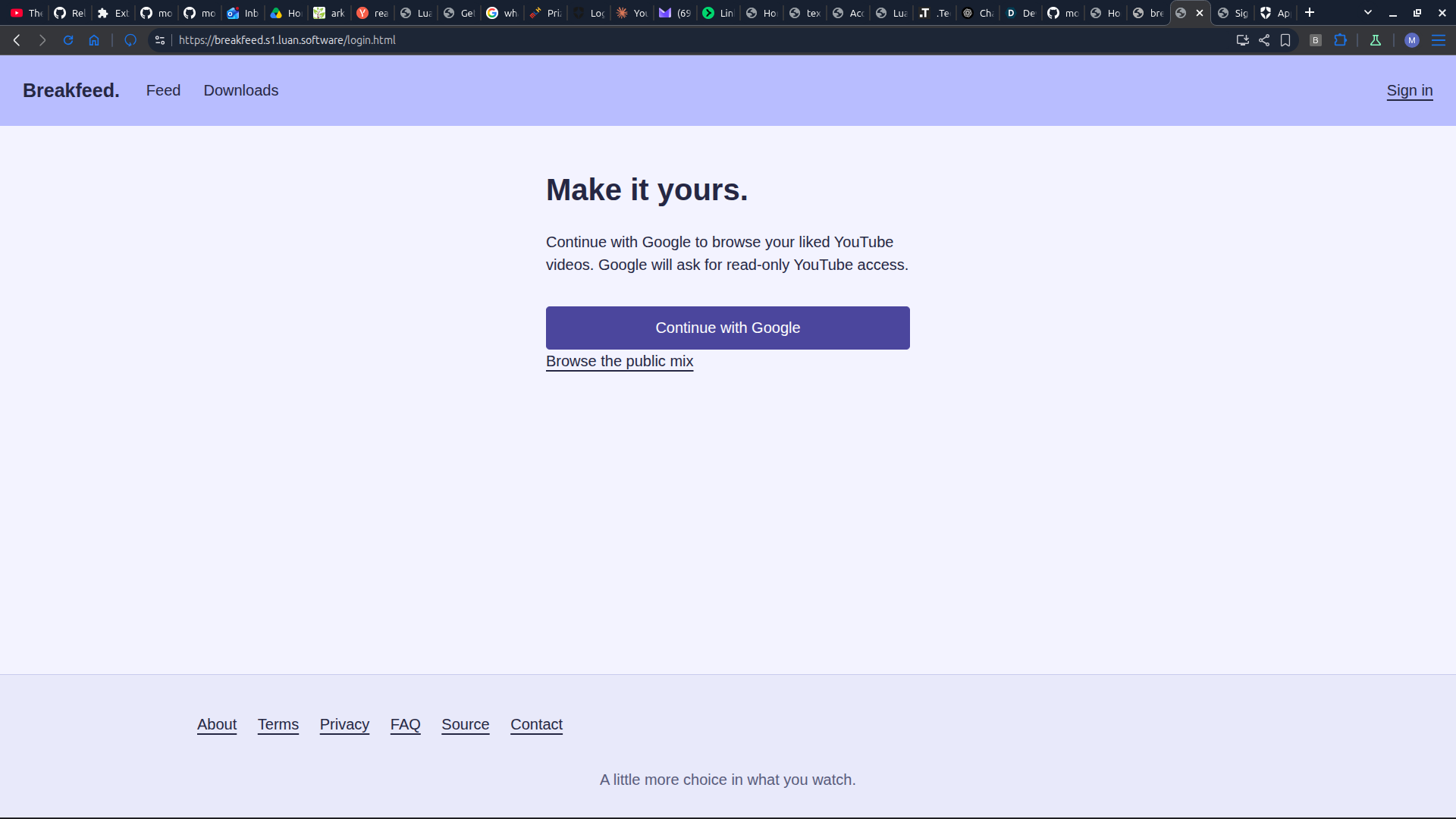
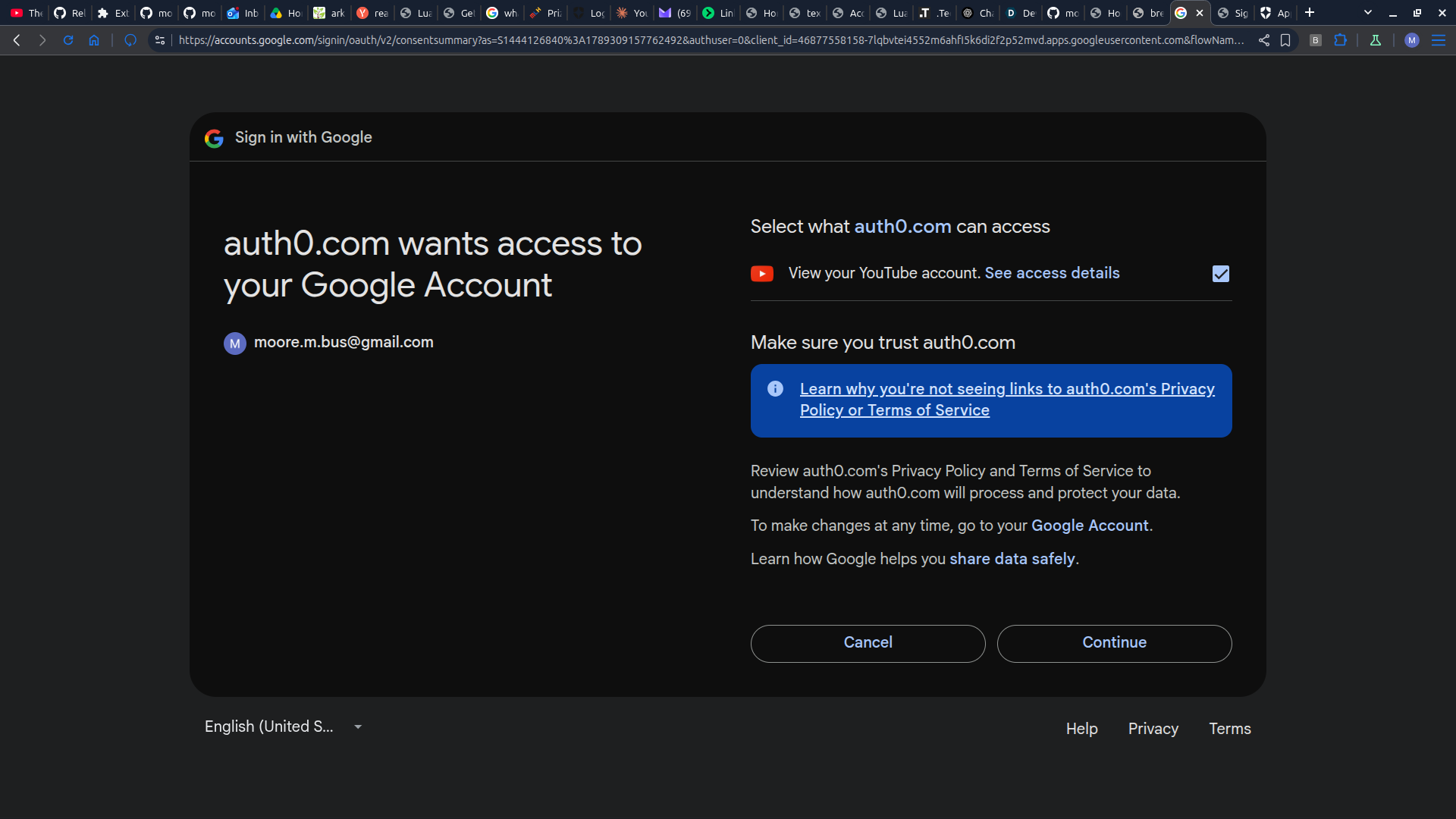
The mission is simple: make Shorts usable without the addiction. Breakfeed started as a lightweight but fully functional Chrome extension that automatically converts a YouTube Short into a regular playback video (and can revert it back). Then I realized iOS doesn't support browser extensions, so I built a companion website — a PWA that recreates that same environment on mobile. It uses Auth0 to connect your YouTube account, and instead of scrolling, you click a "Next" button to move to the next video. The philosophy is the same one that started this project: deprogram the muscle memory behind addictive scrolling.
How I built it
First of all, I used some of the zen Japanese garden design principles to govern the way I structure my code, directories, and AI output. I am particularly keen on following the principles of letting the open empty space speak for itself (and letting beauty be unexplained so that we see the beauty for what it is), and embracing natural asymmetry and lawlessness in the UI/design. For layout, I used HTML and CSS. For interactivity, I used Javascript. For the browser extension backend, I used Python. For the website backend, I used Luan. For database management, I used Lucene. For version control, I used Mercurial for the website (and hosted it on repositoryhosting.com) and Git for the browser extension (as hosted on GitHub). For building the browser extension and the website, I used a mixture of my own programming skills and OpenAI Plus Codex. As a general rule, I used GPT-6 Luna for brainstorming, discussion, and engineering meta-prompts for GPT-6 Astra, and GPT-6 Astra for building and implementing code. Additionally, I paired GPT-6 Sol with the Codex Auth0 plugin to configure Auth0.
Challenges I ran into
Probably the biggest challenge was that I often burnt too many tokens and credits working with the AI and getting results that I didn't want or results that broke. It is all my fault since I did communicate my needs properly to the AI models and since I can learn to do this with some more advanced prompt engineering techniques. Also, I had trouble configuring the backboard.io API to Codex.
Accomplishments that I am proud of
I am super proud of how flexible my extension is. Actually, I am more enthusiastic about the extension than about the website! It just works and it flows so smoothly, and it is very non-intrusive. The website, on the other hand, feels more like a "hack job". But hey, that's the point of a hackathon!
What I learned
I learned more about how the Codex environment works--that is--how to give it the guidance to work with system prompts that I feed into its project folder on my local machine! Also, Codex recently added for project folders on your local machine the ability to add (point to) multiple folders from your local machine; I learned how to do that and how to direct the AI more efficiently. Overall, I learned valuable prompt engineering skills that help make the AI create higher quality output with less tokens unnecessarily burnt, and how to direct it like a conductor. On the programming side of things, I learned about HTML iframes. I never used them before, because they hardly seem useful. For this project, it was actually the highlight!
What's next for Breakfeed
Right now, a free account lets you curate your feed by YouTube category. Down the line, I want to add a premium tier where you define your own custom categories, and AI aggregates Shorts by checking the title, description, and transcript (where available) to see whether each one fits. If it matches, it joins your feed. The philosophy behind categories in general is mindfulness — keeping you focused on one thing at a time instead of the overstimulation of an endless, undifferentiated feed.
Built With
- css
- html
- javascript
- luan
- lucene
- python

Log in or sign up for Devpost to join the conversation.