-
-
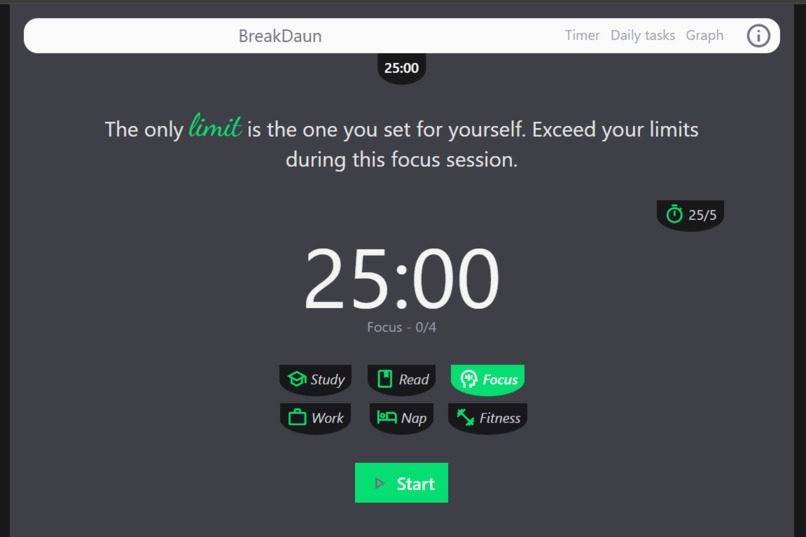
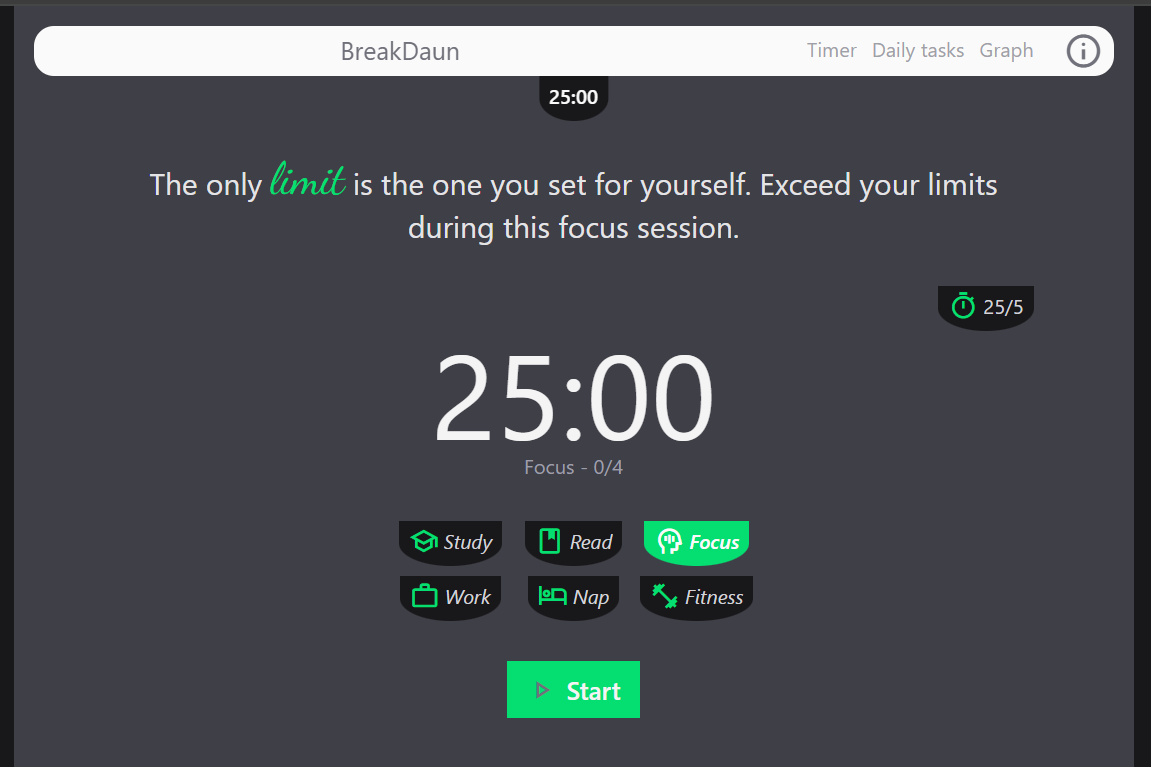
Main view
-
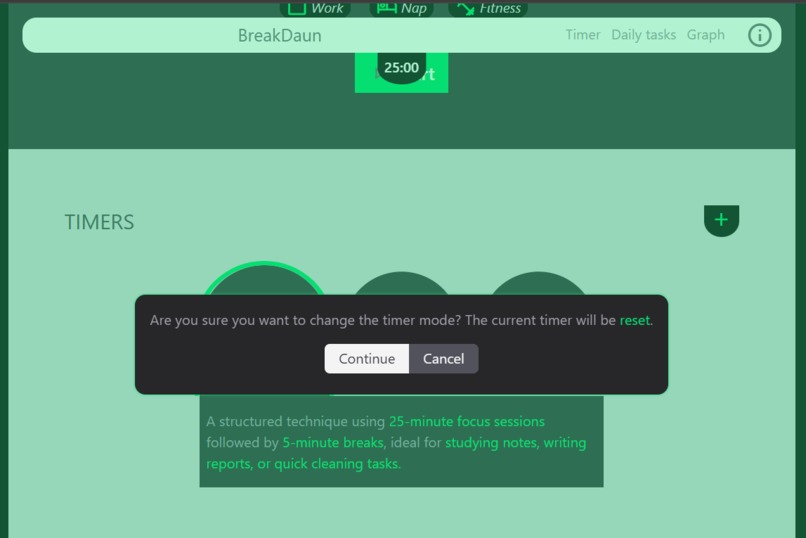
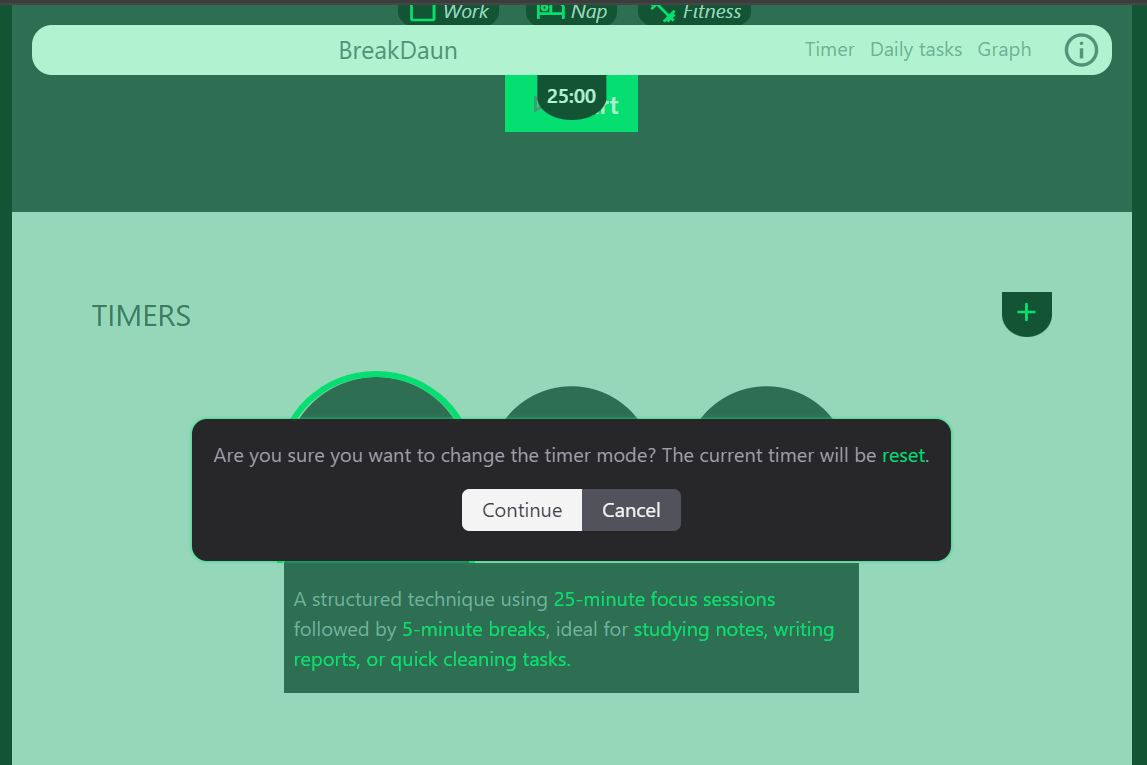
Timer Modes section
-
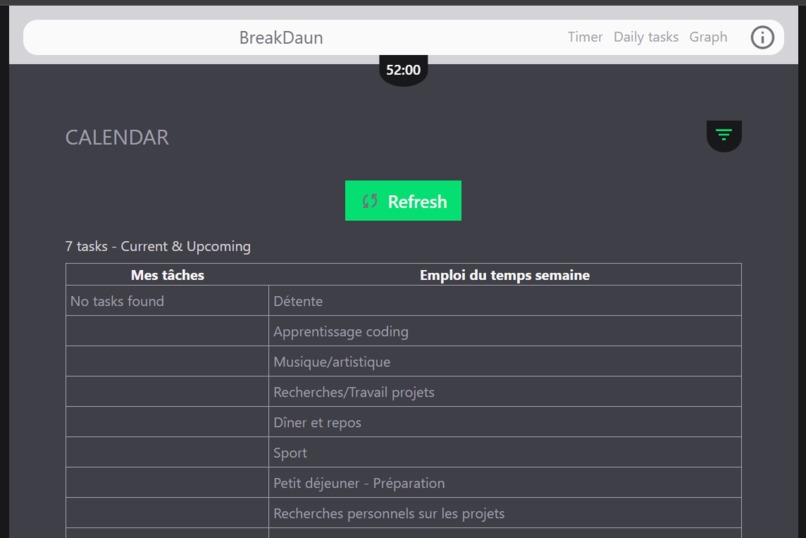
Google Tasks API connection
-
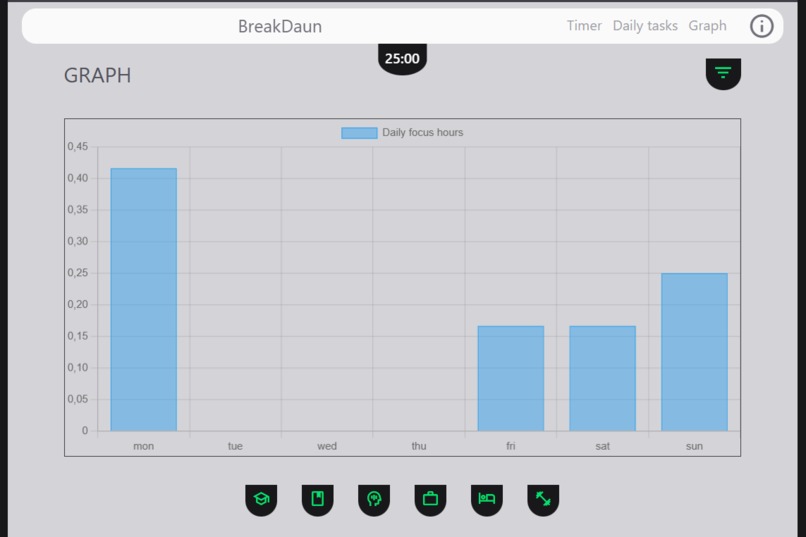
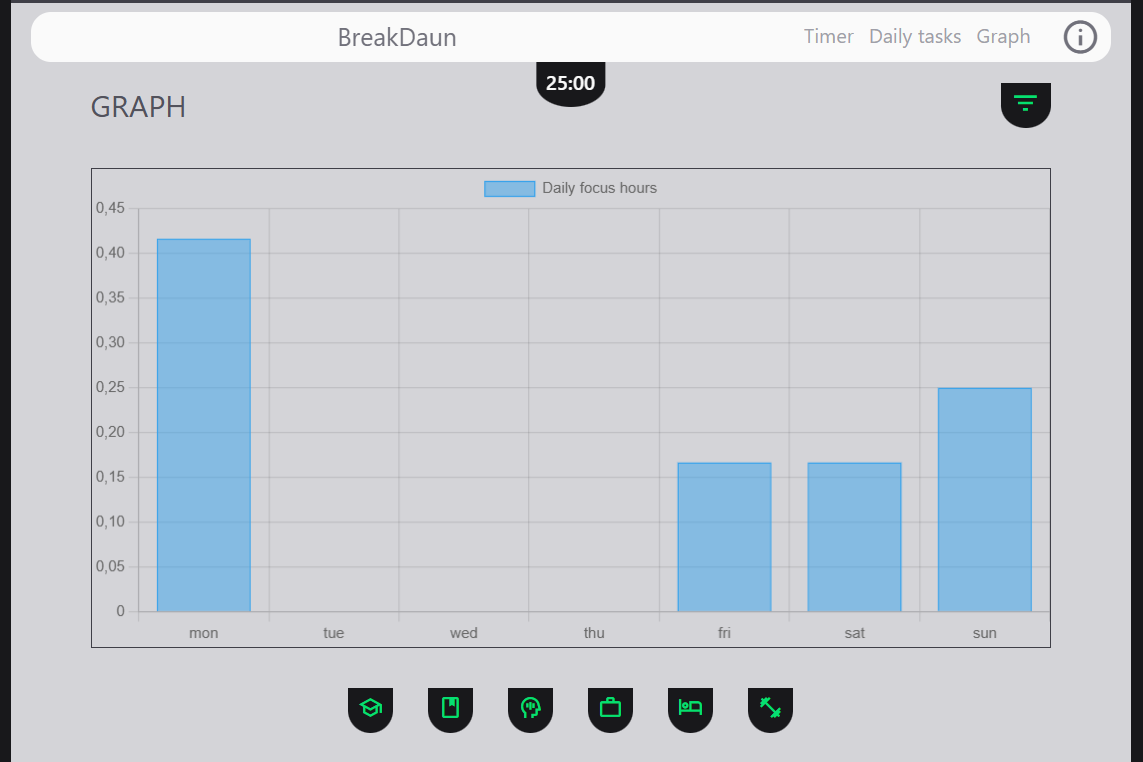
Graph section

Inspiration
Like many people, I’ve worked in a random, unstructured way. And like many others, I’ve also worked with schedules and task lists. Once you experience the benefits of structured work, it’s hard to go back—you quickly realize how much time you waste without it. Good time management requires good tools, but that's where the challenge begins. Most tools are either too rigid, forcing a strict rhythm, or they claim to be flexible but hide behind paywalls. And let's be honest—no one likes paying for something without knowing if it actually suits them. That's why I decided to create BreakDaun, a simple yet comprehensive web app designed to help anyone work faster and manage their time (and stress) effectively. It leverages a cycle-based time management approach—focus-pause-focus, inspired by well-researched time intervals proven to boost productivity. This is just the Minimum Viable Product (MVP)—there’s more to come!
What it does
In this first version, BreakDaun helps you manage your time by offering three structured focus cycles:
- Pomodoro – Work in 25-minute focus sessions followed by 5-minute breaks. Based on the research of Francesco Cirillo, this method improves productivity, focus, and time awareness. Ideal for tasks requiring deep concentration, such as studying, writing, or coding.
- Flowtime – A flexible alternative to Pomodoro with structured intervals. You work for 52 minutes, followed by a 17-minute break. Inspired by productivity studies, this method balances deep focus and cognitive recovery, making it great for creative work, problem-solving, and long-term projects.
- Ultraradian Rhythm – Work in 90-minute sessions, followed by a 30-minute recovery phase, aligned with the body's natural energy cycles. Based on sleep research by Nathaniel Kleitman, this approach enhances mental clarity, information retention, and sustained performance. Best suited for intense mental work, learning, or athletic training.
You can pause or reset the timer whenever needed. To keep you motivated, a dynamic message updates after every focus or break session, providing encouragement and productivity tips.
Additionally, BreakDaun offers six activity categories – Study, Read, Focus (default), Work, Nap, and Fitness. Your progress is tracked through a graph displaying:
- Total hours accumulated per day (reset weekly)
- Total hours tracked per activity since your first session For task management, you can connect your Google Tasks (if you use Google Calendar) to view your daily tasks directly within the app. (Note: This feature is currently in testing due to Google's strict production requirements.)
Finally, a "ding-ding" sound plays at the end of each session (focus or break) to notify you. (Currently, this works best on desktop, as mobile devices tend to enter sleep mode quickly.)
How we built it
BreakDaun is a fully frontend web application, built using HTML, CSS, and JavaScript to ensure a fast and seamless user experience. The project is powered by npm and leverages two key packages:
- Tailwind CSS (CLI) for rapid and flexible styling
- Chart.js to generate dynamic visualizations of user progress All data is currently stored locally in this version, ensuring privacy and instant access without the need for an external database.
Challenges we ran into
Since this was my first project requiring extensive JavaScript functionality, it pushed my skills to the limit. I had to deepen my understanding of timers—especially ensuring they kept running even when switching apps on mobile—and navigate the complexities of integrating the Google API efficiently.
Additionally, I initially considered incorporating AI to generate session-end tips dynamically. However, this would have required a backend setup, which I am not yet proficient in. I also explored some frontend-based AI solutions, but they produced monotonous and static responses, which didn't align with the user experience I envisioned.
Accomplishments that we're proud of
One of the things I’m most proud of is that BreakDaun successfully delivers exactly what I envisioned. It tackles the same productivity challenges I—and many others—have faced, while remaining simple, interactive, and intuitive. Despite the technical hurdles, I was able to integrate key features effectively, making time management more flexible and accessible for users. Seeing the project come to life, with a seamless experience and a clear impact, is a rewarding achievement in itself.
What's next for BreakDaun - Pomoface
BreakDaun is just getting started! The current version is a Minimum Viable Product (MVP), and I already have several improvements in mind to make it even more powerful and user-friendly:
- Better Mobile Support 📱: Ensuring that notifications can be sent even when the screen is off and allowing the session-end sound (ding-ding) to play even when the user is in another app.
- Customization Options 🎨: Users will not only be able to create their own time cycles but also start a session without a predefined duration. They can work freely and stop the timer whenever they feel fatigued. Over time, BreakDaun will analyze their patterns and suggest optimized cycles based on their actual workflow.
- Task Management Enhancements ✅: In addition to integrating external productivity tools (via APIs), users will be able to create their own schedules directly within the app, assisted by AI.
- AI-Powered Insights 🤖: Allowing users to like session-end tips, so the AI can gradually refine and personalize recommendations based on their preferences.
- Cloud Sync & Cross-Device Support ☁️: Enabling data synchronization across multiple devices instead of relying solely on local storage.
- Smartwatch Integration ⌚: The biggest upgrade—allowing users to sync BreakDaun with smartwatches for even more seamless time management.
BreakDaun is built to adapt to users, not the other way around, and future updates will focus on keeping it flexible, efficient, and engaging. 🚀
Built With
- github
- google-apis-discovery
- html5
- javascript
- tailwindcss


Log in or sign up for Devpost to join the conversation.