💡 Inspiration
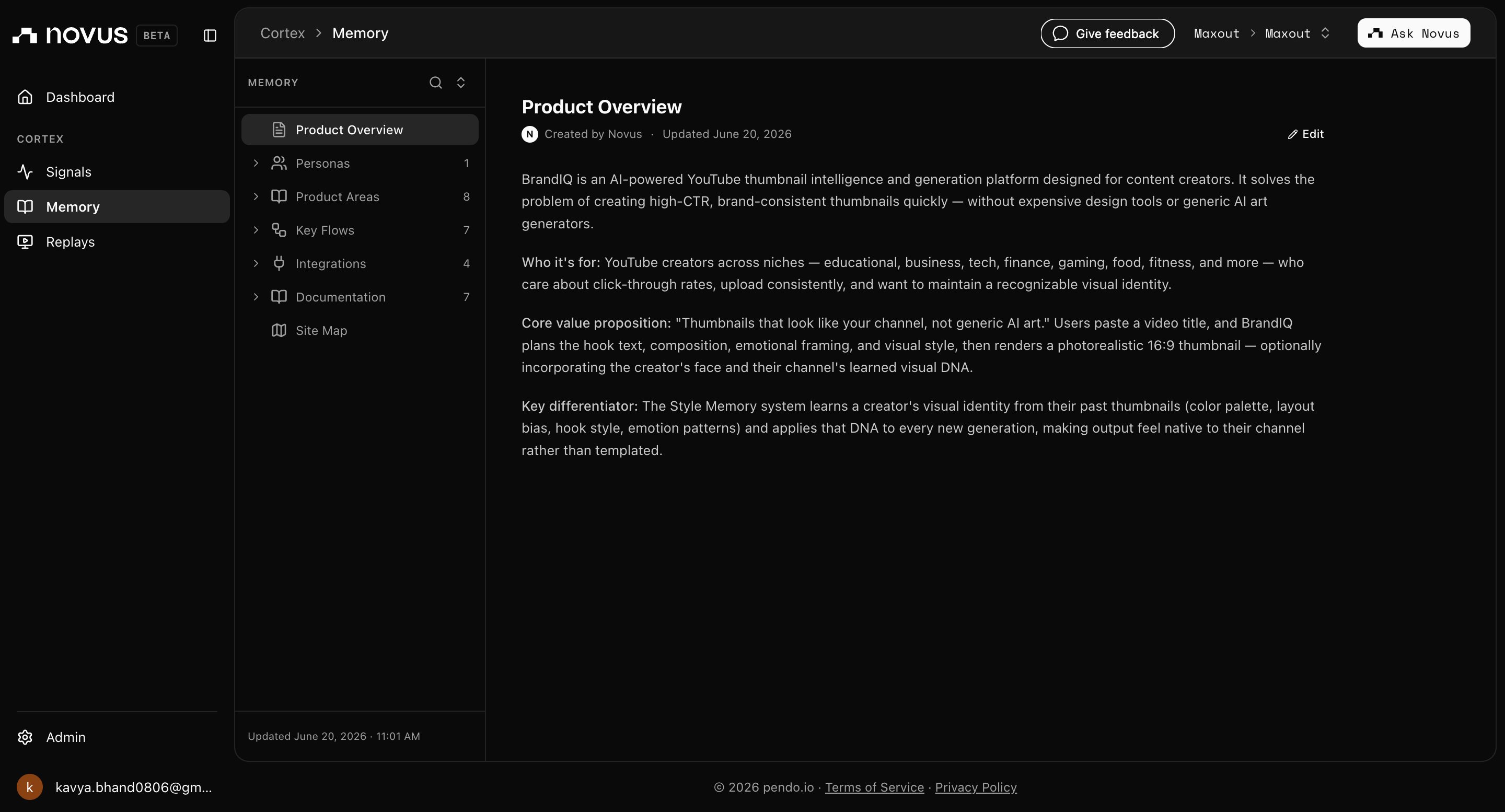
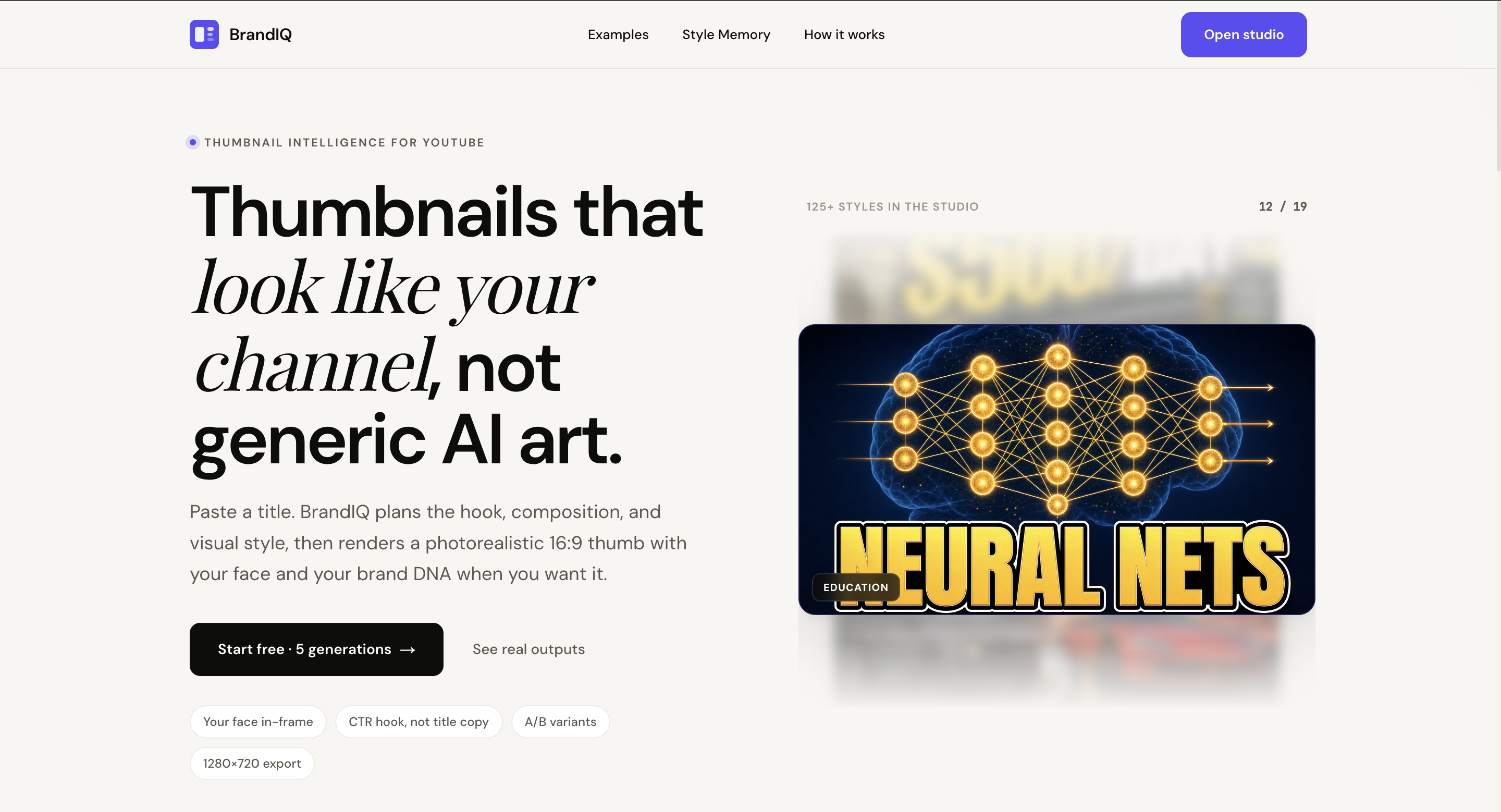
Every creator knows the feeling: you've spent hours scripting and filming a great video, and then you're staring at a blank canvas trying to make a thumbnail that actually gets clicks. The tools available were either too generic (AI image generators with no channel context) or too manual (Photoshop workflows that took longer than editing the video itself).
The insight that drove BrandIQ was simple but underexplored: a thumbnail isn't just a pretty image - it's a communication system. The best creators have a recognizable visual identity. MrBeast thumbnails look like MrBeast. MKBHD thumbnails look like MKBHD. That consistency is a growth asset, not a coincidence. Yet no tool existed to help creators build and maintain that identity at speed.
BrandIQ was built to answer one question: what if the AI actually understood your channel?
🏗️ How We Built It
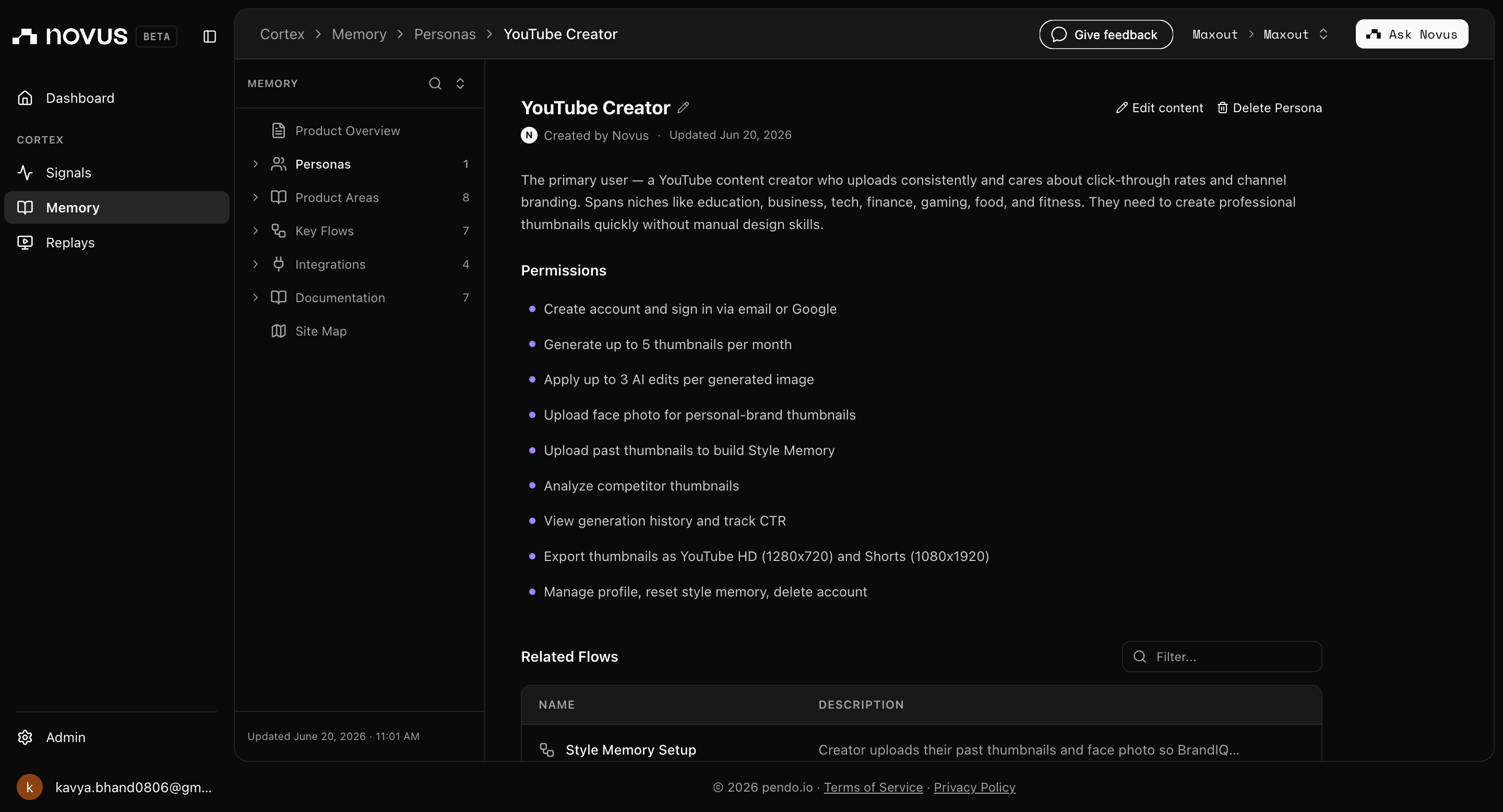
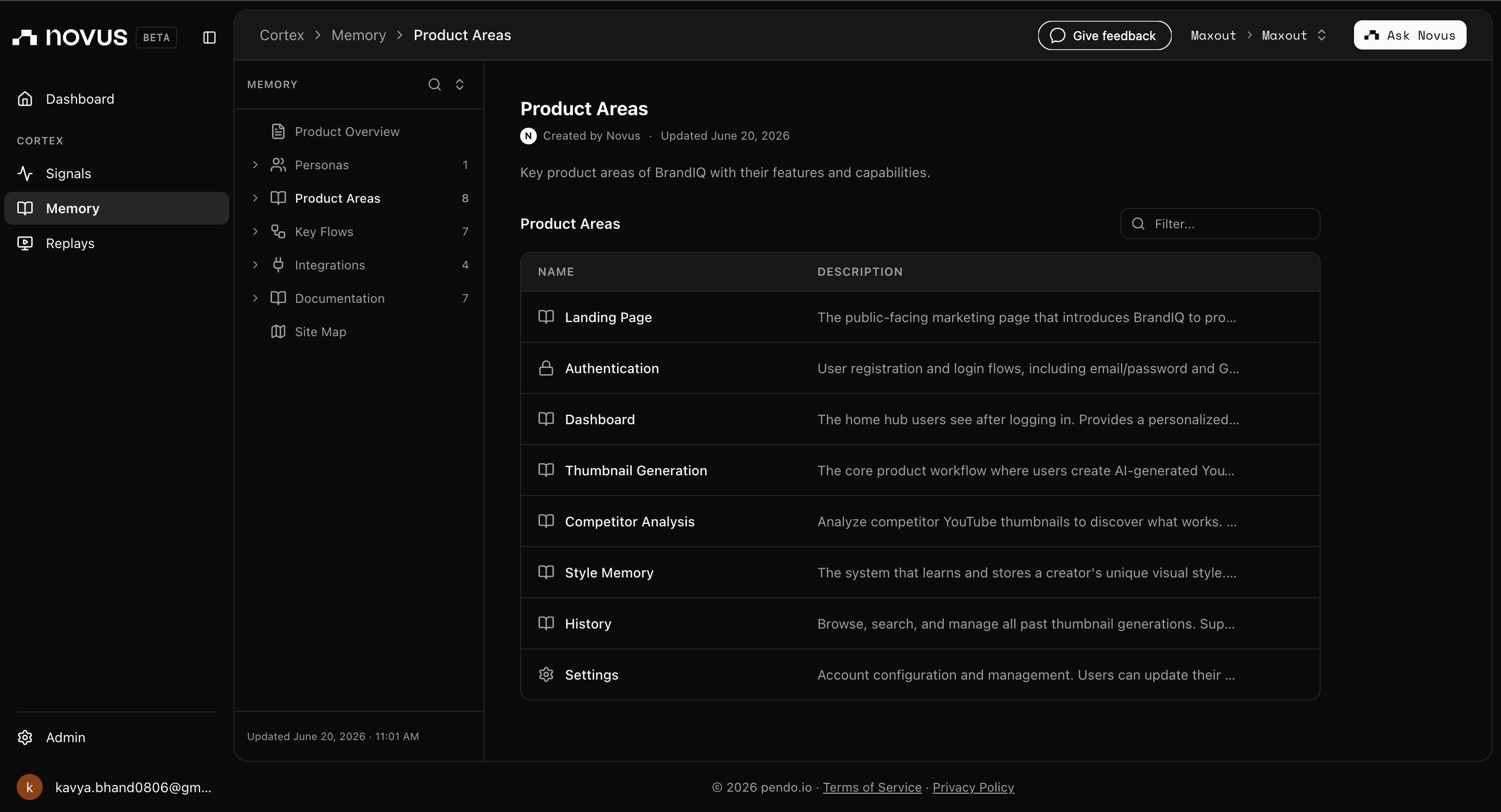
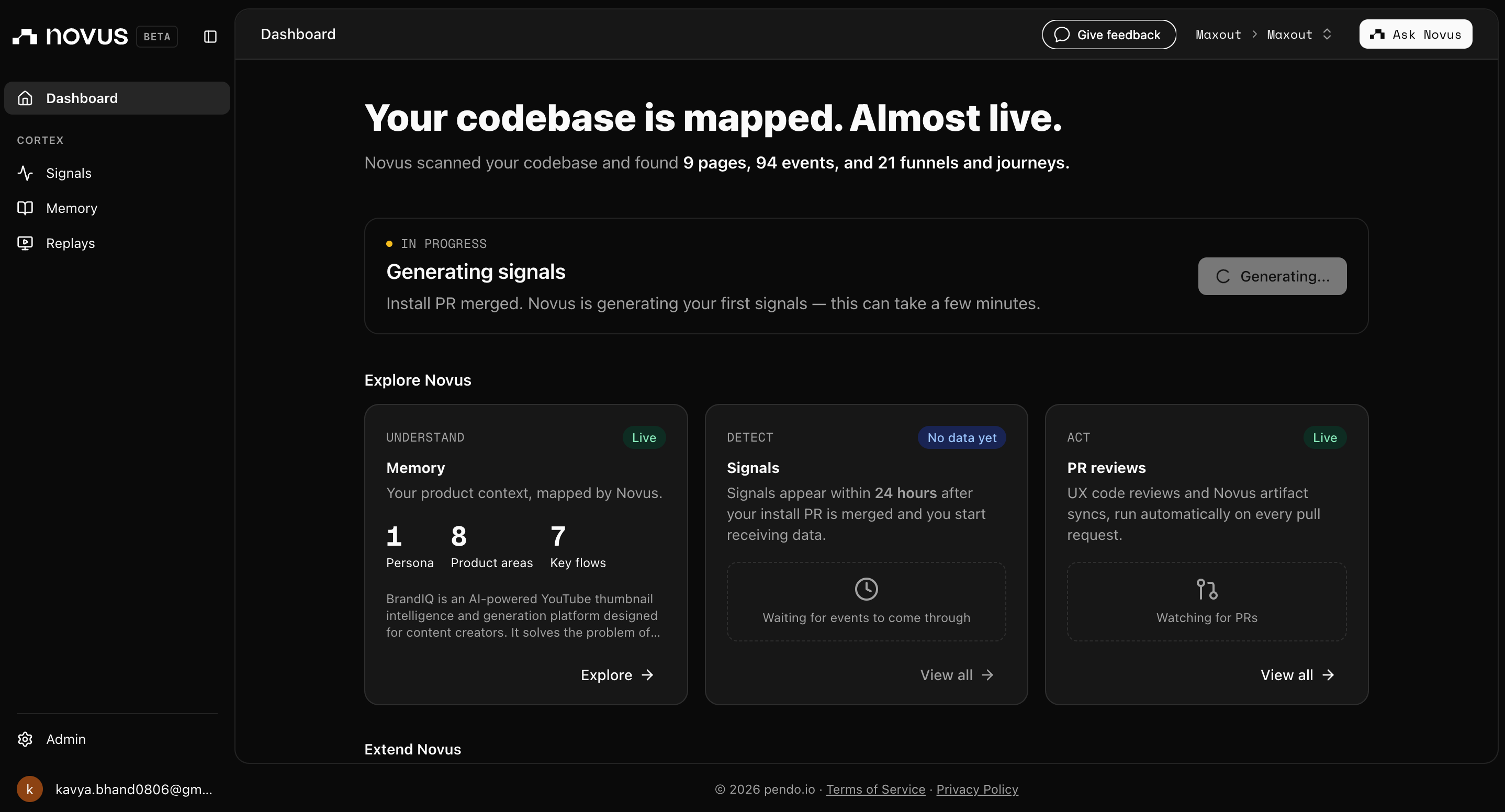
BrandIQ is built around four interconnected systems.
1. Style Memory Engine
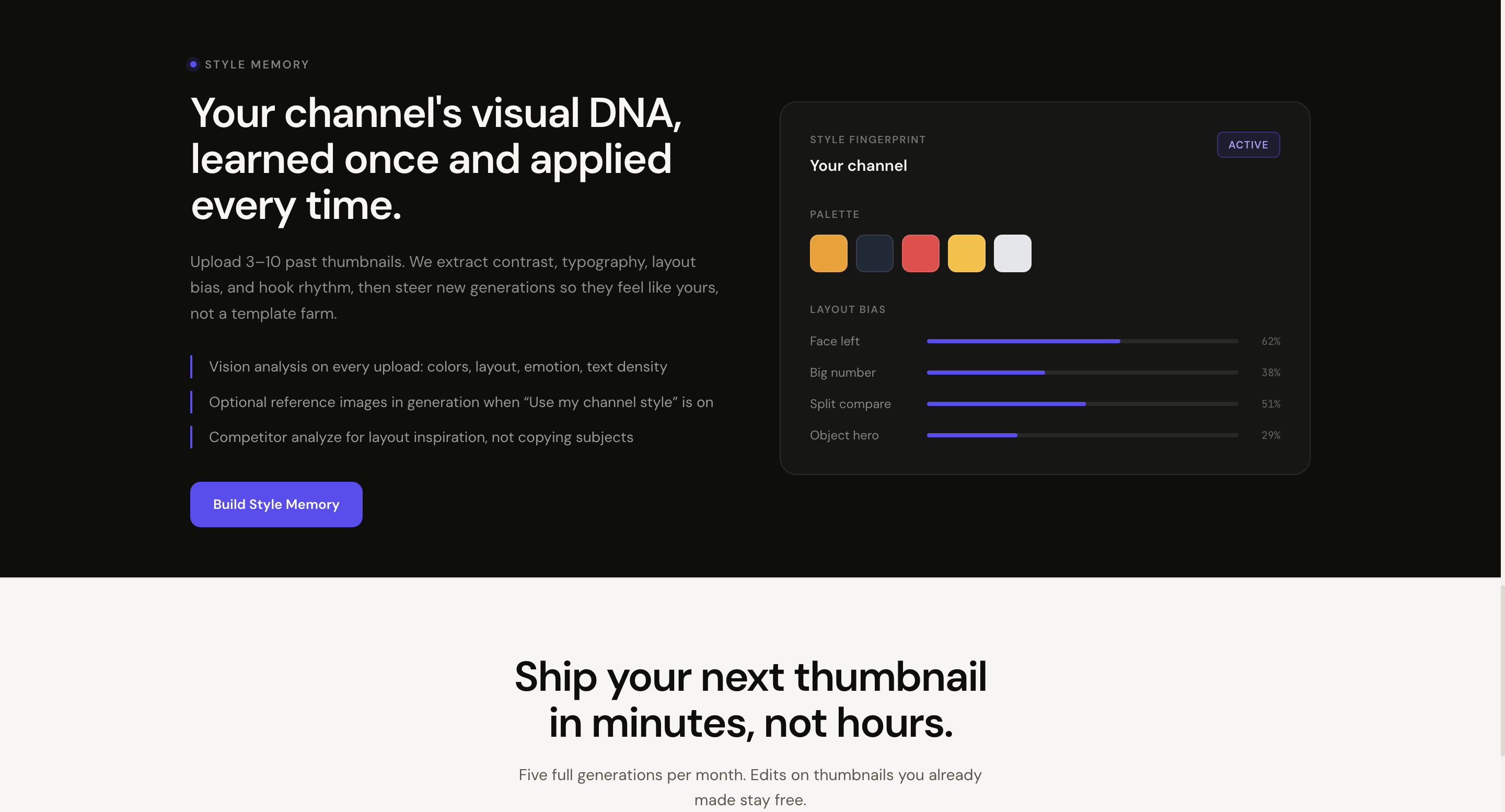
The core moat. Creators upload past thumbnails and the platform extracts a style fingerprint - dominant colors, contrast style, text density, emotional register, and composition patterns. This fingerprint is stored and referenced on every future generation, so outputs feel native to the channel rather than generic.
Upload Thumbnails
→ OCR Extraction (hook text, capitalization, word count)
→ Visual Analysis (brightness, contrast, saturation)
→ Composition Classification (face-left, split, object focus…)
→ Emotion Detection
→ Embedding Generation (pgvector)
→ Style Fingerprint Stored in Supabase
2. Thumbnail Generation Pipeline
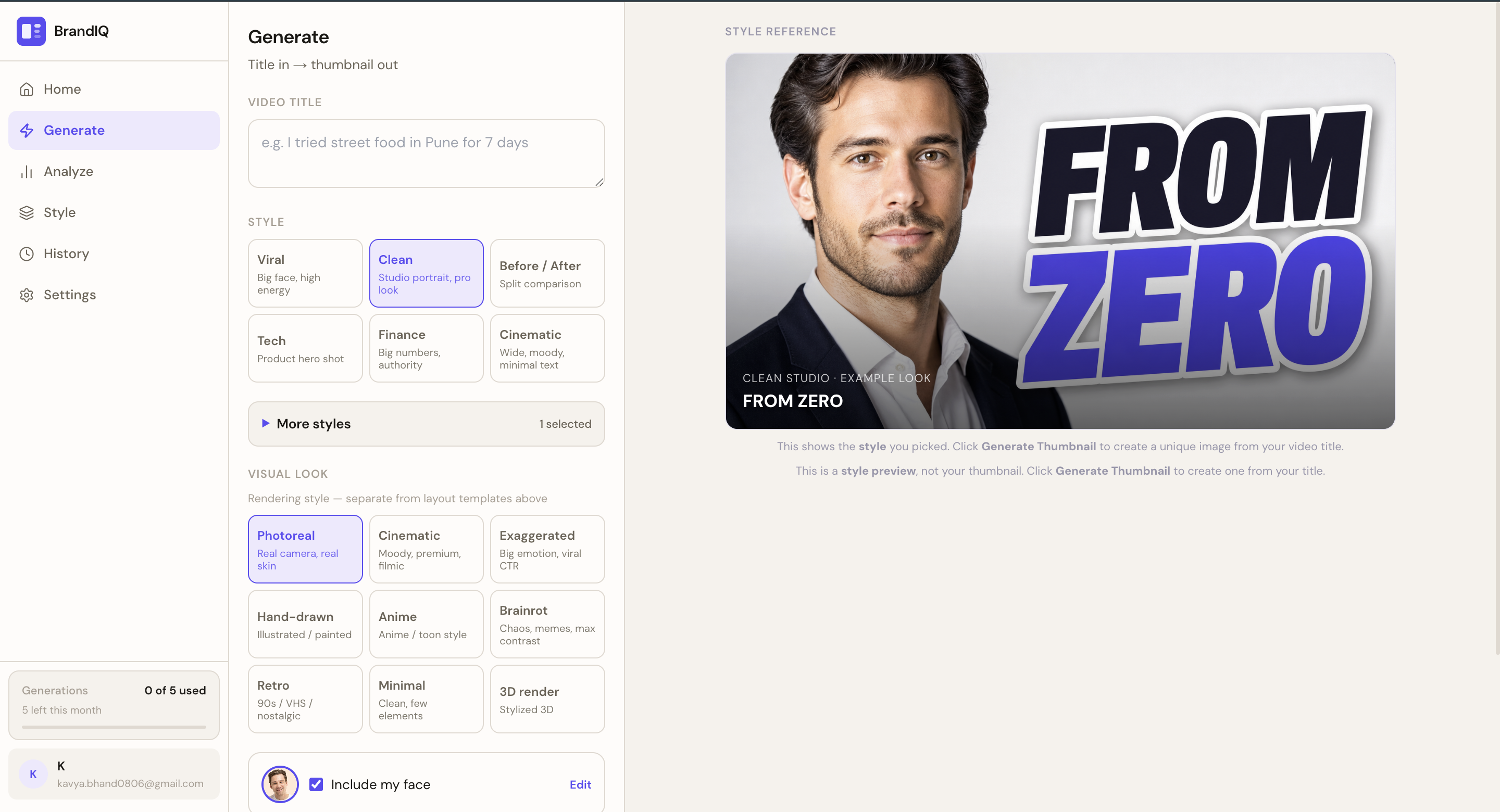
Rather than prompting a model and hoping for the best, BrandIQ uses a layered orchestration approach:
Video Title + Optional Script
→ Strategy AI (emotional framing, layout direction, hook angle)
→ Style Memory Retrieval
→ Template Selection (10 layout families)
→ Hook Optimization (short, high-CTR text)
→ Asset Generation (gpt-image-1)
→ Quality Check (readability, contrast, clutter, emotional strength)
→ Return 3–5 Concepts
The key architectural decision: AI handles reasoning, deterministic systems handle layout. Typography, spacing, and composition are never left to model randomness. This keeps outputs consistent and costs low.
3. Competitor Intelligence
Paste a YouTube channel or video URL and the system extracts visual patterns from competitor thumbnails - color palettes, emotional trends, hook structures, layout frequencies - presented in a research-board aesthetic rather than an enterprise dashboard.
4. Lightweight Editor + Export
A canvas editor (not Photoshop) built for speed. Move elements, swap layouts, edit hook text, regenerate backgrounds. Three edits per image don't count against the monthly generation quota - iteration is encouraged.
🧠 What We Learned
1. The real product is the system, not the generation. Early prototypes just wrapped gpt-image calls in a UI. The output was impressive but inconsistent. The breakthrough was realizing that the value isn't in one good thumbnail - it's in a system that produces consistently on-brand thumbnails at speed. That required building the Style Memory layer, the Strategy AI, and the template engine as distinct, composable pieces.
2. Cost architecture is a product decision. Running vision analysis, strategy generation, hook optimization, and image generation naively costs $0.2-0.3+ per generation. We rebuilt the pipeline around a strict principle: AI for reasoning, deterministic code for rendering. Caching embeddings, reusing style analysis, regenerating individual layers instead of full images, and batching OCR extraction brought average generation cost down significantly - and made the product viable at a free tier.
3. Security is non-negotiable when OpenAI keys are involved. We implemented server-side-only key handling, per-user daily AI unit quotas tracked in Supabase, RLS policies on every sensitive table, and rate limiting on all generation routes before launching. This became its own mini-engineering project.
4. "Style memory" is an emotional product, not just a technical one. When creators see their own color palette, emotional tendencies, and layout preferences reflected back at them - this AI understands my channel - the reaction is visceral. That emotional moment is the actual retention driver, more than any individual thumbnail output.
🚧 Challenges
Multi-path image generation logic was unexpectedly complex. gpt-image-1 supports images.edit for style and face reference injection and images.generate for pure prompt-based generation - but the decision tree of when to use which, how to pass multiple reference images, and how to handle partial style data required significant iteration and edge-case handling.
Template system design was a hard balance. Templates needed to be flexible enough to accommodate different content types but structured enough that output was never "random AI art." A JSON-config approach with layout_type, text_region, safe_zones, and style_rules gave the right abstraction layer, but getting the schema right took multiple rewrites.
Usage limits without being punishing. Designing a 5-generation/month free tier that felt generous rather than restrictive meant making edits free, communicating limits transparently without dark patterns, and ensuring monthly reset logic was bulletproof across timezones.
Keeping scope ruthlessly small. The product vision spans 45 sections of documentation. Shipping something real meant cutting teams, collaboration, mobile apps, A/B testing, and marketplace features entirely - and resisting the temptation to add them back when they seemed easy.
🔭 What's Next
- Competitor intelligence dashboard
- CTR prediction scoring
- Title + thumbnail co-optimization
- Shorts and Instagram cover support
- Public thumbnail analyzer as a viral acquisition loop
Built With
- framer-motion
- konva.js
- next.js
- openai-gpt-4o
- openai-gpt-image-1
- pgvector
- postgresql
- supabase
- tailwind-css
- typescript
- vercel


Log in or sign up for Devpost to join the conversation.