-
-

The App icon
-
-
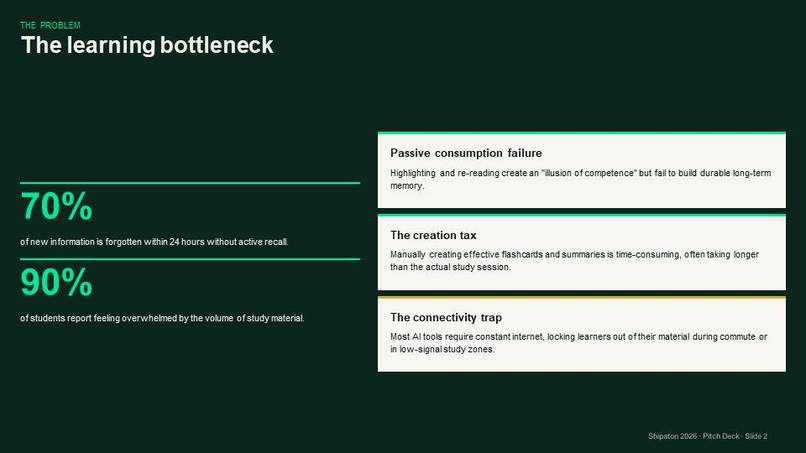
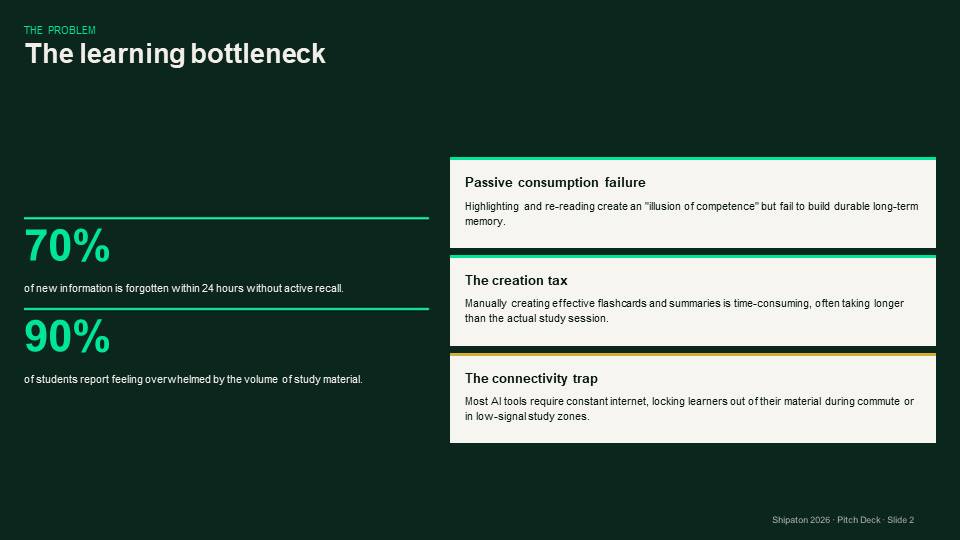
Learning Bottleneck
-
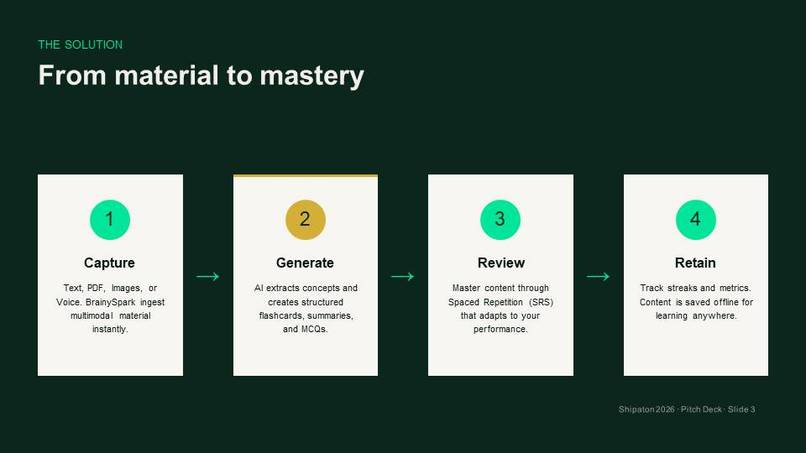
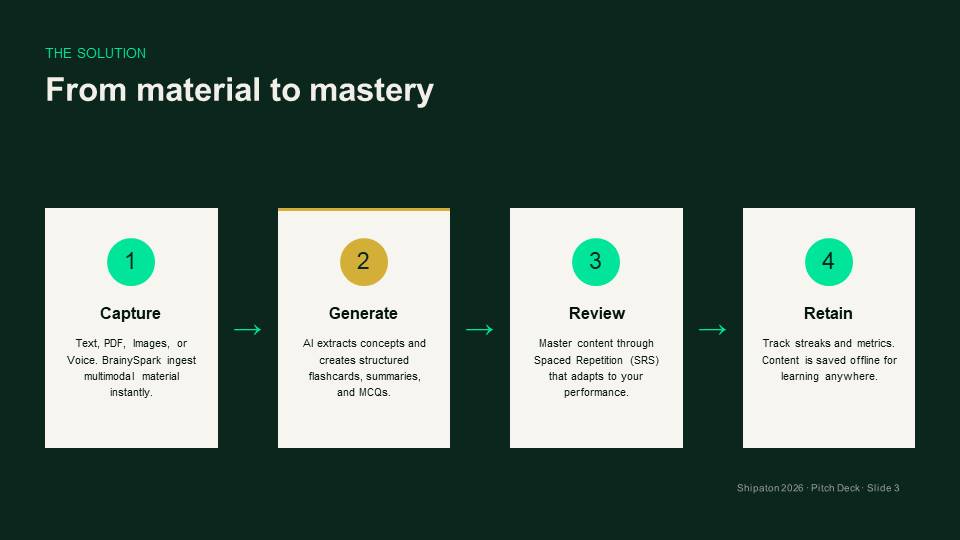
From material to mastery
-
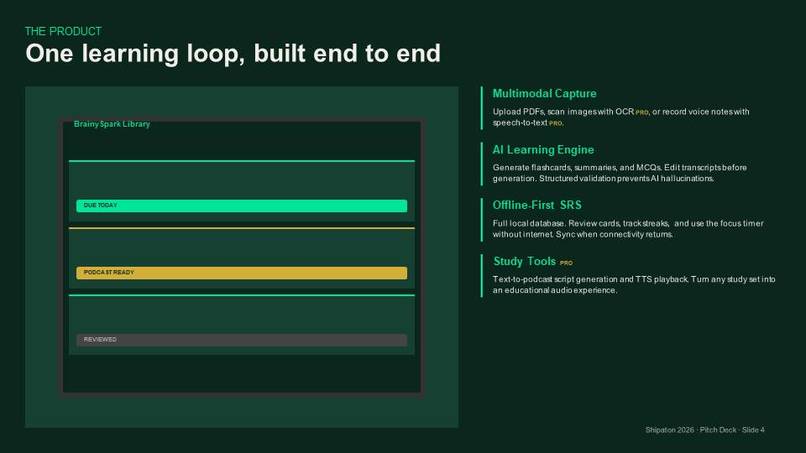
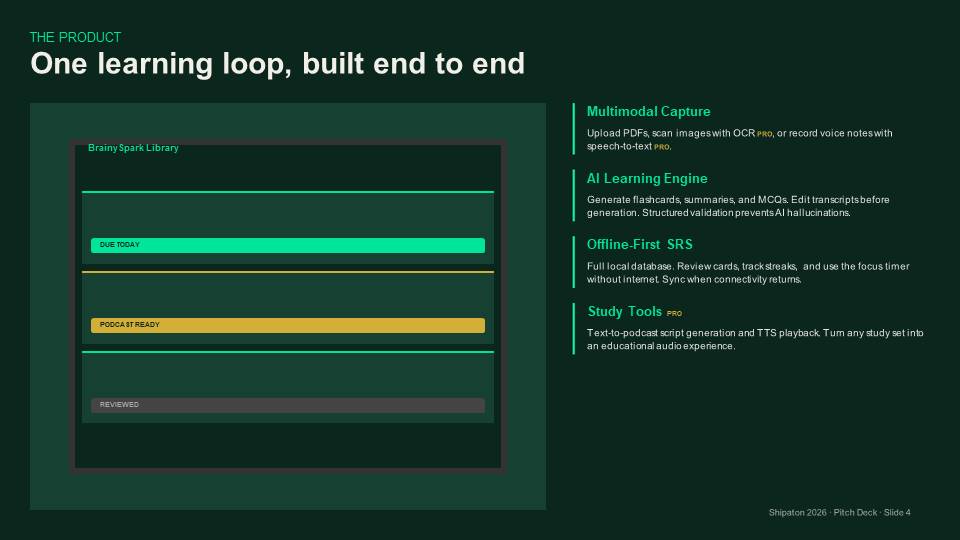
One learning loop, built end to end
-
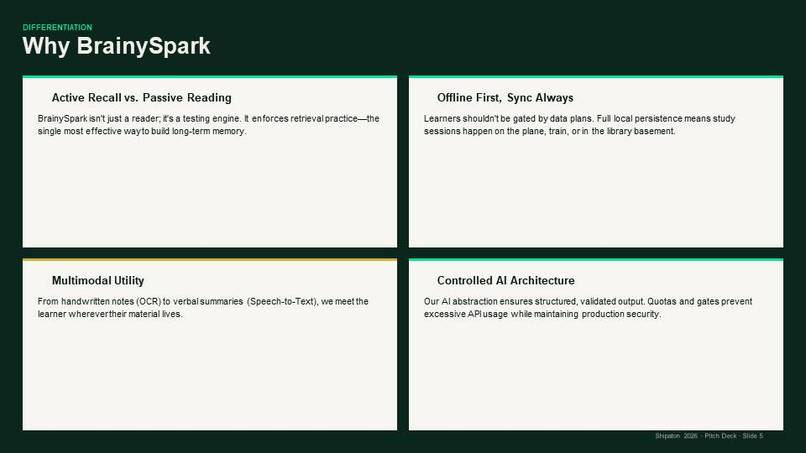
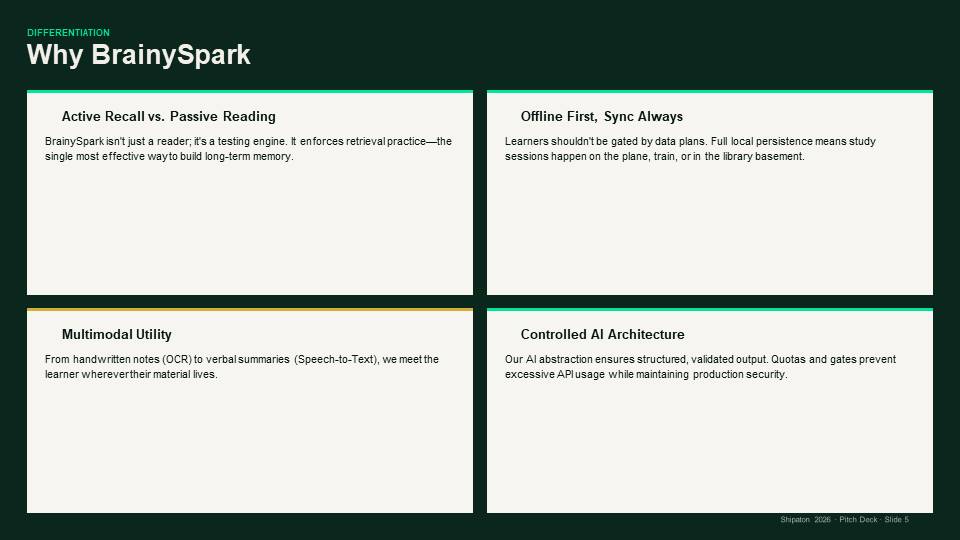
why BrainySpark
-
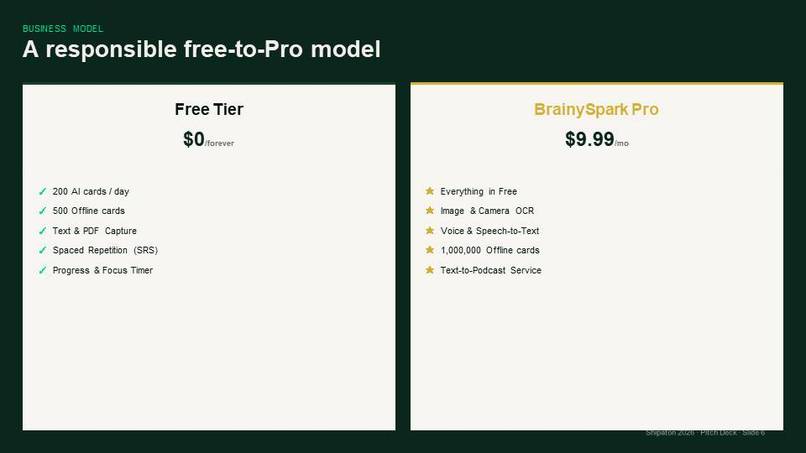
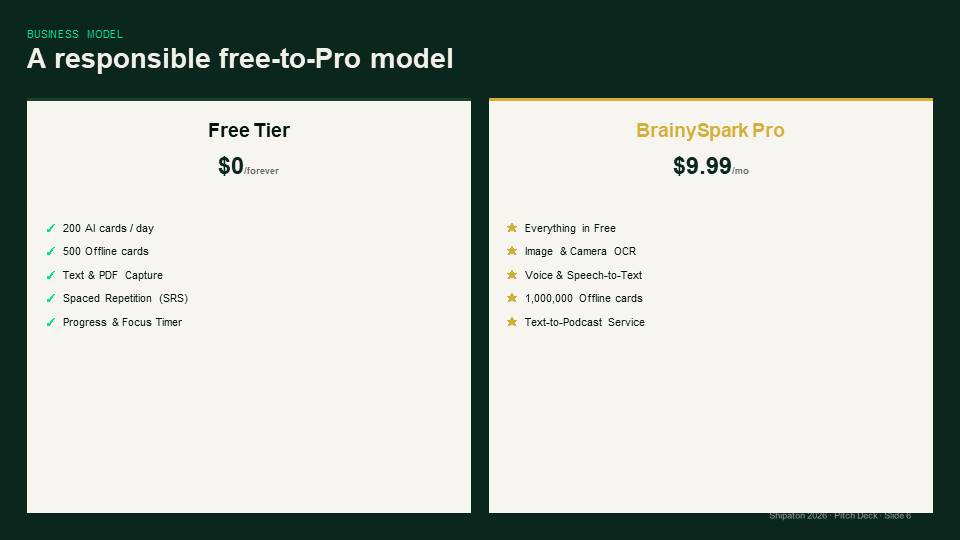
A responsible free to a pro-model
-
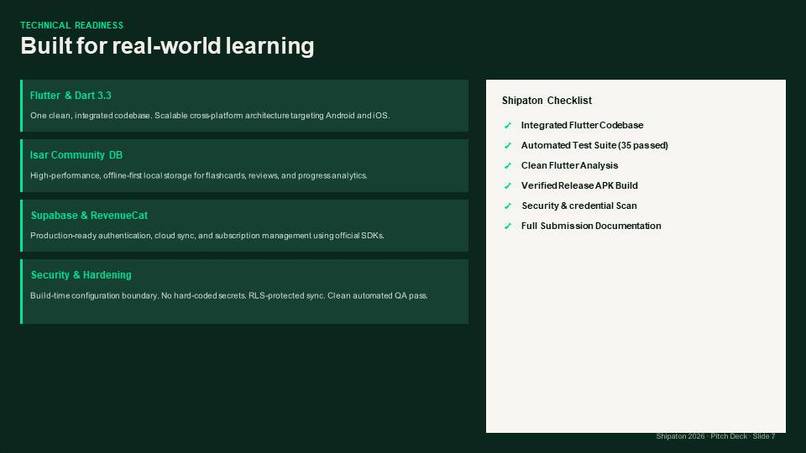
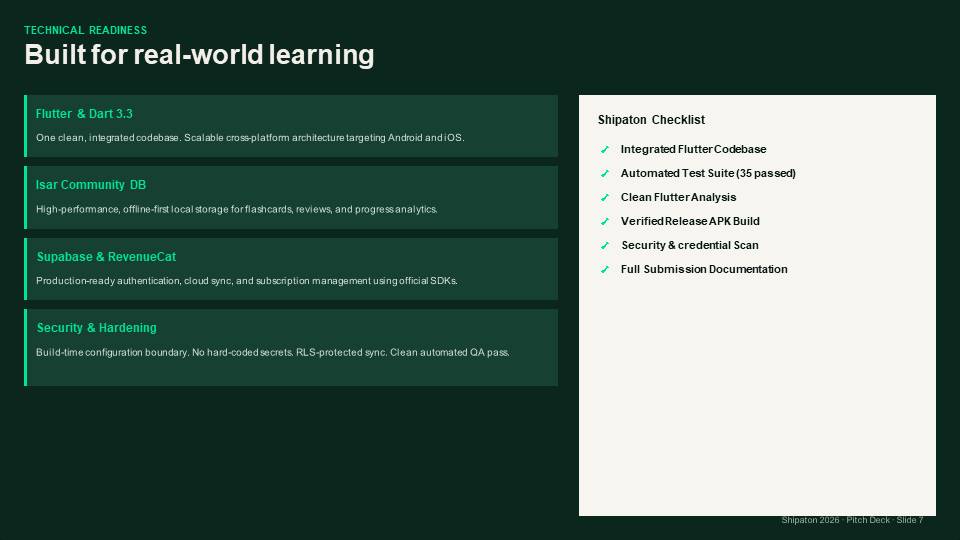
Built for real World Learning
-
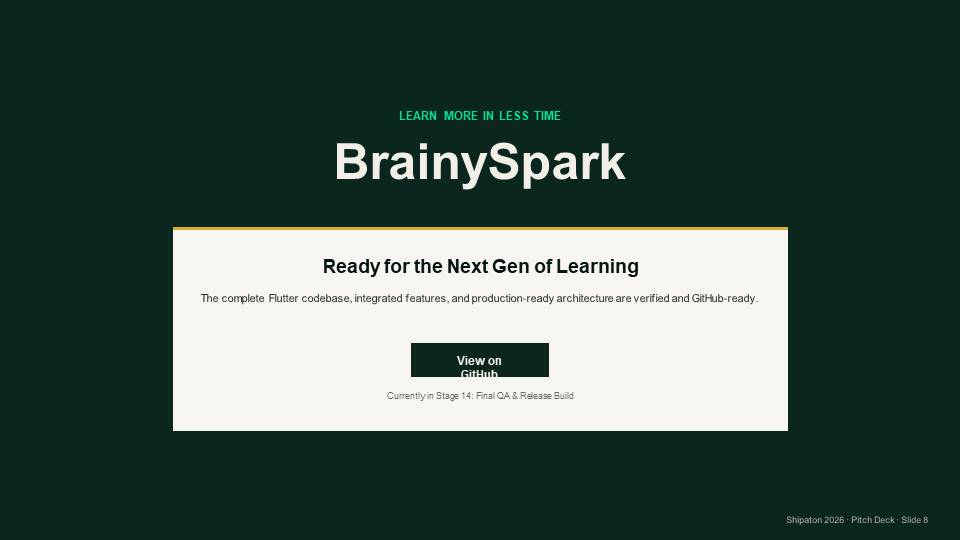
Ready for NextGen Of Learning
-
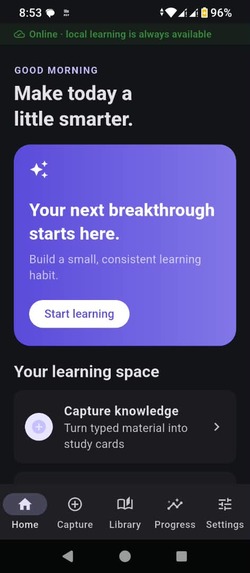
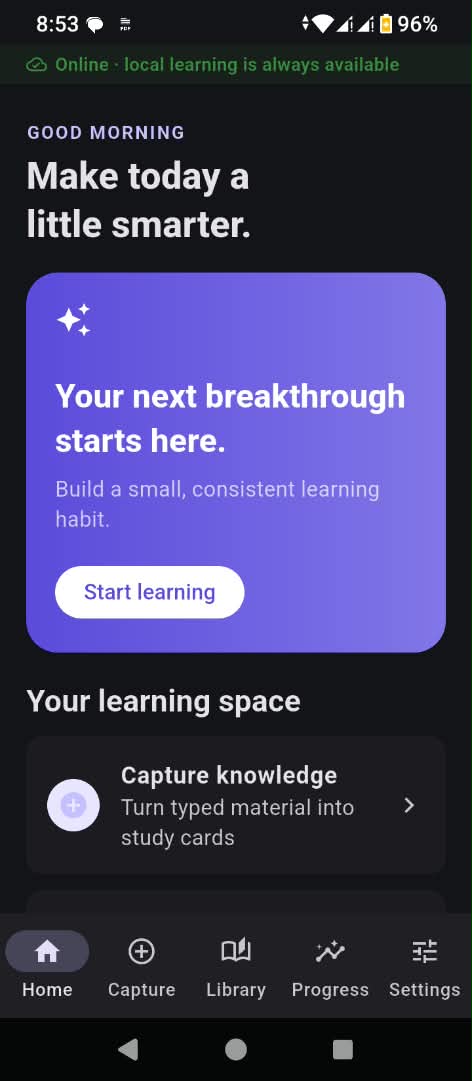
the screen display of the app

Inspiration
Students have access to more learning materials than ever, but having information is not the same as learning effectively. Many students spend hours rereading lecture notes, PDFs, and textbooks, yet still struggle to remember key concepts, test their understanding, and organize their revision.
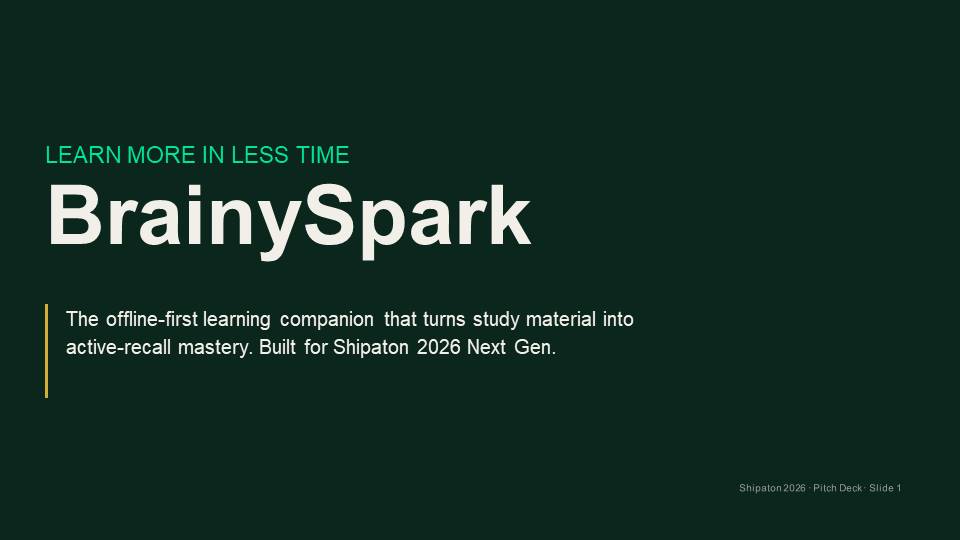
This inspired me to build BrainySpark, an AI-powered, offline-first study companion designed around one simple goal:
Learn more in less time and smarter.
I wanted to create a tool that helps students move from simply consuming information to actively understanding, practicing, and reviewing what they learn.
What it does
BrainySpark transforms study materials into personalized learning resources.
Students can use BrainySpark to:
- Turn study material into AI-generated flashcards
- Review cards using active recall and spaced repetition
- Generate summaries, key concepts, definitions, and quizzes
- Capture learning material through supported text and document workflows
- Use a free-first experience, with additional capabilities available through Pro
- Manage Pro subscriptions and purchases through RevenueCat
- Keep their learning experience centered around an offline-first local learning space
The core workflow is simple:
Capture → Generate → Understand → Practice → Review
How we built it
BrainySpark was built as a Flutter/Dart Android application, with a service-based architecture designed to keep the major components separate and replaceable.
The learning system uses an AI service layer for generating structured learning content such as flashcards and study resources. The application is designed so the AI provider can be changed without rewriting the core learning experience.
For local-first learning, BrainySpark uses Isar for structured local data and persistence.
For monetization, we integrated RevenueCat with its Test Store for development and testing. The Pro experience is based on RevenueCat entitlements rather than a fake payment system.
The broader architecture also includes:
- Supabase for cloud-related functionality
- OpenRouter for configurable AI access
- Fish Audio for text-to-speech/podcast functionality
- Flutter's Android ecosystem for device capabilities and file workflows
The application was developed incrementally, with each major capability tested on a physical Android device.
Challenges we ran into
One of the biggest challenges was building a feature-rich AI application while working with limited development hardware and real-world mobile constraints.
We encountered Android build and dependency problems, including Java, Gradle, NDK, and AAPT2 issues. Some builds took a significant amount of time, which made repeated debugging difficult.
We also had to troubleshoot configuration issues involving AI providers and RevenueCat. In particular, the application initially built successfully but did not receive the development configuration required for AI and RevenueCat at runtime.
Another challenge was designing the Pro experience so that a user could move naturally from a locked feature to the RevenueCat paywall and then to entitlement-based access.
Finally, integrating AI introduces challenges such as provider rate limits, malformed responses, network delays, and the need for reliable error handling.
Accomplishments that we're proud of
We are humble that BrainySpark became a real installable Android application, rather than remaining only a prototype or concept.
We successfully implemented and demonstrated the core learning loop:
Study material → AI-generated flashcards → preview → review → active recall
The review system supports Again, Hard, Good, and Easy, creating the foundation for spaced repetition.
We also integrated RevenueCat into the Pro experience and successfully connected the upgrade flow to the Test Store for development testing.
Another accomplishment is the offline-first direction of the product. BrainySpark is designed so the student's local learning space remains useful even when internet connectivity is unavailable.
Most importantly, BrainySpark brings multiple study activities into one experience instead of treating flashcards, quizzes, summaries, and review as completely separate tools.
What we learned
We learned that building an AI application is not only about selecting a powerful model. The surrounding architecture matters just as much.
Reliable configuration, API error handling, structured responses, loading states, caching, local persistence, subscription entitlements, and mobile performance can determine whether an AI feature actually works for users.
We also learned the importance of testing on a real physical device. A feature that works during development can behave very differently when network conditions, device resources, permissions, and mobile storage are involved.
Most importantly, we learned to design BrainySpark around the student's learning workflow, rather than simply adding AI features because they are technically possible.
What's next for BrainySpark
The next phase is to move BrainySpark from a hackathon-ready product toward a production-ready learning platform.
We plan to improve and expand:
- Text-to-podcast, including more reliable TTS processing, audio caching, and offline playback
- PDF, image, OCR, and voice capture
- More advanced AI study assistance
- Stronger spaced repetition and progress tracking
- Cloud synchronization and multi-device learning
- Better personalization and study recommendations
- More robust performance, error handling, and security
- Production RevenueCat and Google Play integration
- Broader testing with real students and feedback from users
Our long-term vision is to make BrainySpark a practical learning companion that helps students turn almost any study material into a structured, personalized learning experience.
BrainySpark — Learn more in less time.


Log in or sign up for Devpost to join the conversation.