Inspiration
Studying from notes can be surprisingly difficult. Notes are often long, messy, or written in a way that makes sense during class but becomes confusing later. Many study tools only turn notes into summaries or basic flashcards, which can still feel repetitive and boring.
I liked how apps such as Duolingo make learning feel rewarding and how Brilliant uses visuals and interaction instead of only giving explanations. That inspired me to create BrainTrail, a tool that turns notes or any topic into a short, game-like learning path.
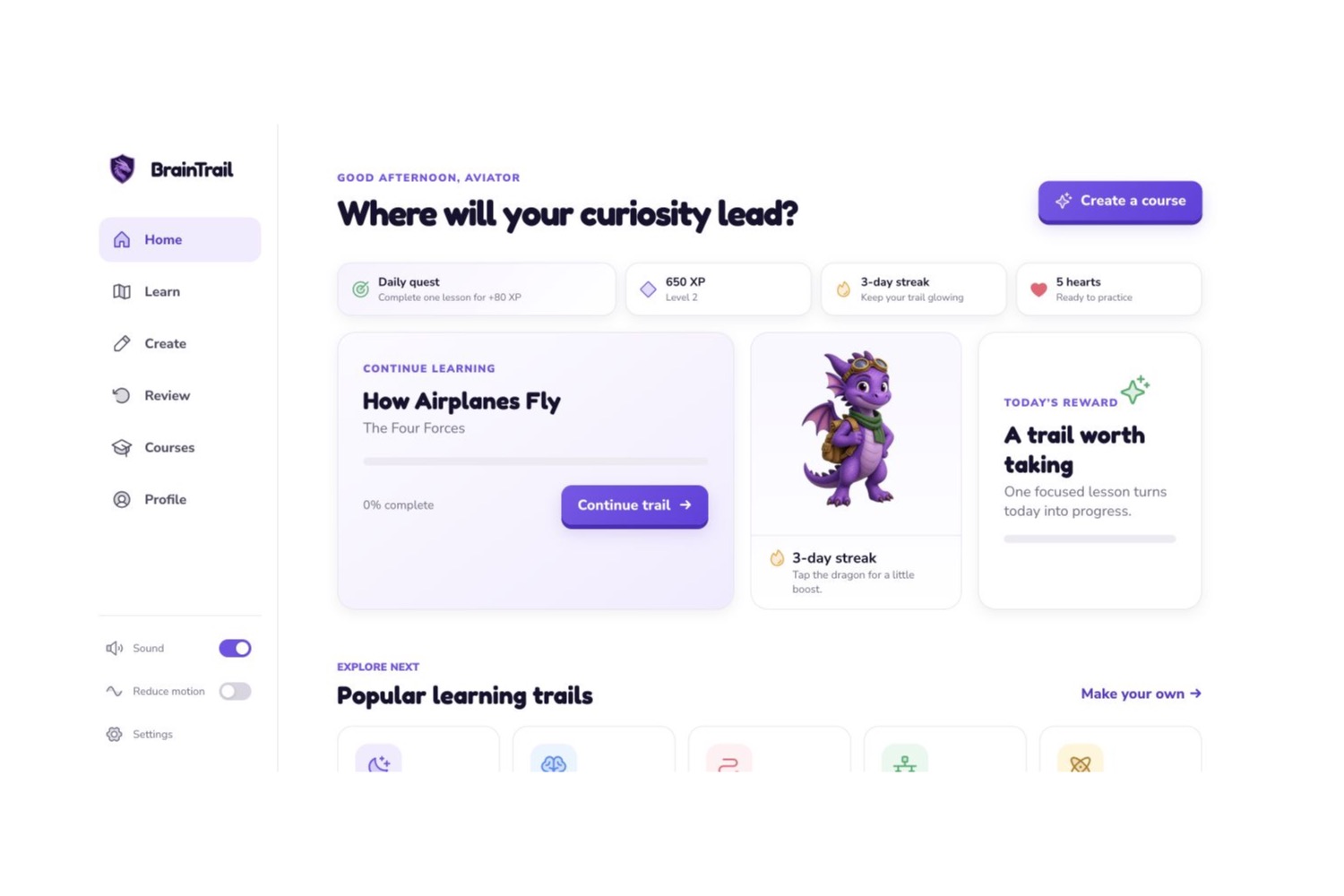
My goal was to make studying feel less passive. Instead of reading the same notes again, students can move through small lessons, answer questions, use hints, earn rewards, and connect ideas to real life.
What BrainTrail does
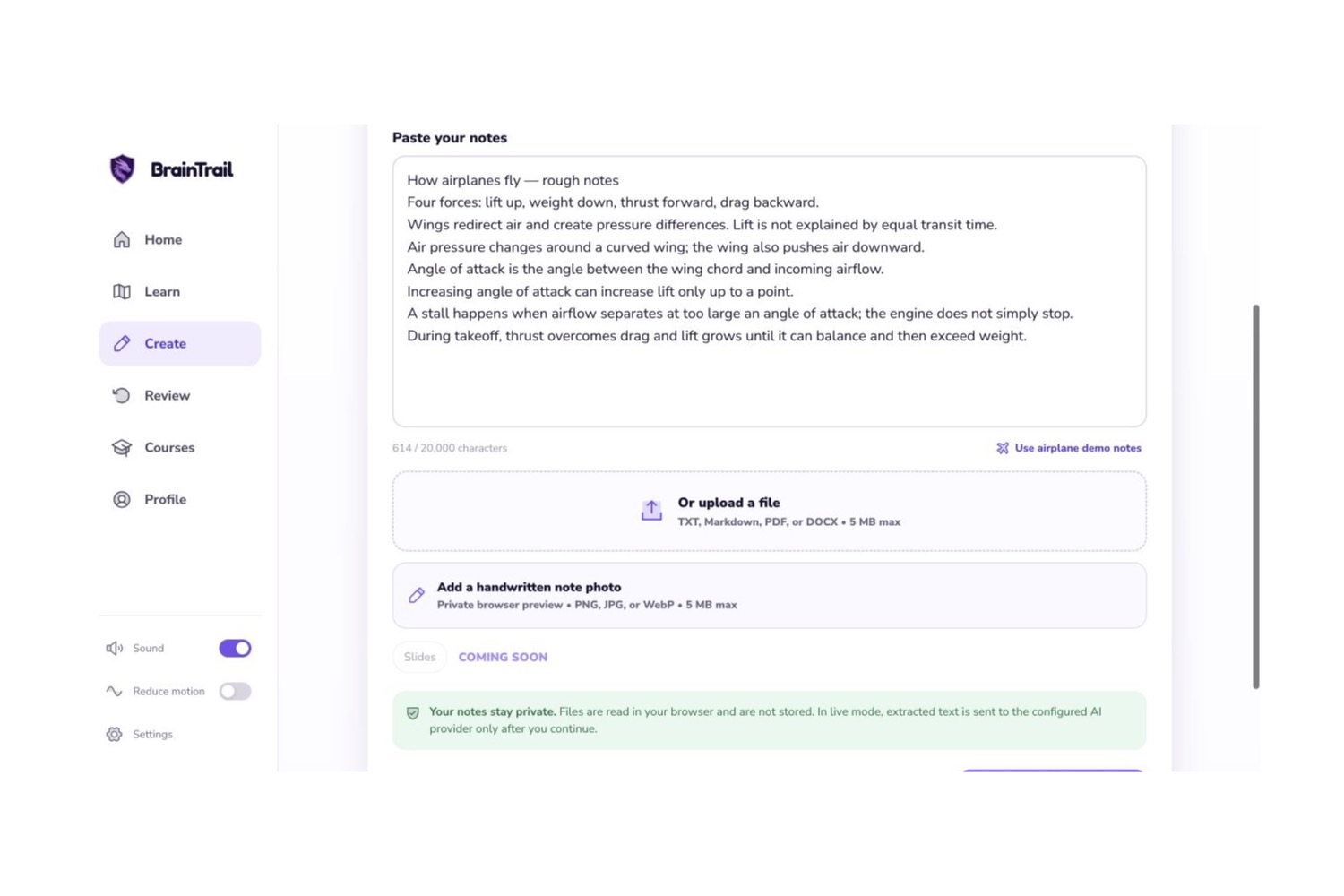
BrainTrail allows users to paste notes, upload study material, or enter a topic they want to learn.
Before creating the course, the user chooses:
- Their current knowledge level
- Their goal
- How much time they have
- Whether they want more visuals, examples, or practice
BrainTrail then creates a short course with:
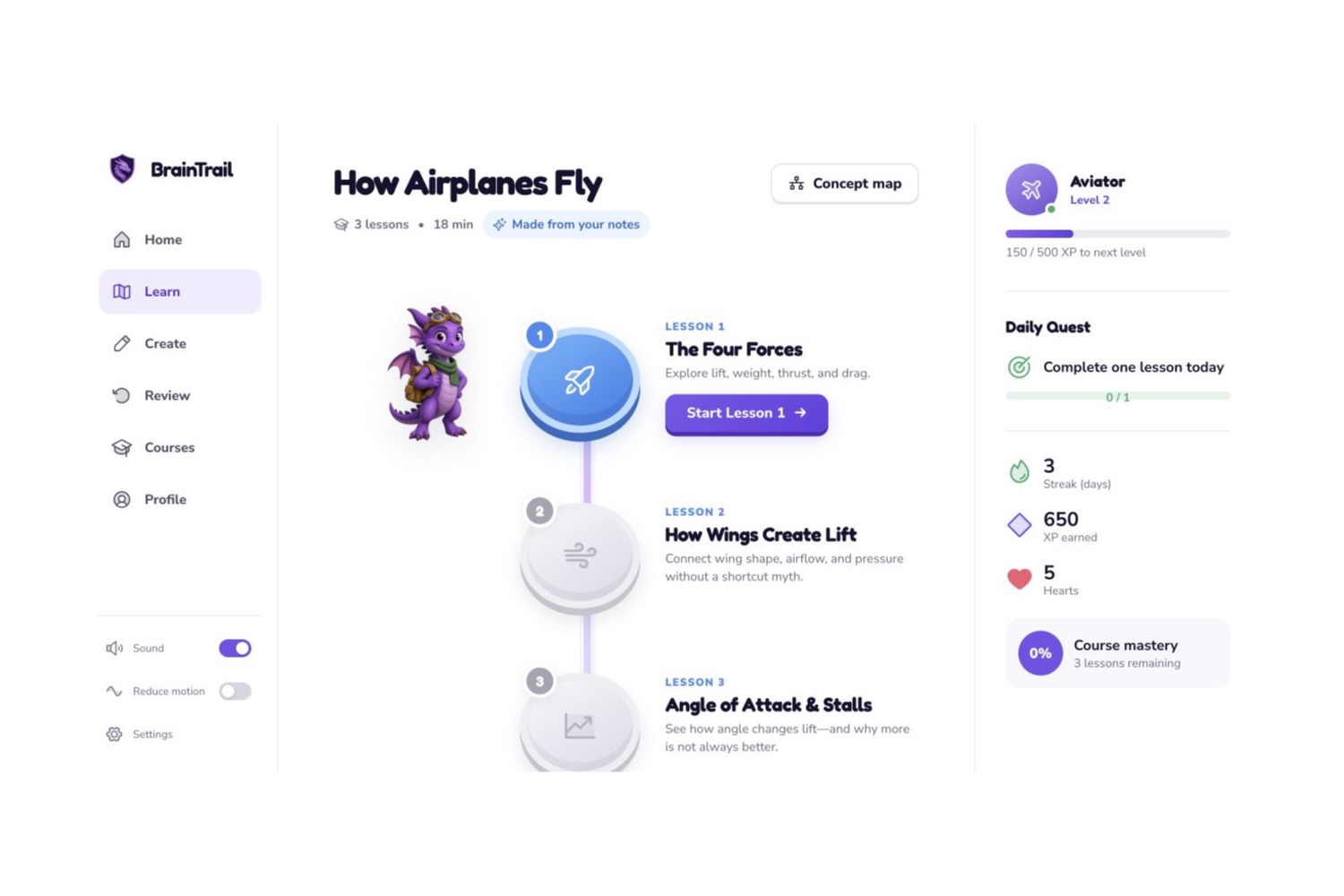
- Three bite-sized lessons
- A vertical learning path
- Visual explanations
- Multiple-choice questions
- Fill-in-the-blank activities
- Matching exercises
- Diagram-labeling activities
- Progressive hints
- XP, hearts, streaks, and rewards
- A curiosity side quest
- A final challenge
One of the main features is the Question Ladder. When a learner gets stuck, BrainTrail does not immediately reveal the answer. It starts with a small hint and gradually gives more support.
This helps students keep thinking instead of simply copying the solution.
How I built it
I built BrainTrail as a responsive web application that works best on desktop but can also be used on tablets and phones.
I used:
- Next.js
- React
- TypeScript
- Tailwind CSS
- Reusable lesson and activity components
- Browser storage for progress
- Server-side routes for course generation
The app uses a structured course format so every generated course follows the same basic design.
A course includes information such as:
{
  "title": "How Airplanes Fly",
  "estimatedMinutes": 7,
  "lessons": [
    {
      "title": "The Four Forces",
      "activities": [],
      "hints": [],
      "visual": {}
    }
  ],
  "sideQuest": {},
  "finalChallenge": {}
}
The app then turns that information into lesson cards, diagrams, questions, and activities.
I also created premade courses so BrainTrail can still be demonstrated without relying on live course generation.
The learning experience
Each lesson is designed to be short and focused.
A typical lesson includes:
- A real-world question or hook
- A short explanation
- A visual or analogy
- An interactive activity
- A question to check understanding
- Hints when needed
- A short recap
- XP and progress rewards
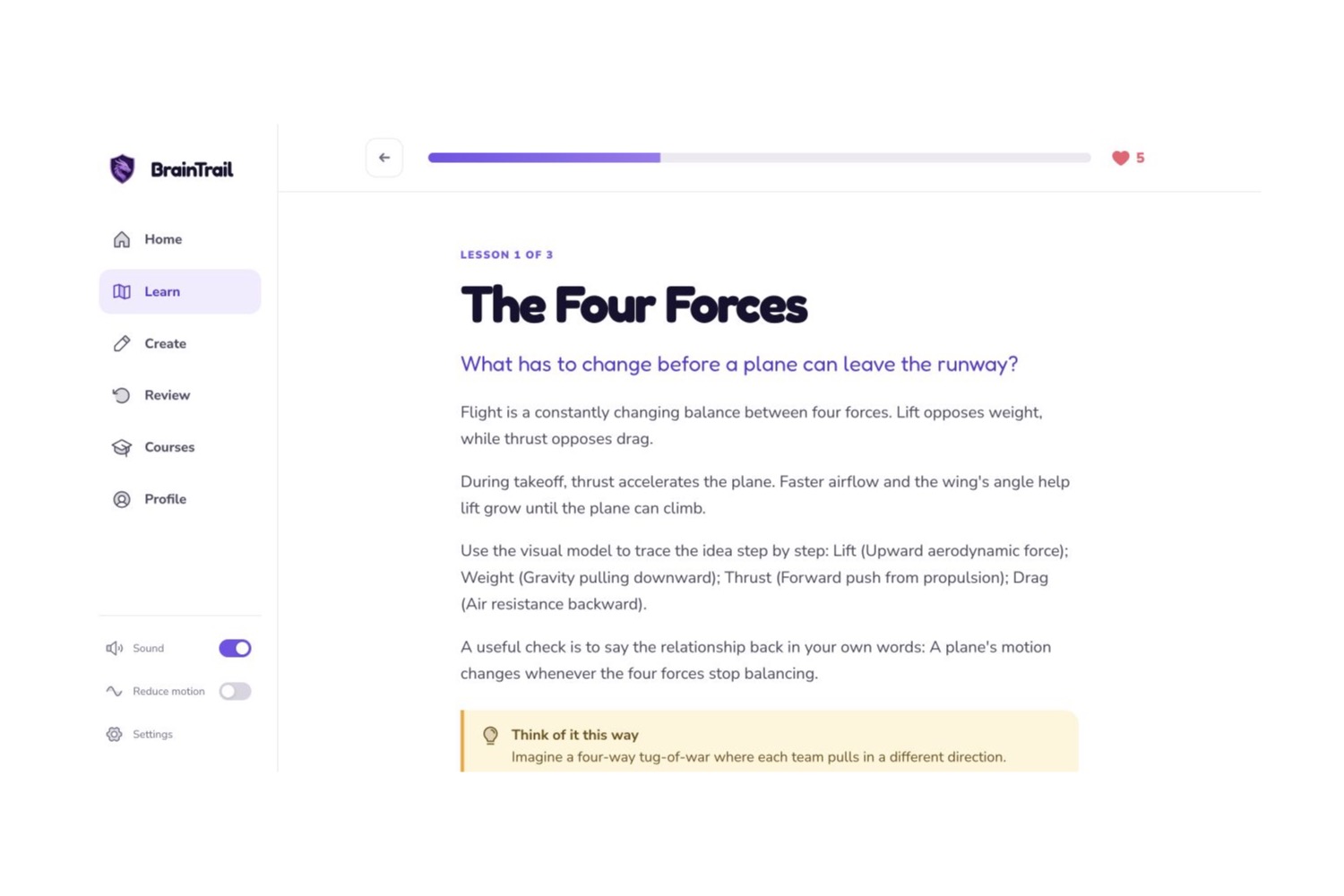
For example, a lesson about airplanes may introduce the four forces:
[ \text{Lift},\quad \text{Weight},\quad \text{Thrust},\quad \text{Drag} ]
The learner then applies those ideas to a real situation, such as takeoff, instead of only memorizing the definitions.
Challenges I faced
Keeping the project focused
I had many ideas for BrainTrail, including teacher dashboards, voice tutoring, handwritten-note recognition, multiplayer challenges, and long-term review.
The biggest challenge was deciding what was necessary for the first version.
I chose to focus on one main experience:
Turning notes or a topic into a short, interactive course.
This helped me spend more time improving the core learning path instead of building too many unfinished features.
Creating consistent courses
Automatically created lessons can sometimes be too long, miss important information, or use a format that does not fit the app.
To make the experience more reliable, I created a fixed course structure with clear limits:
- Three lessons
- A small number of activity types
- Short explanations
- A final challenge
- One optional side quest
I also added validation and fallback content so the app does not break when a course is incomplete.
Making lessons visual
I wanted BrainTrail to feel more interactive than a normal chatbot or study-summary tool.
Instead of creating a new image for every lesson, I used reusable visual formats such as:
- Timelines
- Flowcharts
- Comparison diagrams
- Cycles
- Labeled diagrams
- Simple graphs
This made the lessons more consistent and easier to use.
Balancing games with learning
I wanted XP, hearts, streaks, and rewards to make studying more enjoyable without distracting from the lesson.
Wrong answers remove hearts, but learners are never permanently blocked. They can complete a short recovery activity and continue.
Hints reduce the amount of XP earned, but they are always available. The goal is to encourage effort, not punish students for needing help.
Protecting user information
Because users may upload personal school notes, privacy was important.
BrainTrail is designed so that:
- Uploaded files are not publicly shared
- API keys are kept on the server
- Private keys are not included in GitHub
- Files are processed temporarily
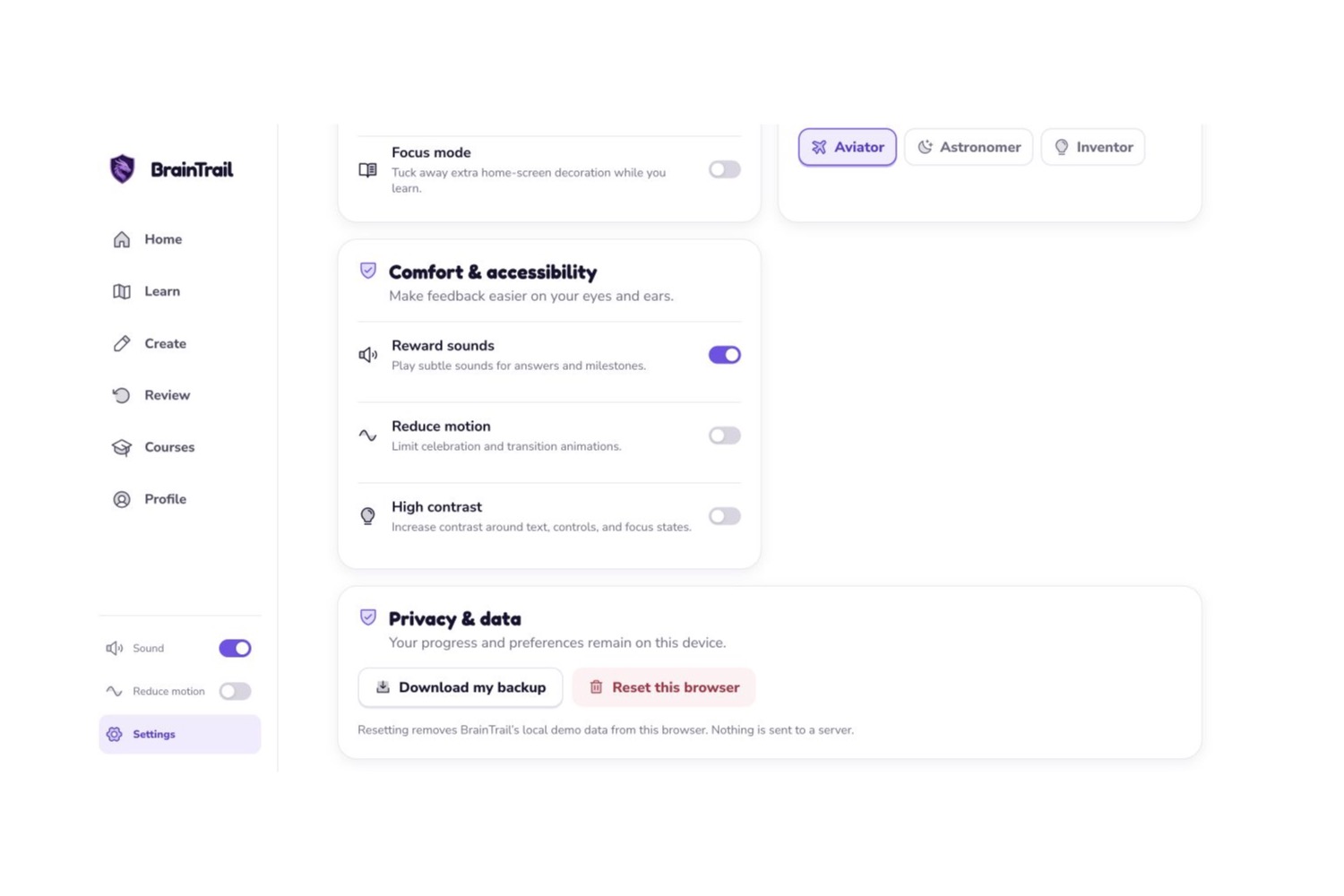
- Progress is stored locally by default
- Users can archive or delete courses
What I learned
I learned that adding AI to an education app is not enough by itself. The more important question is whether the app actually helps students think.
I also learned that a useful lesson needs more than a generated explanation. It needs structure, practice, feedback, visuals, and a clear sense of progress.
Another major lesson was that AI-generated content can be inconsistent, so validation, fallback content, and clear limits are important.
Most of all, I learned that one polished learning loop is more valuable than a large number of unfinished features.
What I am proud of
I am especially proud of:
- Turning raw notes into a visual learning path
- Combining course generation with interactive activities
- Creating a progressive hint system instead of instantly showing answers
- Connecting lessons to real-world curiosity side quests
- Building a demo mode that works without a live API
- Designing the app to feel both educational and game-like
What is next for BrainTrail
In the future, I would like to add:
- Better PDF, image, slide, and handwritten-note support
- Teacher-created classes and assignments
- Real classroom confusion heatmaps
- Shared courses
- Cross-device accounts and syncing
- Long-term spaced review
- Voice explanations and teach-back analysis
- More advanced interactive simulations
- Real multiplayer challenges
- More accessibility options
My long-term goal is for BrainTrail to become more than a study-material generator. I want it to be a place where anyone can turn curiosity into a clear and motivating path to understanding.
Built With
- ai
- codex
- github
- openai
- vscode

