-
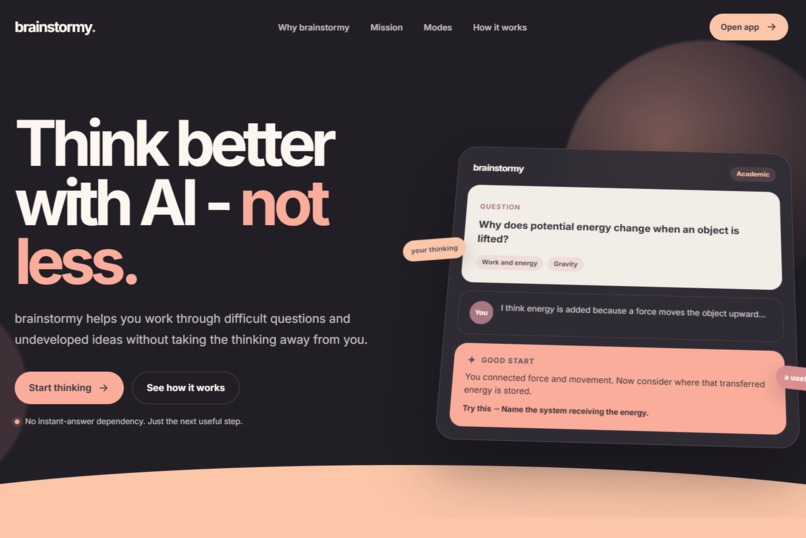
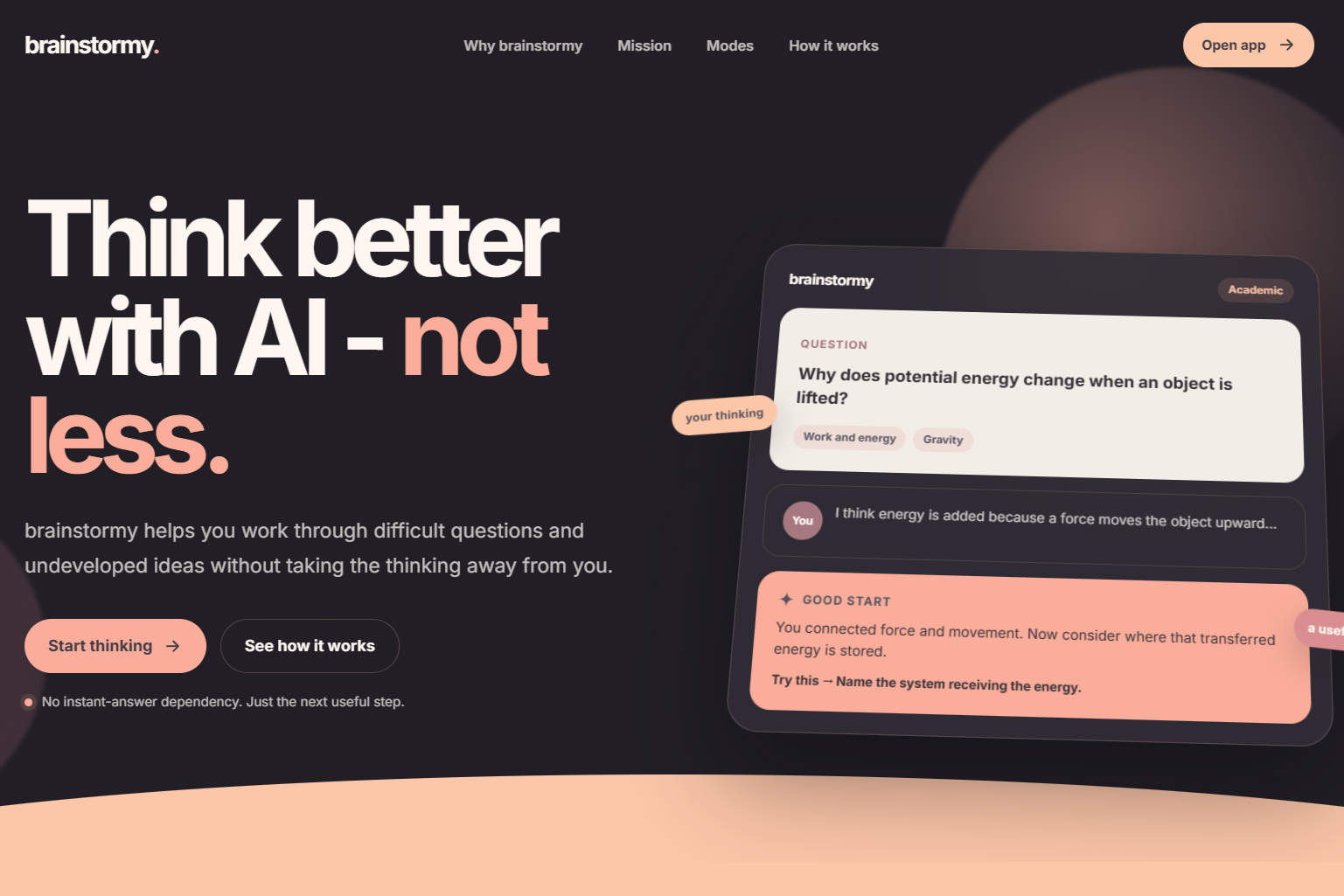
Preview of landing page - 1
-
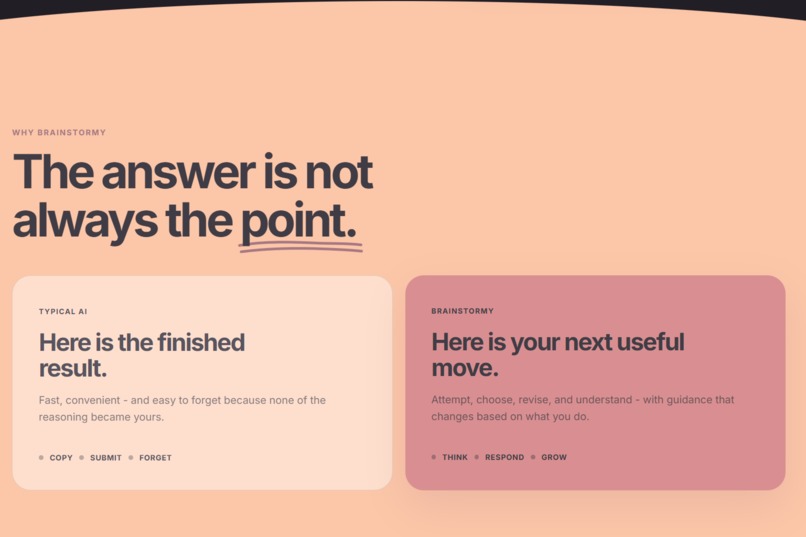
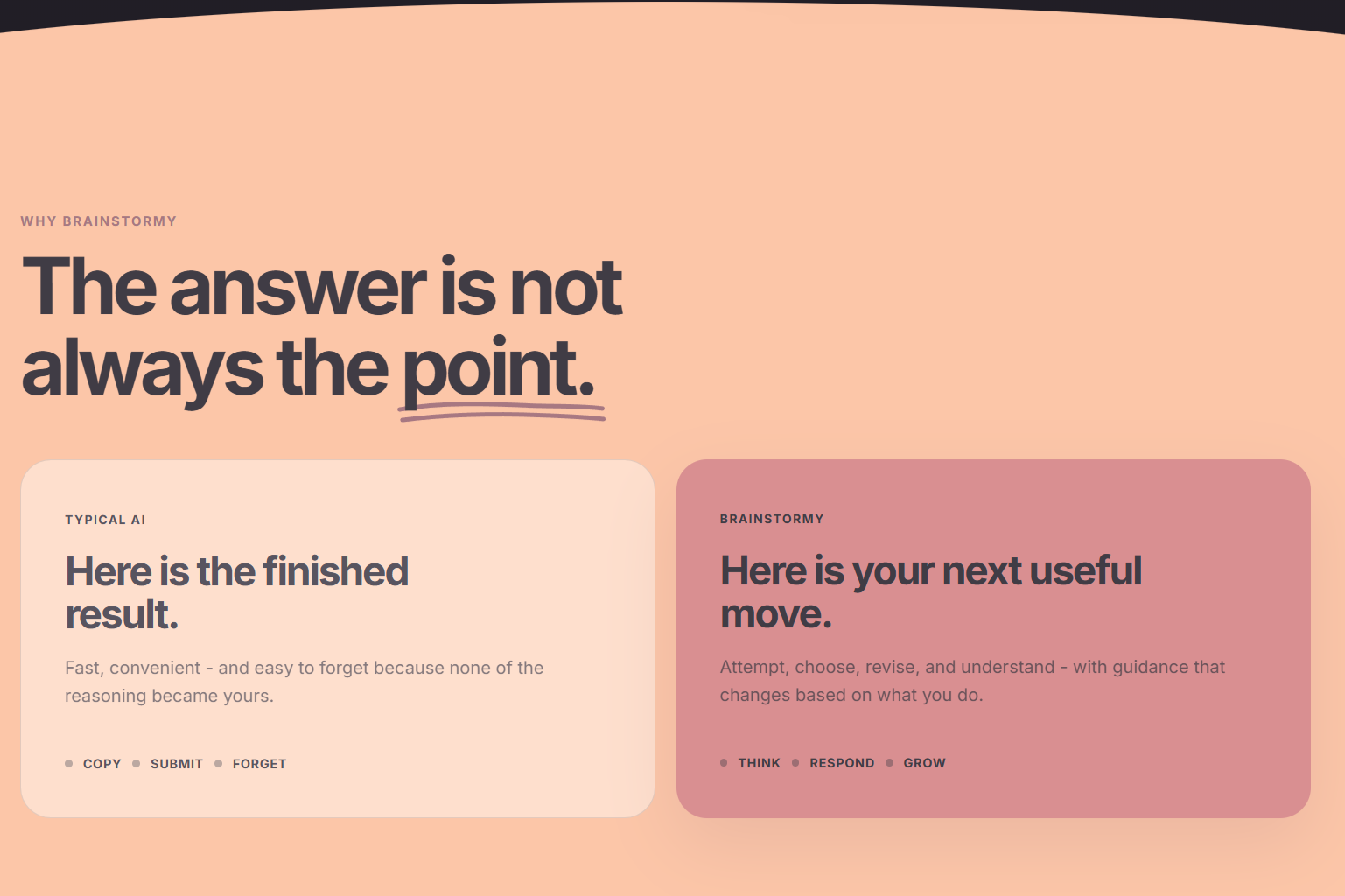
Preview of landing page - 2
-
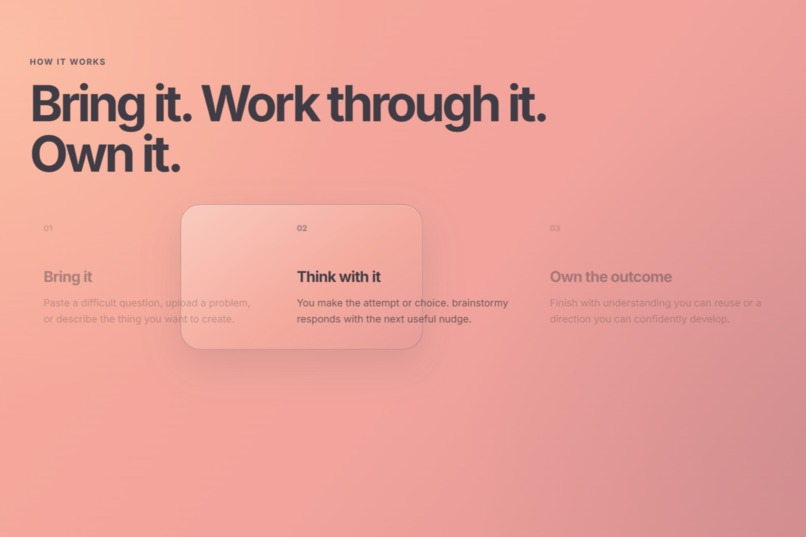
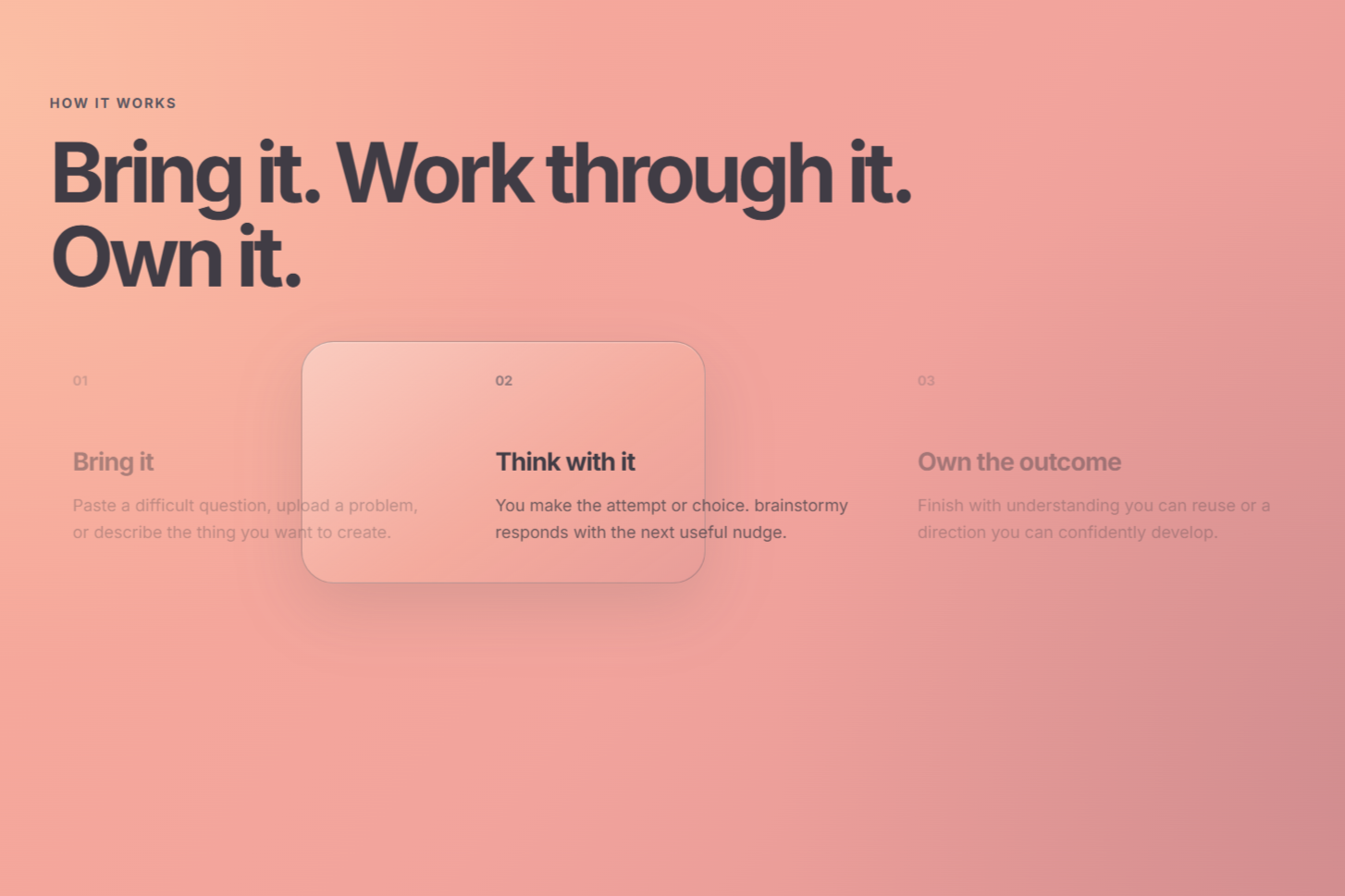
Preview of landing page - 3
-
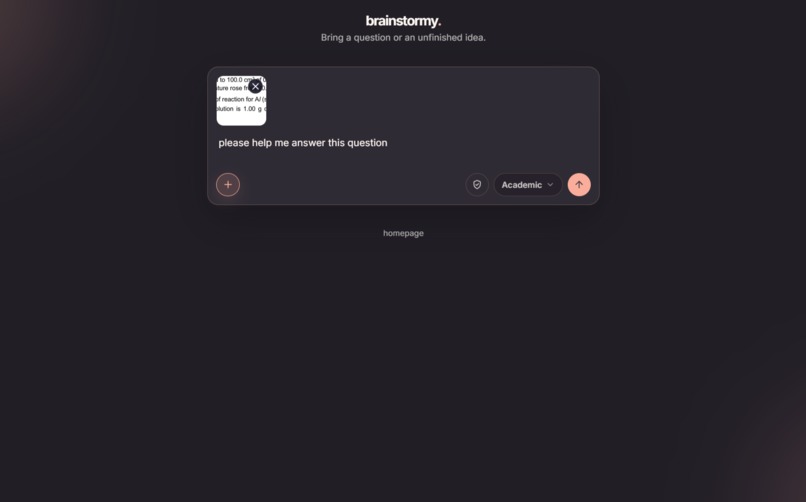
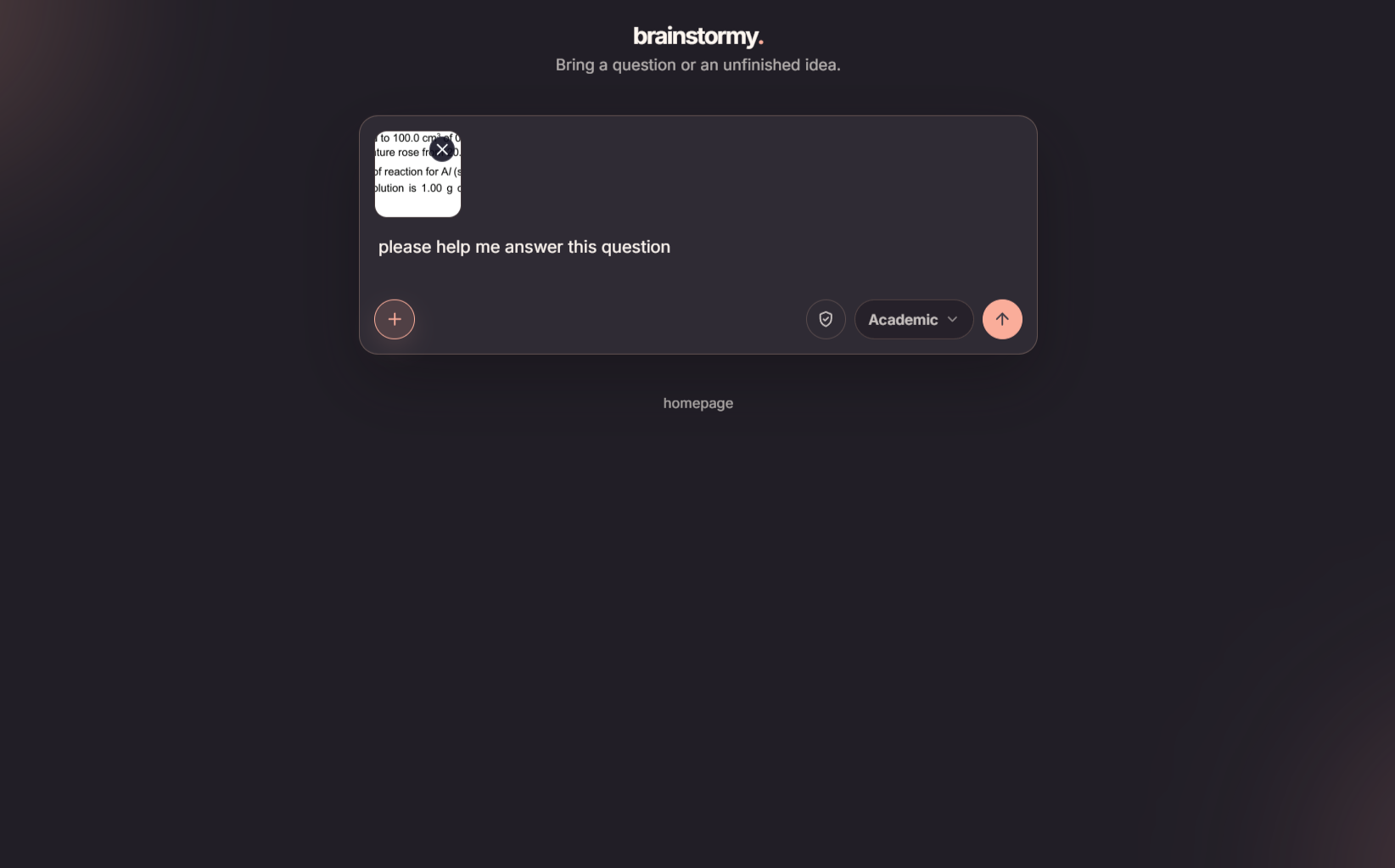
Inputting a question in the form of an image into the prompt box in Academic mode
-
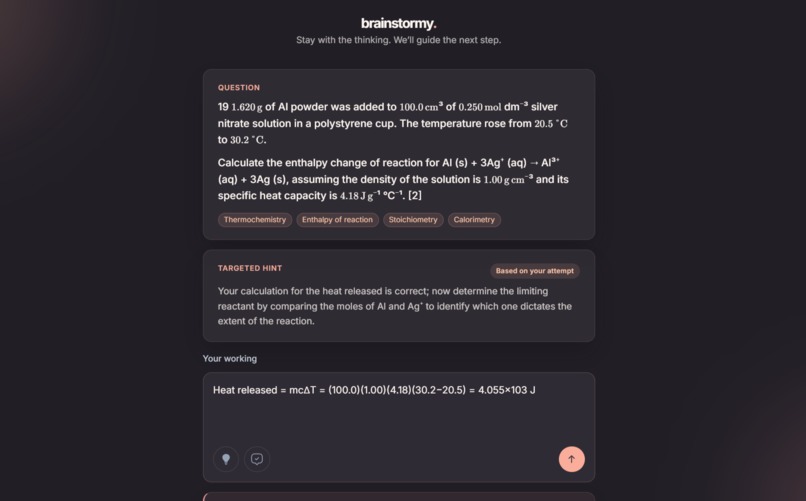
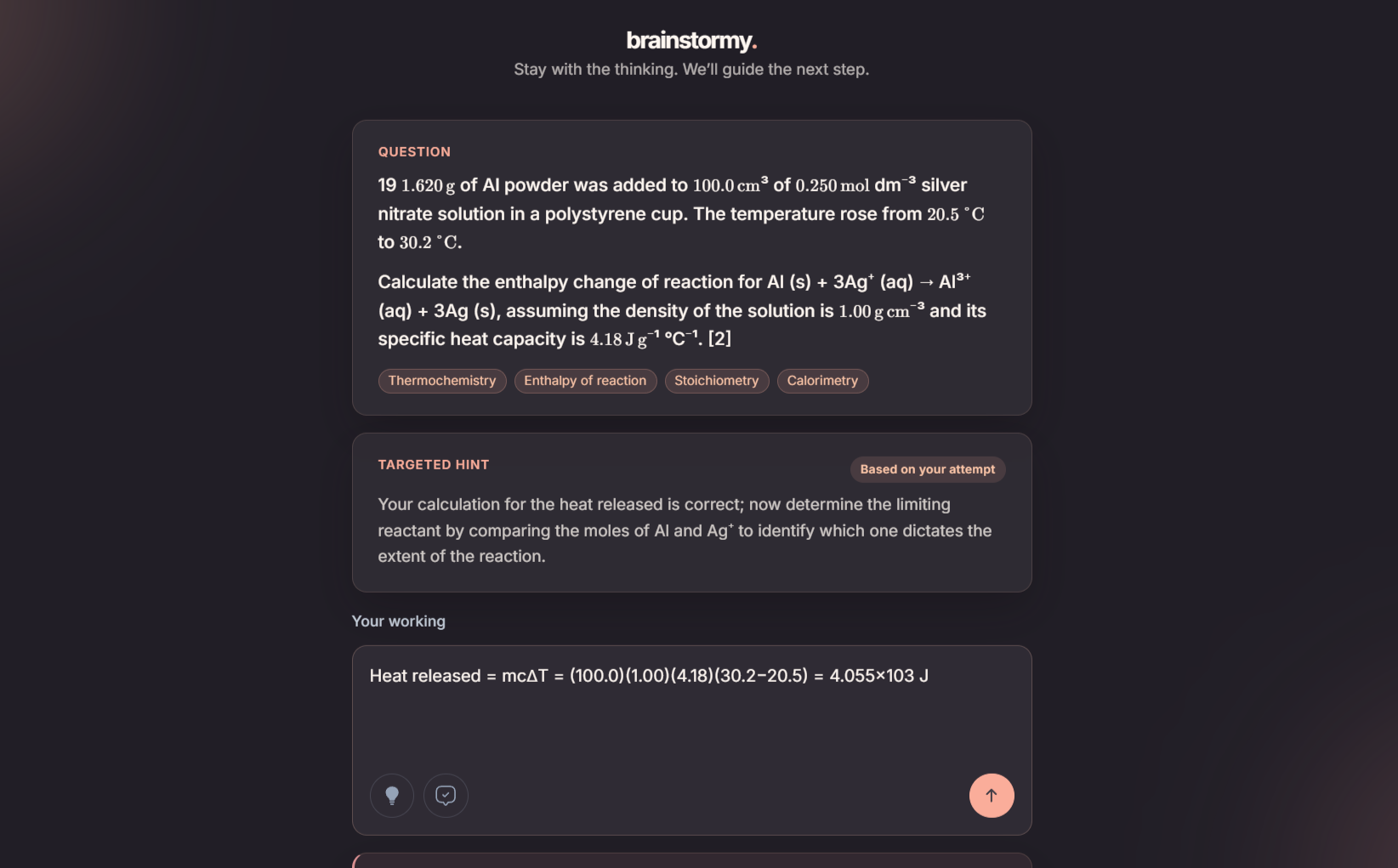
Hint given for an attempt by the app for a Chemistry question in Academic mode
-
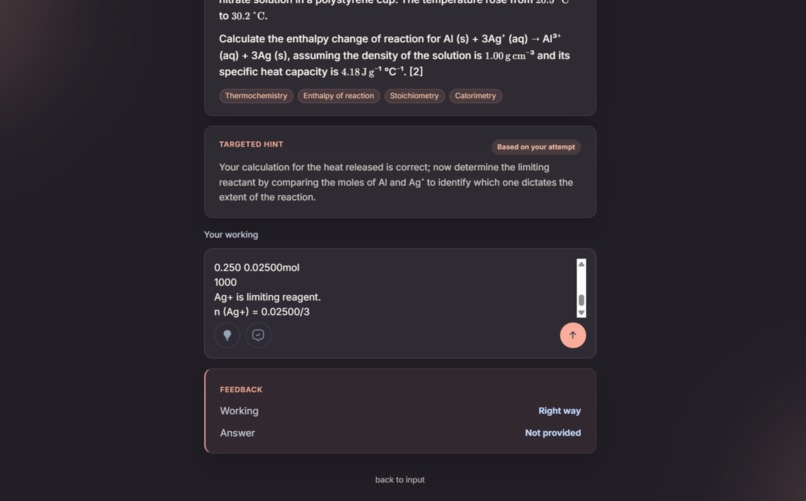
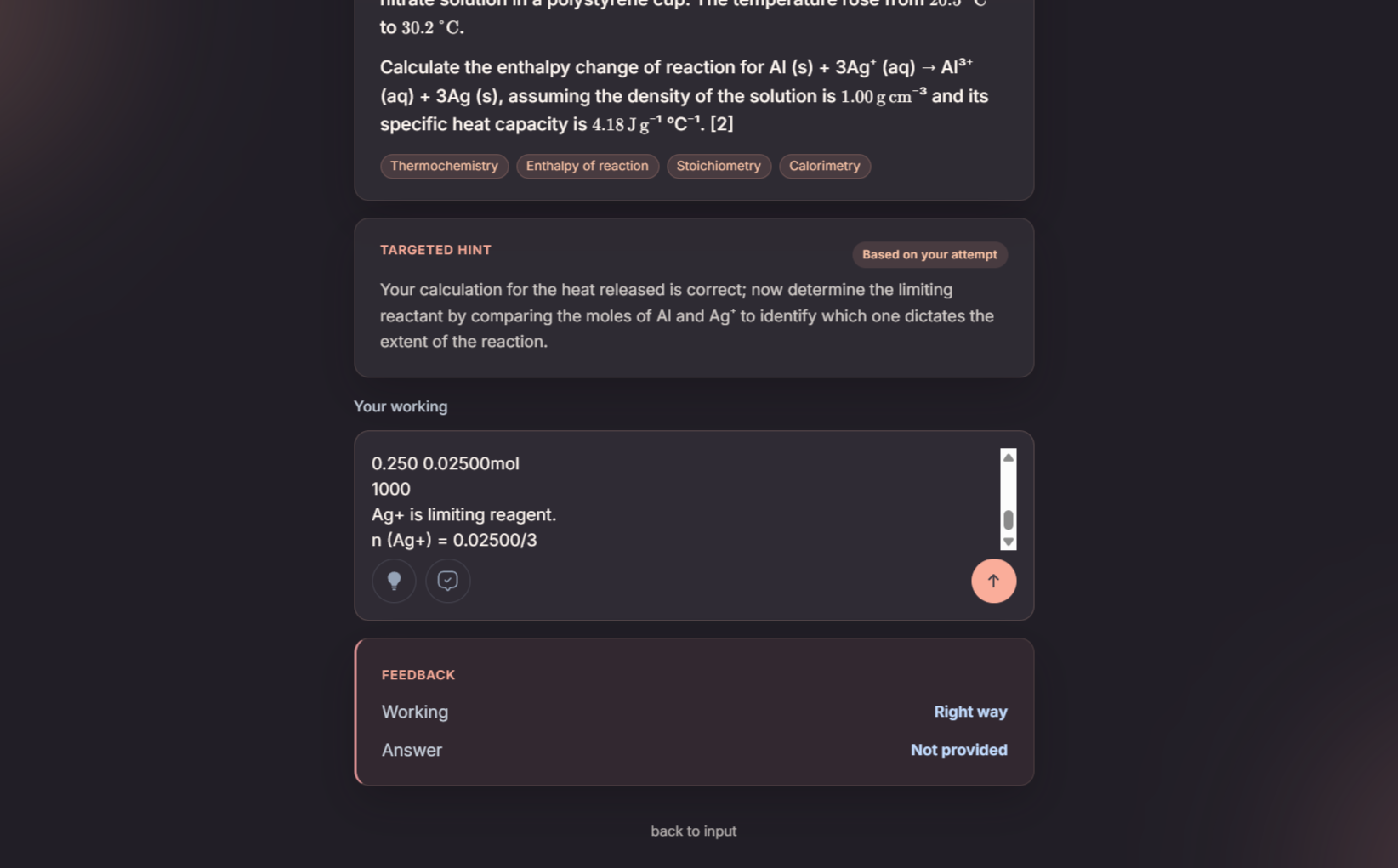
Hint and feedback given for an attempt by the app for a Chemistry question in Academic mode
-
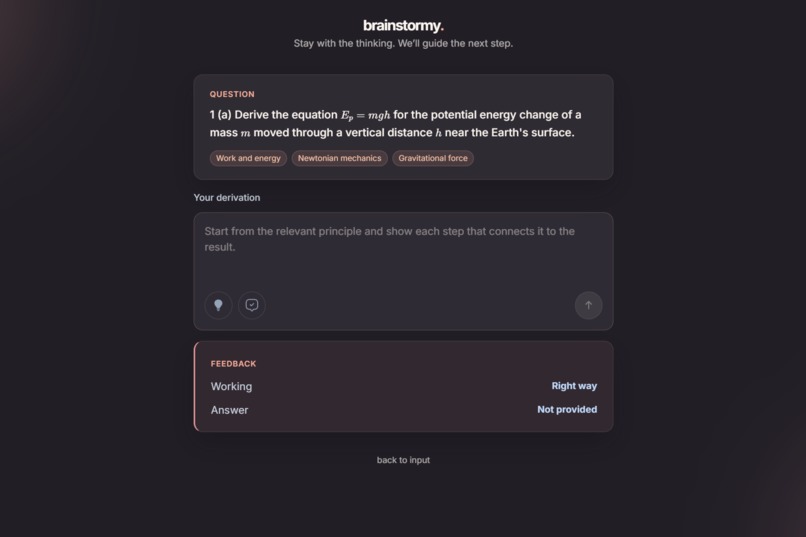
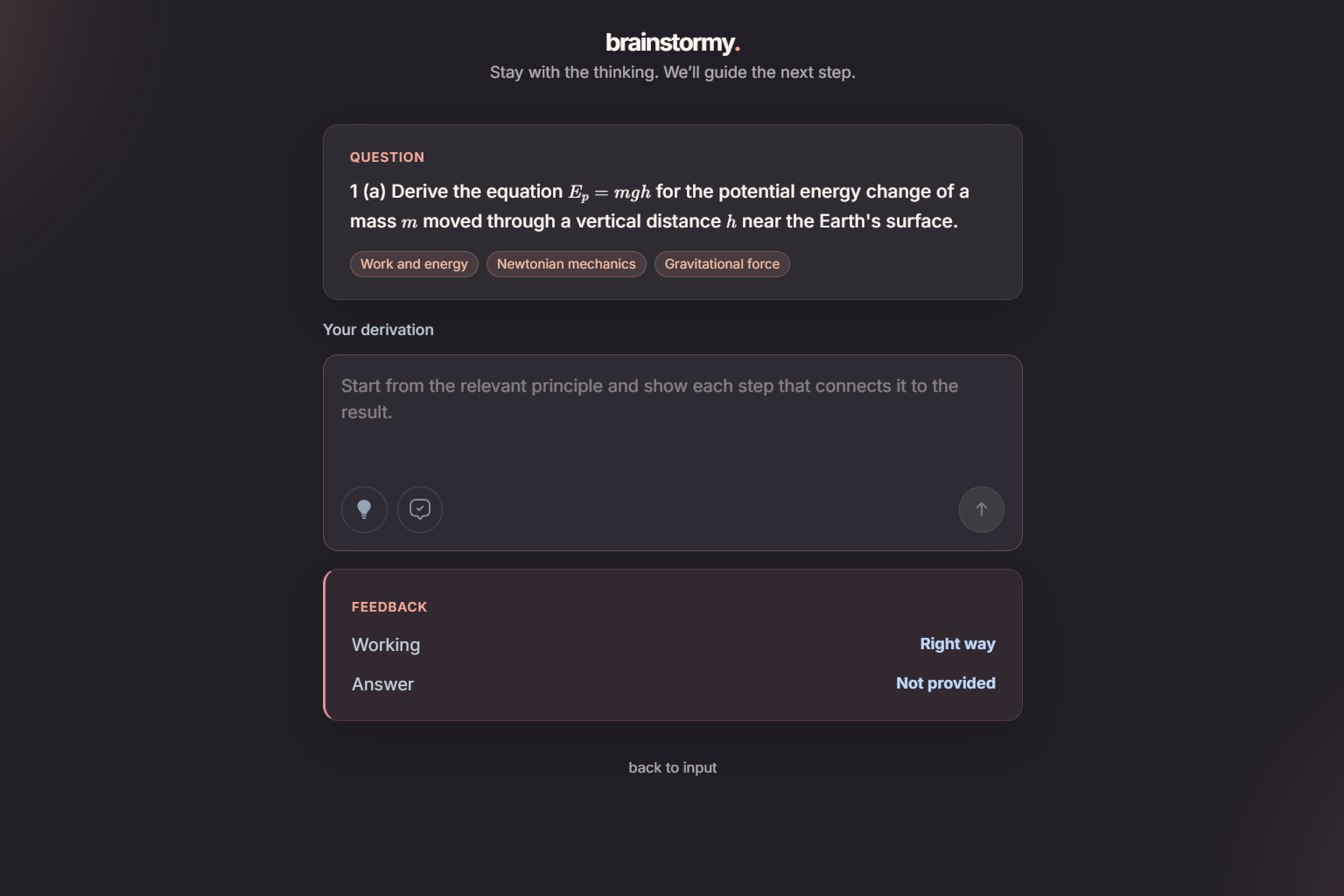
Feedback given for an attempt by the app for a Physics question in Academic mode
-
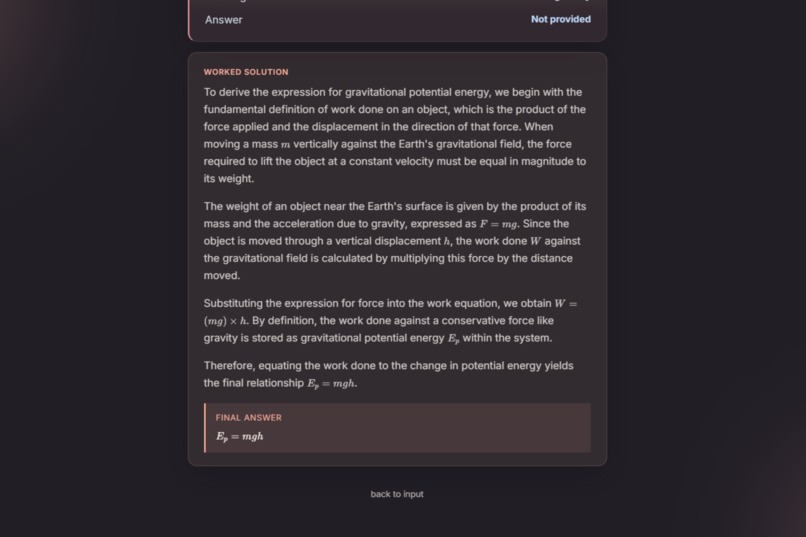
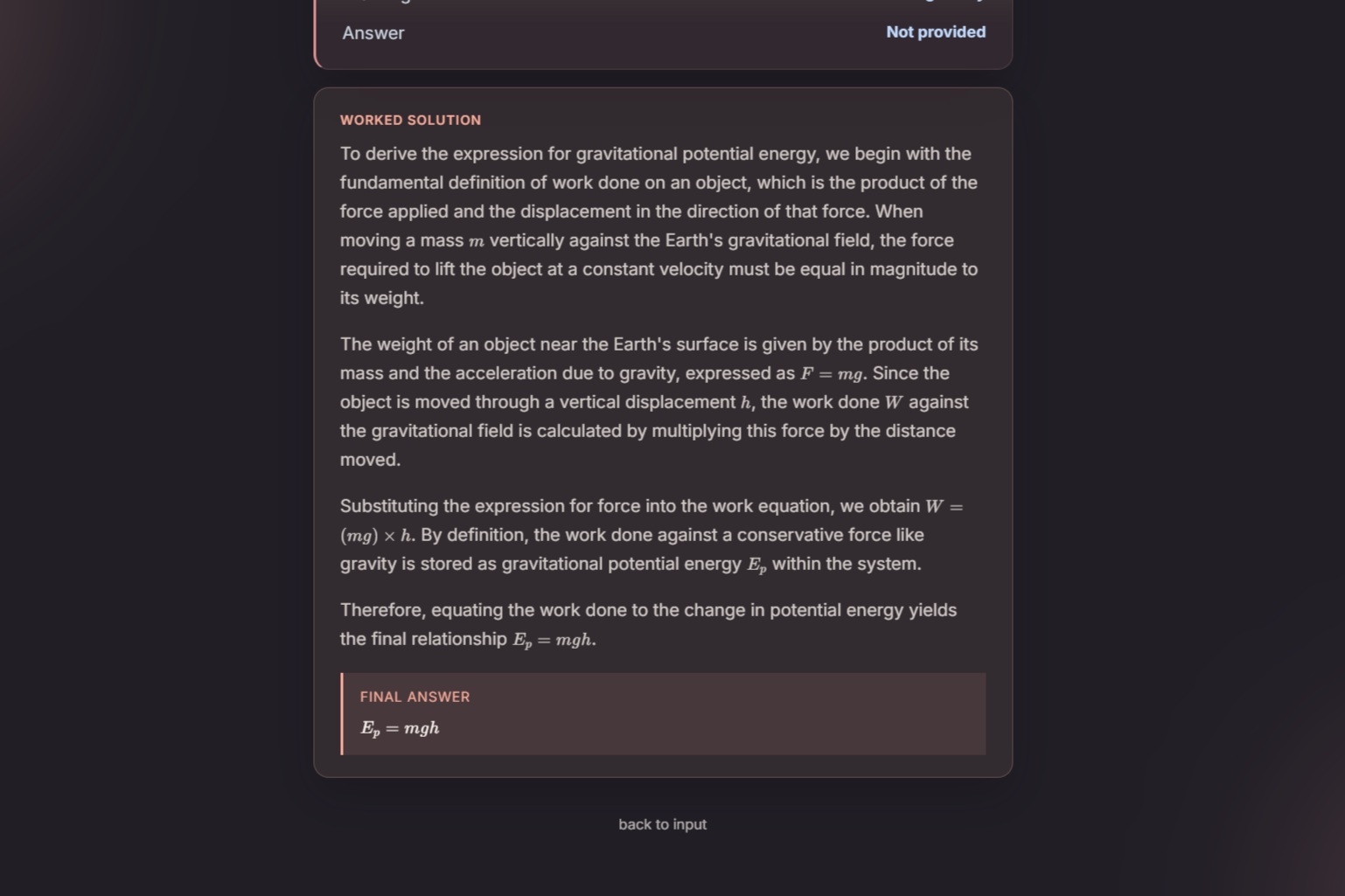
Worked solution is generated by the app for a Physics question in Academic mode
-
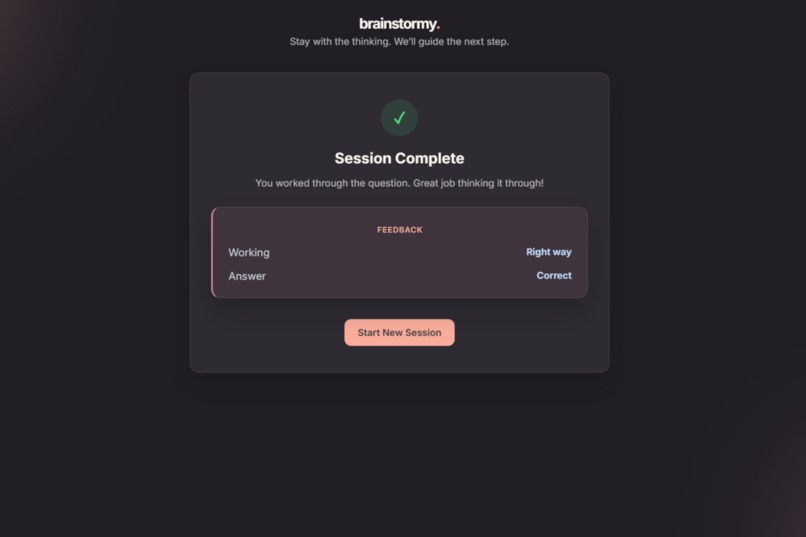
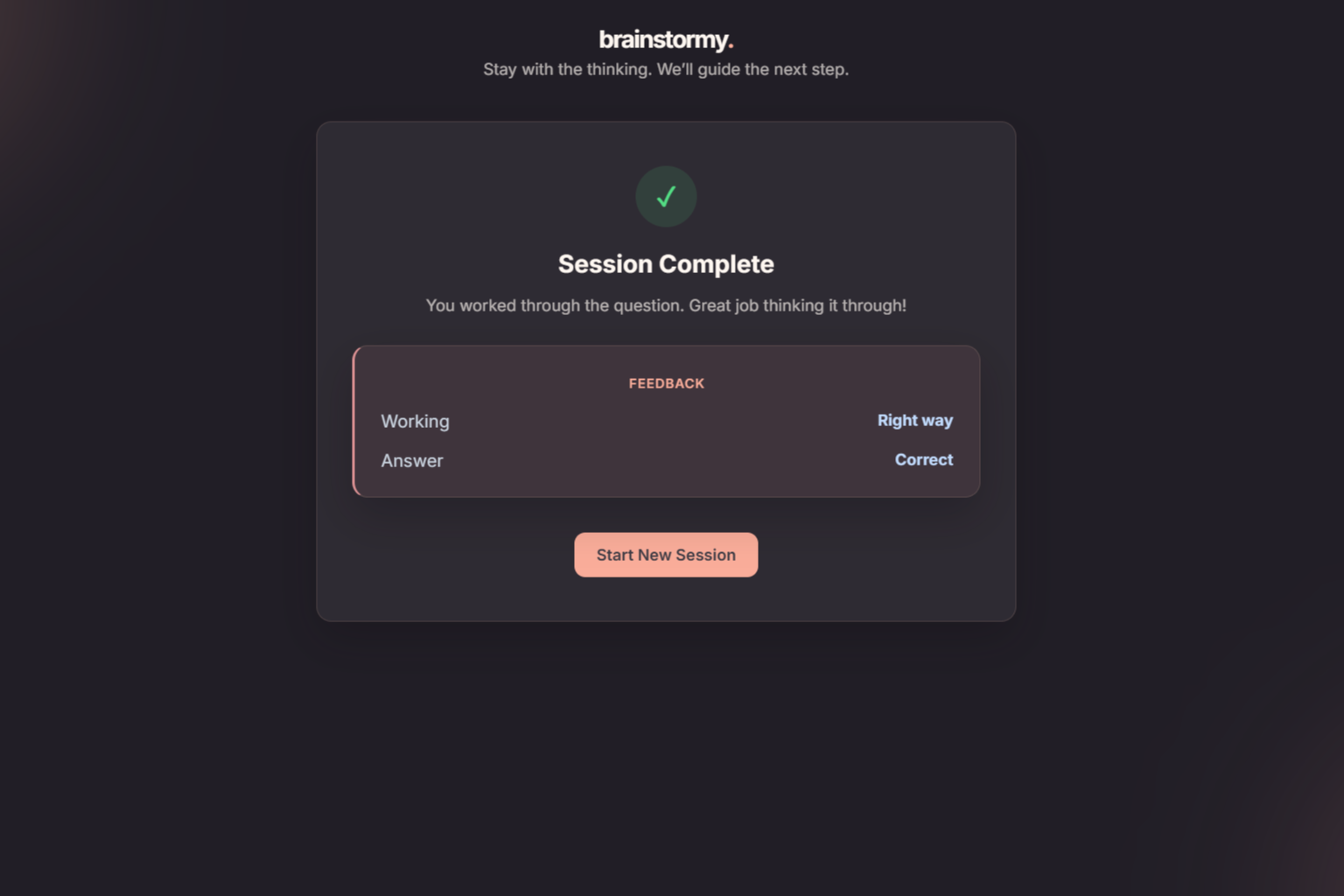
Final feedback after correctly answering a question in Academic mode
-
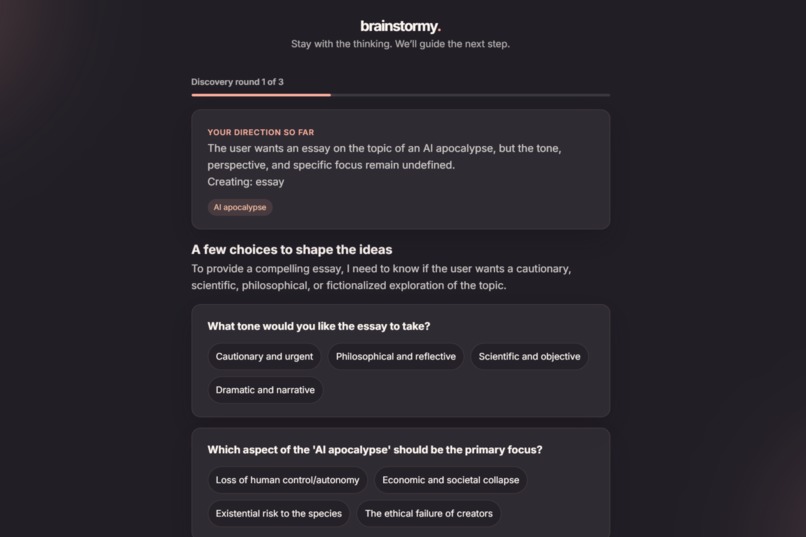
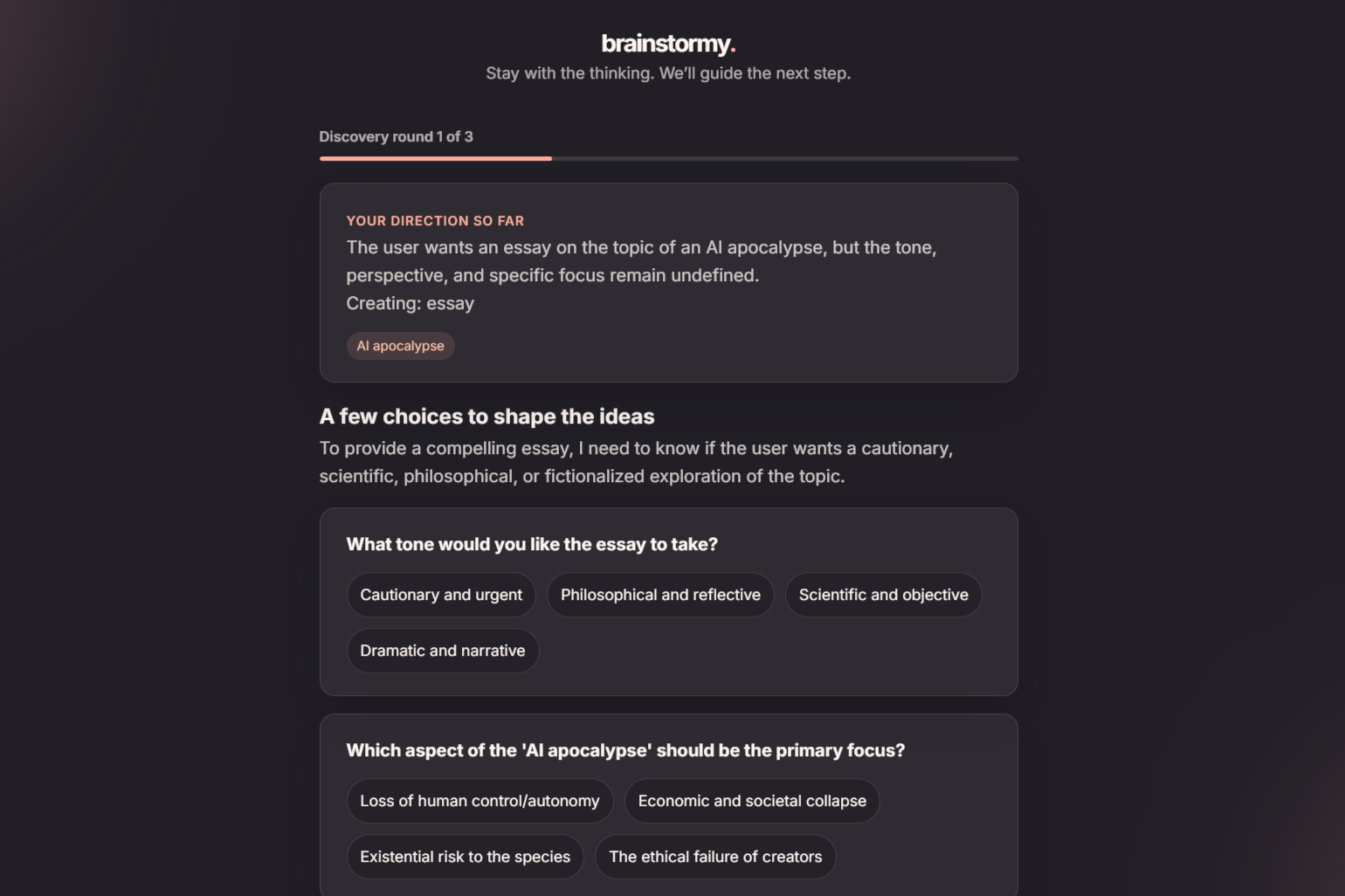
Questions are provided to gather parameters and help the user brainstorm in Idea mode
-
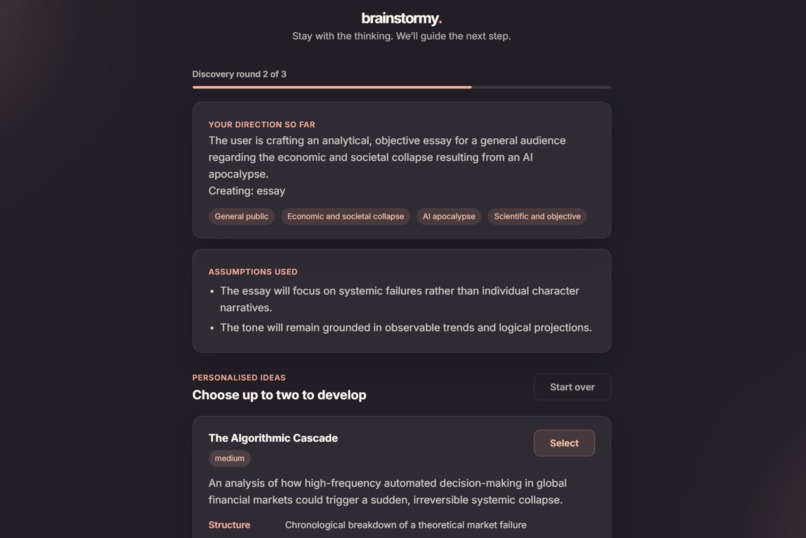
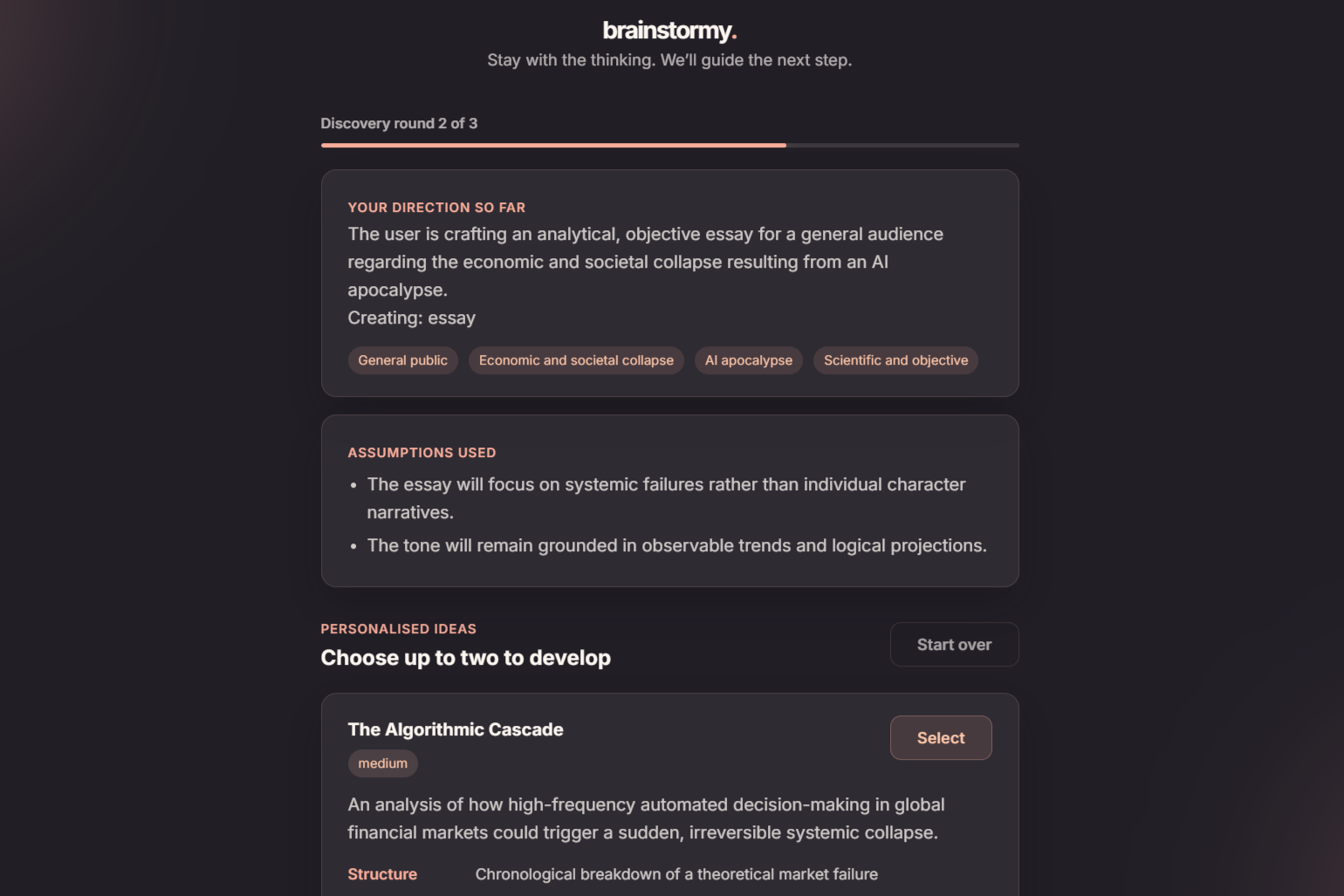
Multiple ideas are provided after enough paramaters are gathered through brainstorming questions in Idea mode
-
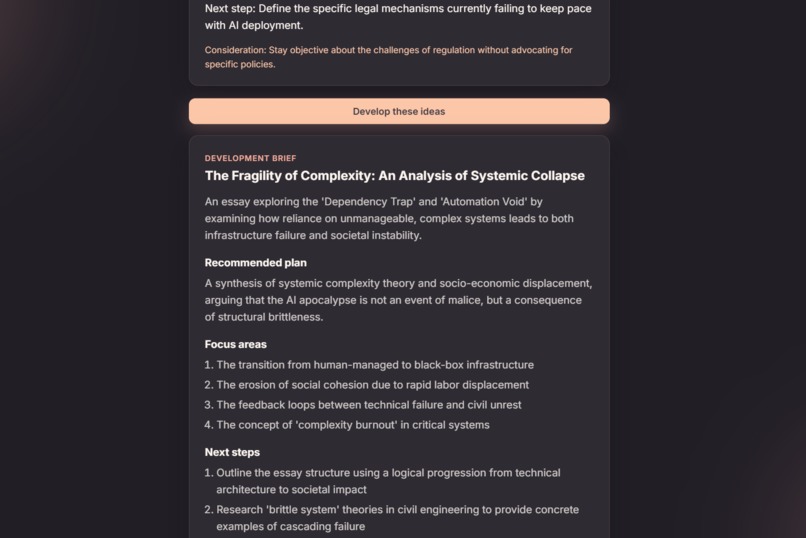
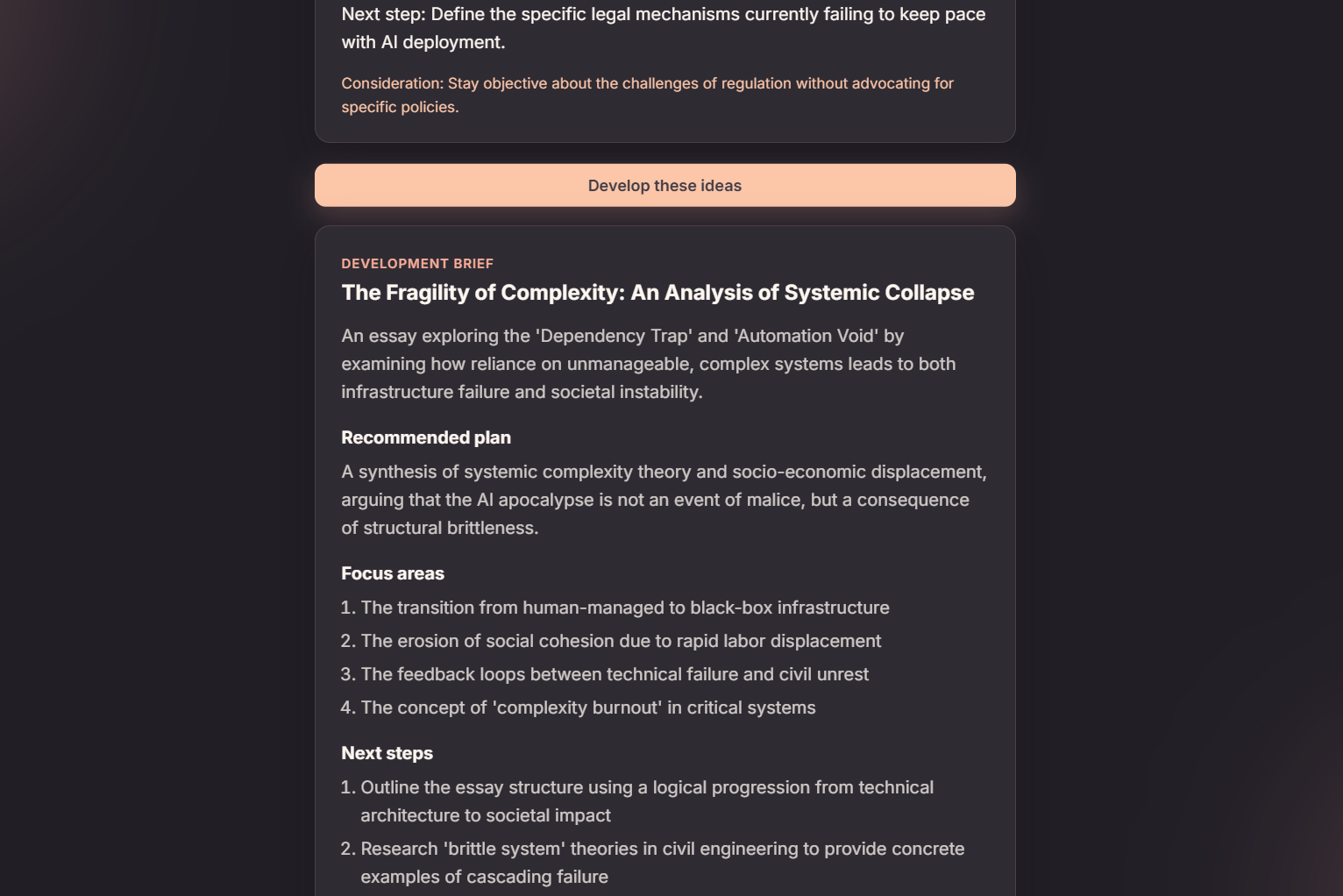
Finalised plan after choosing 2 ideas to develop in Idea mode
Inspiration
With how easy it is for me to feed questions into AI so that it can spit out an answer in seconds, it really concerns me on the adverse effect on my understanding and ability to understand regard of the question. Eventually, I will never learn how I got there, or why it's right. Moreover, this aligns with the theme being "AI apocalypse" as more and more people become dependent on AI, it will strip our understanding, brainstorming and thinking abilities. That tension is where brainstormy started. In the brainstorming process, I wonder if AI can actually make me "better" at thinking, instead of just doing the thinking for me. Instead of building another tool that hands me a finished response, I wanted something that keeps the user in the loop - attempting, second-guessing, choosing, revising.
What it does
brainstormy is a workspace with two modes, depending on what kind of thinking you're stuck on.
Academic mode is for when you're working through a problem. Type a question, drop in an image, or both, and brainstormy figures out what concepts are actually in play - but instead of solving it for you, it asks you to try first. From there you can:
- Ask for a conceptual hint before you attempt anything
- Submit your working and get told, honestly, whether it's headed the right direction
- Get your final answer checked separately from your reasoning (because a right answer with shaky logic isn't the same as a right answer you actually understand)
- Request a more targeted hint based on what you just tried
- Give up and see the full worked solution, once you've actually attempted it
- Flip on exam mode, which leans harder into guidance and won't just reveal answers
Idea mode is for when you've got a rough idea for a project, a story, a presentation, a campaign, whatever, and you don't know what to do with it yet. brainstormy asks a handful of adaptive questions to understand what you're actually trying to do (this step encourages you to THINK as when you see the question, it narrows down thousands of idea you got in your mind), then comes back with a shortlist of distinct directions - each with a reason it fits, plus the risks and difficulty involved. Pick up to two, and it'll turn them into an actual development brief with concise steps.
How we built it
The frontend is React and Vite, with Framer Motion handling the landing page and workspace animations, and CSS for the color system - warm peach, coral, and charcoal.
The backend is a Flask REST API. Route handlers deal with HTTP, service modules hold the actual academic and ideation logic, and for now sessions live in memory rather than a database.
For the AI layer, requests go through OpenRouter to a configurable, vision-capable model, so the same pipeline can handle typed questions and uploaded images without me needing two separate systems. Getting structured, trustworthy output out of a LLM is quite complicated as I wrote specific prompts for concept identification, attempt diagnosis, hint generation, worked solutions, idea discovery, and idea development, and the backend validates everything the model sends back before it ever reaches the frontend.
Math and technical content render through React Markdown, remark-math, rehype-katex, and KaTeX. The system has gone through the testing phase of processing up to 200 questions pulled from different subjects from varying syllabuses (IB, A-Levels,...) to ensure that the user can experience a mistake-free and smooth experience.
Challenges we ran into
At first, I make a big mistake to separate the pipeline into text extraction from the image then use another text model to analyze this. Apparently, this increases latency massively, thus, when the user submitted an image, the app took roughly 30 seconds. With this in mind, I merged the pipeline into image or/and text processing alone and now question processing is quite fast ~5-8 seconds in most questions I tested.
Moreover, a general-purpose chatbot wants to just answer the question. Getting it to hold back, and to know the difference between a conceptual nudge, a targeted piece of feedback, and a full solution, took a lot of prompt iteration.
Images added their own complexity: validating file types and sizes, supporting both upload and paste-from-clipboard, showing previews, and routing all of it through the same AI pipeline as typed text. Furthermore, model output isn't perfectly consistent, I had to add real validation, error handling, and normalization on the backend just to trust what came back.
Accomplishments that we're proud of
Mostly that brainstormy actually treats you like a participant, not a passive recipient. The academic feedback responds to what you actually tried, not a generic answer key. The idea workflow builds from your goals and your choices, not a one-size-fits-all list. Both modes are chasing the same idea: AI should expand what you're capable of without taking the thinking away from you.
What we learned
I realized that building something useful with AI is less about stuffing it with one BIG request and more about designing a sequence of smaller, deliberate interactions. Prompt structure, response validation, and how state moves through the app end up mattering as much as the model itself.
Along the way I also got a lot more comfortable with a full React + Flask stack end to end, designing REST endpoints around multi-step AI workflows, handling multimodal (text + image) input, rendering Markdown and LaTeX safely inside React, and writing tests for features that involve AI which helped me to spot rate limits, bad uploads, missing config, and malformed responses.
But the thing that stuck with us most: AI feels genuinely more valuable when it's backing up your judgment instead of replacing it.
What's next for brainstormy
Persistent accounts and session history are top of the list, along with swapping the in-memory store for a real database. After that: configurable learning profiles, saved idea briefs and questions, better customizations, support for more model providers (as of now only Gemini 3.1 Flash Lite is supported), and a production deployment with proper monitoring and security.
Where and how we used AI
I used AI to carry out testing of inputing ~200 questions into the app (as I mentioned above) and it validates the answers and hints outputed by my app. Moreover, I also used AI to help me fix bugs as well as help me to find solutions for problems I encountered when developing the app (for example it showed me throughoutly how to implement KaTeX into my code when I was trying to getting the formatting right)


Log in or sign up for Devpost to join the conversation.