-
-
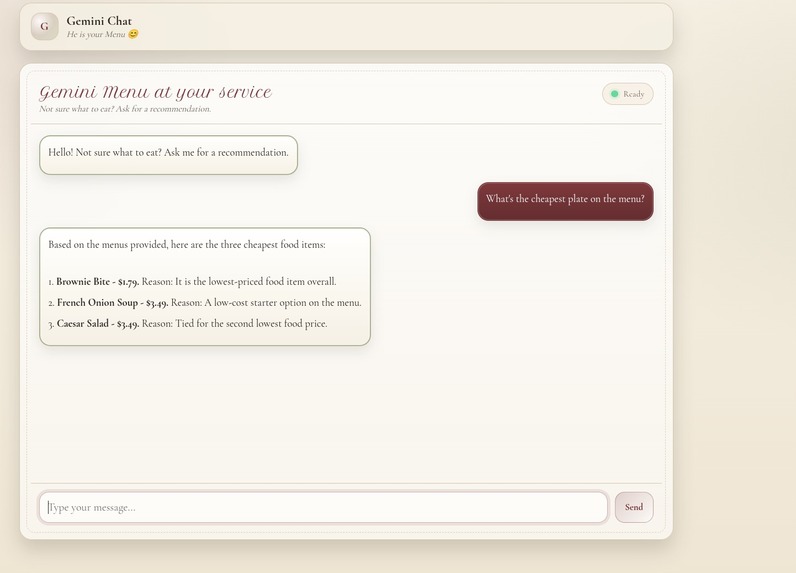
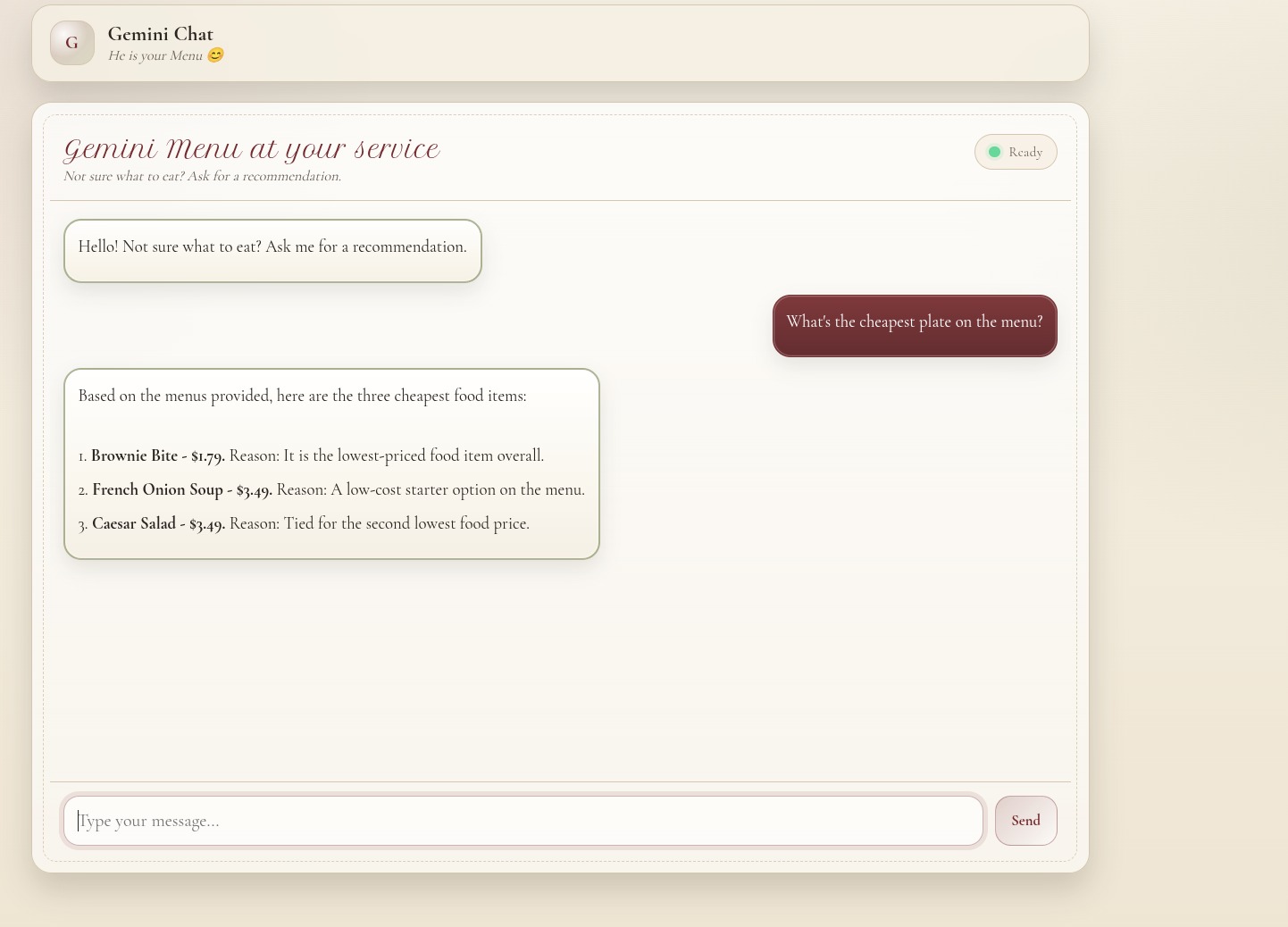
Here we can see how the AI responds with the cheapest dishes.
Inspiration
We wanted to create something new, something innovative that could help with people's time. Suddenly, an awesome idea appeared, what if we helped people decide what to eat on restaurants using Gemini ?
What it does
Firstly the app lets the owner of the restaurant load images of the restaurant Menu. On the other hand, for customers it looks like an AI chatbot interface in which everyone can ask for recommendations and orientations on what to eat. For example "I want to eat meat today" The AI analyzes the menu and responds with 3 recommendations of meat, including prices and a little description of them.
How we built it
We used Python and built an API served with Uvicorn. This API calls the function that loads the images of the menu and sends them to the Gemini Flash Preview bot, this bot generates a response that is served on the frontend.
Challenges we ran into
It was difficult to decide which technologies to use, since we plan to make this project grow in the future. It had to be something scalable, another challenge was that we thought about accepting sending pdf images to the API, but this got complicated since we had to parse the pdfs to images and we decided that it was better creating an interface for the owner to upload its own Menu images.
Accomplishments that we're proud of
We are proud of creating our first AI Project. The feeling of creating something with a team and watching it work is just incredible. We are also proud that this AI is actually something that can help companies and customers.
What we learned
We learned how to work with the Gemini API and how to build an AI system that relies only on visual data. We also learned the importance of defining clear constraints for AI responses and designing a simple but usable user experience.
Gemini AI Tools Used
MenuAssistant uses Google Gemini Flash Preview as a multimodal AI engine.
- Model: Gemini 3 Flash Preview
- Input: Menu images (JPG/JPEG) + user text prompt
- Core capability: Image-based reasoning
Core Features
- 📷 Image-based menu analysis using Gemini
- 💬 Chat-style interface for customer interaction
- 🍽️ Menu-driven recommendations (no hallucinated data)
- 💲 Dish prices included when visible
- ✏️ Short, clear explanations (≤ 50 characters)
- 🚫 Explicit refusal when a request cannot be answered from the menu
Functionality Summary
- Restaurant menu images are stored locally and loaded by the backend
- User messages are combined with a strict system prompt
- Images + prompt are sent to the Gemini model
- Gemini analyzes the visual content and generates exactly 3 recommendations
- The response is processed and returned to the frontend
What's next for MenuAssistant
Next, MenuAssistant will allow restaurant owners to create their own accounts. Each account will generate a private and personalized AI chat for the restaurant, isolated from others. Through a secure login, owners will be able to upload and manage their menu images, which will be used exclusively by their own assistant. Every owner will have their own MenuAssistant instance! -Our goal is to build a scalable platform that can be used by restaurants anywhere in the world.

Log in or sign up for Devpost to join the conversation.