-
-
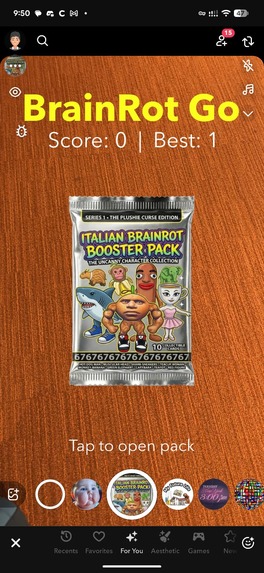
opening page
-
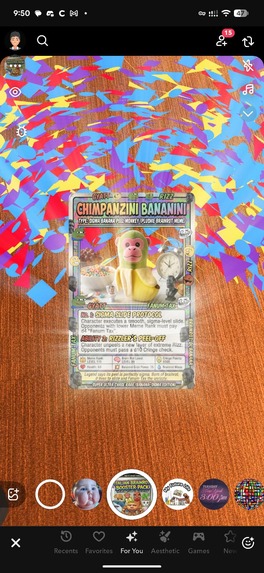
win brain rot from booster pack
-
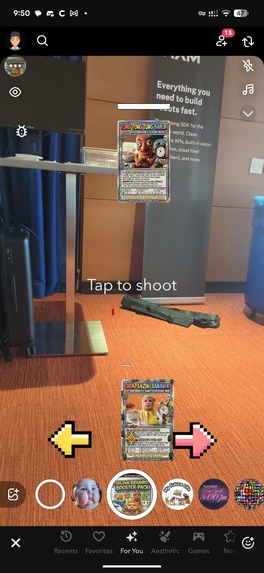
fight brain rots to be the best brain rot of them all!
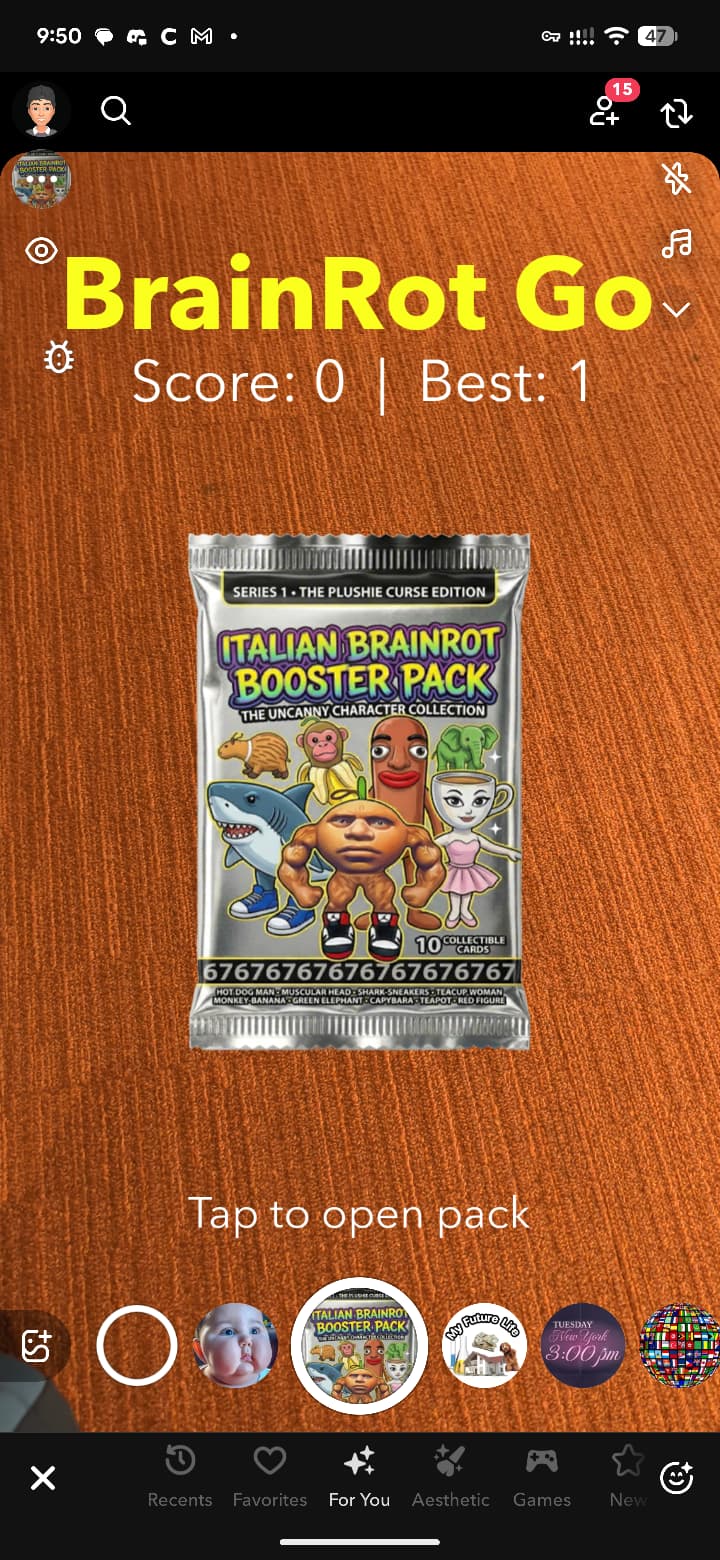
Inspiration
PokemonGo took the world by storm in 2016. And now, brain rots are everywhere in 2026. We thought — what if we combined the addictive gacha mechanics of card games with the meme culture that dominates social media, all inside an AR lens you can share with friends on Snapchat? BrainRot Go was born from the idea of turning the brainrot memes we all love into collectible, battling characters you can pull from booster packs right in your camera.
What it does
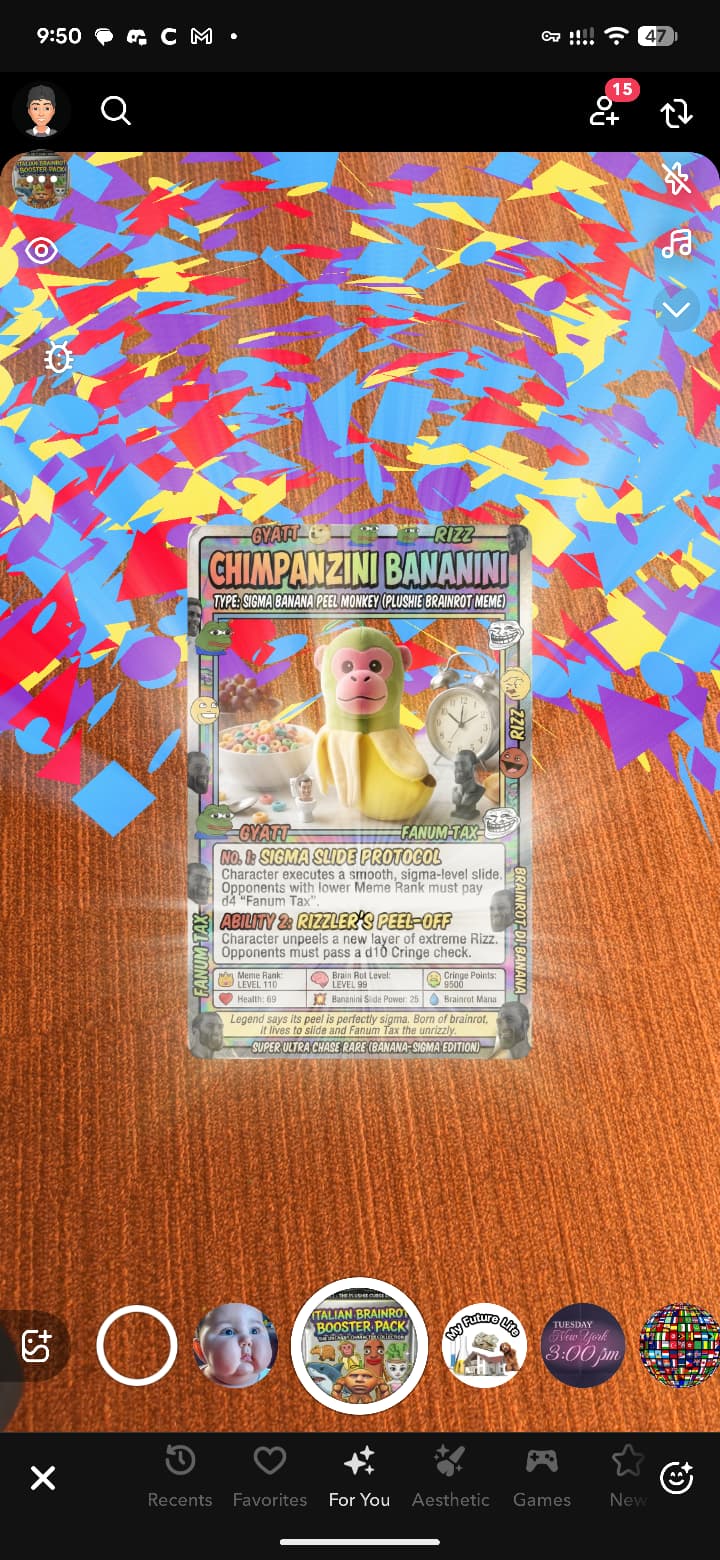
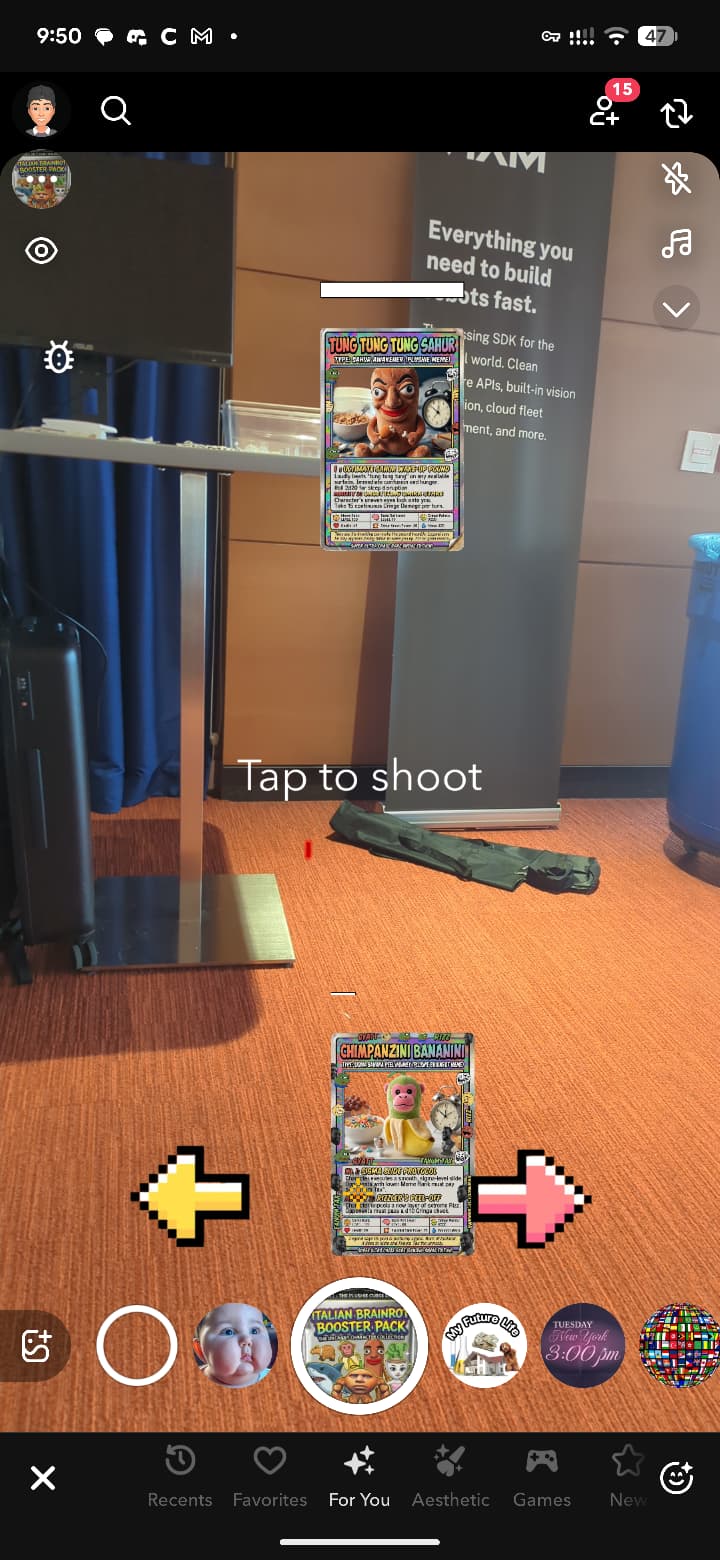
BrainRot Go is a single-player AR card game built as a Snap Lens. You tap to tear open a booster pack, watch it shake and reveal a random brainrot meme character with confetti and god rays. Then a dramatic VS screen introduces your opponent — another random brainrot card. The two cards face off in a vertical shooter battle where you dodge enemy lasers by moving left and right, and tap to fire back. Each card has its own battle soundtrack. Win and your score goes up. Lose and you start over. High scores persist across sessions so you always have something to chase.
How we built it
We built the entire experience in Snap Lens Studio using modular JavaScript scripting and 2D Screen Image overlays on an orthographic camera. The game uses a state machine architecture that flows through pack opening, card reveal, VS screen, opponent reveal, and the battle phase. All cards are PNG sprites animated through script-controlled anchor positioning, opacity transitions, and shake effects. We used Lens Studio's built-in asset library for confetti particles and god rays. Audio is managed through multiple AudioComponents on a single scene object, with a lookup system that finds tracks by name. Battle music loops based on which card the player pulls, giving each character a unique feel. PersistentStorage handles high score saving across sessions.
Challenges we ran into
Audio in Lens Studio was surprisingly tricky. Getting sounds to trigger from script, stop previous tracks, and not conflict with each other took several iterations. We also ran into issues with touch input detection — TapEvent doesn't support touch position, so we had to switch to TouchStartEvent and map screen coordinates to game actions. Getting the right sizing and positioning for cards across different screen sizes required a lot of anchor value tweaking. The battle system needed careful state management to prevent lasers from firing during transitions or inputs from triggering wrong actions in wrong states.
Accomplishments that we're proud of
We built a fully playable game loop inside a Snap Lens with gacha mechanics, animated reveals, a dramatic VS screen with flashing text, a real-time shooter battle with dodging and hit detection, persistent high scores, and per-character battle music — all in under 8MB. The whole experience feels polished: the pack shakes before opening, cards fade from black silhouettes to full color, confetti celebrates your pull, and the VS screen builds genuine tension before the fight.
What we learned
We learned how to architect a complex multi-phase game using a state machine in Lens Studio's JavaScript environment. We gained deep understanding of Screen Transform anchor systems for precise 2D positioning, audio management patterns that work reliably in Lens Studio, and touch input handling for interactive AR experiences. We also learned that keeping things 2D with image sprites is far more performant and manageable than 3D for this type of game in a Lens.
What's next for BrainRot Go
We want to add more brainrot characters with unique stats and abilities — some hit harder, some have more health, some dodge faster. We plan to implement a rarity system where legendary pulls are rarer and more powerful. Multiplayer battles through Snap's connected lenses would let friends battle their pulled cards against each other. We also want to add a collection screen where players can see all the brainrot characters they have pulled, and daily booster packs to keep people coming back. Eventually, we envision location-based brainrot spawns — true BrainRot Go style.
Built With
- asset
- javascript
- orthographic-camera-system
- persistentstorage-api
- screen-transform-ui-framework
- snap
- snap-ar
- snap-lens-studio


Log in or sign up for Devpost to join the conversation.