-
-
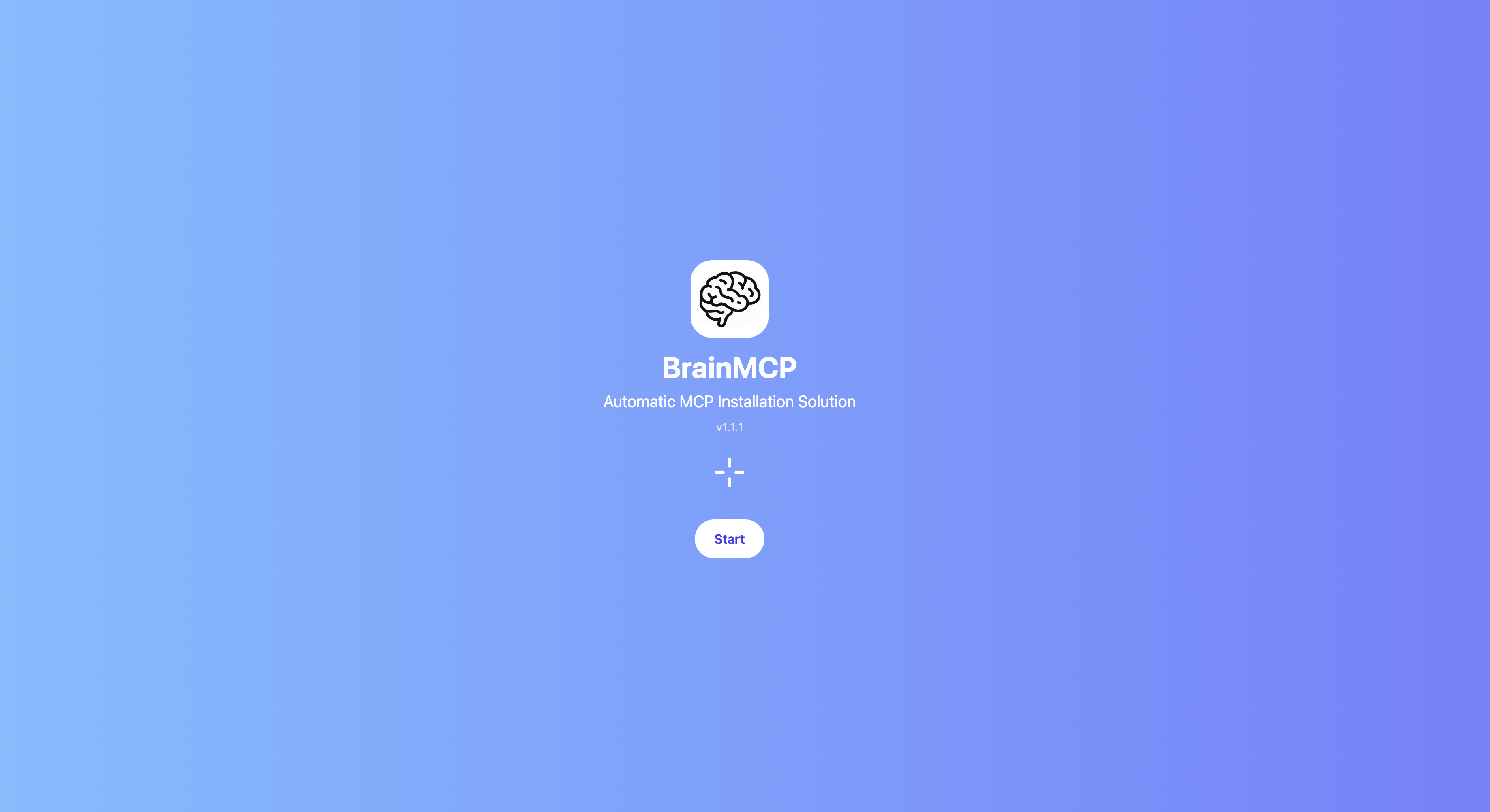
01.Splash for the intro.
-
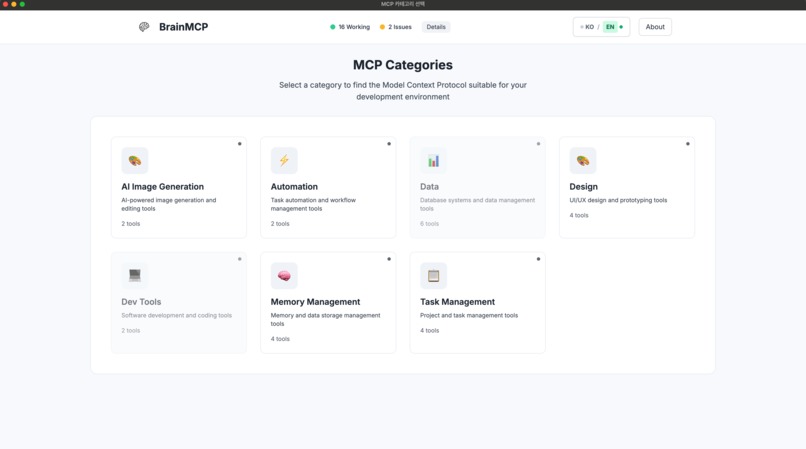
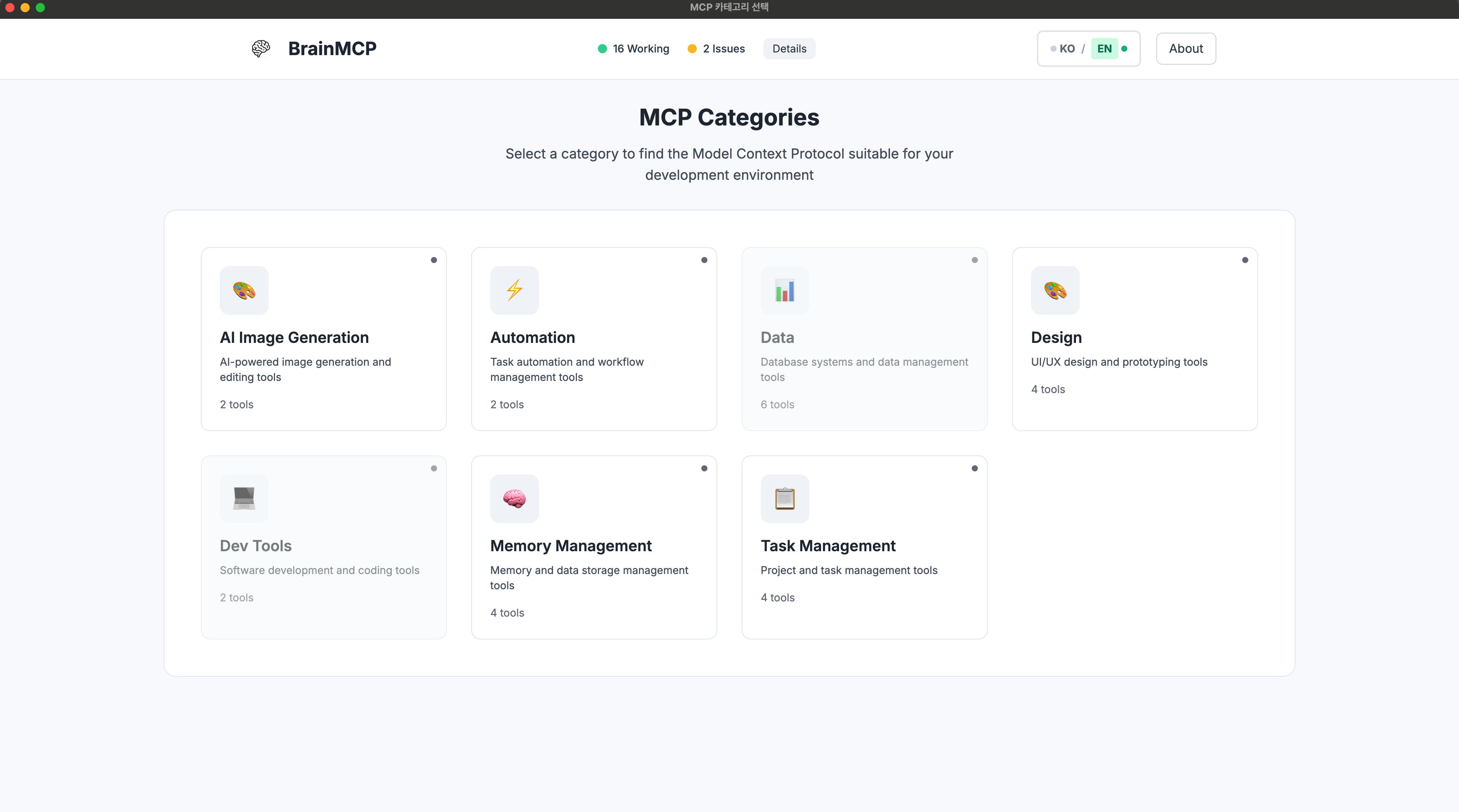
02. Categories for the MCPs, user don't need to think about each of MCP, just choose what you want to get section.
-
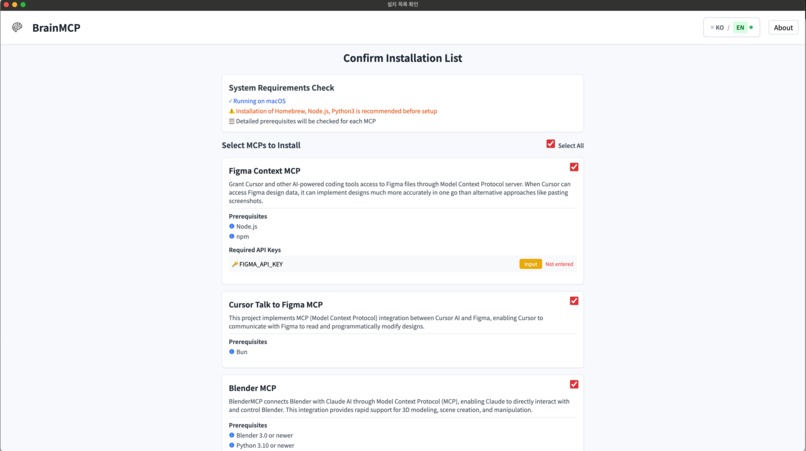
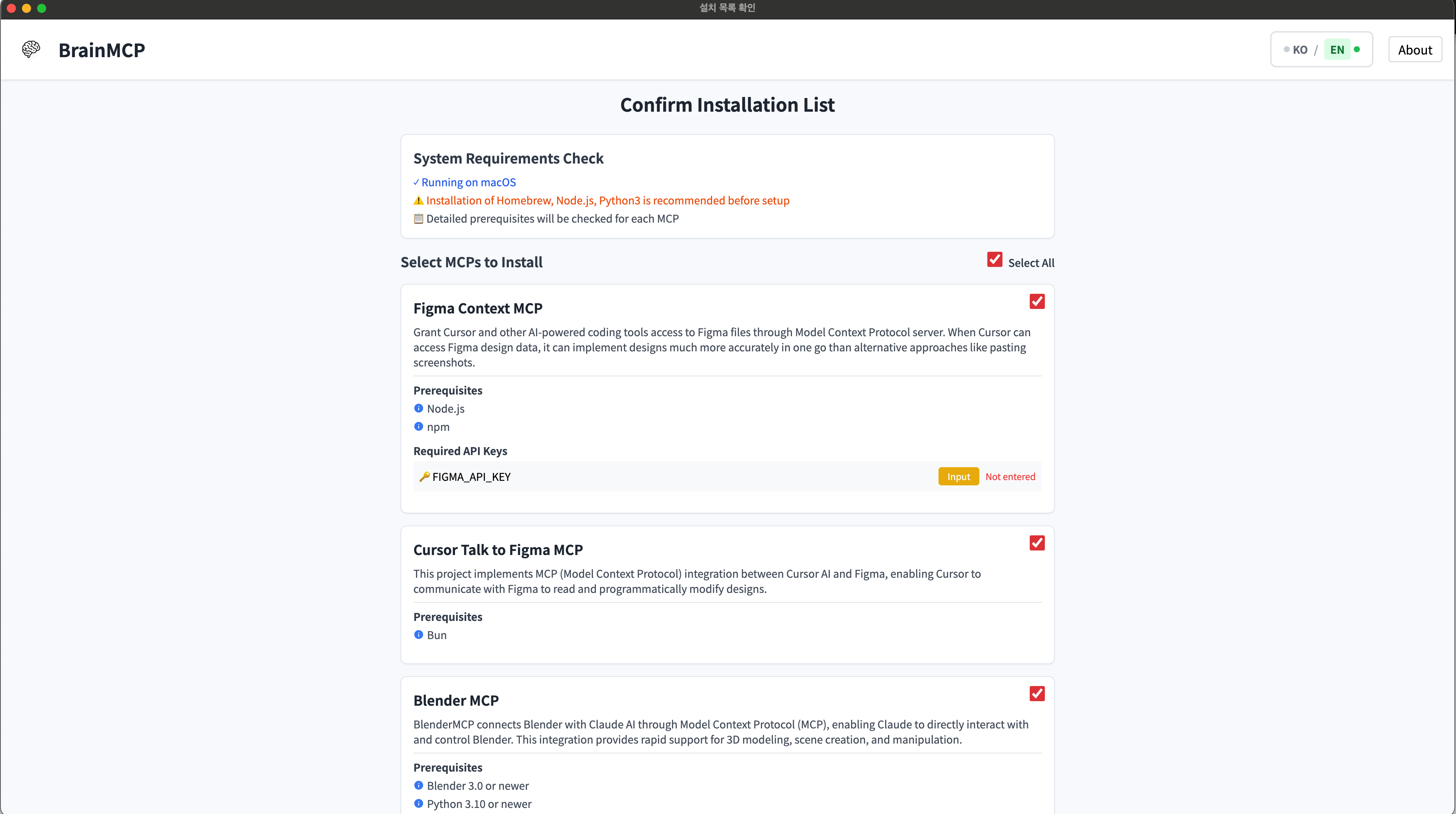
03. List of MCPs, Description of MCP and Prerequisites for downloading.
-
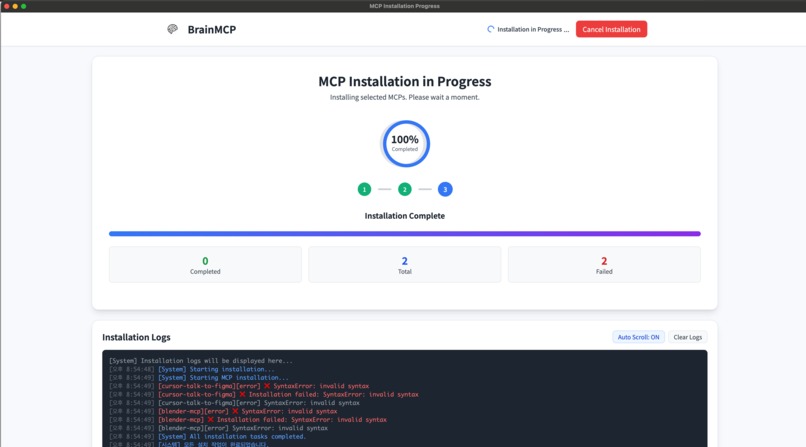
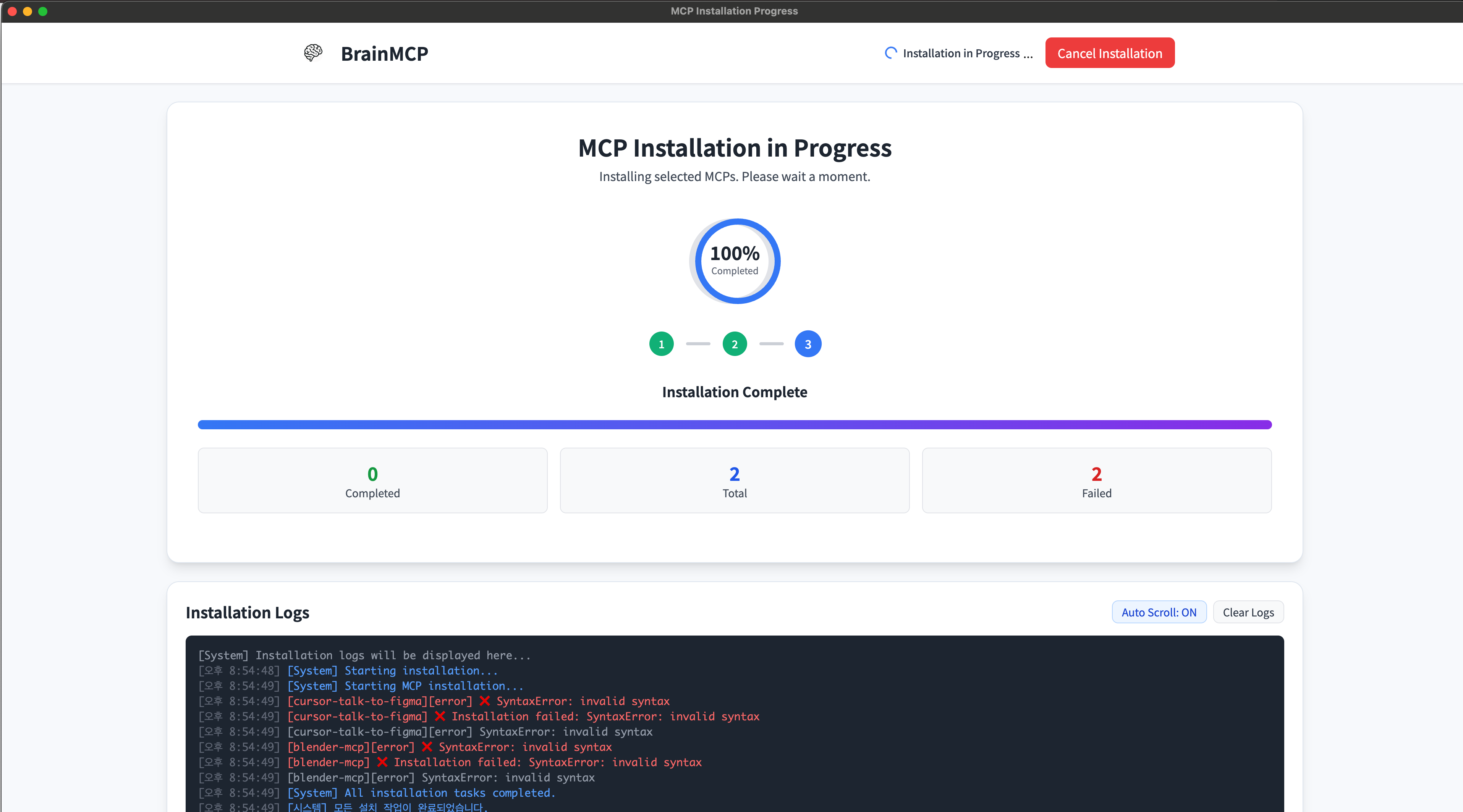
04. Installation, User can notice something is on going.
-
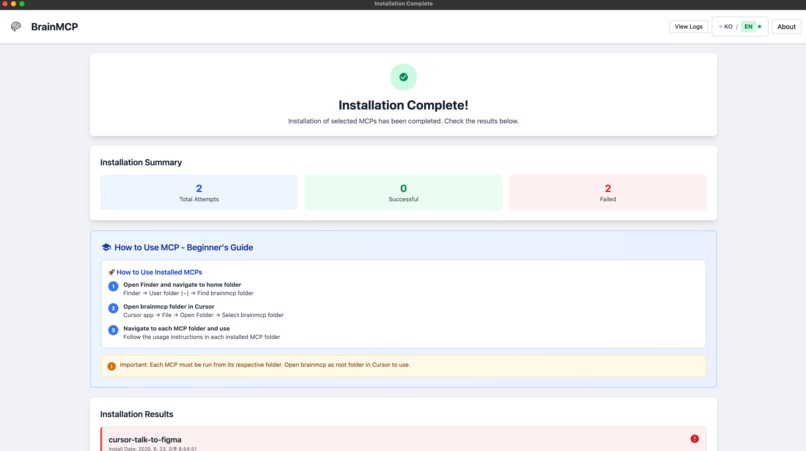
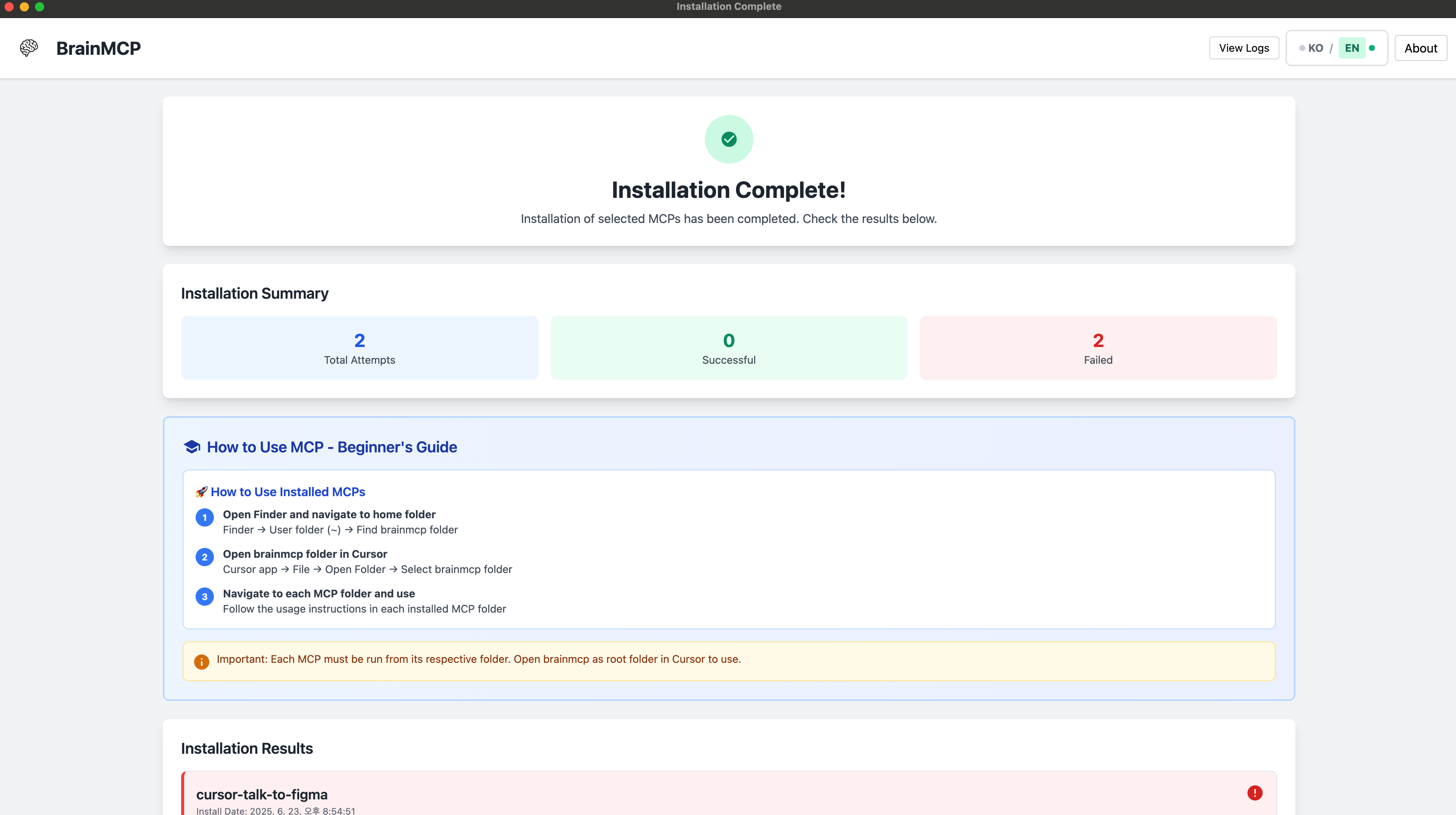
05. Completed, Summary of the installation and guide text will lead the beginners.
-
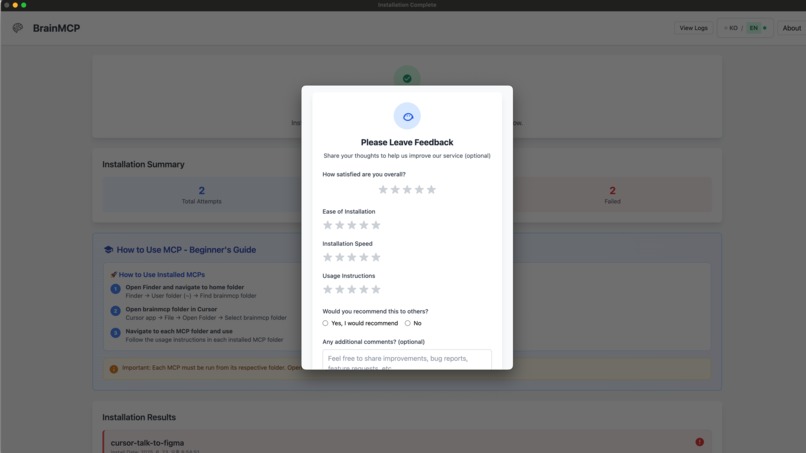
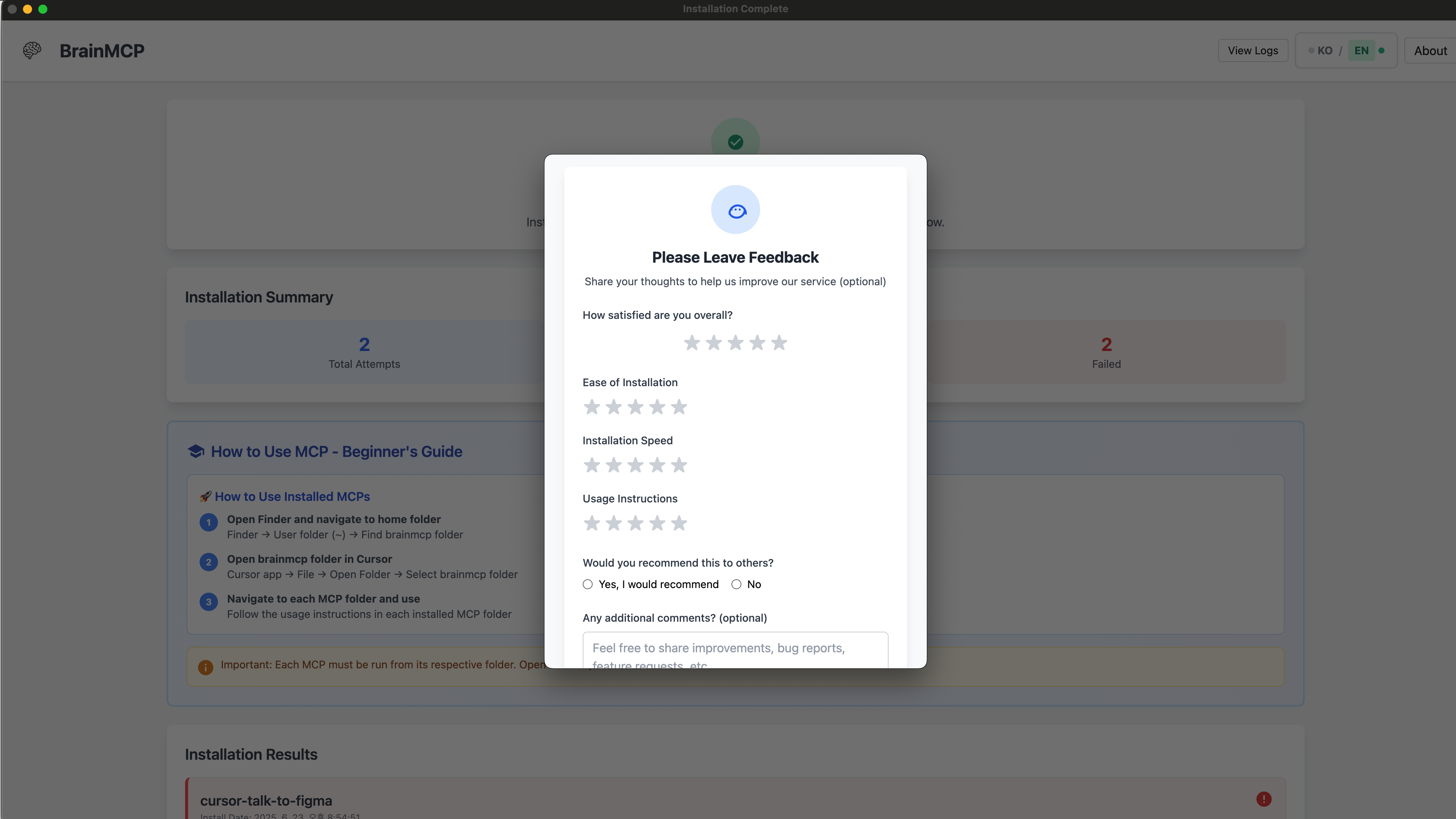
06. A simple survey, Users can rate whether the installation was appropriate.
Inspiration
The existing MCP (Model Context Protocol) expands the possibilities of integration with AI tools, but the installation and configuration are very complicated, making it difficult for general users to access. We started with the question, "What if anyone can install MCP with one click and use it right away?" and decided to create an automatic installer that is easy for non-developers to access.
What it does
BrainMCP is an Electron-based GUI installer, which displays MCP by category, allows users to install with one click, and even handles the settings for automatic integration. As a result, it helps AI to immediately perform practical tasks such as email, data query, and file operations.
How we built it
Frontend: Implementing a cross-platform installer using Electron + React Backend: Processing MCP execution and configuration automation scripts with Node.js MCP integration: Automatically generate the settings required for each MCP server and reflect them in the configuration file Testing and checking execution results based on macOS environment
Challenges we ran into
It was difficult to design a consistent processing method because the execution methods and required settings were different for each MCP type. There was a conflict issue due to version differences in the process of automatically modifying configuration file (JSON). Designing an intuitive installation flow considering UX for non-developers was not easy.
Accomplishments that we're proud of
Implementing a fully automated installer that allows MCP installation → setup → execution with one click Securing usability so that even non-developers can use practical MCP functions right away in. Category UI that automatically organizes various MCPs by type and visually expresses them
What we learned
Even technically complex functions can be made easy for anyone to use by changing the UX Systems with an expandable structure like MCP are highly compatible with automation tools The usability of AI tools varies greatly depending on accessibility and initial setup difficulty
What's next for BrainMCP
Expanding support for Windows and Linux Developing a smart mode that automatically recommends/installs MCPs according to user settings Adding a dashboard function that monitors and updates the status of installed MCPs in real time Integrating the marketplace so that MCPs created directly by the community can also be installed

Log in or sign up for Devpost to join the conversation.