-
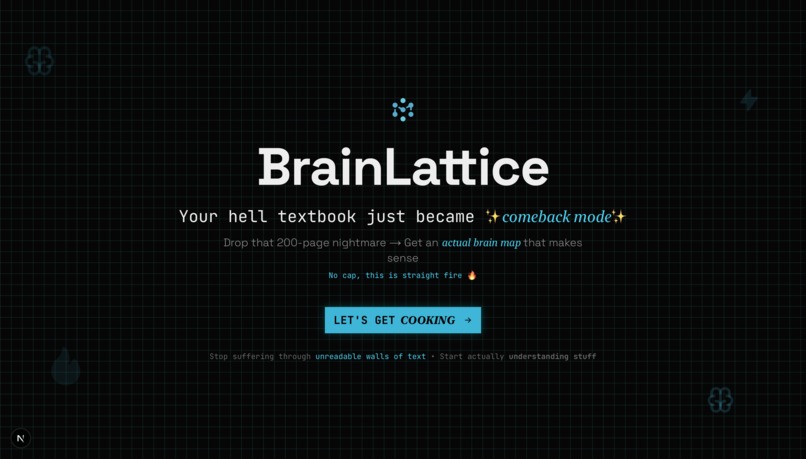
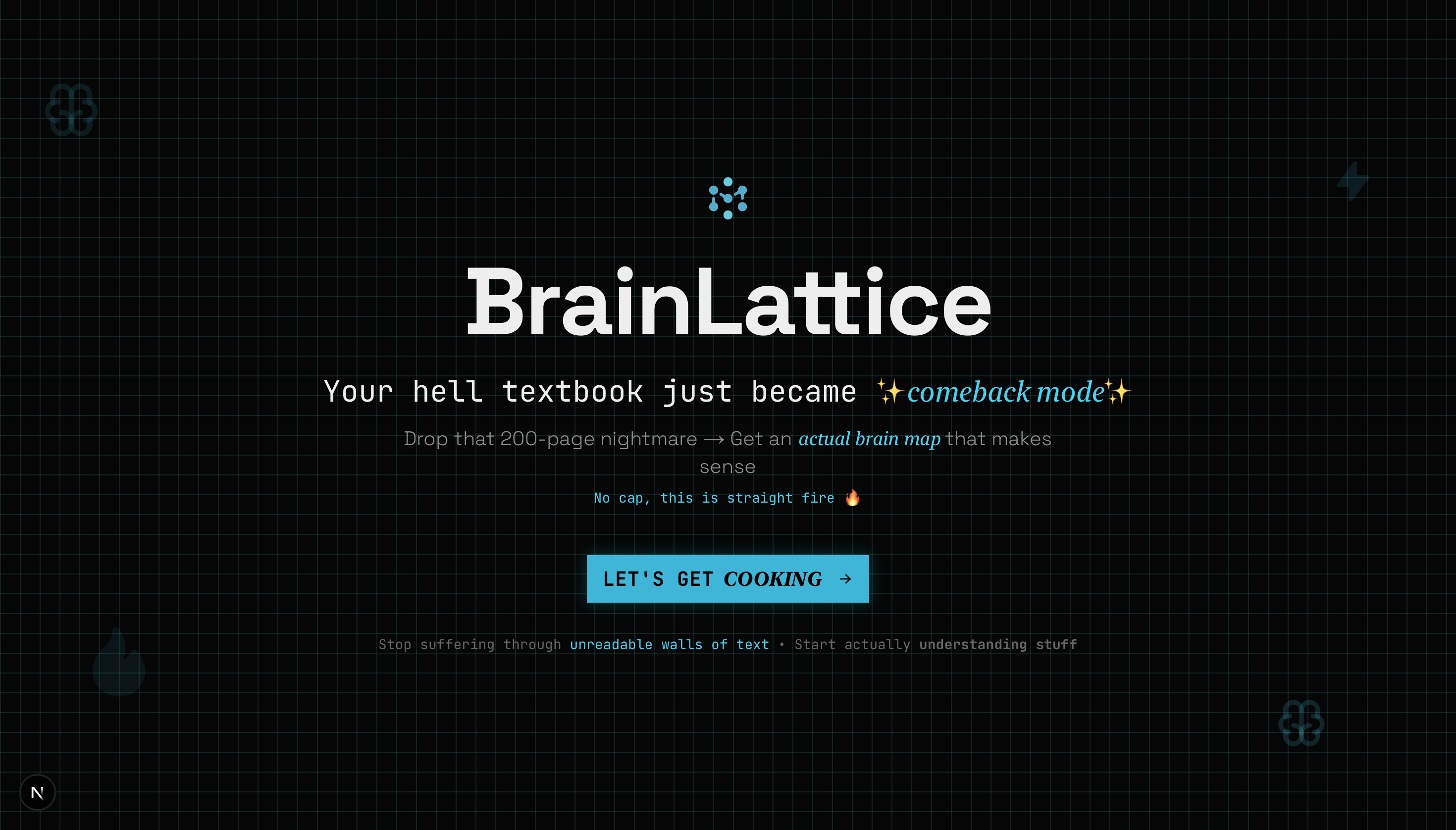
landing page
-
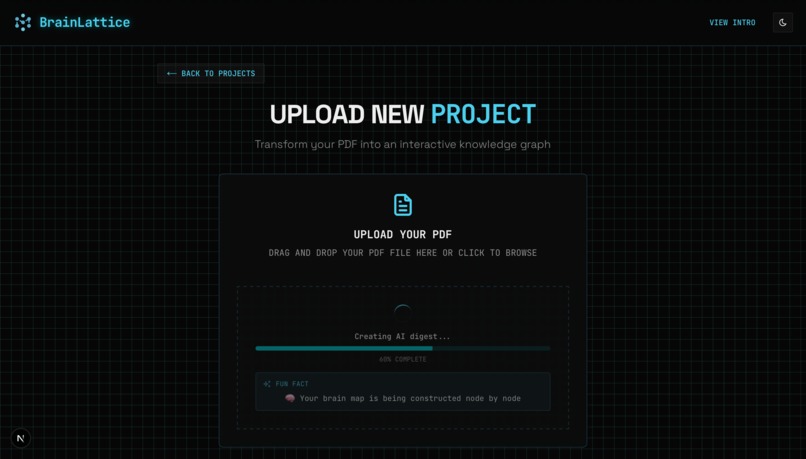
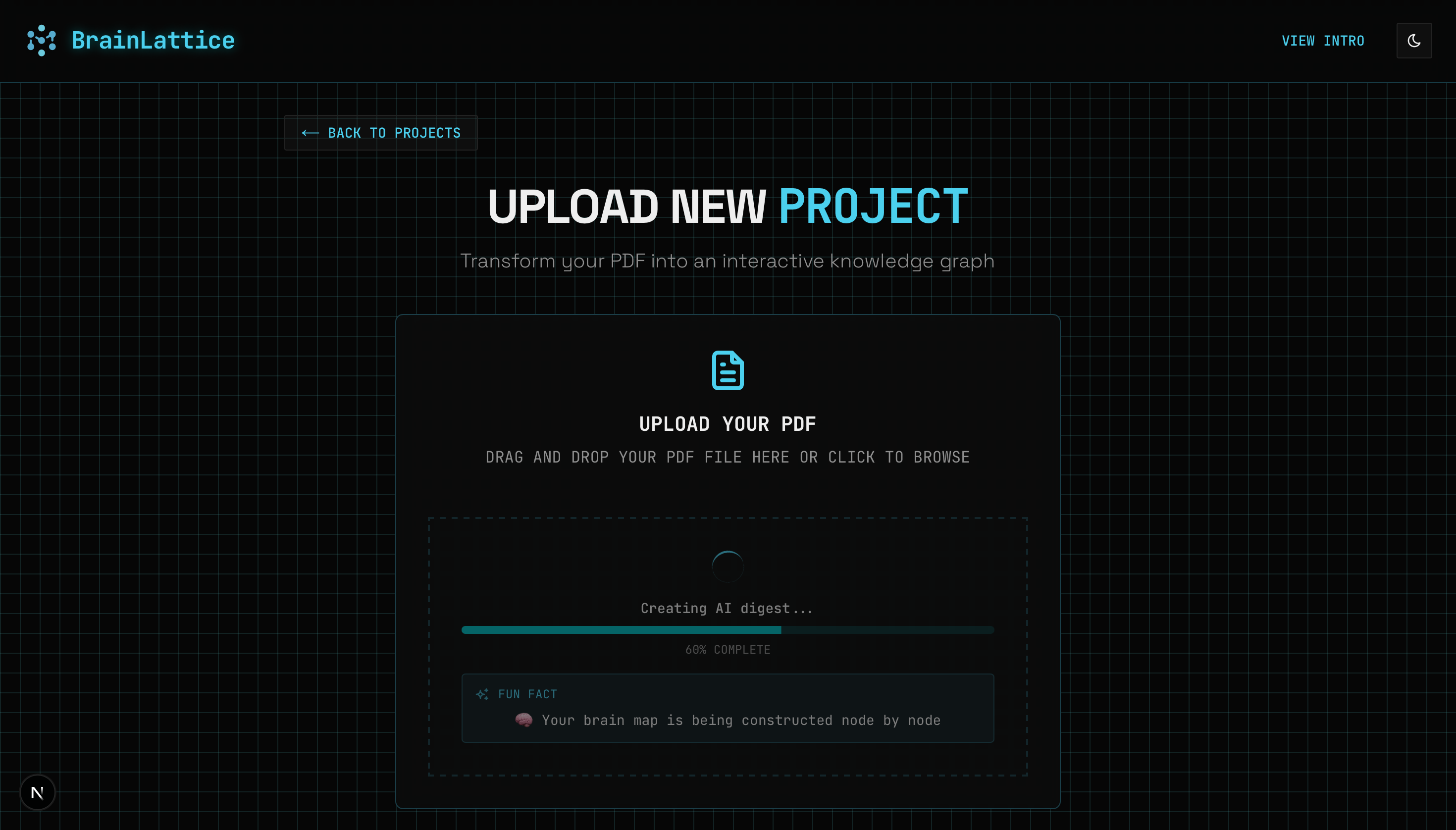
uploading pdf to project
-
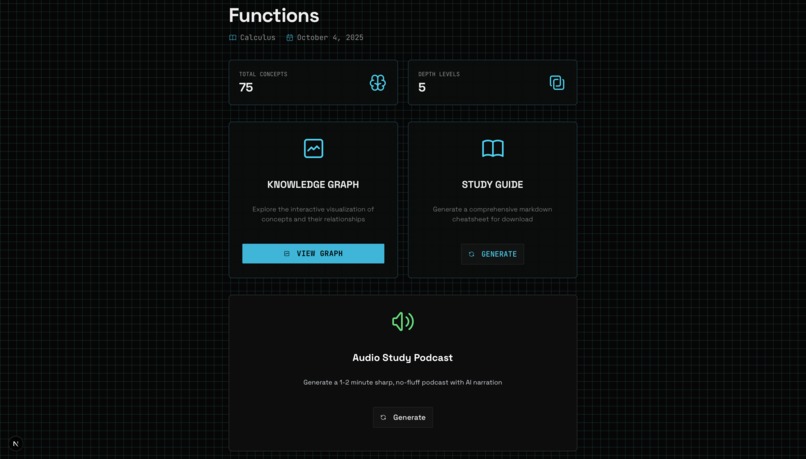
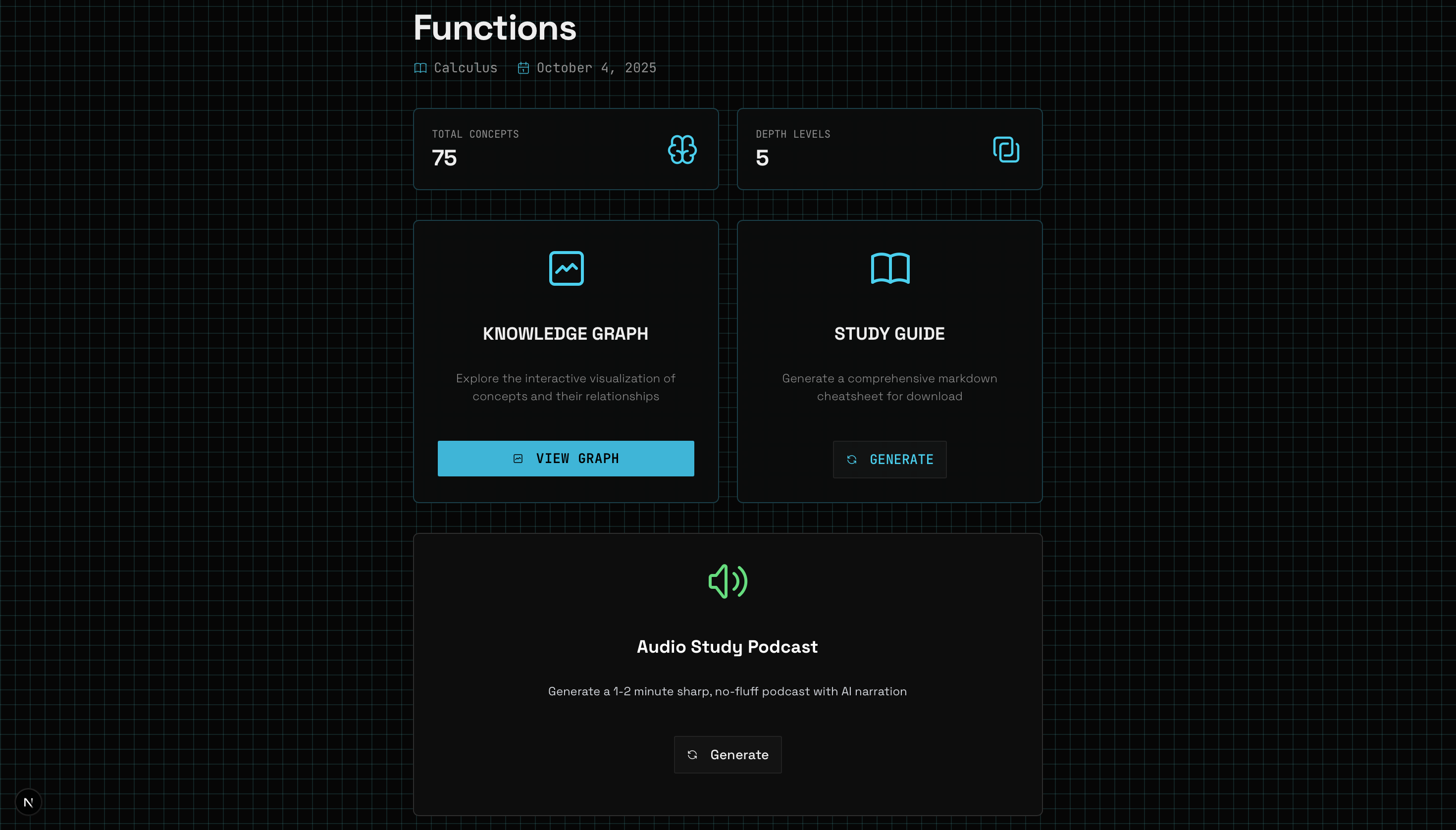
project dashboard
-
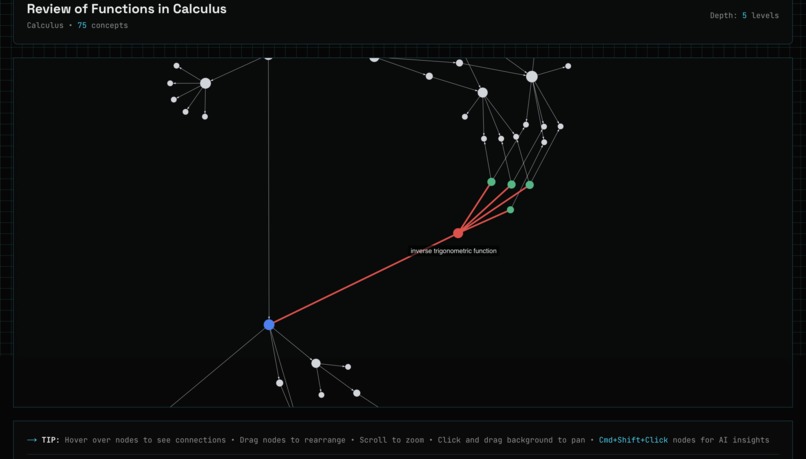
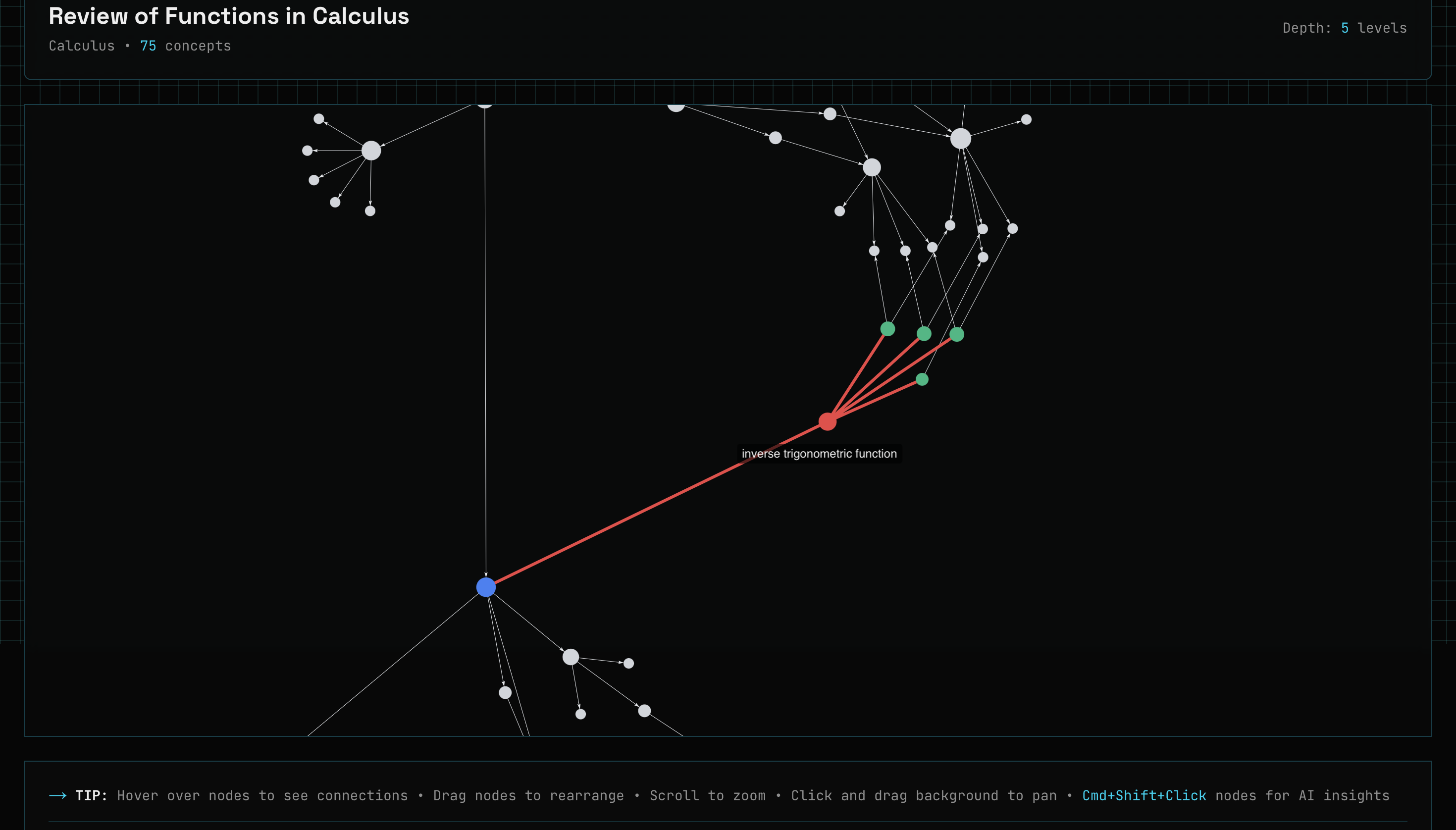
knowledge graph
-
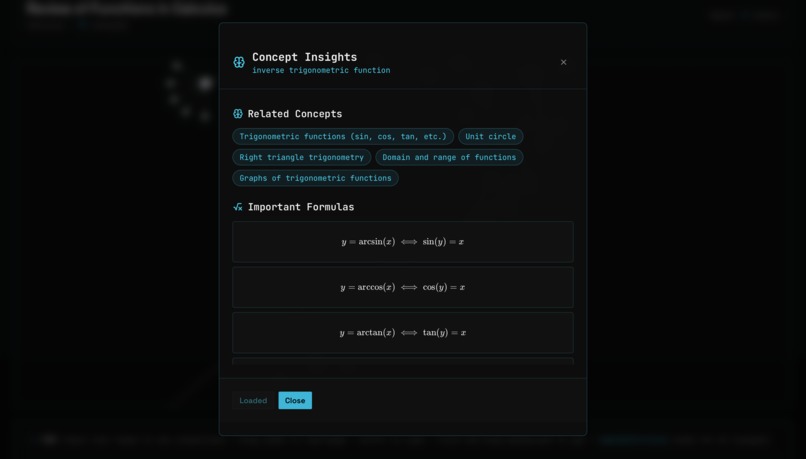
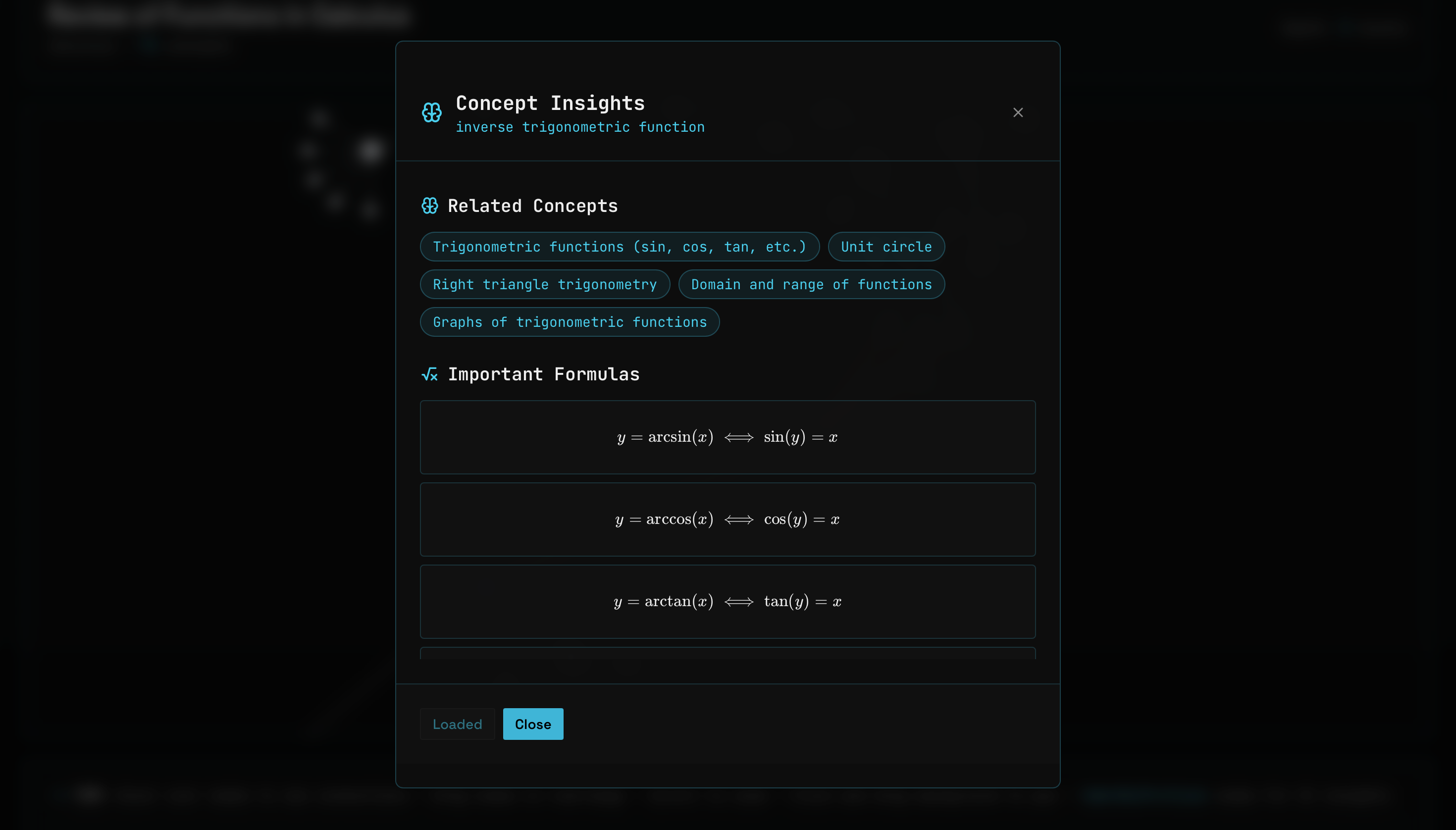
insights on each concept
Inspiration
Linear notes hide relationships. You finish Unit 1, 2, ..., Unit N, lesson 1, 2, ..., lesson N, and still don't see how it fits.
Conceptual notes > linear notes. Instead of pages in order, you capture concepts as nodes, link causes → effects, definitions → theorems, ideas → applications. You learn the structure, not just the sequence.
Brains think in networks, not pages. Understanding = seeing how A → B → C (and back). Networks support: zooming from big picture → detail, fast retrieval by neighborhood, and transfer across topics because links are explicit.
BrainLattice is built on that notion: show the map first. Upload a PDF → get the concept network → dive where it matters.
What it does
BrainLattice turns large PDFs into interactive concept networks with study materials:
- PDF Upload: Drag-and-drop any textbook, lecture notes, or research paper
- AI Processing: Multi-model pipeline extracts concepts and finds relationships
- Interactive Graph: Hover nodes, explore connections, zoom with React Force Graph
- Deep Concept Exploration: Cmd+Shift+click any node for detailed insights: overview, important formulas, theorems, related concepts
- Study Materials: AI-generated overviews, summaries, and audio scripts
- Audio Guides: ElevenLabs converts scripts to speech for mobile studying
Built for rapid catchup, exam prep, and deep understanding.
How we built it
Backend (Python FastAPI):
- OpenRouter (Grok 4 Fast): AI digest, cheatsheets, audio scripts (fast, academia-friendly)
- Gemini: accuracy, deep concept analysis, relationship mapping
- PyPDF: PDF text extraction
- ElevenLabs: text-to-speech
- Firebase Firestore: project storage
- Deployed on Google Cloud Platform (GCP) via Docker containers
Frontend (Next.js 14):
- React Force Graph for interactive graphs
- TailwindCSS (dark/light)
- shadcn/ui for components
Architecture:
- PDF → text (PyPDF)
- Text → AI digest + concepts (Grok 4 Fast)
- Concepts → relationships & insights for each concept (Gemini 2.0 Flash Lite and Gemini 2.5 Flash Lite)
- Graph → study materials (Grok 4 Fast: overviews, cheatsheets, audio scripts)
- Scripts → audio (ElevenLabs)
Challenges we ran into
Multi-model AI coordination: Different response formats, token limits, and speeds. Built adapters, retries, and fallbacks.
Large PDFs: Implemented chunking + progress so 200+ page files feel responsive.
Graph performance: Node clustering, dynamic loading, zoom-to-fit for 100+ node graphs.
GCP deployment: Env vars, service discovery, and networking were the hairy parts. Docker was easy.
Accomplishments
Solo build: Full-stack, end-to-end (AI pipeline, graph UI, cloud deploy).
Multi-model AI: Orchestrated OpenRouter, Gemini, and ElevenLabs into one pipeline.
Interactive graph: Smooth exploration with deep concept insights (Cmd+Shift+click).
Real textbooks: Meaningful maps, not demo-only output.
Clean architecture: Clear boundaries across AI, data, API, and UI.
What we learned
Model roles: Grok 4 Fast excels at academic digest/cheatsheets/audio; Gemini handles deep concept accuracy. Pick the right tool for the step.
UX matters: Upload flow and graph interaction make or break the product.
Errors happen: Build for failure—progress, retries, and fallbacks.
Cloud reality: GCP needs careful env/network/service setup. Docker: easy.
What's next
Auth: Accounts, saved projects, personal learning paths.
Chat: Deep Q&A on concepts, realtime exploration.
Obsidian export: Maps and materials to vaults.
Lecture video import: Combine video + PDFs into one graph.
Tests + instant marking: AI questions with handwriting recognition.
Analytics: Progress, gaps, and suggested paths.
Built With
- docker
- elevenlabs
- fastapi
- firebase
- gemini
- google-cloud
- nextjs
- pypdf
- python
- shadcn/ui
- tailwind
- typescript


Log in or sign up for Devpost to join the conversation.