Inspiration
Like lots of people, I like to use fun activities and treats as rewards for studying and working. That way, I can motivate myself to get hard things done and enjoy the the things I like guilt-free.
The problem is, it doesn't end up working that way. People tend to overestimate how much time they've spent working, and underestimate how much time they spend having fun. Personally, I often find myself over-rewarding myself, and once I start doing something fun, I don’t have strict boundaries telling me when to stop.
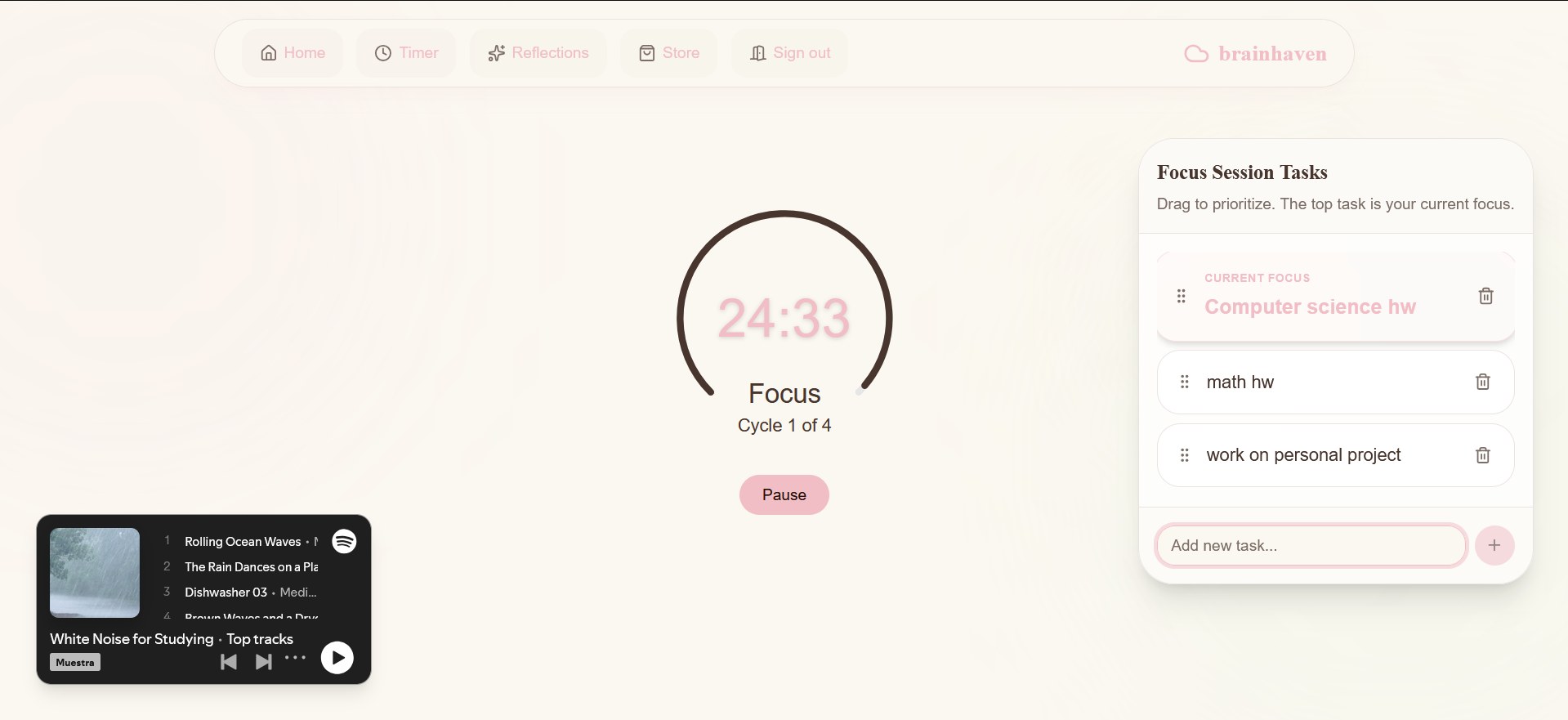
Like many students, I use pomodoro timers while I study. These timers automatically alternate between work periods (often 25 minutes) and break periods (often 5 minutes). Since so many students already use digital pomodoro timers to study, why not create a tool that can use this existing digital information to help them track and gamify their studying & rewards?
What it does
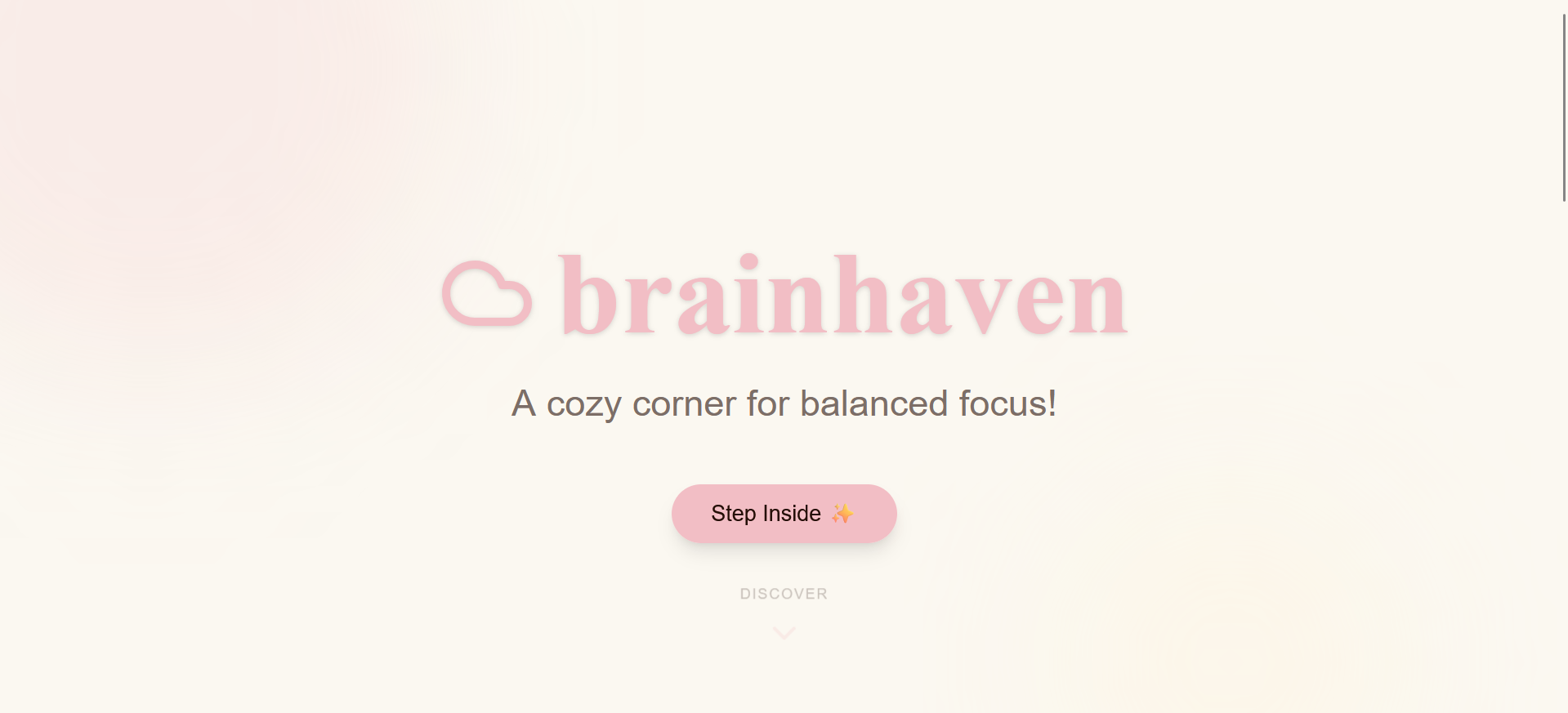
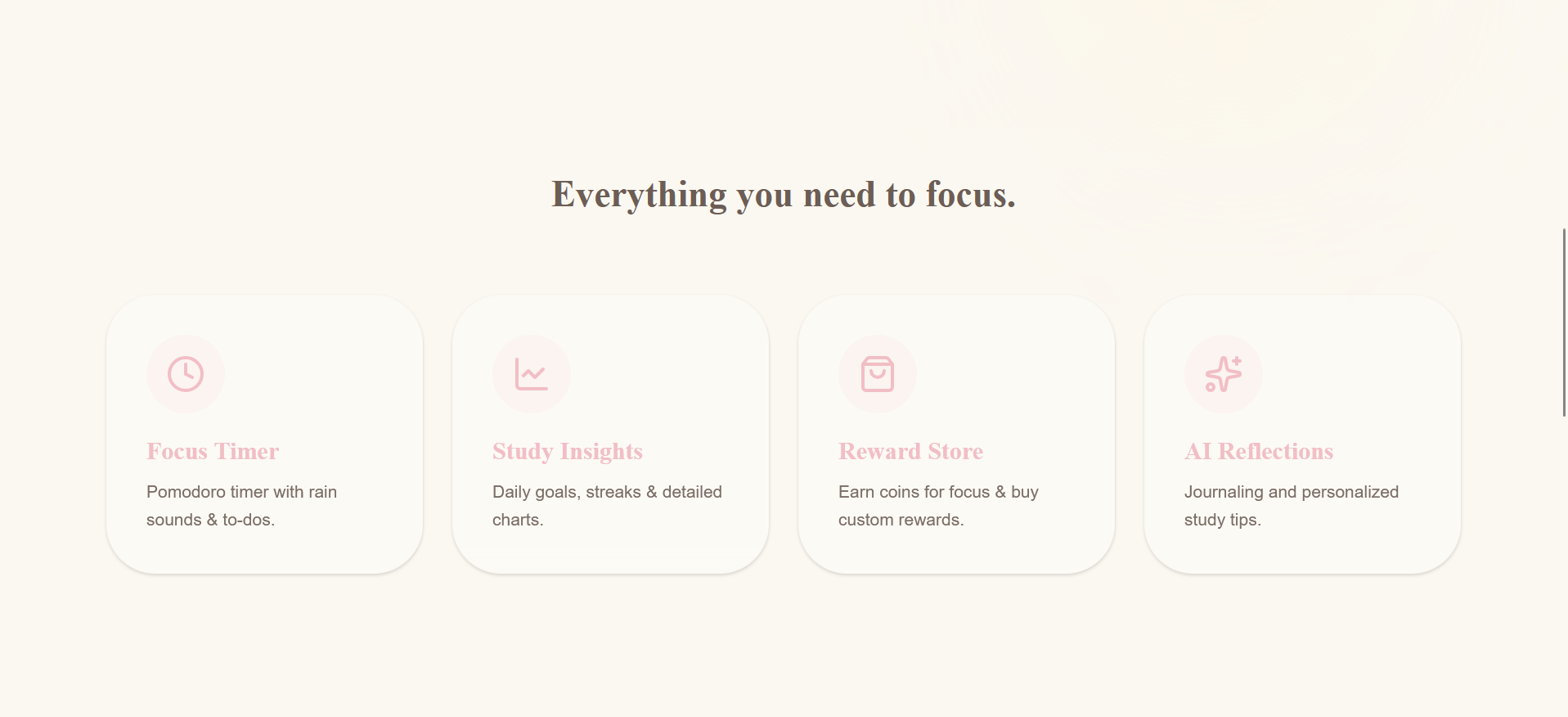
brainhaven is an all-in-one study app to track and gamify studying. It has the following:
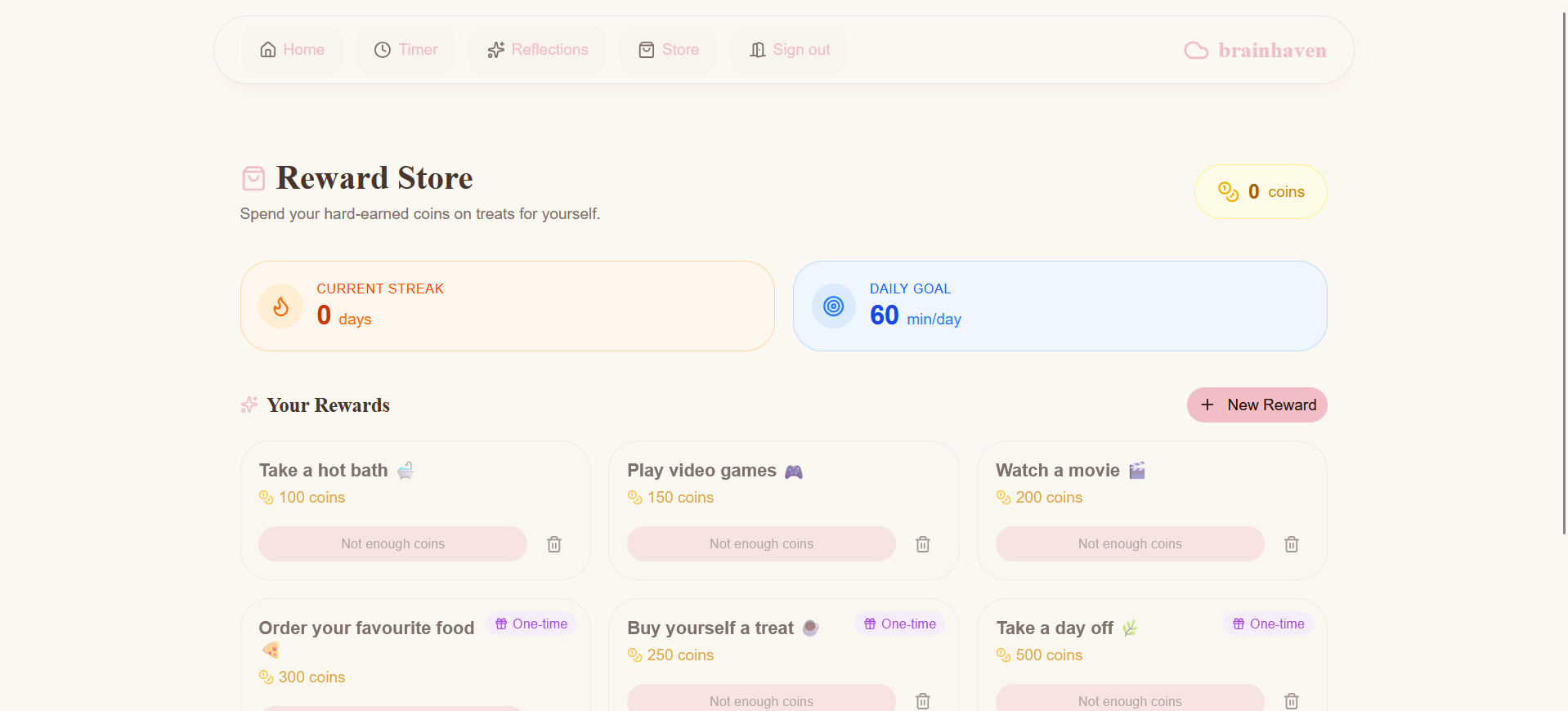
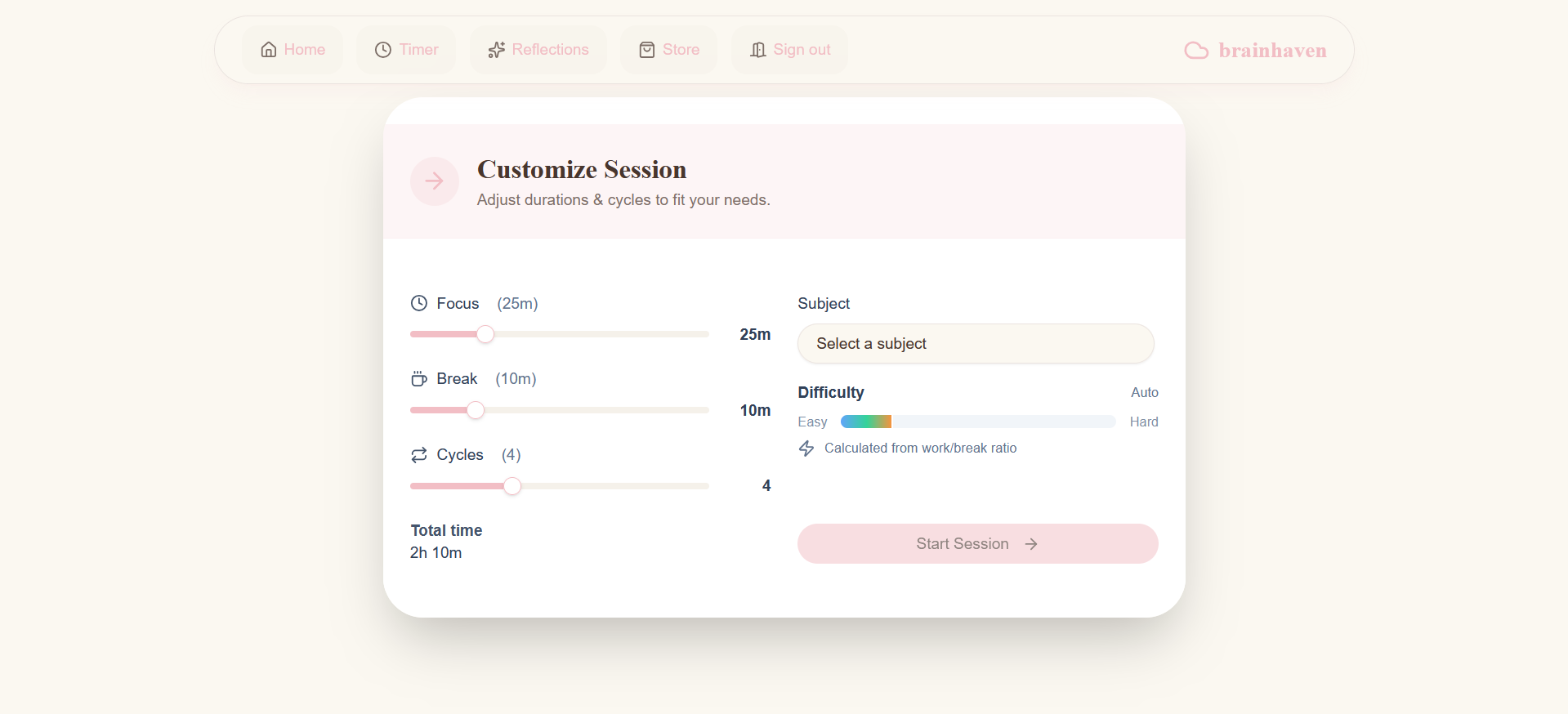
- Timer & Rewards: It has a customizable pomodoro timer, which earns the user coins as it runs. The user earns additional coins for completing a full study session and reaching a study streak. The user can spend these coins on rewards they define for themselves, such as treats or fun activities.
- Study Tracking: The user can see how much time this week they have spent studying, and can also see their info broken down by subject, giving them a better idea of how they are using their time.
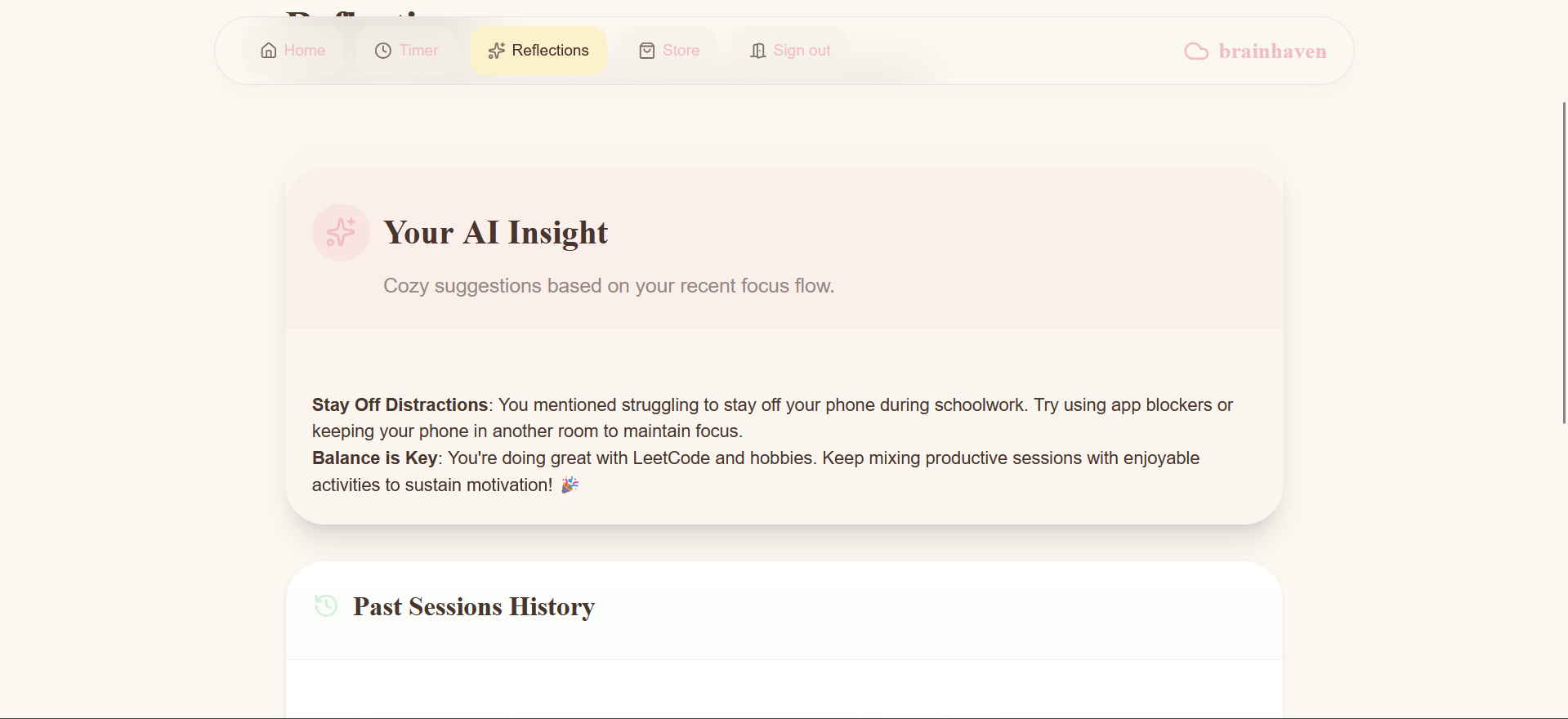
- Reflections & Personalized Analysis: After each session, the user can log their productivity and write down a short reflection. They can view these past reflections manually, or view the AI-generated insights to analyze their past sessions and reflections.
- Bonus: There’s a little white noise embed and to-do list in the timer, so the user doesn’t have to open extra tabs for playing audio or making a study plan.
Tech Stack
- React and Tailwind were used for the frontend
- Firebase was used for the backend. I used Auth for Authentication, DataConnect for storing user data, and Functions for backend functions and hiding API keys.
- OpenAI API was used for generating personalized study tips based on sessions and reflections.
What I learned
I spent about two months building this project without help from AI (except for a bit of visual/design help), since I thought this was the best way to maximize my learning. However, while working on brainhaven, I attended the cmd-f 2026 hackathon. During cmd-f, my team used an agentic workflow to build a different project with a similar scope to brainhaven in less than 24 hours. This made me reflect on my personal experience with brainhaven.
I began incorporating Google Antigravity towards the end of the project. Since the brunt of the app was already complete, I mainly used Antigravity to rehaul the app visually, refactor some backend code, and add a few final features. I compared my experience before and after starting to use Antigravity, and I realized the following:
- LLMs & AI agents actually speed up learning when used right.
- For example, I started by using them to guide me with syntax or to suggest new technologies/tools/libraries, which reduced the amount of time I spent googling and researching. It helped me to learn more in less time, and find out about new tools I wouldn’t have otherwise known about.
- Using an agentic workflow let me experiment with different features and technologies much faster. I could even quickly refactor the code quickly using Antigravity, letting me try out different design patterns and strategies to see what works best. The more I experimented, the more I learned about writing good code.
- Not to mention the obvious, but before using Antigravity, I spent so much time writing boilerplate code or revisiting the same coding concepts, wasting time that I could have spent learning something new.
- AI-generated code is not initially well-designed, but you can use agents to make their own code better.
- Since I had just taken a software design course, I could suggest and explain design patterns to implement during brainhaven. For example, at I pushed for a singleton design pattern with the timer; even though it wasn’t necessary at first, I knew how I would want to use that timer.
- I realized that I could have written more robust code if I had used LLMs to help me write a big test suite at the start of the project.
So, I’ve realized that AI agents don’t just speed up writing code. They actually can speed up learning and be used to write good code, as long as I’m still putting in the effort to understand, test, and think about the code.
Some other things I learned are:
- This is my first personal technical project, and it’s of a slightly larger scope than most things I’ve worked on. I have a much stronger and deeper technical understanding of full-stack web development in general. I learned everything about React, Firebase, and even OpenAI API calls, and practiced implementing design patterns and strategies from class in a real-world situation.
- I learned how to break things down into smaller pieces, and ultimately used a semi-agile workflow to get things done. Even though it was a solo project, it was my first personal project, and the scope felt big and overwhelming at first. I started off the project by trying to plan and draw UML diagrams for the entire app, and realized that breaking problems down into smaller sprints is much more manageable. The Agile-esque workflow I ended up using really suited me.
- And many other things, about security, writing good code, not-overengineering code, not pushing public information to private repos, and so on.
Accomplishments that I'm proud of
I switched into computer science in January, so this is my first full personal project! I’m proud of everything I’ve learned and for sticking through it, even though it was difficult. I’ve built something that I’ll personally enjoy and use, and it has been very creatively fulfilling.
I realized how much I’d learned from brainhaven during the cmd-f hackathon. We were working on a completely separate project, but my experience during brainhaven seemed to click into place and really helped me during the hackathon. I realized all the things I had spent hours trying understand during brainhaven had clicked into place. I was able to take on more of a technical leadership role, make design choices and fix bugs faster, and explain in detail to the judges how our project worked.
What's next for BrainHaven
A few members of my friends and family members are currently trying out brainhaven. They’re going to let me know if there’s anything I can improve!
Mainly, I would like to find a new approach to generating AI study session insights. Currently, I use the OpenAI API to look at the study session objects and spit out some study tips, but I would really like to have more research-backed evidence or numerical analysis of the user’s study patterns. Additional, to make it less credit-intense, study tips are only based on the last 7 days of studying. I would like to find a way to make this more efficient and accurate.
Other than that, I have a bunch of ideas for future features and changes, such as:
- Creating a chrome extension which also has a built-in web blocker that only functions during work blocks.
- Making a more ambient/visual environment, where users can customize the background image, music, and ambient noises of the timer.
- Setting a different goal per subject (e.g., set a goal to do 3 hours of schoolwork, 3 hours of leetcode, and 2 hours of personal projects every day, instead of just ‘10 hours studying’).
- Creating a ‘reward timer’ for the reward activities as soon as you buy/claim a reward to help people stick to their reward timeline. For example, if the reward is 30 minutes of videogames, it would start a 30 minute timer.


Log in or sign up for Devpost to join the conversation.