-
-
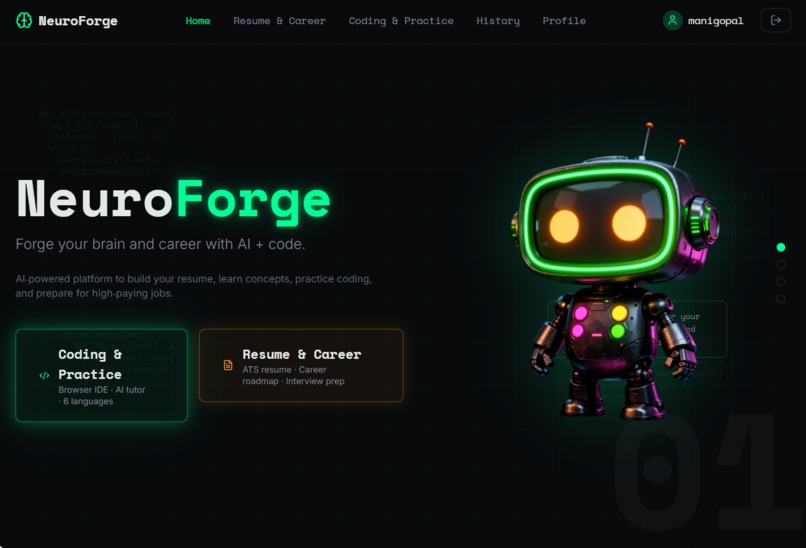
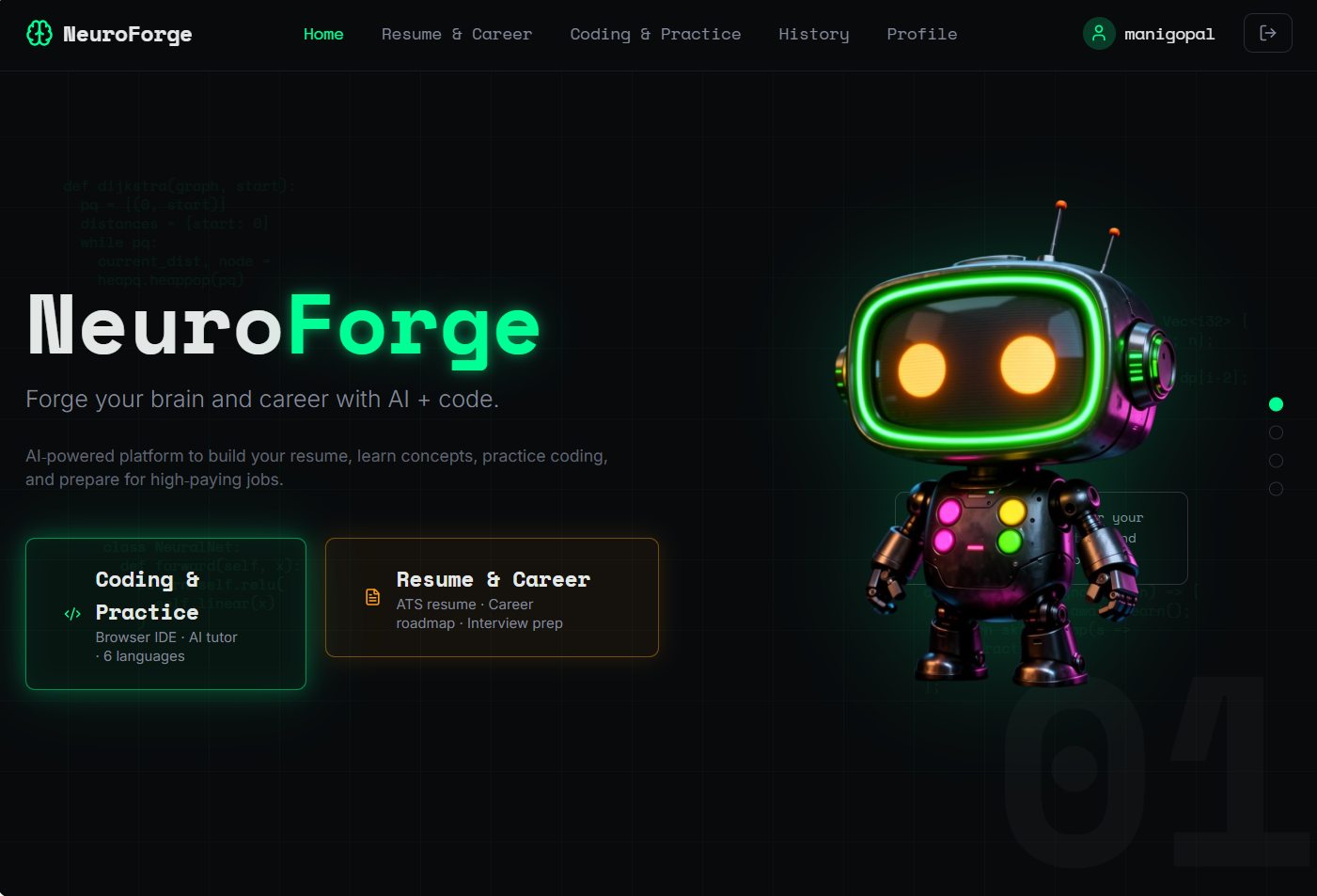
“From confusion to clarity: BrainForge Mentor guiding students to job‑ready profiles.”
Inspiration
As a BTech student I saw that many of my friends were struggling with the same problems:
“Which role actually fits me – frontend, backend, data or AI?”
“My resume is ready, but it doesn’t get interviews.”
“I have projects, but I don’t know how to describe them properly.”
I had already built two apps – Nova Sports OS (live sports tracking) and BrainForge CareerPath (career guidance). I wanted to combine that experience and create a more focused, practical AI mentor that actually helps students move from “confused” to “job‑ready”.
What it does
BrainForge Mentor is an AI career & coding coach designed for students and early‑career developers. It focuses on four main areas:
Career direction – Suggests suitable roles based on interests, skills and goals.
Resume & projects – Rewrites weak bullets into strong, role‑specific impact statements.
Job & ATS help – Reads a job description and explains how well your profile matches, plus how to improve it.
Learning roadmap – Generates 30–90 day plans to become job‑ready in web dev, DSA or AI.
The goal is simple: help users turn their existing skills and projects into a clear story that hiring managers and recruiters can understand.
How we built it
Frontend: React / Next.js (via Lovable) with a simple UI focused on text-based workflows.
Backend & data: Supabase / hosted backend for authentication and storing user context.
AI layer: A single, well‑engineered system prompt (“BrainForge Mentor”) that automatically switches between different modes:
Career Direction Mode
Resume & Projects Mode
Job & ATS Mode
Learning Roadmap Mode
(Future) Code Helper Mode
The app sends the user’s message, basic profile info (branch, year, target role) and the current feature context to the AI. The AI returns structured responses with headings, bullet points and ready‑to‑paste text for resumes, LinkedIn and study plans.
Challenges we ran into
AccoMaking the AI specific, not generic – many default AI replies are too vague (“work hard”, “improve your skills”). I had to iterate on the system prompt until it gave concrete bullets, sample resume lines and weekly plans.
Balancing flexibility and structure – users can paste resumes, JDs or vague questions. Designing a prompt that detects the correct “mode” and still responds clearly was a key challenge.
Timeboxing features – during the hackathon I had to prioritize: first get the core flows (career + resume + JD), then polish UI and later plan the Code Helper mode.mplishments that we're proud of
What we learned
Building BrainForge Mentor taught me:
How important prompt design is – small changes in wording can make the AI much more practical and less generic.
How to structure an app around “modes” (career, resume, ATS, roadmap) while keeping a single unified experience.
How to reuse my previous work (Nova Sports OS and BrainForge CareerPath) and turn it into a more polished, focused product instead of starting from zero every time.
How to think like a real user: adding example prompts, short descriptions on each page and clear “next steps” improved usability a lot.
What's next for BrainForge Mentor – AI Career & Code Coach
Next steps for BrainForge Mentor:
Add a dedicated Code Helper section for debugging and explaining code errors.
Show a simple “profile completeness” indicator based on whether the user has a resume, projects and a roadmap.
Add a small project idea generator that suggests hackathon / portfolio projects based on the user’s target role and tech stack.
My long‑term goal is to turn BrainForge Mentor into a daily companion for students: a place where they can plan their career, improve their profile and get unstuck when they don’t know what to do next.
Built With
- lovable
- next.js
- react
- supabase
- tailwind-css


Log in or sign up for Devpost to join the conversation.