Inspiration
We observed many colleagues utilizing facial recognition and wanted to do something similar — but instead of recognizing faces, our idea was for the screen data to be observed by AI and utilized in some way.
What It Does
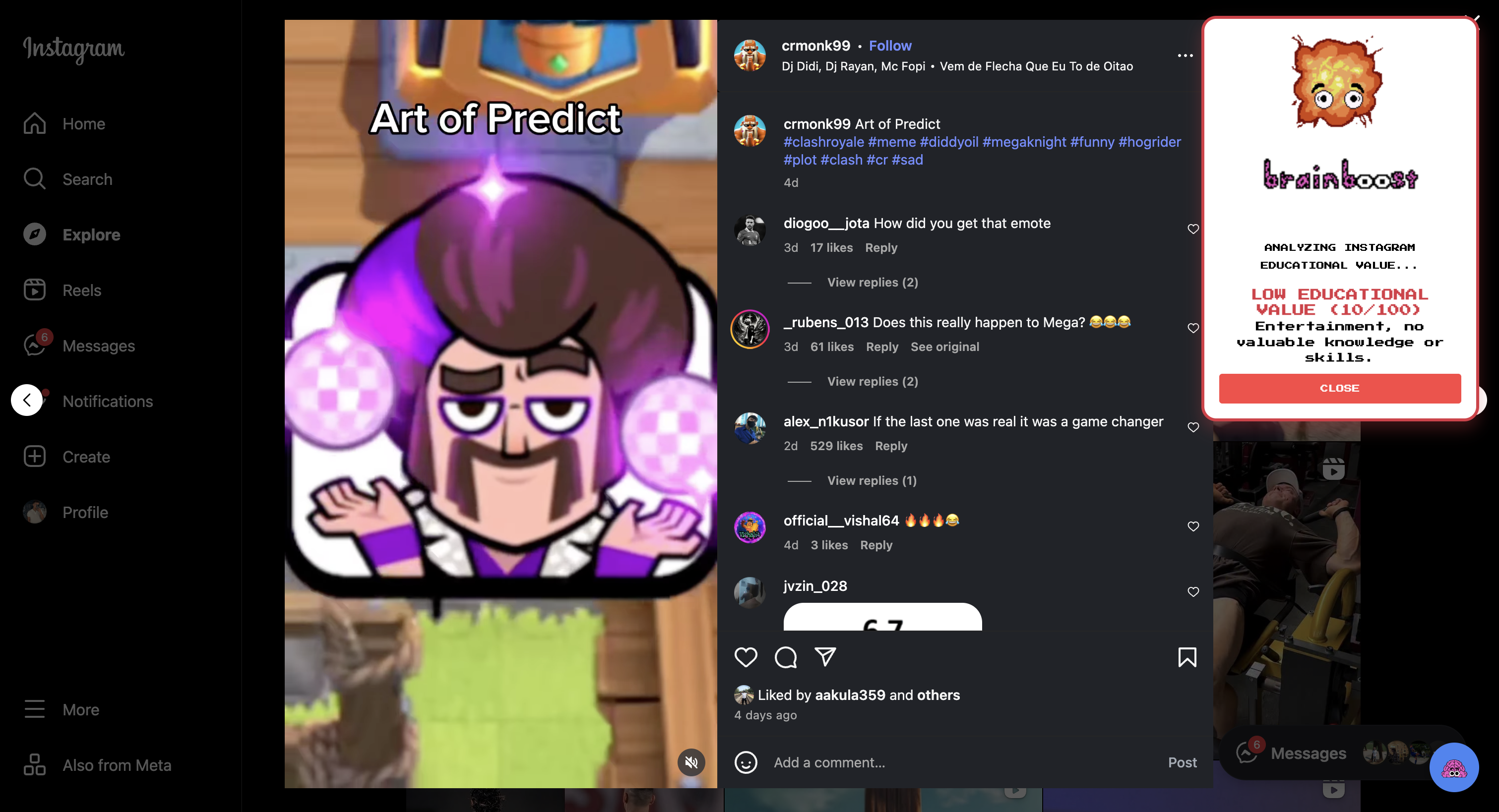
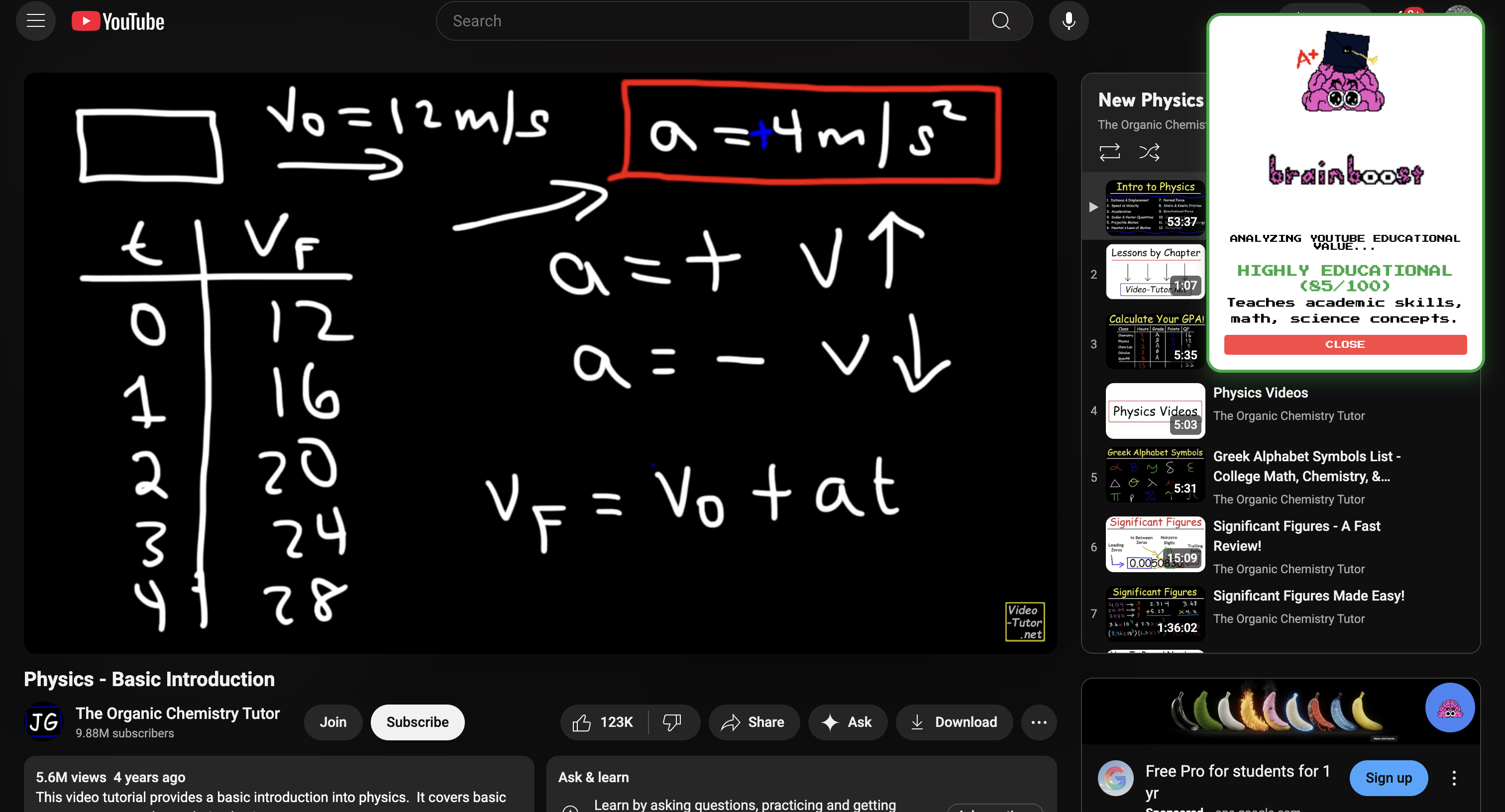
Our tool analyzes social media posts for elements of educational value and evaluates a score (S) on a scale from 0 to 100.
| Tier | Score Range |
|---|---|
| LOW | (0 \leq S \leq 30) |
| SOME | (31 \leq S \leq 60) |
| GOOD | (61 \leq S \leq 80) |
| EXCELLENT | (81 \leq S \leq 100) |
Billy the Brain gives an appropriate response to each score.
How We Built It
We built this using Google Gemini and Google Chrome extensions.
- Frontend:
JavaScript+HTML - Art: Pixel art created in Piskel for customized GIFs
- Workflow: We prompted Gemini to analyze the media and give it an educational score based on the description above, which then powers our quirky pop-up.
Challenges We Ran Into
Our team size was unexpectedly cut in half right before we started.
Due to time constraints, we made do with just the two of us — balancing development and design simultaneously.
Accomplishments That We’re Proud Of
- Completing our first hackathon
- Making a Chrome extension for the first time
- Utilizing unfamiliar tools and trying something new
What We Learned
We learned the importance of communication within a team, time management, and planning ahead.
What’s Next for BrainBoost
We are interested in utilizing machine learning to further improve detection and scoring accuracy.
Task List
- [x] Finish the hackathon
- [x] Build the Chrome extension
- [ ] Add more machine learning features
Footnote Example
Here’s a sentence with a footnote.[^1]
[^1]: This is the footnote.


Log in or sign up for Devpost to join the conversation.