-
-
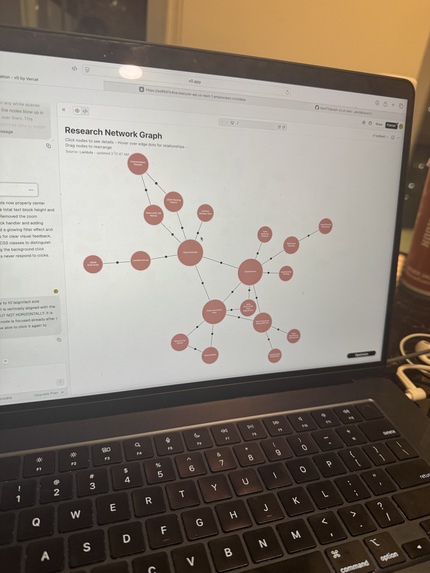
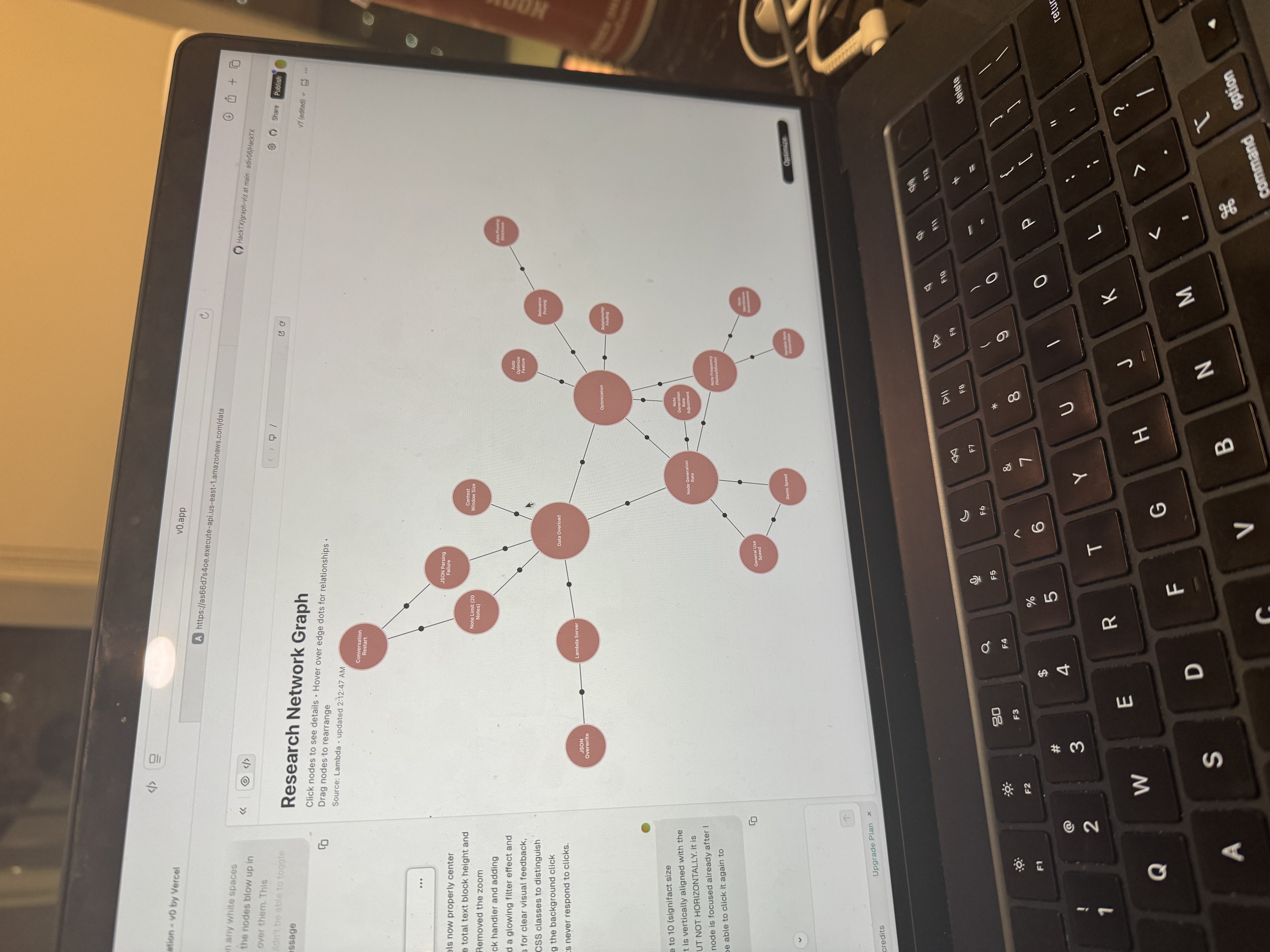
A picture of our mindmap in the wild
-
Inspiration
During brainstorming sessions or lectures, people lose valuable insights because ideas flow faster than they can be captured or structured. We wanted a tool that doesn’t just transcribe conversations, but understands them—automatically turning messy speech into structured, visual knowledge. That’s where BrainBoard was born: to make spoken ideas persistent, searchable, and connectable.
What it does
BrainBoard listens to conversations through a microphone (or fallback audio input), transcribes them in real time, and uses Gemini to extract key concepts and their relationships. It then updates a live mindmap that visualizes the conversation’s structure, showing nodes (concepts) and edges (connections). The backend syncs through a serverless Lambda endpoint, so the data can be viewed and manipulated from a front-end app.
In short: talk → auto-transcribe → auto-summarize → visualize as a dynamic mindmap.
How we built it
We built the recording pipeline using Python with sounddevice for audio input and Deepgram for fast, accurate transcription. The transcript chunks are sent to Gemini 1.5 Flash to generate structured JSON with nodes and edges.
The mindmap is stored remotely through an AWS Lambda API, which our front end fetches to display the evolving graph. We also implemented device fallback and buffering logic to make the system stable under real conditions.
Challenges we ran into
- Handling audio overflows and microphone fallbacks across different machines.
- Making Gemini output consistent structured JSON (especially with labels, IDs, and summaries).
- Merging new nodes and edges with previous context without losing data.
- Keeping the pipeline lightweight enough for near real-time updates.
Accomplishments that we're proud of
- A fully working pipeline that takes raw speech and turns it into a structured knowledge graph in real time.
- Reliable transcription and concept extraction that worked across multiple test conversations.
- A clean Lambda-based backend that made syncing state with the front end seamless.
- Making the system robust to hardware differences and audio issues.
What we learned
- How to handle real-time audio streaming and mitigate common pitfalls like input overflow.
- How to prompt and parse Gemini reliably to produce usable JSON consistently.
- How to architect a multi-component system (audio → AI → backend → frontend) that stays in sync.
- How powerful well-structured data can be in turning conversation into knowledge.
What's next for BrainBoard
- Adding real-time frontend visualization with live updates as people talk.
- Uploading our unified script to a Raspberry Pi for portability and product use
- Improving concept linking with embeddings to detect duplicates and merge similar nodes.
- Adding speaker diarization and topic grouping.
- Turning the mindmap into a searchable knowledge base over time.
- Packaging BrainBoard into a lightweight desktop or web app for teams, lectures, and research brainstorming.
Built With
- amazon-api-gateway
- amazon-web-services
- aws-dynamodb
- aws-lambda
- deepgram
- gemini-2.5-computer-use-model
- llms
- node.js
- openai-api
- python-scripts
- react.js
- semantic-scholar
- serp-api


Log in or sign up for Devpost to join the conversation.