-
-
this my first page
-
-
-
-
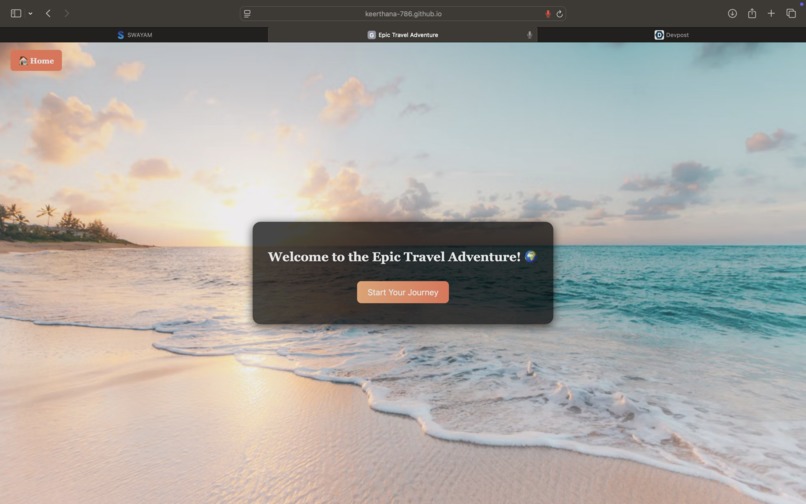
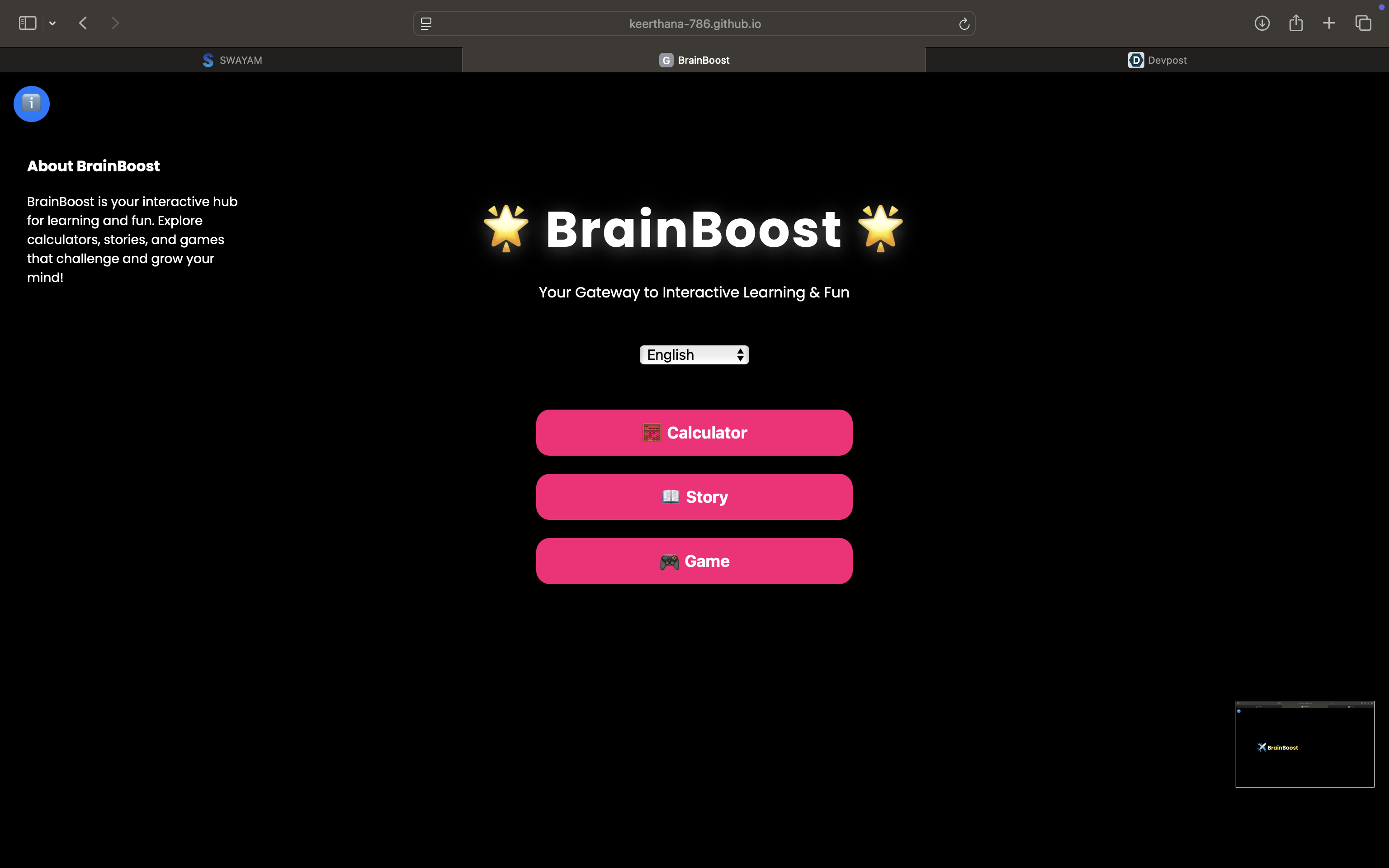
Brain Boost
Team Members: Keerthana, Subiksha, Madhan, Shakthi
Inspiration
We were inspired to create a platform that makes learning engaging, fun, and interactive. We wanted to combine educational content with games, calculators, and story adventures to help users improve their cognitive skills while keeping them entertained. The idea was to make learning feel like play and ensure it works seamlessly on both mobile and desktop devices.
What it does
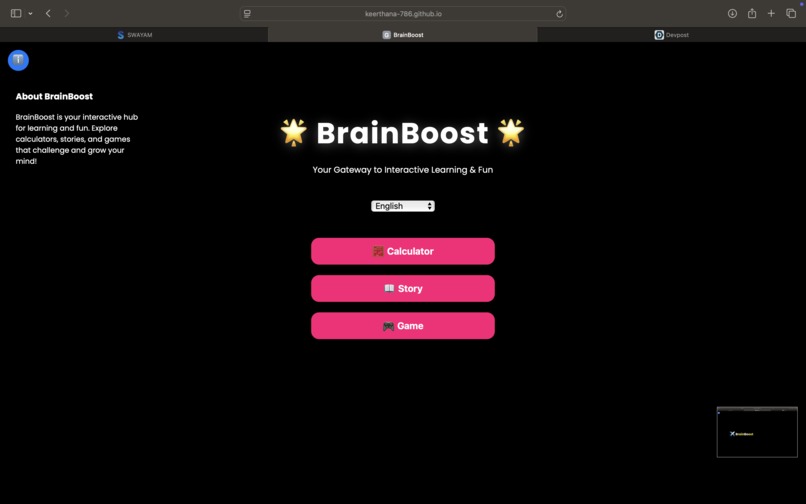
Brain Boost is an interactive learning platform that includes:
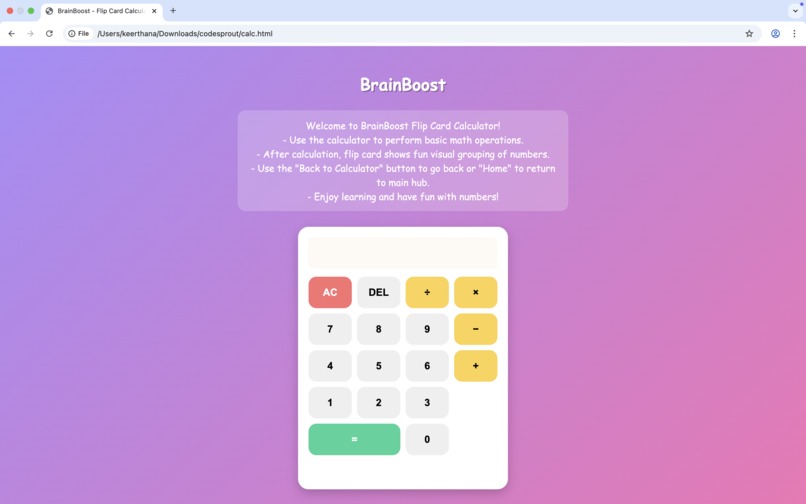
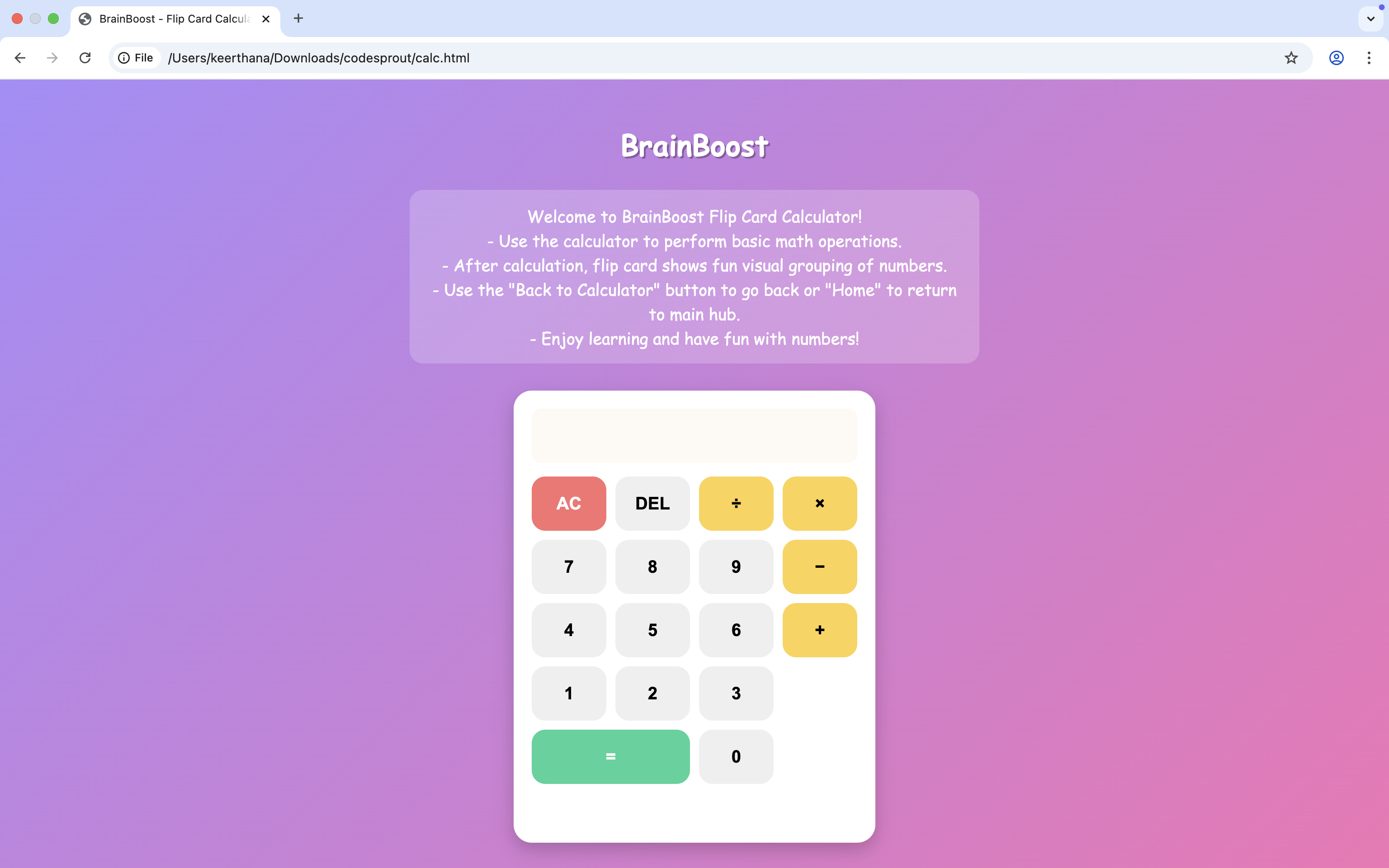
- Calculators: Basic and Matrix calculators with step-by-step explanations.
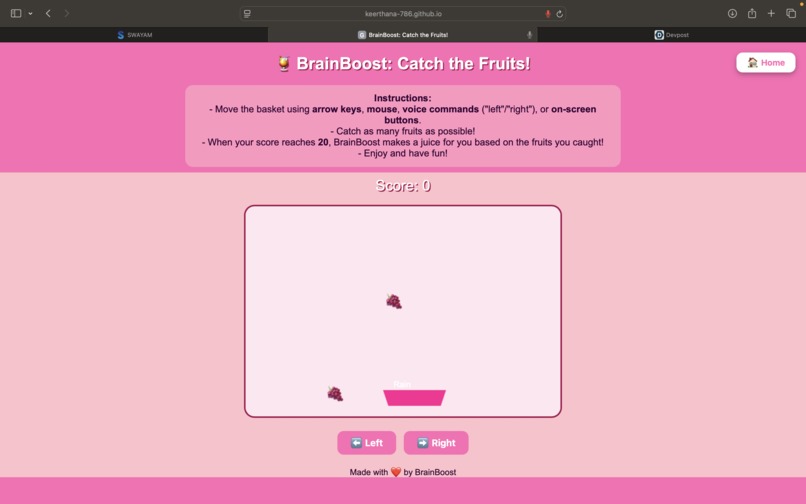
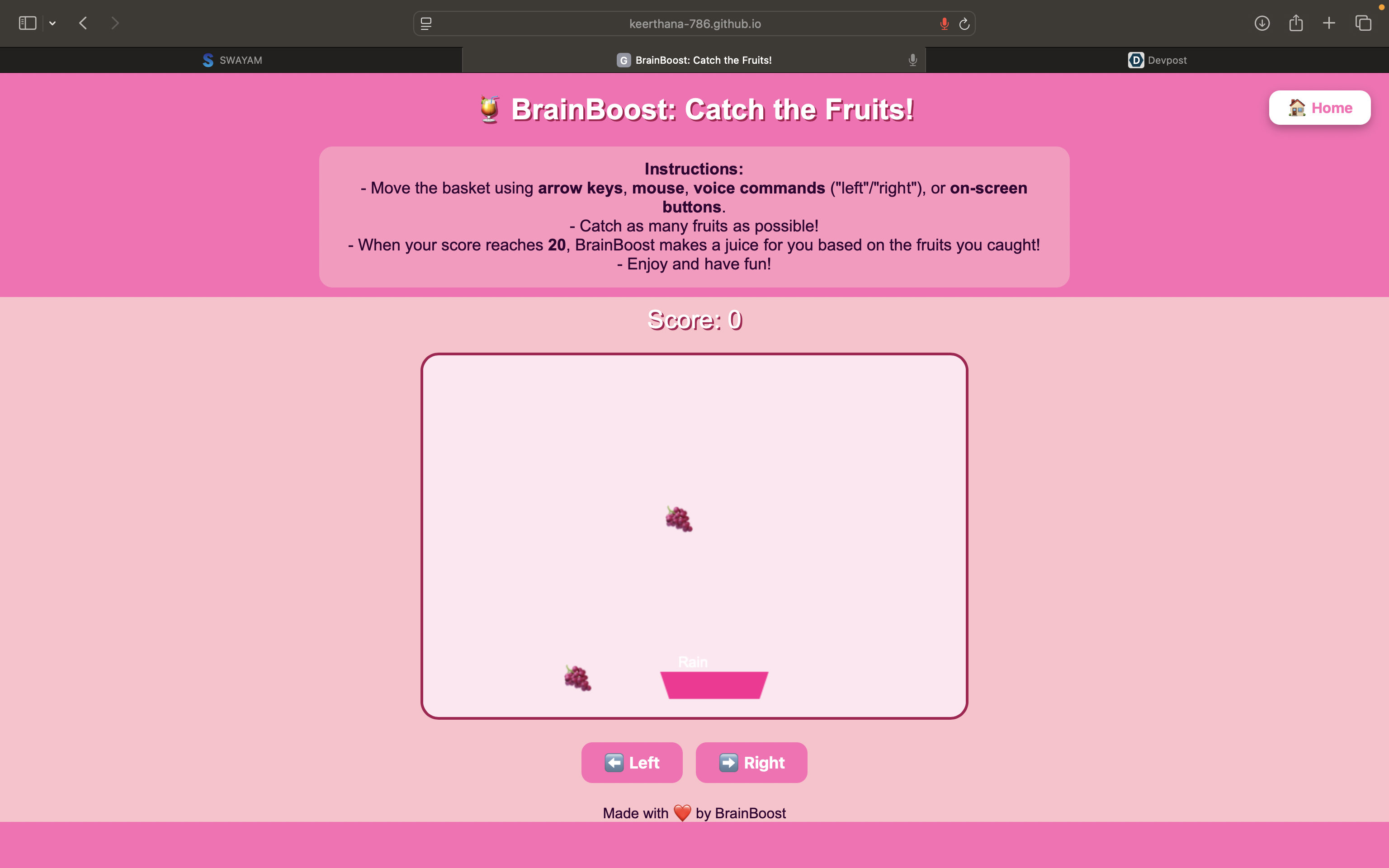
- Educational Games: Catch the Fruits game with progressive rewards and multiple input methods (keyboard, mouse, buttons, voice).
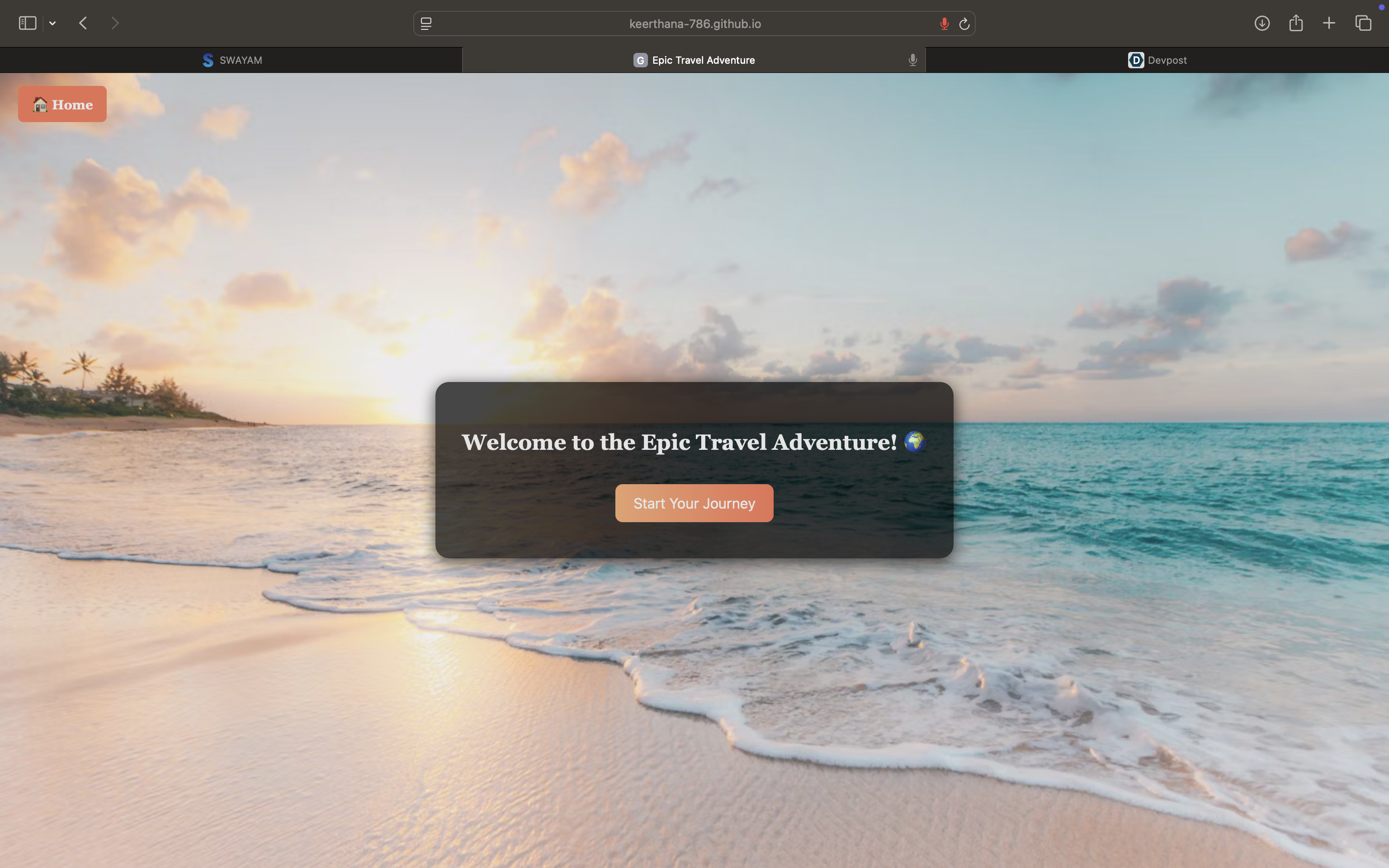
- Interactive Story Adventures: Users travel through different scenarios and make decisions that affect outcomes.
- Responsive Design: Works on all devices with a user-friendly interface.
How we built it
- Frontend: HTML, CSS, JavaScript for interactivity and responsiveness.
- Styling: Bootstrap and Tailwind CSS for clean layouts, animations, and flip cards.
- Logic & Calculations: JavaScript and Math.js for game logic, calculators, and story branching.
- Media: Images, emojis, and Google Fonts for a visually engaging experience.
- Version Control: Git and GitHub for collaboration and project management.
Challenges we ran into
- Designing engaging puzzles, games, and interactive stories for different age groups.
- Implementing dynamic content, such as flip cards and progressive game rewards.
- Ensuring responsiveness and smooth performance across desktop and mobile devices.
- Handling multiple input methods (keyboard, mouse, on-screen buttons, voice).
Accomplishments that we're proud of
- Built a fully interactive and responsive educational platform.
- Integrated multiple types of learning activities (calculators, games, stories) into one cohesive site.
- Created dynamic feedback systems like step-by-step explanations and milestone rewards in games.
- Designed a visually appealing and easy-to-navigate interface.
What we learned
- How to combine educational content with interactive features effectively.
- Techniques for building responsive layouts and smooth animations.
- Managing team collaboration and integrating multiple project components.
- Handling user inputs from different devices and optimizing performance for web applications.
What's next for Brain Boost
- Add more mini-games and interactive storylines to increase engagement.
- Include user accounts to save progress and track performance.
- Implement a scoring system and leaderboard for games.
- Enhance accessibility features like voice navigation and keyboard shortcuts.
- Explore mobile app development to reach a wider audience.


Log in or sign up for Devpost to join the conversation.