-
-
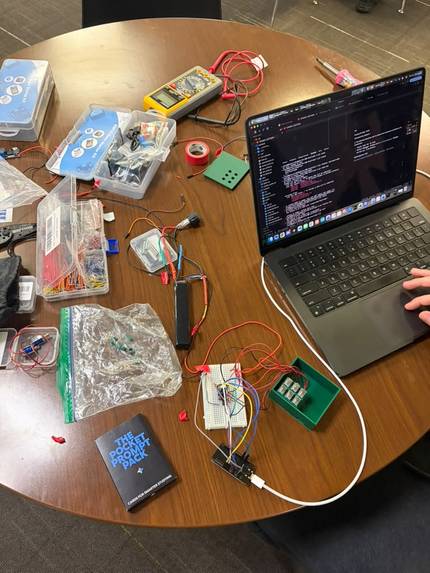
Brailliant Hardware
-
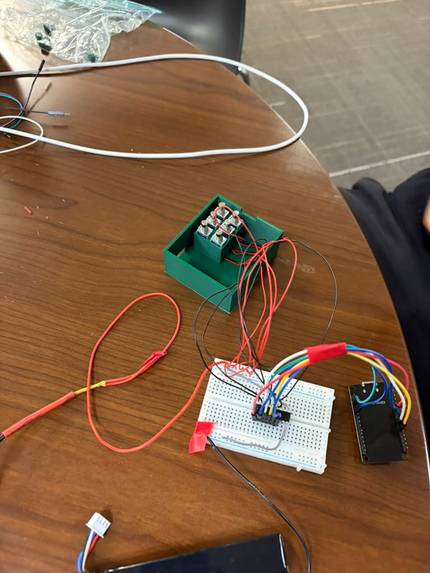
Brailliant Hardware
-
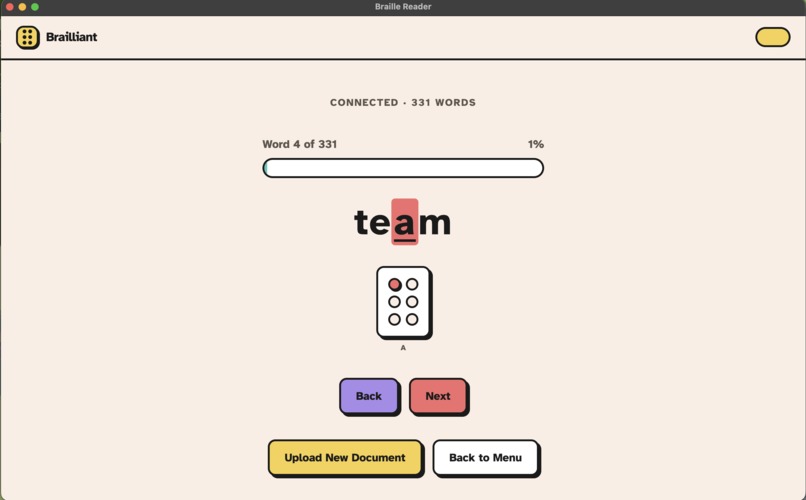
Brailliant: Letter Example
-
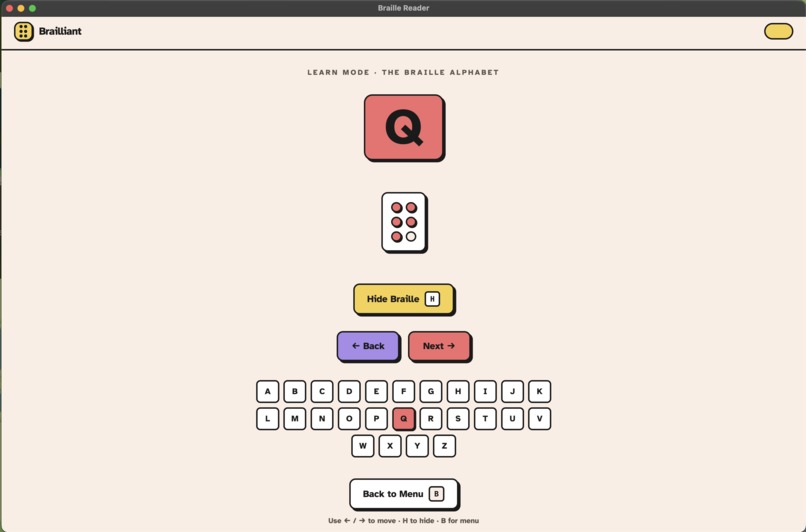
Brailliant: Learn Mode
-
Brailliant: PDF Mode
-
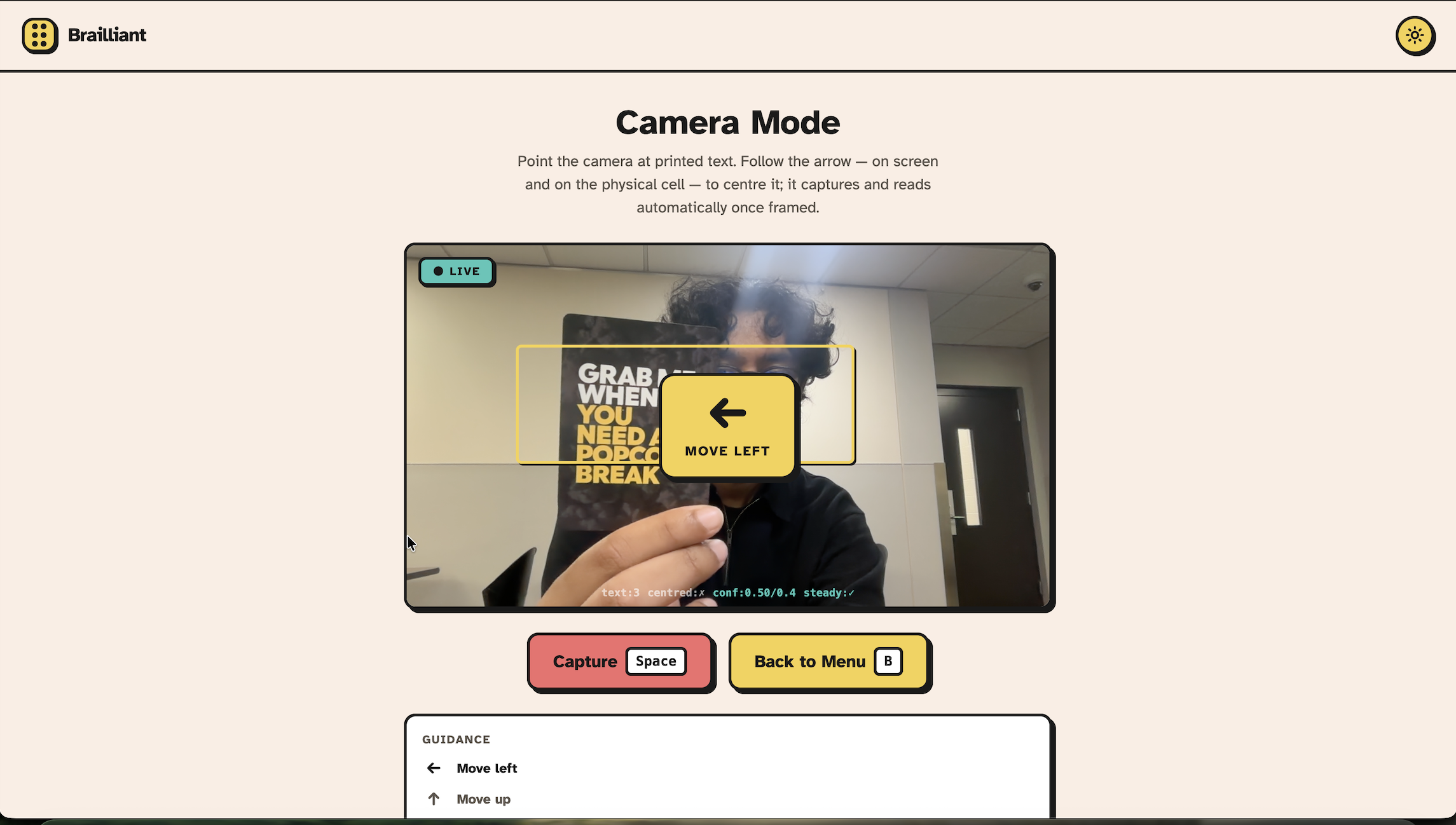
Brailliant: Camera Mode
-
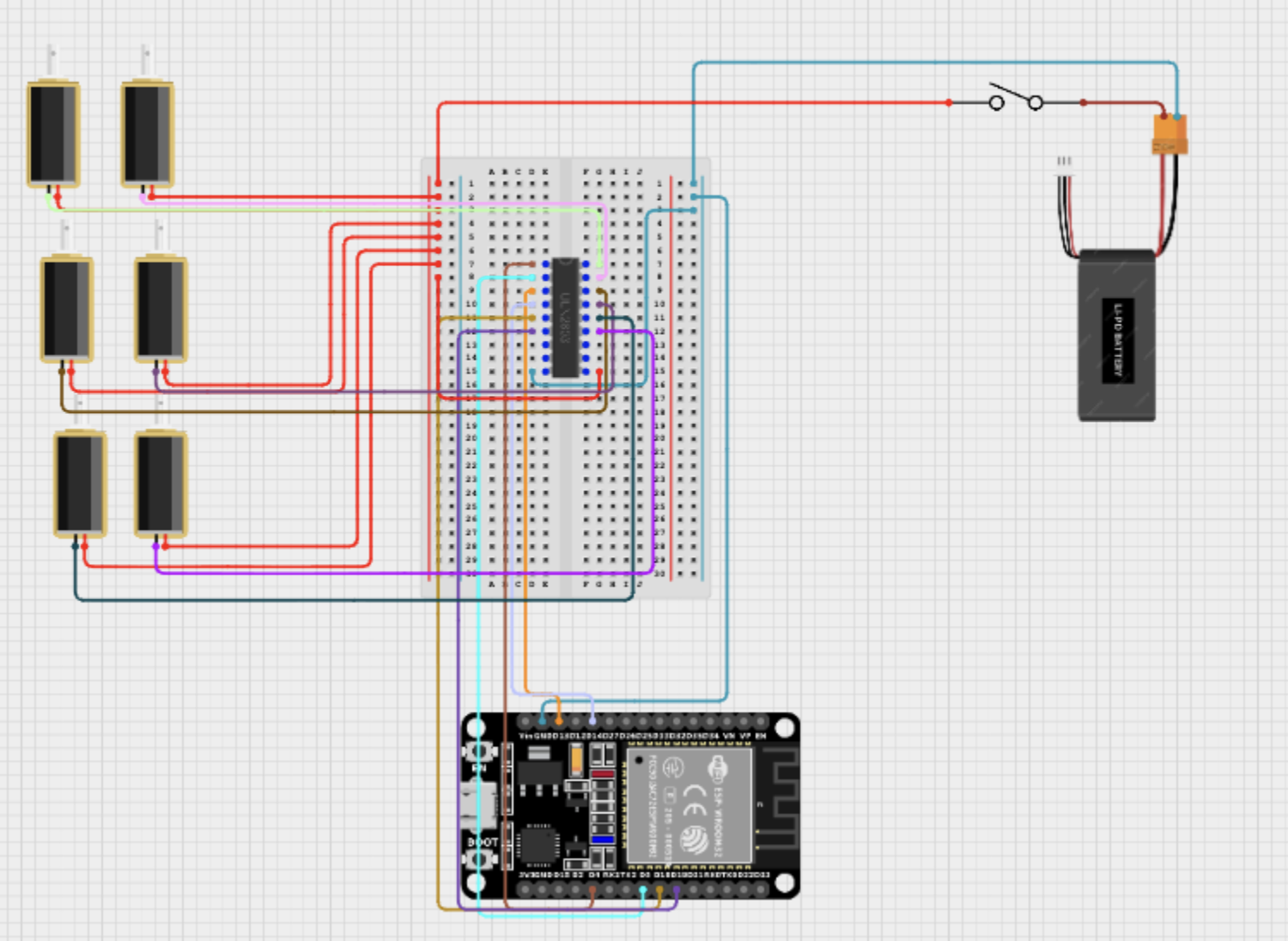
Brailliant: Circuit
Inspiration
There's a small, constant tax on independence that blind and deaf people pay every day: they can't just read what's in front of them. A menu, a sign, a book, a piece of mail. Something as basic as knowing what's written down becomes a barrier to going about a normal day without leaning on someone else to read it for you. That felt like a real problem worth building something for, not just a cool hardware demo.
Along the way, the project grew past just that. We realized the same core idea of turning printed text into something you can feel, could also help people who are learning Braille themselves, not only people who are blind. So we added a learning mode and PDF upload support on top of the core reader, since we figured putting a translator and a physical Braille display in someone's hands could end up being useful in ways we haven't even thought of yet.
What it does
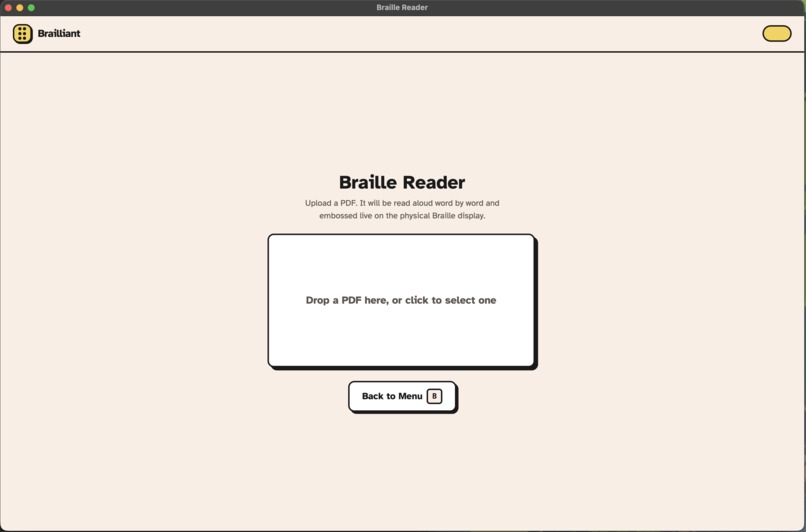
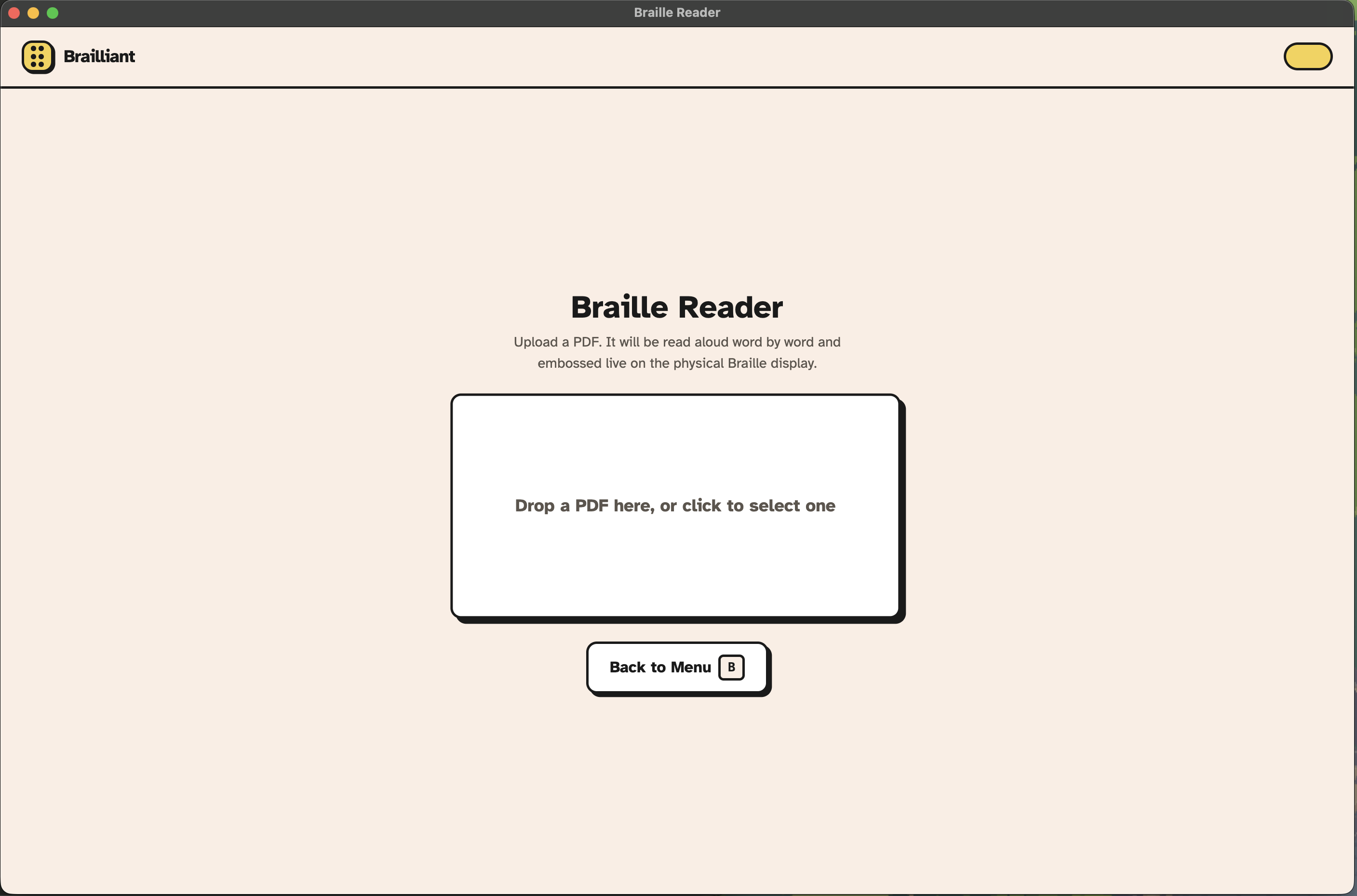
Brailliant takes text from three different places and turns it into something you can actually read with your fingers: a camera, a PDF upload, or a live screenshot of your screen.
| Input | What happens |
|---|---|
| 📷 Camera | Point it at a menu, a sign, or a page and capture the text right there |
| Upload a document straight into the reader | |
| 🖥️ Screenshot | Grab whatever's currently on your screen |
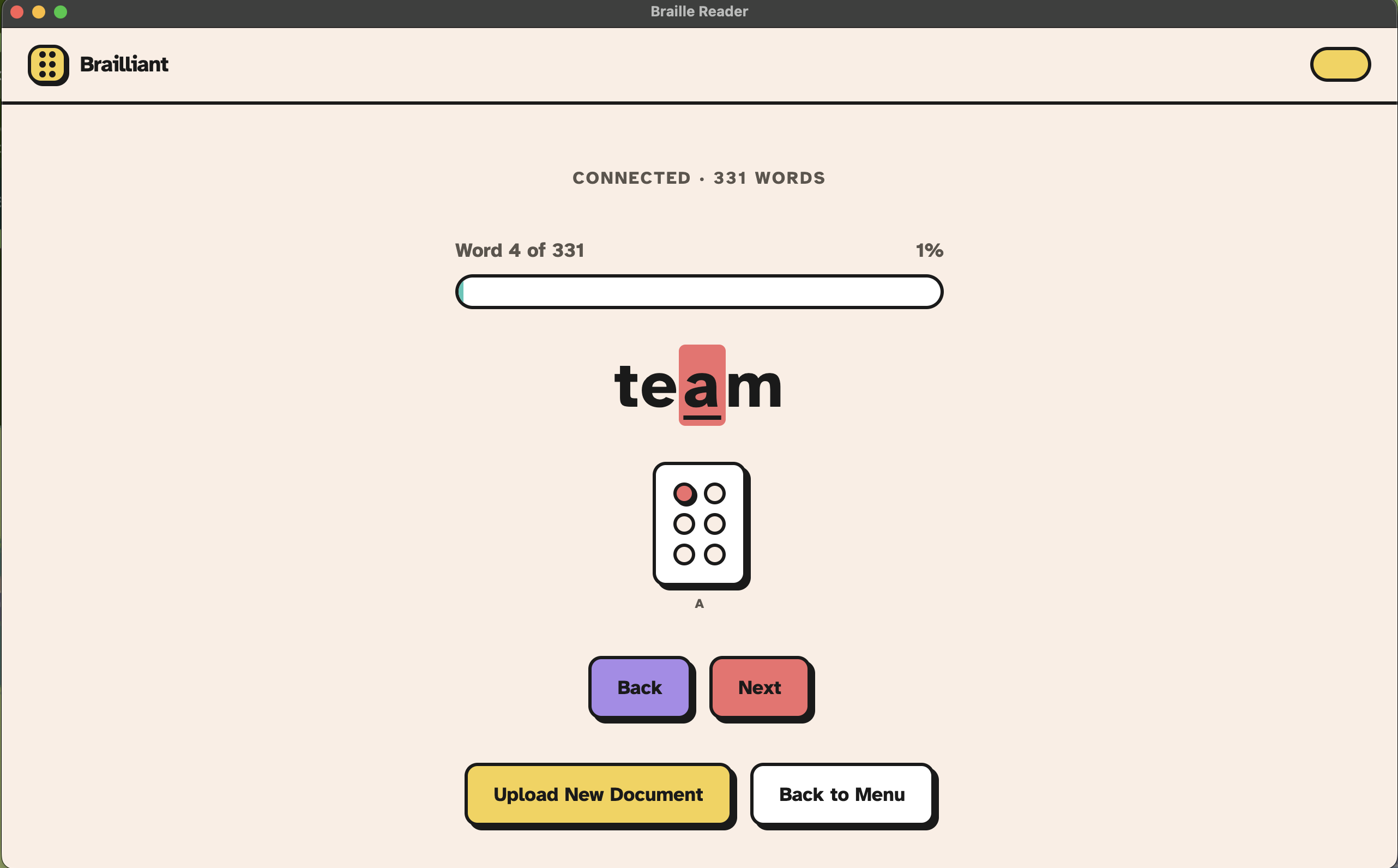
Once the text comes in, it gets translated into Braille and delivered one letter at a time, embossed physically on the device and mirrored on screen. You control the pace completely: press forward when you're ready for the next letter, press back whenever you want to feel it again.
Guided Positioning
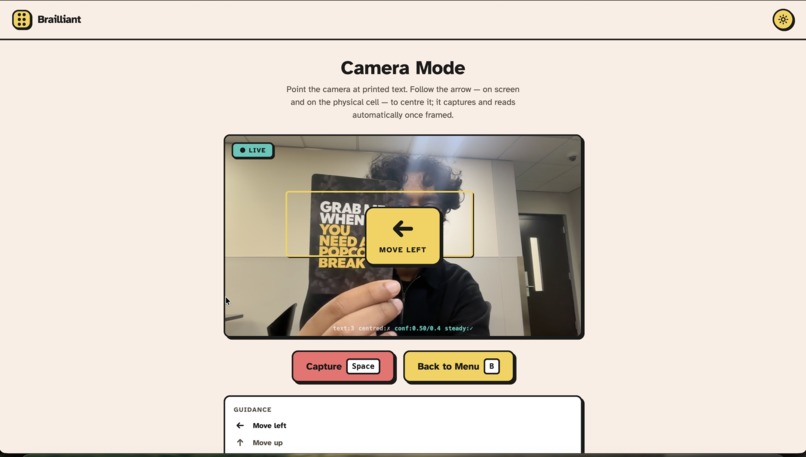
You can't check a camera preview if you can't see it, so Brailliant doesn't ask you to. Before it even takes the picture, the same six pins you read letters with gently guide your hands, letting you know which way to move the item until it's lined up right. That way what actually gets captured is clean and readable, not a guess.
A Dictionary for Learning, Too
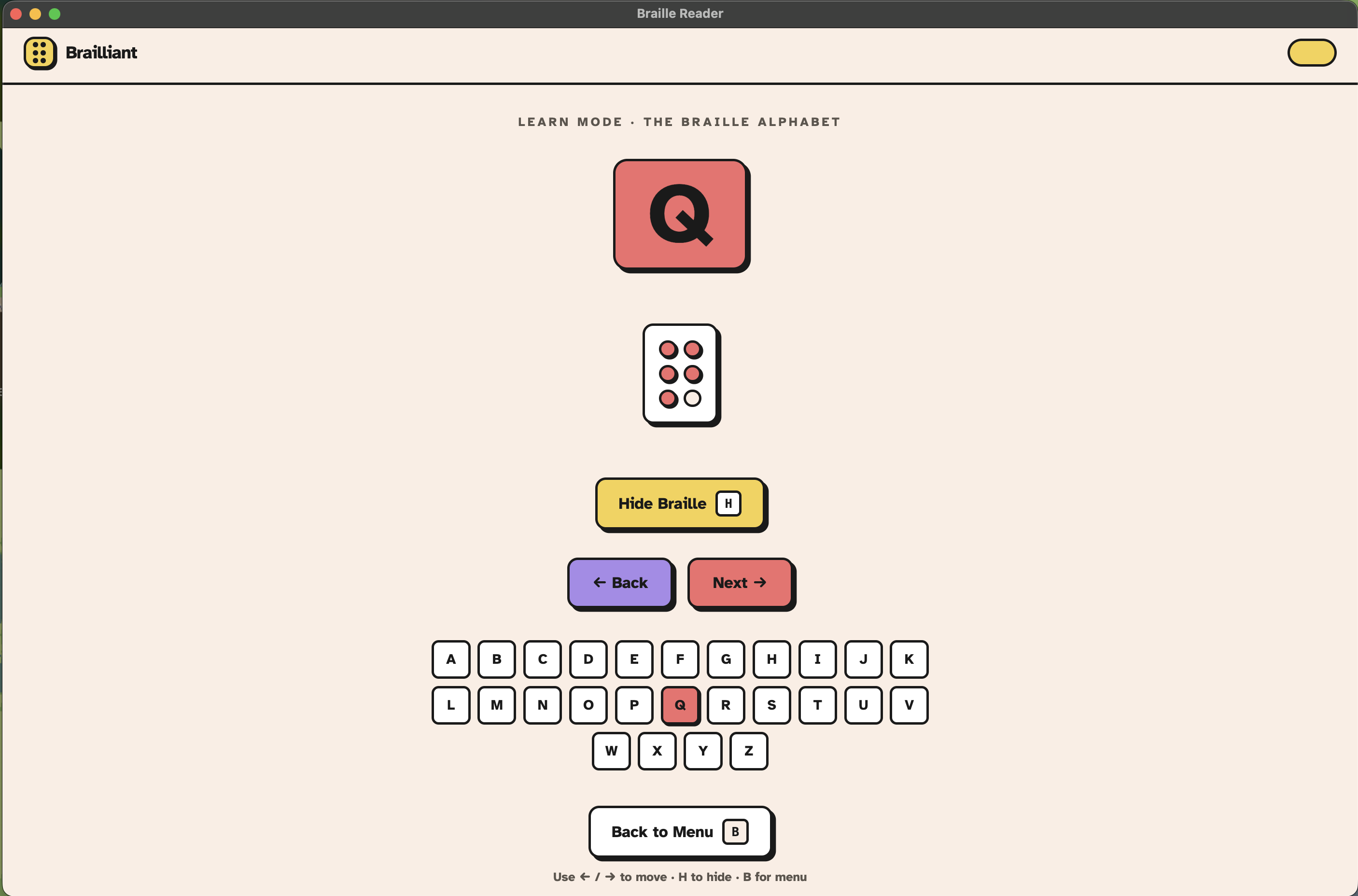
Brailliant isn't only built for people who already read Braille. Its learning mode walks through the full Braille alphabet like a living dictionary, so anyone (blind, sighted, just curious) can build Braille literacy one letter at a time.
How We Built It
Brailliant is really three separate programs that all have to agree on the exact same letter at the exact same instant, so we split it into three layers and gave each one exactly one job.
🔧 Firmware
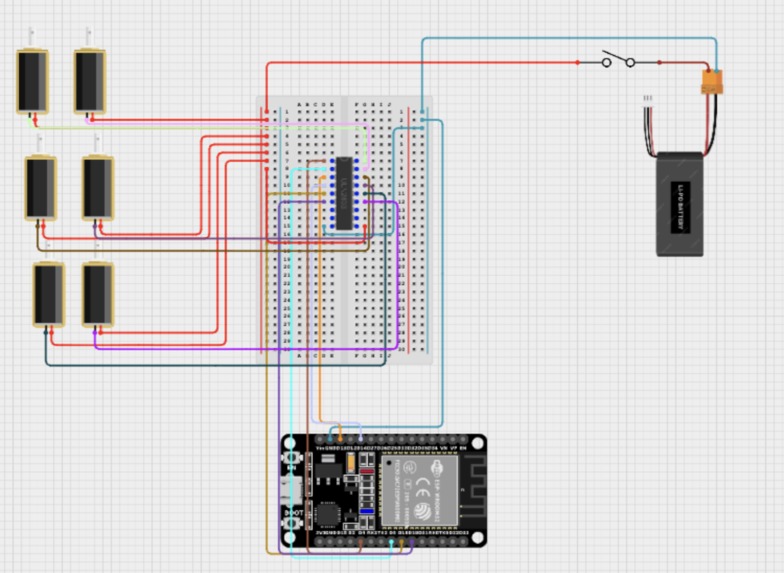
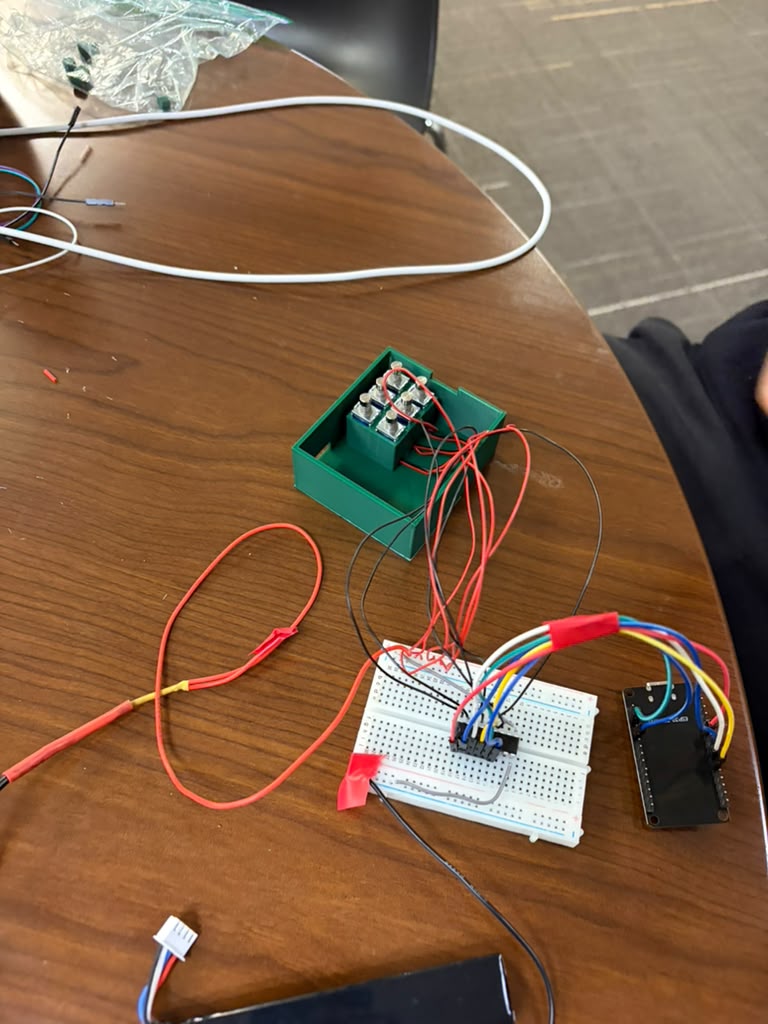
An ESP32 running a small Arduino sketch that does nothing but drive six solenoids, one per Braille dot, over USB serial at 115200 baud. Every incoming byte is a six bit pattern where each bit controls one pin, so a whole letter fits into a single byte.
🧠 Backend
A Python service on FastAPI that owns the actual reading logic. It pulls text in from a PDF (PyMuPDF), a photo, or a screenshot, cleans it up (spelling out numbers with num2words, turning stray punctuation into spaces instead of deleting it so words never get glued together), and steps through it one letter at a time over a WebSocket. The same line of code that sends a byte to the ESP32 also sends a message to the browser, so the physical pins and the screen never drift out of sync.
💻 Frontend
A React app wrapped in Electron so it runs as a real desktop app, styled with Tailwind. For text coming from the camera and screenshots, we lean on macOS's own Vision framework through a small native Swift bridge, since it gave us way better results than any other library we tried
Challenges We Ran Into
👆 Guiding Hands That Can't See a Screen
The camera mode's whole point is reading text for someone who can't see a live preview, which means we couldn't just show a framing box on screen and call it solved. Getting the item centered had to happen through touch instead of sight, so we ended up repurposing the same six pins that emboss letters to nudge the user's hands into place before a single photo is even taken.
🖥️ A Screenshot Full of Things That Aren't the Point
A raw screenshot doesn't just capture the article or the menu you actually want read, it captures the browser chrome and the navbar sitting right on top of it. We had to crop that out before OCR ever saw the image, otherwise Brailliant would happily read a bookmarks bar out loud along with everything else.
🔧 Fitting Real Wires Into a 3D Printed Idea
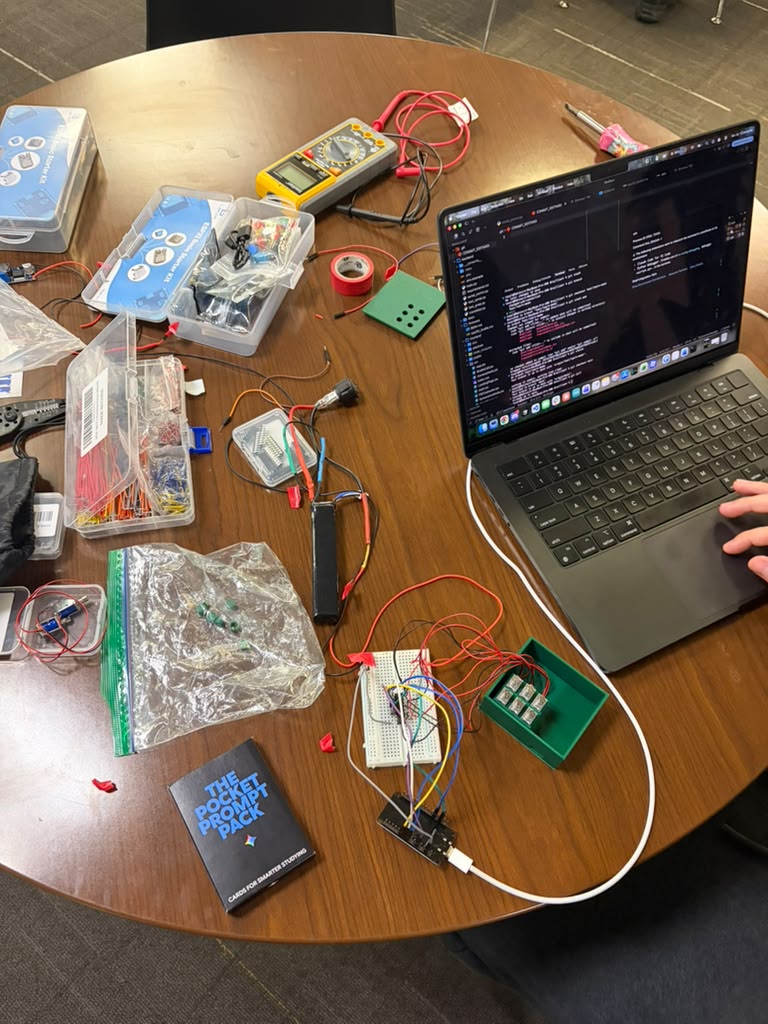
A CAD model doesn't know how thick a bundle of six solenoid wires actually is until you're holding the printed shell in your hands. We went back through several iterations of the enclosure just to give cables and solenoids enough room to physically fit without stressing a connection every time the case closed.
Accomplishments that we're proud of
⚡ Everything Happens at Once, on Purpose
The frontend, the backend, and the physical hardware are all running asynchronously, and yet a letter never shows up in one place before it shows up in the other. One line of Python decides what comes next, and from there a byte goes out over serial to the solenoids while a message goes out over a WebSocket to the browser, in the same breath. No polling, no waiting in line. The pins and the pixels move together because they're told to move together.
🎯 Close Enough to Actually Ship
We didn't want to build something that only works when everything goes perfectly and the demo gods are kind. From the letter by letter navigation to a real end of document state that stops on its own instead of looping forever, we kept asking what it would actually take for someone to depend on this every day, not just show it off once. It's not finished, no hackathon project ever really is, but we walked away a lot closer to something real than we expected going in.
What We Learned
👁️ Not All OCR Is the Same Problem
We spent real time trying to tune one library into doing a job it was never built for, reading text out of a messy real world photo instead of a clean scanned page. The fix wasn't a better setting, it was realizing document OCR and scene OCR are genuinely two different problems that want two different tools.
🦯 Design for a User You Have to Actually Imagine
Building for someone who can't see a screen takes the easy visual shortcuts off the table by default, a framing box, a status color, a live preview. That constraint pushed us toward better design a lot more often than it limited us.
What's Next
The biggest thing standing between Brailliant and someone's actual daily life is the hardware itself. Right now it lives tethered to a laptop through a USB cable, leaning on a full backend server just to read one letter at a time, which works fine on a demo table and not at all in a grocery store. Making the next version genuinely portable, smaller, self powered, free of a laptop leash, is the real next milestone. That's the line between a project you show off once and a device someone could actually carry out the door.


Log in or sign up for Devpost to join the conversation.