-
-
-
-
-
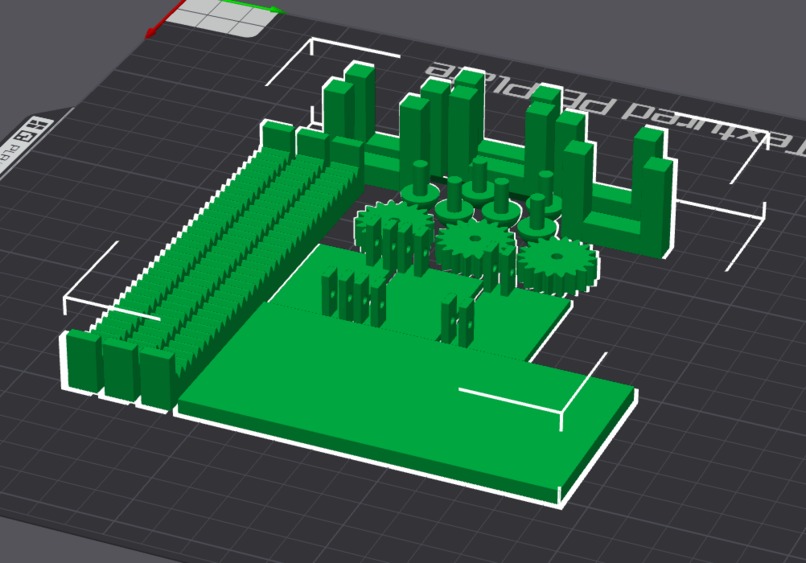
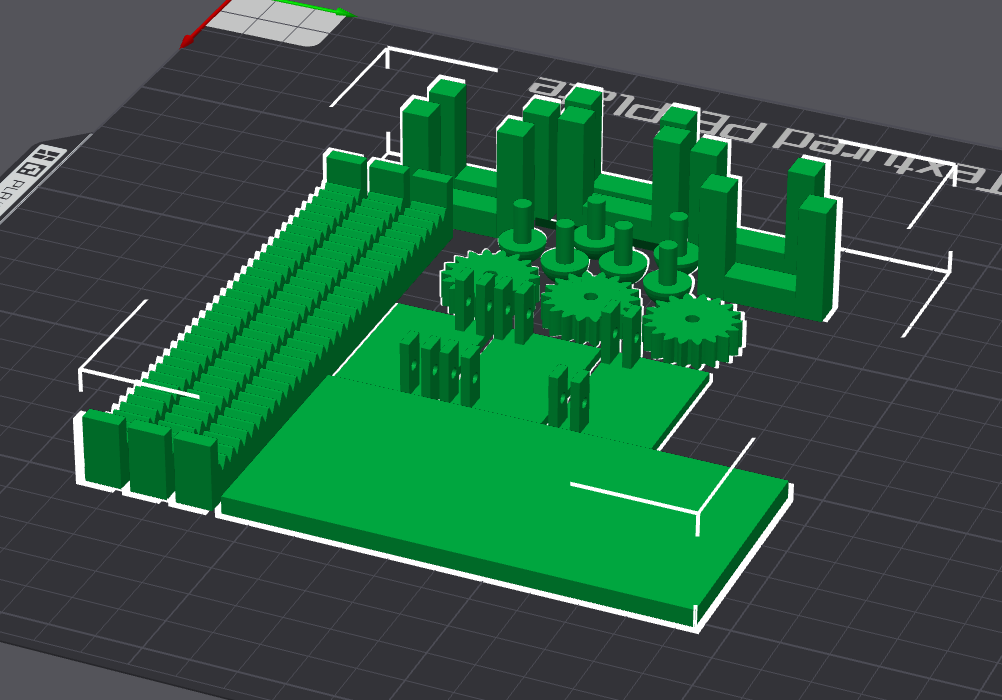
CAD file of Parts that we were unable to print
Inspiration
Our inspiration stemmed from watching a couple of our classmates in elementary school. One of our classmates was visually impaired and had trouble reading off the board in class and sometimes was unable to hear his interpreter due to the loudness of the class. We aim to increase the ability for the visually impaired to learn and grow through this device which can be used in any noise-level environment.
What it does
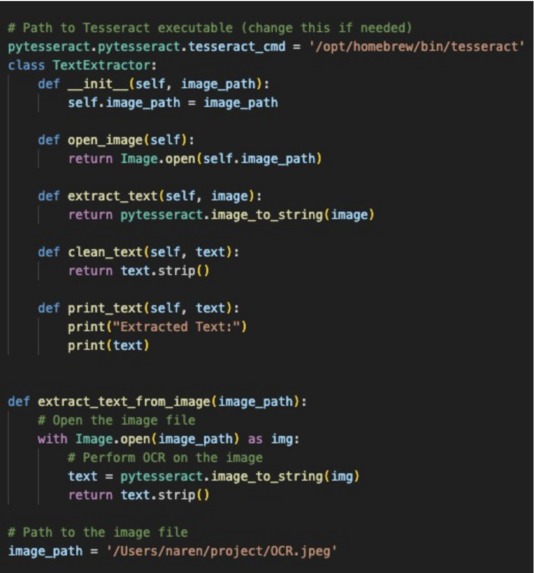
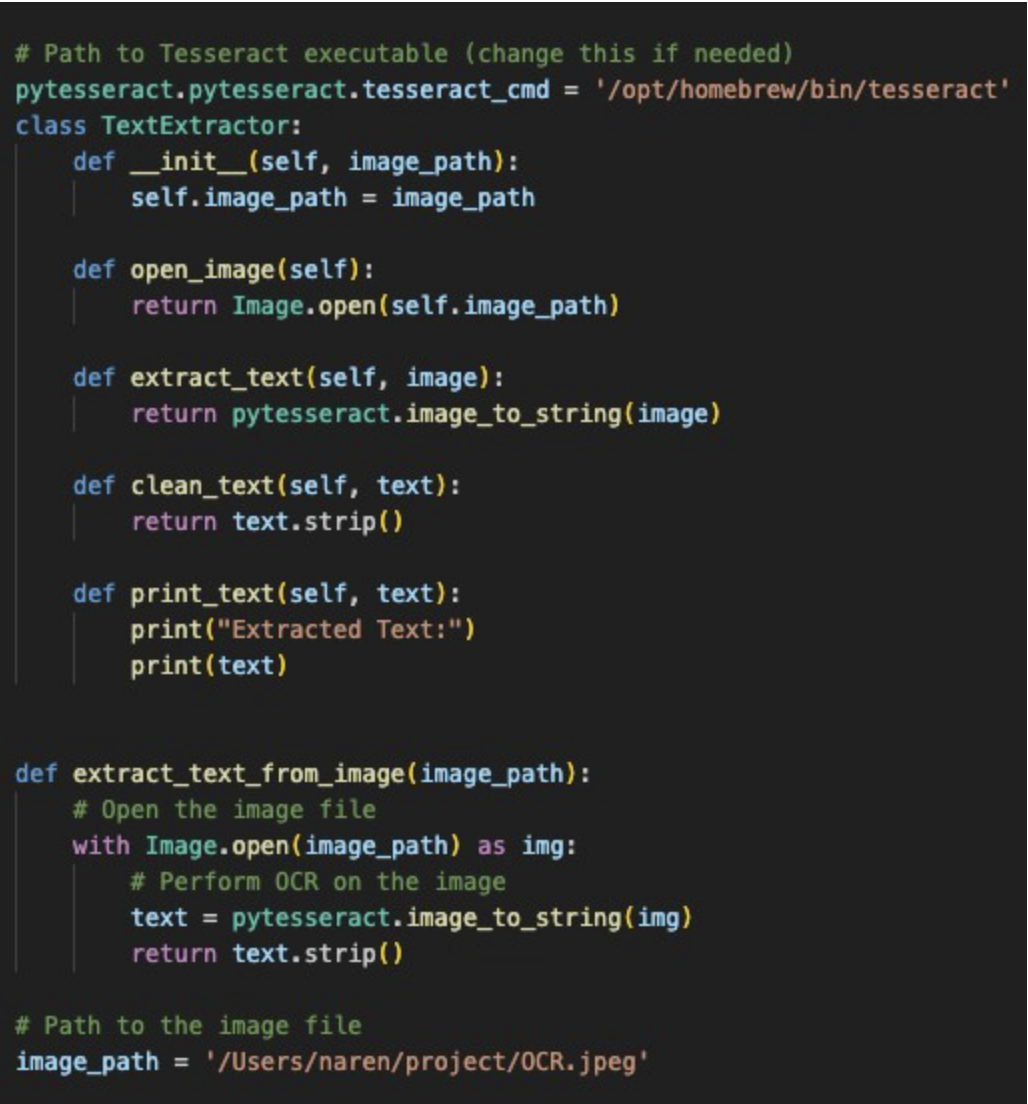
This device takes an image of an area with text in it. After scanning the image for text, we will read it and send it to the backend flask server. Here we convert the text to a bitstream of characters where it is sent to a microcontroller(Arduino UNO) and outputted as braille.
How we built it
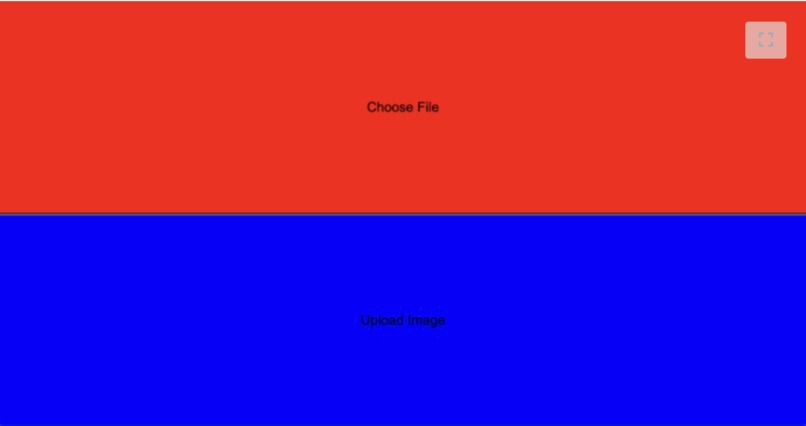
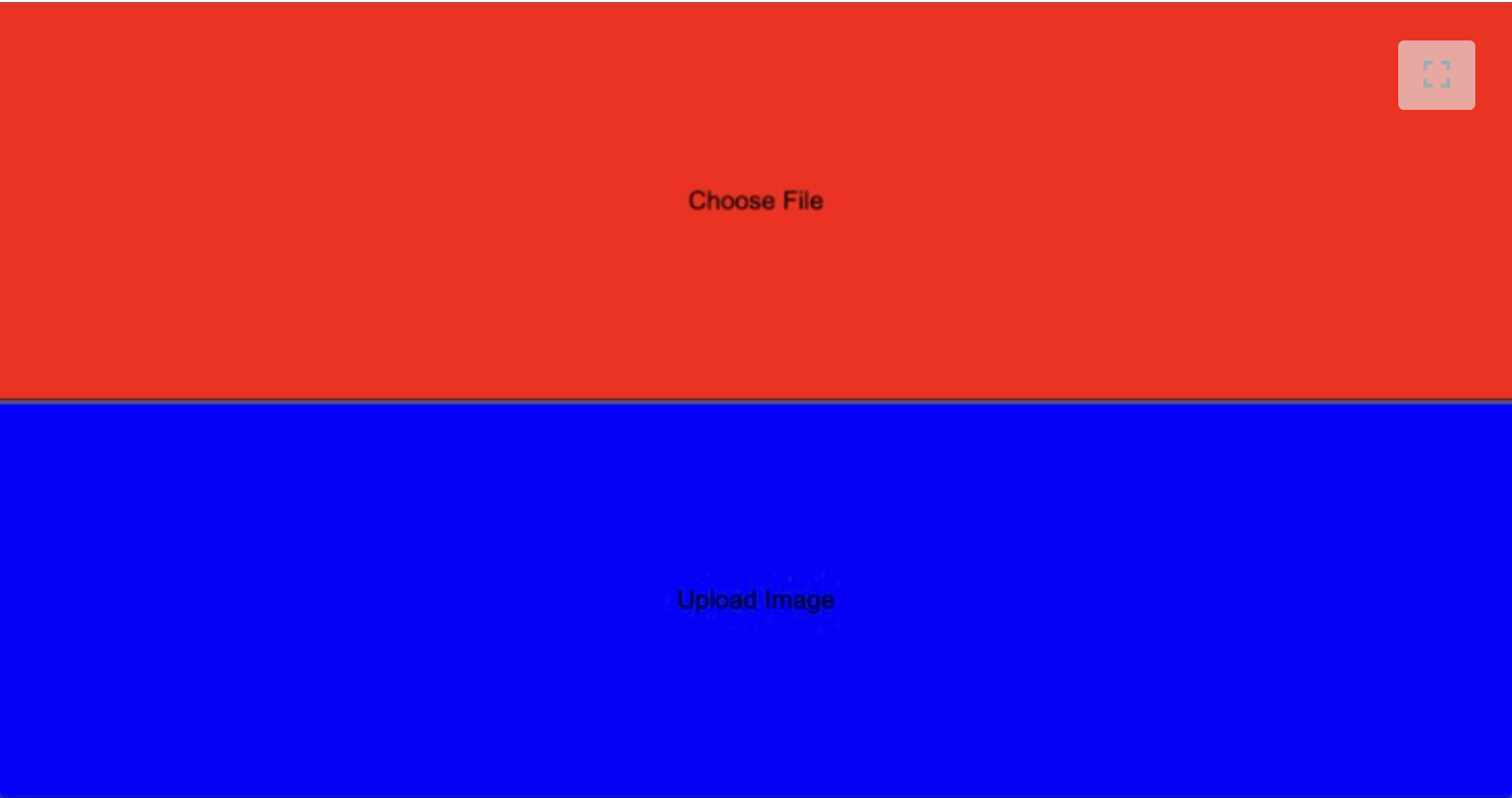
We used Python and Flask to run the backend processes of converting to Braille and sending the bitstream to the UNO. We created a front-end site that we locally hosted which takes user input with large buttons to be accessible to the visually impaired. The UNO is connected to a breadboard to power an array of motors(we had to swap out for LEDS) to move pins up or down for the user to read in Braille.
Challenges we ran into
The main challenge that we ran into was our 3D prints. While 3D printing, our prints failed and were weak. Due to the time constraint, we had to print new worse parts and had to replace the linear actuators that were supposed to be powered by the Arduino to create the tactile device.
Accomplishments that we're proud of
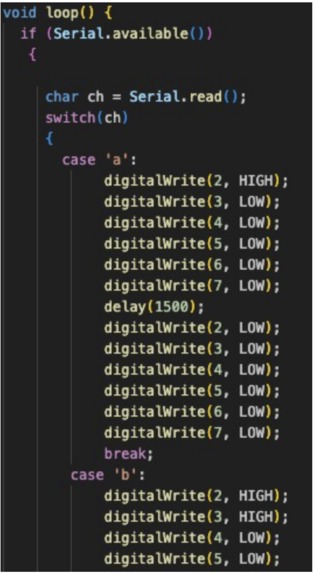
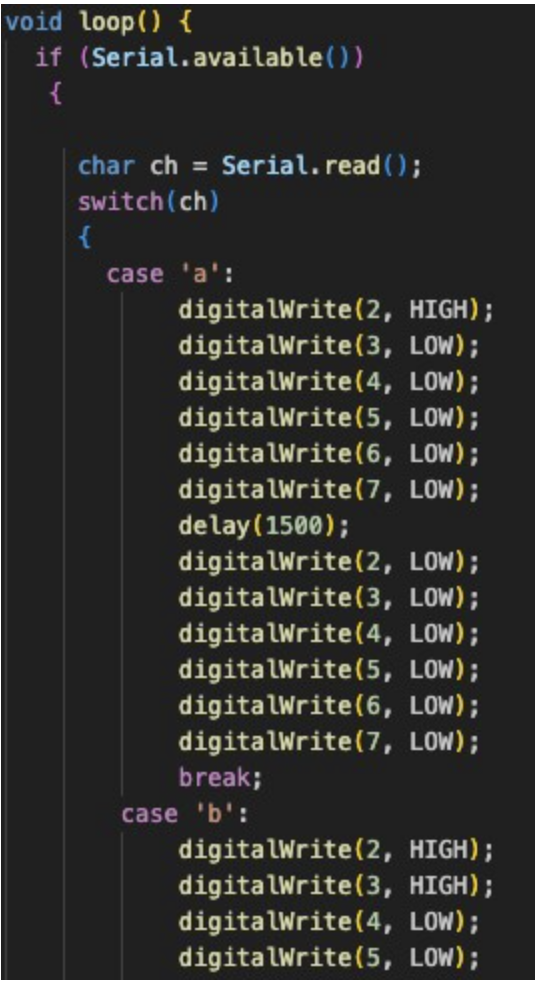
We're proud of the successful completion of the Arduino code modification. It required careful attention to detail and a systematic approach to ensure that each character input corresponds to the correct LED pattern. By accomplishing this task, we've demonstrated proficiency in coding, problem-solving, and understanding hardware interfacing. We also use a functional AI in our project and in addition were able to make a working CAD that broke due to reasons beyond our control.
What we learned
In the design process, manufacturing cannot be fully relied on: prototypes have to be made multiple times and should be multiple design iterations to make the machining process as smooth as possible. We also learned how to use a Flask Server. Finally, we learned how to use firmware and also how ports and microcontrollers worked.
What's next for BrailleVision
The next steps are obvious. We need to create our own microcontroller tailored for this use case. In addition, we will refine our prints to that it is a better user experience. We will also add extra buttons to make the speed controlled by the user. Finally, we will add a speaker to allow for the user to hear the text if they want to.


Log in or sign up for Devpost to join the conversation.