Inspiration
Braille is a powerful tool for literacy and independence, but many people who interact with Braille users—such as teachers, caregivers, volunteers, and family members—cannot read it. We wanted to create a simple and accessible solution that bridges this communication gap. Our inspiration was to use computer vision and AI to make physical Braille understandable to anyone with a camera-enabled device.
What it does
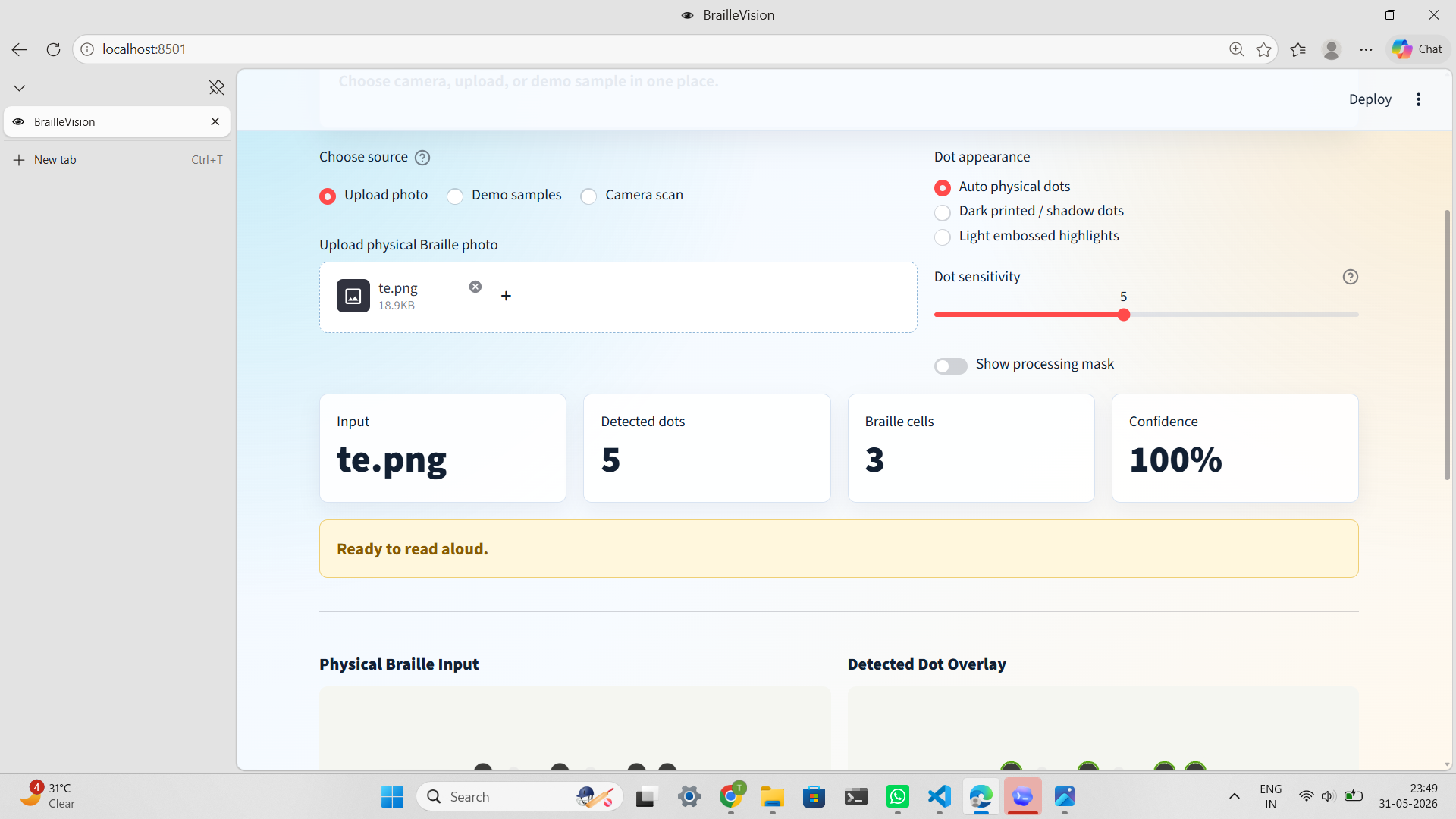
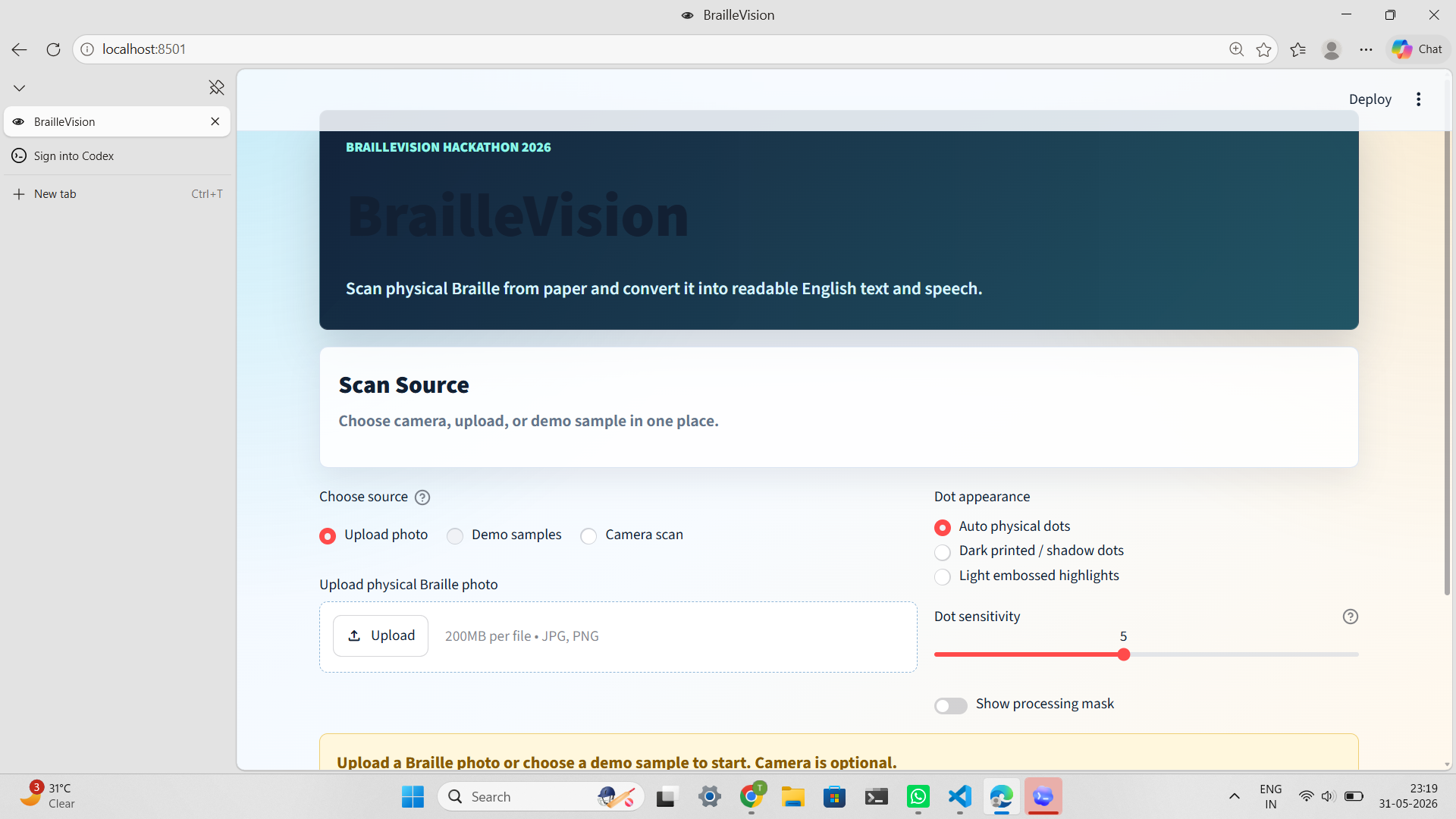
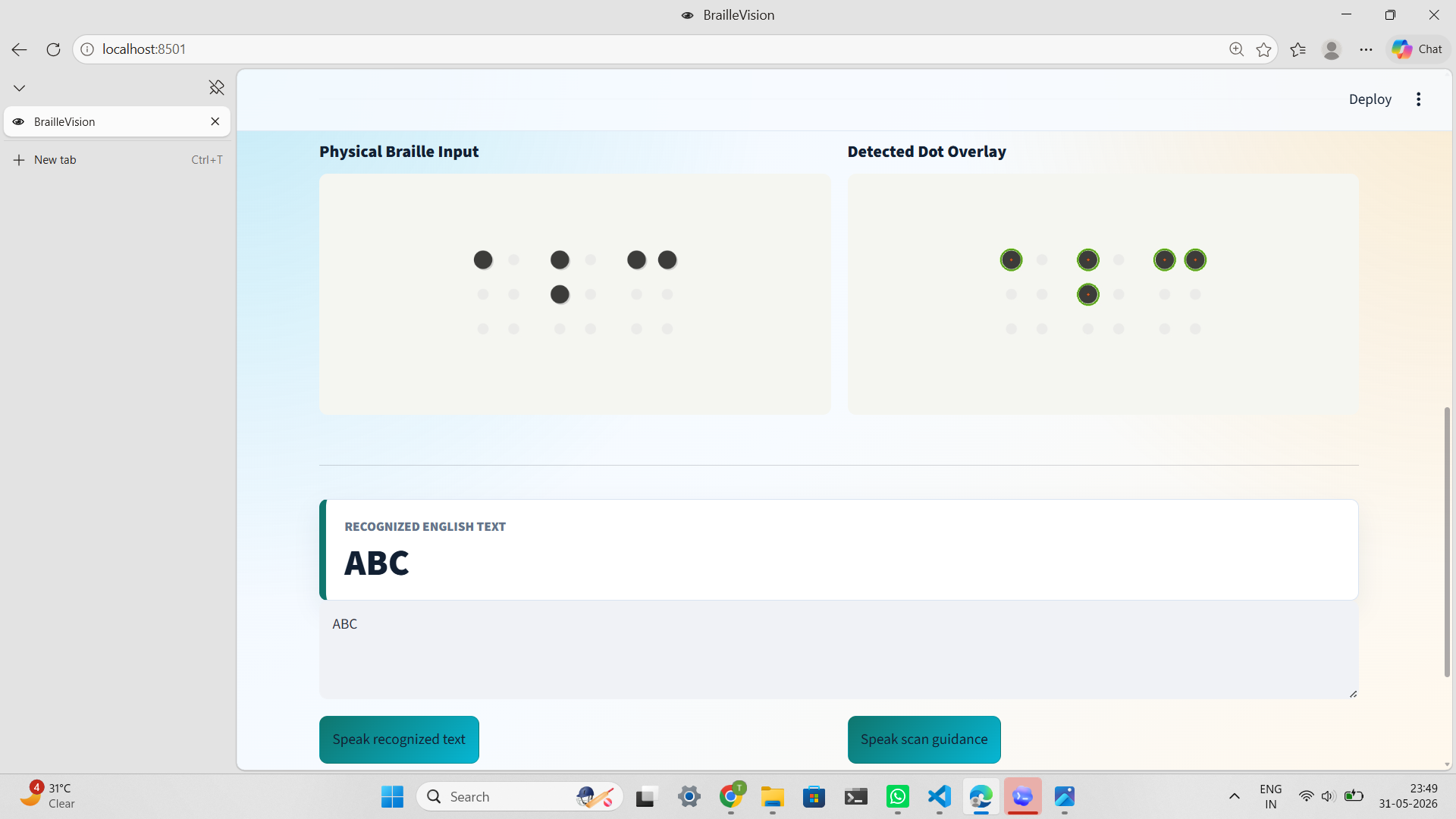
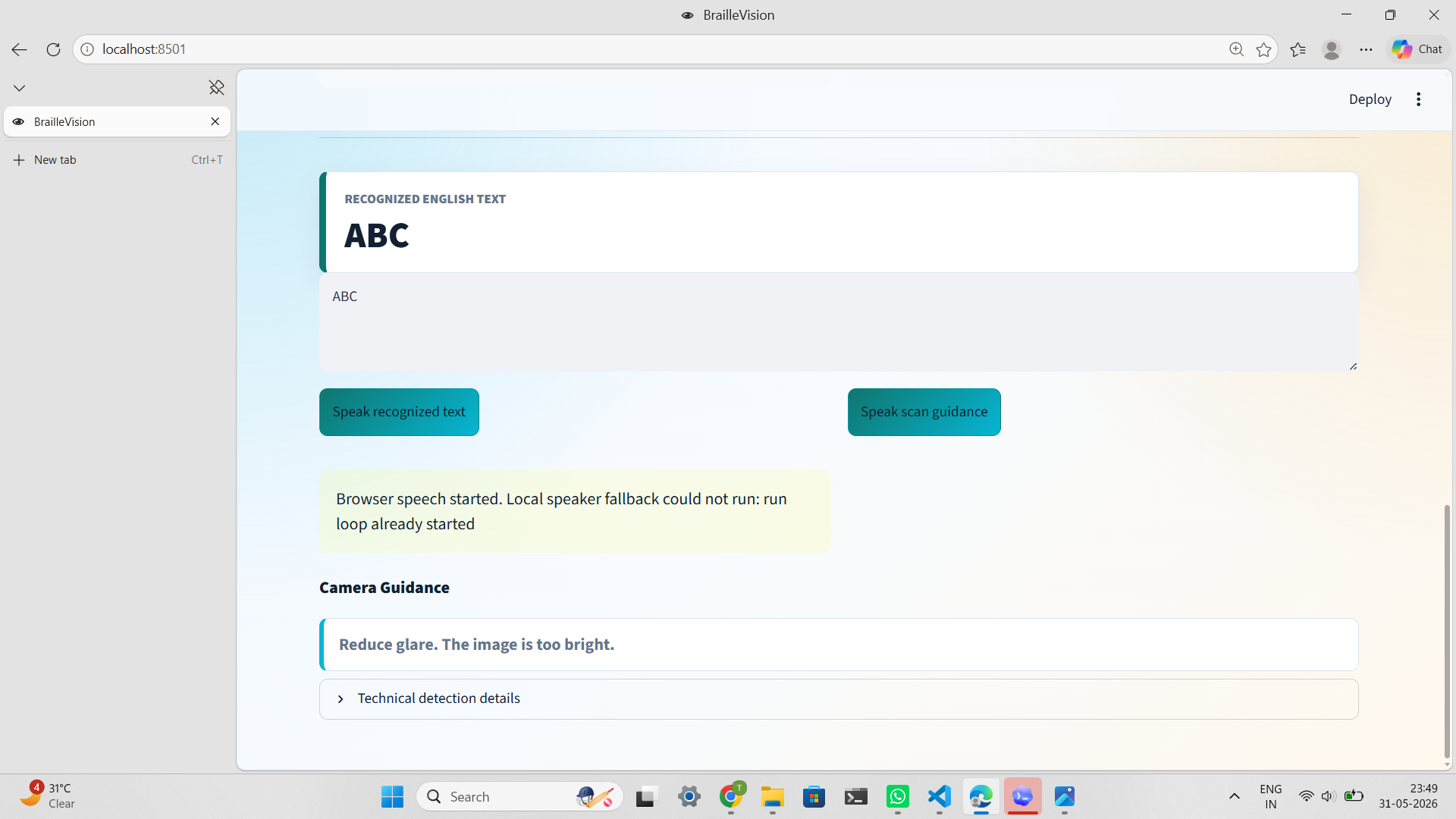
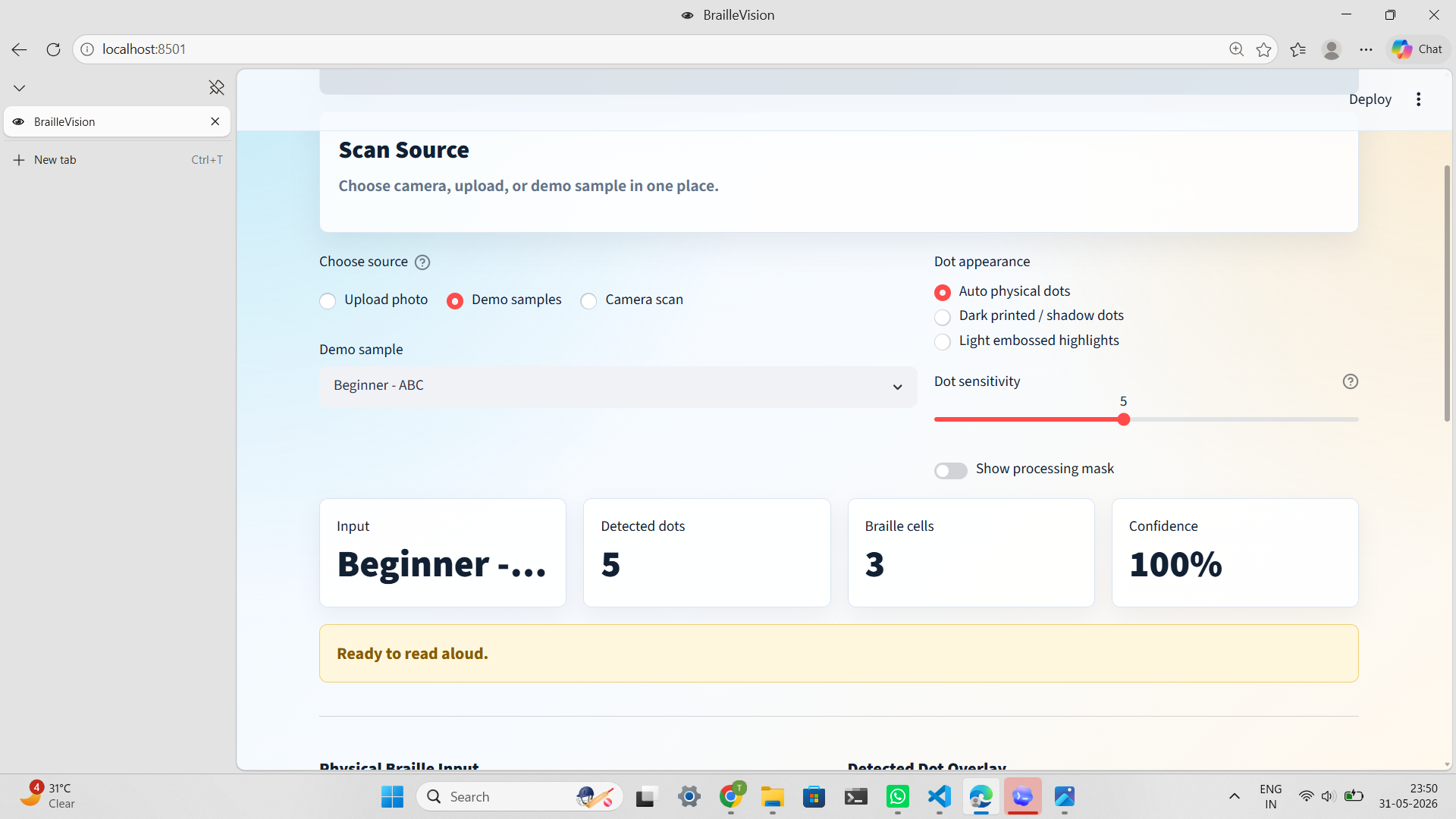
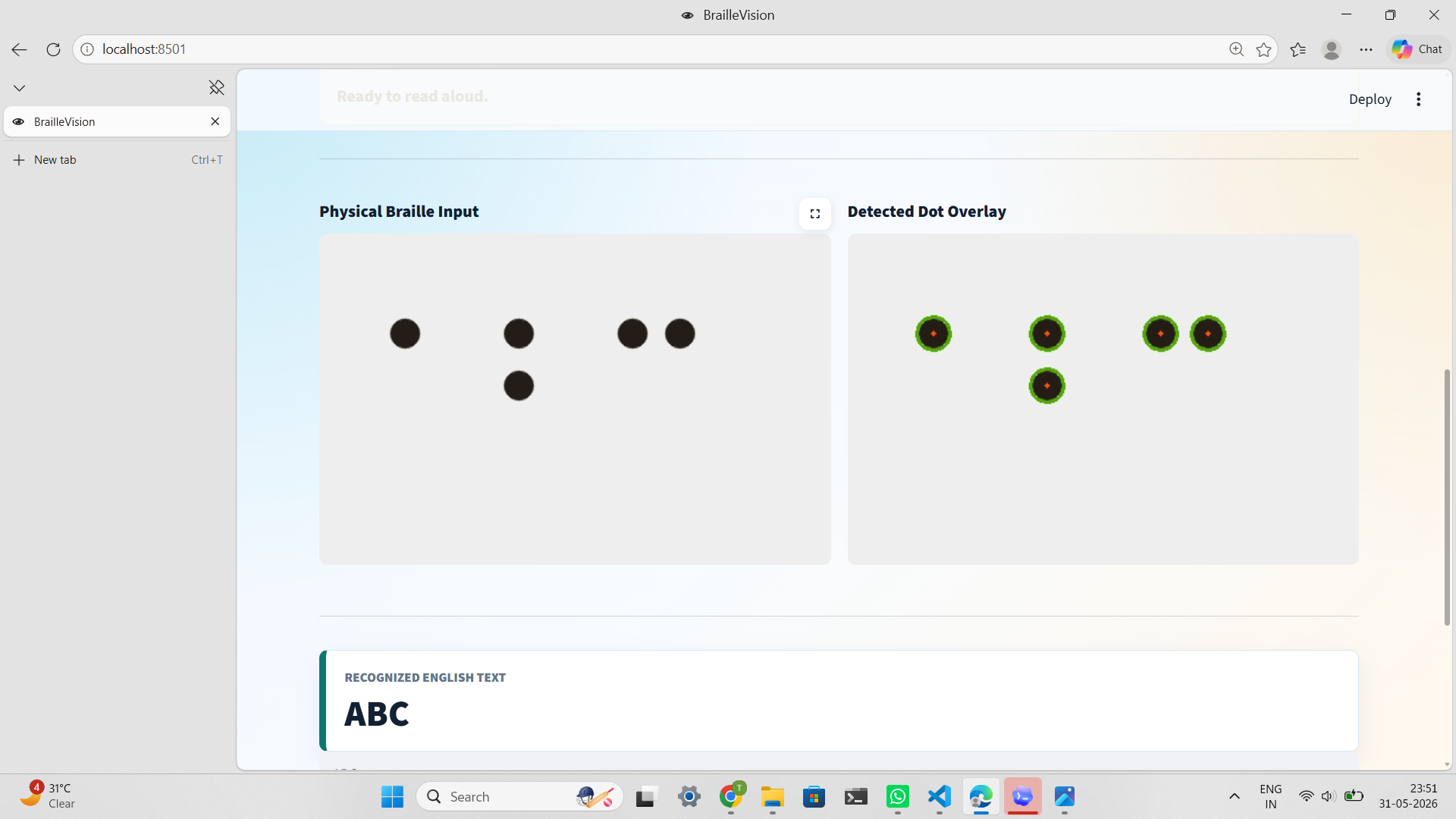
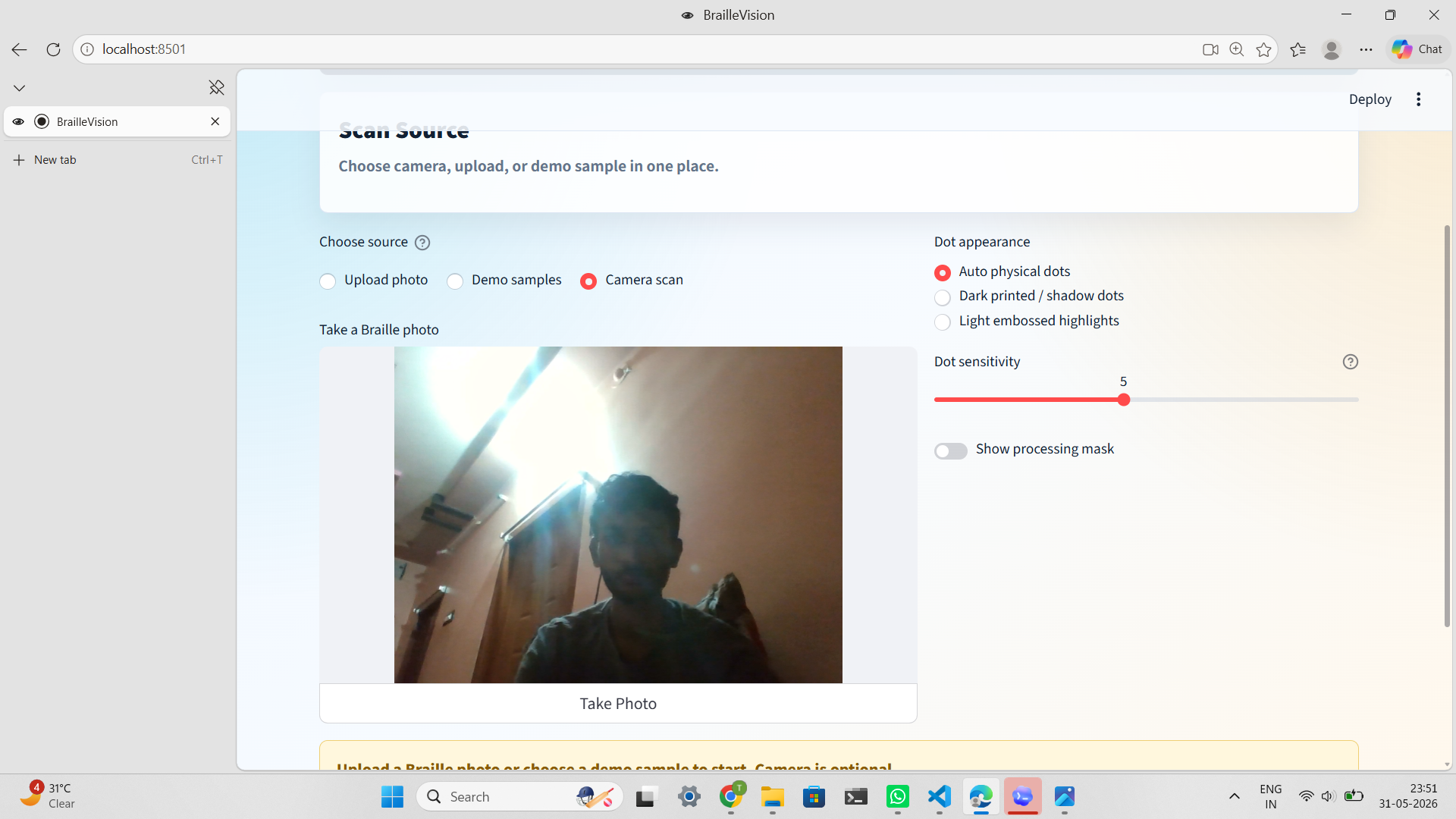
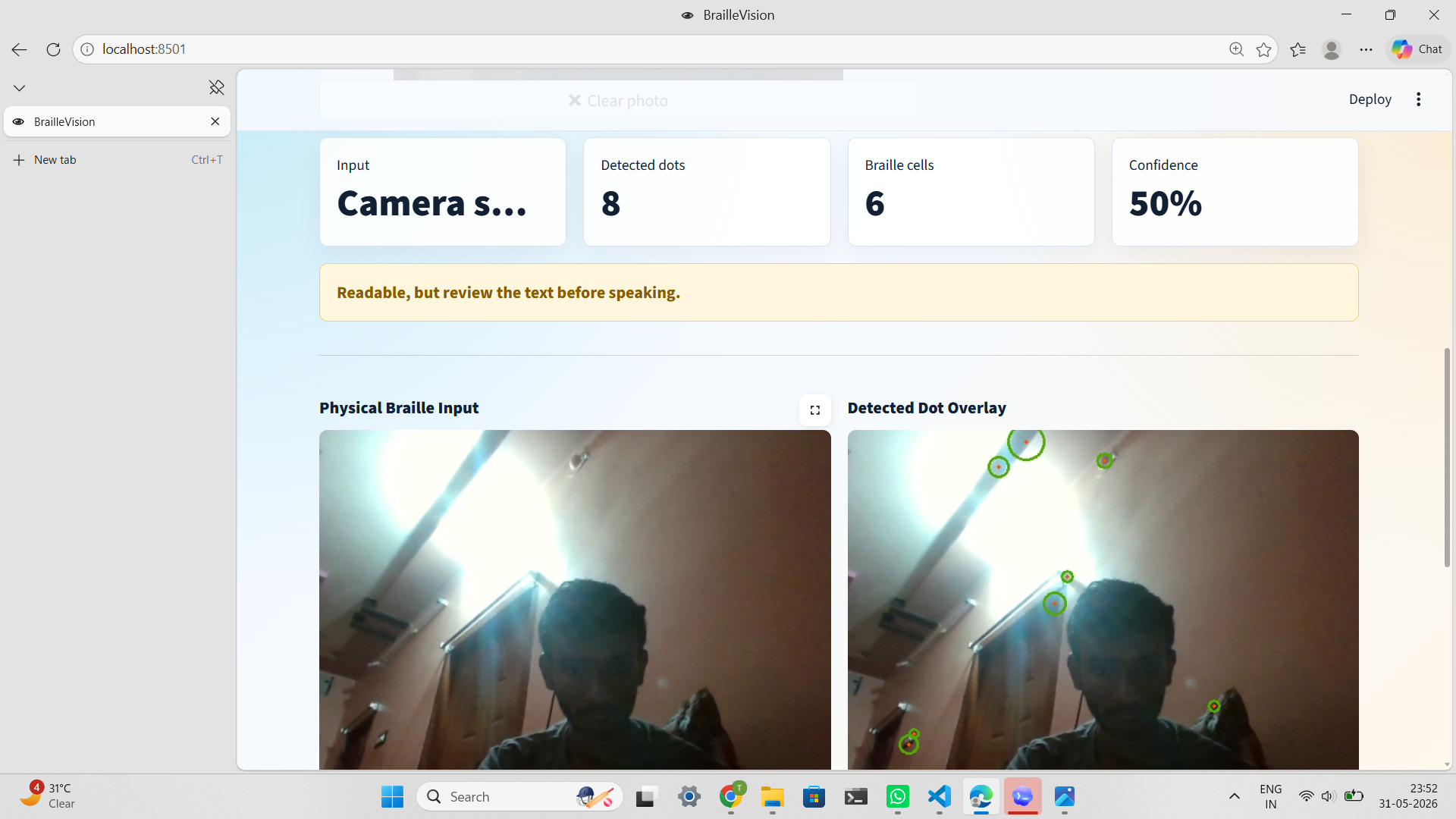
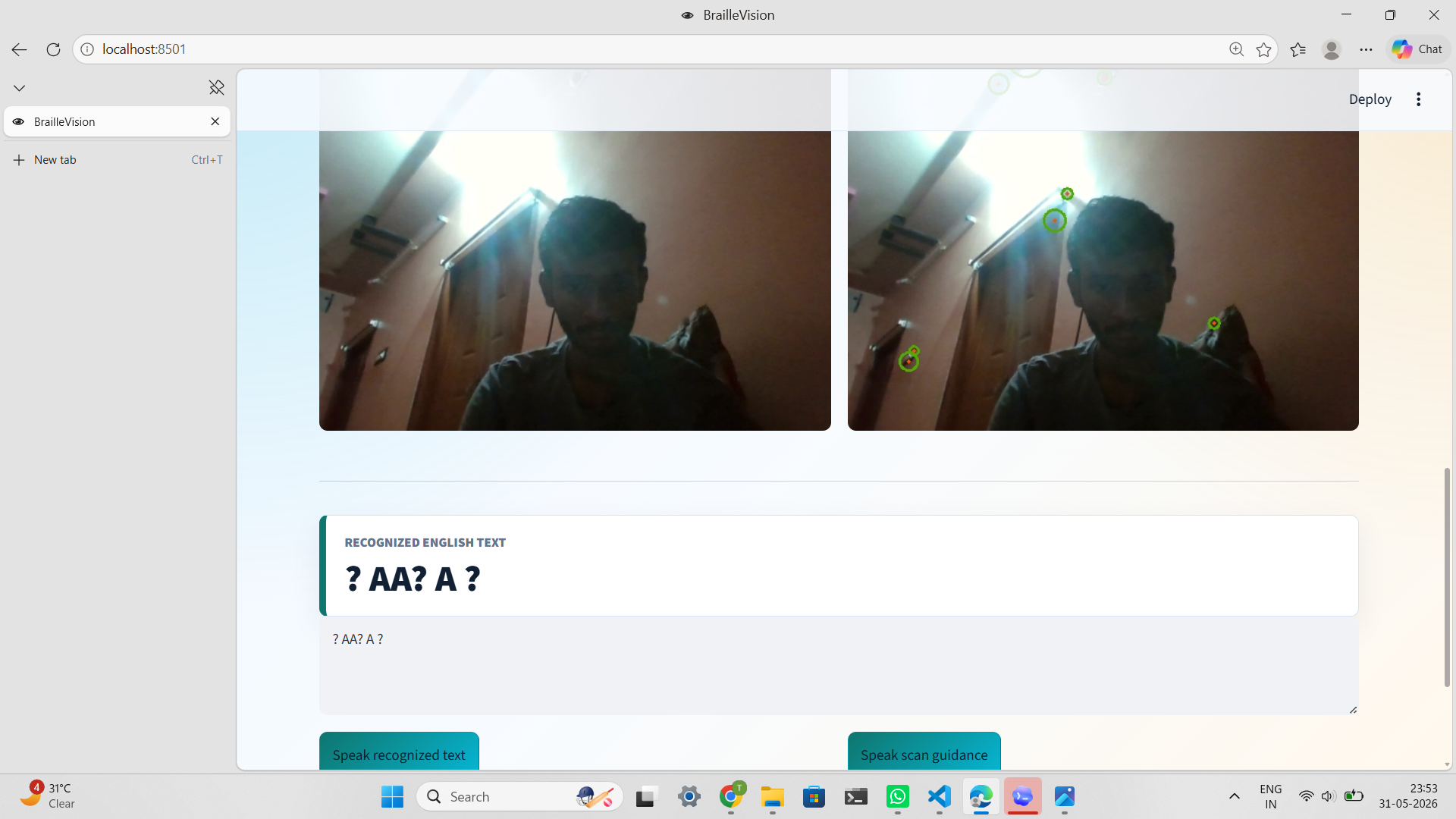
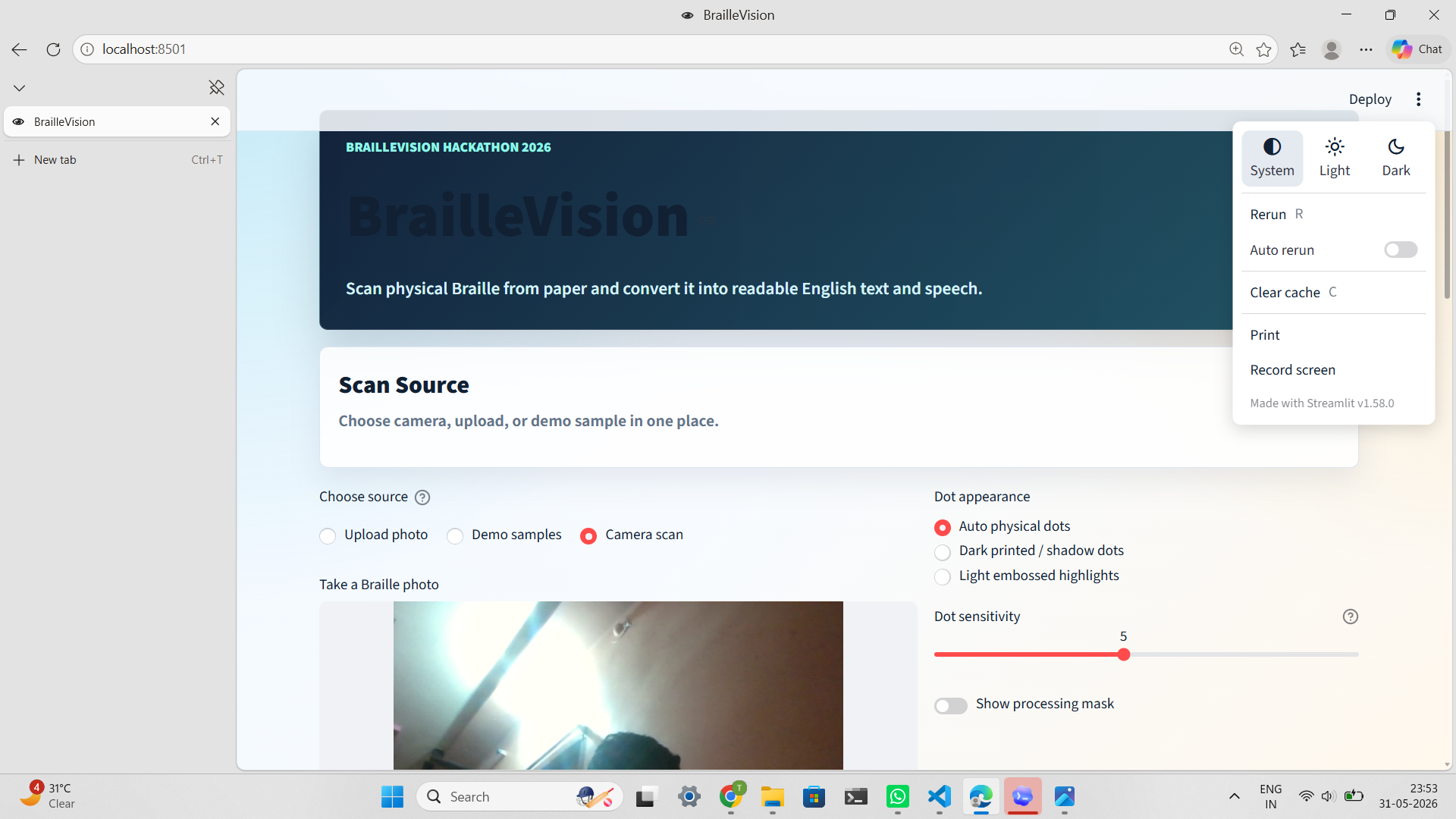
Braille Vision scans real physical Braille from a camera snapshot or uploaded image, detects Braille dots using OpenCV, converts six-dot Braille cells into English text, and reads the recognized text aloud using text-to-speech. It also provides scan guidance to help users capture clearer images for better recognition accuracy.
How we built it
We built Braille Vision using:
- Python for the core application logic
- Streamlit for the interactive web interface
- OpenCV for image processing and Braille dot detection
- NumPy for coordinate analysis and Braille cell segmentation
- pyttsx3 for offline text-to-speech functionality
Our pipeline works by capturing an image, detecting Braille dots, grouping them into six-dot cells, translating each cell using a Braille mapping system, and finally converting the result into speech.
Challenges we ran into
One major challenge was handling different lighting conditions. Braille dots can appear either dark due to shadows or bright due to reflections, making detection difficult. Another challenge was accurately grouping detected dots into Braille cells despite variations in spacing, image quality, and camera angles. We also had to balance detection sensitivity to avoid confusing paper textures with actual Braille dots.
Accomplishments that we're proud of
- Successfully built an end-to-end image-to-text Braille recognition system.
- Added speech output to improve accessibility and usability.
- Created multiple detection modes for different Braille image conditions.
- Developed reliable demo samples for consistent hackathon presentations.
- Designed a simple interface that can be used by both technical and non-technical users.
What we learned
Throughout this project, we learned how computer vision techniques can be applied to real-world accessibility problems. We gained hands-on experience with OpenCV image processing, object detection, coordinate clustering, text-to-speech integration, and user-centered design. We also developed a deeper understanding of Braille systems and accessibility challenges faced by visually impaired communities.
What's next for Braille Vision
We plan to expand Braille Vision with:
- Real-time continuous webcam scanning
- Automatic Braille region detection and cropping
- Skew and perspective correction for angled photos
- Support for numbers, punctuation, and contractions
- Multi-line paragraph recognition
- Mobile app deployment for Android and iOS
- Voice-guided feedback such as "move closer" or "improve lighting"
Our long-term goal is to transform Braille Vision into a practical assistive tool that enables seamless communication between Braille readers and non-Braille readers.

Log in or sign up for Devpost to join the conversation.