-
-
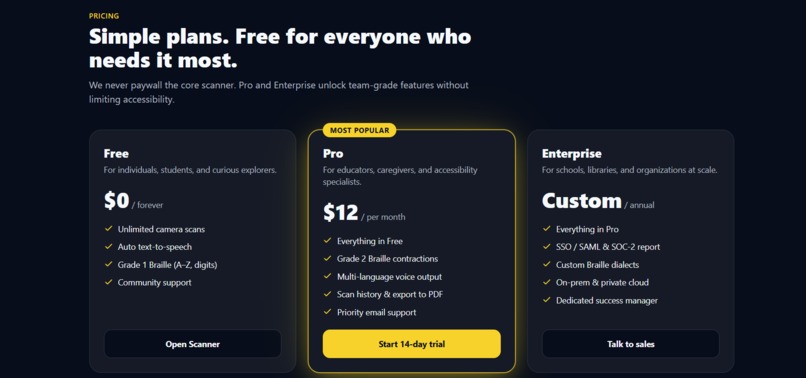
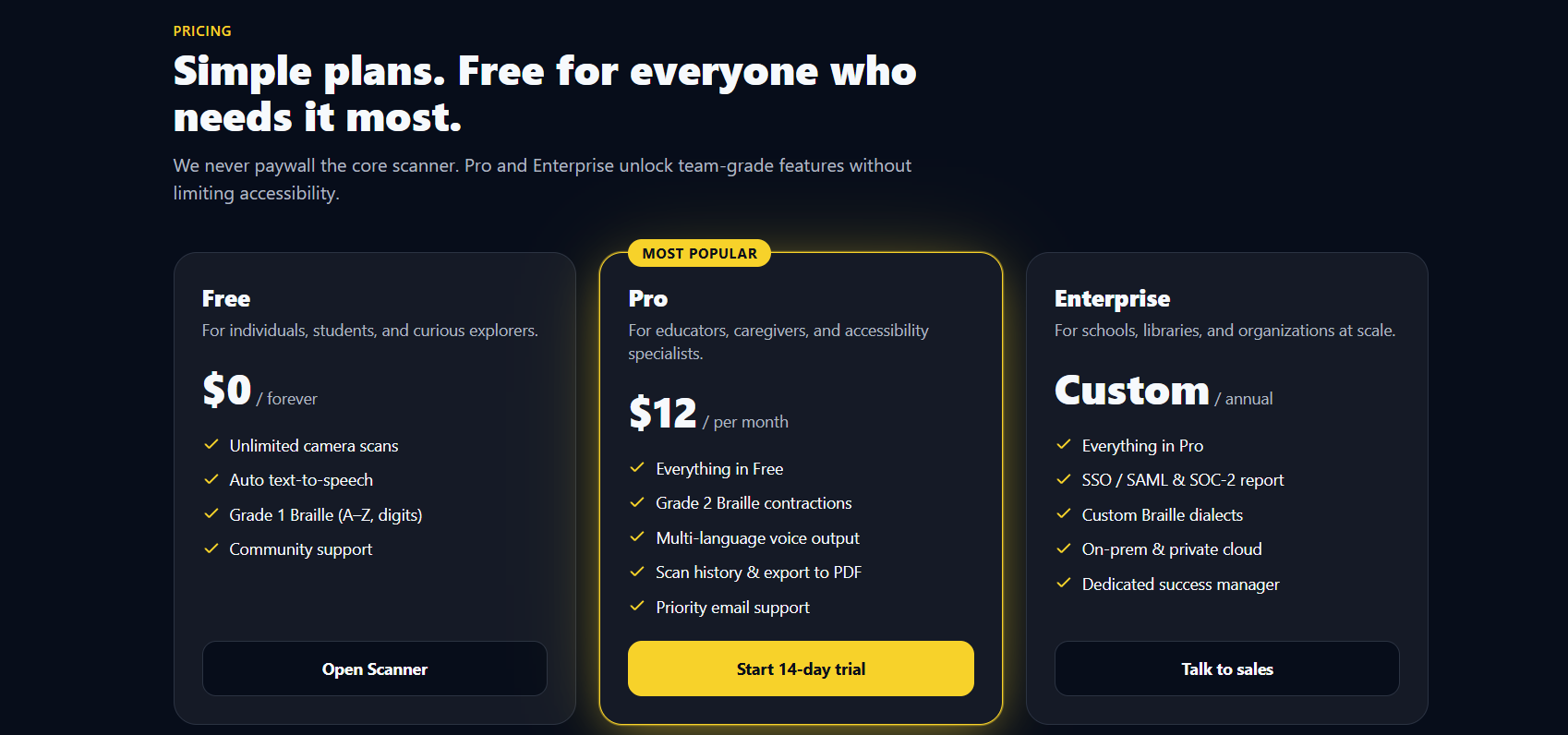
Pricing
-
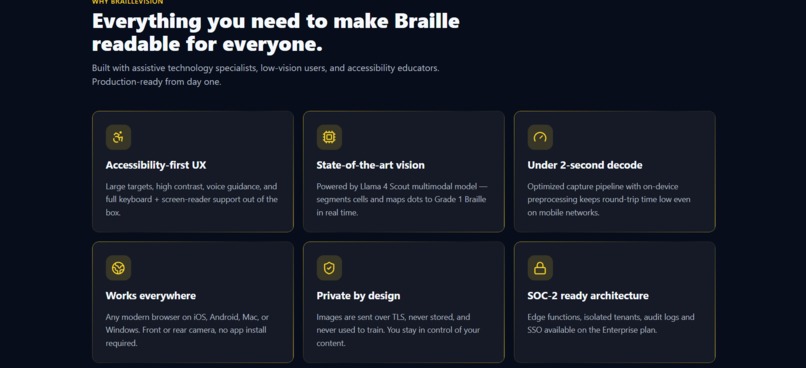
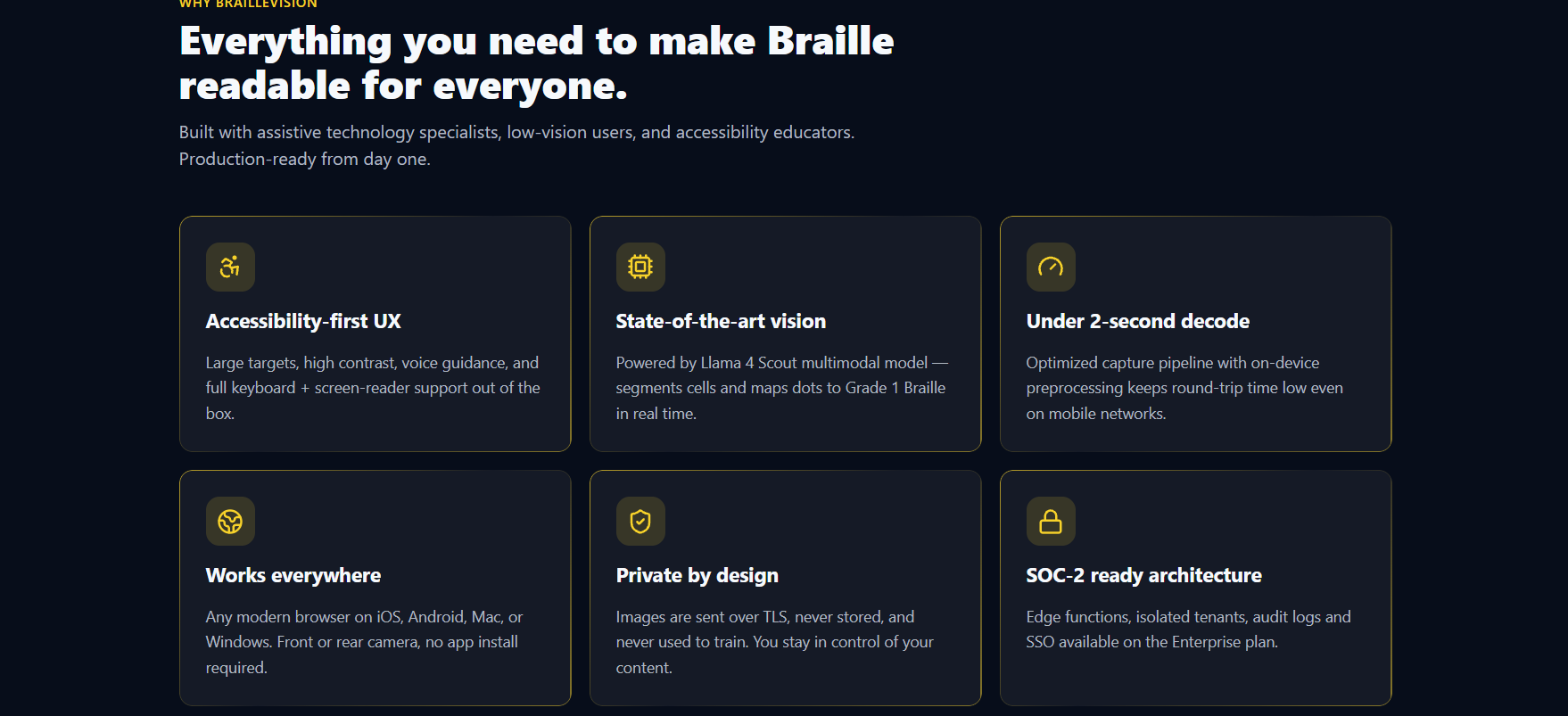
Features
-
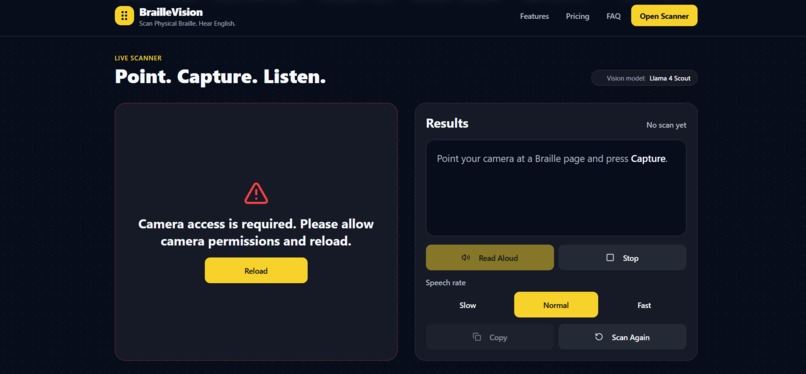
Accessibility
-
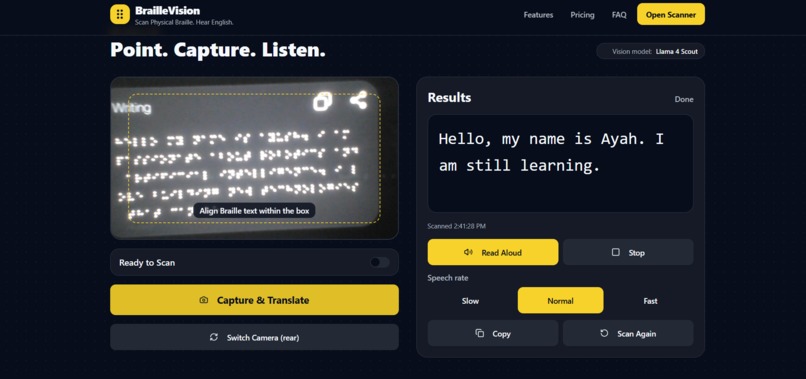
Demo Pic
-
Introduction Page
BrailleVision
Inspiration
The idea for BrailleVision was born from a simple but deeply human observation: millions of people who care for, teach, or work alongside visually impaired individuals cannot read a single word of Braille.
Braille is not just a reading system — it is independence. It lets visually impaired users write notes, read books, label their belongings, and communicate privately. But when a caregiver picks up a Braille note written by their student, or a family member finds a Braille-labeled item, they are completely locked out. There is no bridge.
We also thought about the sheer scale of the problem. According to the World Health Organization, over 2.2 billion people worldwide have some form of visual impairment. Of those, a significant number rely on physical Braille daily — yet digital tools that translate real physical Braille from a camera are almost nonexistent compared to the abundance of Unicode Braille converters that solve a completely different problem.
That gap — between the physical world of embossed dots and the digital world of readable text and speech — is exactly what BrailleVision is designed to close.
What It Does
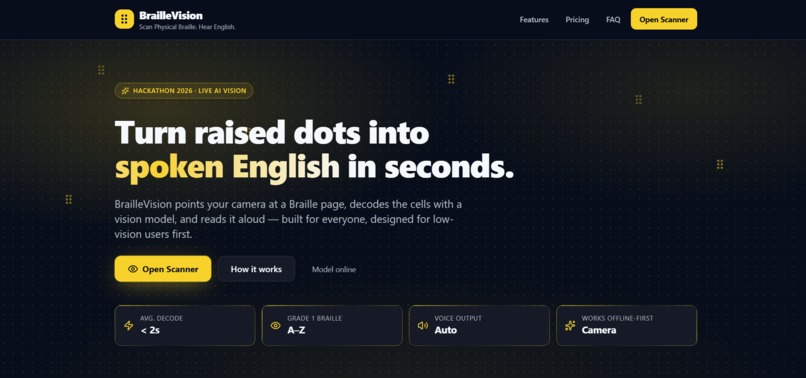
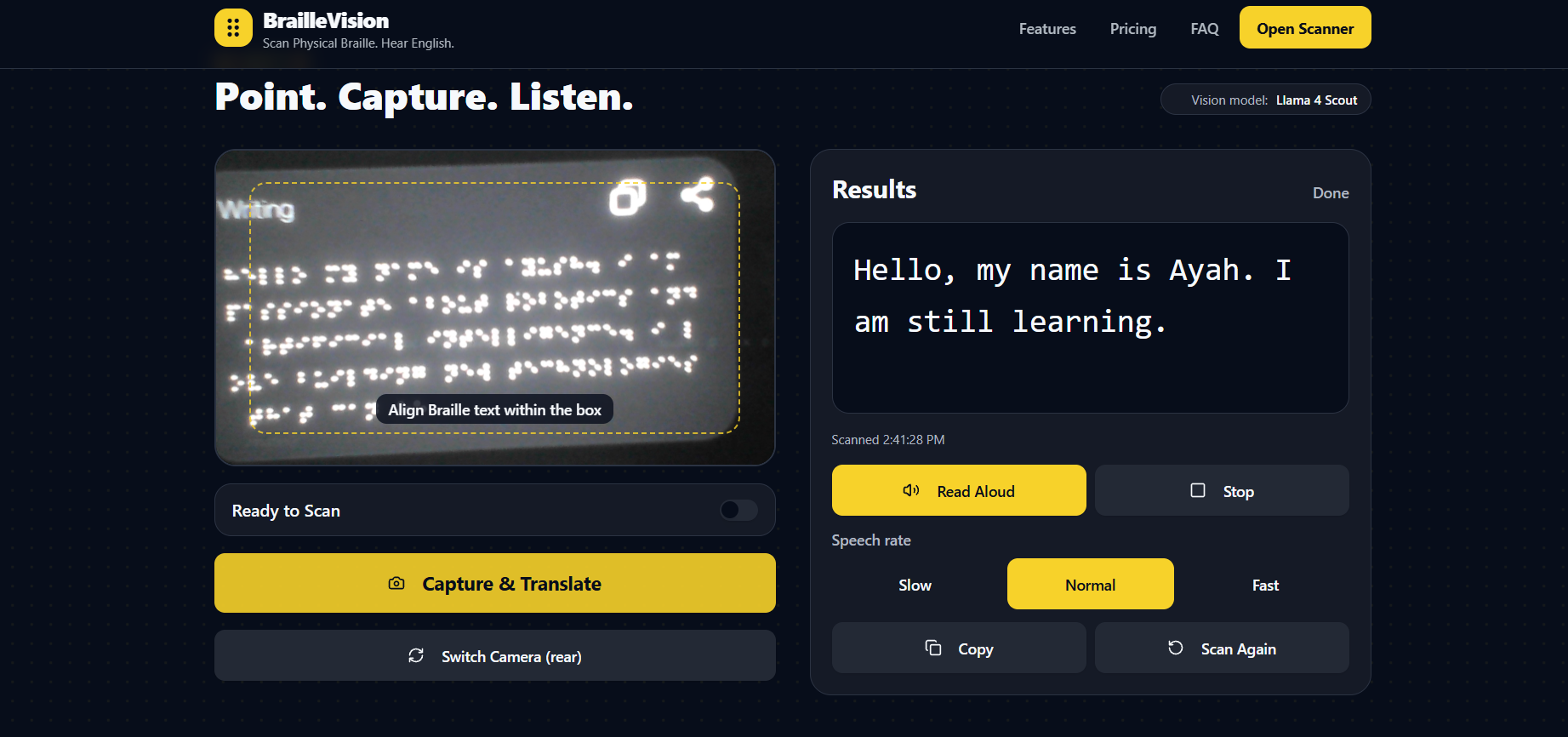
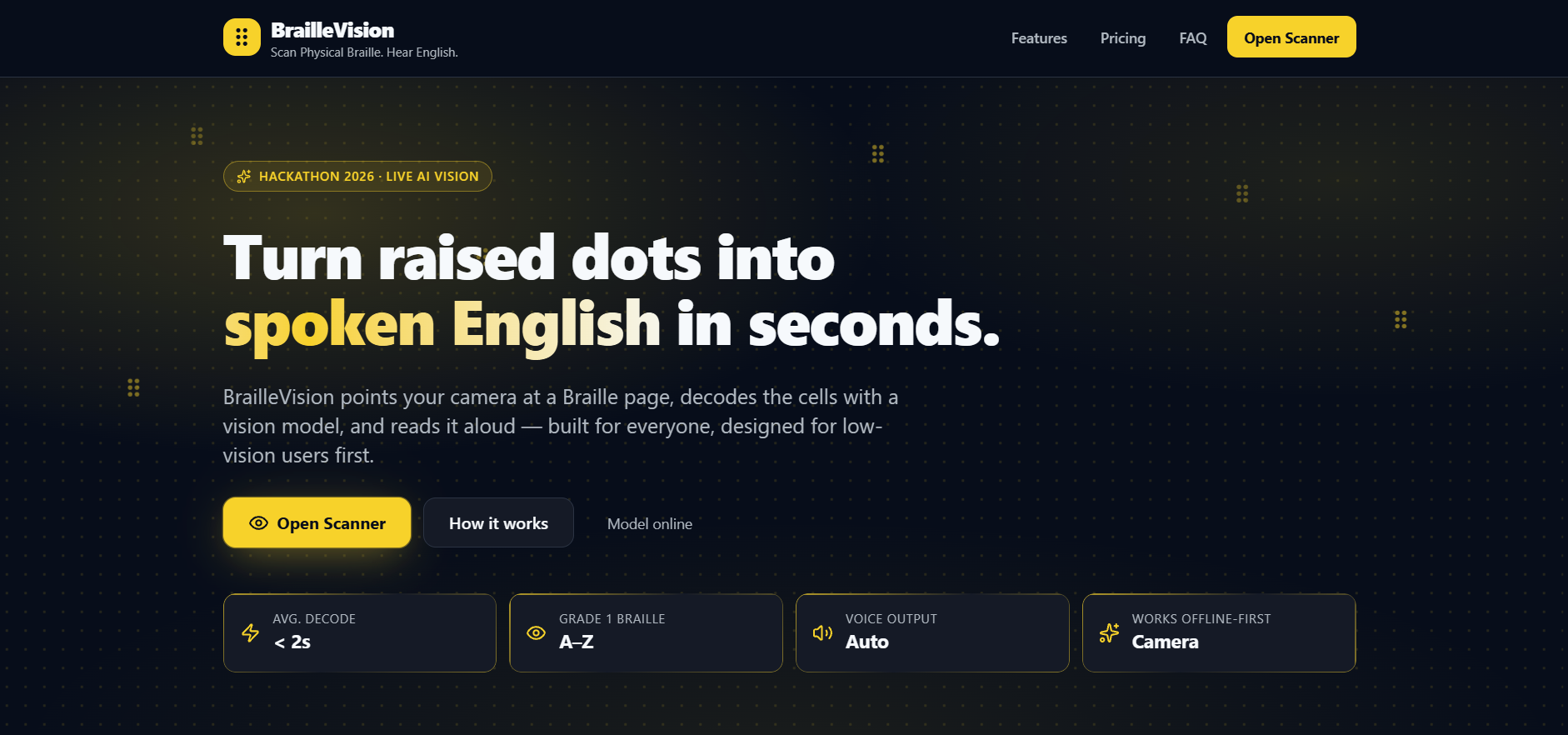
BrailleVision is a camera-powered assistive website that lets anyone scan real physical Braille using their phone or webcam and instantly receive:
- English text output decoded directly from the dot patterns in the image
- Text-to-speech playback with the result read aloud automatically
- A scan history of the last 3 captures for reference
- An accessible interface with high contrast dark UI, large touch targets, voice guidance, keyboard navigation, and full screen-reader support
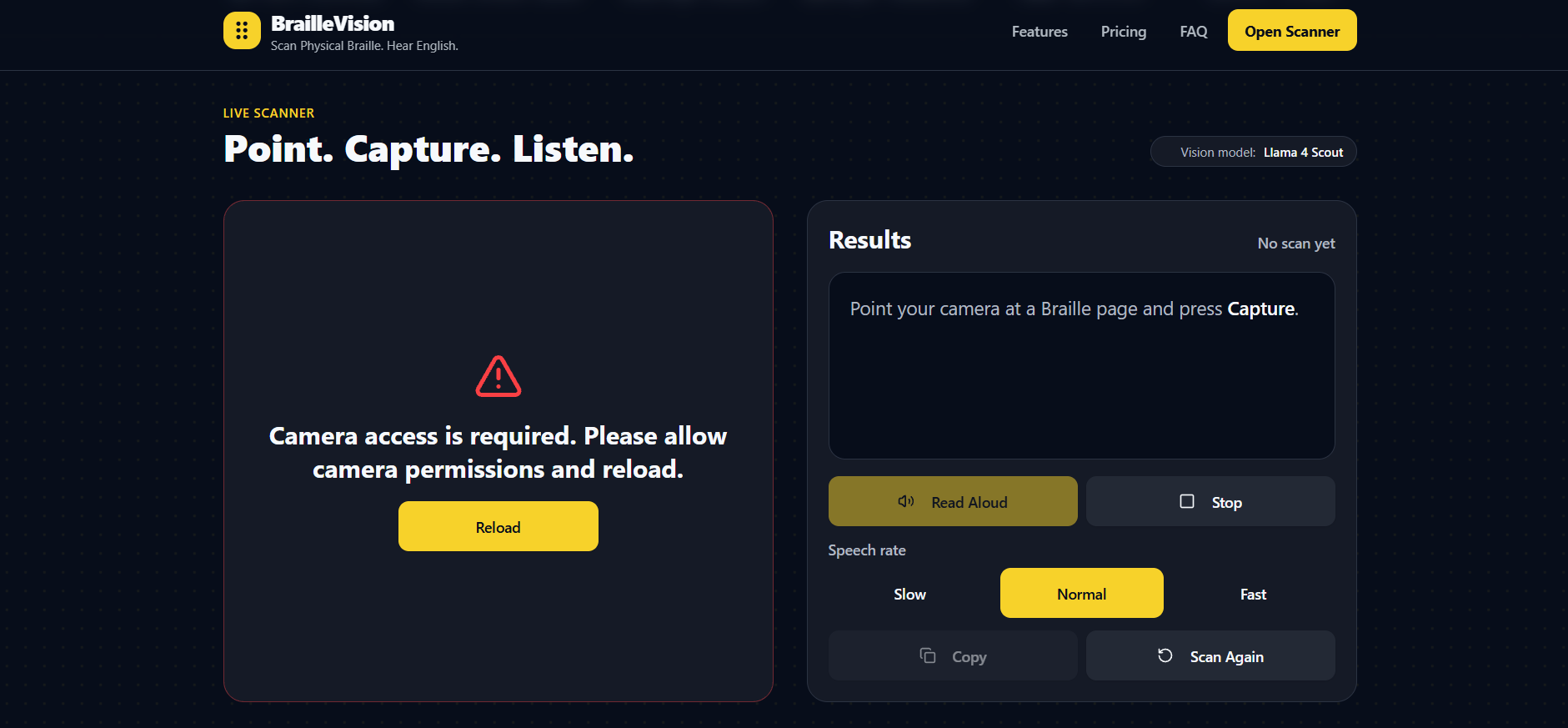
The workflow is intentionally simple:
- Open braillevision.space on any browser, mobile or desktop
- Point your camera at a Braille page under decent lighting
- Align the Braille within the guide box
- Press Capture and Translate
- Hear and read the English output in under 2 seconds
This is not a Unicode Braille converter. It processes raw camera images of embossed or handwritten Braille dots — the kind found on real paper, books, medicine labels, and signage.
How We Built It
BrailleVision is a fully client-side React website with zero backend infrastructure. Here is the technical architecture:
Frontend
- React + Vite for fast development and production build
- Tailwind CSS + shadcn/ui for an accessible, consistent component system
- WebRTC MediaDevices API for live camera stream with rear and front camera toggle
Image Capture and Preprocessing
The camera frame is captured onto an HTML5 Canvas element. Before sending to the AI model, we apply preprocessing to improve dot visibility.
Grayscale conversion using the luminance formula:
$$L = 0.299R + 0.587G + 0.114B$$
Contrast stretching to normalize pixel intensity:
$$P_{out} = \frac{P_{in} - P_{min}}{P_{max} - P_{min}} \times 255$$
This significantly improves the model's ability to detect low-relief embossed dots, especially in uneven or shadow-heavy lighting conditions.
AI Vision Recognition
We use the Groq API with the meta-llama/llama-4-scout-17b-16e-instruct
multimodal model. The preprocessed canvas image is exported as a base64-encoded
JPEG and sent directly to the Groq vision endpoint:
const response = await fetch("https://api.groq.com/openai/v1/chat/completions", {
  method: "POST",
  headers: {
    "Authorization": `Bearer ${import.meta.env.VITE_GROQ_API_KEY}`,
    "Content-Type": "application/json"
  },
  body: JSON.stringify({
    model: "meta-llama/llama-4-scout-17b-16e-instruct",
    messages: [{
      role: "user",
      content: [
        { type: "image_url", image_url: { url: `data:image/jpeg;base64,${base64}` } },
        { type: "text", text: systemPrompt }
      ]
    }],
    max_tokens: 500,
    temperature: 0.1
  })
});
Temperature is deliberately set to 0.1 to minimize hallucination and keep outputs deterministic and accurate.
Text-to-Speech
Output is spoken aloud using the browser-native Web Speech API
(window.speechSynthesis) with adjustable rate (slow, normal, fast) and
voice selection — requiring zero external dependencies.
Accessibility Layer
role="status"on the results region for live screen-reader announcementsrole="alert"on all error states- WCAG AA contrast ratios enforced throughout
- Voice guidance fires on page load via SpeechSynthesis
- All touch targets at minimum \(48 \times 48\) px per WCAG 2.5.5
Challenges We Ran Into
1. Physical Braille is Visually Subtle
Embossed Braille dots have very low visual contrast — they are the same color as the paper, differentiated only by shadow from slight elevation. A standard camera image in flat lighting makes dots nearly invisible to any vision model. We had to invest heavily in the canvas preprocessing pipeline to make the dot relief detectable before sending the image to the API.
2. Cell Segmentation vs. End-to-End AI
We initially planned a classical computer vision pipeline: detect dots with blob detection, cluster them into a \(2 \times 3\) grid of cells, then map each cell to a character. The geometry of a Braille cell is well defined:
$$\text{cell width} \approx 2d + g_x, \quad \text{cell height} \approx 3d + 2g_y$$
where \(d\) is dot diameter and \(g_x, g_y\) are inter-dot gaps. But variance in physical Braille quality, paper angle, lighting, and camera resolution made this approach brittle in the browser without native OpenCV support. We pivoted to a vision-language model end-to-end approach, which proved far more robust.
3. Running Vision AI at Speed in the Browser
Sending large canvas images to a remote API introduced latency concerns. Groq's inference speed with LLaMA 4 Scout averaging under 800ms response time solved this almost entirely, making the experience feel near real-time despite being a full round-trip API call from the client.
4. Cross-Device Camera Compatibility
Safari on iOS handles getUserMedia differently than Chrome on Android. Rear
camera access via { facingMode: 'environment' } worked inconsistently across
devices. We implemented a camera enumeration fallback that lists all
videoinput devices and lets the user manually select if auto-detection fails.
5. Designing for Users with Visual Impairment
This was the most important and humbling challenge. We are building a website for visually impaired users, yet we had to design it primarily visually. Every decision — font size, contrast ratio, button placement, voice cue timing — had to be evaluated from the perspective of someone who may not see the page at all. We tested with browser screen readers including NVDA and VoiceOver throughout the build.
Accomplishments That We Are Proud Of
- A working end-to-end pipeline from physical Braille to camera to AI recognition to English text to speech, entirely in the browser
- Sub-second to 2-second recognition time using Groq's inference speed, fast enough for real-world assistive use
- Zero backend and zero server costs — the entire website runs client-side and is freely accessible at braillevision.space
- WCAG AA accessibility compliance on contrast, focus management, ARIA roles, and touch target sizing
- A voice-guided experience that works meaningfully even without looking at the screen
- A canvas preprocessing pipeline that noticeably improved model accuracy on low-quality embossed Braille images
What We Learned
Vision-language models are remarkably capable at structured recognition tasks
when given a precise, constrained prompt. Setting temperature: 0.1 and being
explicit in the system prompt about expected output format was the single biggest
factor in output quality.
Accessibility is a design constraint, not an afterthought. We rewrote UI components multiple times after testing with VoiceOver. Semantic HTML and ARIA roles are non-negotiable.
Image preprocessing matters more than model size. A smaller, faster model given a clean contrast-enhanced image outperforms a larger model given a raw unprocessed photo. The grayscale conversion alone:
$$L = 0.299R + 0.587G + 0.114B$$
improved recognition on difficult images noticeably.
Real physical Braille is hard. Working with embossed dots under variable lighting conditions is a genuinely unsolved problem in computer vision. We gained enormous respect for the complexity of tactile reading systems.
Speed is accessibility. A 5-second wait is frustrating for any user. For a visually impaired user relying on audio output in a public setting, it can be genuinely disabling. Groq's inference speed was not just a nice-to-have — it was a core accessibility requirement.
What's Next for BrailleVision
BrailleVision in its current form is a strong proof of concept. Here is the roadmap we envision:
Short Term
- Progressive Web App support — installable from the browser to a mobile home screen with offline capability for text-to-speech
- Multi-language output — translate recognized English Braille to Hindi, Spanish, French, and other languages for broader reach
- Grade 2 Braille support — Grade 1 maps individual letters; Grade 2 uses contractions. Supporting Grade 2 is essential for fluent Braille readers
Medium Term
- Real-time video mode — continuous frame scanning without needing to press Capture, using frame differencing to detect when Braille is in frame
- Specialized label mode — optimized for short-form Braille on medicine labels, product packaging, and public signage
- Fine-tuned vision model — collect a labeled dataset of real Braille photos and fine-tune a compact vision model specifically for dot detection, deployable on-device via WebAssembly or ONNX
Long Term
- Haptic feedback integration on mobile — vibration patterns that confirm successful scan and guide camera alignment
- Open API — let other assistive technology websites and tools call BrailleVision as a recognition microservice
- International Braille standard coverage — support unified English Braille, Nemeth Code for mathematics, and international Braille systems
The goal is simple. Every person who encounters physical Braille in the world — whether they can read it or not — should be able to understand it instantly.
$$\text{Impact} = \text{Speed} \times \text{Accuracy} \times \text{Accessibility}$$
BrailleVision is our first step toward that goal.

Log in or sign up for Devpost to join the conversation.