-
-
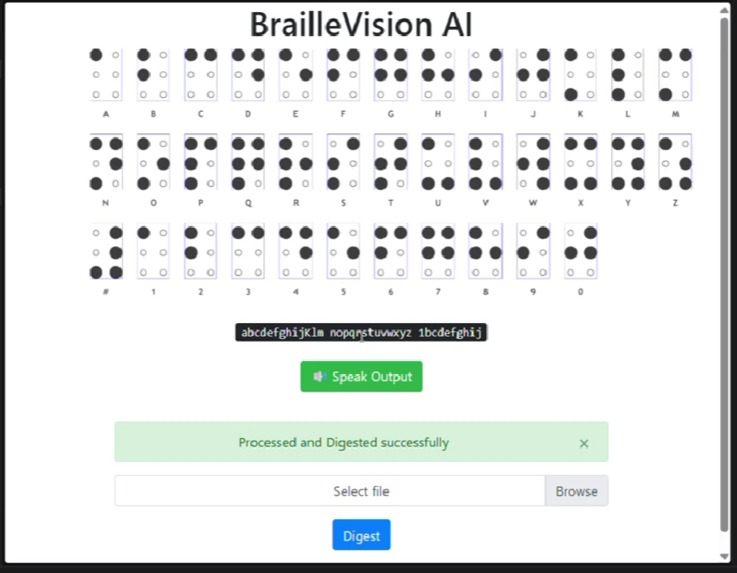
Real time translation from image
-
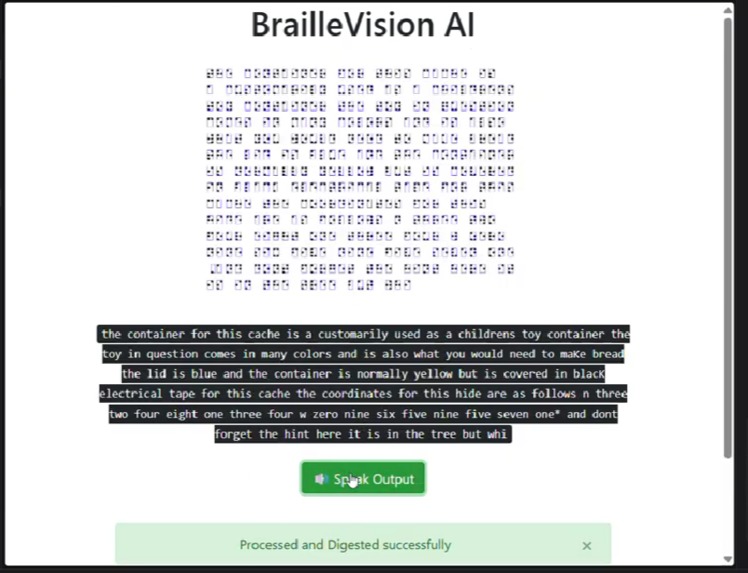
Text to Speech (TTS) allows users to listen to the output of the translated Braille
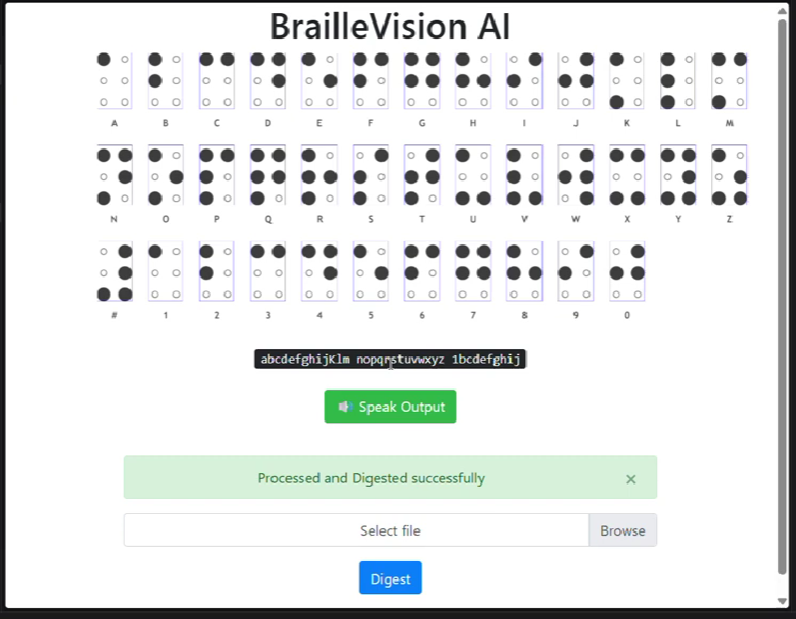
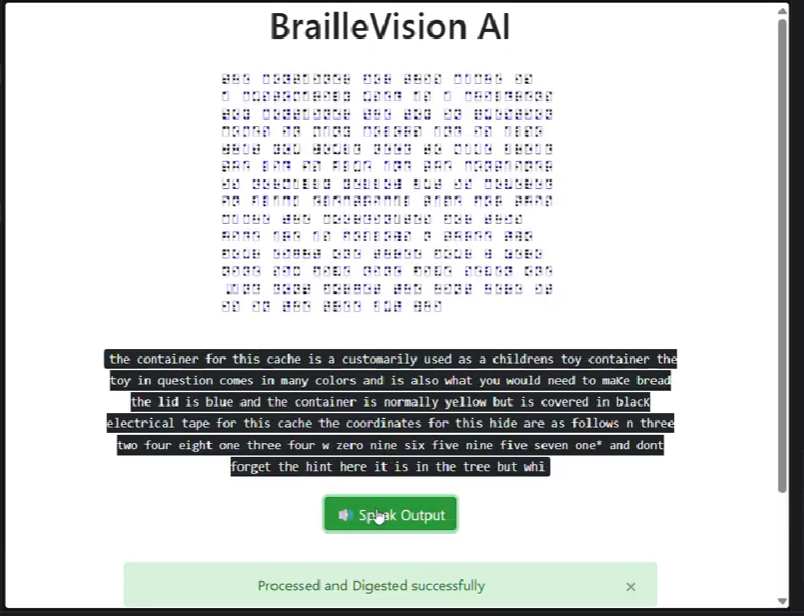
Short Project Explanation
BrailleVision is a Python/OpenCV prototype that captures physical Braille using a webcam, detects Braille dot patterns, groups them into Braille cells, converts the recognized cells into English text, and optionally reads the output aloud using text-to-speech. The goal is to create a low-cost assistive tool for making printed or embossed Braille more accessible in real time.
Technology Stack Used
Python – main programming language OpenCV – camera input, image preprocessing, dot detection NumPy – image and coordinate processing Pillow – image handling pyttsx3 – offline text-to-speech output Webcam / laptop camera – physical Braille capture GitHub – source code hosting
Instructions to Run the Project
git clone cd
python -m venv venv venv\Scripts\activate # Windows
pip install -r requirements.txt
python demo.py
Controls: S = Speak detected text
Q = Quit application
For best results, place the Braille sample under good lighting, keep the camera steady, and align the Braille horizontally in front of the webcam.
Explanation of How the System Detects Physical Braille
The system captures frames from the webcam and processes them using OpenCV. Each frame is converted to grayscale, enhanced, and thresholded to highlight raised or dark Braille dots. Contour detection is then used to identify circular dot-like regions. These detected dots are grouped based on their relative positions into standard six-dot Braille cells.
Each cell is converted into a Braille pattern by checking which of the six dot positions are active. The resulting pattern is mapped to English characters using a Braille-to-English dictionary. The recognized text is displayed on screen and can also be spoken aloud using text-to-speech.
Accuracy or Performance Notes
This prototype works best with clearly visible Braille samples, stable camera positioning, and good lighting. Accuracy may reduce when the image is blurry, tilted, poorly lit, or when the Braille dots are faint or uneven. Since this is a hackathon prototype, the focus is on demonstrating an end-to-end working pipeline rather than achieving production-level accuracy.
The system provides near real-time output on a standard laptop webcam, with performance depending on camera quality and lighting conditions.
Future Improvement Plan
Improve dot detection under low-light and angled camera conditions Add automatic camera alignment guidance Support Grade 2 Braille and contractions Build a mobile app version for real-world accessibility Add multilingual speech output Train a deep learning model for more robust Braille recognition Add haptic or voice-guided feedback for visually impaired users Improve accuracy using larger Braille image datasets
Special thanks to antony-jr for providing the foundational OCR.
Model Training Details
This prototype does not use a custom-trained ML/DL model. It uses a classical computer vision pipeline based on OpenCV for Braille dot detection and pattern recognition.
Since no neural network model was trained:
- No custom dataset was used for model training
- No training/validation split was required
- No GPU training was performed
- No model weights were generated
- Recognition is based on image preprocessing, contour detection, dot-position mapping, and Braille-to-English rule-based conversion
Future versions can improve robustness by training an object detection model such as YOLO or a CNN-based classifier on real Braille images captured under different lighting, angles, paper textures, and camera qualities.

Log in or sign up for Devpost to join the conversation.