-
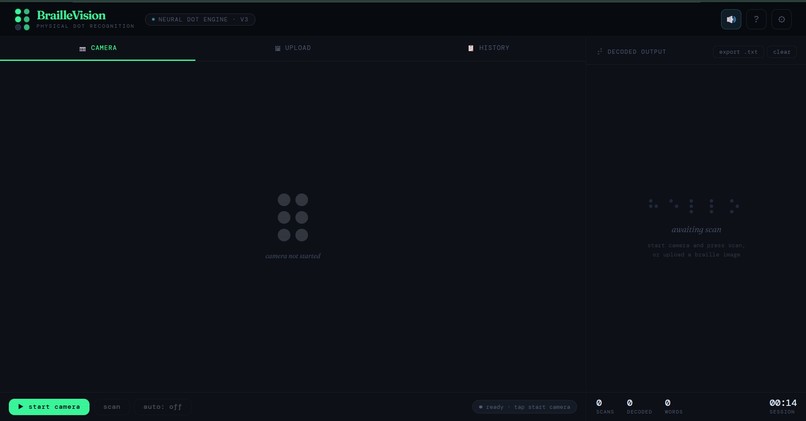
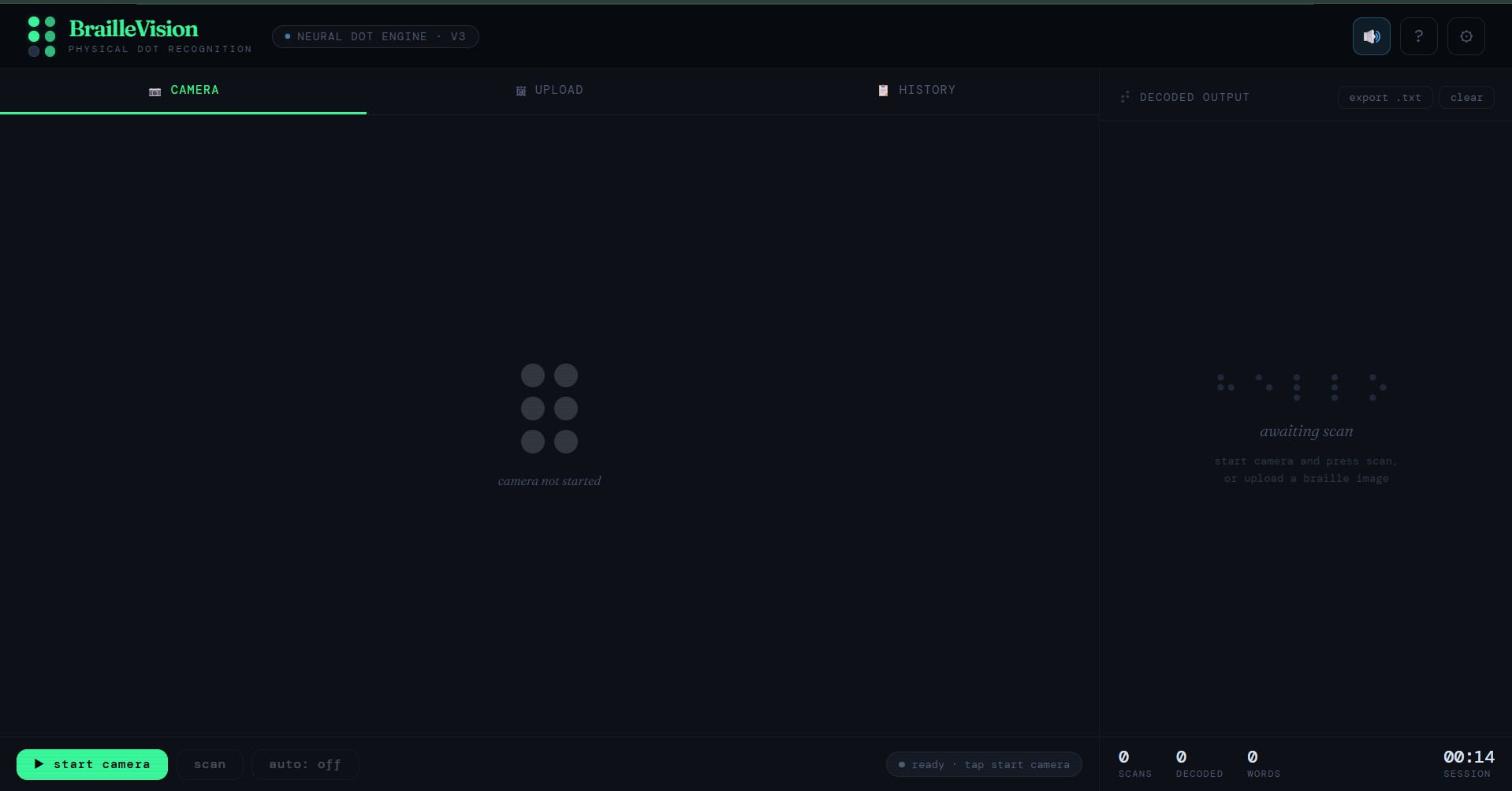
web interface
Inspiration
Braille is a lifeline for millions of visually impaired people worldwide yet the gap it creates is invisible to most people. A caregiver picks up a handwritten Braille note and cannot read a single word. A teacher receives a student's Braille worksheet with no way to check it. A family member finds a Braille label on a medicine bottle and has no idea what it says.
Existing apps either require typing Unicode Braille symbols completely useless for physical paper or depend on rigid OpenCV pipelines that fail under real-world lighting. We wanted to build something that genuinely works: hold a phone over real, physical Braille dots and hear what it says, immediately, in any browser, with zero installation.
What it does
BrailleVision is a browser-based assistive tool that:
- Captures real physical Braille via live webcam or uploaded photo including embossed paper, handwritten Braille (slate and stylus), and Braille writer output
- Detects physical dot patterns the system reads actual dot positions in a 2×3 cell grid, not Unicode symbols
- Segments Braille cells and decodes them according to Grade 1 or Grade 2 English Braille rules with auto-detection
- Outputs English text with a confidence rating and cell count
- Speaks the result aloud using the Web Speech API with adjustable speed and voice guidance for visually impaired users
- Saves session history so caregivers can review all translations and export them as a text file ## How we built it Pipeline: Camera / Photo → Base64 encode → Vision recognition engine → Parse → Display + Speak
The core is a vision-language recognition pipeline with a carefully structured prompt that:
- Instructs the engine to treat the image as a physical surface with raised or printed dots
- Maps dot clusters to the 6-position Braille cell grid (positions 1–3 on the left column, 4–6 on the right)
- Reads cells left-to-right, top-to-bottom
- Handles Grade 1 and Grade 2 contractions, capital signs, and number indicators
- Returns structured output: English text, confidence level, grade, cell count, and a detection note
The entire app is a single HTML file with:
- WebRTC for live camera capture
- Vision-based dot recognition via REST API
- Web Speech API for text-to-speech
- FileReader + Drag-and-Drop for image upload
- Zero backend, zero install, zero frameworks
Challenges we ran into
Physical Braille is genuinely hard. Real embossed dots vary enormously in size, spacing, depth, paper colour, lighting angle, and camera distance. We spent significant effort engineering the recognition prompt to be explicit about what to look for (shadows, raised bumps, dark circles on grids) rather than assuming the system would intuit it. Confidence calibration: The recognition engine sometimes partially reads a cell under poor lighting. We built a structured output format that forces the engine to self-report confidence (HIGH/MEDIUM/LOW) so users know when to adjust positioning and rescan.
The accessibility paradox: We are building a tool for visually impaired users, but most of our feedback is visual. We added voice guidance, spoken camera tips, and TTS auto-speak so a blind user can operate the entire app by audio alone without ever looking at the screen.
Accomplishments that we're proud of
- A zero-install, zero-backend solution that runs in any modern browser
- Recognition pipeline that genuinely understands physical Braille cell structure, not symbolic lookup tables
- Voice guidance system that makes the app operable by audio alone
- Enlarge modal, export, auto-scan, and session history production-level UX, not a hackathon prototype
- Grade 1 and Grade 2 auto-detection in one pipeline
What we learned
- Vision-language pipelines handle physical Braille remarkably well when the recognition task is structured explicitly around dot positions and cell geometry
- Accessibility UX requires thinking about what the user hears and feels, not only what they see
- WebRTC, Web Speech API, FileReader, and Clipboard API together are powerful enough to build a complete assistive tool with no server whatsoever
What's next for BrailleVision
- On-device preprocessing with OpenCV.js — isolate and enhance Braille dots before sending for recognition, for better low-light accuracy
- Offline model — fine-tune a lightweight model on labeled Braille dot datasets for fully offline use
- Perspective correction — auto-straighten tilted or curved Braille pages
- Mobile app — React Native wrapper with haptic confirmation feedback
- Multi-language Braille — Hindi, French, Arabic Braille alphabets
- Nemeth code — Mathematical Braille for STEM students
- Caregiver mode — ultra-simplified UI, larger targets, voice-only operation
Built With
- githubpages
- googlefonts
- html5
- javascript
- restapi
- webrtc
- websearchapi

Log in or sign up for Devpost to join the conversation.