-
BrailleSense
Inspiration: We were inspired to create this project because we wanted to solve a real-world problem we noticed in accessibility. Many visually and hearing-impaired users struggle with real-time communication, and we saw an opportunity to leverage technology to make information more accessible and interactive for them. The idea of combining speech recognition with Braille feedback excited us because it merges two technologies for a meaningful impact.
Learning: Throughout this project, we learned a lot about speech-to-text processing, Braille encoding, and integrating haptic feedback on smartphones. We also gained experience in designing intuitive user interfaces for accessibility, which requires careful consideration of how users interact without relying on standard visual cues. On the technical side, we deepened our understanding of Swift, AVFoundation, and real-time data processing.
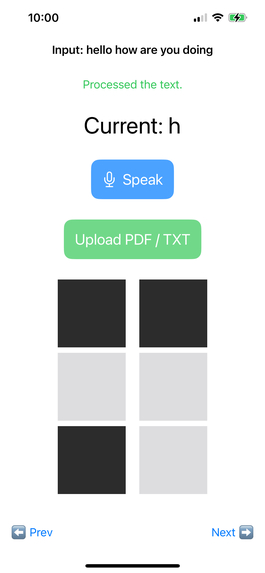
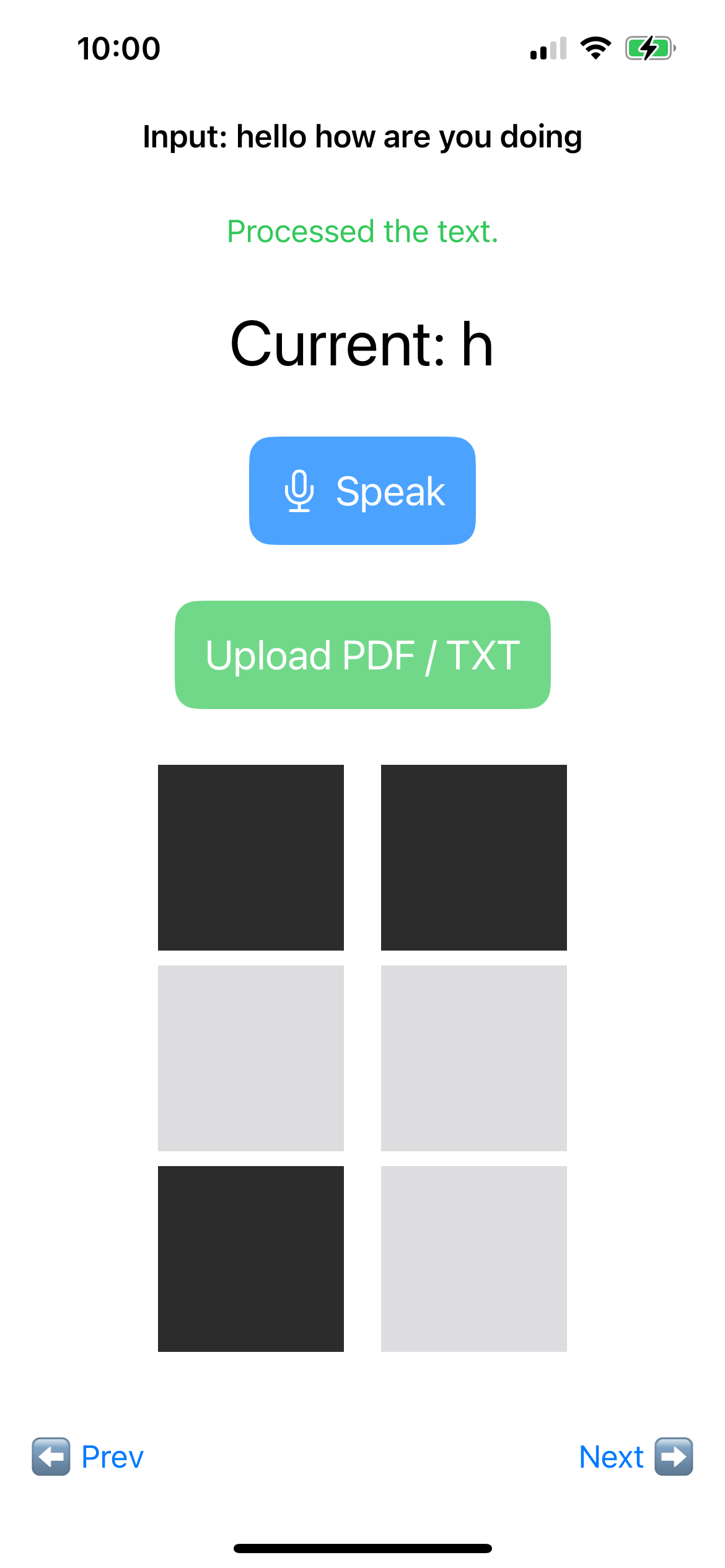
Building the Project: We built the app by first mapping the Braille alphabet programmatically and designing a real-time speech recognition system using the iOS Speech framework. We then integrated haptic feedback for each letter, allowing users to “feel” the text as it is spoken. The interface was kept minimal and accessible, with clear tactile feedback and simple navigation. Iterative testing with sample users helped refine the experience, ensuring it was responsive and intuitive.
To make the system tactile, we integrated haptic feedback (vibration cues). Each Braille dot triggers a short, distinct vibration. This means the user can physically feel the shape of each character, similar to touching raised Braille dots , but done through the phone’s vibration motor instead of a physical embossed surface.
Challenges:
One of the main challenges was ensuring real-time performance without lag, as even small delays disrupt the learning experience. Integrating haptic feedback in a way that is precise, distinguishable, and comfortable for continuous use was also tricky. Additionally, testing accessibility features requires careful attention to user feedback and often rethinking standard design patterns. Overcoming these challenges taught me the importance of patience, iterative design, and user-centered development.
Target Users: Visually-Impaired Individuals: Users who cannot rely on sight to read text or perceive visual information. Hearing-Impaired Individuals: Users who cannot rely on hearing to access spoken content. Deaf-Blind Users: Users with combined vision and hearing loss who require alternative ways to access information in real time.


Log in or sign up for Devpost to join the conversation.