Inspiration
Braille remains one of the most important ways for visually impaired individuals to read and access information. However, many people who interact with Braille, including educators, caregivers, students, and the general public, are unable to interpret it.
We wanted to build a simple and accessible solution that could bridge the gap between physical Braille and spoken language. Our goal was to use AI and computer vision to make Braille recognition easier, more accessible, and available through a web browser.
What it does
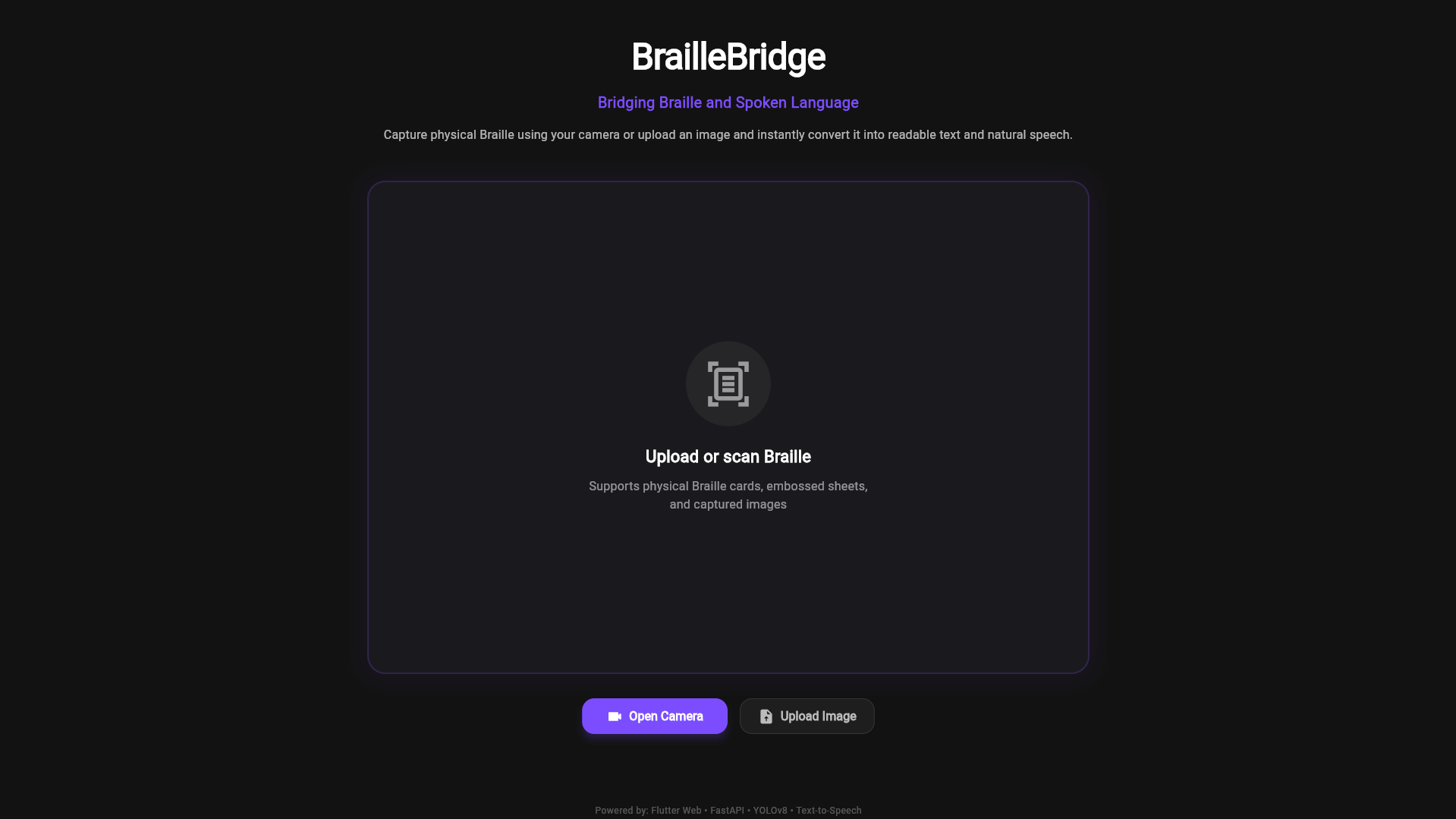
BrailleBridge is an AI-powered accessibility platform that recognizes physical Braille from camera images and converts it into readable text and spoken audio.
Users can:
- Capture physical Braille using a webcam
- Detect and decode Braille characters in real time
- Convert recognized Braille into readable text
- Listen to the recognized text through text-to-speech audio
- Access everything directly from a web-based interface
How we built it
BrailleBridge combines computer vision, machine learning, and speech technologies.
Our system consists of:
- A YOLOv8-based Braille recognition model for detecting Braille cells
- A FastAPI backend for image processing and inference
- A state-aware Braille decoding engine for translating detected Braille patterns into text
- Text-to-Speech functionality for audio output
- A Flutter Web frontend providing camera capture, image processing, and accessibility-focused user experience
- Vercel deployment for frontend hosting
Challenges we ran into
One of the biggest challenges was handling real-world physical Braille instead of ideal dataset images.
We faced challenges related to:
- Camera quality and lighting conditions
- Physical Braille alignment and positioning
- Webcam integration in Flutter Web
- Accurate decoding of Braille numbers and special symbols
- Real-time communication between frontend and backend services
- Browser compatibility for audio playback
We improved the decoding pipeline by implementing state-aware number and capitalization handling, significantly improving translation quality.
Accomplishments that we're proud of
- Successfully recognizing physical Braille through a live camera feed
- Converting detected Braille into readable text
- Generating speech output from recognized Braille
- Building a complete end-to-end accessibility workflow
- Creating a clean web-based interface suitable for demonstrations and accessibility use cases
- Deploying the solution for online access
What we learned
Through this project we learned:
- Practical computer vision deployment using YOLOv8
- Building AI-powered accessibility solutions
- Flutter Web camera integration
- FastAPI backend development
- Real-world challenges of image recognition systems
- Importance of accessibility-focused product design
What's next for BrailleBridge
Future improvements include:
- Full-page Braille document recognition
- Improved multi-character and multi-line decoding
- Mobile application support
- Support for additional Braille standards and languages
- Higher accuracy through additional training data
- Offline inference capabilities
- Integration with assistive accessibility devices
BrailleBridge demonstrates how AI can help make information more accessible by transforming physical Braille into readable and spoken language.

Log in or sign up for Devpost to join the conversation.