-
-
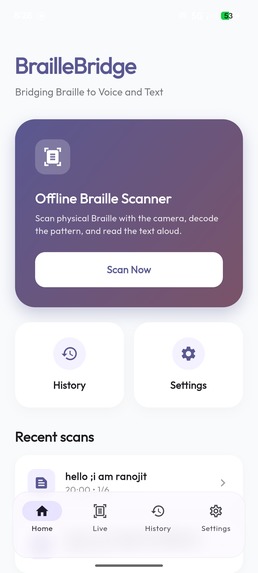
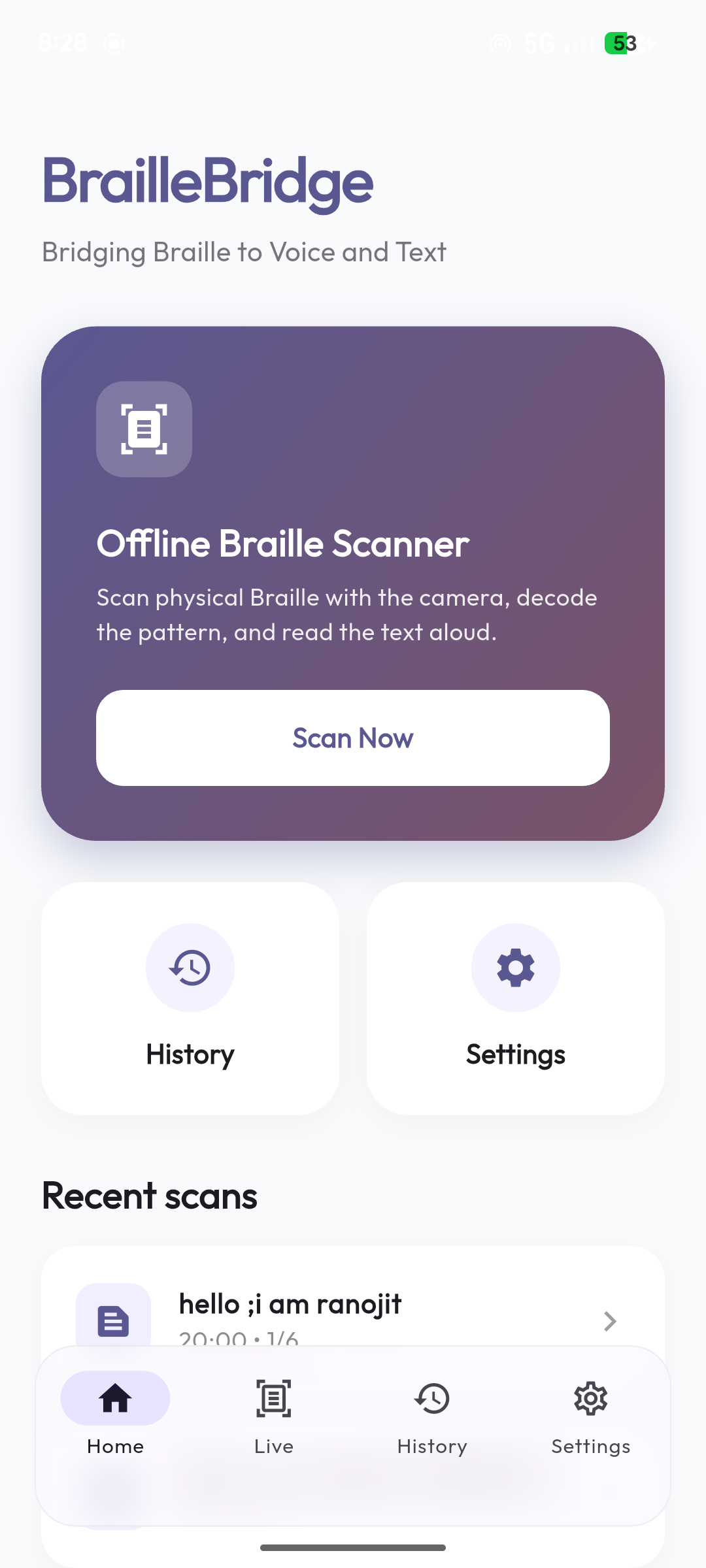
Home screen
-
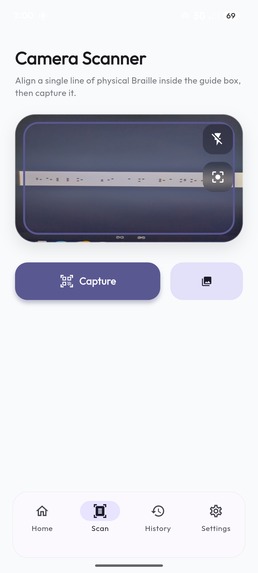
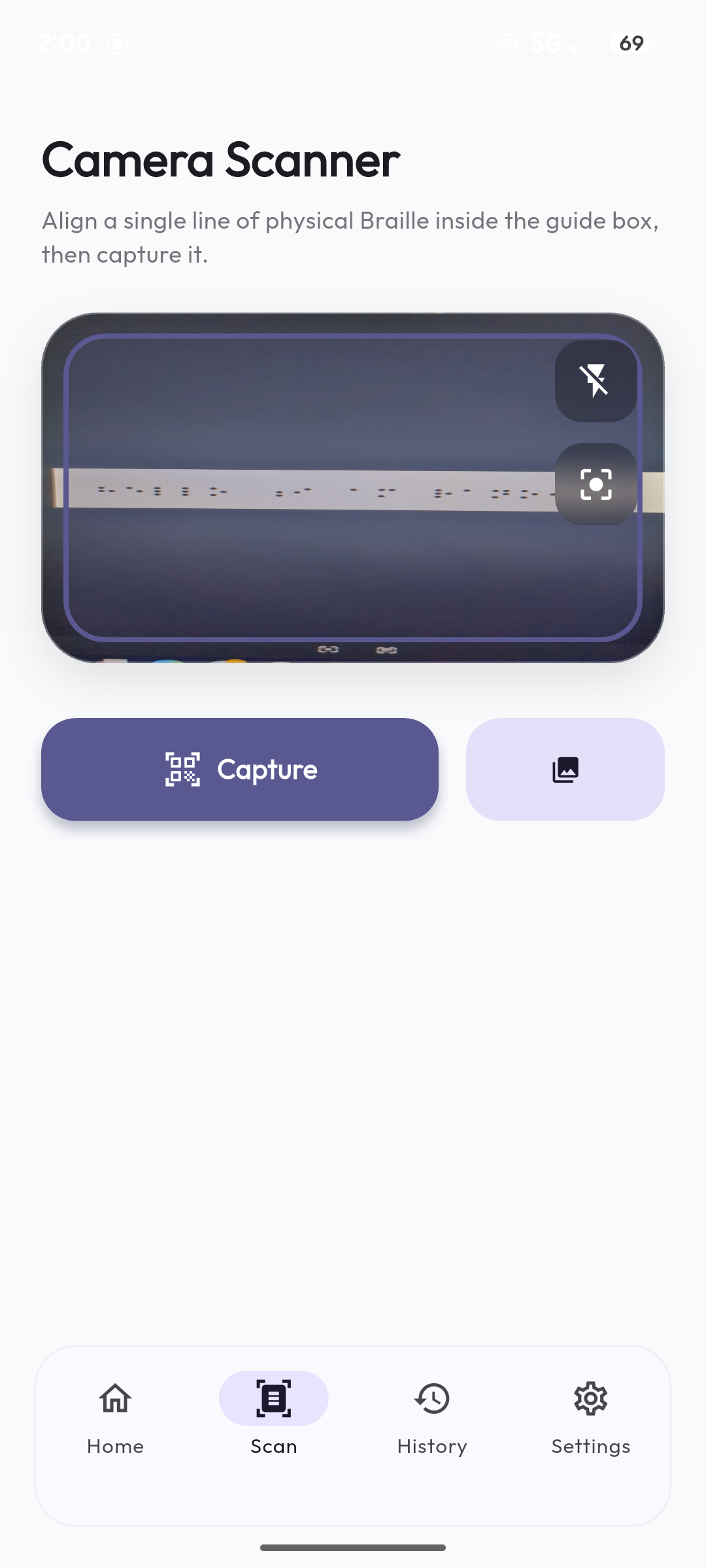
Scanner
-
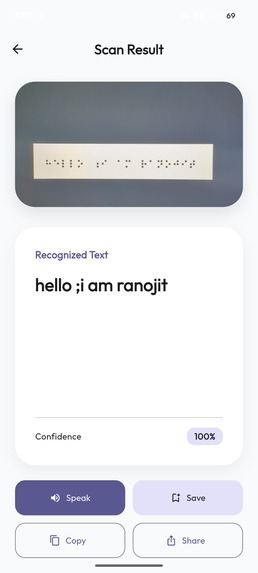
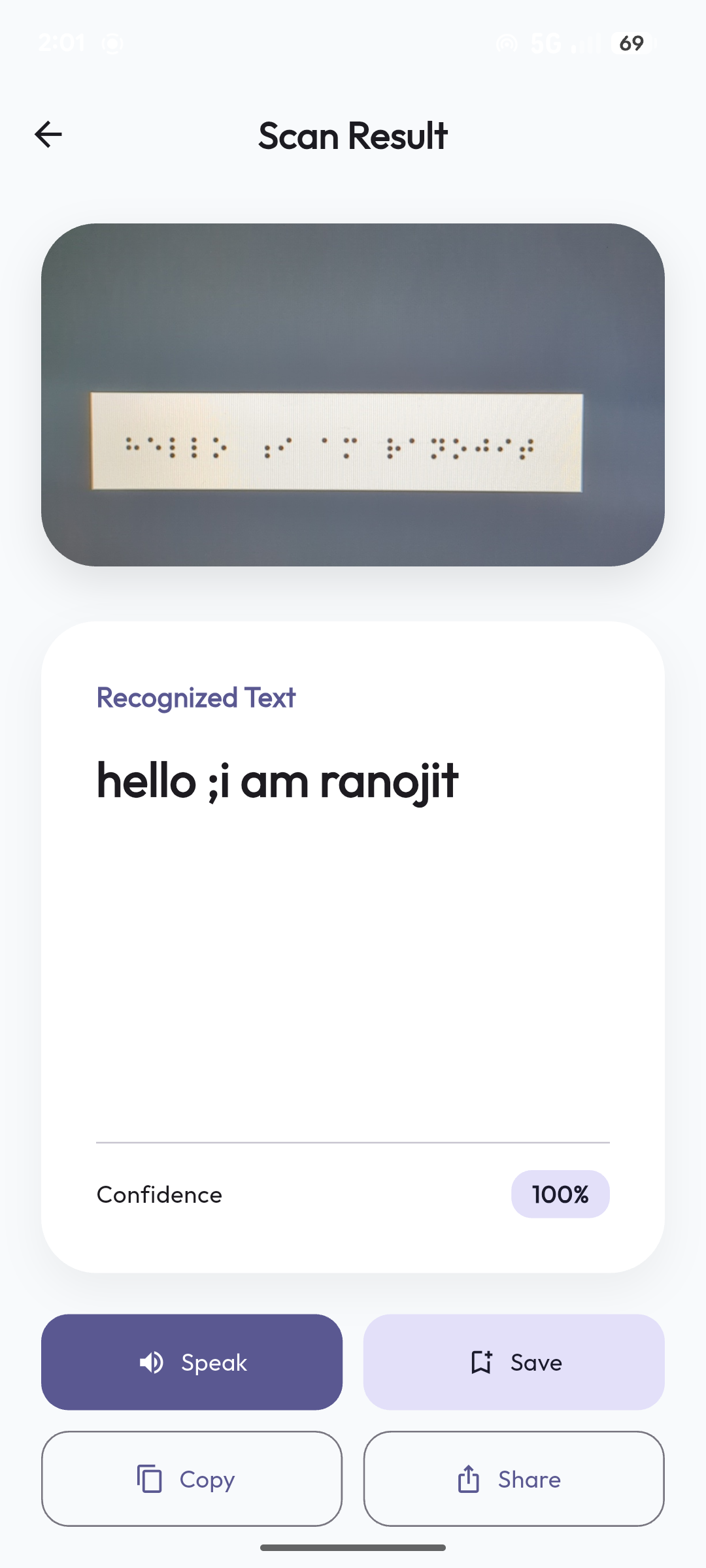
Output screen
-
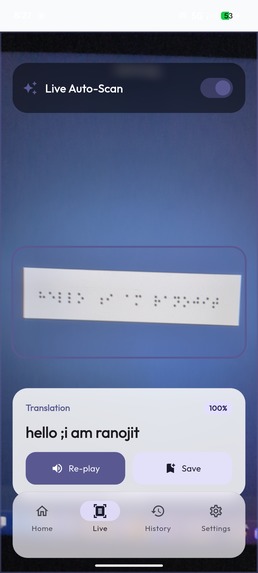
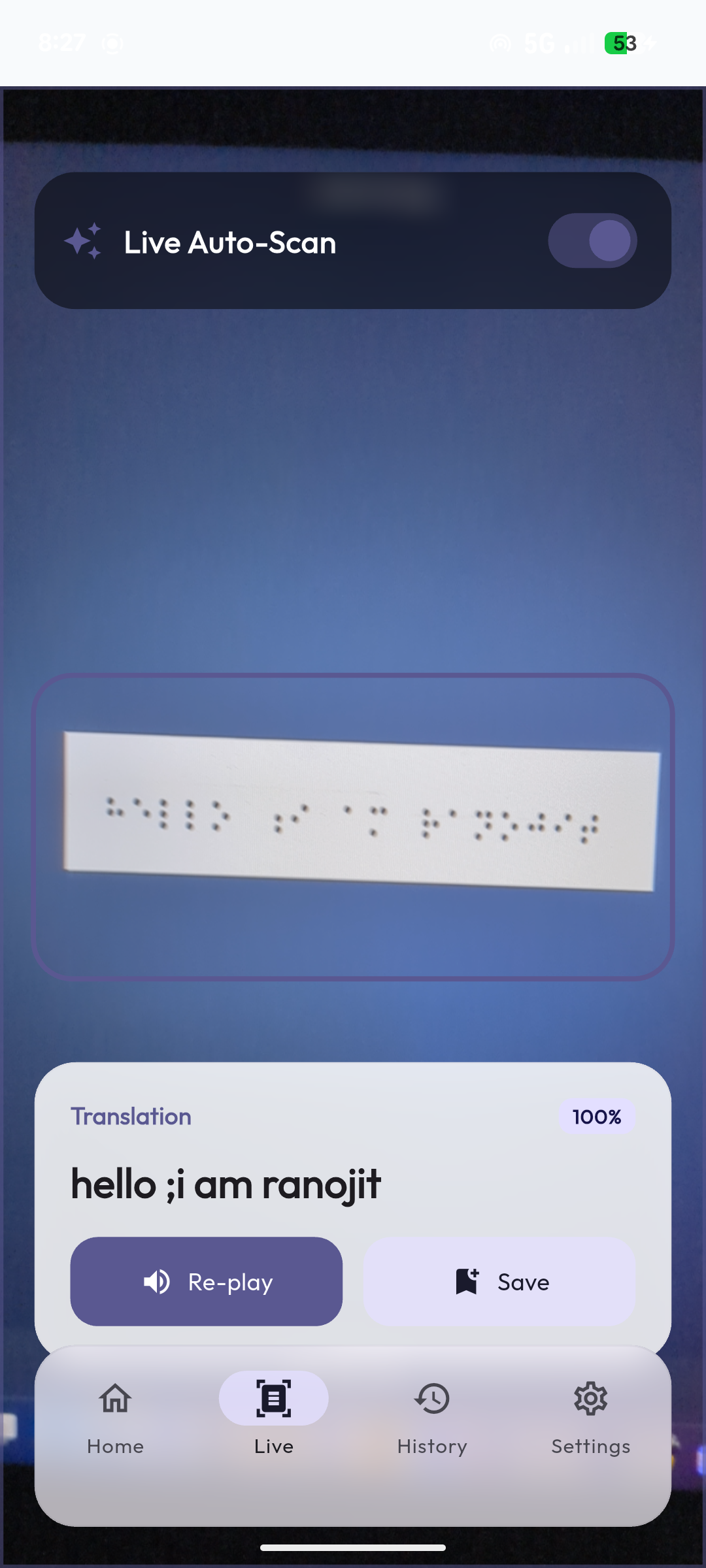
Live screen
-
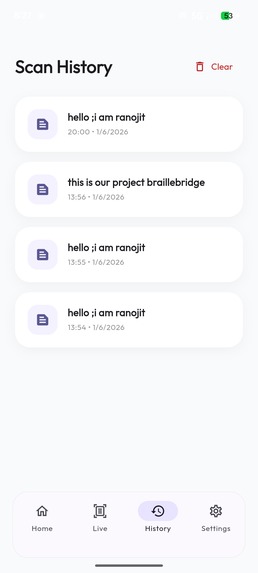
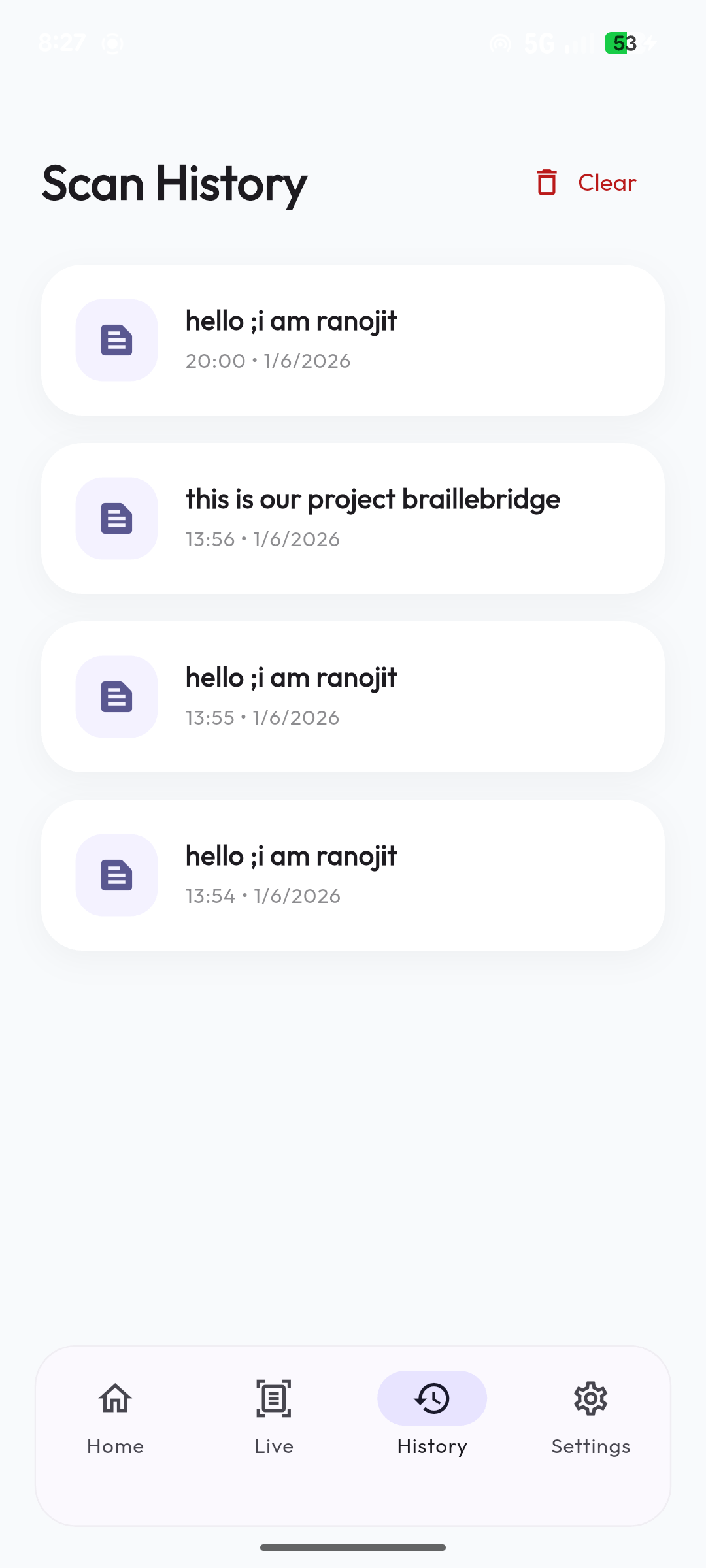
History screen
-
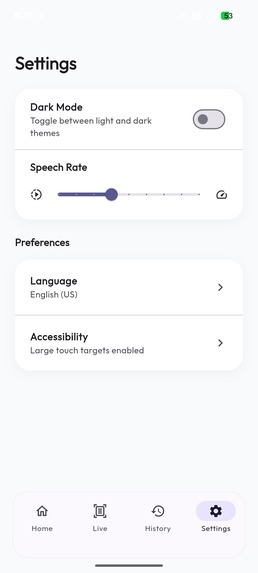
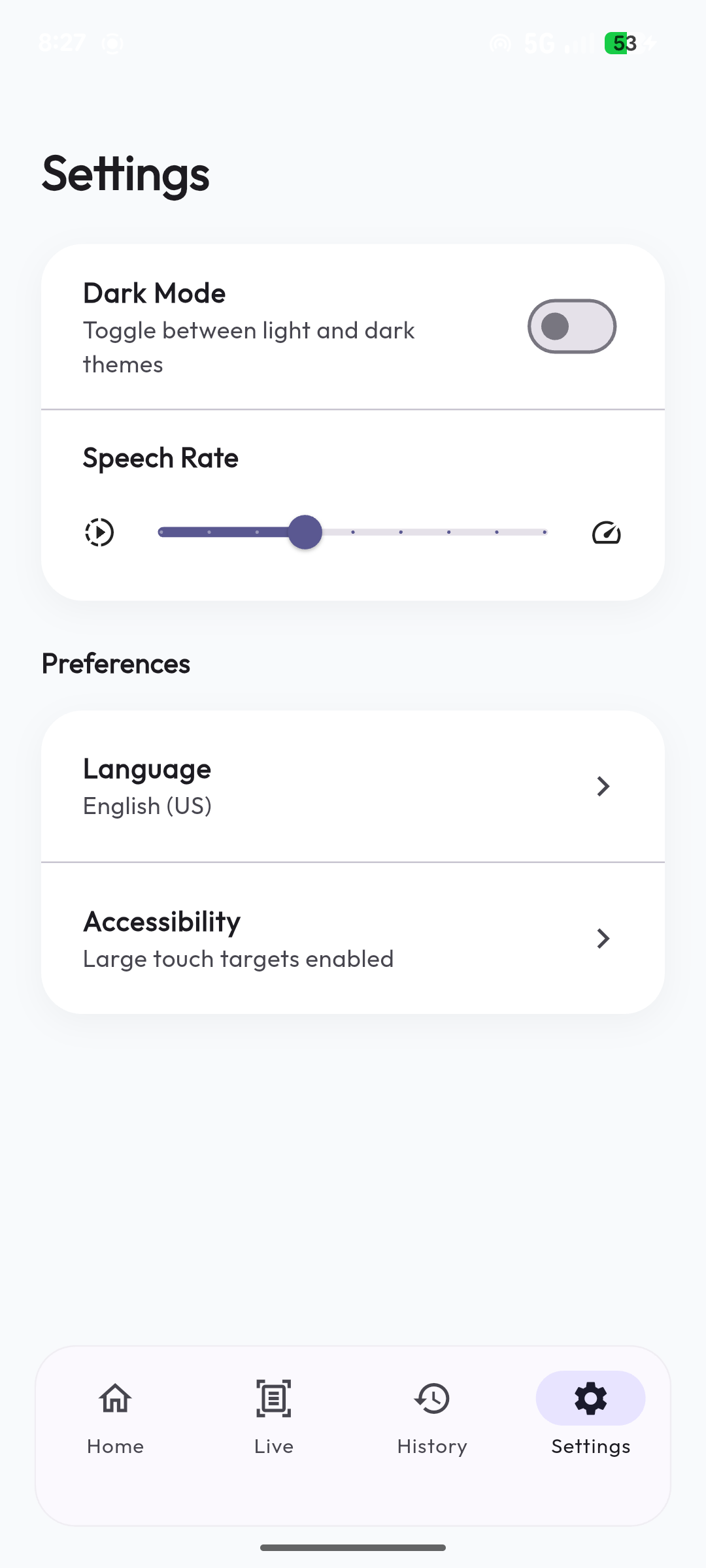
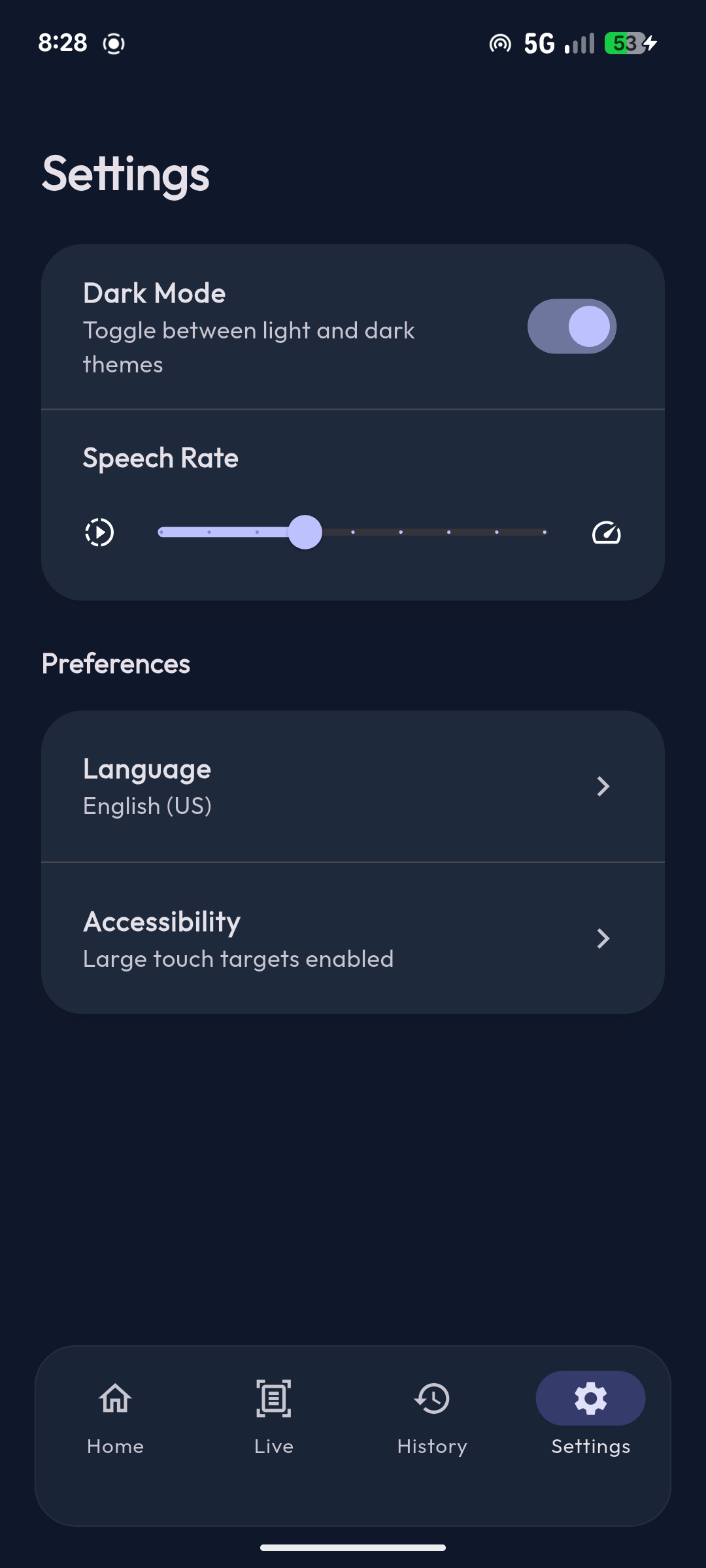
Setting screen
-
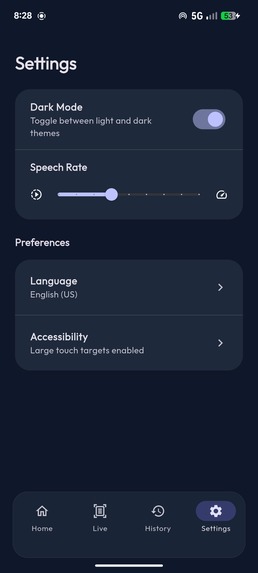
Dark Mode
Inspiration
Braille is an essential reading and writing system, but reading physical Braille requires touch-based literacy. We realized that many caregivers, teachers, volunteers, and accessibility workers often struggle to understand Braille quickly, creating a communication barrier between visually impaired individuals and the sighted community. We wanted to build a bridge—a pocket translator that can instantly decode physical Braille for anyone, anywhere, without relying on a cloud internet connection.
What it does
BrailleBridge is an offline, assistive mobile app that uses a smartphone camera to scan real, physical embossed Braille and instantly converts it into English text.
It features two distinct modes:
- Manual Scan: For users who want to explicitly align and capture a single high-resolution photo.
- Live Auto-Scan: A continuous, real-time scanning mode (similar to Google Translate's camera feature). A user simply hovers their phone over the Braille paper, and the app rapidly captures and processes images in the background. As soon as it detects Braille, it instantly vibrates, updates the on-screen text box, and speaks the translation aloud—without ever needing to press a capture button. It also features "smart detection" to stay silent if the camera is hovering over the exact same text, preventing annoying voice loops.
Designed with a deep focus on accessibility, the app features a high-contrast glassmorphic UI, oversized touch targets, and tactile haptic feedback (vibrations). Once the Braille is translated, a Text-to-Speech (TTS) engine reads the result aloud, and the user can easily share the translation with others or save the scan to their local history.
Instructions to Run the Project
- Clone the GitHub repository.
- Ensure you have the Flutter SDK installed (v3.7+).
- Run
flutter pub getin the root directory. - Connect a physical Android or iOS device (a physical device is required to test the camera processing).
- Run
flutter run.
How we built it
We built the app using Flutter & Dart for a seamless, cross-platform mobile experience, relying on camera, image_picker, and flutter_tts for hardware integration.
For the core scanning engine, we avoided heavy cloud APIs or slow LLMs. Instead, we built a highly optimized, deterministic Computer Vision pipeline using OpenCV (dartcv4).
Here is exactly how our system detects physical Braille:
- Preprocessing: We crop the camera frame to our alignment guide, convert it to grayscale, and apply a Gaussian Blur.
- Polarity Analysis: Since physical embossed Braille casts shadows based on lighting, we analyze both normal and inverted image polarities to find the highest contrast dots.
- Dot Extraction & Noise Filtering: We use dynamic auto-thresholding and flood-fill (connected components) algorithms to isolate the dots. We then calculate the median dot size and filter out dust or paper dimples to guarantee accuracy.
- Segmentation & Decoding: We cluster the Y-coordinates into 3 rows, and mathematically calculate the X-coordinate gaps to segment the dots into individual 6-dot cells (and automatically insert spaces). Finally, our custom
BrailleDecodermaps the matrix patterns to English characters.
Challenges we ran into
The biggest challenge was optical noise. When taking photos of physical paper, lighting creates Moiré patterns, shadows, and false dots from tiny paper imperfections. Initially, our algorithm was detecting dust specks as Braille punctuation marks. We solved this by implementing a Dynamic Noise Filter that calculates the median area of a dot in the image and ruthlessly discards any microscopic outliers.
Additionally, slight camera tilts were causing single-column characters (like 'a' or 'l') to be split across two columns. We introduced a variance threshold to strictly enforce single-column grouping, which drastically improved our recognition accuracy.
Accomplishments that we're proud of
We are incredibly proud of the Near Real-Time Offline Accuracy. Processing an image and executing the complex Computer Vision pipeline takes less than 500ms on an average smartphone.
We are also extremely proud of the accessibility focus. We didn't just build a tech demo; we built a tool with haptic feedback, massive touch targets, and native TTS that a visually impaired person or caregiver can actually use comfortably in the real world.
What we learned
We learned a tremendous amount about the physics of optical character recognition—specifically how lighting and shadows drastically affect embossed paper. We also learned how to mathematically cluster scattered 2D coordinates (dots) into structured grids (Braille cells) using gap-thresholds without having to rely on expensive, heavy Machine Learning models.
What's next for BrailleBridge
- Multi-line & Full Page Scanning: Expanding our Y-coordinate clustering to handle full pages of Braille rather than single lines.
- Live Video Feed: Running the recognition algorithm continuously on the camera stream to provide real-time haptic feedback (vibrations) as soon as Braille is detected in-frame, guiding the user to the text.
- Lightweight ML Integration: Introducing a tiny TensorFlow Lite edge model to assist the OpenCV pipeline in extremely poor or dynamic lighting conditions.

Log in or sign up for Devpost to join the conversation.